Inspiration
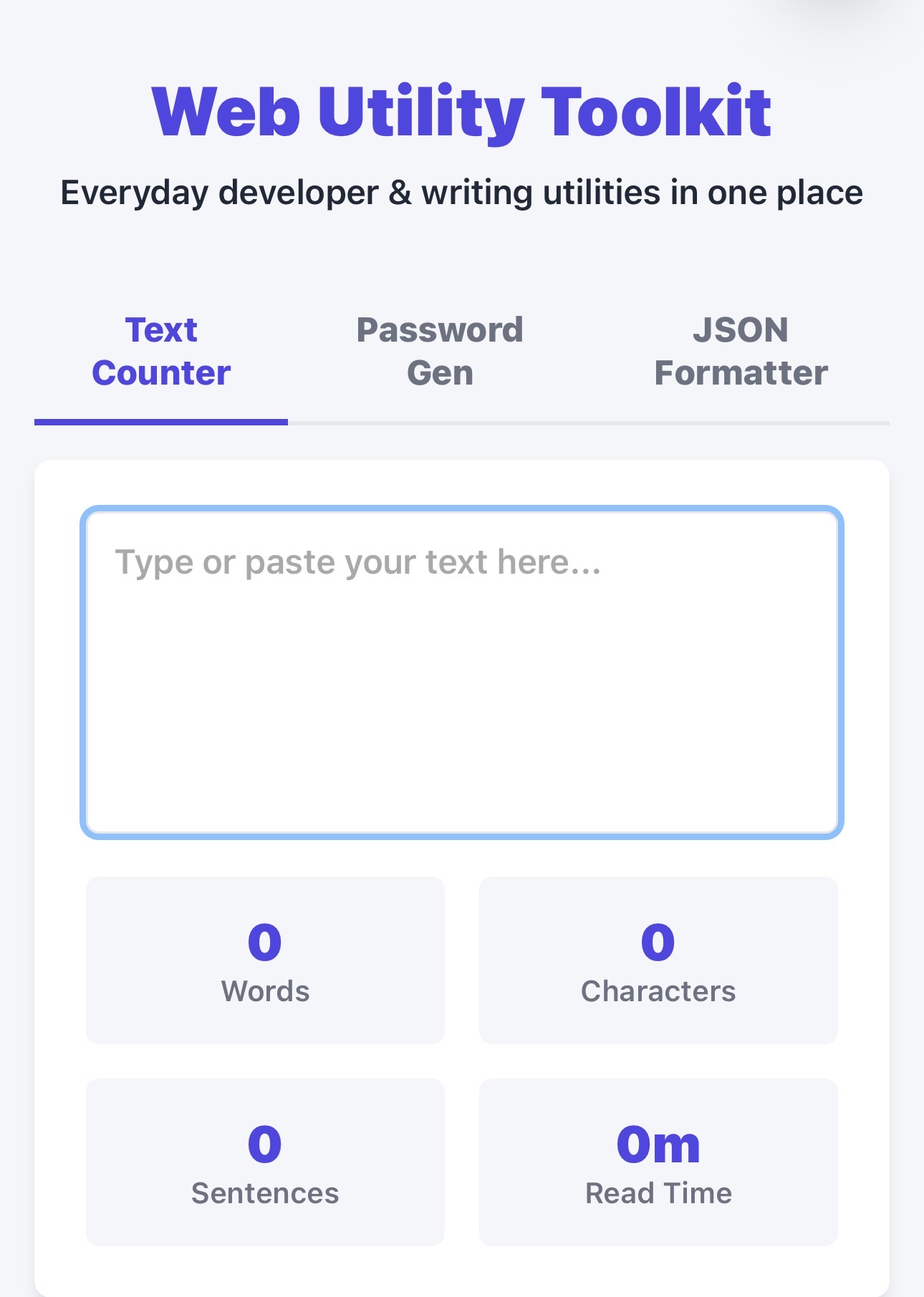
Web Utility Toolkit
Inspiration
We were inspired by how often people waste time searching for different websites to perform simple tasks like converting files, generating QR codes, formatting text, compressing images, or calculating values. We wanted to create one platform where all of these utilities are easily accessible.
What We Learned
Throughout this project, we learned how to design a clean and user-friendly interface, organize multiple tools into a single application, and optimize performance so each utility feels fast and responsive. We also improved our teamwork, debugging, and problem-solving skills.
How We Built It
We built the project as a web application using modern web technologies. The frontend provides a simple, responsive interface, while each utility is implemented as a modular component, making it easy to add new tools in the future. We focused on keeping the experience lightweight, intuitive, and accessible across devices.
Challenges We Faced
One of our biggest challenges was integrating multiple utilities while maintaining a consistent user experience. We also had to balance performance with functionality, ensuring the website remained fast even as more features were added. Debugging edge cases and making the design responsive across different screen sizes required careful testing and iteration.
Looking Ahead
We plan to expand the toolkit by adding AI-powered utilities, cloud synchronization, user accounts, browser extensions, and community-requested tools, making it an even more comprehensive productivity platform.
What it does
How we built it
Challenges we ran into
Accomplishments that we're proud of
What we learned
What's next for Web Utility Toolkit
Built With
- ai
- chatgpt
- claude
- python

Log in or sign up for Devpost to join the conversation.