Inspiration
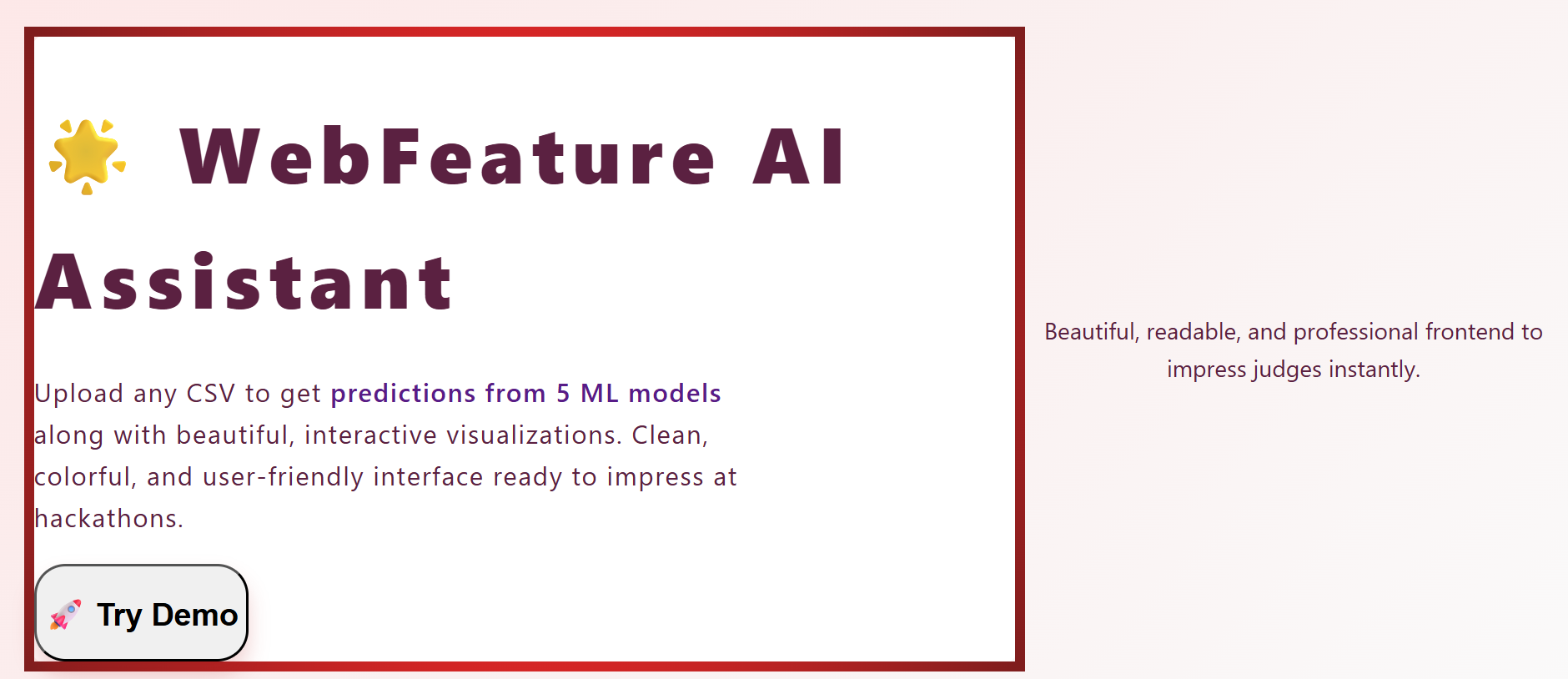
Data science and machine learning are powerful, but experimenting with multiple ML models and visualizing their results often requires extensive coding and setup. We wanted to build a tool that lets users instantly analyze CSV data, see predictions from multiple models, and visualize insights in a clean, interactive interface — all without writing a single line of ML code.
What it does
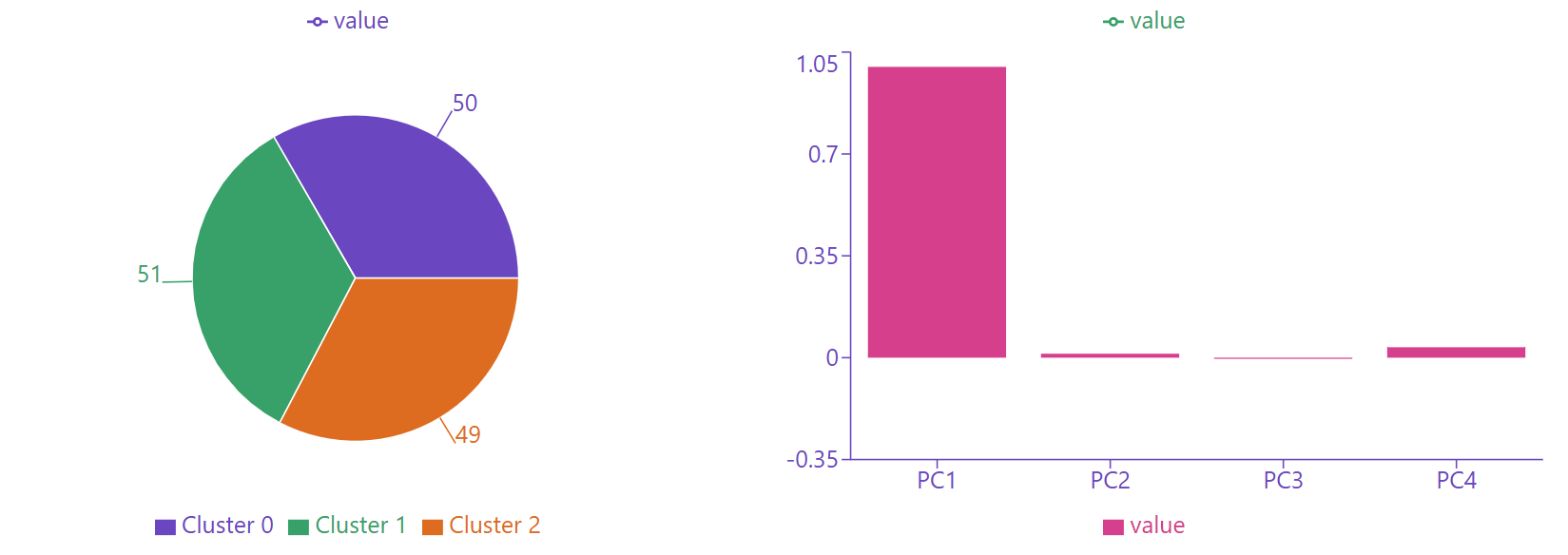
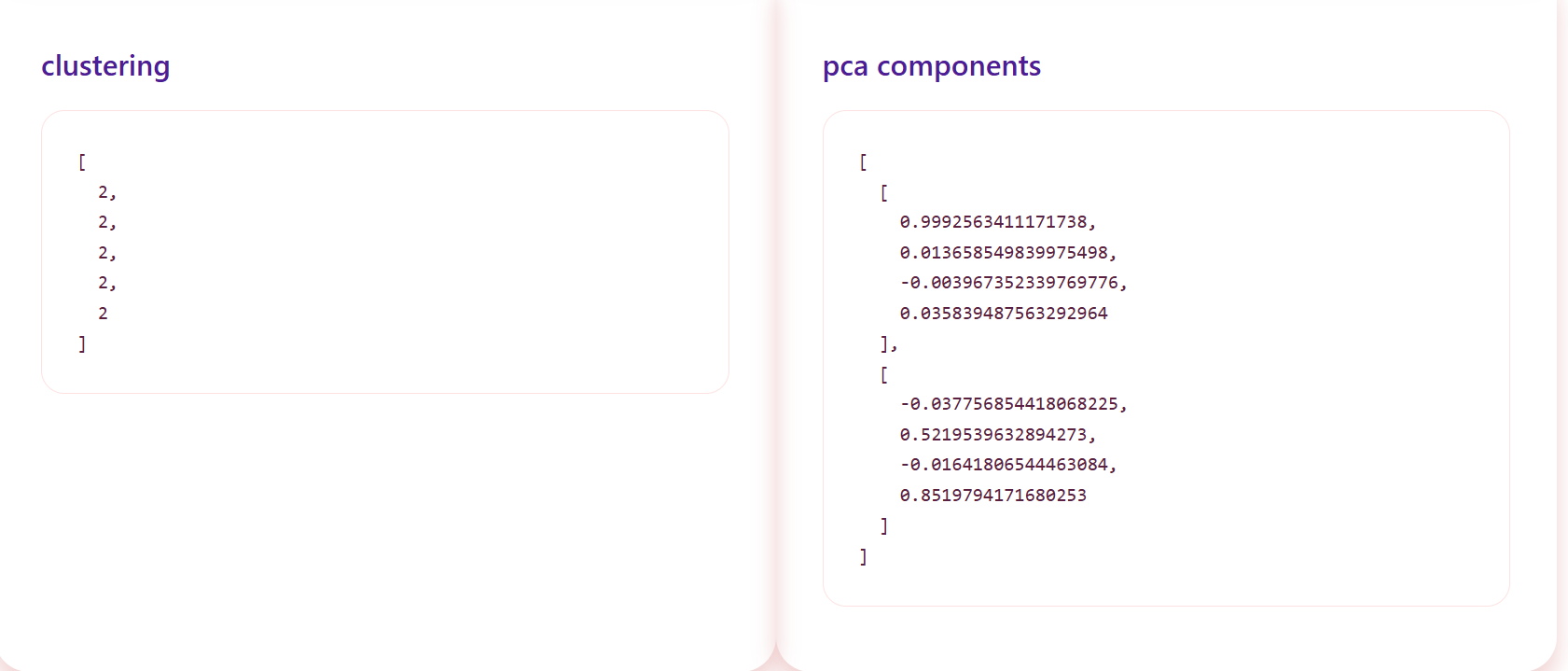
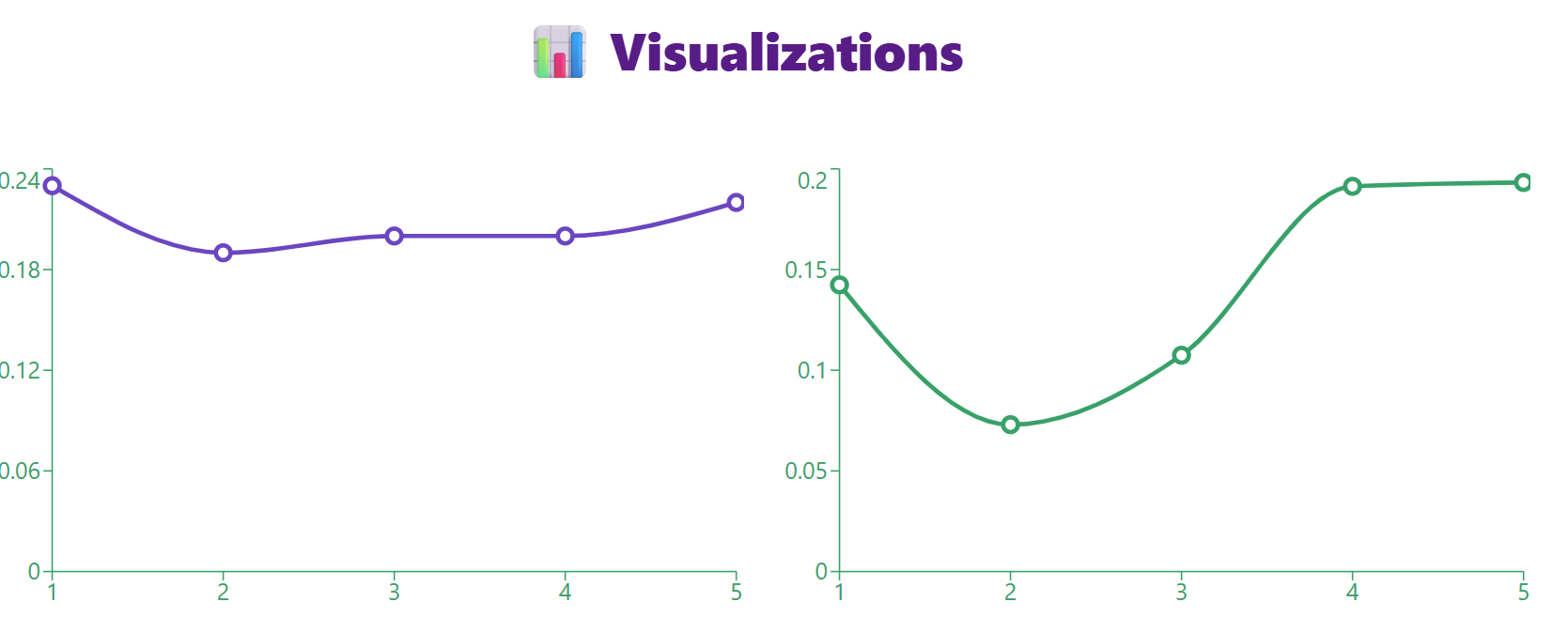
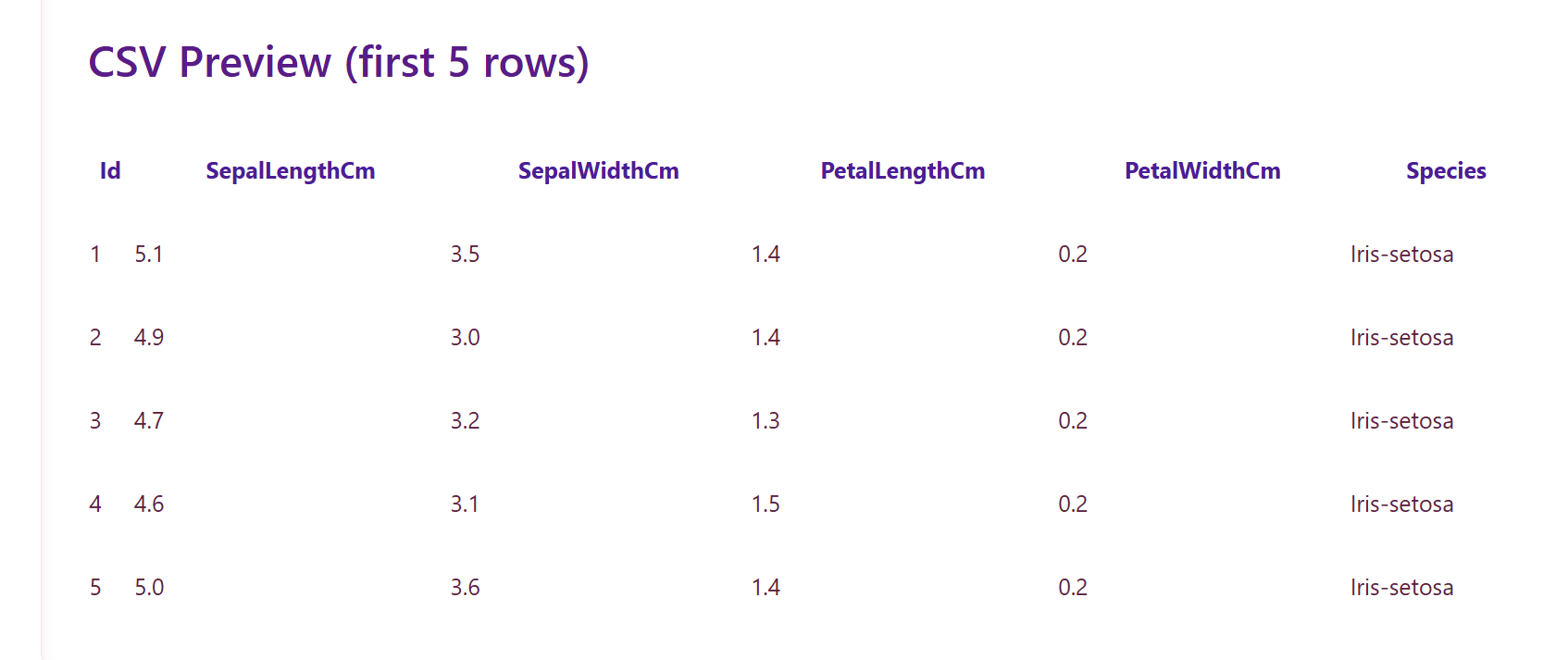
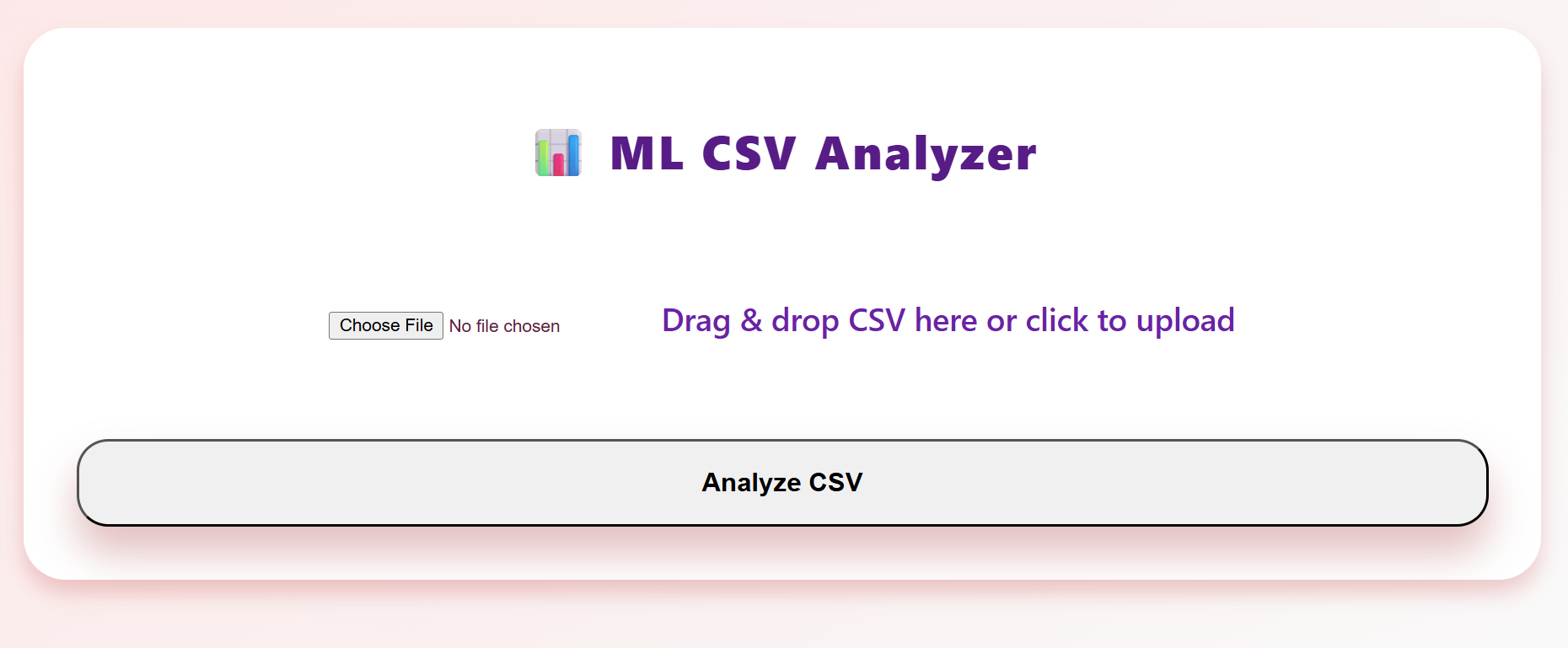
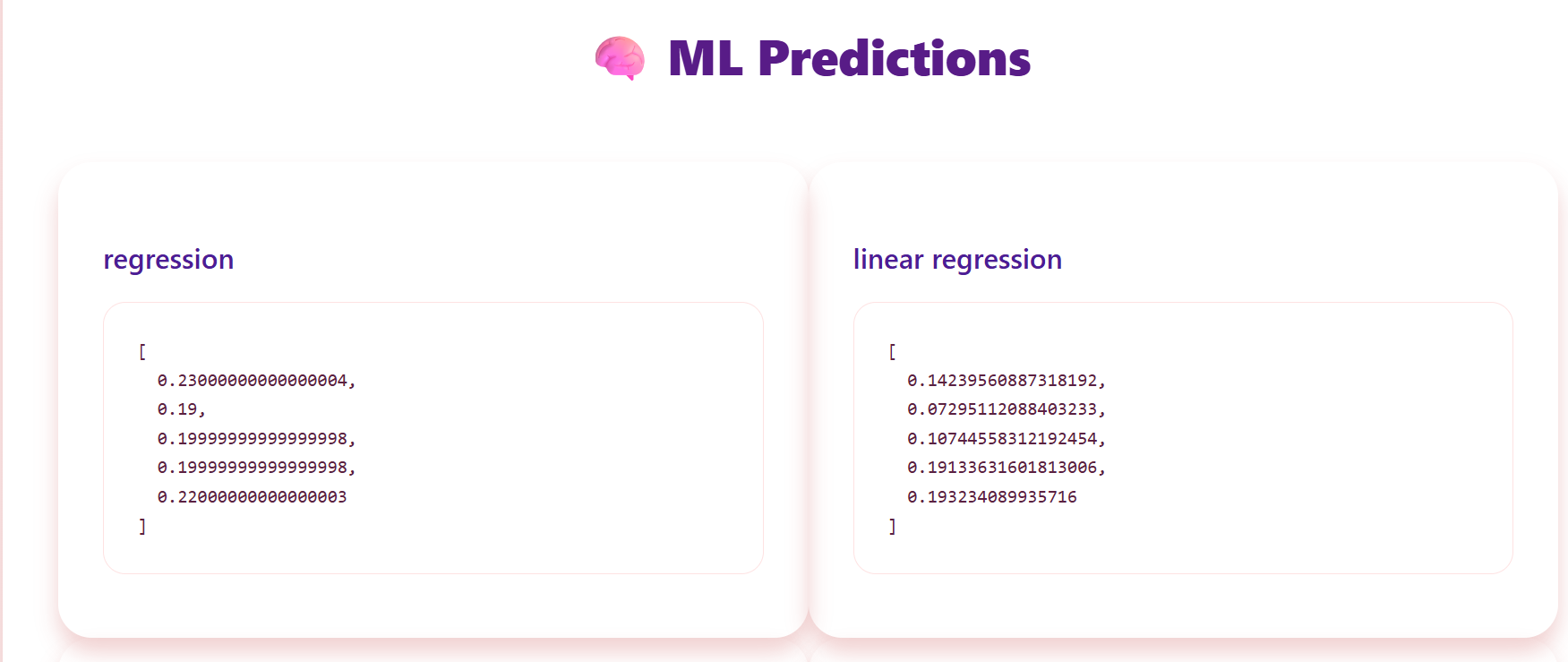
WebFeature AI Assistant allows users to upload any CSV file, automatically run it through five different ML models (regression, linear regression, clustering, PCA, and more), and visualize the results in interactive charts. Users get a quick preview of the CSV, model predictions, and multiple visualizations in a beautiful, readable dashboard, making data exploration effortless.
How we built it
We used Python (FastAPI) for the backend, handling CSV uploads, running ML models, and generating results. The frontend is built with React and Tailwind CSS, providing a responsive, modern, and colorful interface. We integrated Recharts for dynamic visualizations and PapaParse to handle CSV parsing and previews. The system is modular, allowing easy extension to more models or visualizations in the future.
Challenges we ran into
- Handling CSVs of any size efficiently without freezing the UI.
- Displaying multiple models’ predictions and visualizations clearly and cohesively.
- Designing a frontend that is both functional and visually appealing in a limited hackathon timeframe.
- Ensuring backend ML processing handles continuous and categorical data without errors.
Accomplishments that we're proud of
- Created a one-click ML analyzer for CSV files with five ML models and five types of visualizations.
- Built a responsive, modern, and colorful UI that organizes results for readability.
- Integrated live CSV preview and drag-and-drop upload functionality.
- Developed backend ML processing that handles regression, classification, clustering, and PCA seamlessly.
- Designed a modular system where adding new models or visualizations is easy.
What we learned
- How to combine Python ML models with a modern React frontend.
- Best practices for handling CSV files, previews, and data validation in a web app.
- Designing UI/UX that balances functionality with aesthetics, making data easy to understand.
- Working with dynamic charts and interactive visualizations using Recharts.
- Importance of modular code architecture for rapid iteration during hackathons.
What's next for WebFeature AI Assistant
- Add more ML models and support for custom user-defined pipelines.
- Include advanced visualizations like correlation matrices, heatmaps, and PCA 3D plots.
- Enable real-time collaborative analytics for teams.
- Open-source the project so developers and data scientists can extend it globally.
- Enhance the dashboard with smart AI insights and automated recommendations.

