🧠 Web Builder – PDF to Website Generator
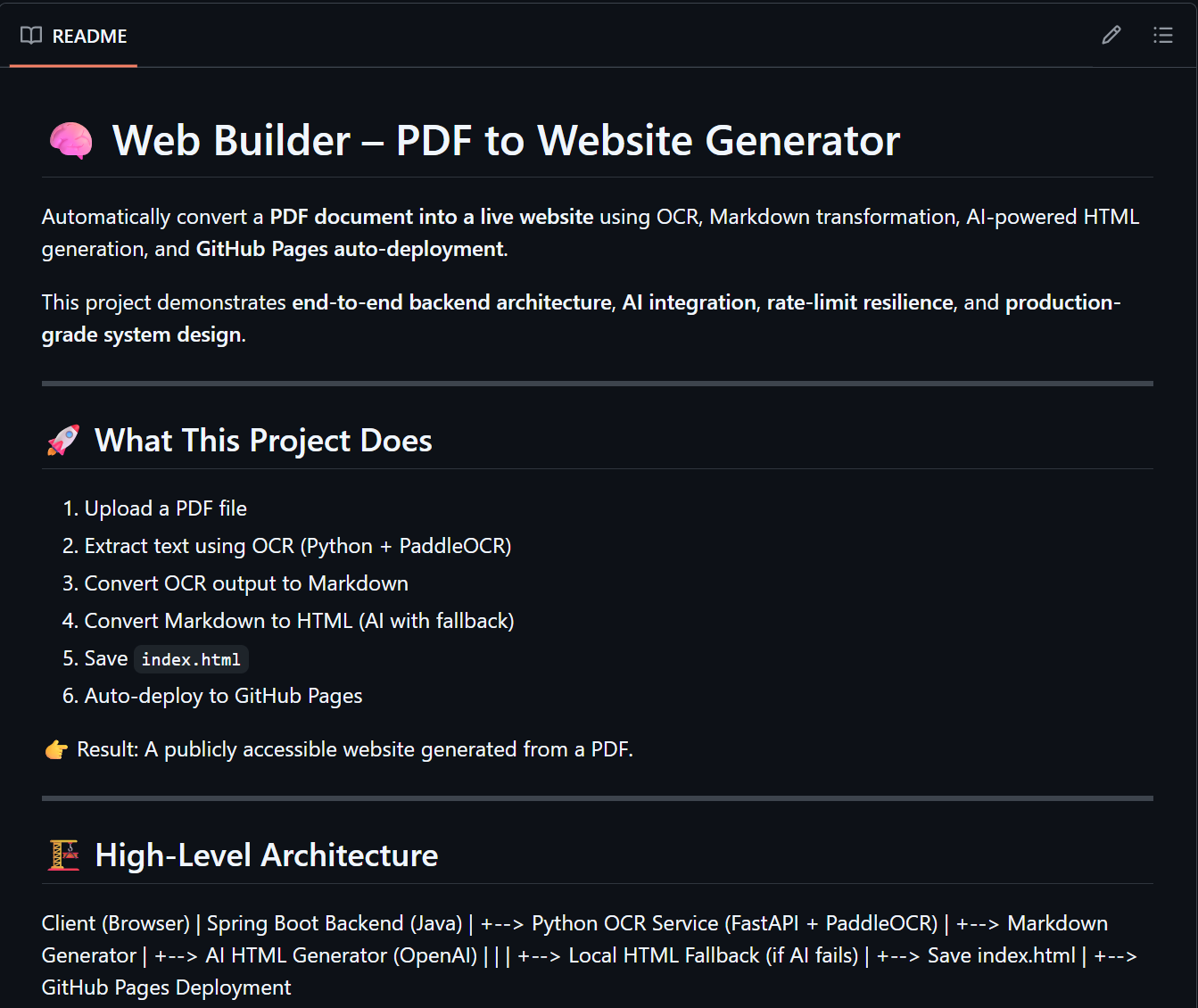
Automatically convert a PDF document into a live website using OCR, Markdown transformation, AI-powered HTML generation, and GitHub Pages auto-deployment.
This project demonstrates end-to-end backend architecture, AI integration, rate-limit resilience, and production-grade system design.
🚀 What This Project Does
- Upload a PDF file
- Extract text using OCR (Python + PaddleOCR)
- Convert OCR output to Markdown
- Convert Markdown to HTML (AI with fallback)
- Save
index.html - Auto-deploy to GitHub Pages
👉 Result: A publicly accessible website generated from a PDF.
🏗 High-Level Architecture
Client (Browser) | Spring Boot Backend (Java) | +--> Python OCR Service (FastAPI + PaddleOCR) | +--> Markdown Generator | +--> AI HTML Generator (OpenAI) | | | +--> Local HTML Fallback (if AI fails) | +--> Save index.html | +--> GitHub Pages Deployment
📁 Project Structure
ocr-project/ ├── java-backend/ │ ├── controller/ │ │ └── PdfController.java │ ├── service/ │ │ ├── OcrClient.java │ │ ├── MarkdownService.java │ │ ├── AiHtmlService.java │ │ ├── HtmlSaveService.java │ │ └── GithubDeployService.java │ └── application.yml │ ├── python-ocr/ │ └── ocr_server.py │ └── site/ └── index.html # Generated output
🔄 End-to-End Flow
1️⃣ Upload PDF
POST /upload multipart/form-data
Handled by PdfController.
2️⃣ OCR (Python Service)
- Built using FastAPI
- Uses PaddleOCR
- Java backend sends PDF bytes
- Python service returns structured OCR JSON
3️⃣ OCR → Markdown
Text blocks are converted into readable Markdown:
- Headings
- Paragraphs
- Lists
4️⃣ Markdown → HTML (AI + Fallback)
Handled by AiHtmlService.
Primary (AI)
- OpenAI Chat Completions API
- Strict rate-limit handling:
- Semaphore (1 request at a time)
- Hard throttling
- Exponential backoff retries
Fallback (Guaranteed)
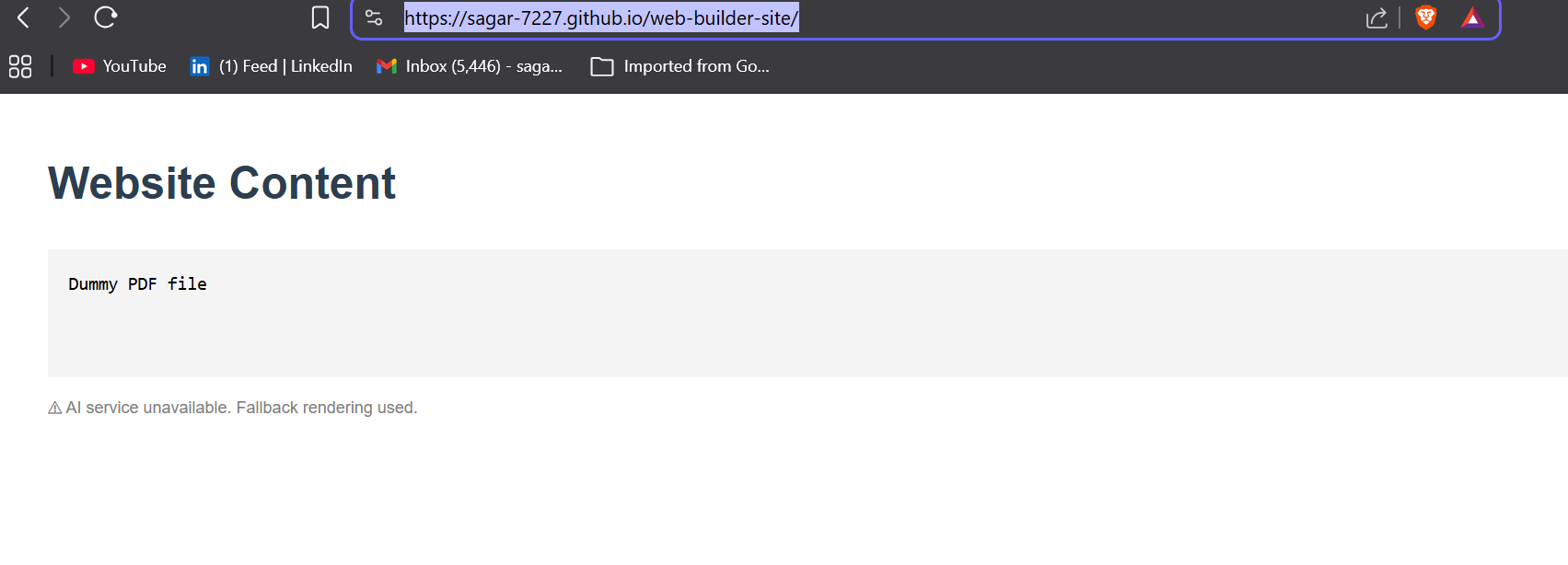
If OpenAI is unavailable (429 / quota / network):
- Local HTML renderer is used
- Pipeline never fails
This makes the system production-safe.
5️⃣ Save HTML
site/index.html
6️⃣ GitHub Pages Deployment
- Uses JGit
- Auto-commit & push to GitHub repository
- GitHub Pages serves the site
Live URL: https://.github.io//
⚠️ Failure & Rate-Limit Handling
This system is designed to never break.
| Scenario | Behavior |
|---|---|
| OpenAI rate-limited (429) | Fallback HTML |
| OpenAI down | Fallback HTML |
| Invalid OCR output | Fallback HTML |
| No API key | Fallback HTML |
✔ Website is always generated.
🛠 Setup Instructions
Prerequisites
- Java 17+
- Python 3.10+
- Git
- GitHub account
- (Optional) OpenAI API key
Environment Variables
Java Backend
OPENAI_API_KEY=sk-xxxxx        # optional
GITHUB_TOKEN=ghp_xxxxxx
Start Python OCR Service
cd python-ocr
python ocr_server.py
Runs on: http://localhost:8000
Start Java Backend
cd java-backend
mvn spring-boot:run
Runs on: http://localhost:8080
Test the System
Upload a PDF via:
POST http://localhost:8080/upload

Log in or sign up for Devpost to join the conversation.