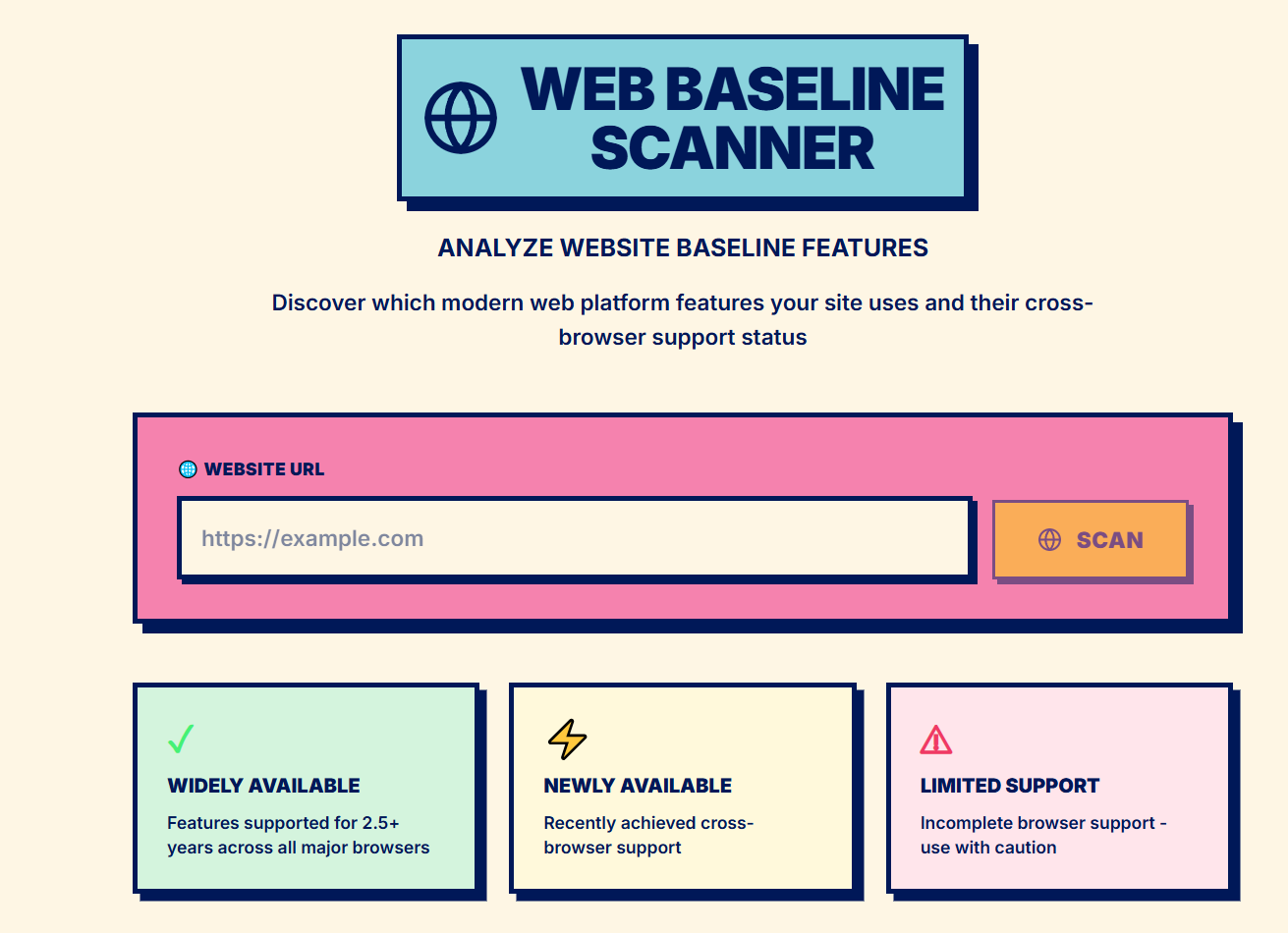


Web Baseline Scanner
A Next.js application that scans websites to detect and analyze their usage of modern web platform features based on the Web Platform Baseline standard.
What It Does
This tool scans any public website and:
- Extracts HTML and CSS content
- Identifies which modern web features are being used
- Checks each feature's browser compatibility status using the Baseline standard
- Categorizes features as:
- Widely Available: Supported everywhere for 2.5+ years
- Newly Available: Recently achieved cross-browser support
- Limited Availability: Not yet supported in all major browsers
- Provides a compatibility score and implementation guidance
How It Works
Scanning Process
- Content Extraction: Fetches the target website's HTML and parses it with Cheerio
- CSS Collection: Extracts CSS from
<style>tags and external stylesheets - Feature Detection:
- Parses HTML elements and attributes
- Parses CSS using css-tree to detect properties, selectors, and at-rules
- Matches detected features against @mdn/browser-compat-data
- Baseline Status: Uses compute-baseline to determine each feature's compatibility status
- Highlighting: Adds visual indicators to the rendered page preview showing baseline status
Technical Stack
- Framework: Next.js 15 with App Router
- Parsing:
cheeriofor HTML parsingcss-treefor CSS parsing
- Baseline Data:
web-features- Catalog of web platform features@mdn/browser-compat-data- Browser compatibility datacompute-baseline- Baseline status calculator
- Styling: Tailwind CSS with neobrutalism aesthetic
- Code Highlighting: @wooorm/starry-night
Installation
Prerequisites
- Node.js 18.17 or later
- npm, yarn, pnpm, or bun
Setup
Clone the repository:
git clone https://github.com/malawadd/baseline.git
cd baseline
Install dependencies:
npm installRun development server:
npm run dev
Build for Production
npm run build
npm start
Project Structure
src/
├── app/
│   ├── page.tsx                    # Homepage with URL input
│   ├── scan/[url]/page.tsx         # Scan results page
│   └── api/scan/route.ts           # Backend scanning API
├── components/
│   ├── UrlScanInput.tsx            # URL input form
│   ├── BaselineSummaryCard.tsx     # Compatibility score display
│   ├── BaselineFeaturesDisplay.tsx # Feature list with filters
│   ├── HighlightedHtmlDisplay.tsx  # Rendered preview with highlights
│   ├── FeatureDetailModal.tsx      # Feature detail popup
│   └── ScanResultsDisplay.tsx      # Main results container
├── lib/
│   ├── baselineDetector.ts         # Feature detection logic
│   ├── htmlHighlighter.ts          # Adds baseline highlights to HTML
│   └── baselineSummary.ts          # Calculates compatibility metrics
├── hooks/
│   └── useScanData.ts              # Data fetching hook
└── types/
    └── index.ts                    # TypeScript definitions
API
POST /api/scan
Scans a website and returns baseline feature analysis.
Request:
{
  "url": "https://example.com"
}
Response:
{
  "url": "https://example.com",
  "htmlContent": "<!DOCTYPE html>...",
  "cssContent": "body { margin: 0; }...",
  "htmlLength": 2048,
  "cssLength": 512,
  "stylesheets": 2,
  "inlineBlocks": 1,
  "baselineFeatures": [...],
  "baselineSummary": {
    "widelyAvailable": 45,
    "newlyAvailable": 12,
    "limitedAvailability": 3,
    "total": 60
  },
  "highlightedHtmlContent": "...",
  "snippet": "..."
}
Features
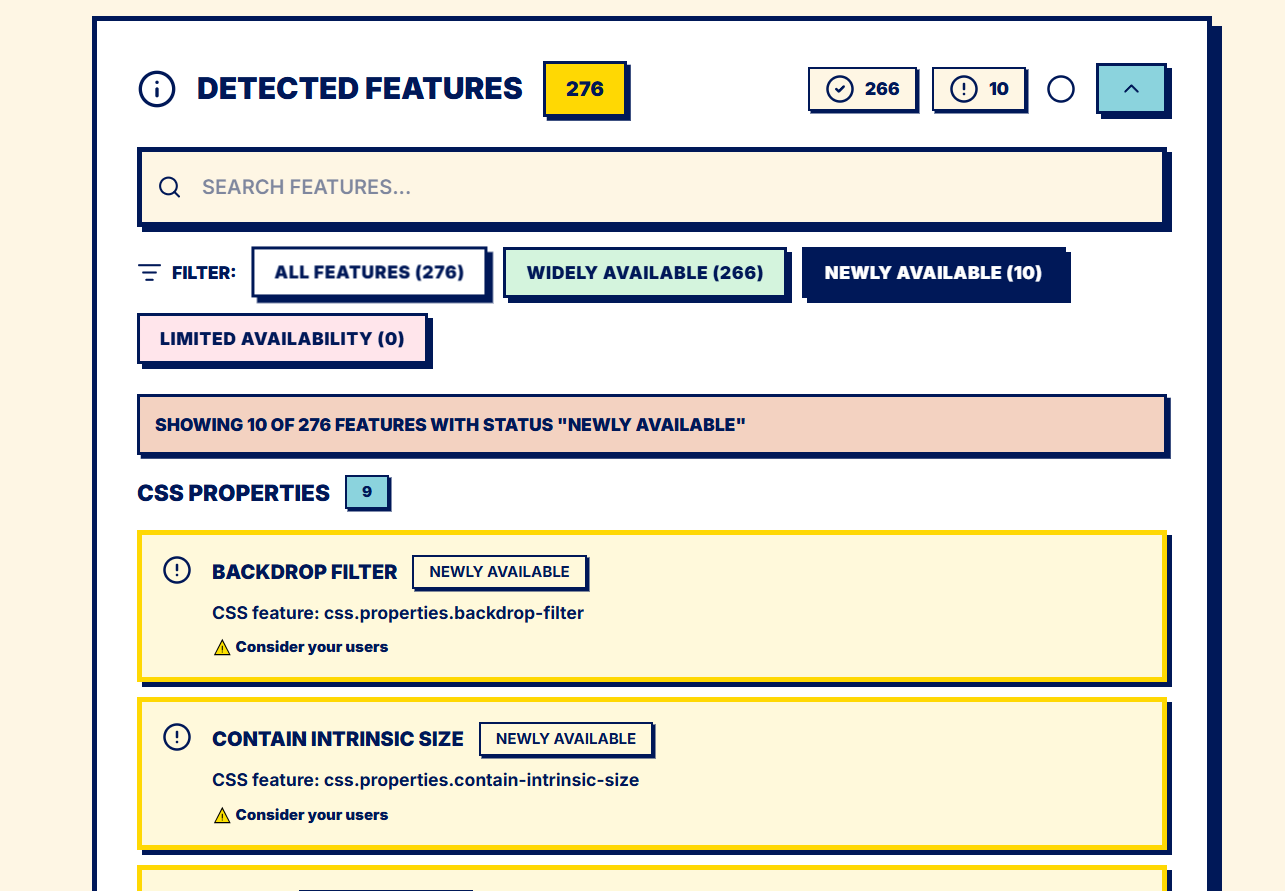
- Feature Detection: Automatically detects HTML elements, CSS properties, selectors, and at-rules
- Baseline Status: Shows compatibility across major browsers (Chrome, Edge, Firefox, Safari)
- Visual Highlights: Color-coded indicators in the page preview
- Search & Filter: Find specific features by name or status
- Implementation Guidance: Get recommendations for each feature
- Documentation Links: Quick access to MDN, Can I Use, and web.dev
- Code Viewer: Syntax-highlighted HTML and CSS source with annotations
Limitations
- CORS: Some websites block cross-origin requests
- Static Analysis Only: Does not execute JavaScript or analyze dynamic content
- No Authentication: Cannot scan sites requiring login
- Large Sites: May timeout or use significant memory on very large websites
- CSS-in-JS: Does not detect features in JavaScript-generated styles
Built With
- nextjs


Log in or sign up for Devpost to join the conversation.