-
-
Logo
-
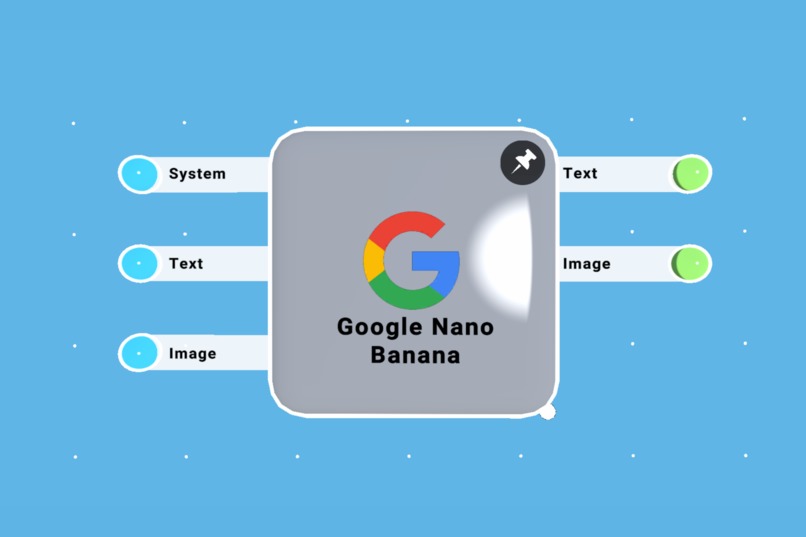
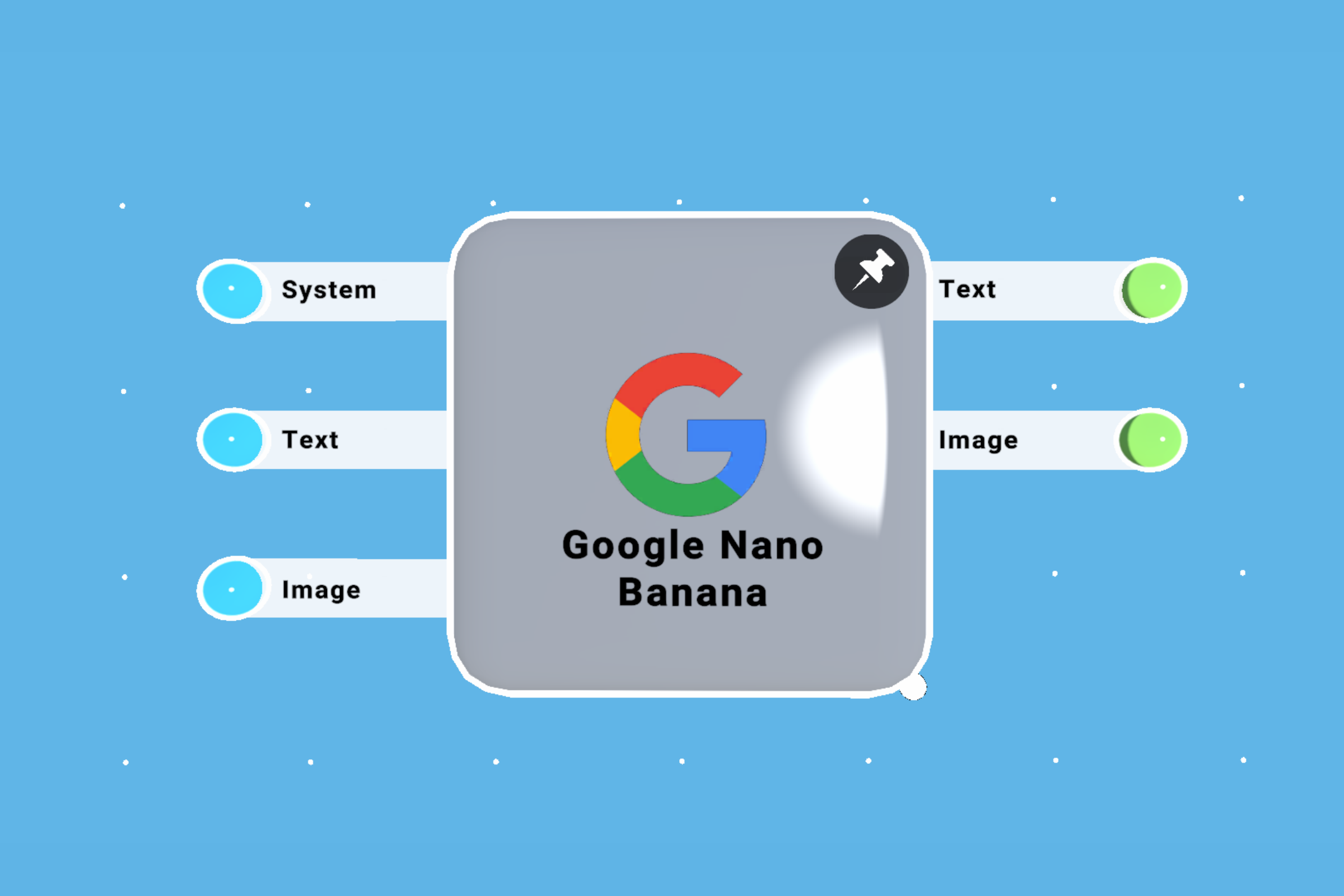
Nodeblock design
-
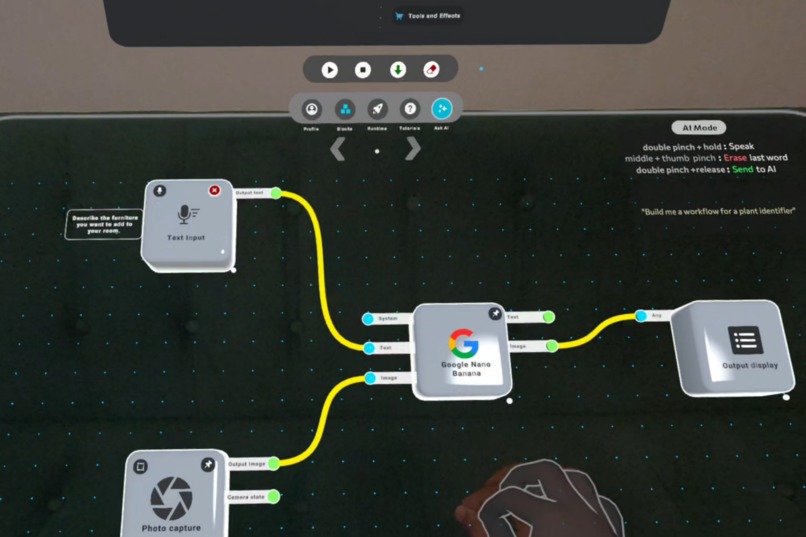
workflow creation
-
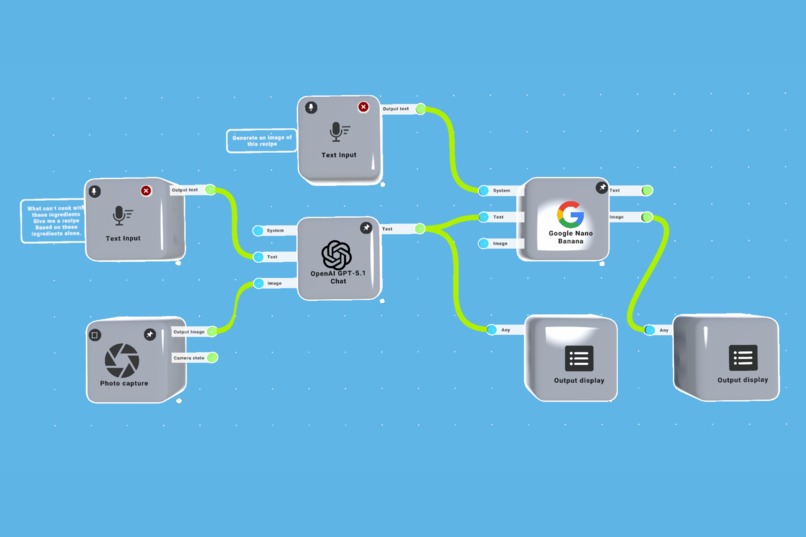
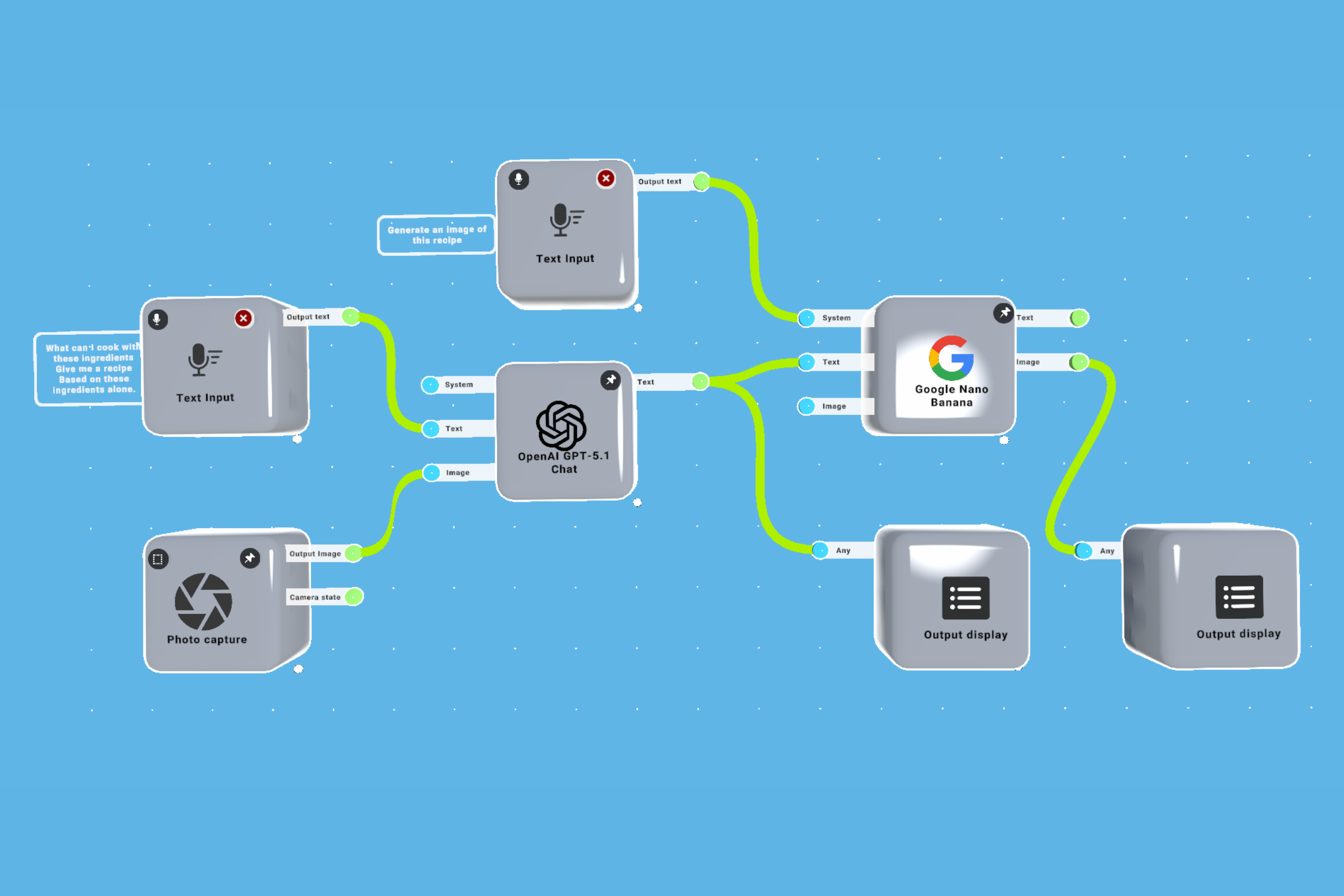
sample workflow: cooking assistant
-
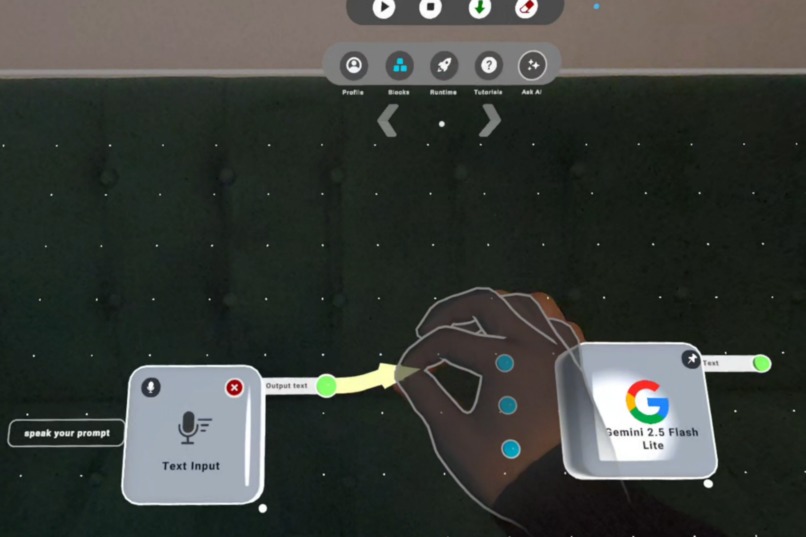
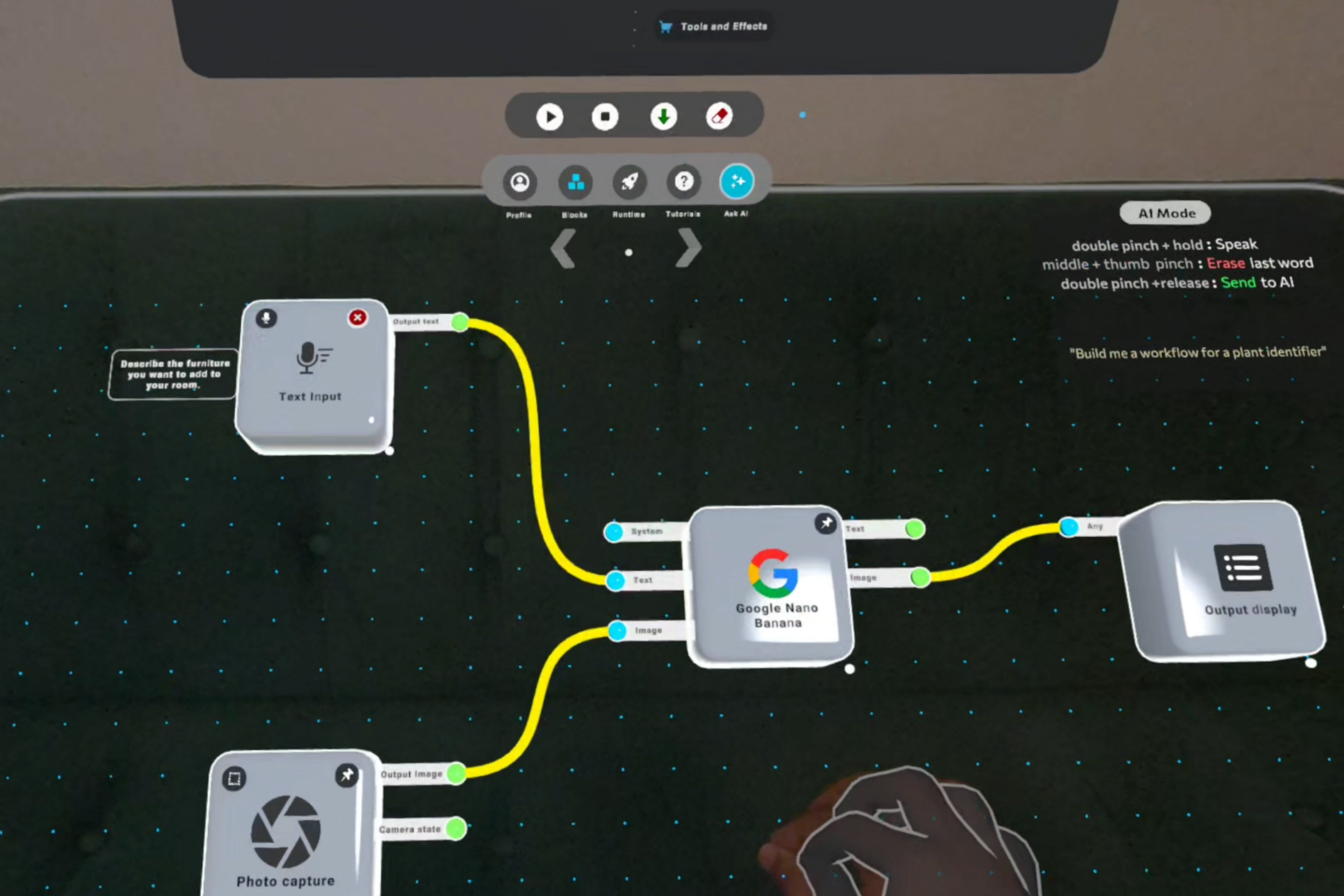
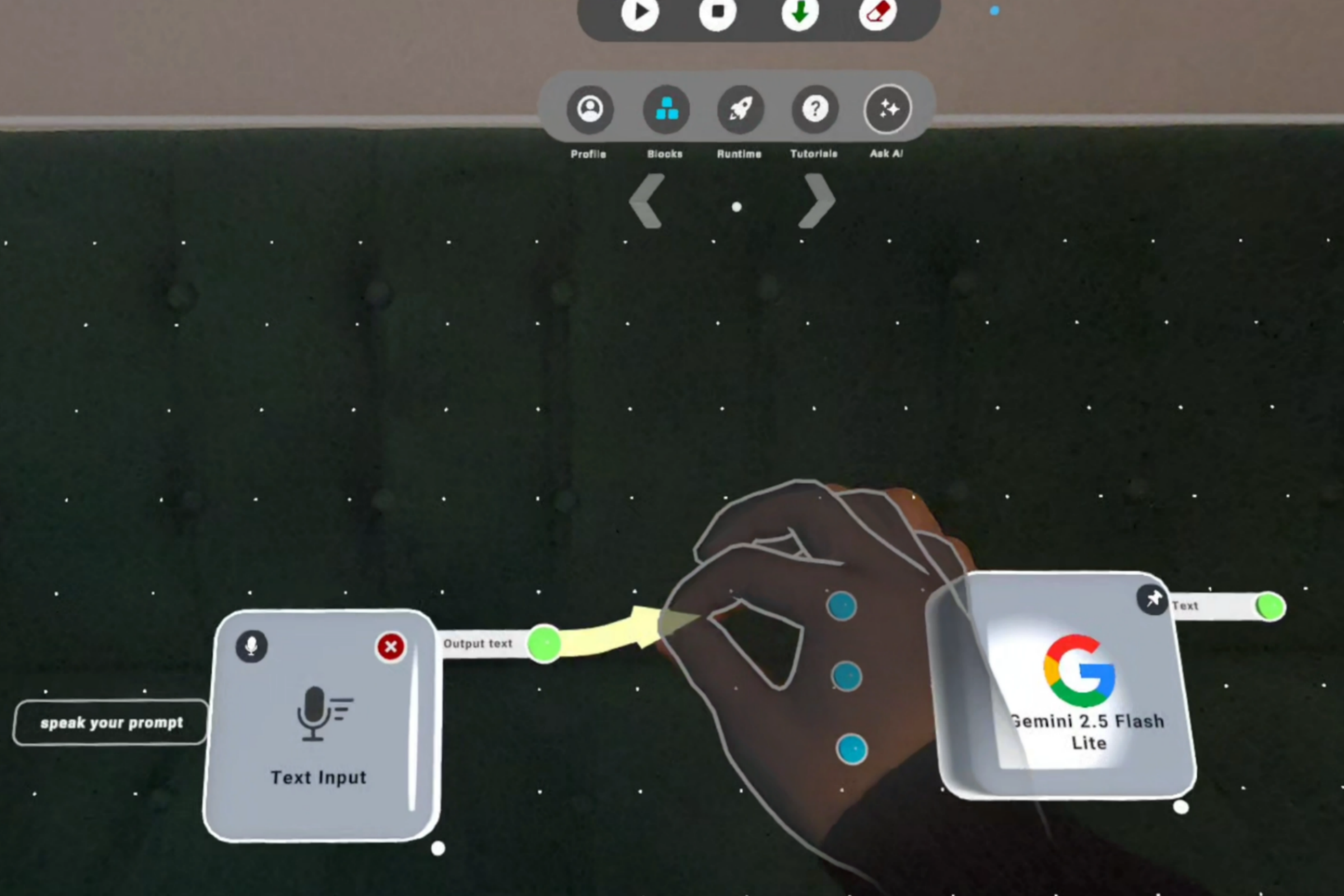
Connecting blocks
-
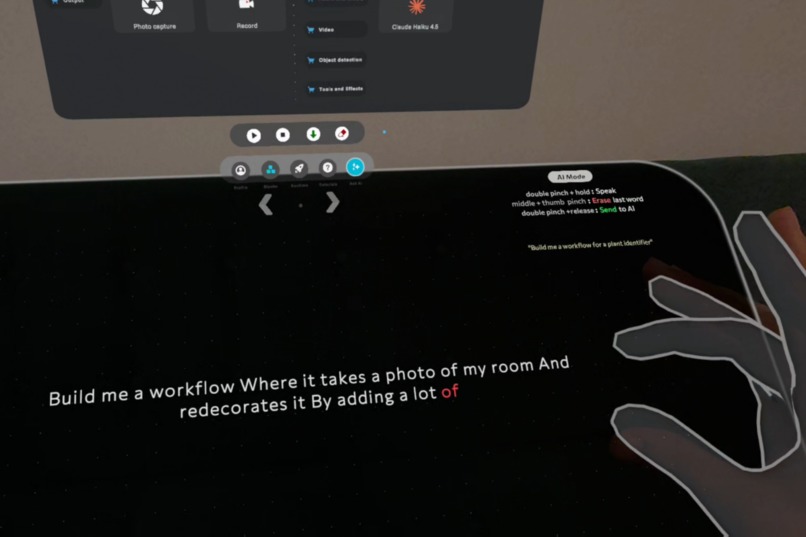
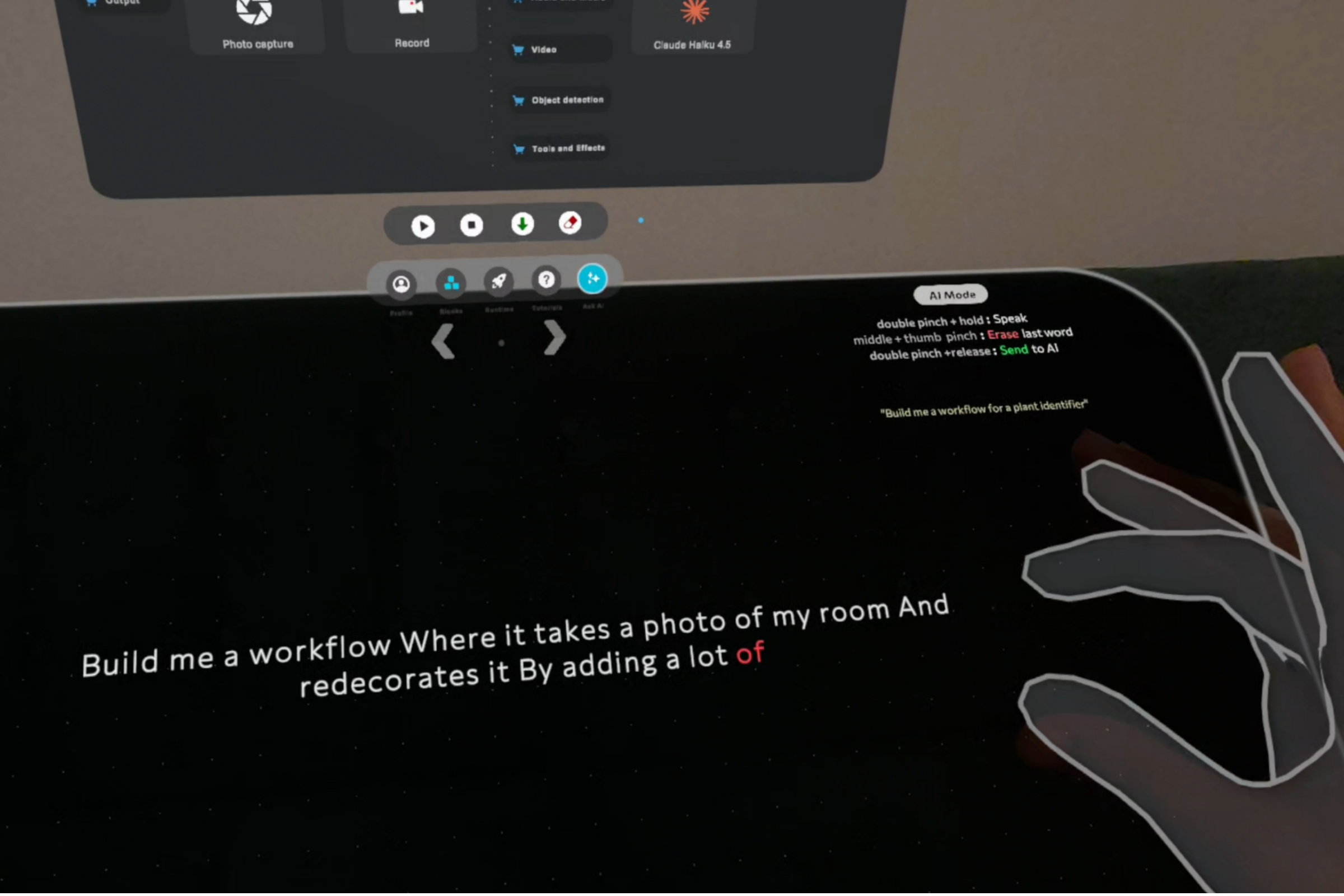
AI assistant input narration interaction
Inspiration
Flows.xr started from a simple idea: wiring AI models directly to headset inputs and spatial context in mixed reality is incredibly powerful.
Right now, exploring XR + AI ideas in Unity is slow and painful, because every new concept means changing code and reading API docs again. Being a prototyper, I wanted a tool for myself and other XR enthusiasts to quickly try ideas, compare models, and shape workflows in space without touching code all the time.
What it does
Flows.xr is a mixed reality workbench where you build AI workflows as blocks in front of you. You capture headset inputs like camera, audio, depth, text and spatial data, then connect them into AI blocks The AI assistant helps you build new workflows or edit existing ones.
How it's built
Built in Unity for Quest 3 using OpenXR and Meta’s XR SDK. Inputs and AI models are represented as blocks that you can chain together into workflows. A node graph engine powers the connections and data transfer between blocks.
Challenges
Getting different AI services to behave well inside node graph took time and a lot of testing. The workbench layout was also tricky and took some iterations, because graphs must stay readable and easy to grab in passthrough. Prompting the AI assistant to understand current capabilities and build valid workflows on top of them was another big challenge.
What's next
Next, Spend more time on optimising usability and expanding the models list. Would love to explore shared boards, where several people can stand around the same workflow and work on it together. I also plan to add more presets for daily tasks like cooking, step guidance so people can start from ready made flows.


Log in or sign up for Devpost to join the conversation.