-
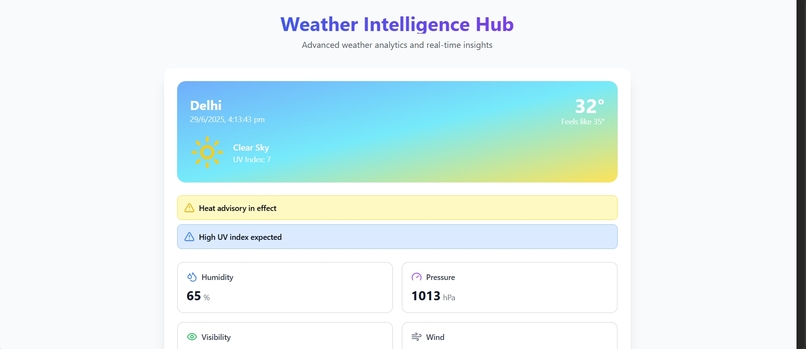
Dashboard
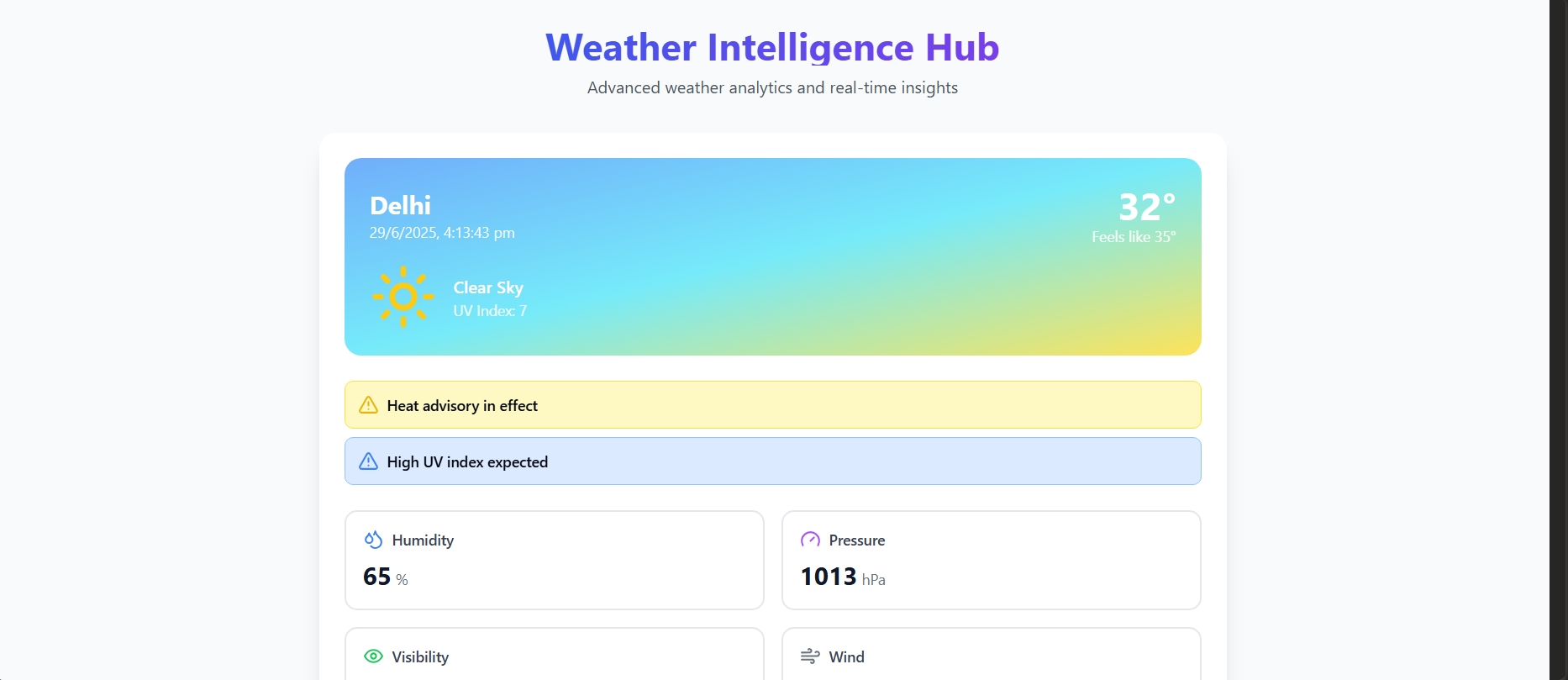
Inspiration
🌦️ Inspiration I always wanted a simple, fast, and beautiful weather app that works well on both desktop and mobile. Existing apps often felt cluttered or slow. So I decided to build my own!
🧠 What I Learned This project helped me understand:
How to integrate APIs like OpenWeatherMap
Working with asynchronous JavaScript (fetch, async/await)
Building responsive UIs using TailwindCSS
Deploying web apps to platforms like Vercel
🛠️ How I Built It The weather app was built using the following stack:
Frontend: HTML, CSS (TailwindCSS), JavaScript
API: OpenWeatherMap API for weather data
Hosting: Vercel
I implemented geolocation to fetch weather data based on the user’s location and added a manual search feature for flexibility. The UI is mobile-first and displays temperature, weather condition, humidity, and forecast.
🚧 Challenges Parsing and formatting API data correctly
Handling location permissions and fallback
Making the UI clean and user-friendly on all screen sizes
What it does
How we built it
Challenges we ran into
Accomplishments that we're proud of
What we learned
What's next for WeatherWise
Built With
- api
- css
- html
- javascript
- openweathermap
- tailwindcss

Log in or sign up for Devpost to join the conversation.