-
-

Search screen
-
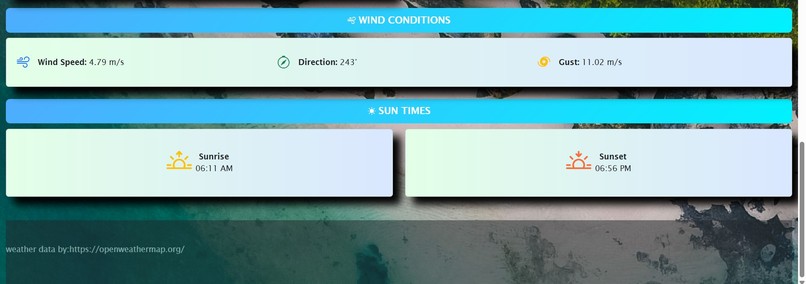
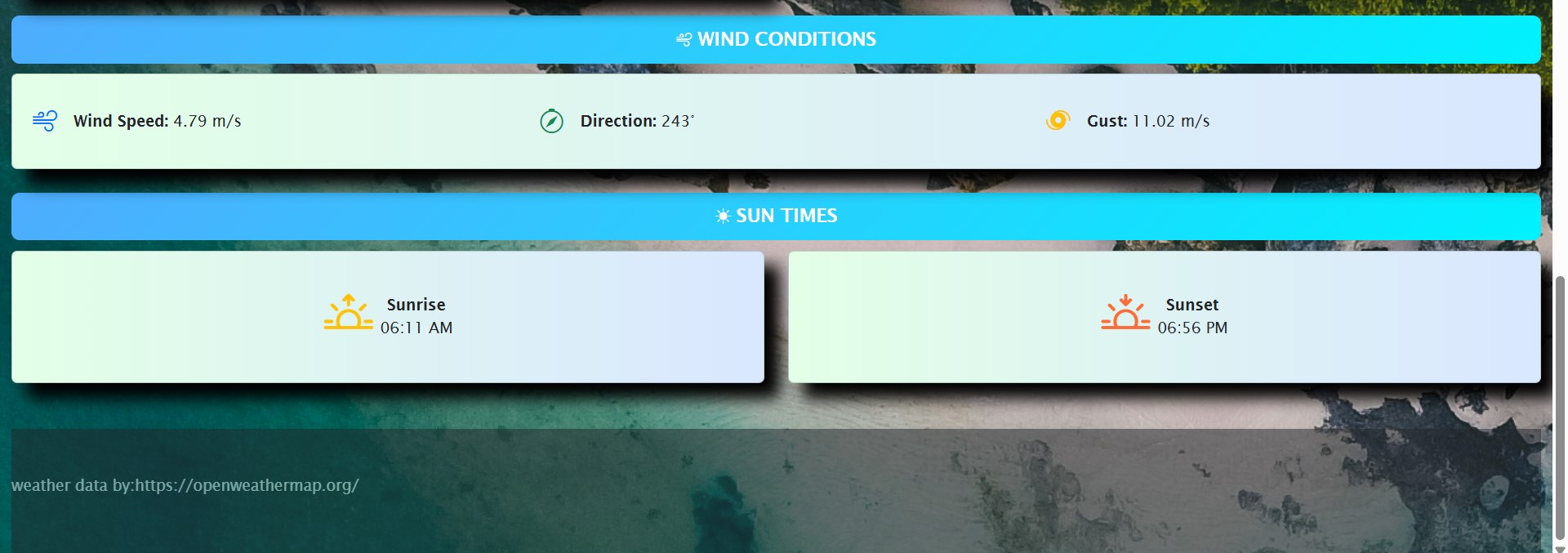
3rd tab
-
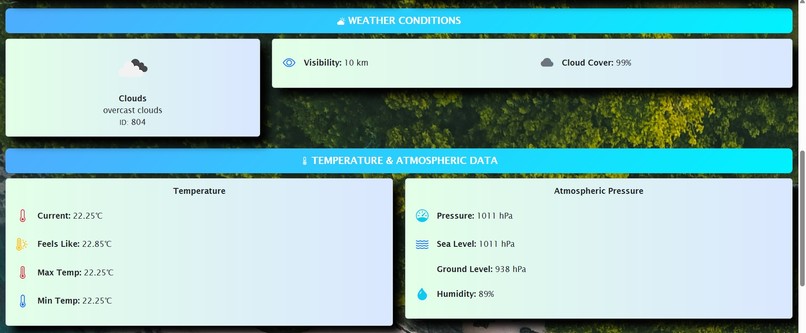
2nd tab
-
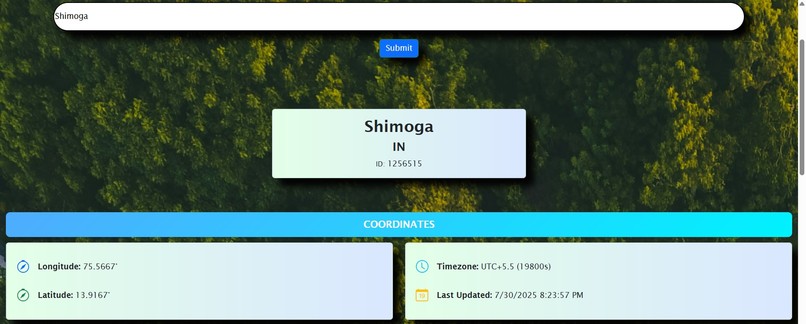
1st tab

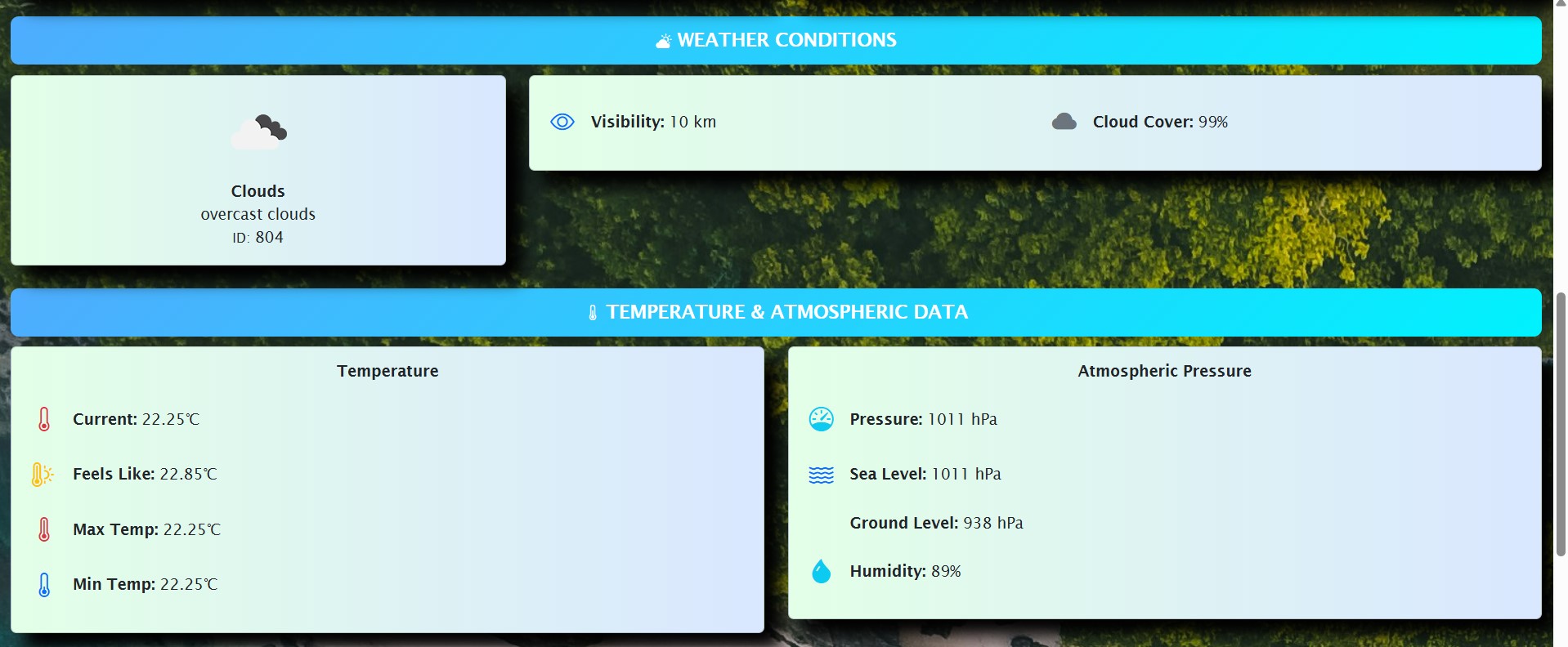
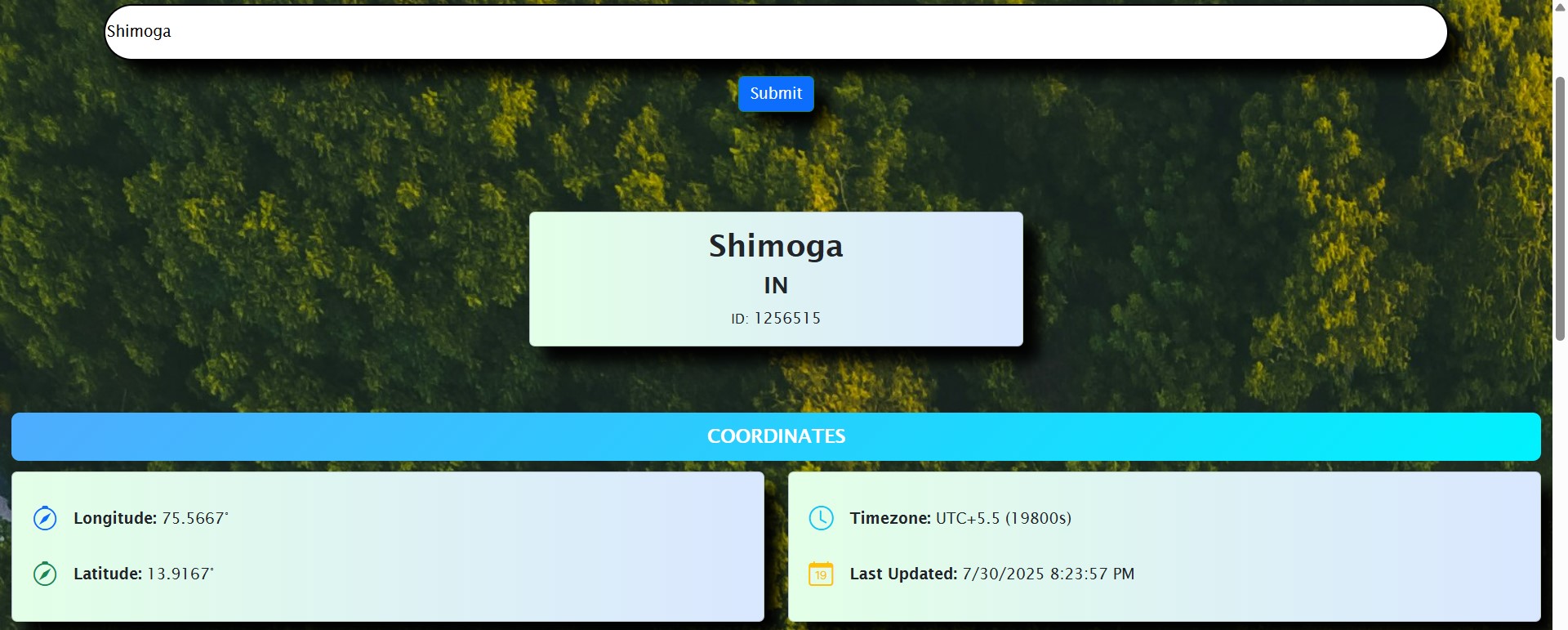
Inspiration
Most weather apps feel overcomplicated or outdated. We wanted to create WeatherWhiz, a weather application that is simple, accurate, and beautiful—all while being lightweight and easy to use. The aim was to make checking the weather quick, informative, and visually appealing for everyone.
What it does
WeatherWhiz is a responsive web-based weather application that delivers real-time forecasts using the OpenWeatherMap API.
Key features:
- Live temperature, humidity, and wind speed for any city.
- Dynamic weather icons that update based on conditions (clear, cloudy, rainy, etc.).
- Search bar to look up weather anywhere in the world.
- Responsive design so it works seamlessly on desktop, tablet, and mobile.
How we built it
- Frontend: HTML for structure, CSS and Bootstrap for styling and responsiveness.
- Logic: JavaScript for API calls, DOM manipulation, and real-time data updates.
- Weather Data: Integrated OpenWeatherMap API to fetch current weather conditions.
- UI Enhancements: Used Bootstrap components for a clean and organized layout.
Challenges we ran into
- Handling API errors when users entered invalid city names.
- Ensuring responsive design looked good across all screen sizes.
- Managing unit conversions (Celsius/Fahrenheit, wind speeds) from the API’s raw data.
- Creating dynamic weather visuals that matched the forecast data in real time.
Accomplishments that we're proud of
- Built a fully functional weather app that is lightweight and fast.
- Created a clean and responsive interface with just HTML, CSS, and Bootstrap.
- Successfully integrated the OpenWeatherMap API to fetch real-time data.
- Achieved cross-device compatibility without heavy frameworks.
What we learned
- Deepened understanding of API integration and handling asynchronous data with JavaScript.
- Learned how to use Bootstrap effectively for responsiveness and faster UI development.
- Improved skills in DOM manipulation for dynamic content updates.
- Gained experience in handling user input validation and error messages.
What's next for WeatherWhiz
- Add 5-day forecast feature using the OpenWeatherMap extended API.
- Implement geolocation-based weather so the app can automatically detect the user’s location.
- Add theme customization (light/dark modes and gradient backgrounds).
- Enhance visuals with animated backgrounds based on weather conditions.
- Add offline caching so the last searched city’s weather is available without internet.
Built With
- bootstrap
- css
- github
- githubpages
- html
- javascript

Log in or sign up for Devpost to join the conversation.