-
-
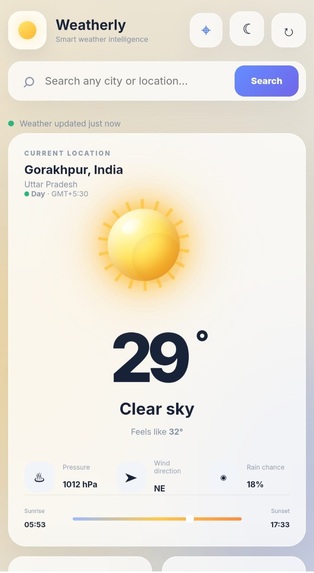
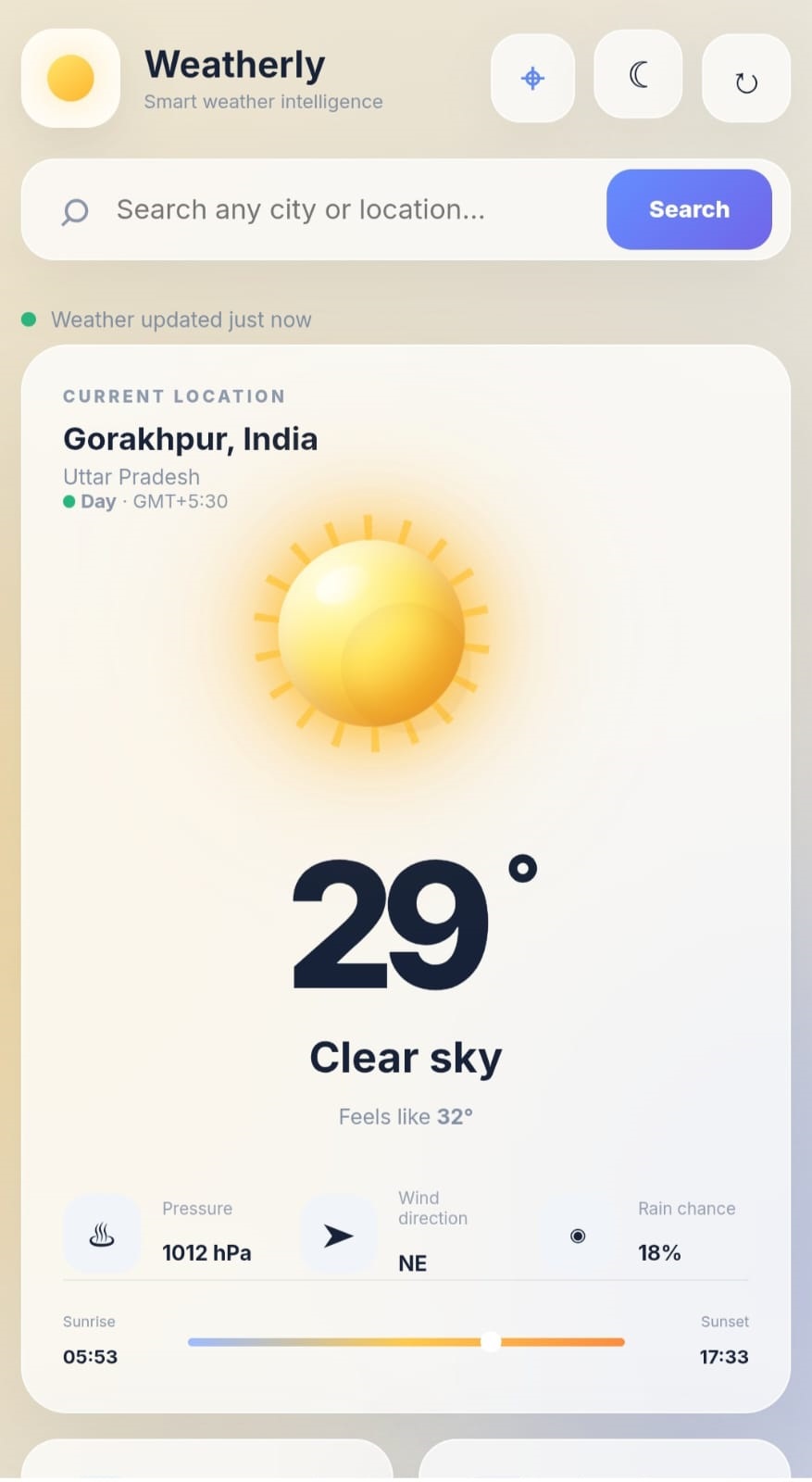
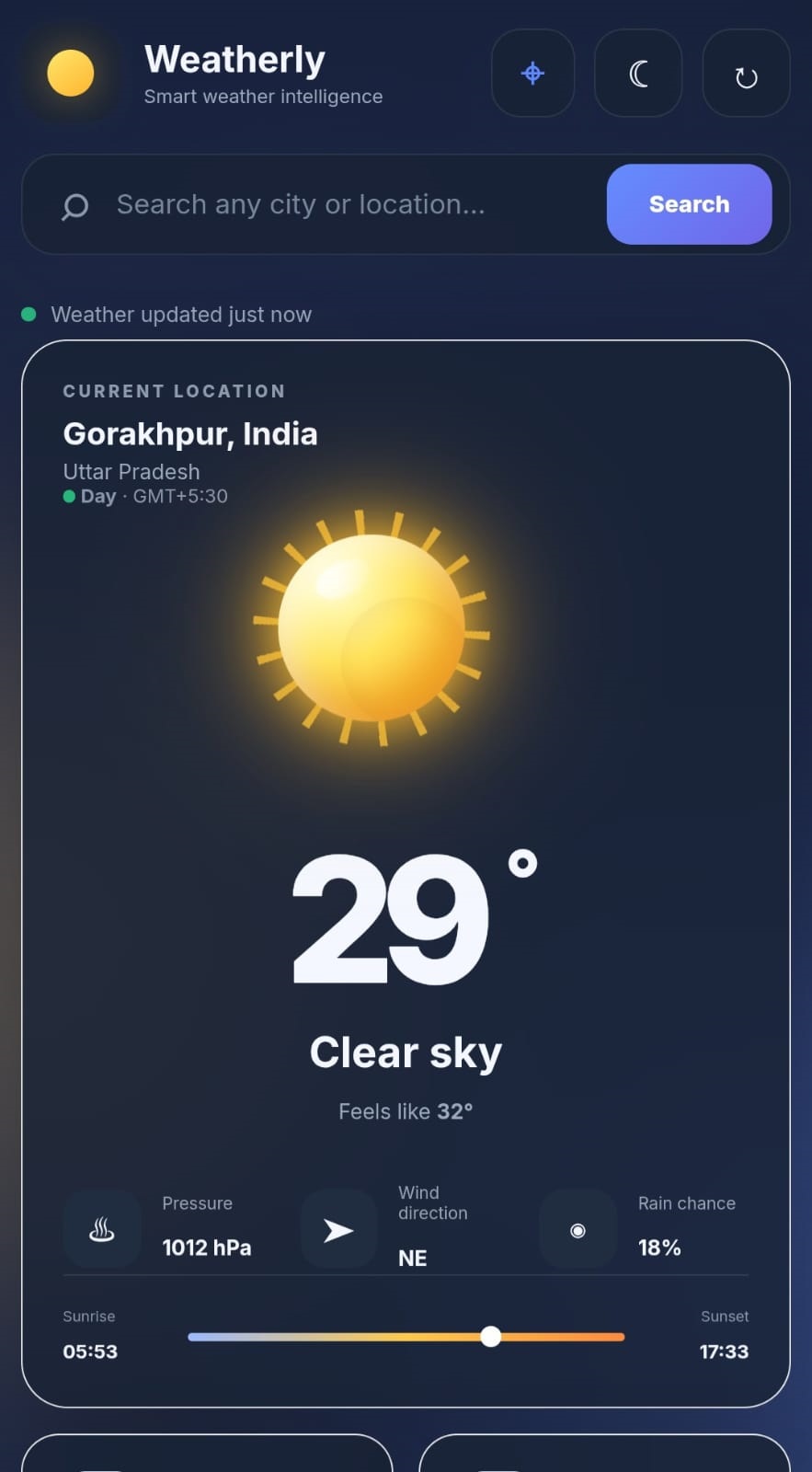
Mobile Dashboard — Responsive weather information for smartphone users.
-
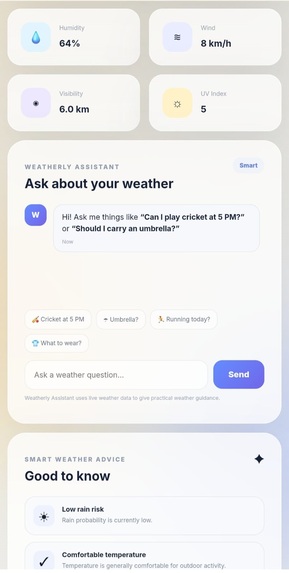
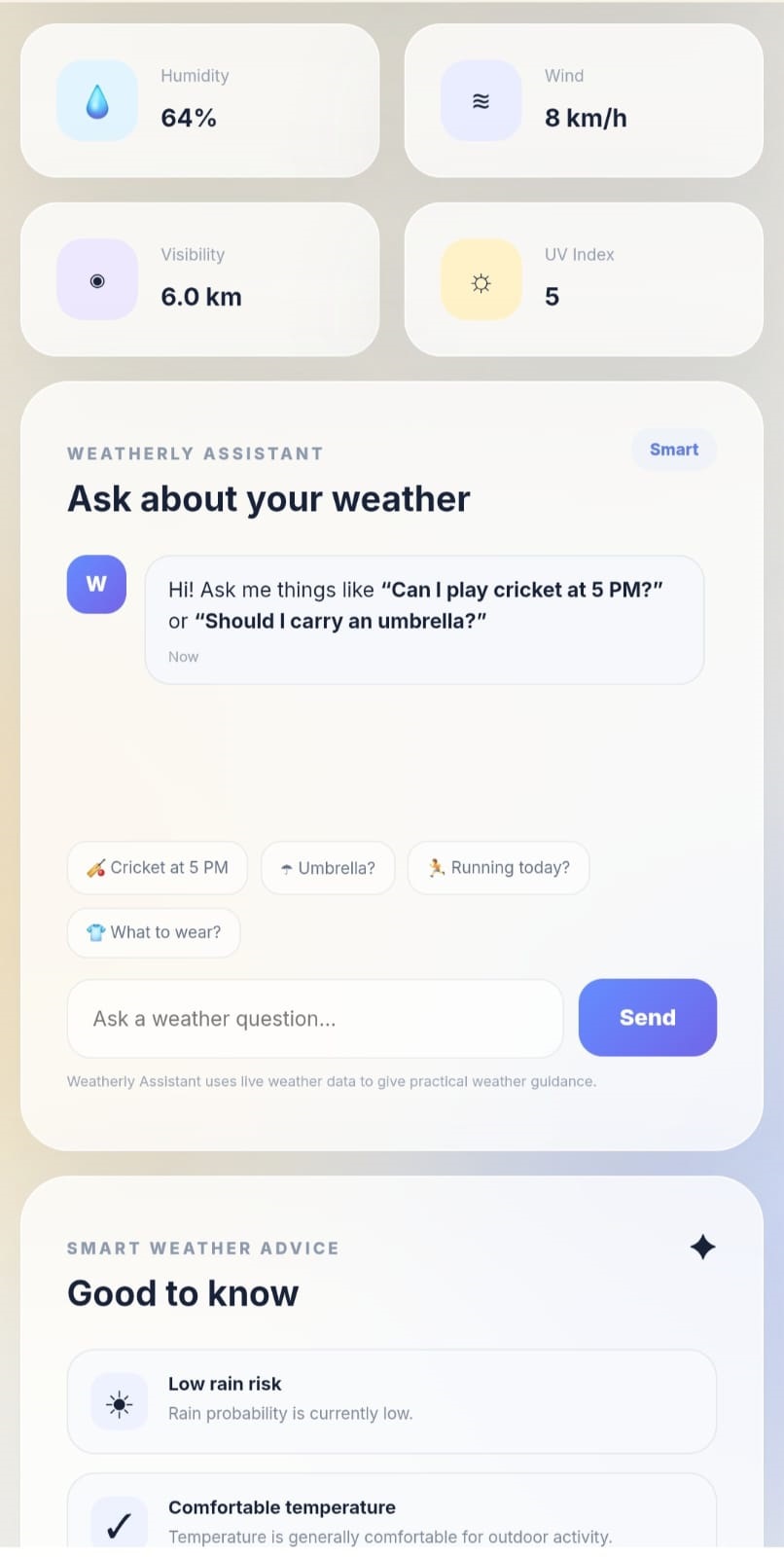
Mobile Weather Assistant — Weather guidance in a phone-friendly interface.
-
-
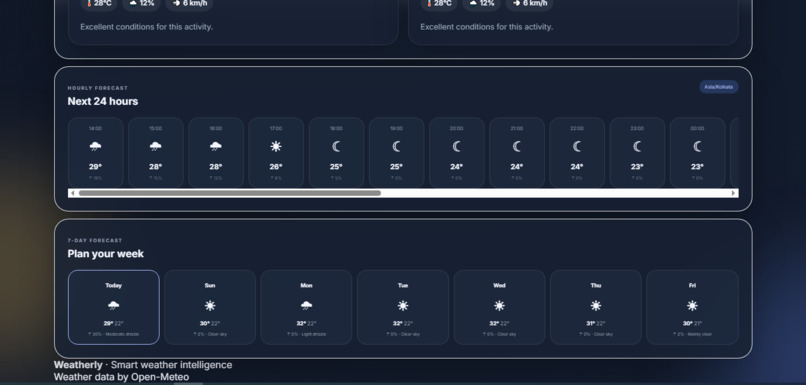
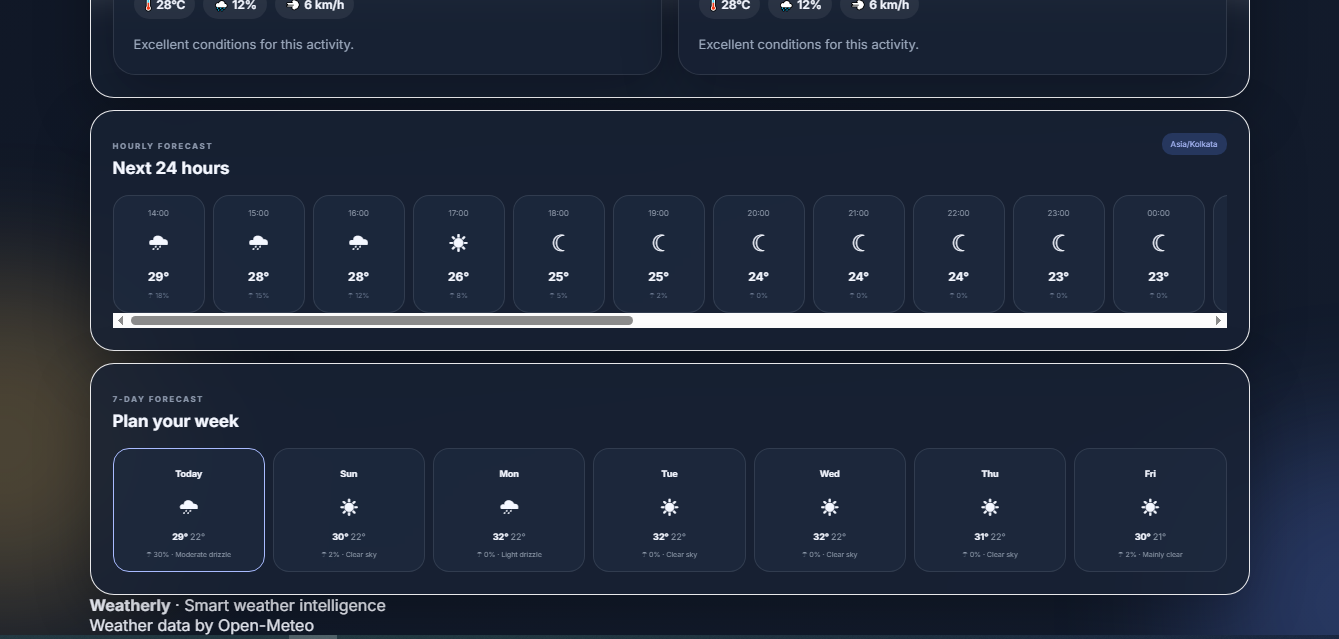
Weather Forecast — Hourly updates and a 7-day outlook for better planning.
-
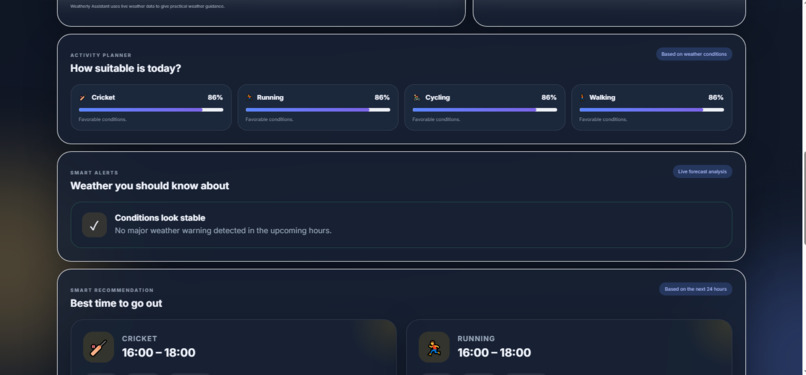
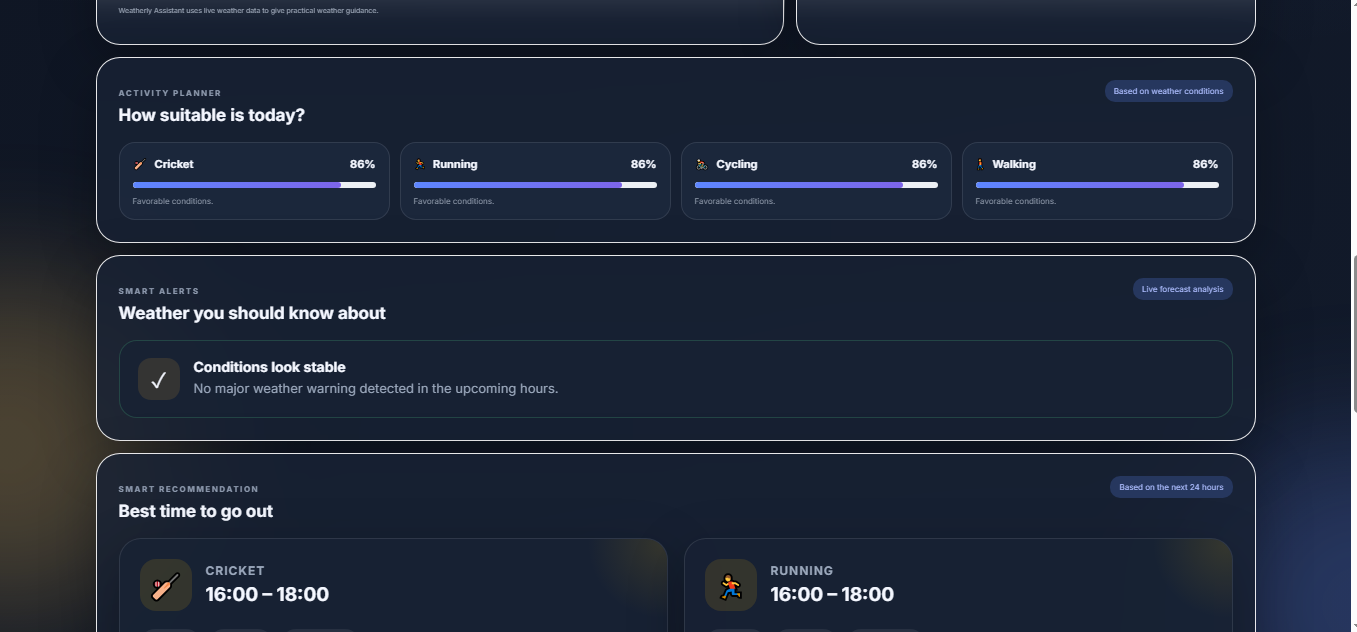
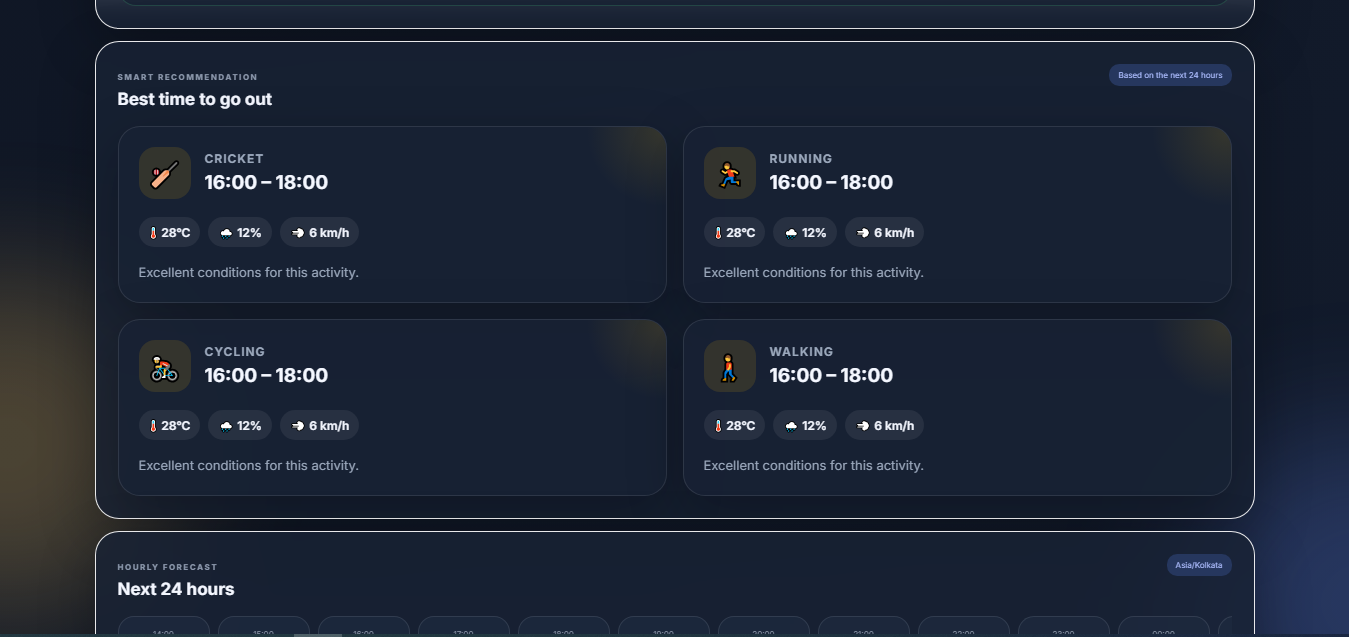
Activity Planner — Weather-based recommendations for outdoor activities.
-
-
-
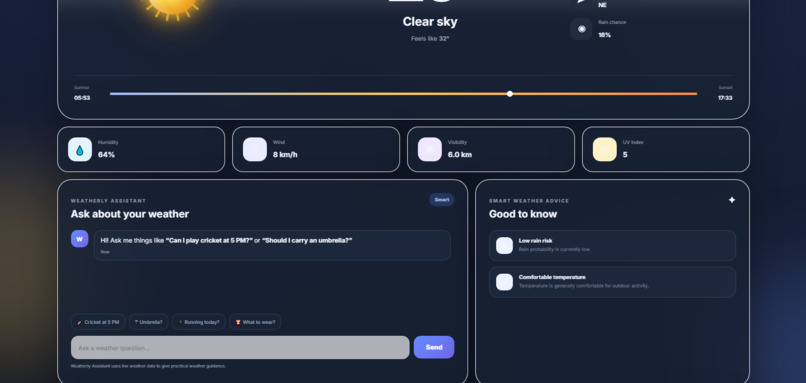
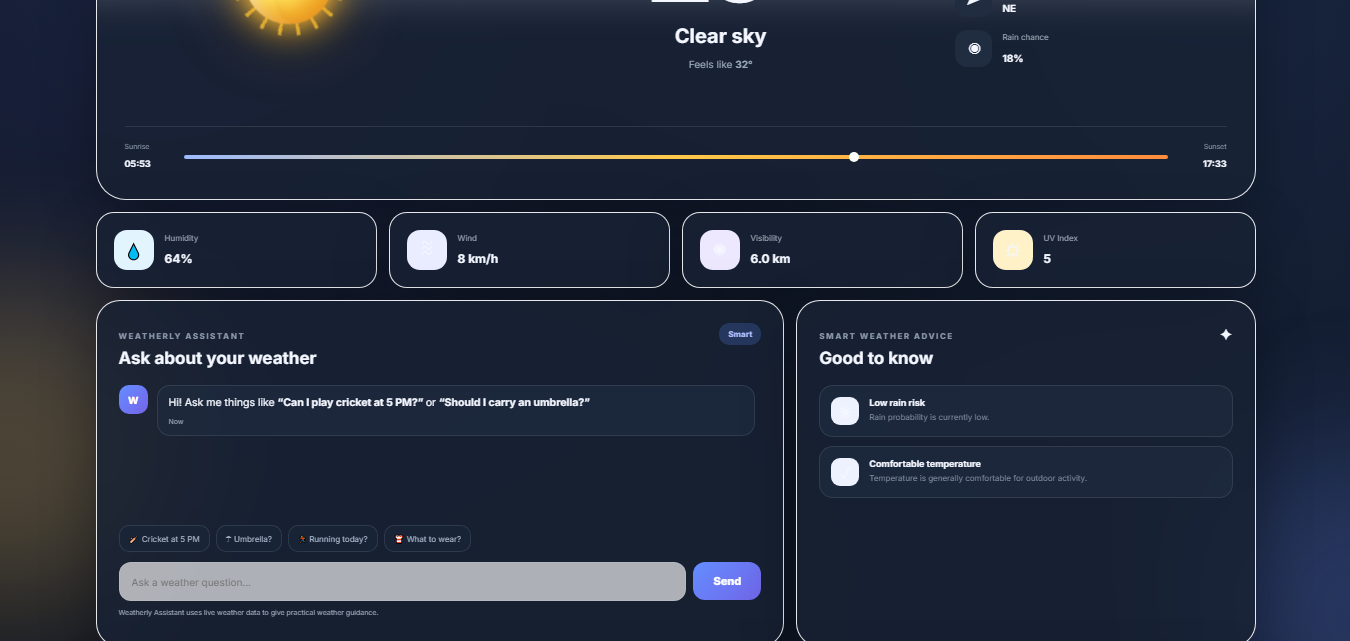
Weatherly Assistant helps users explore weather-related questions and get practical guidance for everyday activities. Smart Weather Advice
-
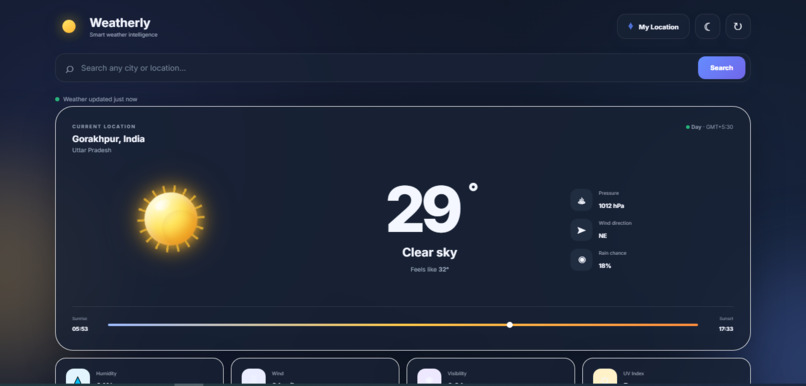
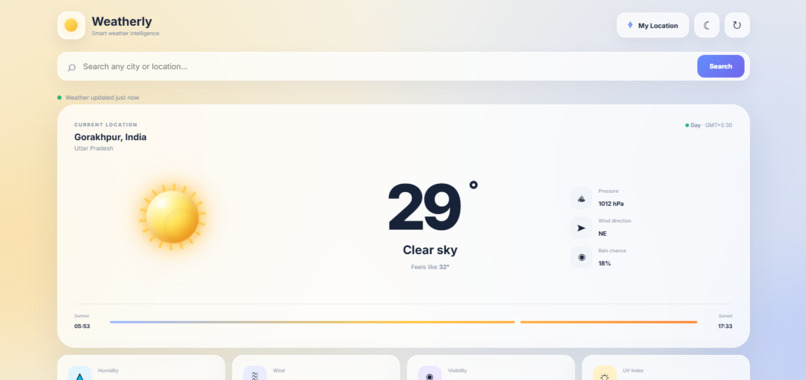
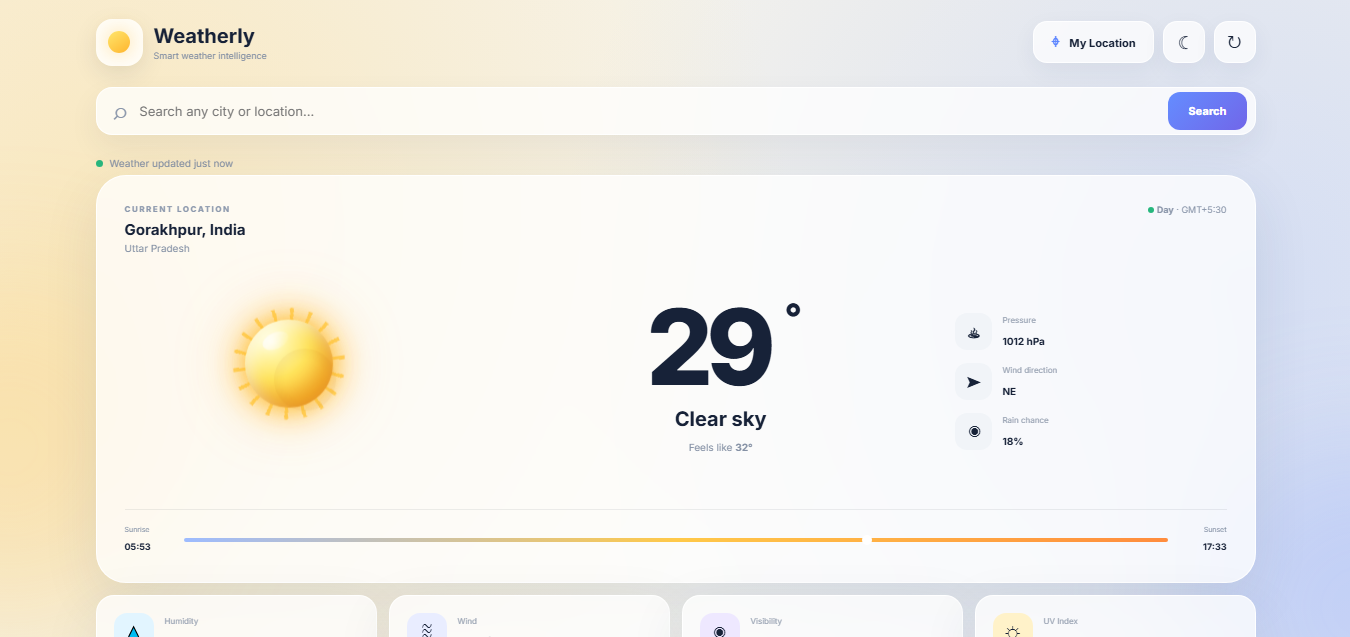
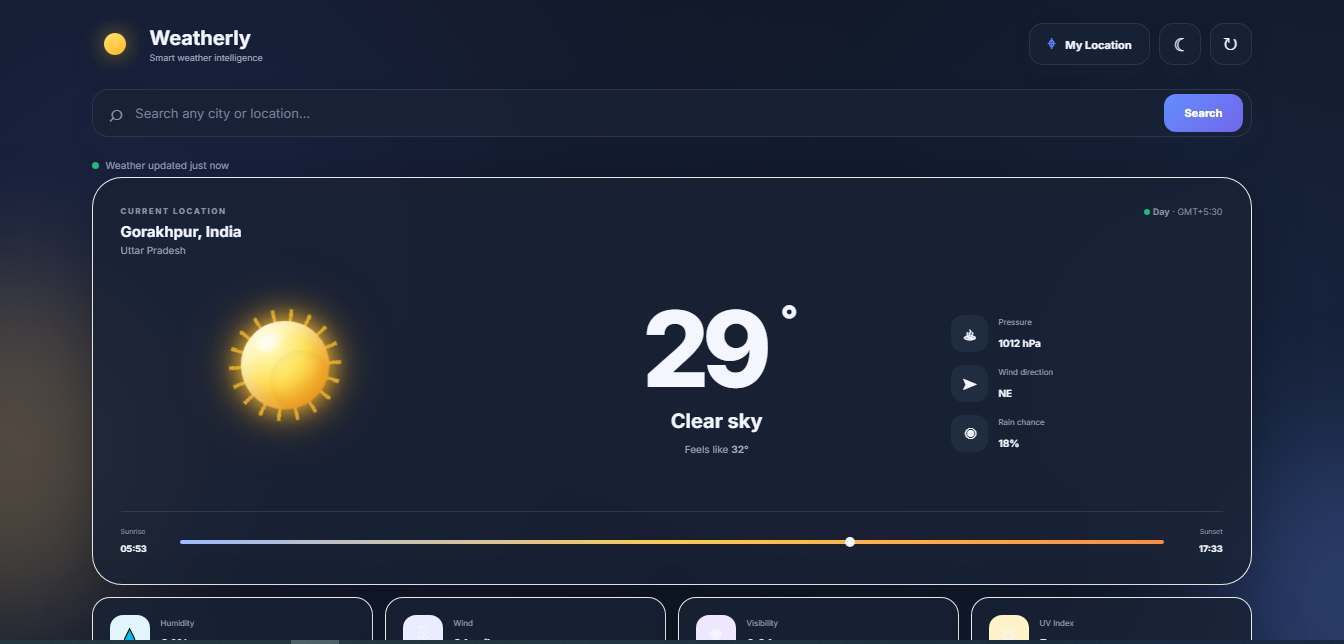
Weatherly's main dashboard displaying real-time weather conditions, temperature, location, and sunrise and sunset times.
Inspiration
Weather affects many everyday decisions, from planning outdoor activities to deciding what to wear or when to go outside. I wanted to build something more useful than a basic weather website. This led me to develop Weatherly, a web application that combines weather forecasts with practical advice and activity recommendations.
What it does
Weatherly provides weather information for different locations through a simple, interactive interface. Users can check current conditions, search for cities, and view hourly and 7-day forecasts.
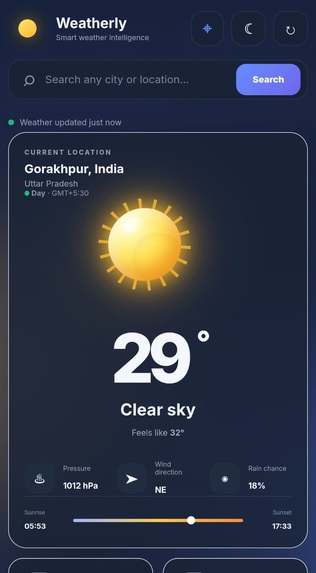
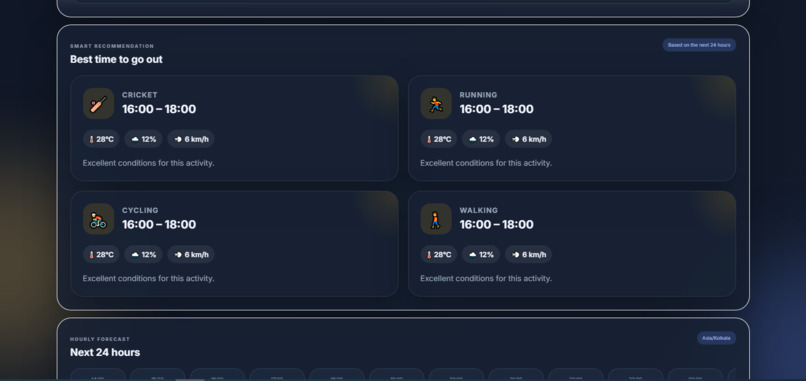
The application also includes Weatherly Assistant for weather-related questions, Smart Weather Advice, Smart Alerts, an Activity Planner, and recommendations for the best time to go outside. Its day and night modes make the interface comfortable to use at different times.
How we built it
Weatherly was built using HTML, CSS, and JavaScript. The frontend displays weather information through interactive cards, forecast sections, animated weather visuals, and a responsive layout. Open-Meteo provides the weather data used by the application.
JavaScript handles location searches, weather updates, interface interactions, activity recommendations, and the assistant experience. The project is deployed using GitHub Pages so that users can access it through a web browser.
Challenges we ran into
One of the main challenges was keeping the interface consistent across different weather conditions and times of day. Making the sun and moon visuals work properly with changing conditions also required attention. Another challenge was bringing several features, including the assistant, alerts, forecasts, and activity recommendations, together without making the page difficult to navigate.
Testing the application and adjusting the layout helped us improve the overall experience.
Accomplishments that we're proud of
Weatherly has grown from a basic weather interface into a more complete application that combines forecasts with practical features. We are especially proud of the Weatherly Assistant, activity planning features, Smart Alerts, and the day and night interface.
The project is available online, allowing users to explore its features without installing anything.
What we learned
Building Weatherly gave us practical experience with frontend development, working with a weather API, handling dynamic data, and designing an interactive user interface. We also learned the importance of testing different locations, weather conditions, and screen sizes.
What's next for Weatherly — Smart Weather Assistant
Future improvements could include more personalized weather recommendations, stronger severe-weather notifications, improved assistant responses, and additional accessibility improvements. We also want to continue refining the mobile experience and making recommendations more useful for everyday decisions.
Built With
- css
- github
- html
- javascript
- open-meteo

Log in or sign up for Devpost to join the conversation.