-
-
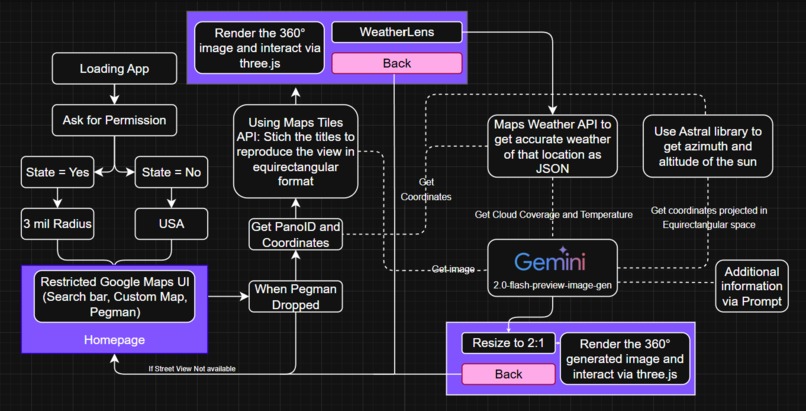
Application Workflow
-
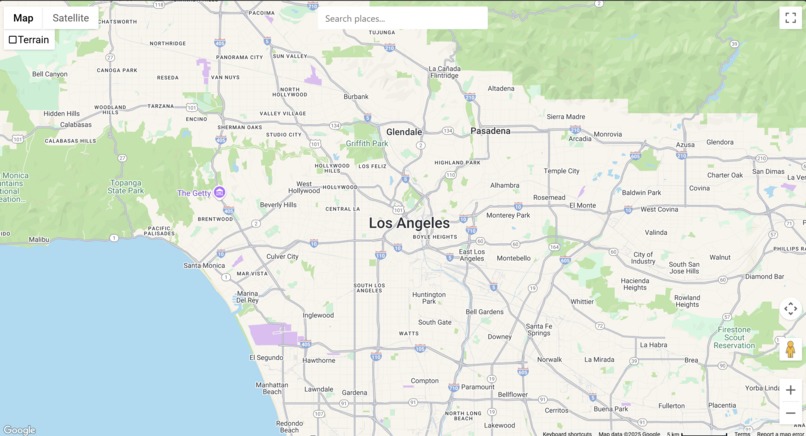
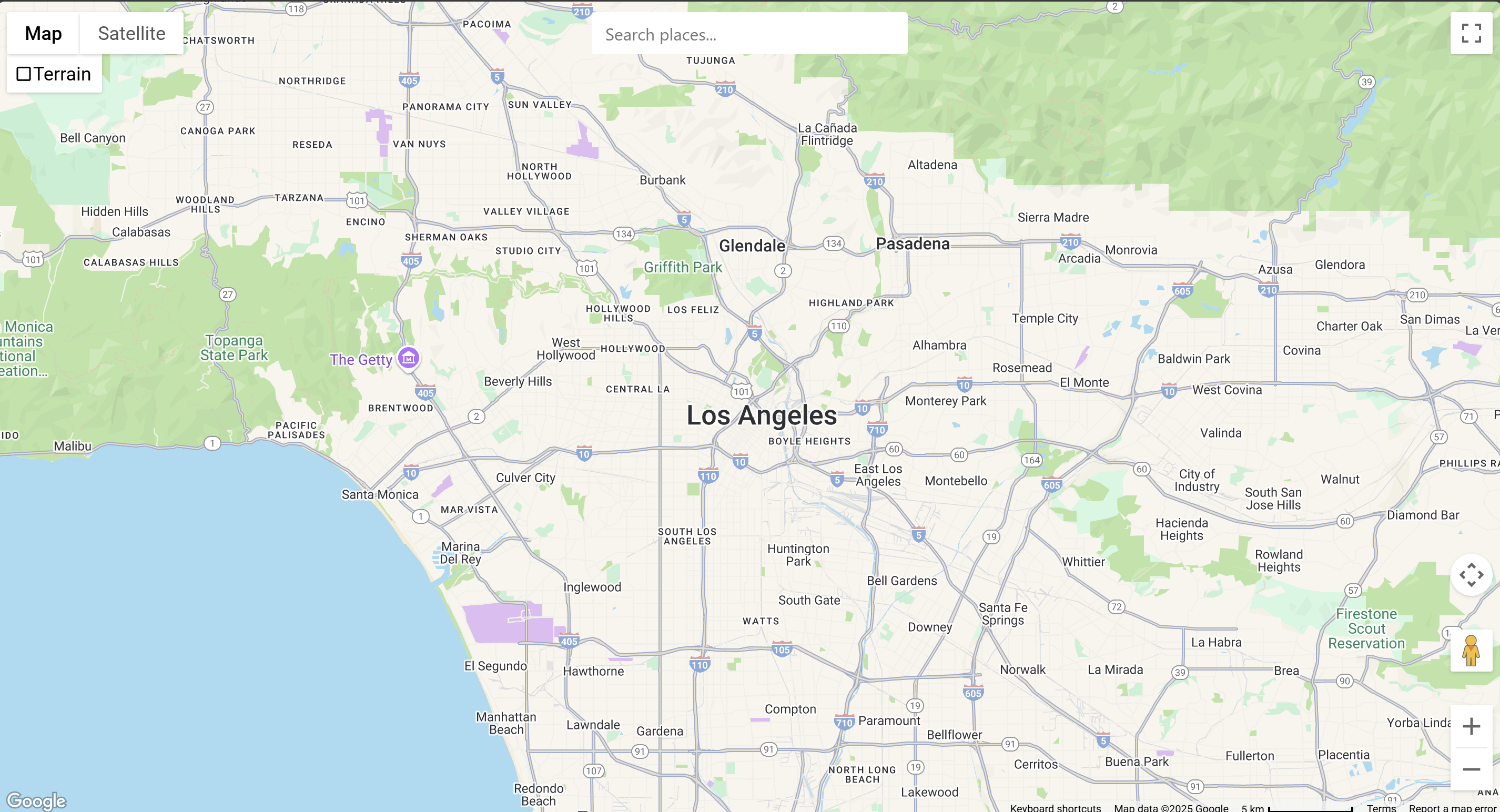
1) If given permission to location, the UI will be zoomed to your city
-
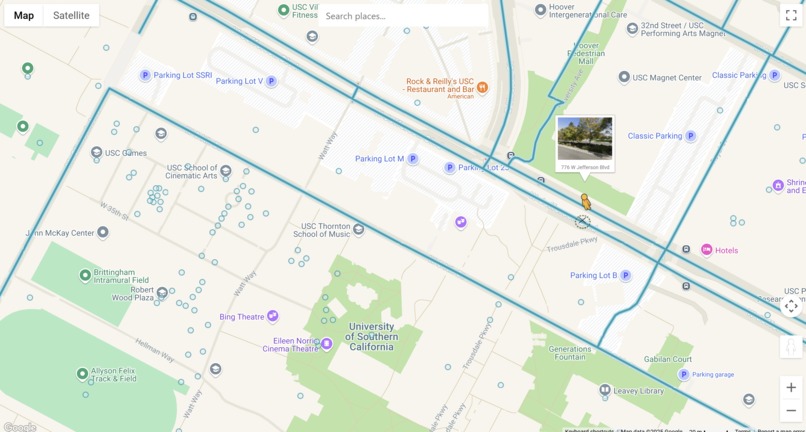
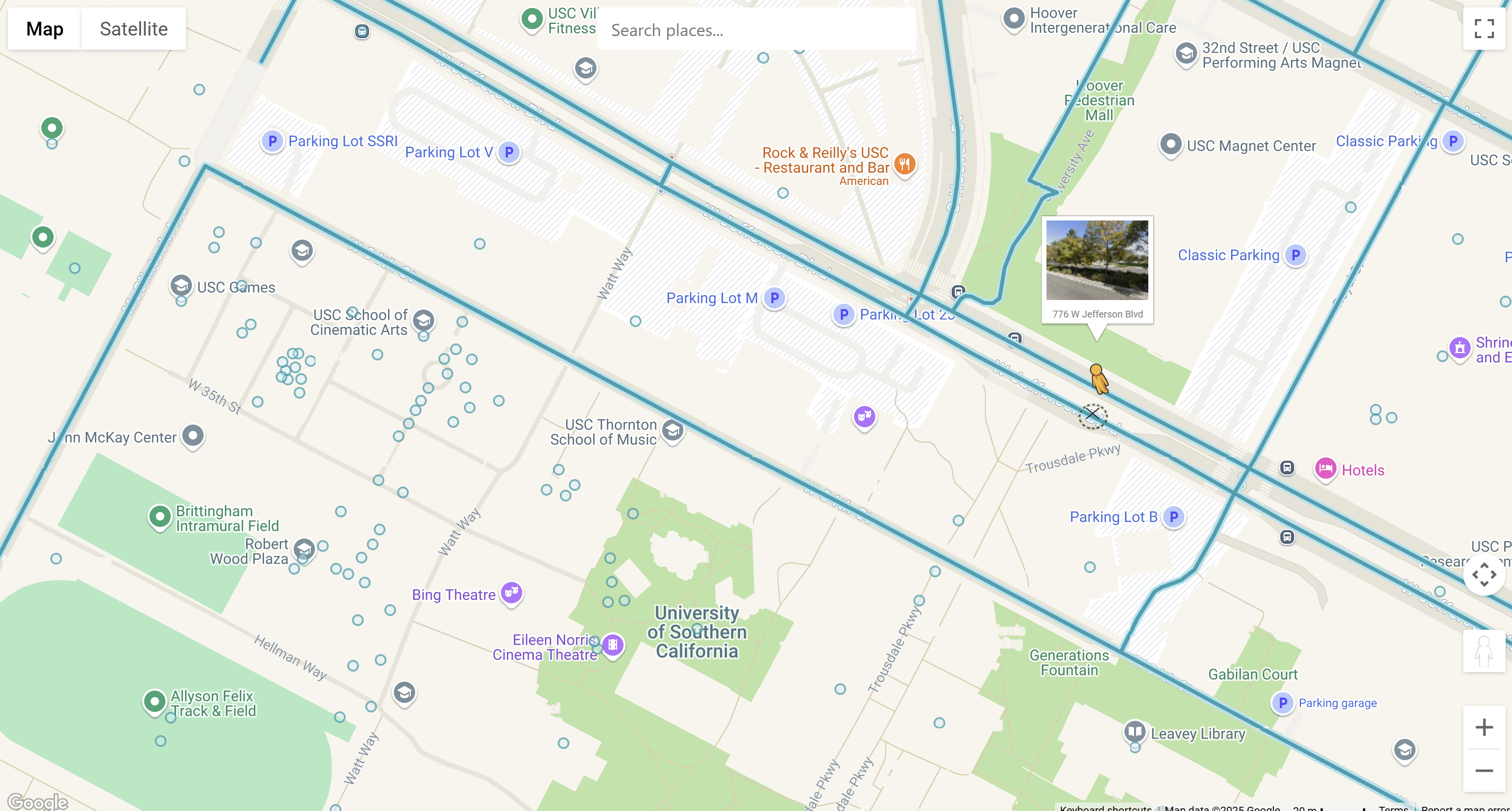
2) You can drop your pegman anywhere
-
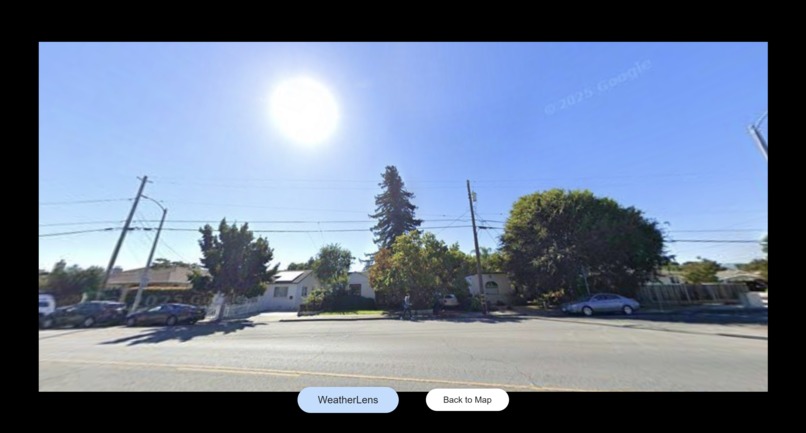
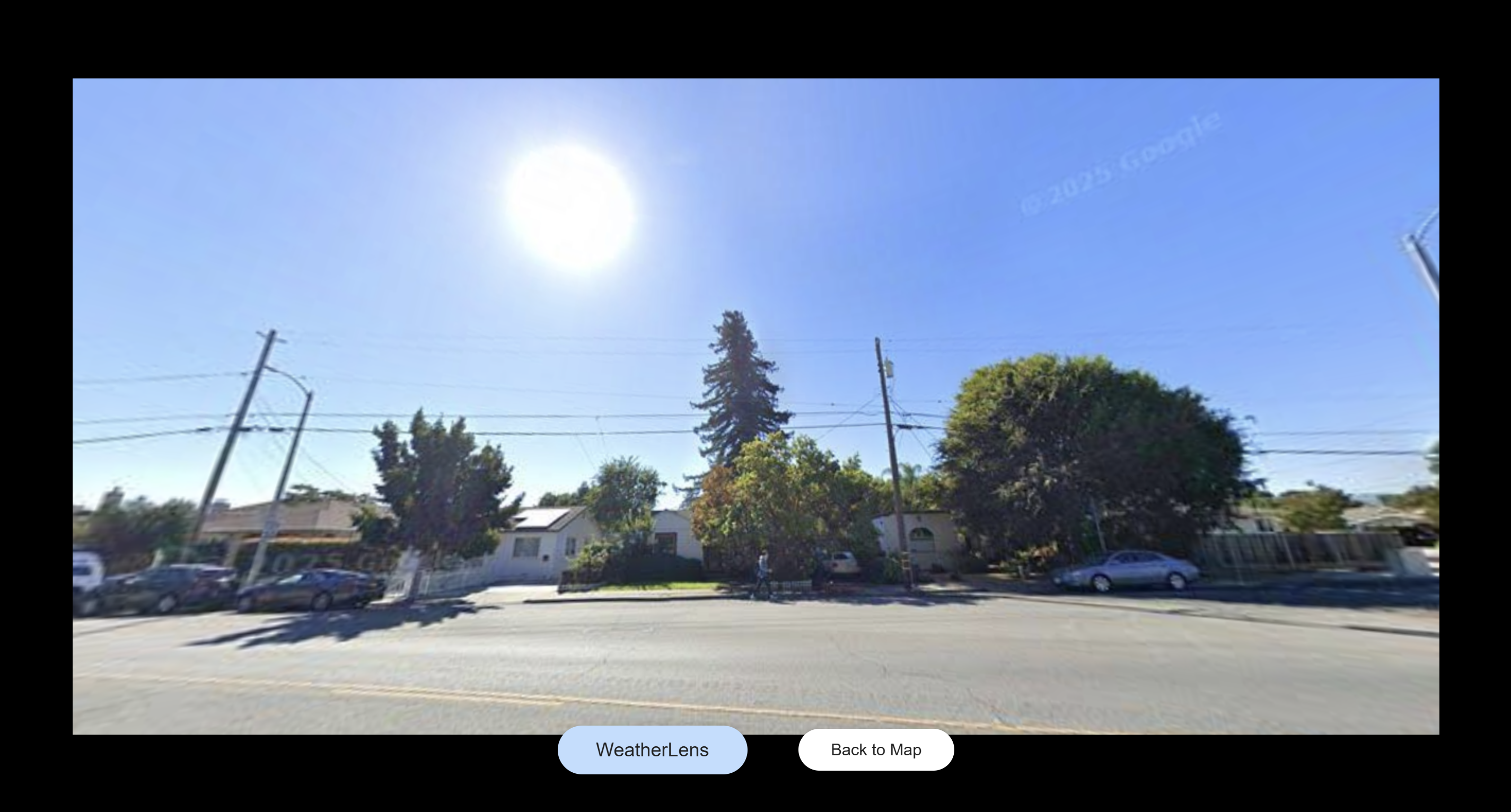
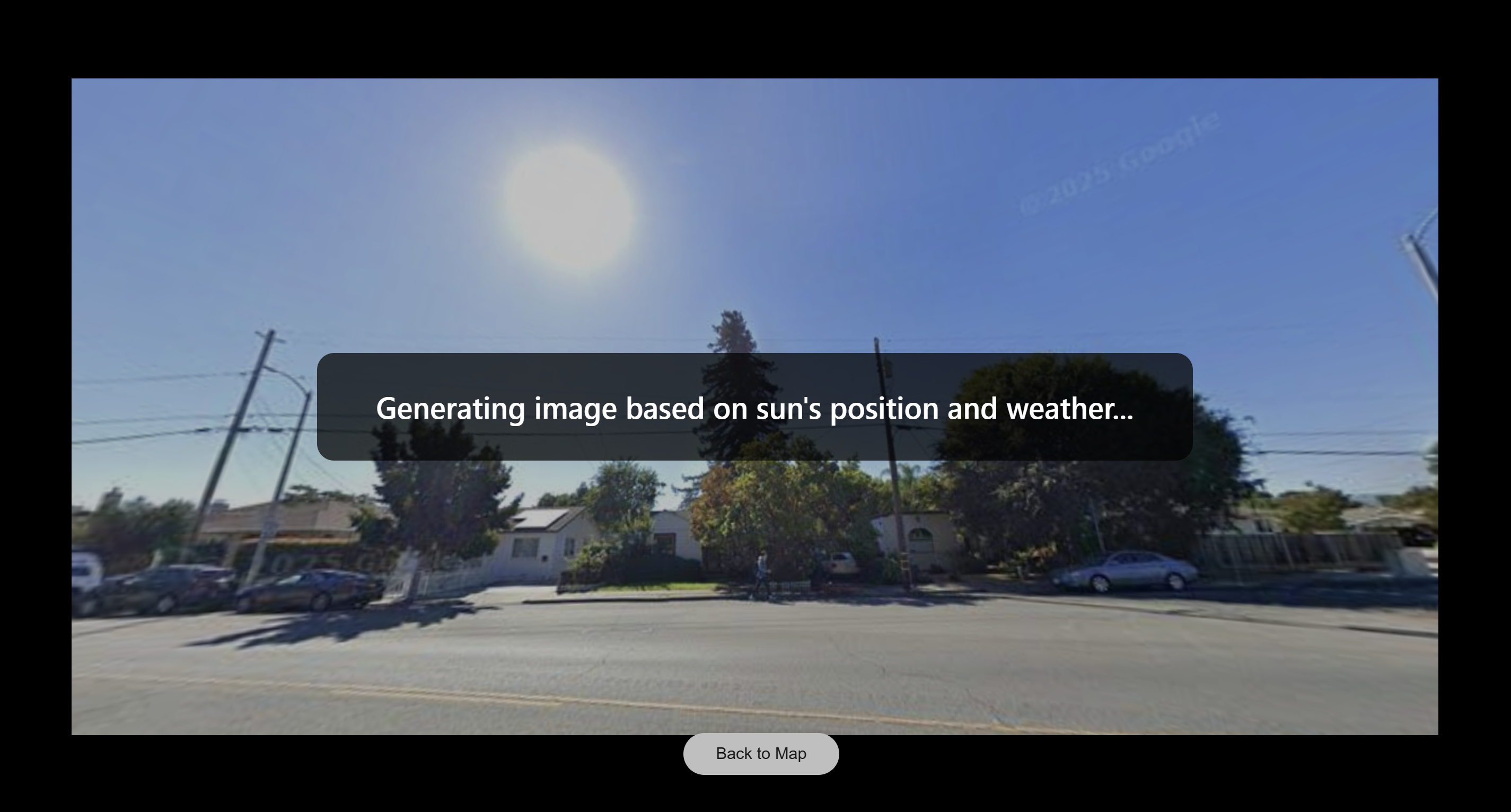
3) The stitched panorama is generated - Can be interacted using orbital controls
-
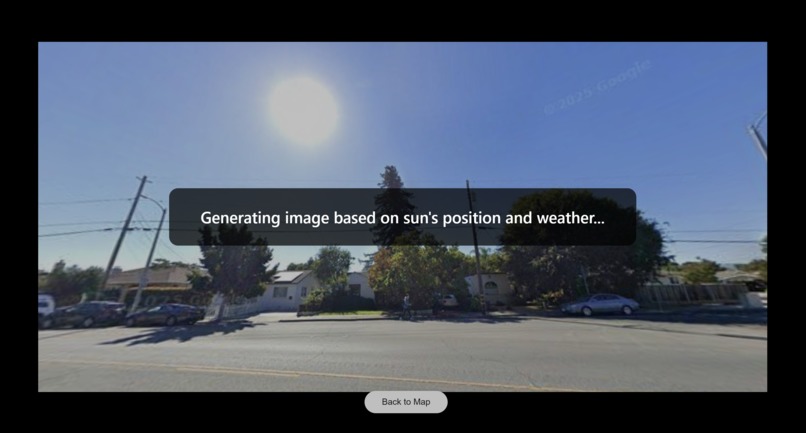
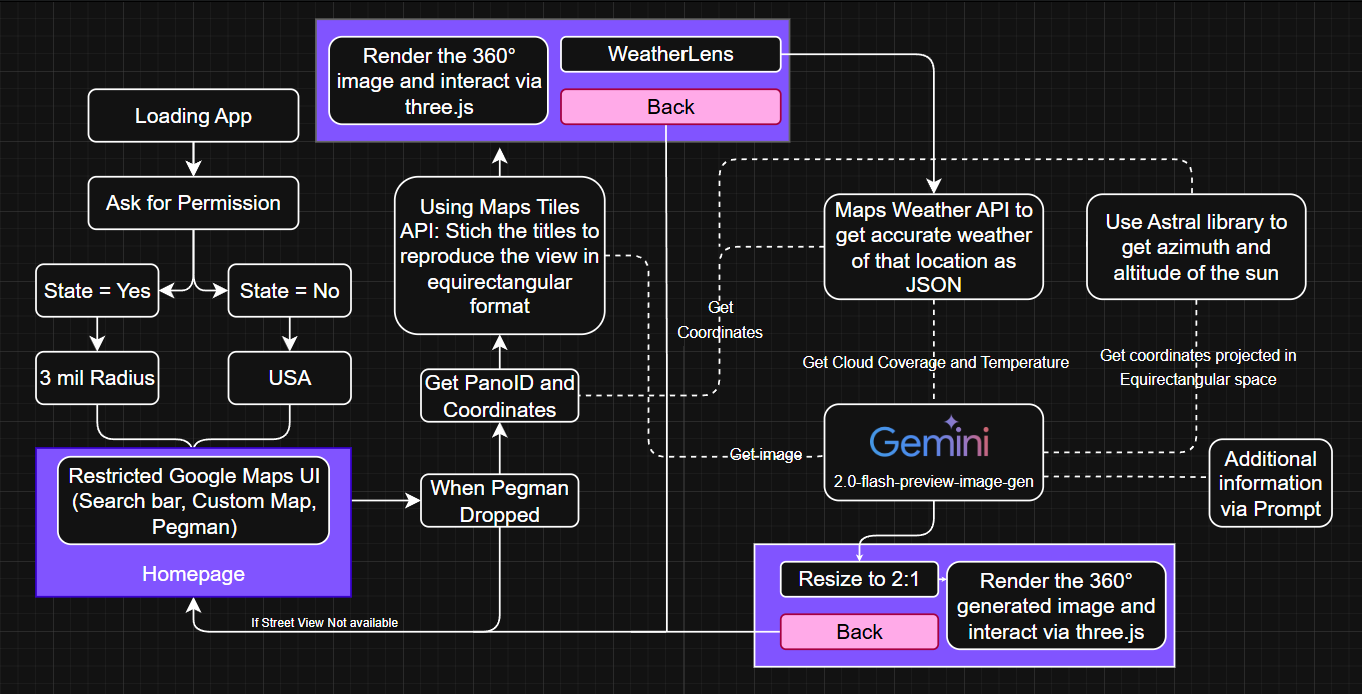
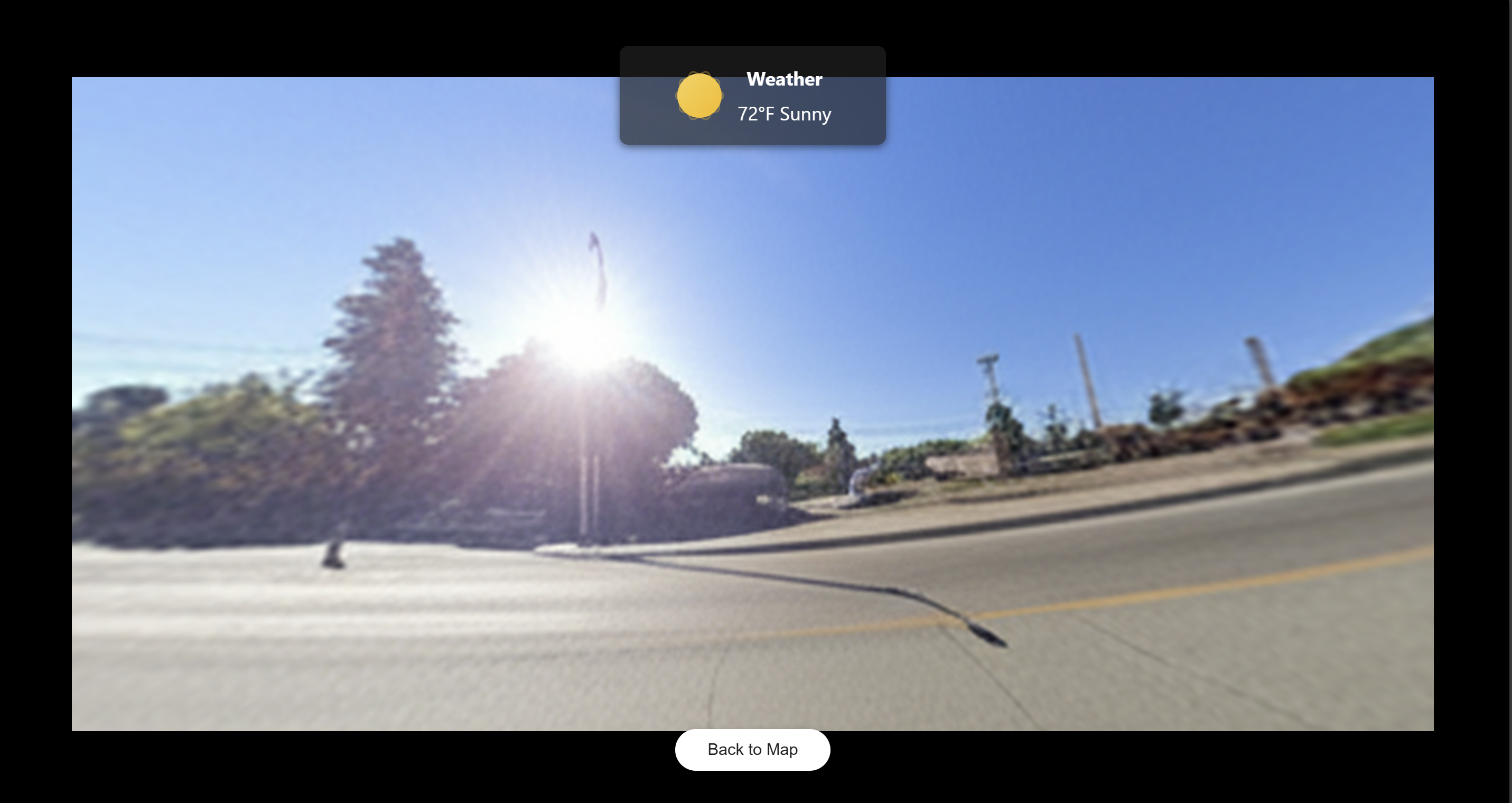
4) Click WeatherLens to push the location coordinates, meteorological data as well as the sun's coordinates into Gemini 2.0 image generator.
-
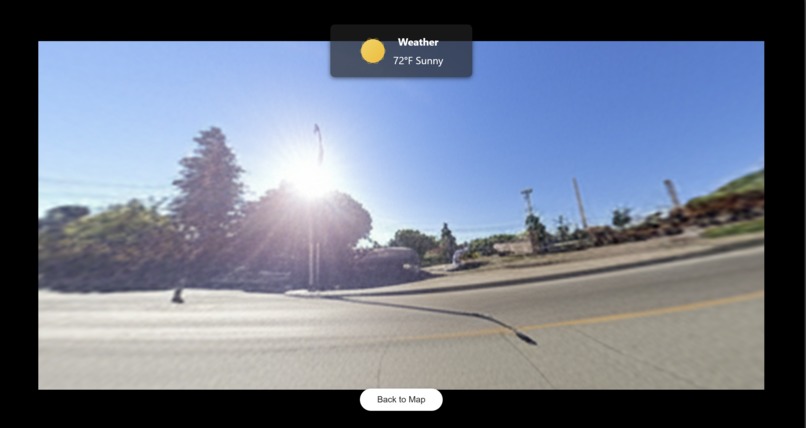
5) Generated image is available for display and is interactive via Three.js
-
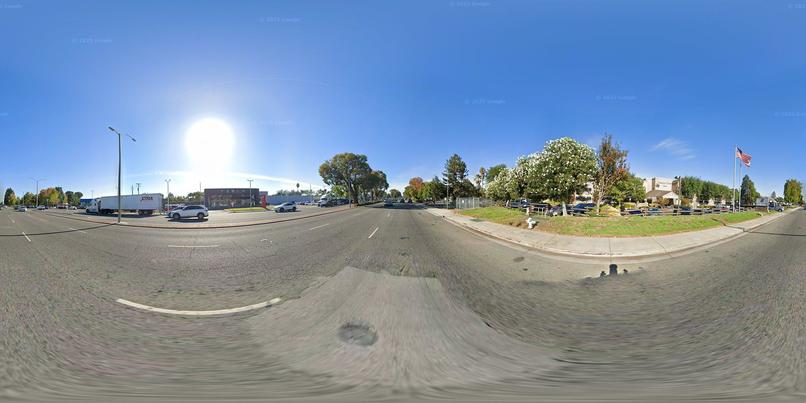
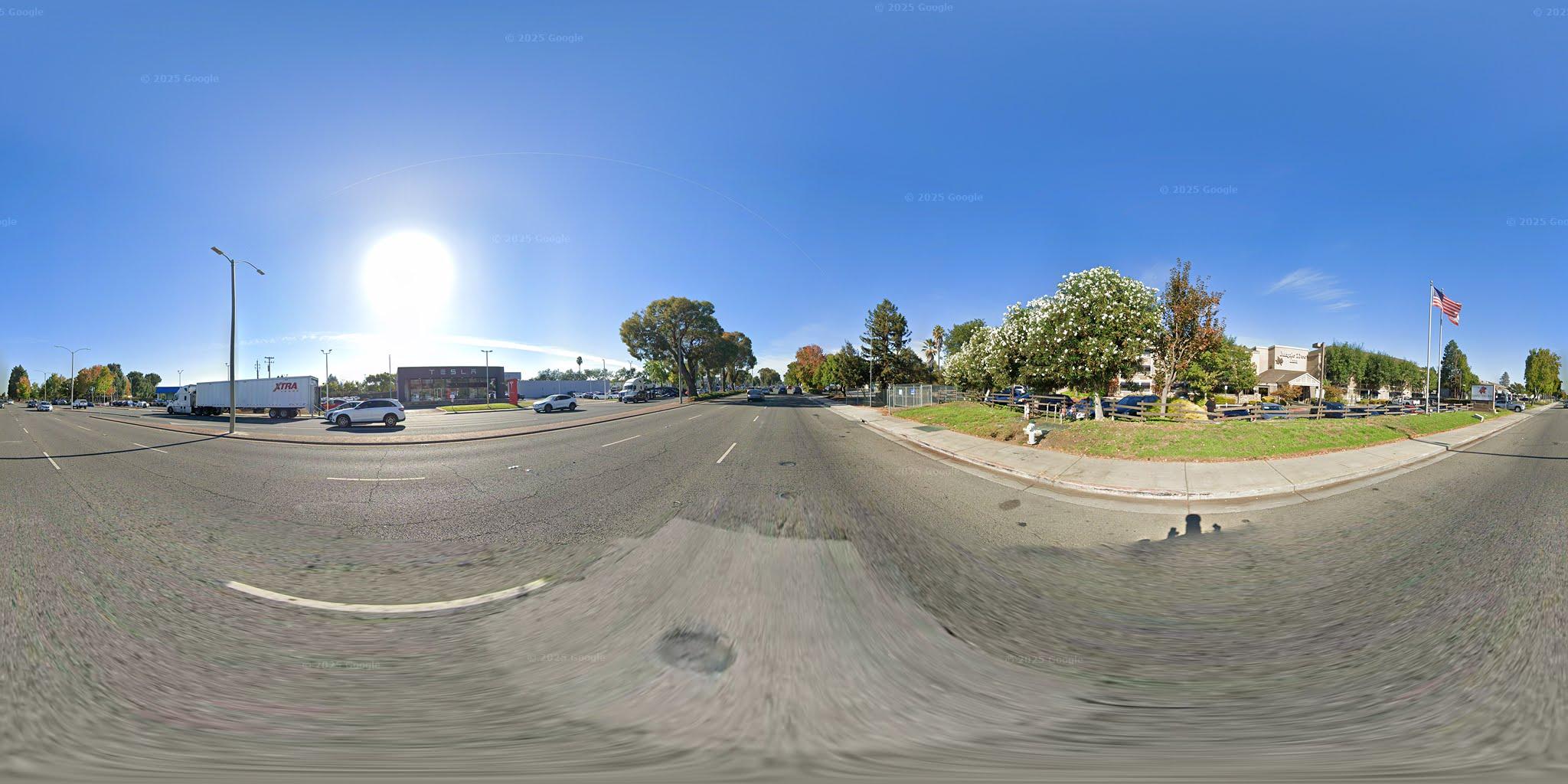
Other Examples: Equirectangular Projection of real image - Day
-
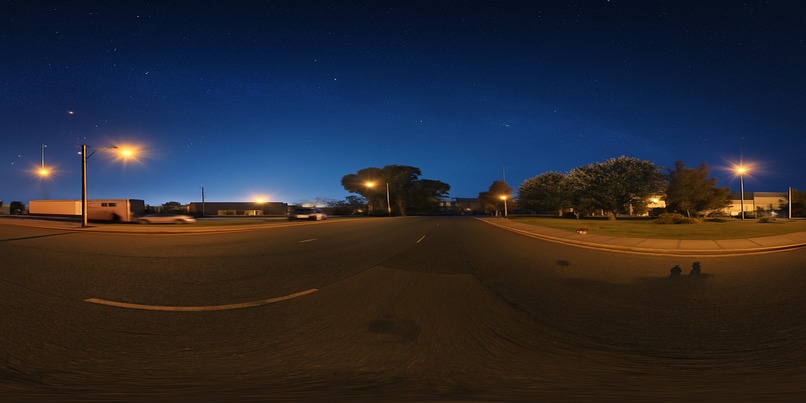
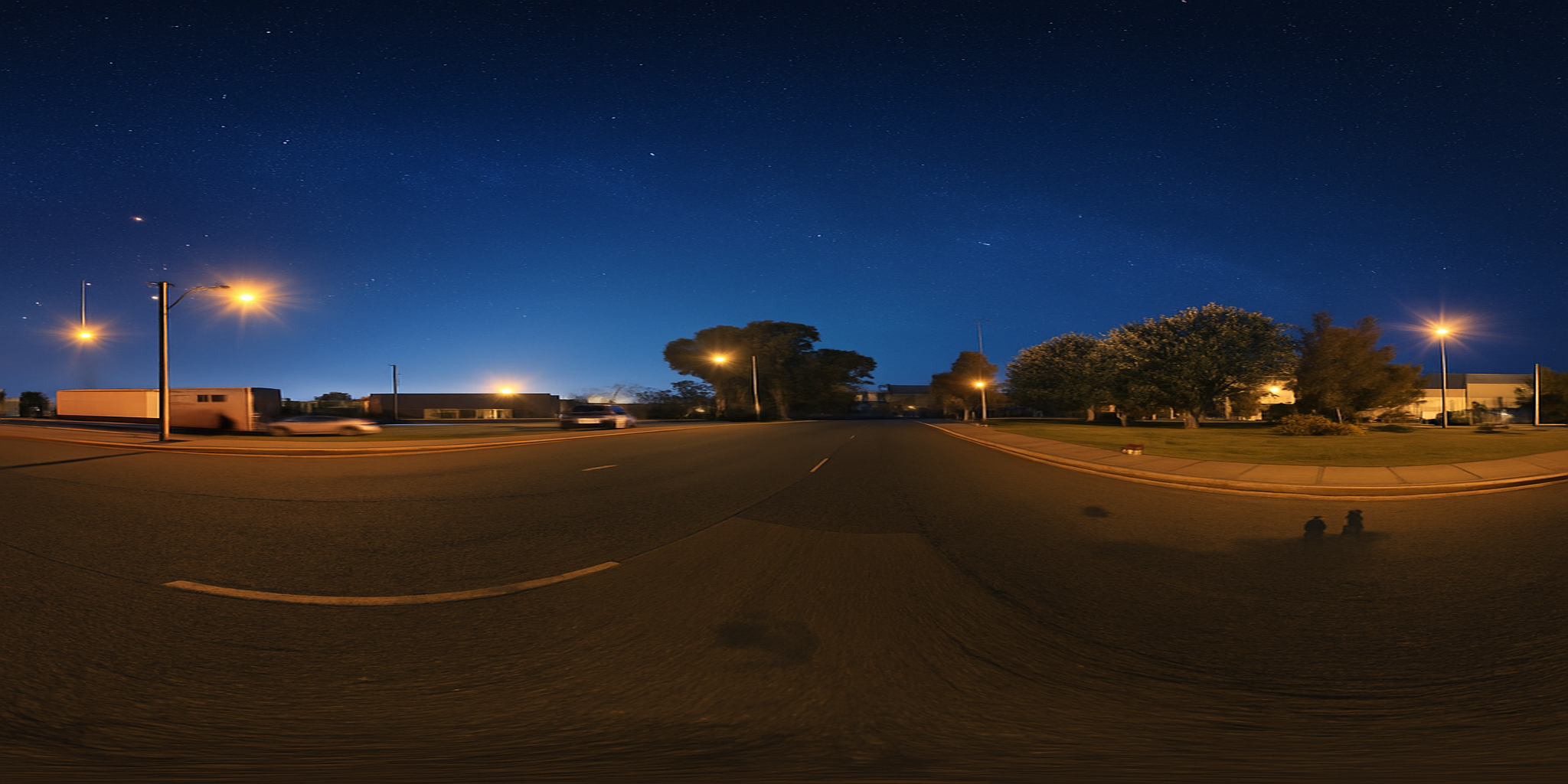
Other Examples: Equirectangular Projection of generated image - Night
Inspiration
As an international student, I was always eager to explore California's natural beauty. My first sunset was at Santa Monica, where the sun sank beautifully below the sea horizon. But when I returned with my friends months later, I noticed the sun set behind the nearby mountains instead of the same spot—thanks to Earth's axial tilt. While still beautiful, it wasn't the same as I remembered.
This experience sparked an idea: what if I could bridge the disconnect between a random photo of a place and its real-time as well as weather conditions using generative AI? After considering a database with nearly every place on Earth, I landed with Google Maps' static Street View imagery. I created a feature called WeatherLens, that leverages the power of gemini-2.0-flash-preview-image-generation to reimagine these panoramic views, integrating current weather conditions and sun positioning to provide users with a window into the present.
What it does
WeatherLens is an interactive web application that transforms Google Street View panoramas to reflect real-time weather conditions and sun positioning (azimuth and altitude). Users can:
- Search for any location or explore their neighborhood if their location is shared
- Drop the Pegman (Street View character) to generate 360° panoramas
- View live weather data for the selected location
- Regenerate the panorama with accurate lighting and atmospheric conditions
- Navigate the environment with Three.js rendering
How I built it
Refer to the second slide for the workflow.
Frontend:
Built with React.js using Google Maps API integration Three.js for 360° panorama rendering Custom map styling via JSON configurations by GMaps' styling wizard
Backend:
Flask server handling the following APIs: Google Street View Tile API for panorama stitching Google Weather API for real-time meteorological data of that location Gemini 2.0 Flash (image generation) for AI-powered enhancement Astral library for precise sun position calculations (azimuth/altitude)
Key Technologies:
- Panorama stitching algorithm using Python
- Equirectangular projection preservation in AI generation
- Real-time weather data integration with cloud cover, temperature, and atmospheric conditions
Challenges I ran into
1) Why stitch rather than acquire directly? A. Google Street View stores imagery as individual tiles, not as complete panoramas. The panoramic view we see in Google Maps is stitched together in real-time from these tiles. Hence, I also did the same to obtain it's equirectangular equivalent.
2) Generated Panorama Quality and artifacts A. Most of the time AI-generated images maintained the exact equirectangular projection without distortion or wrapping issues while rendering via three.js. However, the maximum resolution generated is 1024 px and hence resizing it to a 2048x1024 panoramic image, there has been a loss of quality along with artifacts.
Accomplishments that I am proud of
Being only a Machine Learning majors without much knowledge into Web development, this was an amazing learning experience. Specially creating a seamless 360° viewing experience with Three.js along with orbital controls by manually stitching both the real-world and generated images.
What I learned
Integration of multiple Google APIs with proper authentication and error handling. Astronomical calculations for sun positioning using latitude, longitude. Flask backend architecture for handling multiple concurrent API requests. React state management for complex user interactions.
What's next for WeatherLens
Why limit the experience to the present? I'm planning to expand WeatherLens by integrating weather forecasting and predicting the sun’s future position, offering users a glimpse into upcoming conditions.
Note: All three.js interactions shown in the above video were generated using real-time weather and corresponding location data. 0:40 - Hilo, Hawaii - 7/27 0:50 - Sunnyvale, CA - 7/27 0:53 - Minneapolis, MN -7/27 1:15 - Sunnyvale, CA - 7/28 1:23 - Santa Monica, CA - 7/28 1:32 - Anchorage, Alaska - 7/28
The generative outputs were produced using Google's Gemini 2.0 Flash Preview (image generation). Initial experiments with OpenAI’s image generation were conducted but eventually discontinued due to latency and improper wrapping of equirectangular panoramas.

Log in or sign up for Devpost to join the conversation.