-
-
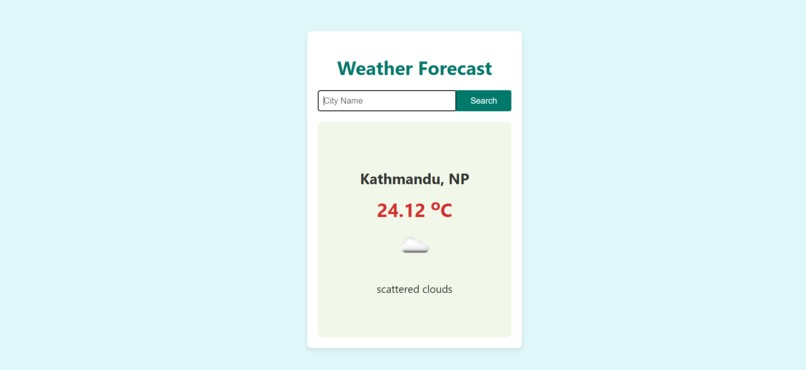
A sleek and user-friendly weather forecast application displaying the current weather of Kathmandu, Nepal.
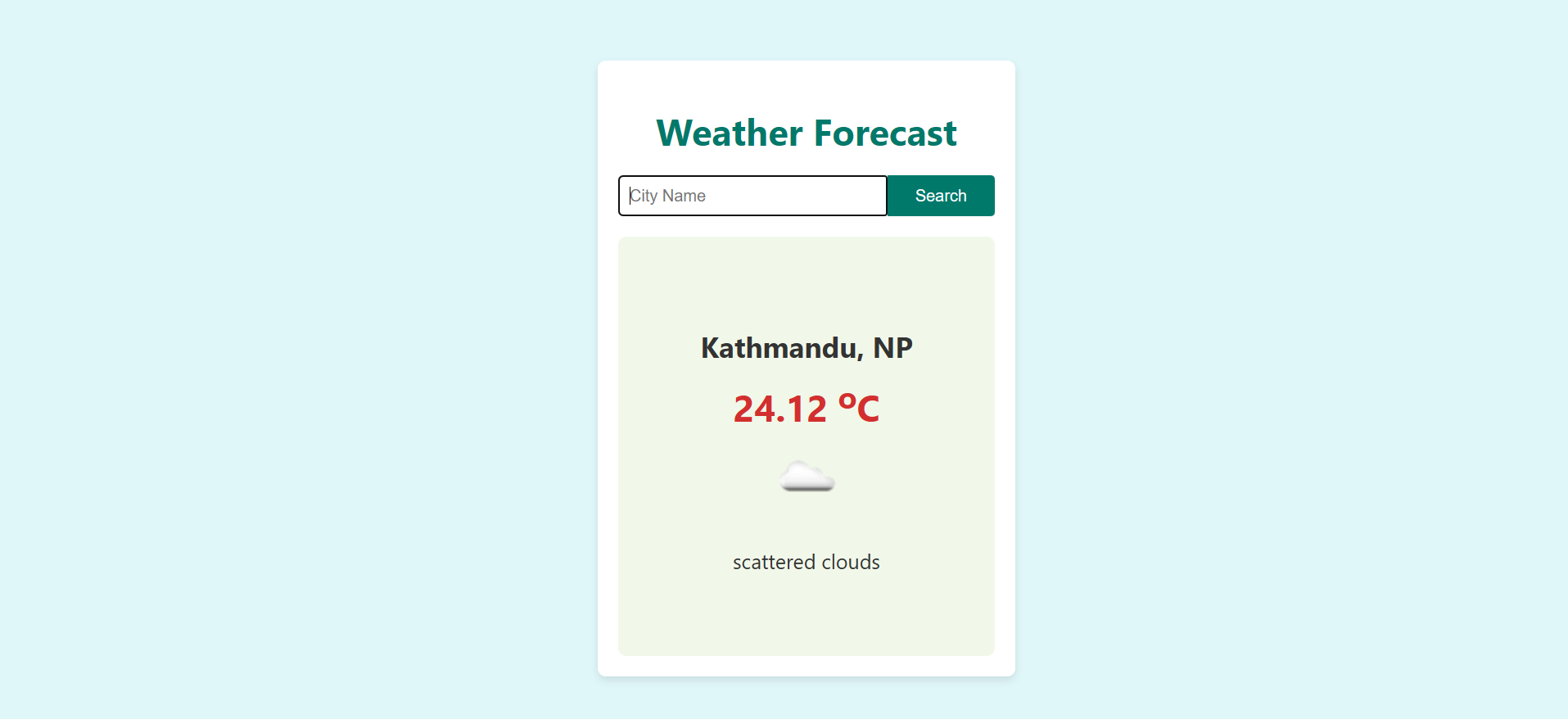
Weather Forecast
Inspiration
I was inspired to build this project after realizing how essential weather forecasts are in our daily lives. Whether it’s deciding what to wear, planning events, or preparing for a trip, quick access to reliable weather data can help make better decisions. I wanted to create a simple yet effective application that provides real-time weather information through an intuitive user interface.
What it does
The Weather Forecast app allows users to enter the name of any city and get up-to-date weather data. It displays the following information:
- City name and country code
- Current temperature (in Celsius)
- Weather description
- An icon representing the weather conditions
If a valid city name is provided, the relevant data is shown. If the city is not found or an error occurs, the app provides feedback to help users understand what went wrong.
How I built it
I developed this application using React, a JavaScript library for building user interfaces. The app interacts with the OpenWeatherMap API to fetch weather data based on the city name entered by the user. To ensure a smooth experience, I added a loading animation that runs while data is being retrieved from the API. Additionally, I handled potential errors gracefully, so users receive appropriate feedback when something goes wrong.
Challenges I ran into
- Error Handling: Managing errors such as invalid city names and network issues required careful attention to ensure users get meaningful feedback.
- Asynchronous Data Fetching: Implementing the loading animation without blocking the UI was tricky, especially when dealing with asynchronous API calls.
- UI Design: Designing a simple yet user-friendly interface that makes weather data easily accessible required several iterations.
Accomplishments that I'm proud of
I am proud that I built this project entirely on my own and successfully integrated the OpenWeatherMap API to display real-time weather information. Completing this project has not only strengthened my knowledge of React but also boosted my confidence in handling APIs and designing intuitive interfaces.
What I learned
Through this project, I gained hands-on experience with:
- API Integration: Working with external APIs and handling asynchronous operations.
- React Components: Leveraging React’s component-based structure to build dynamic interfaces.
- Error Handling: Managing different types of errors to enhance the user experience.
What's next for Weather Forecast
Here are a few enhancements I plan to implement:
- 5-day Forecast: Adding a feature to display weather predictions for the upcoming days.
- Geolocation Support: Automatically fetching the weather of the user's current location.
- Unit Conversion: Allowing users to switch between Celsius and Fahrenheit.
- UI Improvements: Incorporating animations and design elements to make the app more engaging.

Log in or sign up for Devpost to join the conversation.