-
-
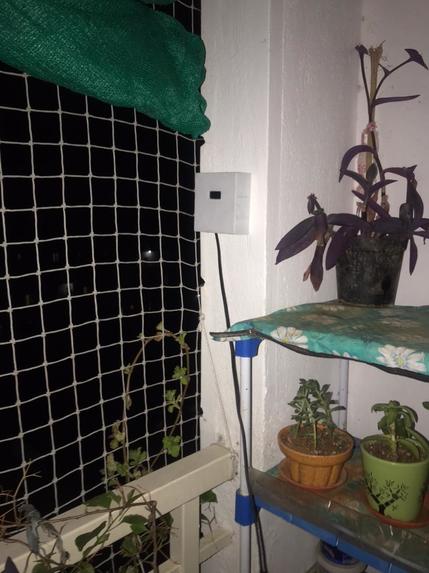
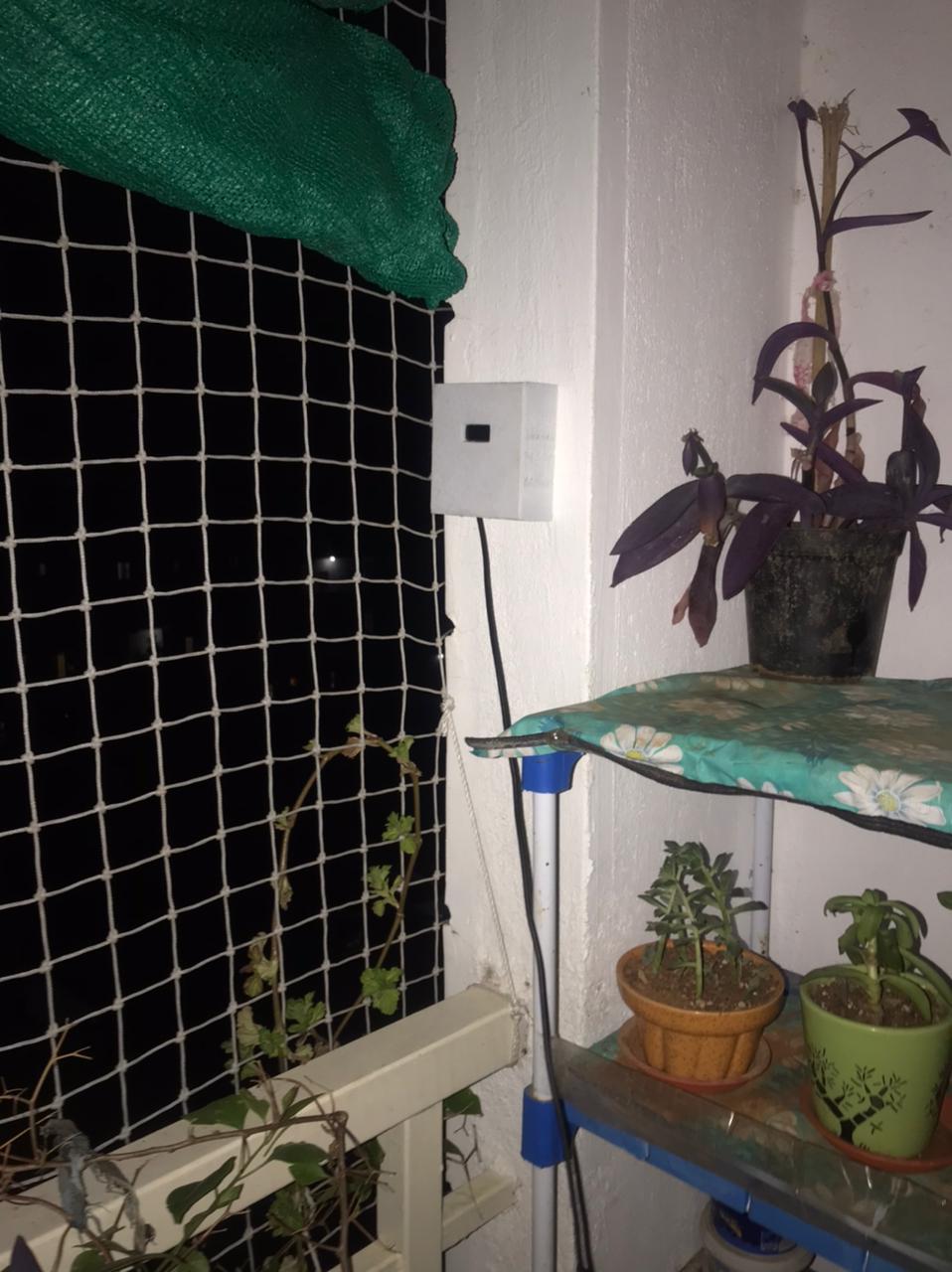
Device placed in Balcony of Apartment
-
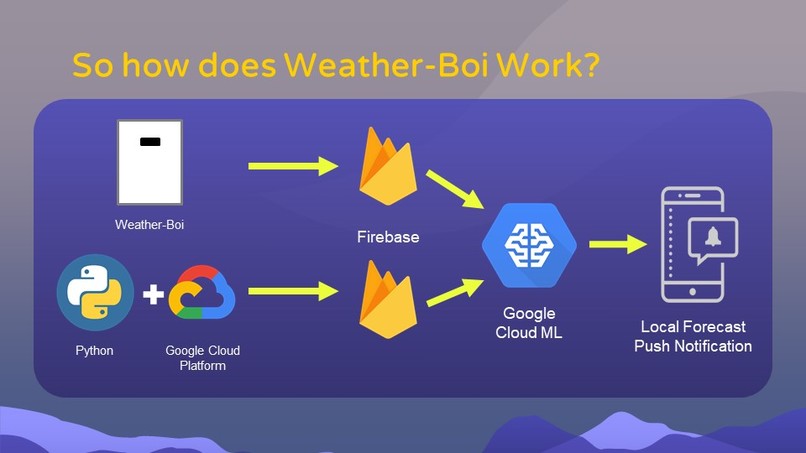
Flow Chart
-
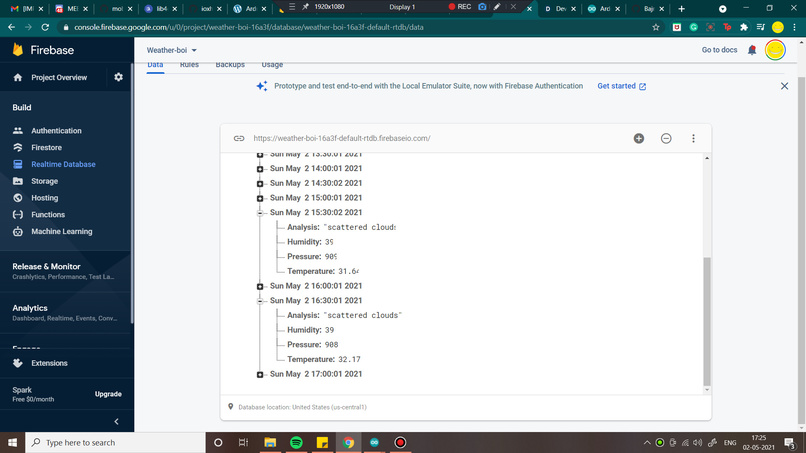
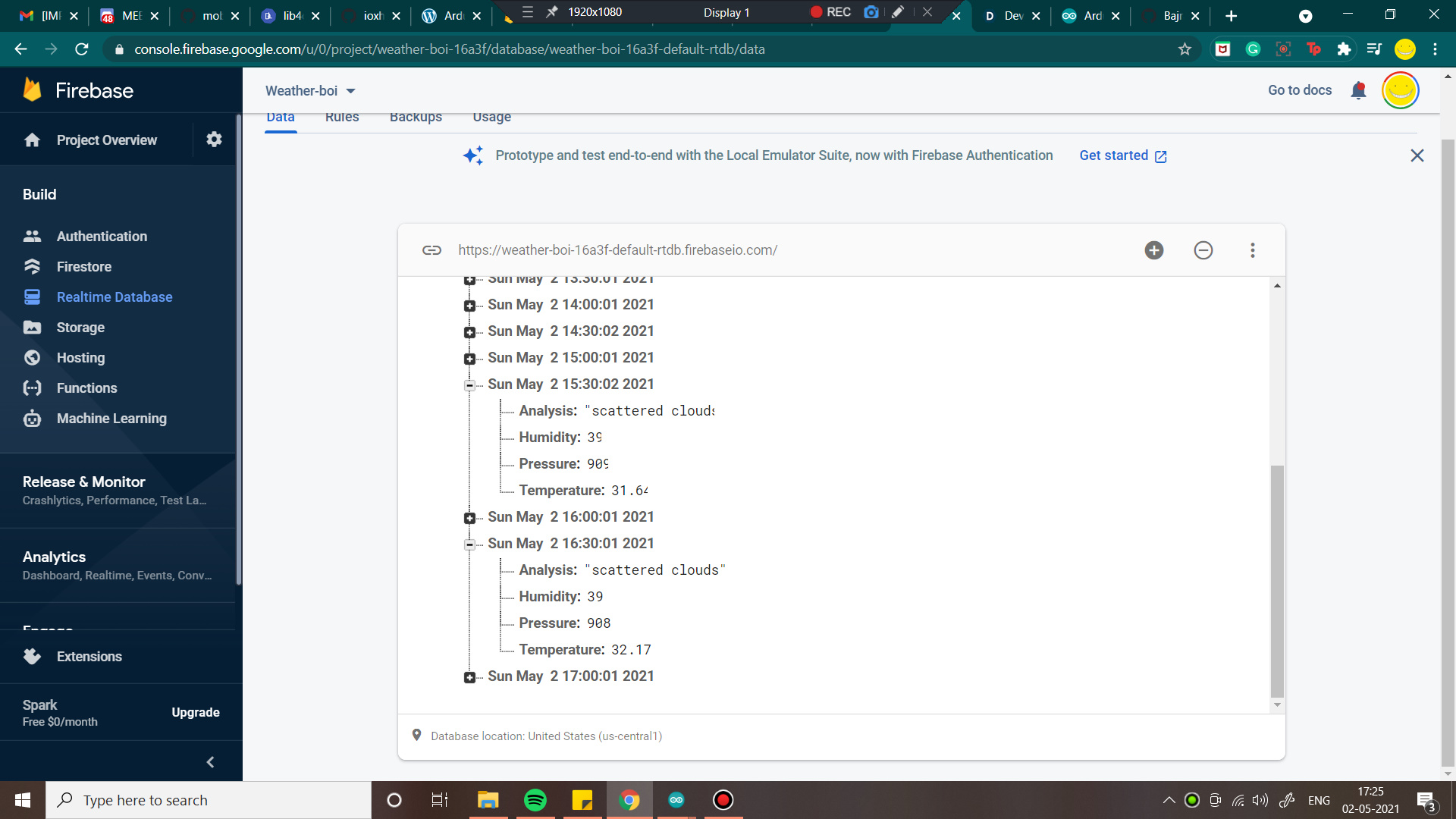
Data collected from Open Weather AI and stored in Firebase
-
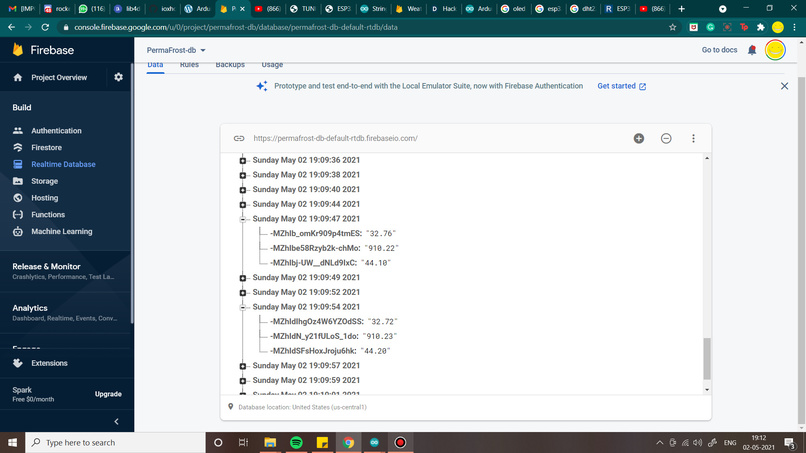
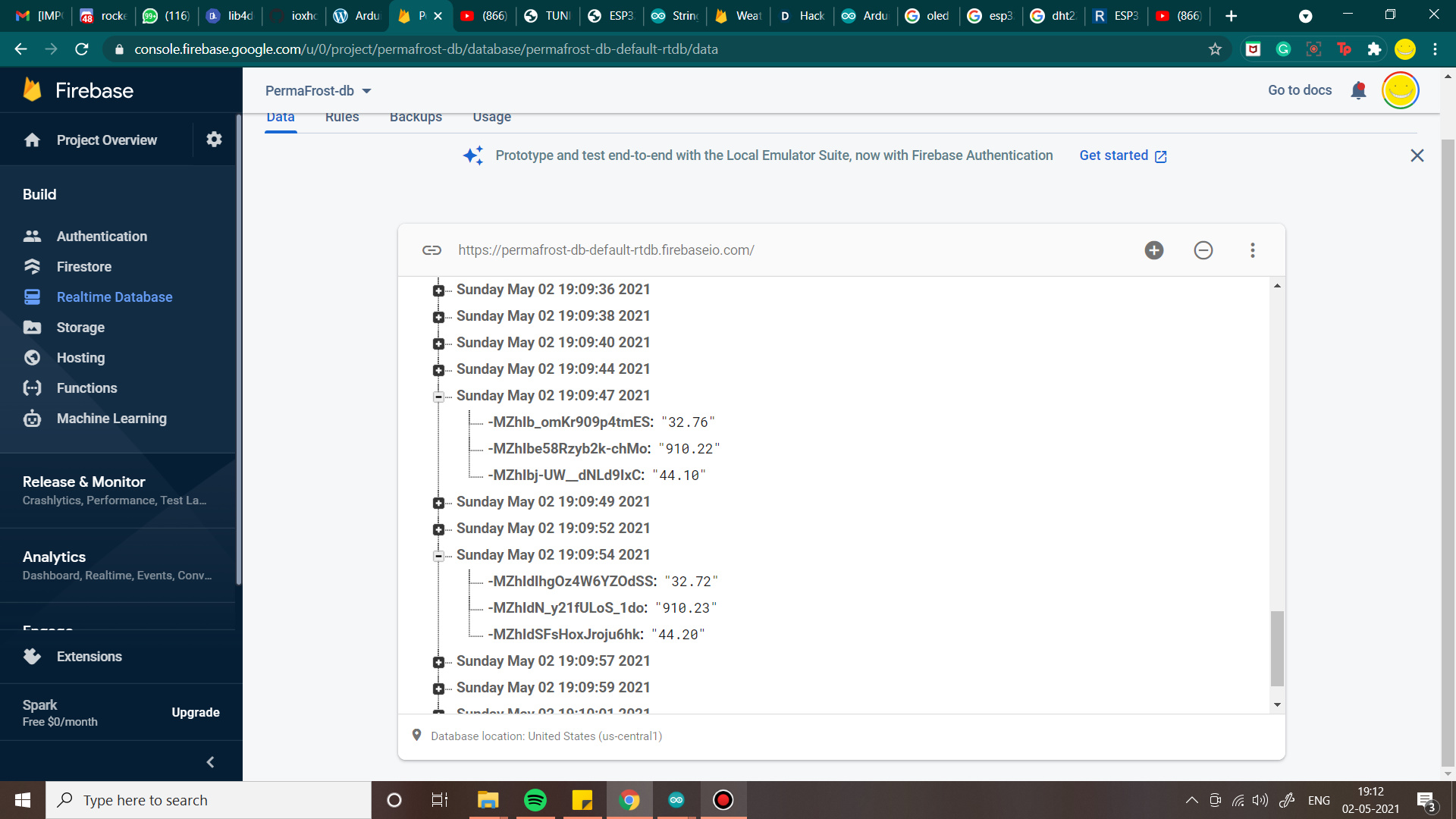
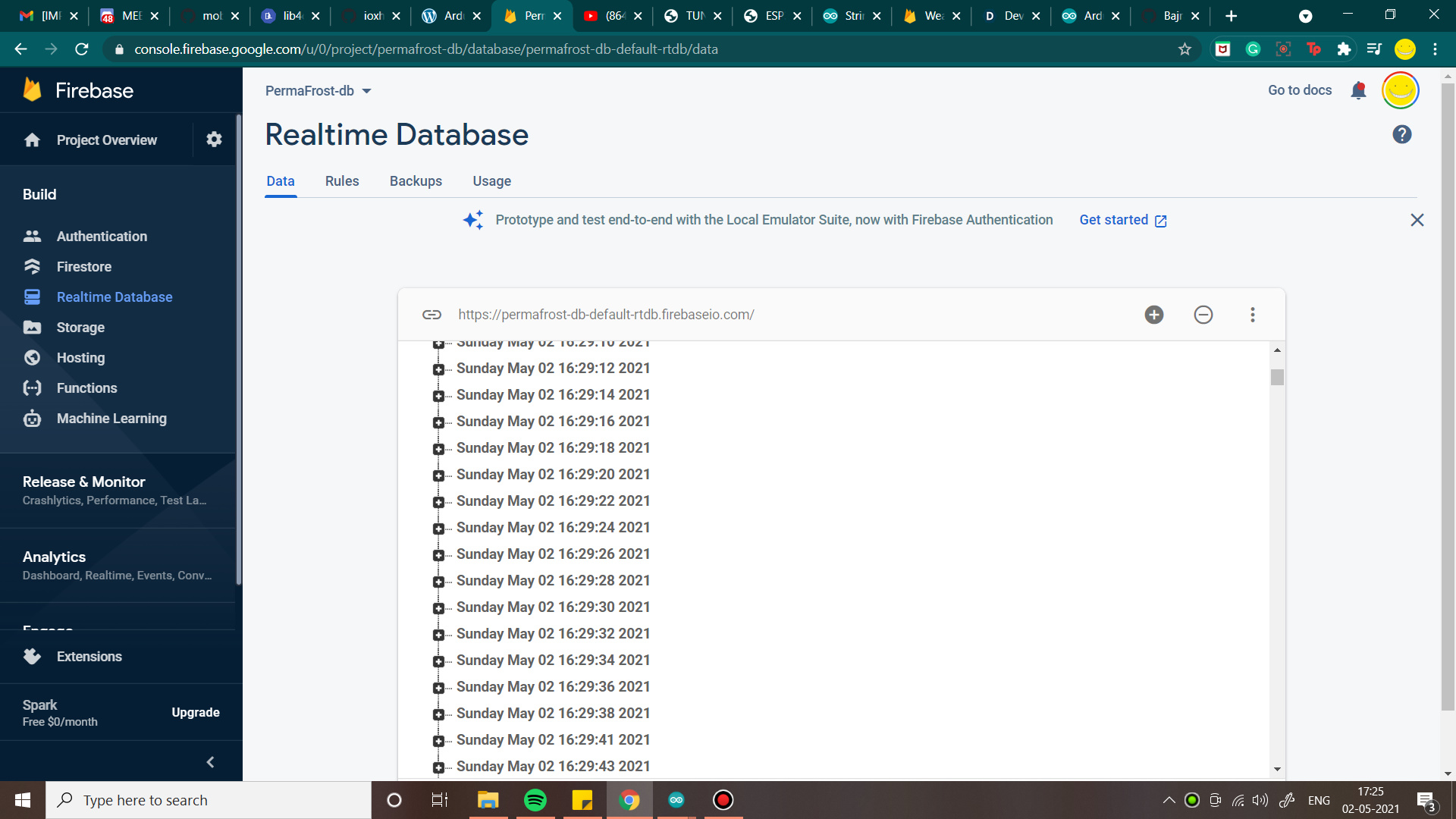
Data collected from sensors stored in Firebase
-
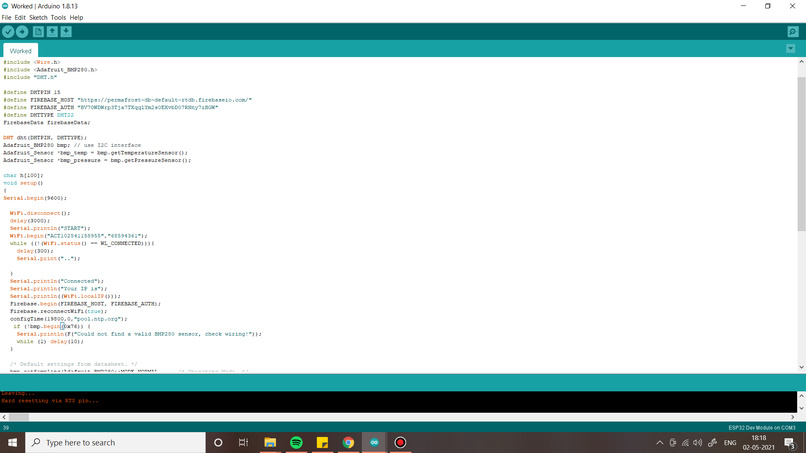
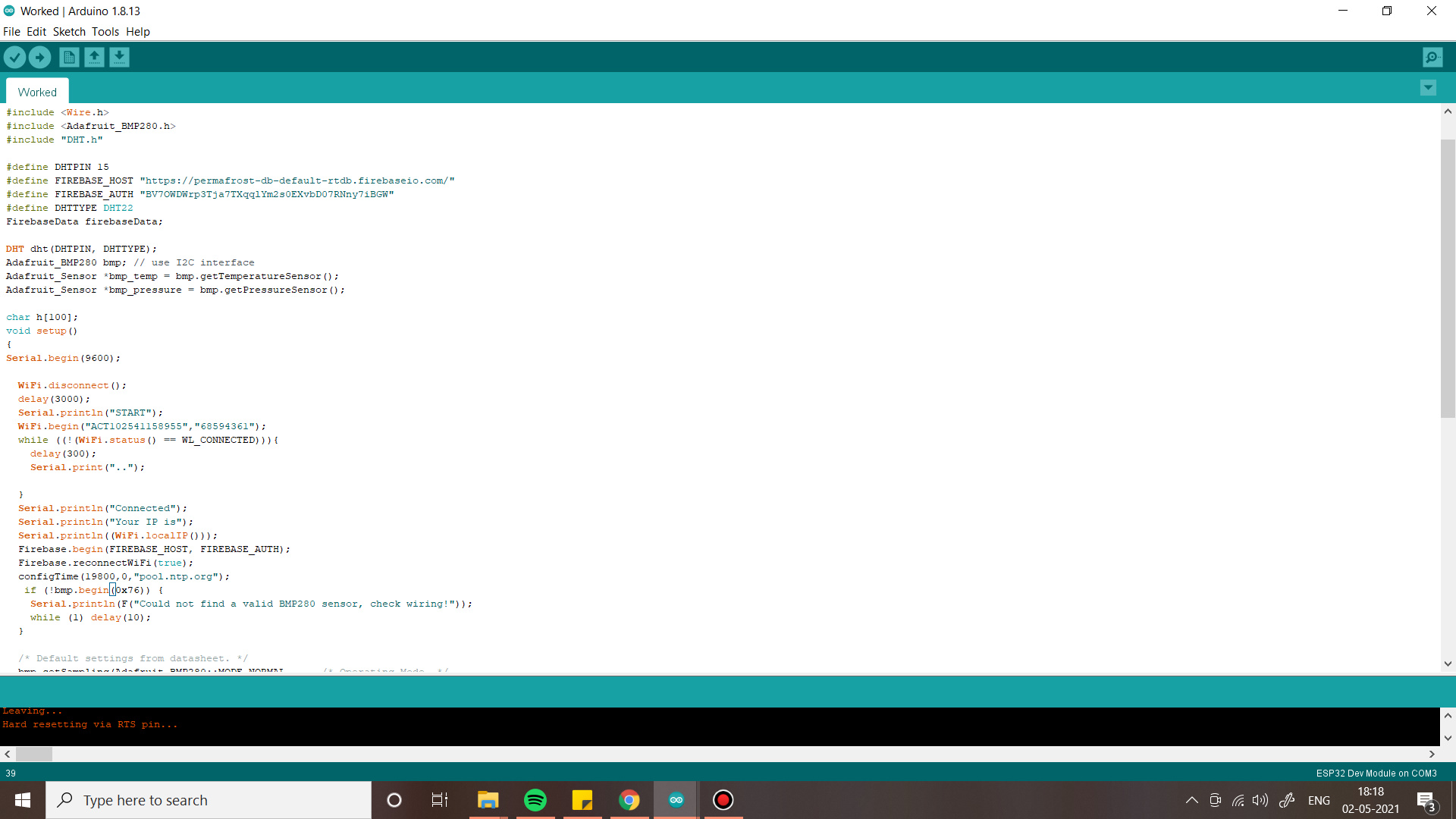
ESP32 code
-
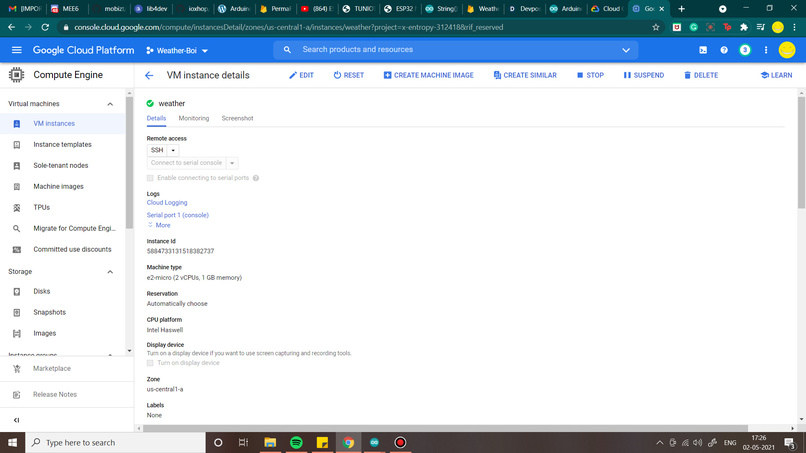
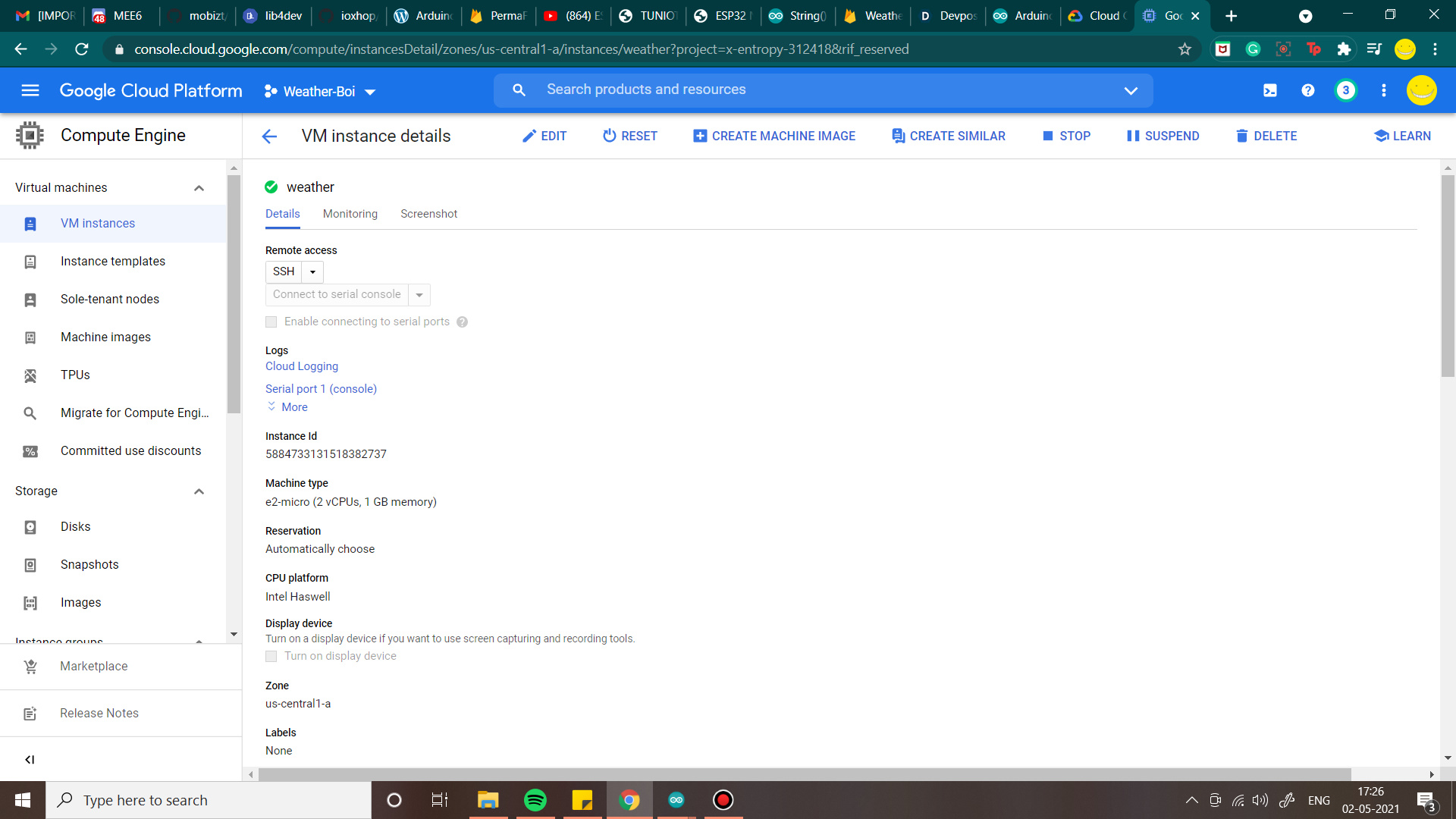
VM Details
-
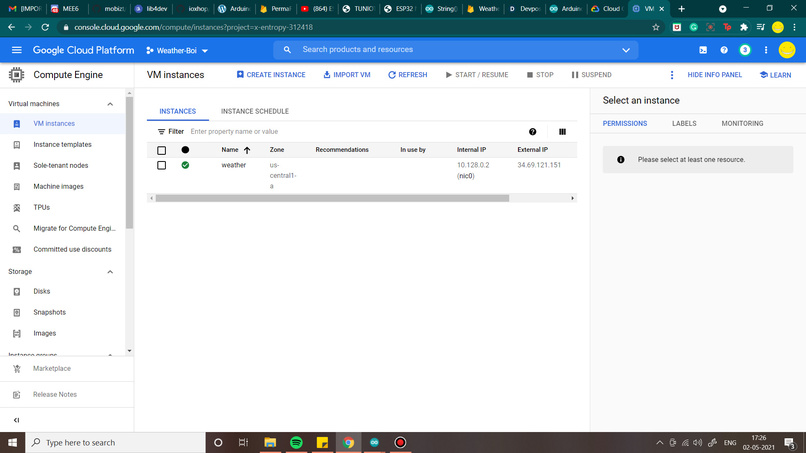
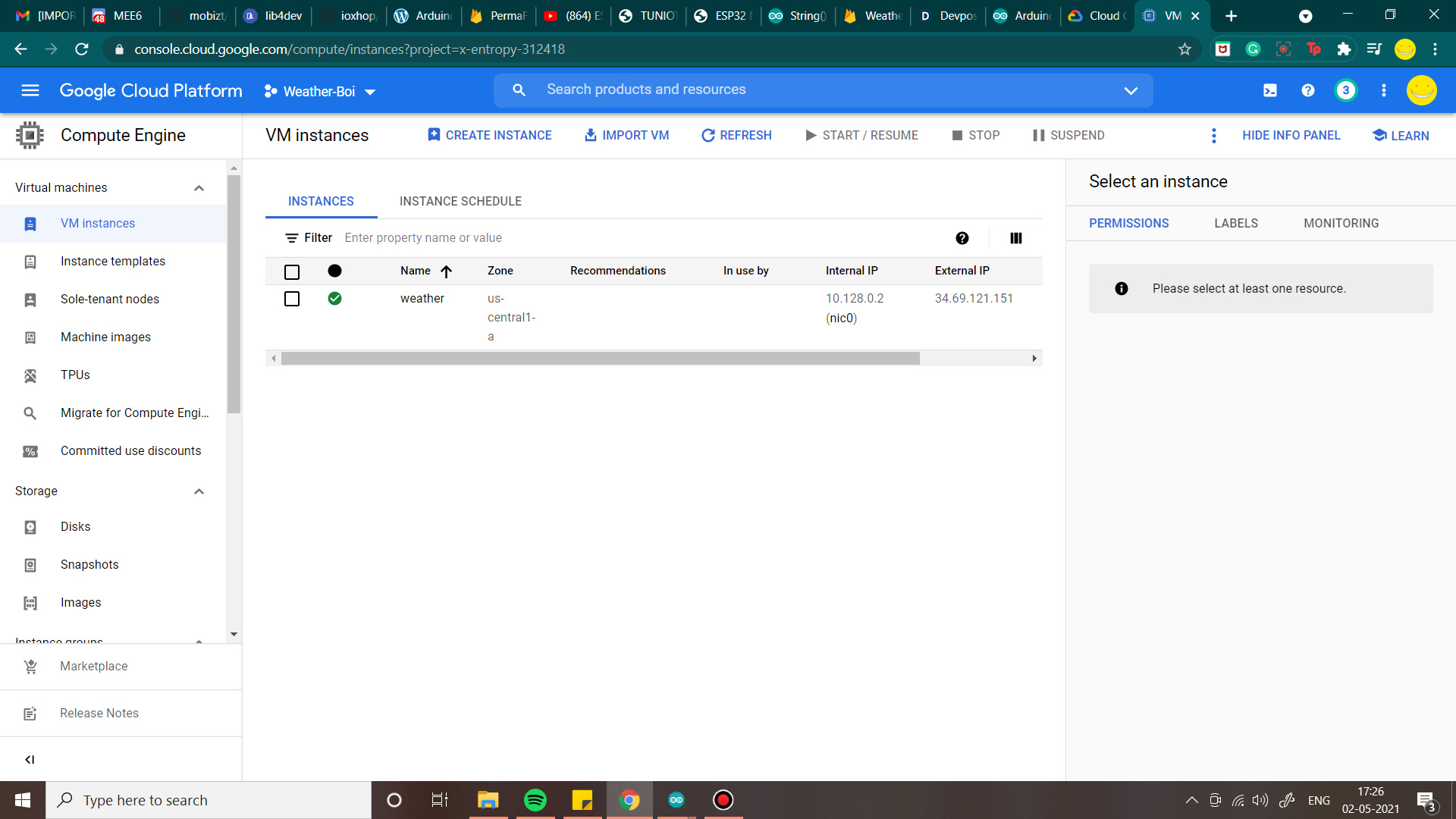
VM instance
-
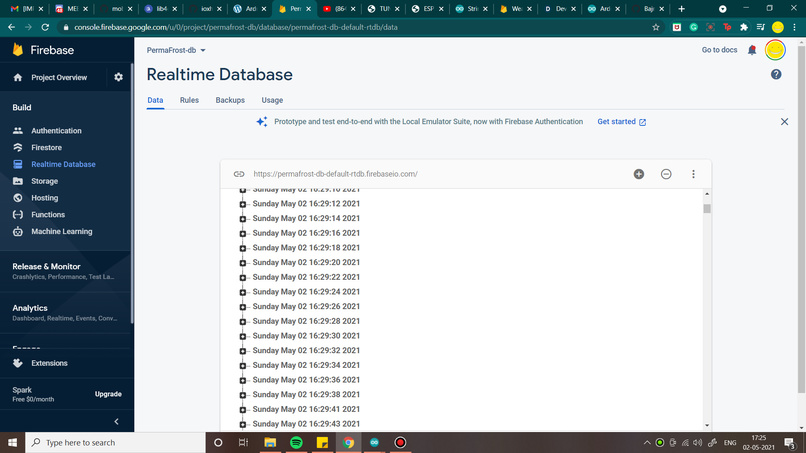
Data presented in Firebase
-
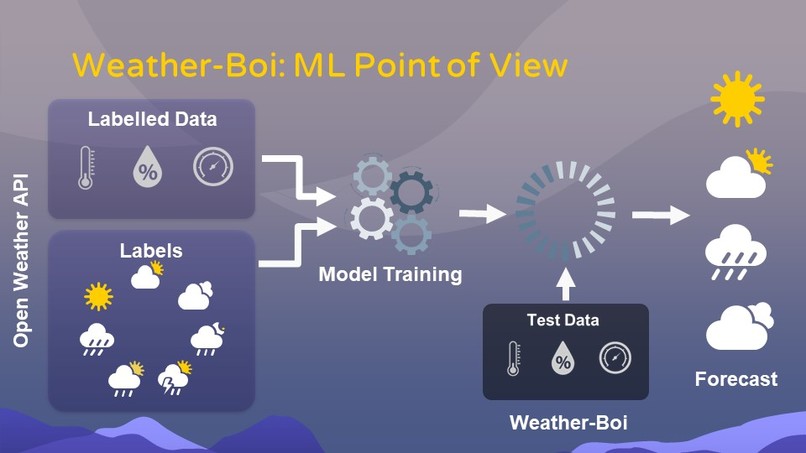
Supervised Learning

Inspiration
In big cities where the forecast might not apply to all its areas, Weather-Boi can help you know about the weather forecast before you step out of your house. Weather-Boi as the name suggests is a small device hence you can place it on your balcony and get updates based on ML Models.
What it does
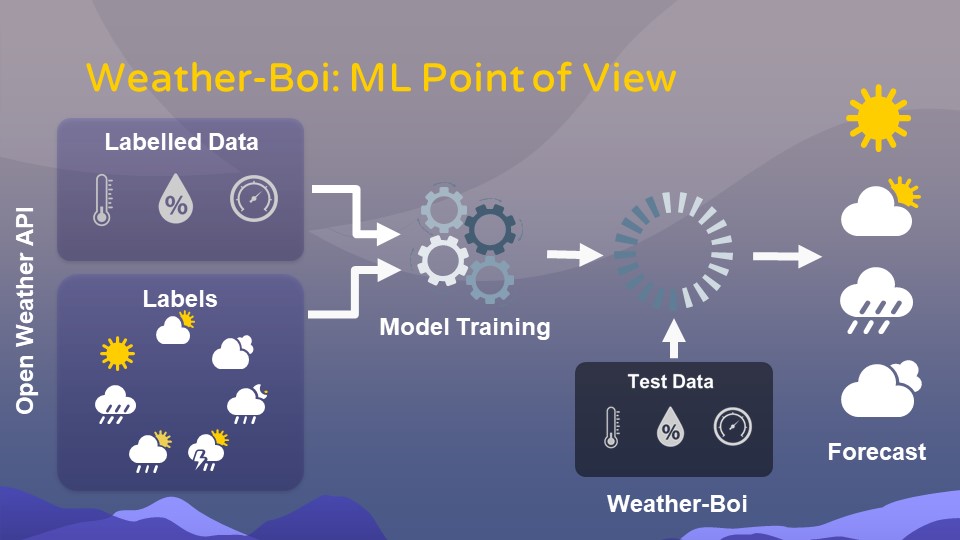
Weather-Boi gathers Temperature, Pressure, and Humidity using sensors. This data is then sent to Google Firebase RTDB which stores it in NoSQL format. At the same time, we have another database in Firebase where we store weather data specifically temperature, pressure, humidity, and the final analysis (current forecast). The data is collected from Open Weather API using a Python Script which runs on Compute Engine of Google Cloud. The data from both these databases can be sent to train an ML Model to Google cloud and once the model reaches a good accuracy percentage we feed the Weather-Boi data into the model and predict the outcome/weather forecast of our local area.
How we built it
- Python script written in PyCharm, Libraries like firebase-admin, datetime, etc are used to make the data more readable.
- Python Script is then saved, a VM instance is created in Google Cloud Computing Engine where this Python Script is pushed and run. We have used crontab to run the script every half an hour.
- With a simple E2-micro engine the script runs every half an hour and appends data to the database with date and time tag.
- Weather-Boi is built with ESP32 NodeMCU, BMP280 (Temperature and Pressure), and DHT22 (Humidity). Simple I2C interface for BMP280 and Digital IO for DHT22 with ESP32 NodeMCU.
- We are using another Firebase RTDB to which data of these sensors are sent. We are using FirebaseESP32, NTP client, and time libraries for a similar data format as that of the previous DB.
- The circuit is placed inside a 3D-printed cover for protection.
- Data from both databases can be sent to Google Cloud in order to train the ML Model. The model will take data from Open Weather API as learning data and testing of the model can be done with the Weather-Boi data
Challenges we ran into
- Initial approach for weather data was Web Scrapping however changes in the website may break the link to the code hence API was used. API of any weather website can be used. Accuweather, Yahoo weather are also suitable choices.
- Sending data of sensors to firebase in JSON format
Accomplishments that we're proud of
- Working with Cloud computing for the first time
- Running python scripts on cloud
- Working on RTDB to store data for ML Model
What we learned
- Weather analysis
- Usage of Google Cloud
- ESP libraries
What's next for Weather-Boi
The ML model with the data from both databases and then making an application which sends notifications to users phone stating the forecast


Log in or sign up for Devpost to join the conversation.