Inspiration
MLH - LHD Day4
What it does
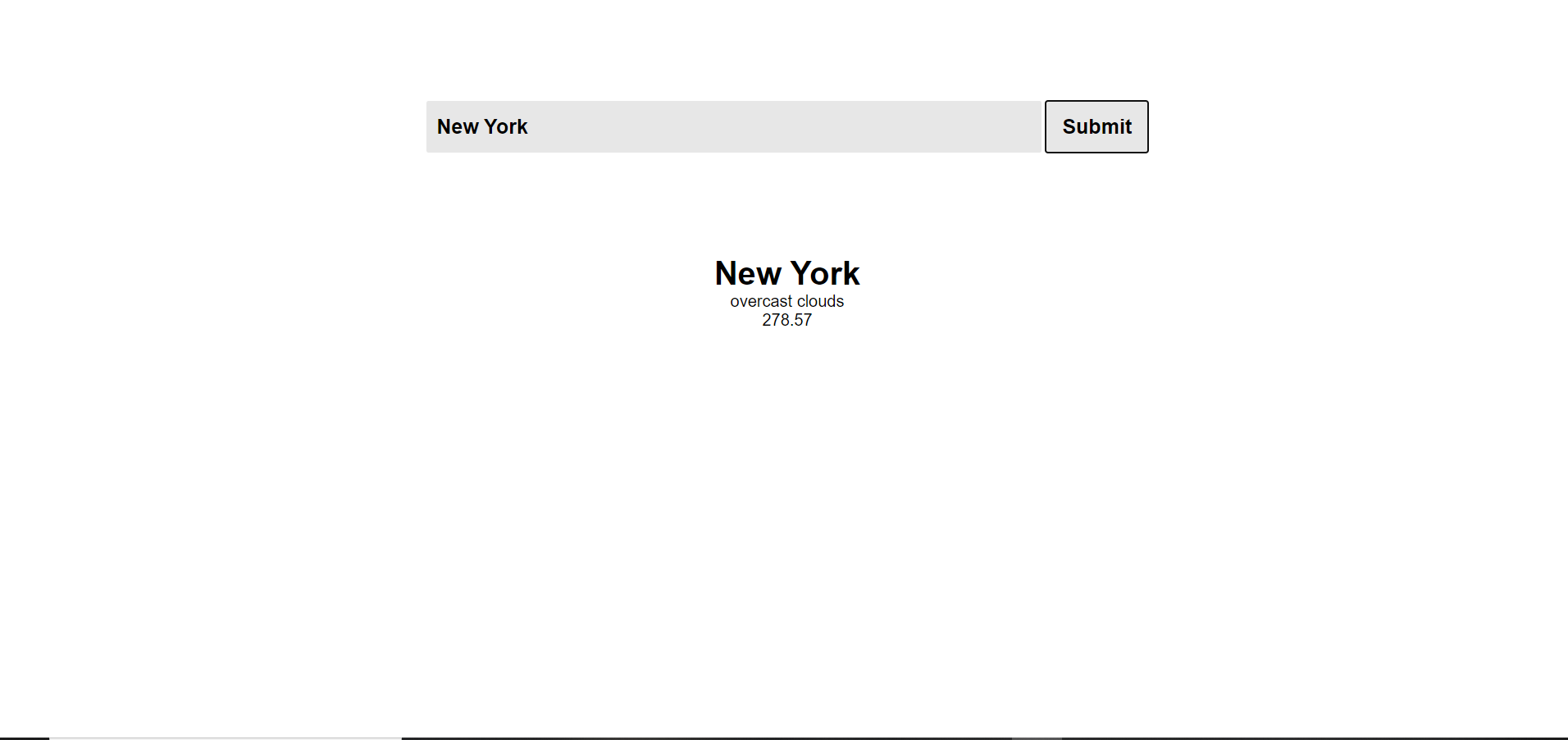
Giving us current Temperature of a city :)
How we built it
With the help of HTML , CSS and JavaScript and we use Open Weather API.
button.addEventListener('click', function(){
    fetch('https://api.openweathermap.org/data/2.5/weather?q='+input.value+'&appid=60eb8beecedbecba521dd64a4f13333e')
     .then(response => response.json())
     .then(data =>{
         let nameValue = data['name'];
         let tempValue = data['main']['temp'];
         let descValue = data['weather'][0]['description'];
         names.innerHTML = nameValue;
         temp.innerHTML = tempValue;
         desc.innerHTML = descValue;

     }
        )

     .catch(err=> alert("Wrong city name"))


})
This is the fetch request for the Weather API and display name and temperature in our display div :)
Challenges we ran into
Accomplishments that we're proud of
Getting better on handling api each day
What we learned
How can we use weather api
What's next for Weather Application
Improve our UI
Built With
- api
- css3
- github
- html5
- javascript
- vscode


Log in or sign up for Devpost to join the conversation.