-
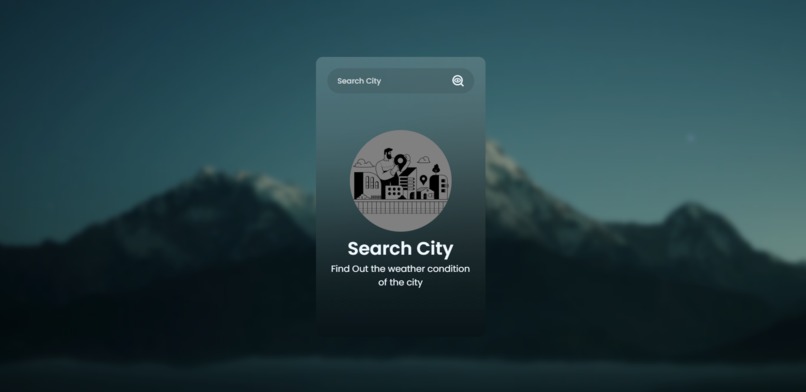
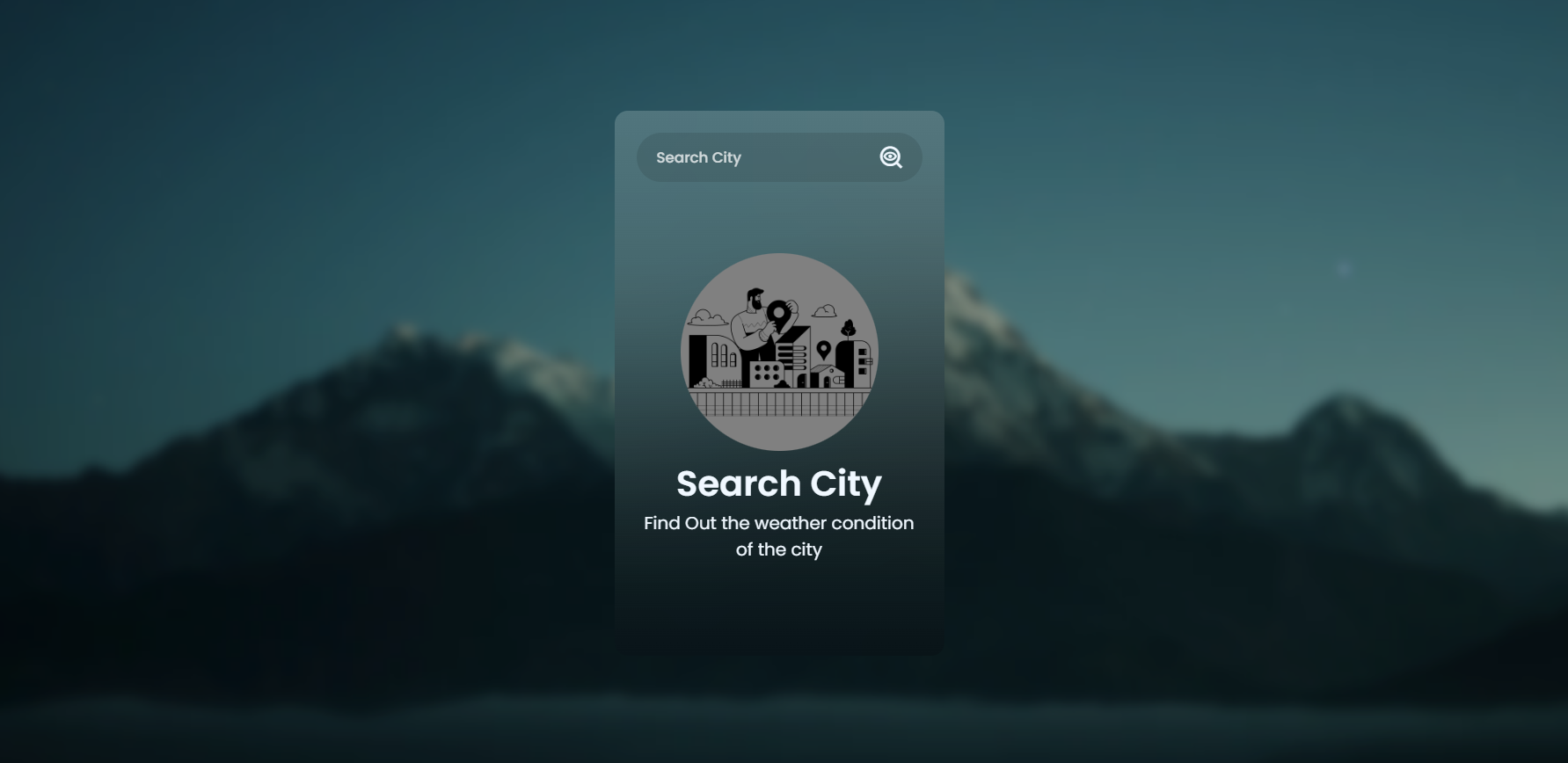
Search for the name : " city , country"
-
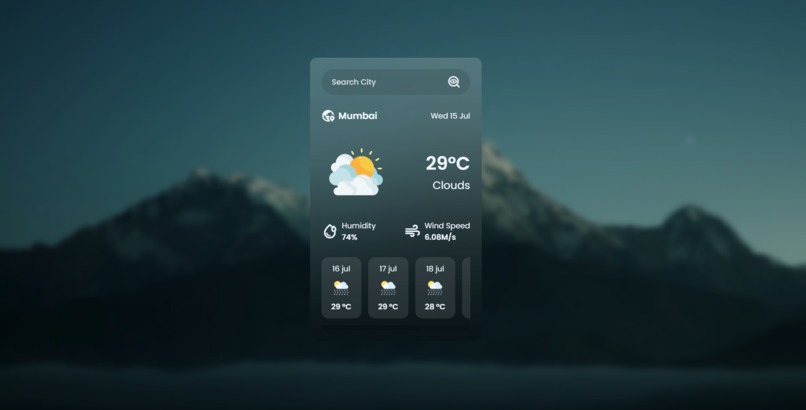
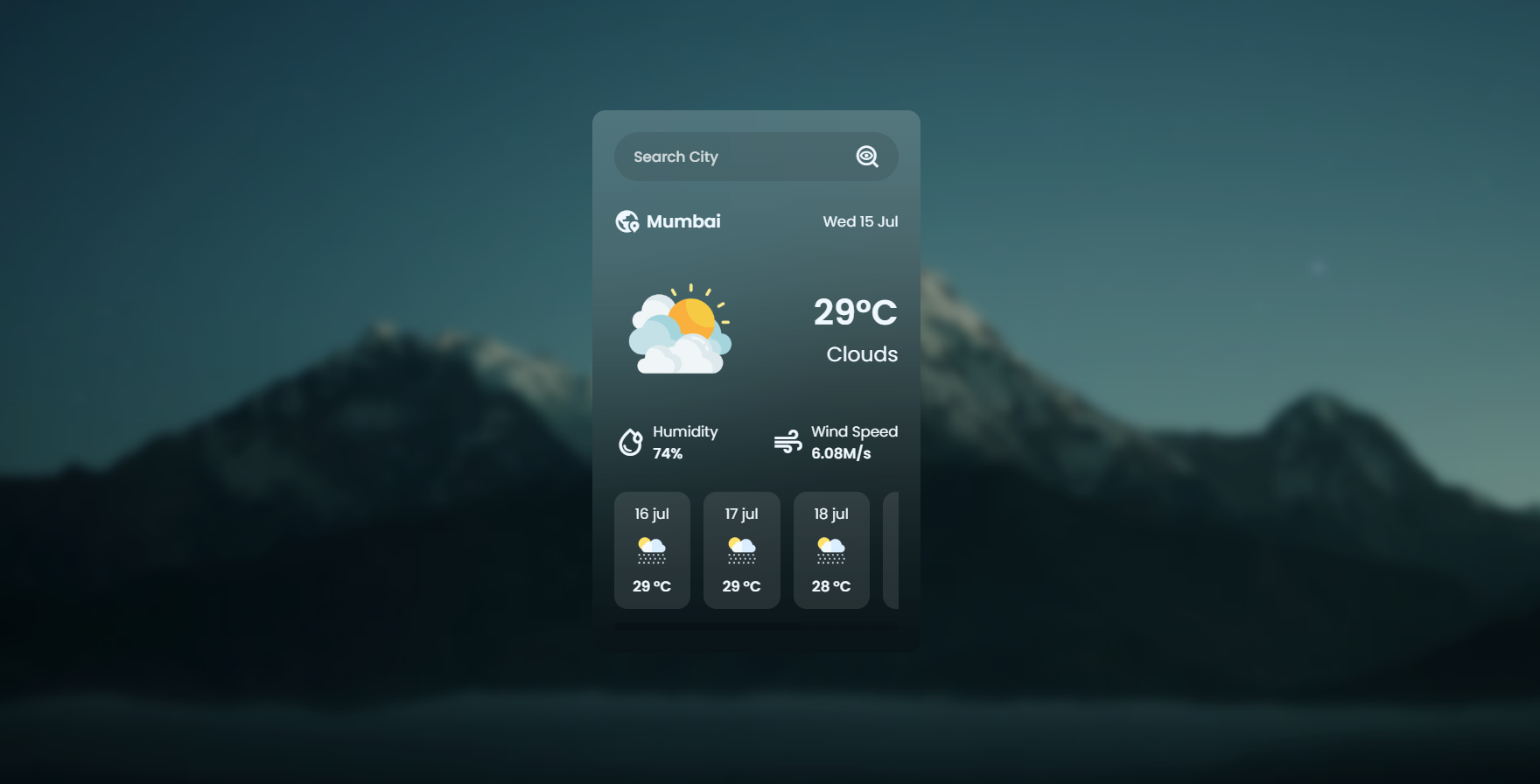
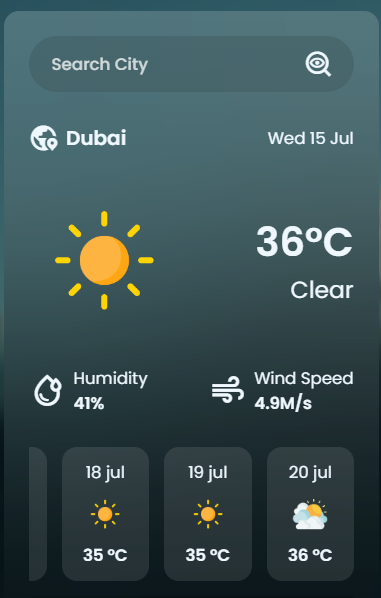
Accurate weather forecast
-
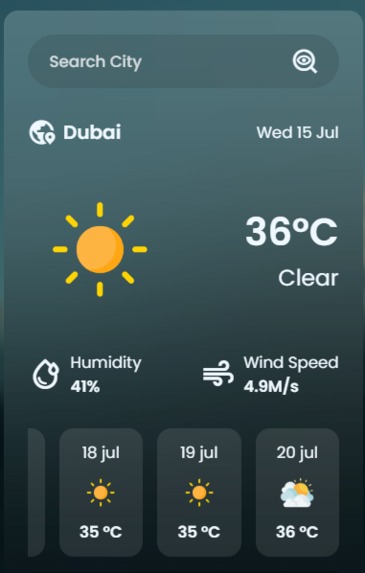
User interface
-
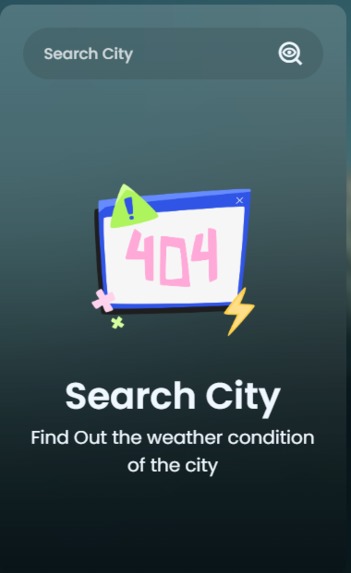
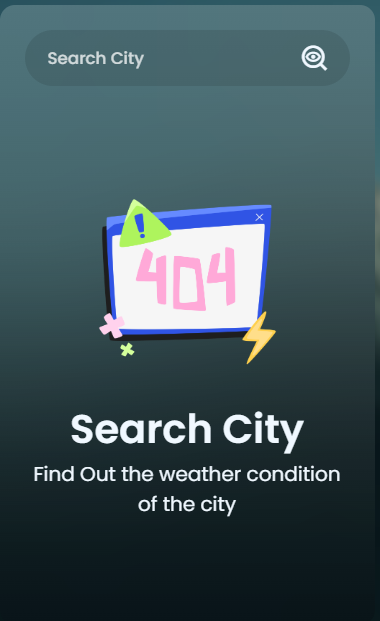
If the name is not correct
Inspiration
The inspiration came from wanting to break away from the cluttered, text-heavy designs of traditional weather portals. I wanted to build a minimalist weather tool that feels less like looking at a spreadsheet and more like looking out of a clean, premium window. By leveraging a modern glassmorphism design, the app seamlessly overlays real-time meteorological data onto beautiful, scenic backdrops, making checking the weather an aesthetic, calming experience.
What it does
The application is a fully responsive weather platform that lets users search for any city globally to get instant, highly accurate meteorological data. It displays:
Current Weather Metrics: Real-time temperature, wind speed, and humidity percentage.
3-Day Forecast: A clean, horizontal multi-day layout displaying upcoming weather trends.
Dynamic Visuals: Custom weather iconography that automatically updates to reflect the current sky conditions (sunny, stormy, cloudy, etc.).
How we built it
The project was engineered completely from scratch using vanilla frontend technologies:
HTML5 & CSS3: Structured semantic markup layered with custom backdrop-filters, flexbox layouts, blurred glass effects, and soft card borders to establish the signature glassmorphism aesthetic.
JavaScript (ES6+): Utilized the asynchronous Fetch API to pull live, real-time data feeds from the OpenWeatherMap API.
Dynamic DOM Manipulation: Leveraged JS destructuring and DOM methods to instantly parse complex JSON payloads and inject them directly into the UI without page refreshes.
Challenges we ran into
One of the toughest challenges was managing structural flow and state handling. During development, integrating nested JSON data within JS destructuring patterns introduced strict reference errors (like trying to access undefined array items on initial page load). This would silently break the UI rendering. Additionally, debugging parent-container HTML nesting and layout inheritance was challenging, particularly ensuring element containers didn't collapse or get swallowed by default hidden sections (display: none;) before search queries were executed.
Accomplishments that we're proud of
Flawless Glassmorphism UI: Achieving a gorgeous, modern blur effect that maintains complete text readability and looks incredibly premium on both desktop and mobile layouts.
Efficient Data Parsing: Successfully destructuring nested API objects (such as matching temperatures, weather IDs, and wind speeds) into clean, logical variables to keep the codebase highly maintainable.
Fast, Snappy UX: Optimizing the asynchronous flow so the transition between searching and rendering new city data feels near-instantaneous.
What we learned
Building this project reinforced the critical importance of defensive programming in JavaScript. I learned how vital it is to match structural data extraction with active scopes to avoid breaking the layout engine. It also deepened my mastery of advanced CSS, teaching me how to layer transparent containers, handle alignment within flexible grids, and manage display states smoothly across asynchronous actions.
What's next for Weather-Application
Here is the complete project documentation tailored specifically for your hackathon submission. It captures your entire development journey, including the bugs we just solved and your future goals for the application.
Inspiration
The inspiration came from wanting to break away from the cluttered, text-heavy designs of traditional weather portals. I wanted to build a minimalist weather tool that feels less like looking at a spreadsheet and more like looking out of a clean, premium window. By leveraging a modern glassmorphism design, the app seamlessly overlays real-time meteorological data onto beautiful, scenic backdrops, making checking the weather an aesthetic, calming experience.
What it does
The application is a fully responsive weather platform that lets users search for any city globally to get instant, highly accurate meteorological data. It displays:
- Current Weather Metrics: Real-time temperature, wind speed, and humidity percentage.
- 3-Day Forecast: A clean, horizontal multi-day layout displaying upcoming weather trends.
- Dynamic Visuals: Custom weather iconography that automatically updates to reflect the current sky conditions (sunny, stormy, cloudy, etc.).
How we built it
The project was engineered completely from scratch using vanilla frontend technologies:
- HTML5 & CSS3: Structured semantic markup layered with custom backdrop-filters, flexbox layouts, blurred glass effects, and soft card borders to establish the signature glassmorphism aesthetic.
- JavaScript (ES6+): Utilized the asynchronous Fetch API to pull live, real-time data feeds from the OpenWeatherMap API.
- Dynamic DOM Manipulation: Leveraged JS destructuring and DOM methods to instantly parse complex JSON payloads and inject them directly into the UI without page refreshes.
Challenges we ran into
One of the toughest challenges was managing structural flow and state handling. During development, integrating nested JSON data within JS destructuring patterns introduced strict reference errors (like trying to access undefined array items on initial page load). This would silently break the UI rendering. Additionally, debugging parent-container HTML nesting and layout inheritance was challenging, particularly ensuring element containers didn't collapse or get swallowed by default hidden sections (display: none;) before search queries were executed.
Accomplishments that we're proud of
- Flawless Glassmorphism UI: Achieving a gorgeous, modern blur effect that maintains complete text readability and looks incredibly premium on both desktop and mobile layouts.
- Efficient Data Parsing: Successfully destructuring nested API objects (such as matching temperatures, weather IDs, and wind speeds) into clean, logical variables to keep the codebase highly maintainable.
- Fast, Snappy UX: Optimizing the asynchronous flow so the transition between searching and rendering new city data feels near-instantaneous.
What we learned
Building this project reinforced the critical importance of defensive programming in JavaScript. I learned how vital it is to match structural data extraction with active scopes to avoid breaking the layout engine. It also deepened my mastery of advanced CSS, teaching me how to layer transparent containers, handle alignment within flexible grids, and manage display states smoothly across asynchronous actions.
What's next for Weather-Application
The immediate next steps will transform this app from a passive dashboard into an active, everyday utility:
Smart Activity Planner: A dynamic feature predicting the feasibility of outdoor activities like running, biking, or walking based on current wind, temperature, and precipitation levels.
Contextual AI Assistant: A lightweight, built-in AI micro-feature that provides a quick, daily conversational summary (e.g., "Perfect morning for a run, but pack an umbrella for the afternoon").
Localization: Auto-detecting user location to serve local weather updates instantly upon opening the application.

Log in or sign up for Devpost to join the conversation.