-

result page
-
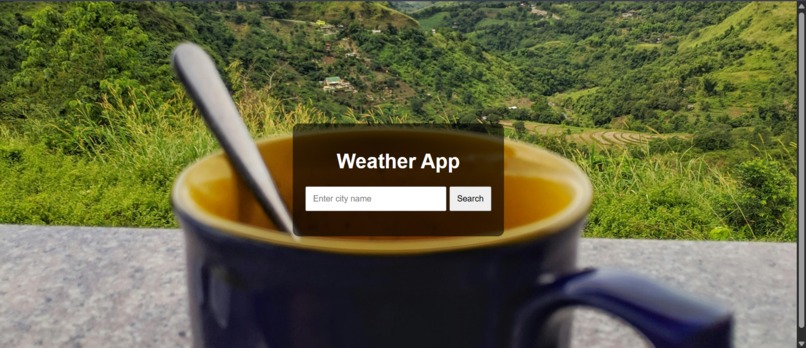
Home page

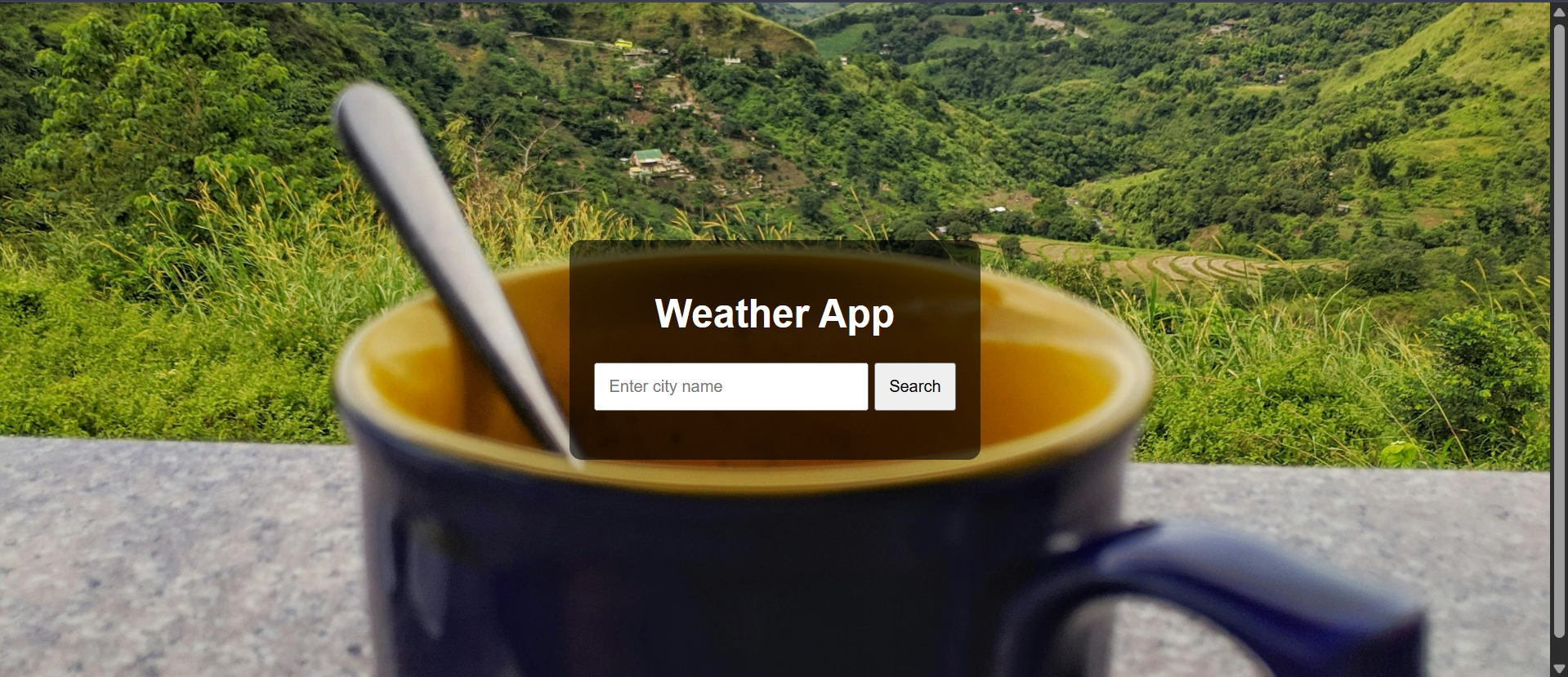
🌤️ WeatherApp – Real-Time Weather at Your Fingertips 🚀 Inspiration As someone who checks the weather frequently before heading out or planning trips, I wanted to build a minimal and responsive weather app that gives accurate and real-time information without any clutter. The idea was to create something lightweight, functional, and user-friendly for anyone to use on the go.
🛠️ How I Built It I developed this project using:
HTML, CSS, and JavaScript for the frontend
OpenWeatherMap API for real-time weather data
Responsive design for mobile and desktop compatibility
Geolocation API to get weather based on the user’s current location
The UI is clean, and the app allows users to search for any city and get updated weather information instantly.
📚 What I Learned How to work with external APIs and handle asynchronous data using fetch()
Managing API keys securely and understanding rate limits
Improving UI/UX for better readability and user experience
Debugging and error handling for location and API failures
⚔️ Challenges Faced Handling edge cases like invalid city names or network errors
Integrating geolocation smoothly across different browsers
Making the app responsive across devices
Designing a UI that is both minimal and functional


Log in or sign up for Devpost to join the conversation.