-
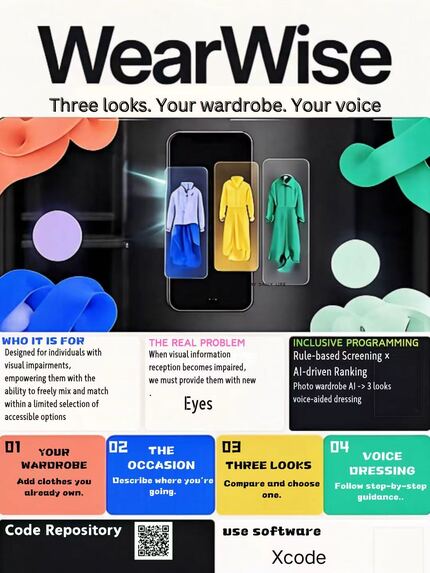
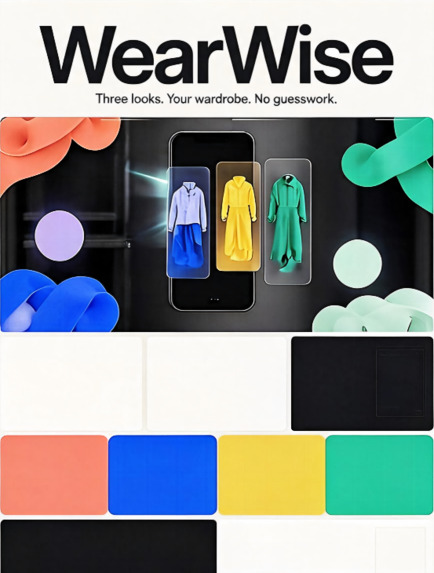
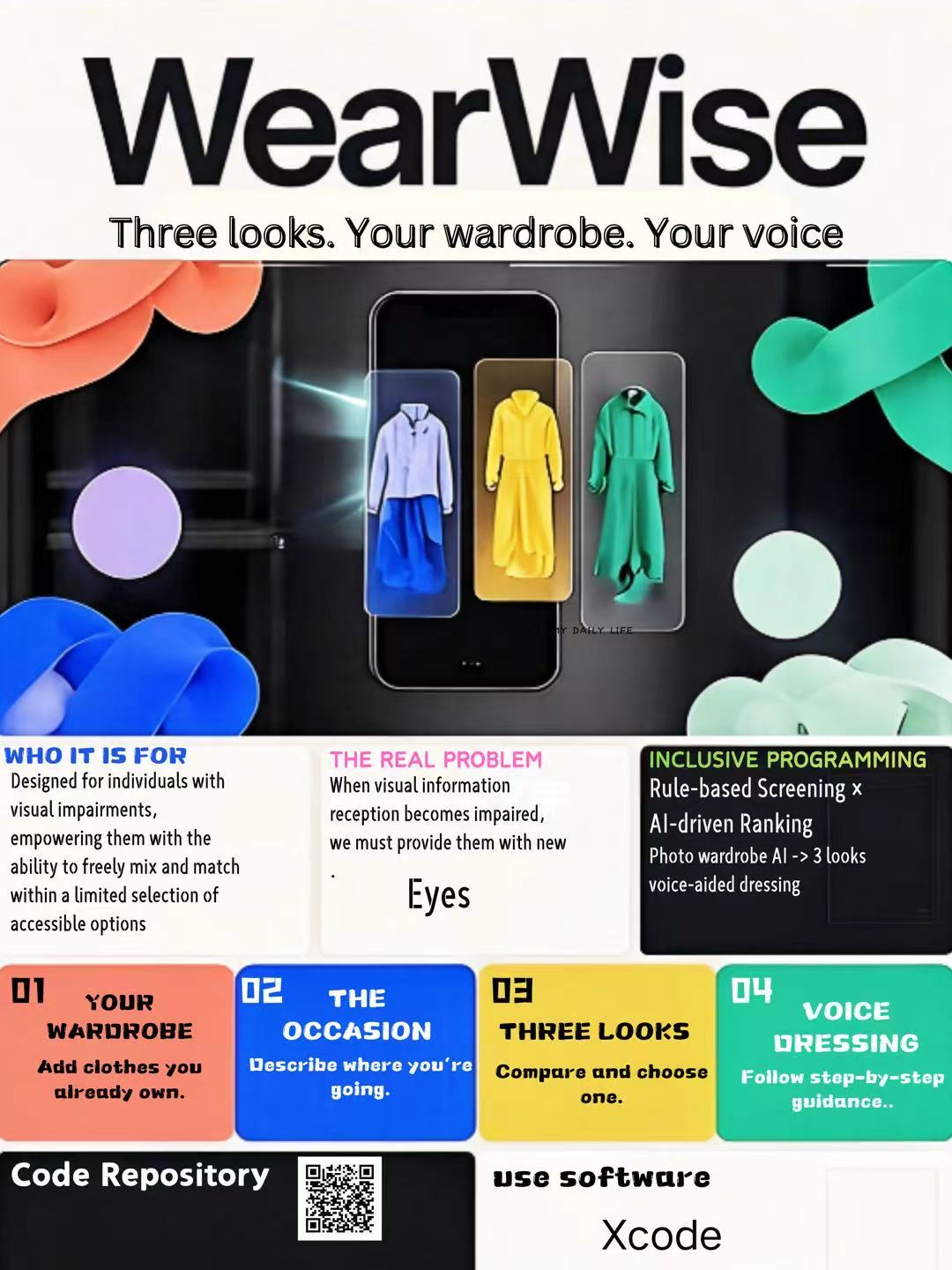
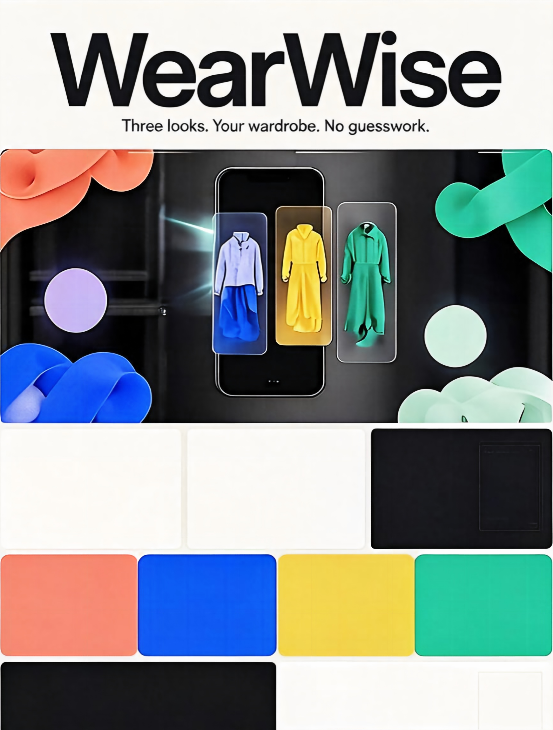
WearWise turns your own clothing photos into three explainable outfits for people with color-vision deficiency and low vision.
-
-
Inspiration
Choosing clothes is often treated as a purely visual task: find a shirt, match its color with trousers, and decide whether the result looks right. For people with color-vision deficiency or low vision, the difficult part is not owning clothes or getting dressed. It is knowing whether the colors, formality, and overall social tone actually work together.
Most outfit applications rely on color swatches, polished product photography, and subtle visual differences. These interfaces can still exclude people who struggle to distinguish certain colors or read small, low-contrast content. Style and self-expression should remain accessible; accessibility should not mean removing aesthetics.
WearWise began with a simple question:
How can people who do not see color in the same way make confident outfit decisions using photos of their own clothes?
Our answer is a photo-first wardrobe and recommendation system for people with color-vision deficiency and low vision. VoiceOver and optional narration remain available, but the main experience uses clear graphical controls and visible garment photos. Total blindness is outside the current scope because building and managing a photo wardrobe requires users to be able to photograph their clothing.
What WearWise does
WearWise turns photos of the user's actual clothing into three explainable outfit options.
- Add tops, bottoms, shoes, and outerwear through the camera or photo library.
- Store the photos and garment information in a local wardrobe.
- Describe an occasion, such as a first family dinner or a club presentation.
- Review the inferred formality and style direction.
- Generate up to three outfits using clothing the user already owns.
- Compare the outfits through photo collages and plain-language explanations.
- Replace one item from the same clothing category while keeping the other items locked.
- Confirm and save the final outfit.
Every recommendation explains:
- The color or light-dark relationship.
- The target formality.
- Why the combination suits the occasion.
- Comfort and weather considerations.
- At least one tradeoff.
The interface uses a black-and-white visual system with large icon-and-label buttons. Garment photos keep their original color because users need them to recognize their own clothing. Selection and status are never communicated by color alone: outlines, checkmarks, labels, and fill changes work together.
How we built it
Native iOS client
We built the native client with SwiftUI. The app manages a local photo wardrobe, including original images and thumbnails, and uses garment photos as the visual foundation of every recommendation.
The client includes:
- Category-based wardrobe browsing.
- Camera and photo-library import.
- Local image compression and persistent metadata.
- Occasion input and formality adjustment.
- Three photo-based outfit cards.
- Outfit details and same-slot replacement.
- Saved recent outfits.
- Optional weather context and AI loading states.
Garment photos never enter the recommendation request. The client sends structured metadata and receives stable item IDs, then maps those IDs back to locally stored photos. This ensures the user always sees their own clothing rather than a generic product image.
Backend
We built the backend with FastAPI. It provides endpoints for health checks, occasion presets, occasion resolution, weather context, outfit recommendations, and outfit revision.
The backend uses deterministic rules to guarantee that every outfit contains the required garment categories and never duplicates an item. An optional server-side text AI provider can improve unfamiliar occasion interpretation and generate natural outfit descriptions.
AI output is validated before reaching the client. Invented garment IDs, invalid slots, duplicate items, malformed JSON, timeouts, and missing configuration fall back to deterministic local rules. API keys remain on the server and are never exposed to the iOS app or browser.
Interactive web demo
We built a dependency-free HTML, CSS, and JavaScript demo so the project can be demonstrated reliably without Xcode Simulator.
The demo contains 28 categorized clothing photos and supports photo browsing, local upload, occasion selection, three outfit combinations, outfit details, same-category replacement, a saved recent outfit, and high-contrast mode.
It requires no account, backend, CDN, or API key. After downloading, the complete flow works without a network connection.
Accessibility decisions
- The interface is monochrome, while clothing photos retain their real color.
- Major controls include both an icon and a text label.
- Selected, disabled, warning, and error states use multiple indicators.
- Layouts are designed to remain usable at 200% text size.
- Photo grids collapse into a single column when space is limited.
- Recommendation explanations describe what colors communicate rather than listing color names alone.
- Missing images show a labeled placeholder instead of silently removing a garment.
- Voice assistance is optional and never blocks the graphical flow.
Challenges we faced
Translating aesthetics into understandable language
Color cannot be the only carrier of meaning. We needed to explain relationships such as contrast, neutral balance, and social tone through short descriptions that remain useful when two colors look similar to the user.
Connecting local photos to structured recommendations
Photos belong on the device, but recommendations require structured garment data. We separated local images from API payloads and connected the results through stable garment IDs. This protected privacy while keeping the visual result trustworthy.
Keeping AI safe and deterministic
Language models can produce useful explanations but may invent items or violate category constraints. We made deterministic rules responsible for legal combinations and limited AI to ranking and language. Invalid AI output automatically falls back to local rules.
Working across different development environments
The team used Windows and macOS with different Python versions and Xcode tooling. We added compatibility rules, reproducible setup instructions, and isolated Git worktrees to prevent local machine state from contaminating the final branch.
Building for a live demonstration
Simulator performance was inconsistent, so we created a standalone browser-based experience for the stage. The native iOS application demonstrates the product architecture, while the web demo provides a stable, offline-capable presentation of the same core interaction.
What we learned
Accessibility cannot be added after a visual product is complete. It changes the structure of the product: the wardrobe becomes a photo library, recommendations become photo mappings, explanations must avoid color-only language, and every state needs a non-color signal.
We also learned that accessible interfaces can remain aesthetically considered. A monochrome system can still feel expressive through typography, photography, spacing, and interaction design.
Finally, we learned that AI should not own correctness. Rules are better for constraints, validation, privacy, and fallback behavior. AI is most useful when it enhances understanding and social tone while the system can reject output that breaks the contract.
Limitations and next steps
WearWise is a working prototype, not a finished commercial product.
Current limitations include:
- The public web demo uses deterministic local recommendations.
- Garment warmth and weather-aware scoring are still being refined.
- Full image recognition and product matching are outside the core public demo.
- The latest native feature branches still need a final combined release build.
- Team-provided demonstration photos must be checked for redistribution rights before the repository becomes fully public.
Next steps:
- Test recommendations and explanations with more color-vision-deficient and low-vision participants.
- Improve recognition for imperfect clothing photos.
- Add weather-aware warmth scoring.
- Validate real AI latency, cost, and failure behavior.
- Complete VoiceOver and dynamic-type testing on physical devices.
Try WearWise
WearWise demonstrates how outfit recommendations can preserve personal style while making color relationships, occasion fit, and next steps easier to understand.
Built With
- actions
- ai
- core-location
- css
- fastapi
- github
- html
- ios
- javascript
- json
- python
- swift
- swiftui
