-
-
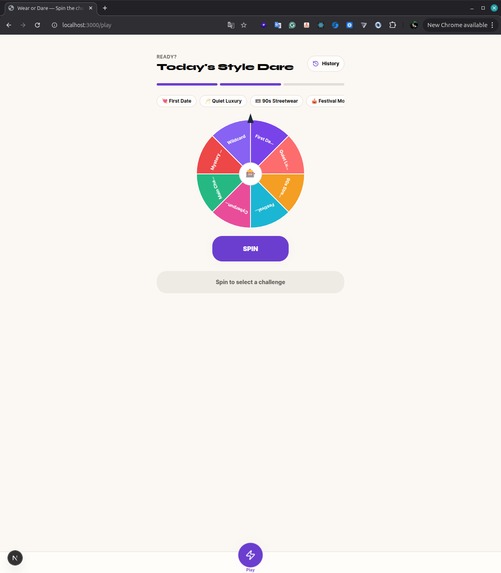
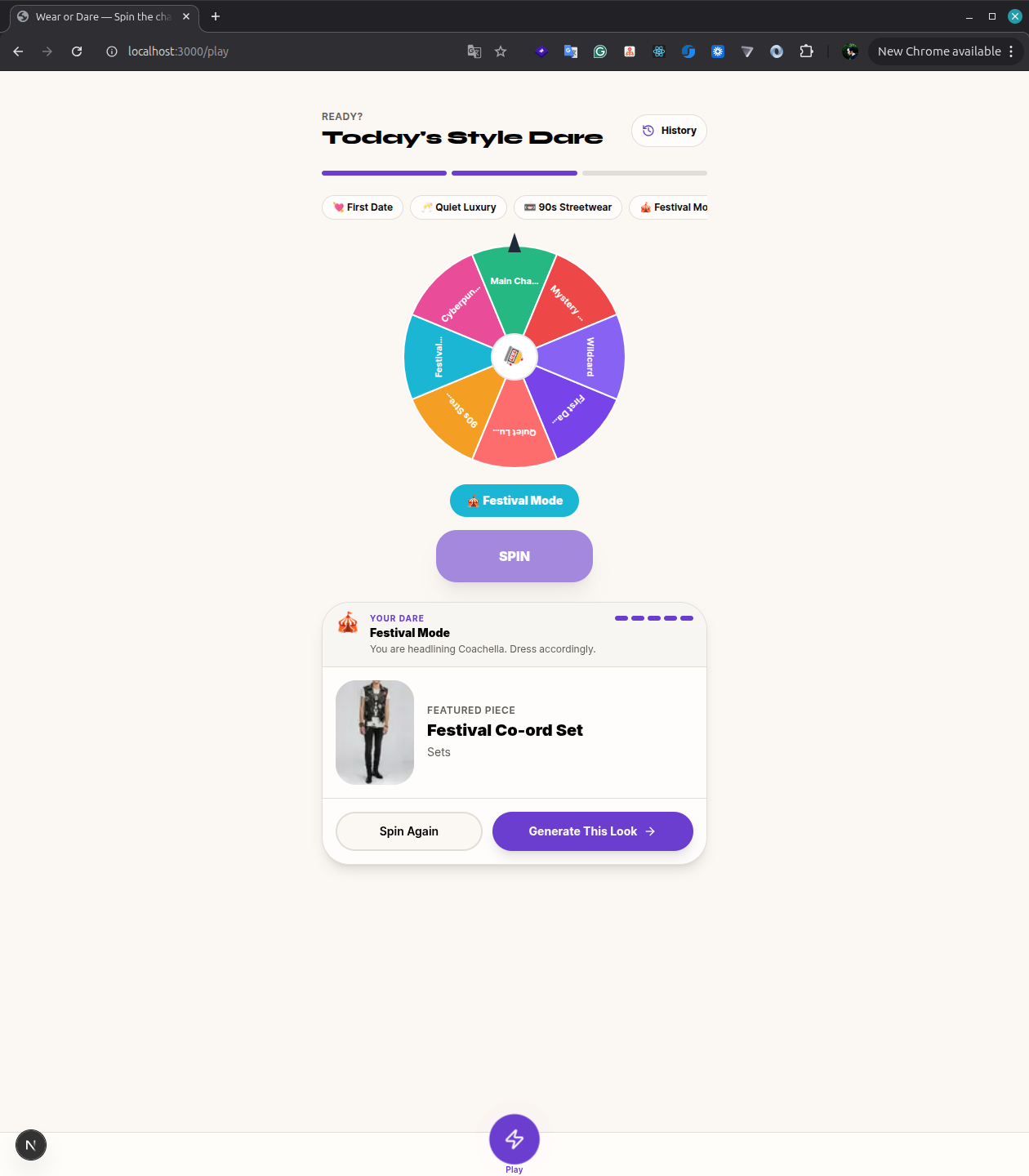
spin challenge
-
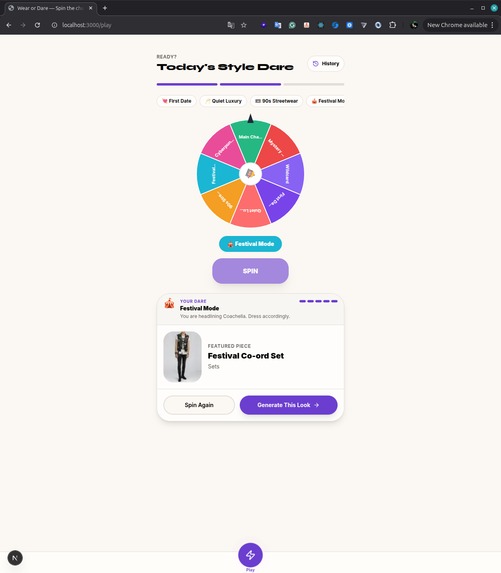
garment reveal
-
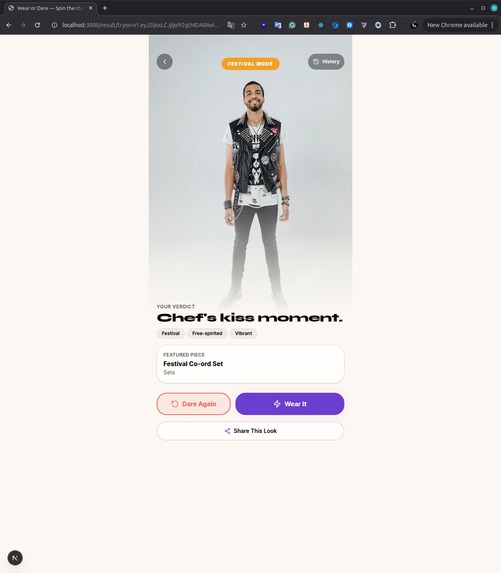
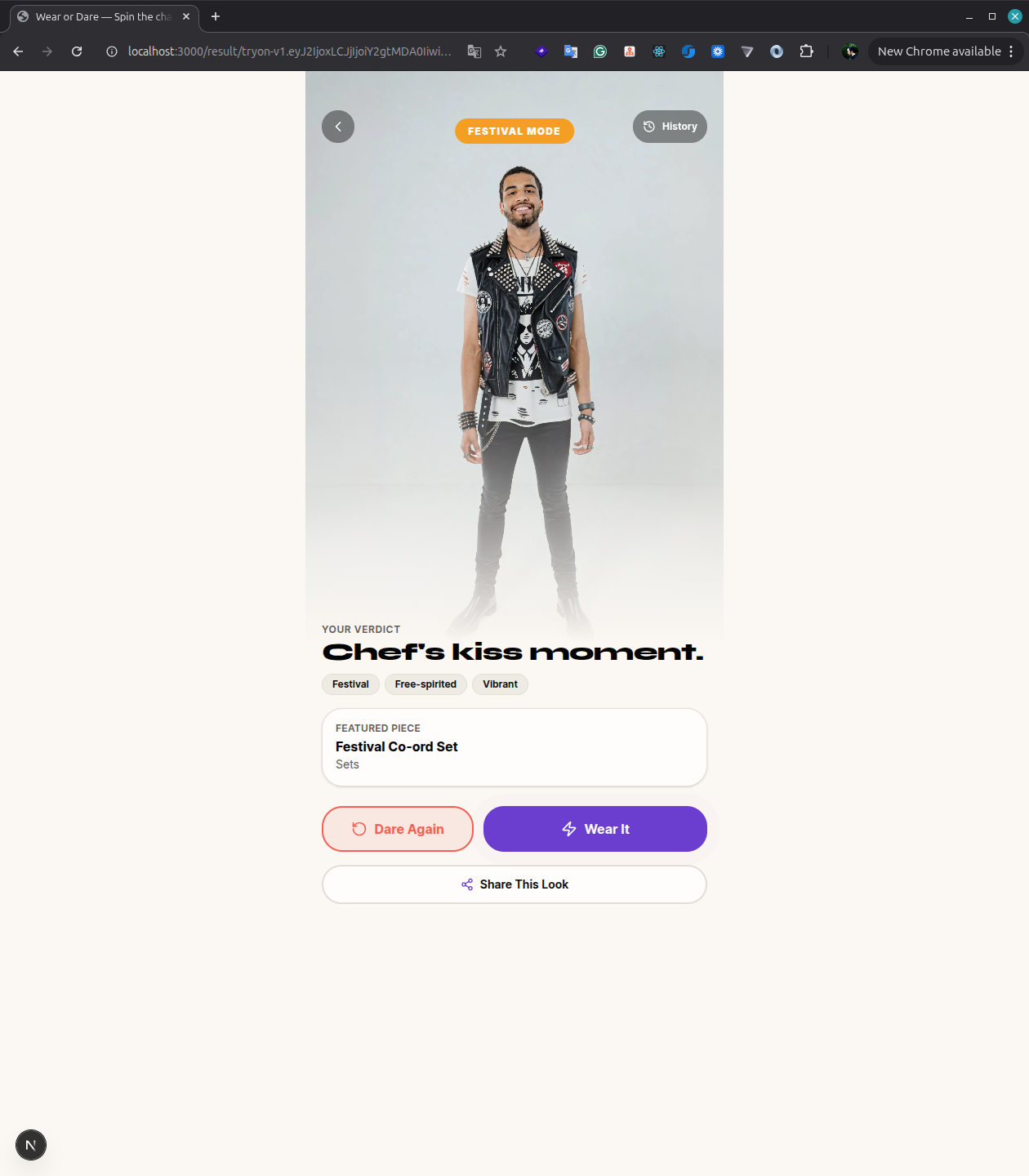
final result
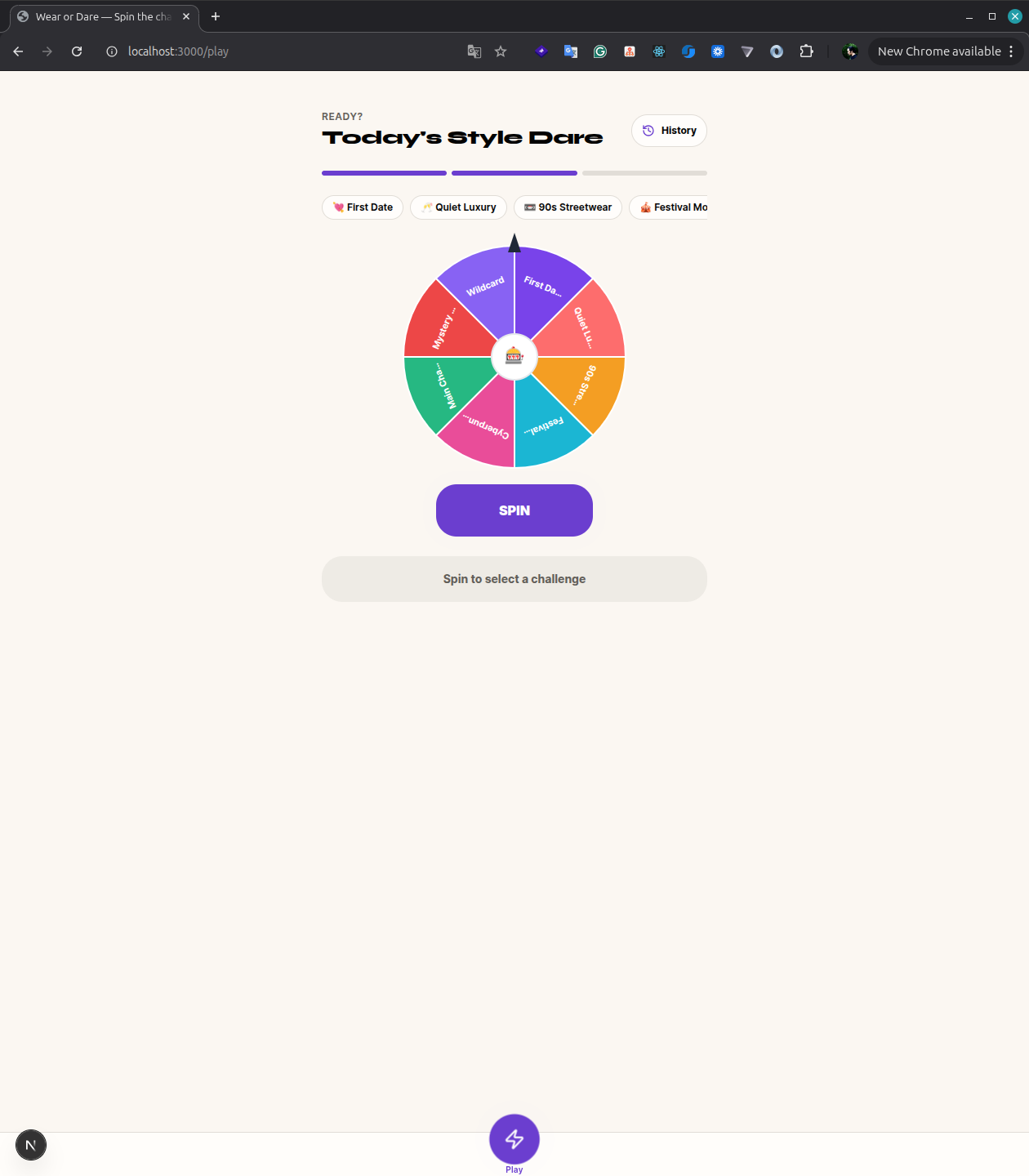
Inspiration
Fashion discovery usually starts with browsing or searching for something the shopper already knows they want.
I wanted to explore a different approach: what if virtual try-on could help people discover styles they would not normally search for?
That idea became Wear or Dare — a gamified fashion discovery experience where users spin a challenge, discover an unexpected garment, virtually try it on, and decide whether they would actually wear it.
The core flow is:
Challenge → Discover → Virtual Try-On → Decide
What it does
Wear or Dare lets users:
- upload a full-body photo
- spin a fashion challenge wheel
- discover a garment matched to the challenge
- generate a virtual try-on using the YouCam Apparel Virtual Try-On API
- choose Wear It or Dare Again
- save their try-on history
- share or download the generated result
Users can also select a featured challenge directly instead of using the roulette.
The goal is to move virtual try-on earlier in the shopping journey — from simply visualizing a product someone already selected to helping them discover something new.
How I built it
Wear or Dare is built as a web application using:
- Next.js
- React
- TypeScript
- Tailwind CSS
- PostgreSQL
- Drizzle ORM
- Better Auth
- Google OAuth
- YouCam Apparel Virtual Try-On API
Each challenge is mapped to a garment in the catalog.
When the user chooses a look, the application sends the user's photo, the selected garment reference image, and the appropriate apparel category to YouCam.
The generation process is asynchronous, so the application persists each try-on in PostgreSQL, tracks the YouCam task, polls its status, retrieves the completed image, and stores the result for the user.
The app supports upper_body, lower_body, and full_body garment categories.
Challenges I faced
One of the biggest challenges was making the virtual try-on flow reliable.
Generating an image is not an instant request-response operation. The application has to:
- create the try-on request
- persist its state
- send the task to YouCam
- track the provider task
- handle processing and failure states
- retrieve the final image
- recover correctly if the user refreshes the page
I initially had parts of the flow that relied too heavily on client-side navigation state. I redesigned it so the persisted try-on ID becomes the source of truth for the generation page.
Another challenge was keeping the product experience simple despite the asynchronous AI workflow. I did not want users to think about API tasks, polling, or provider states — they should just experience a natural flow from challenge to result.
I also cleaned up the demo catalog so it does not imply relationships with unrelated fashion brands or show fictional retail pricing.
What I learned
The biggest lesson was that integrating an AI API is only a small part of building a useful AI product.
The surrounding product experience matters just as much:
- how the user reaches the AI feature
- how generation states are communicated
- how failures are handled
- how results are persisted
- and what decision the user can make after receiving the result
I also learned that virtual try-on can be more than a product visualization utility.
It can become part of the discovery experience itself.
Instead of:
Find product → Try it on
Wear or Dare explores:
Get challenged → Discover product → Try it on → Decide
What's next
The concept could be extended into a retail platform where fashion brands create their own challenges around:
- new collections
- seasonal campaigns
- product launches
- creator collaborations
- themed fashion experiences
A future version could connect each generated look to real retailer product data, allowing users to move naturally from discovery to virtual try-on to purchase.
For now, Wear or Dare demonstrates the core idea:
Spin the challenge. Try the look. Dare to wear it.
Built With
- better-auth
- drizzle-orm
- google-oauth
- next.js
- postgresql
- react
- tailwind-css
- typescript
- youcam-apparel-virtual-try-on-api


Log in or sign up for Devpost to join the conversation.