-
-

-

-

-
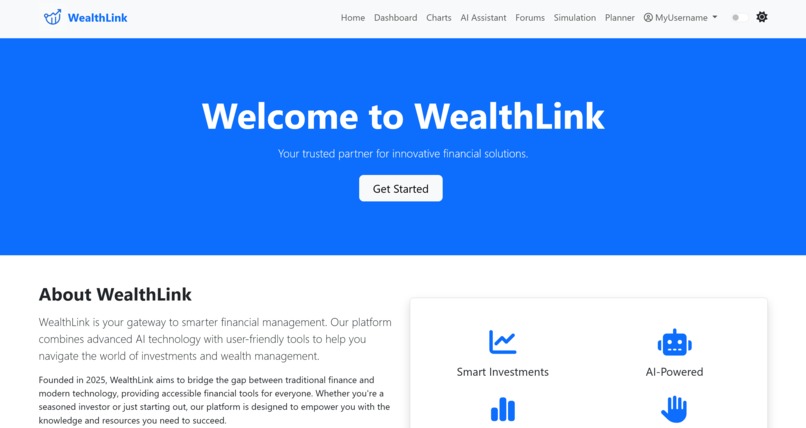
main page light
-
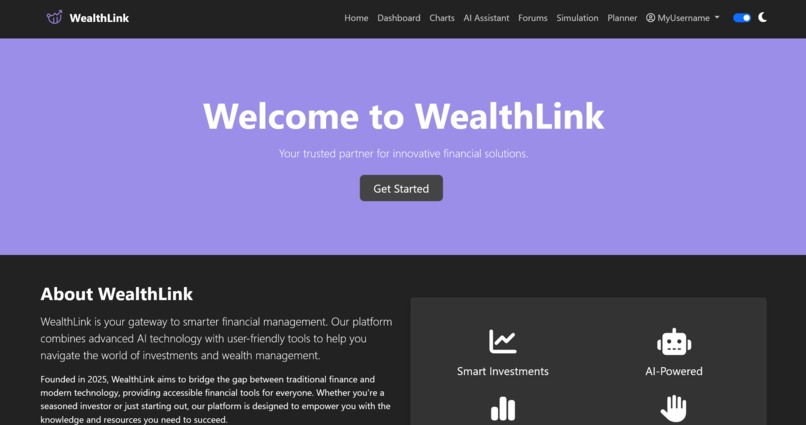
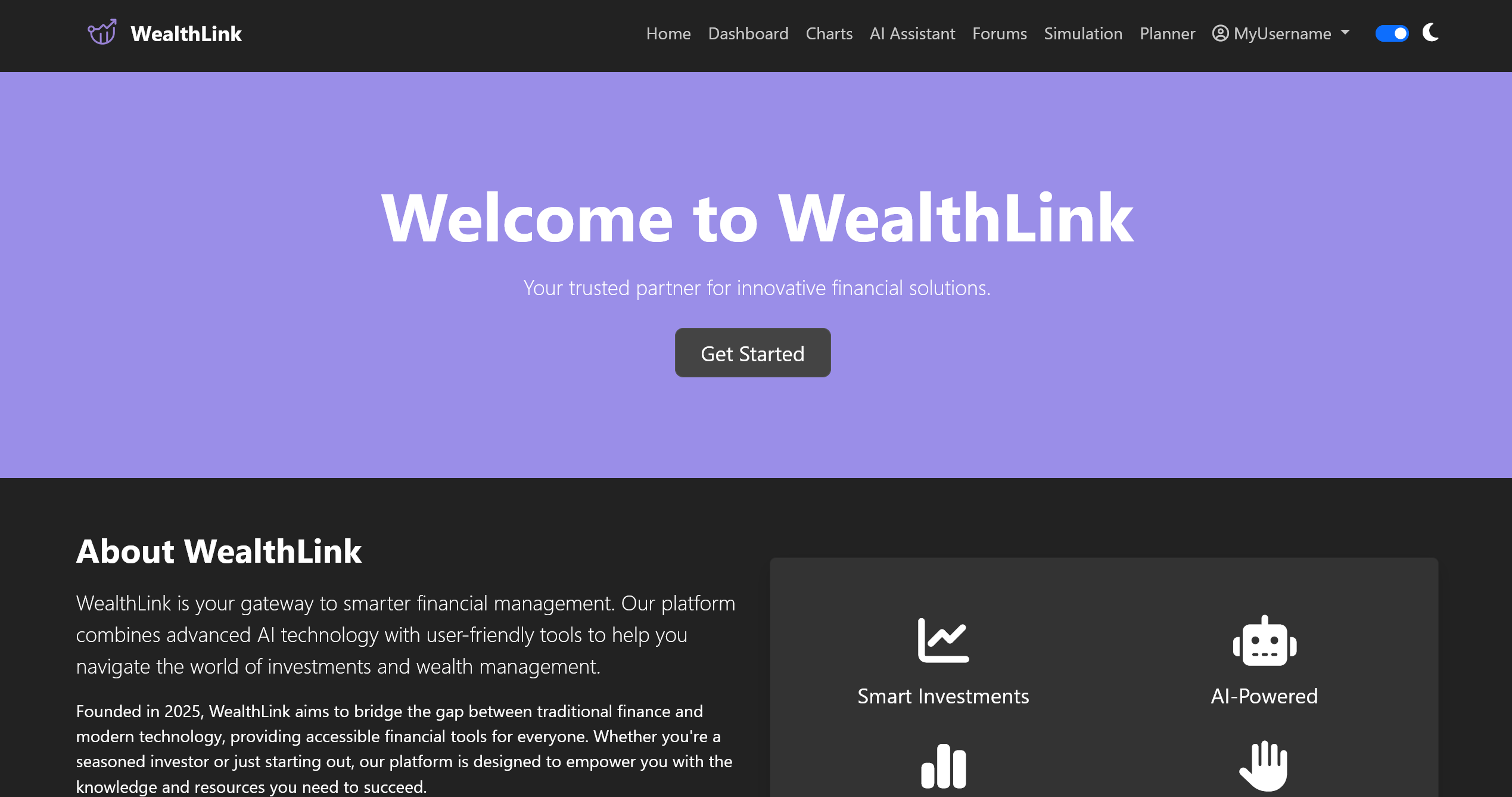
main page dark
-
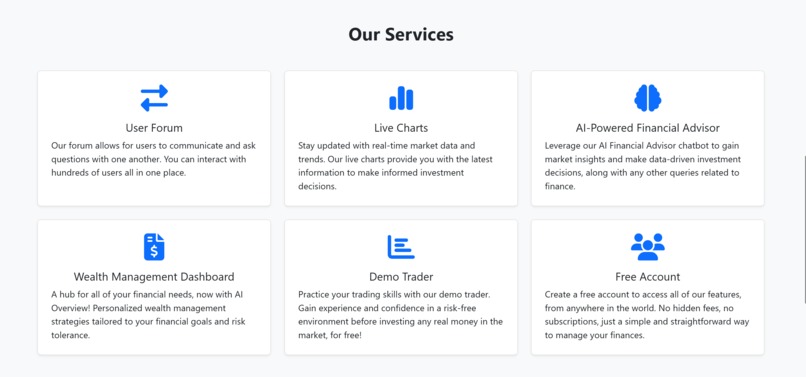
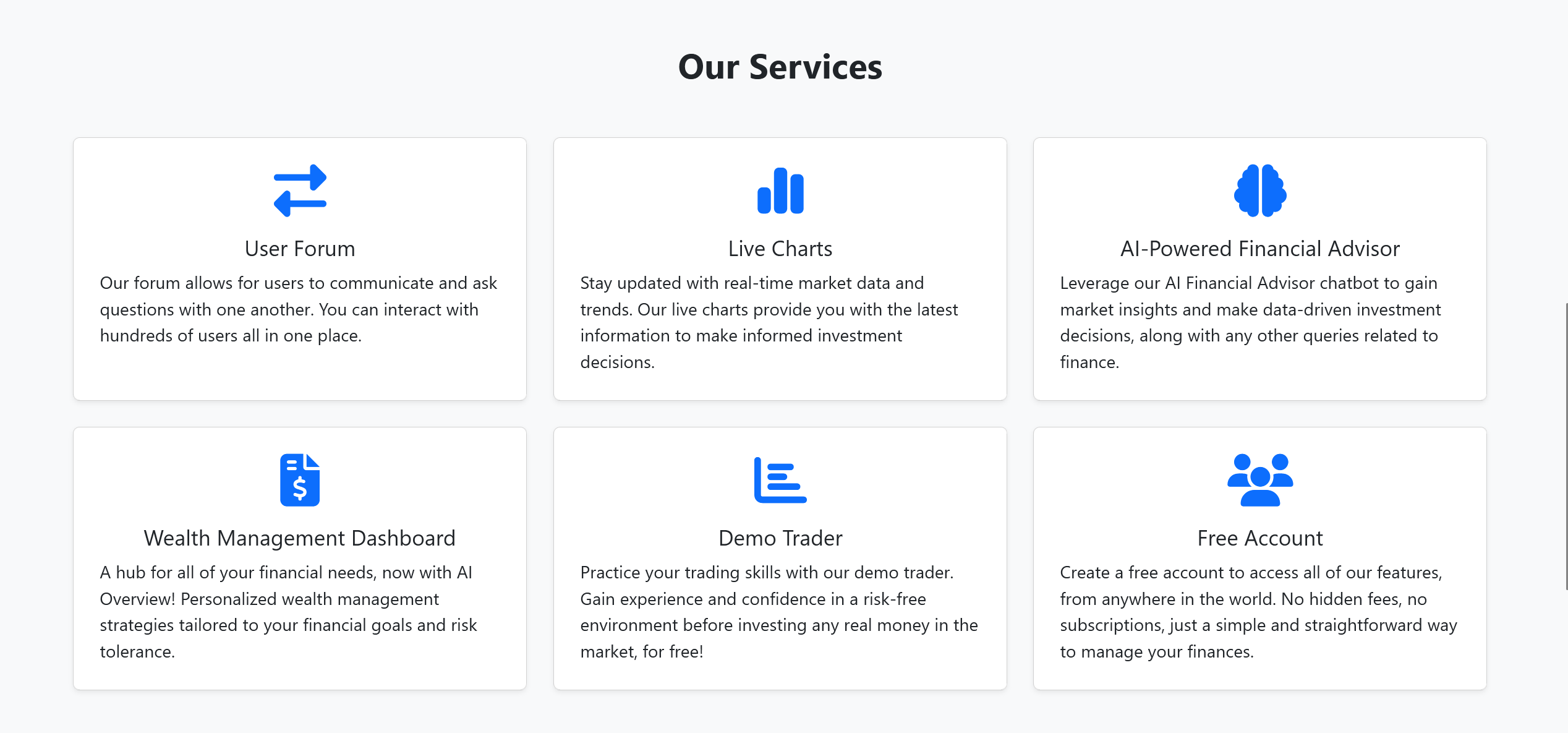
main page info light
-
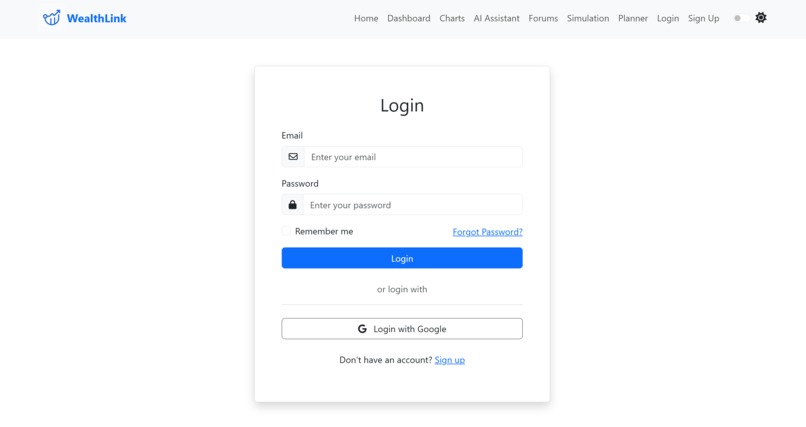
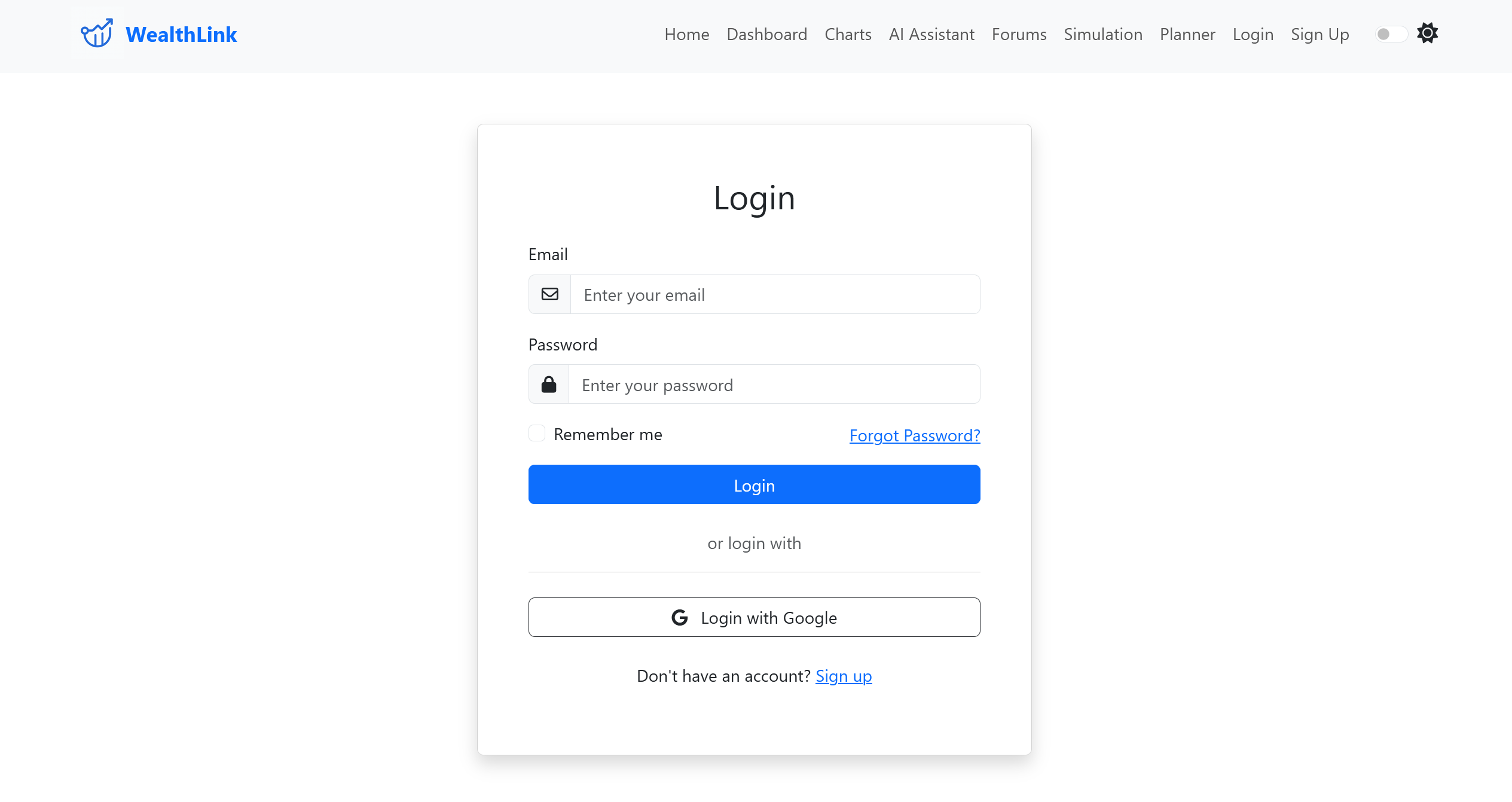
login light
-
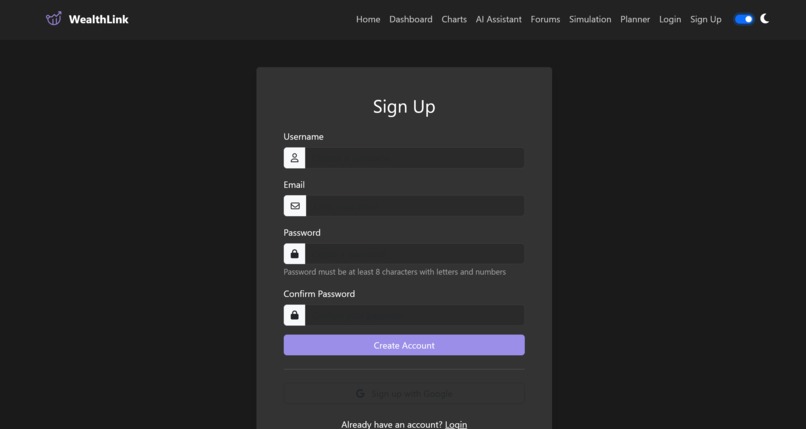
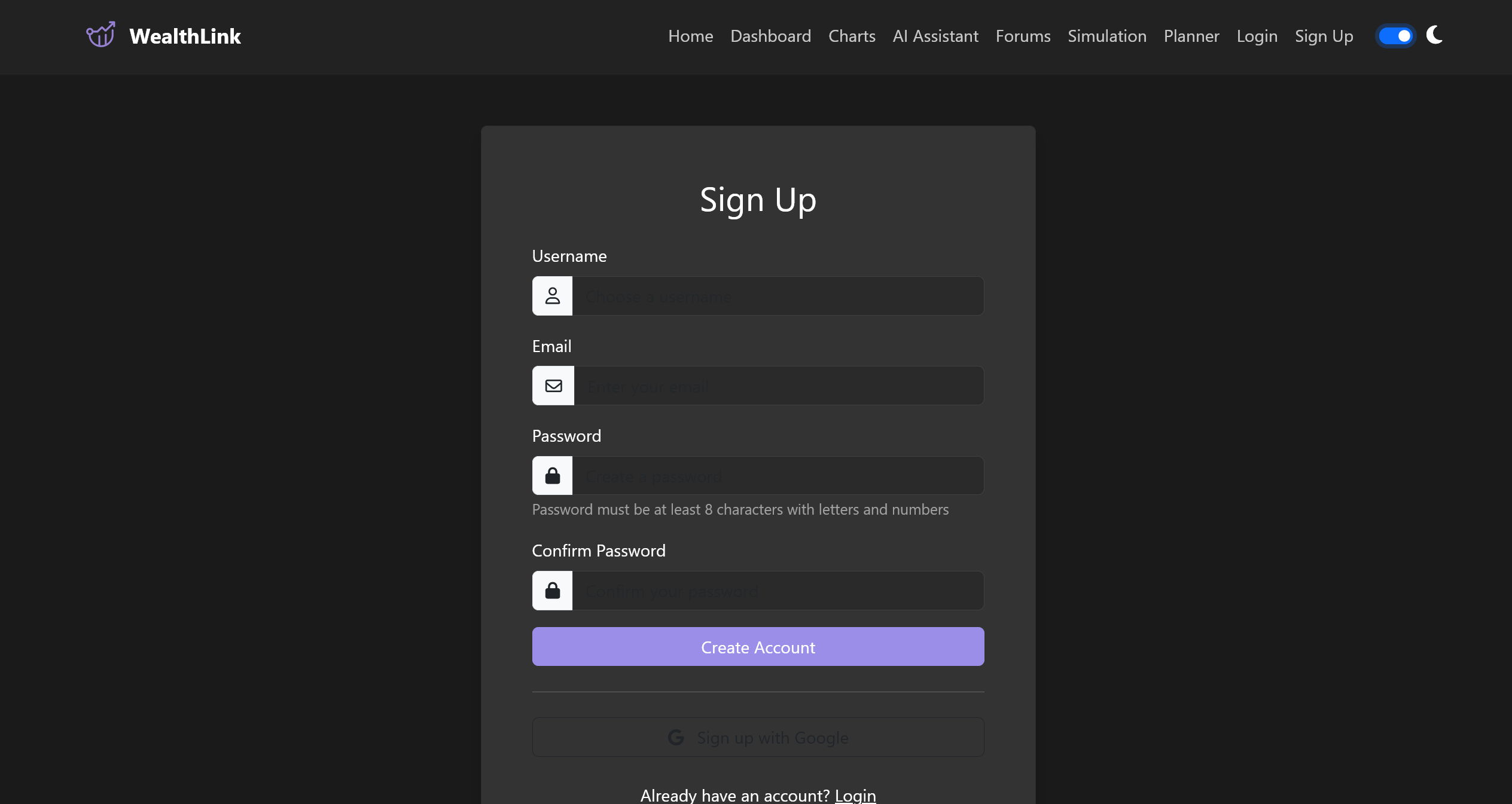
signup dark
-
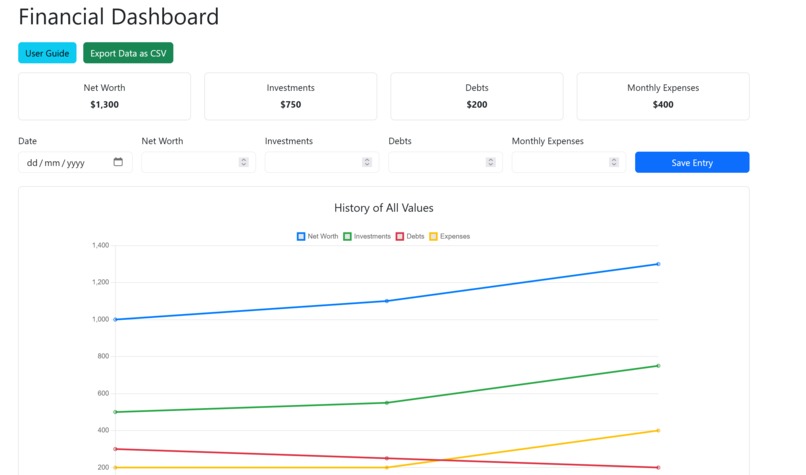
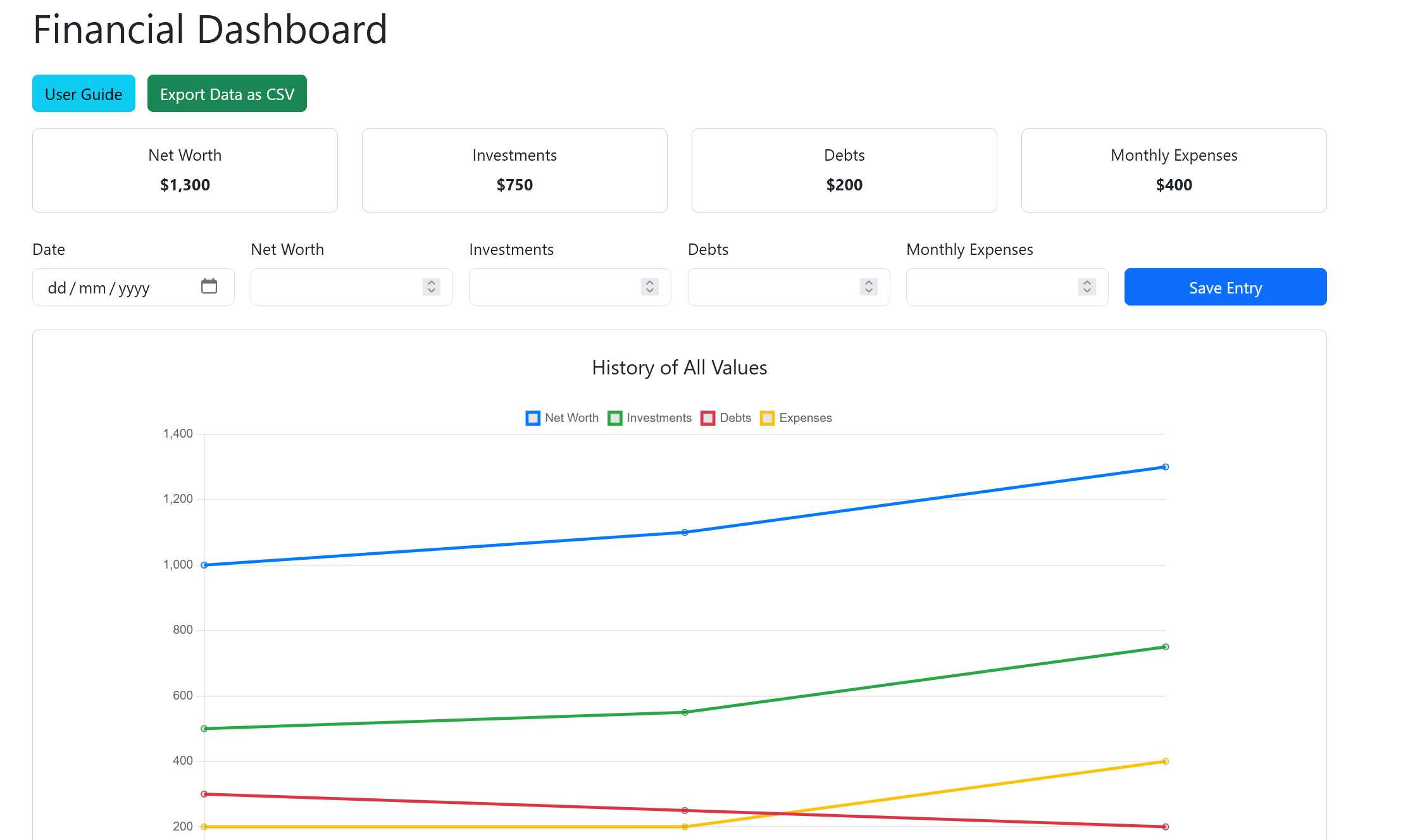
dashboard light
-
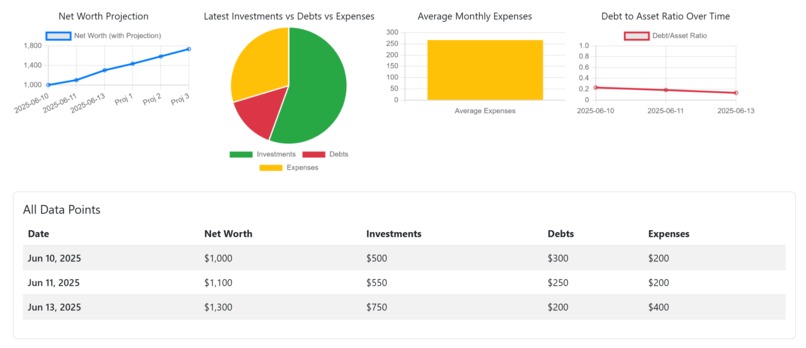
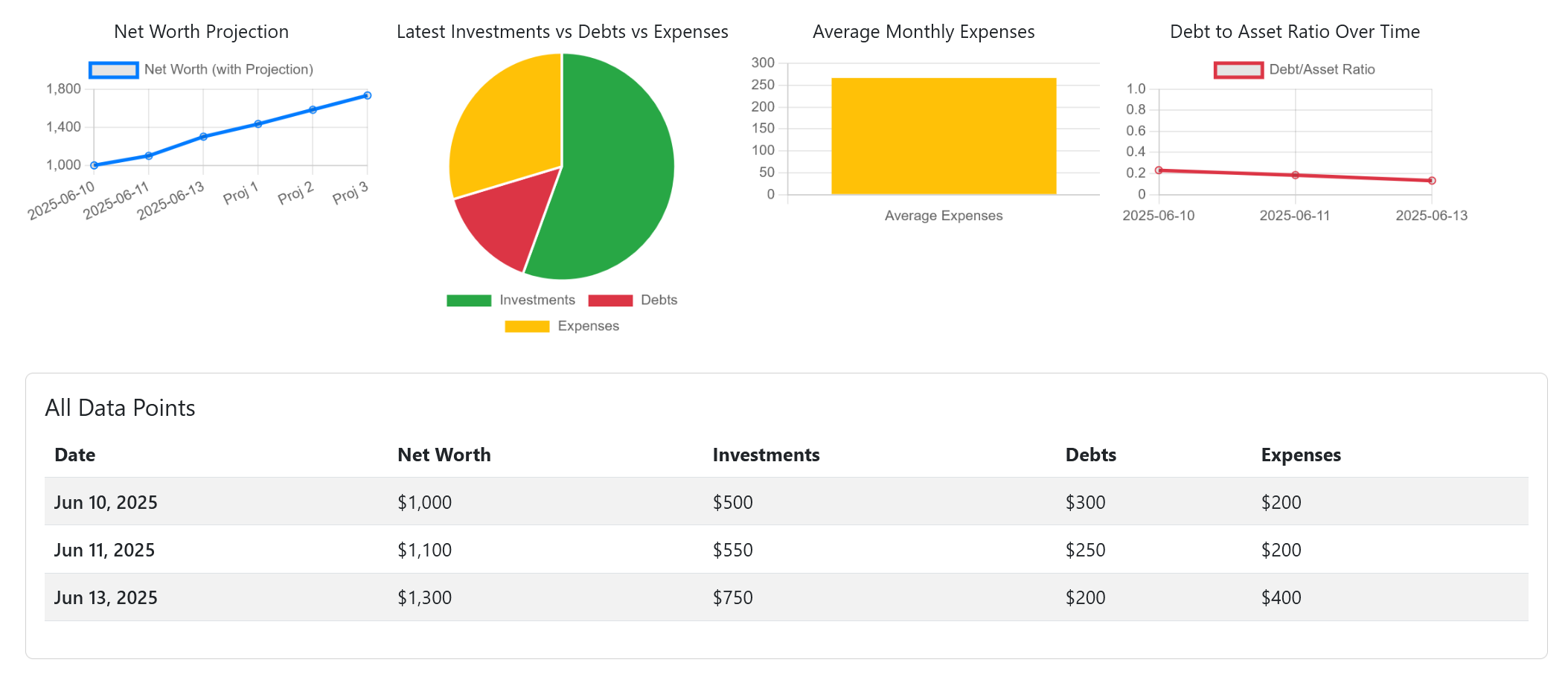
dashboard info light
-
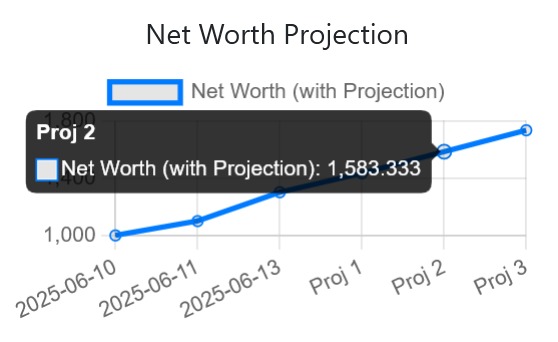
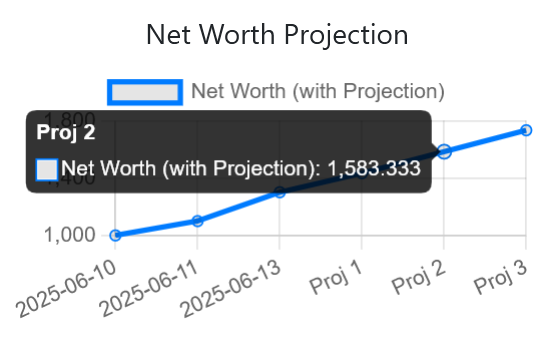
projection info light
-
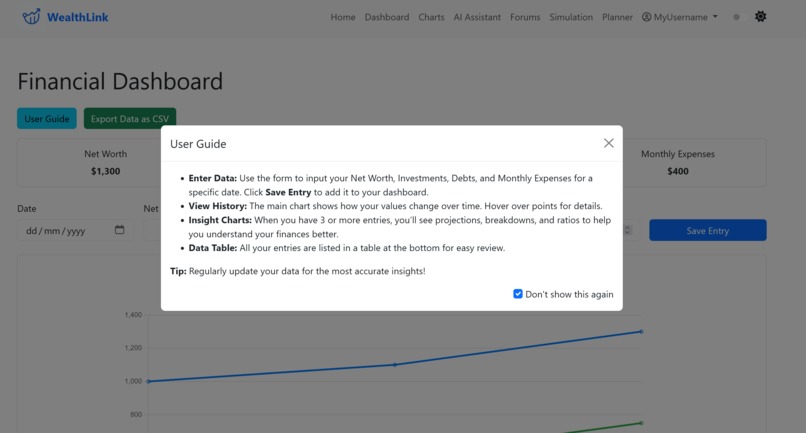
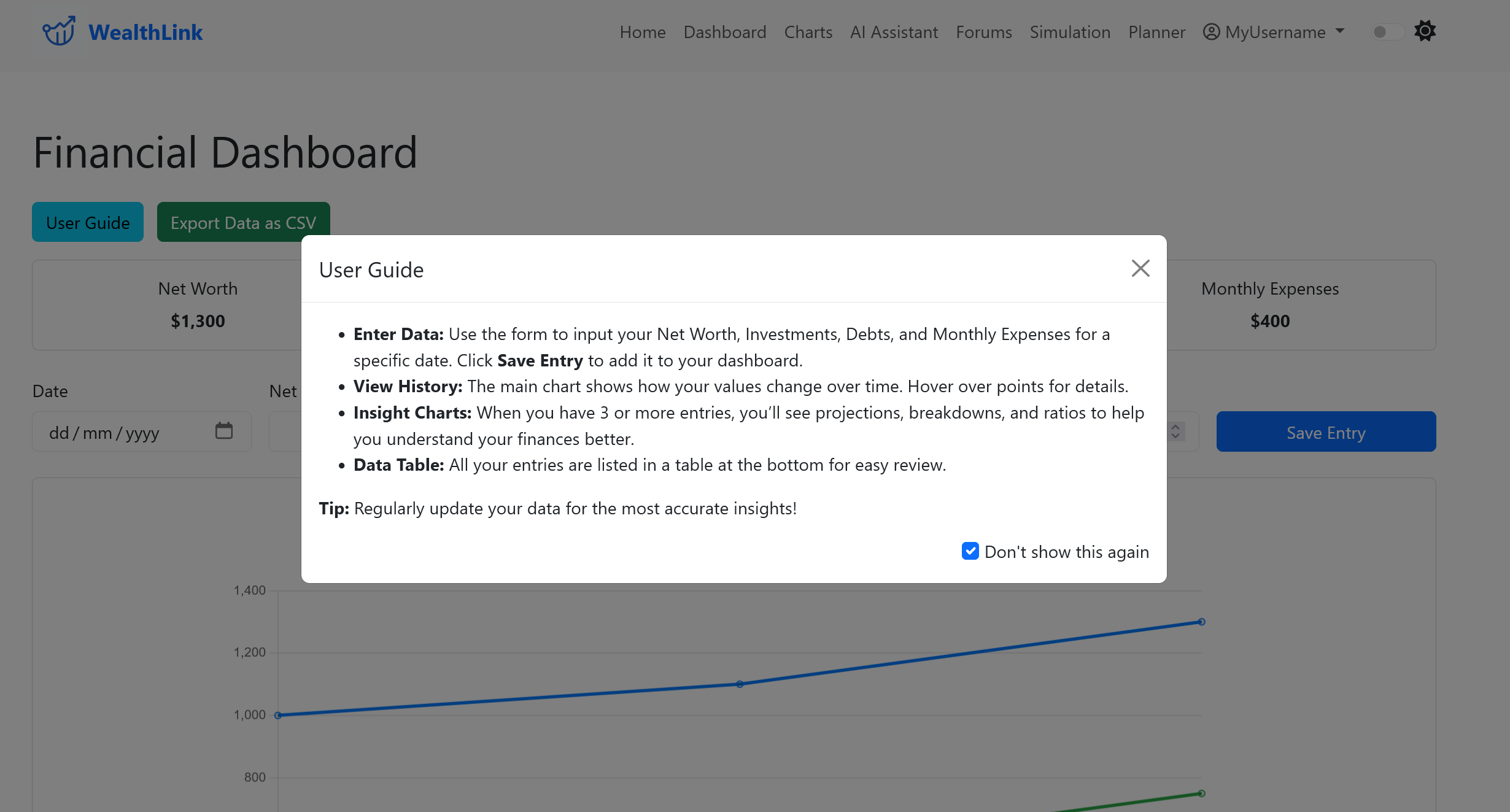
dashboard help light
-
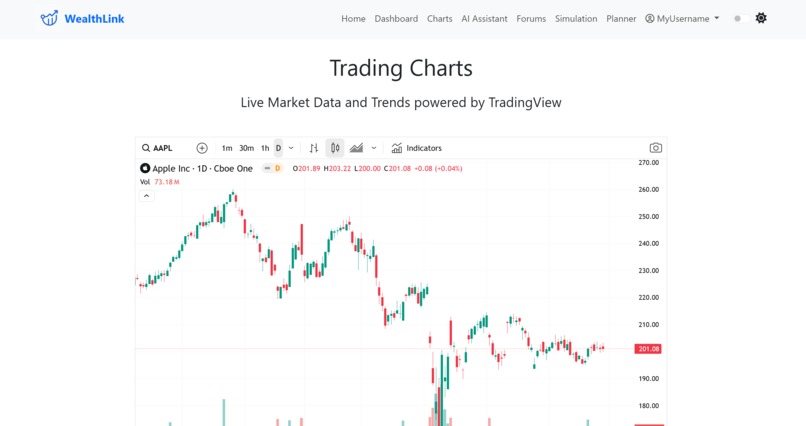
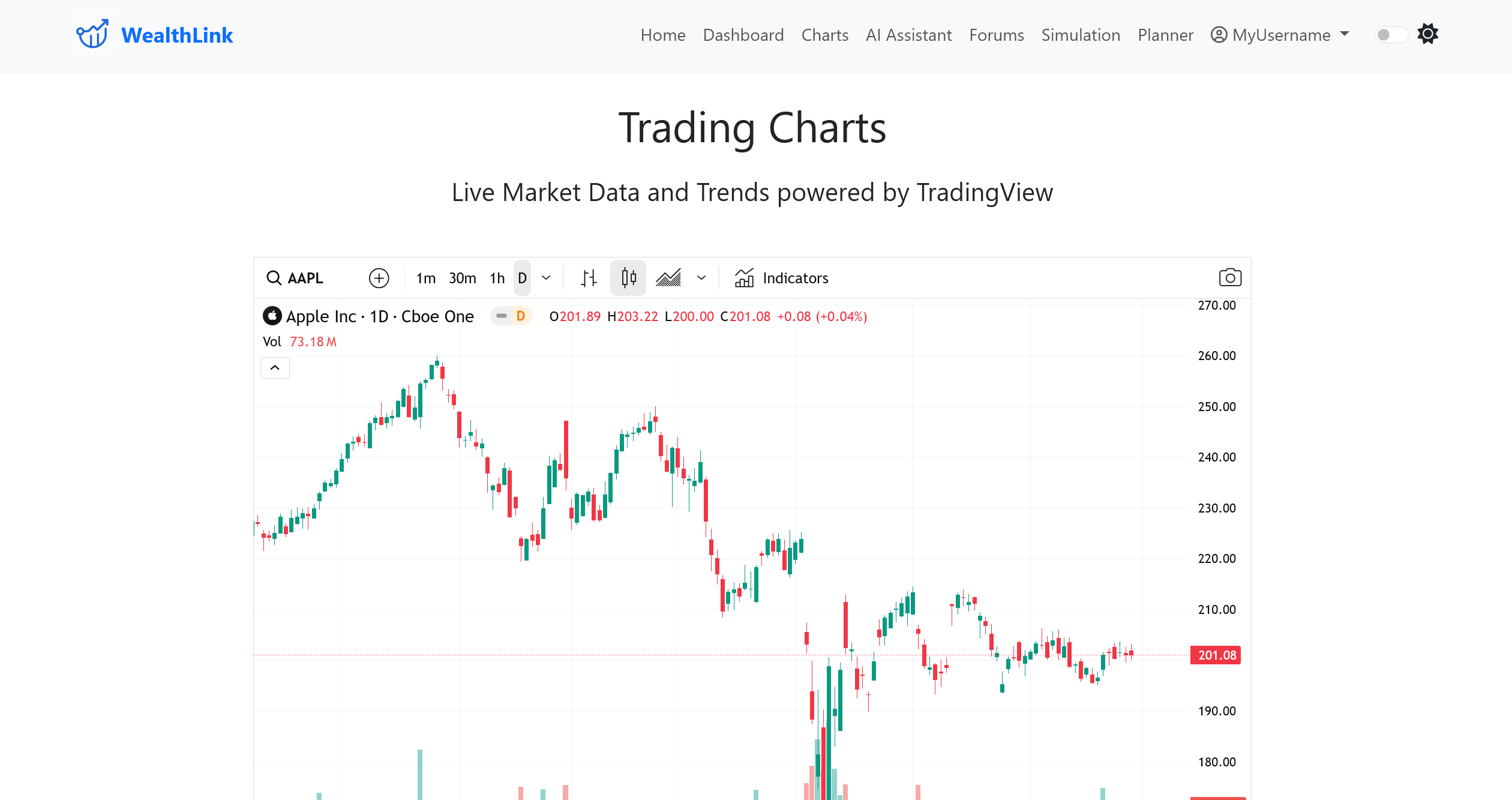
chart light
-
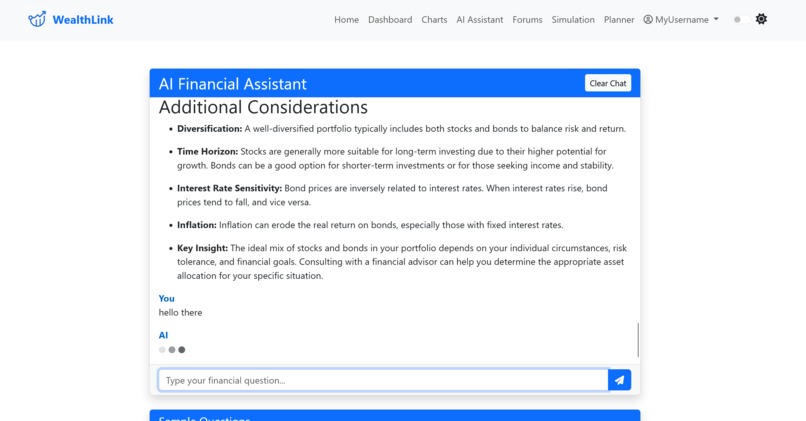
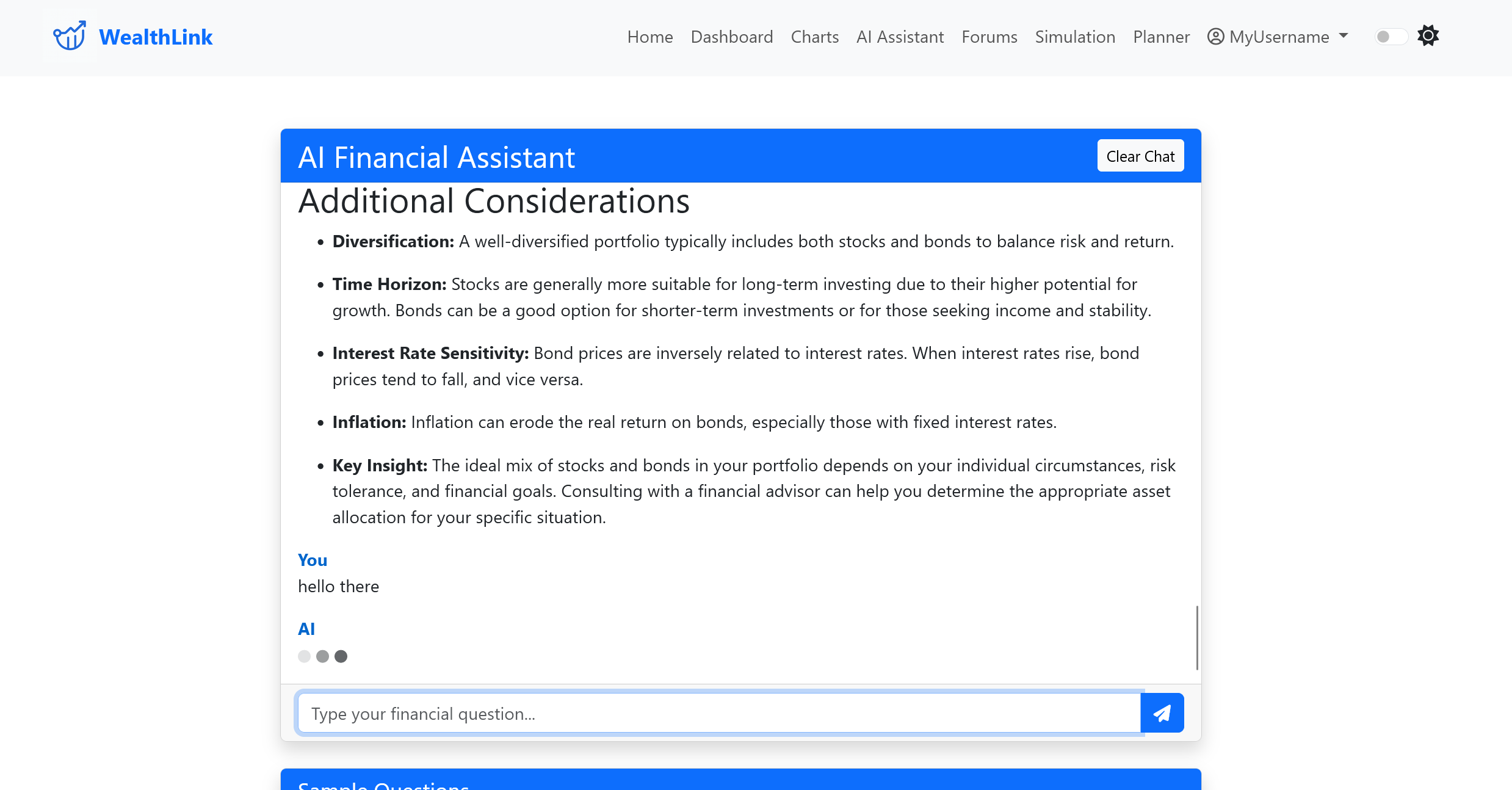
ai assistant ask question light
-
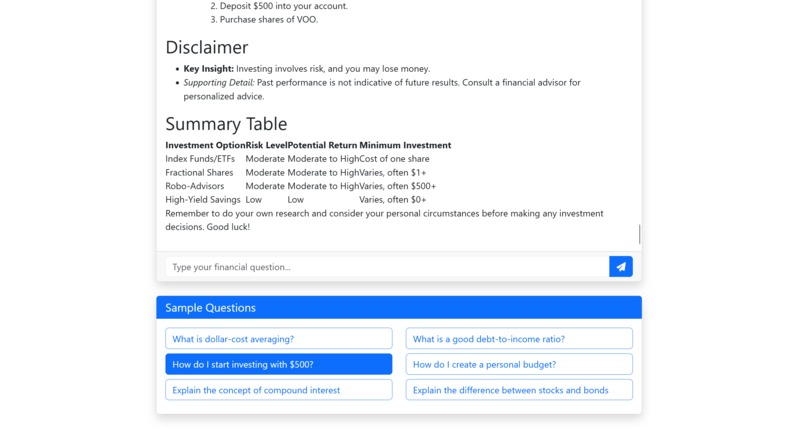
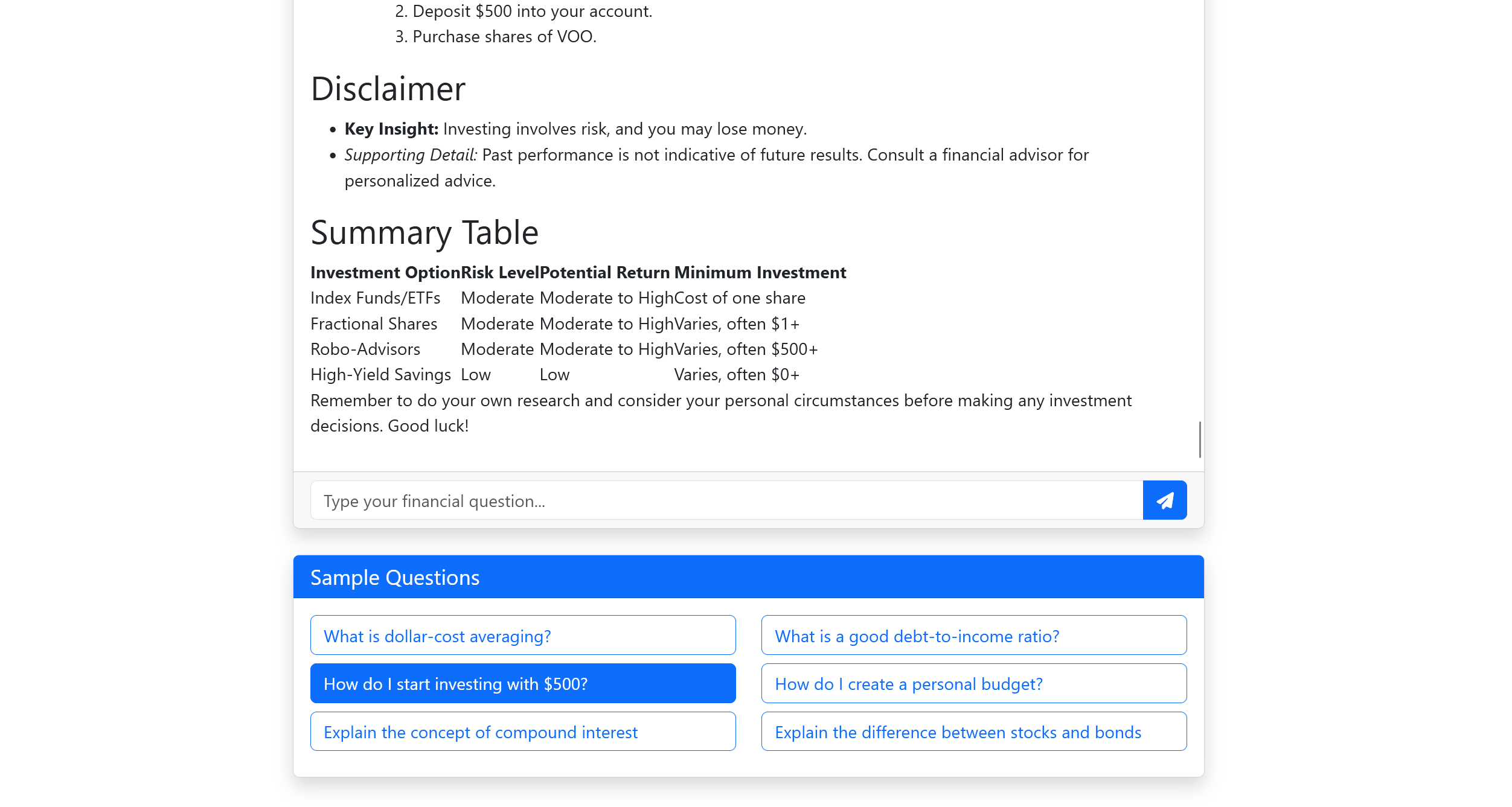
ai assistant ask question answer default light
-
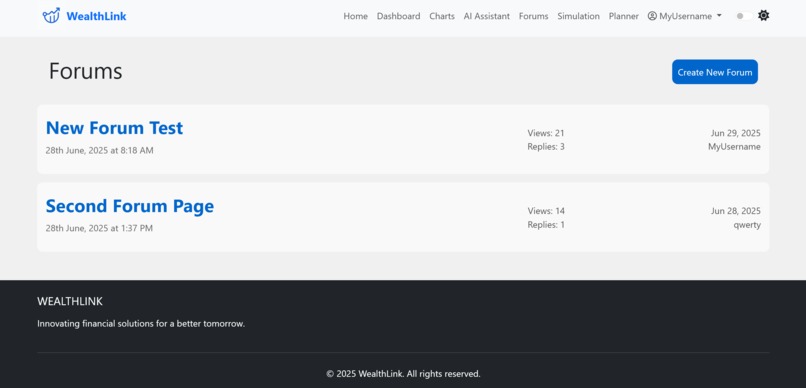
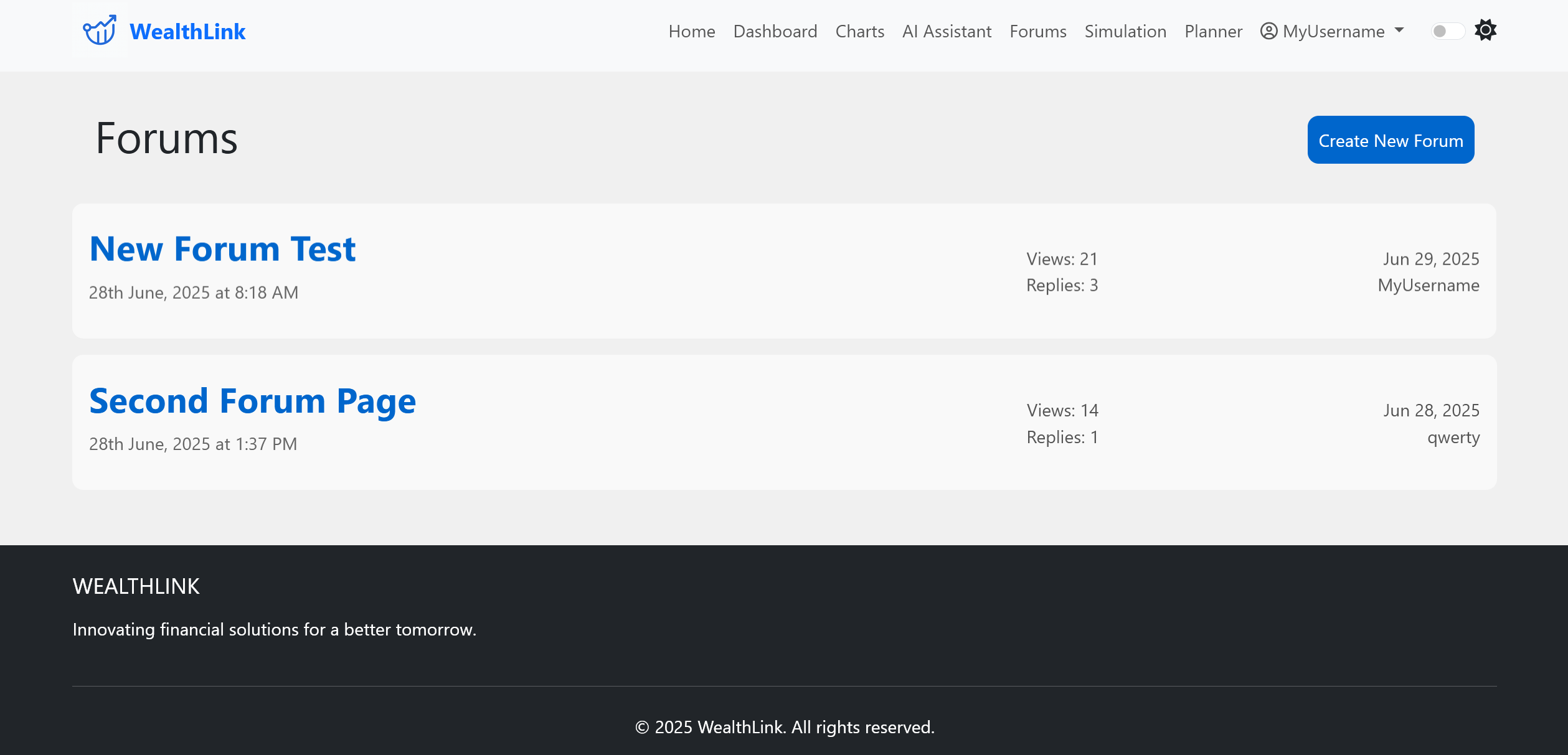
forums view old light
-
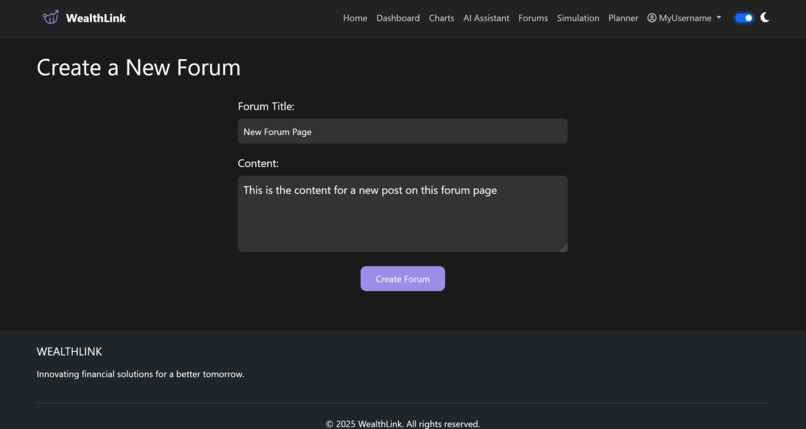
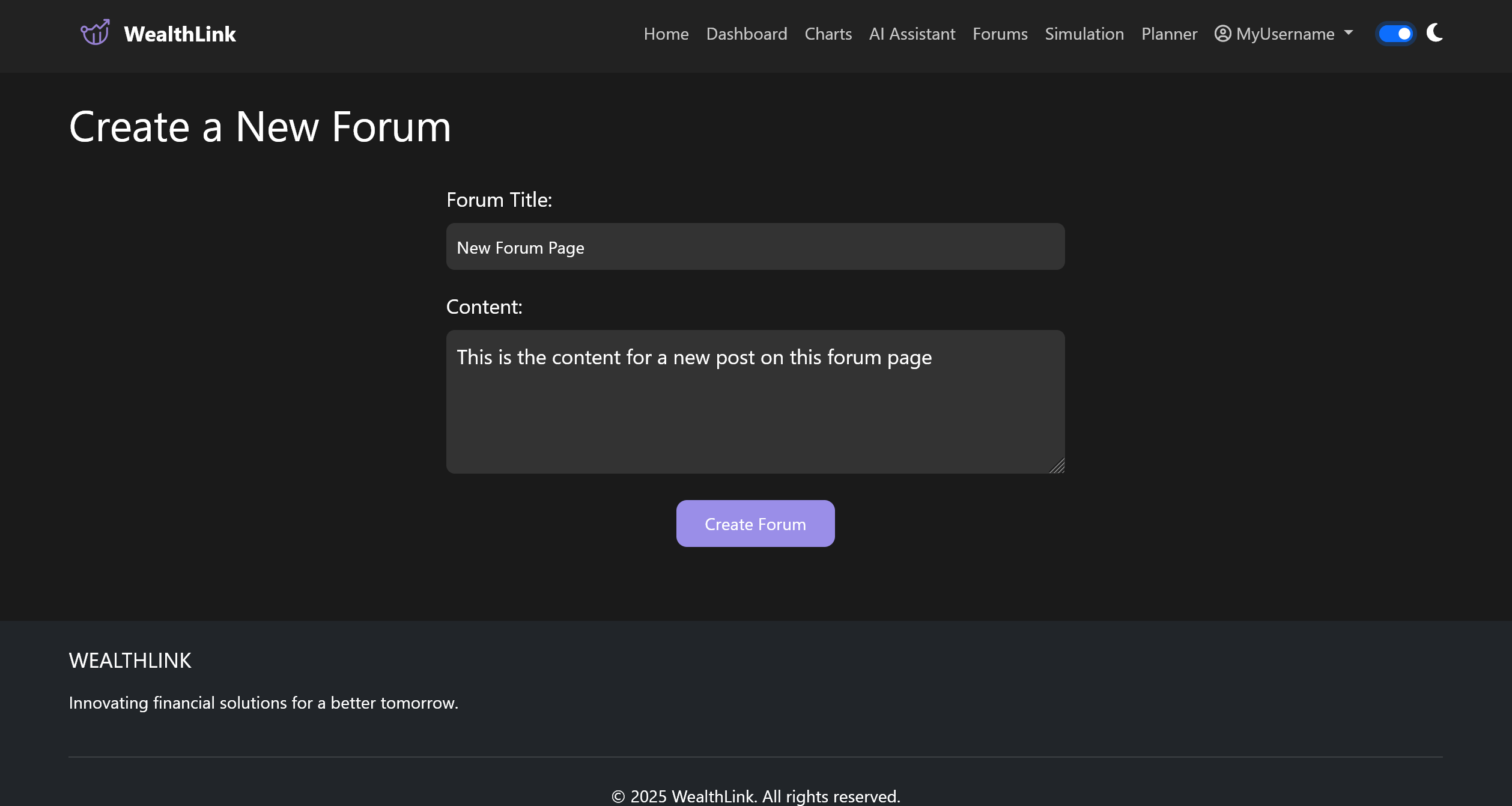
create forum dark
-
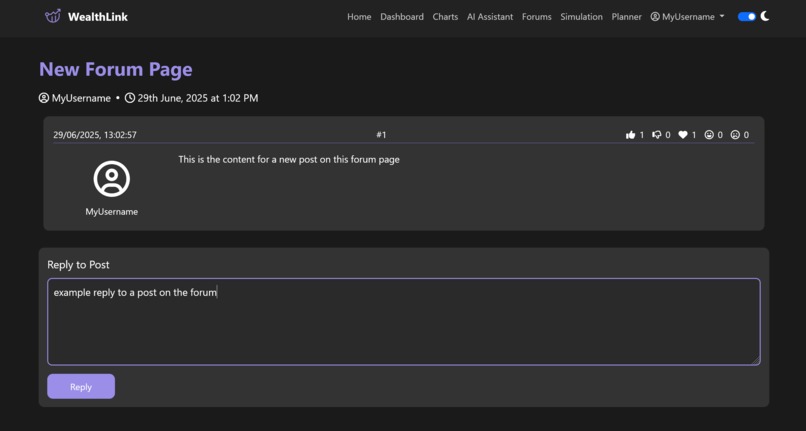
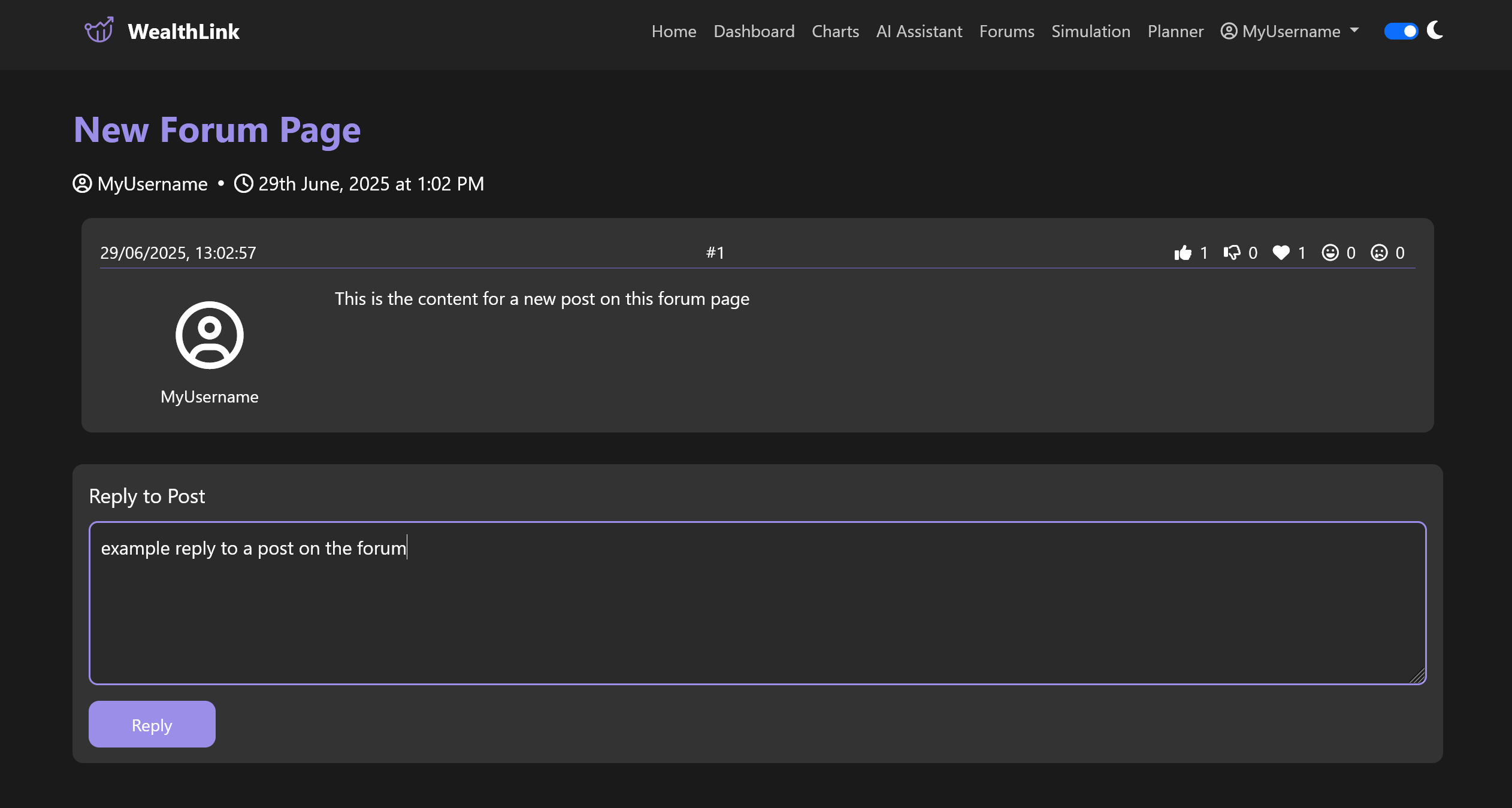
view forum dark
-
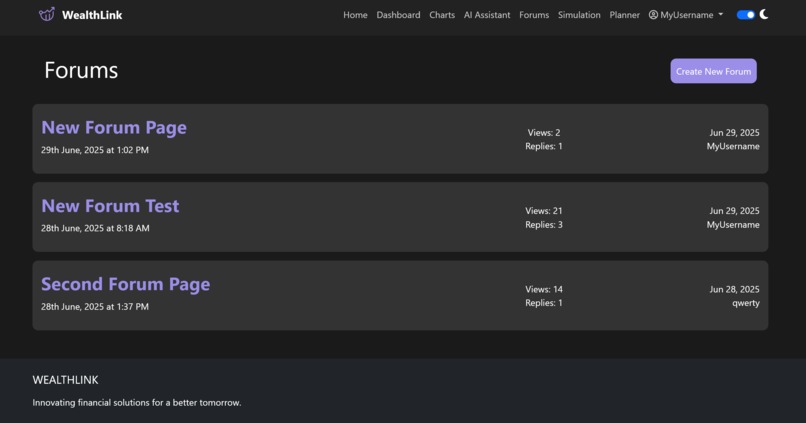
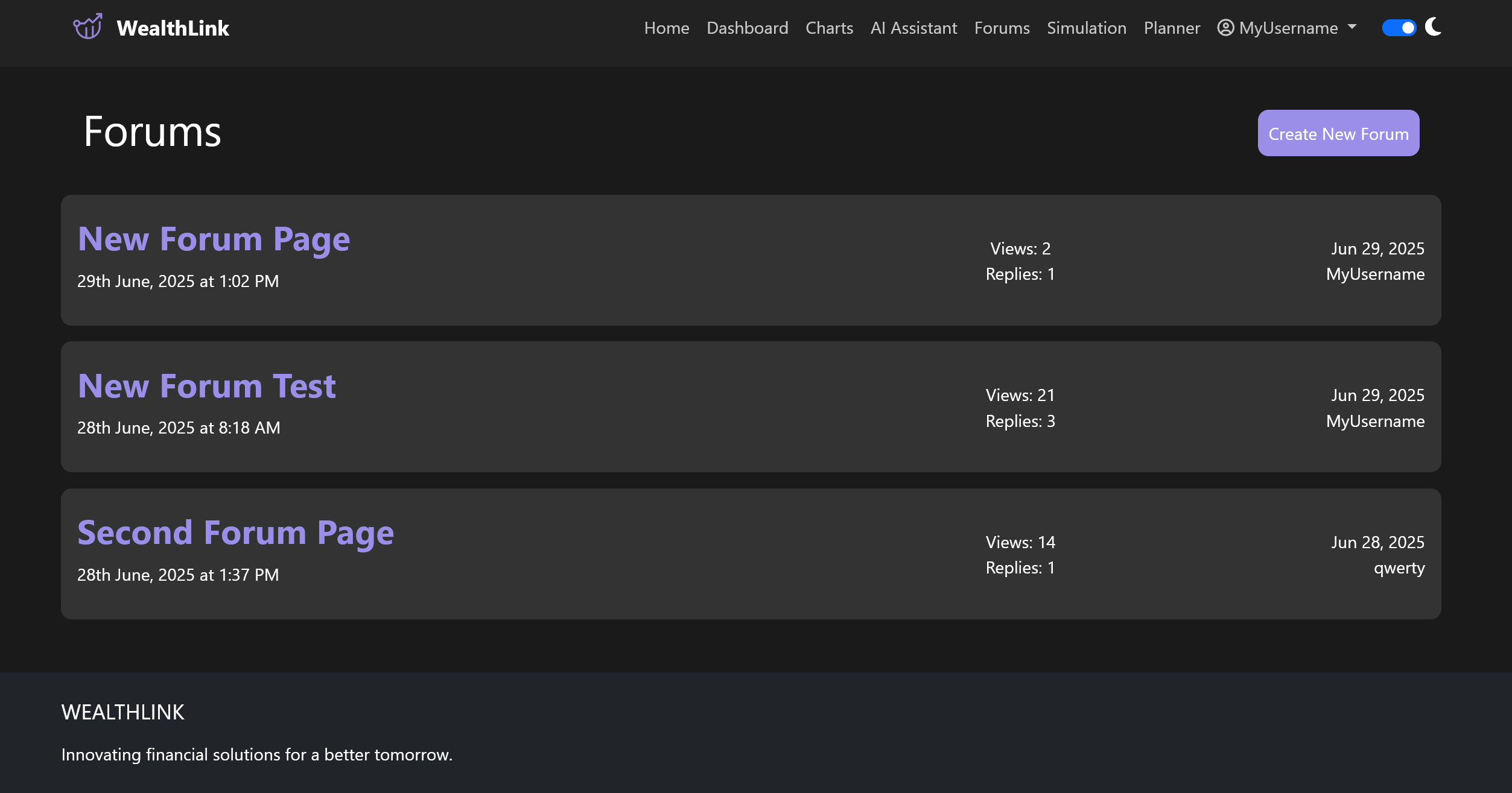
updated forums dark
-
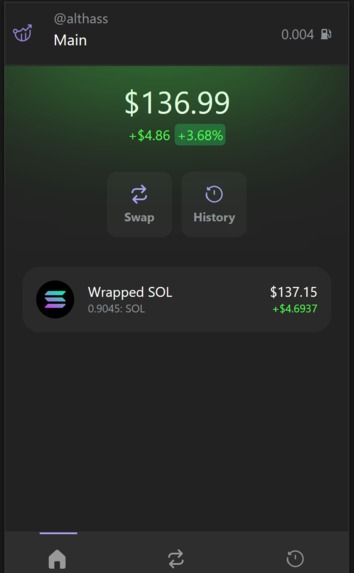
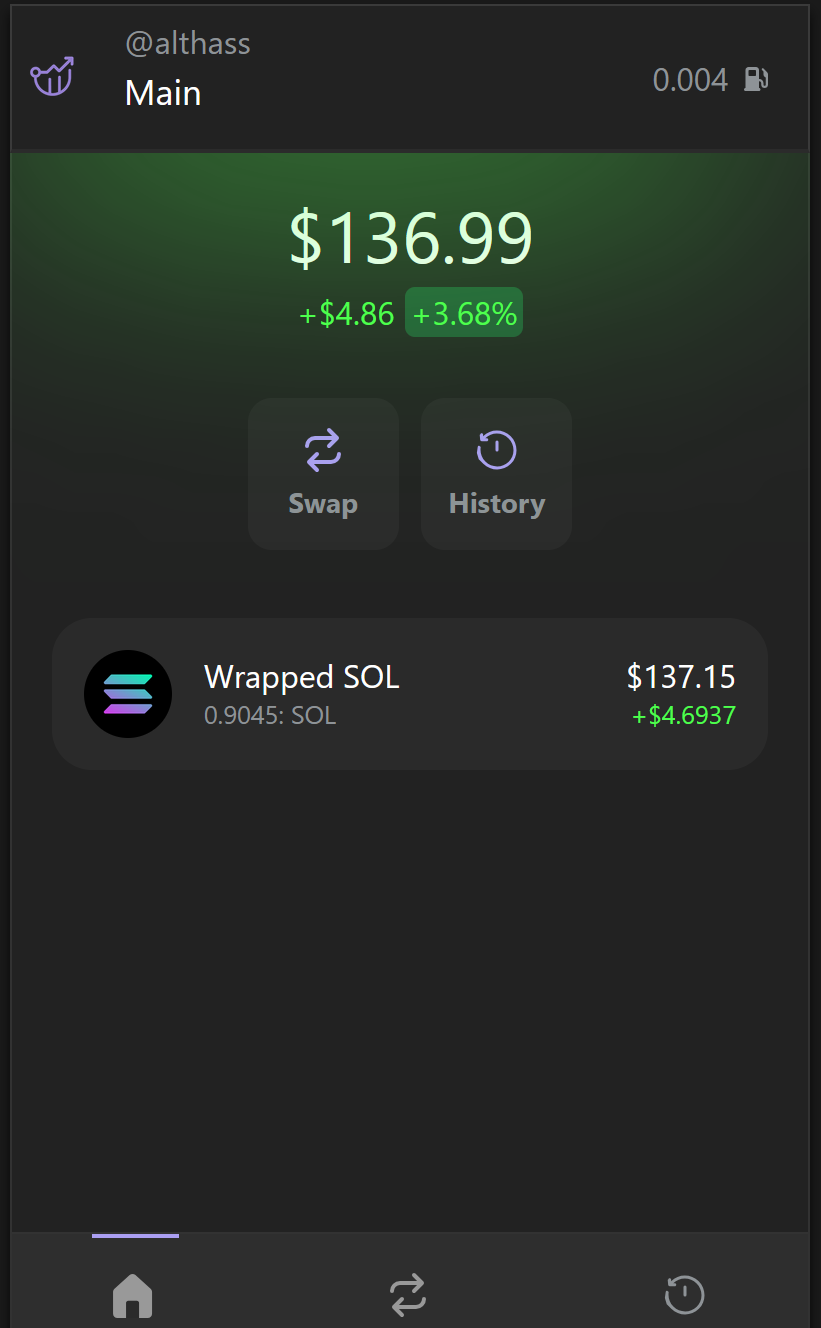
balance page with current info dark - demo trader
-
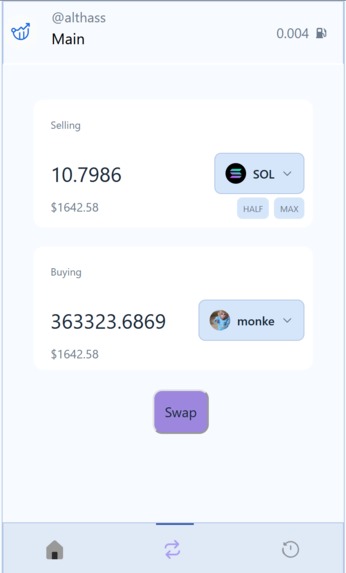
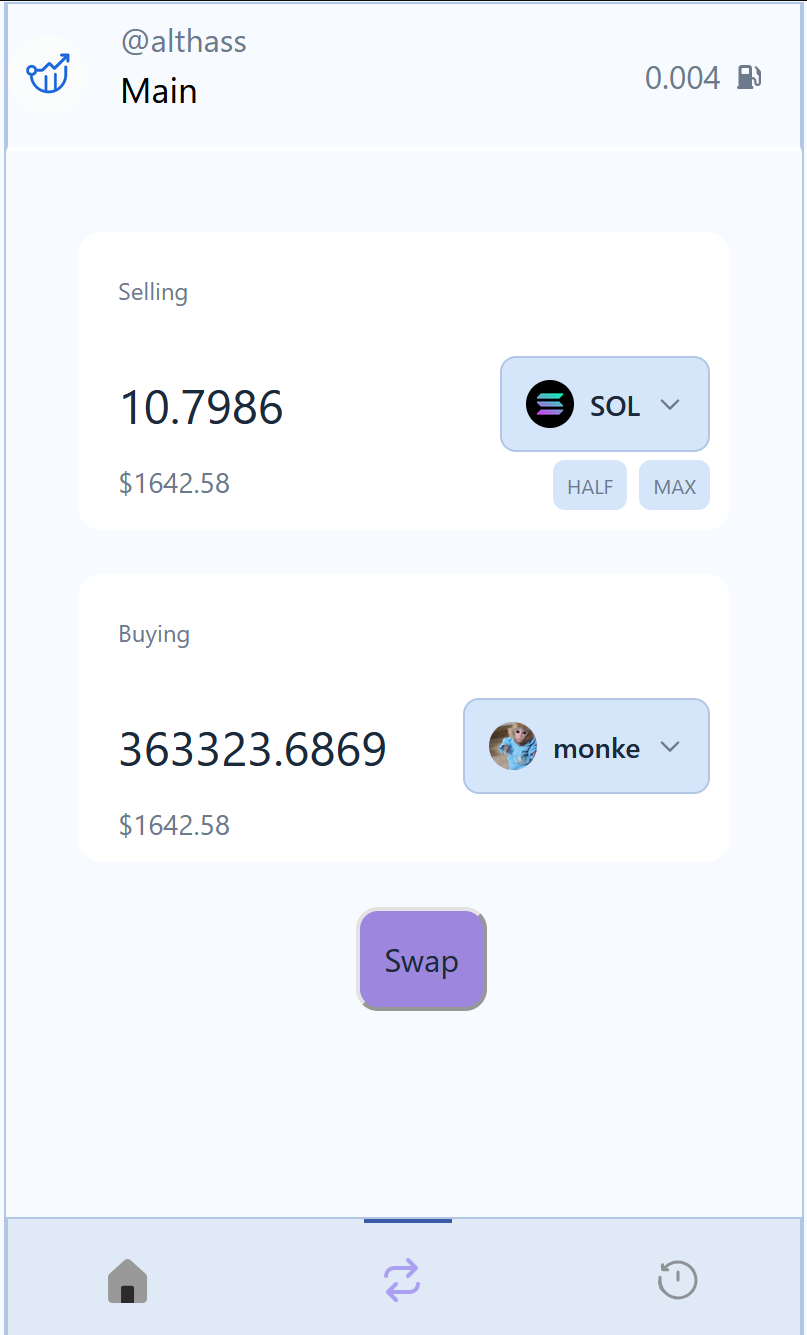
swap page to exchange tokens light - demo trader
-
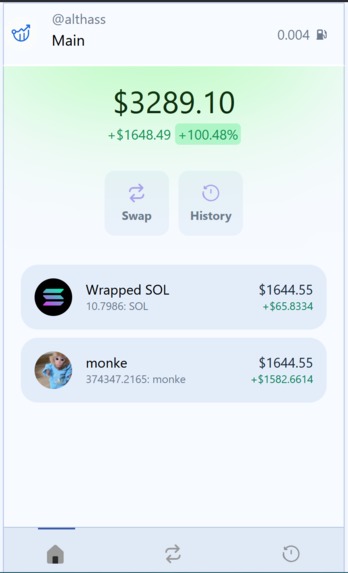
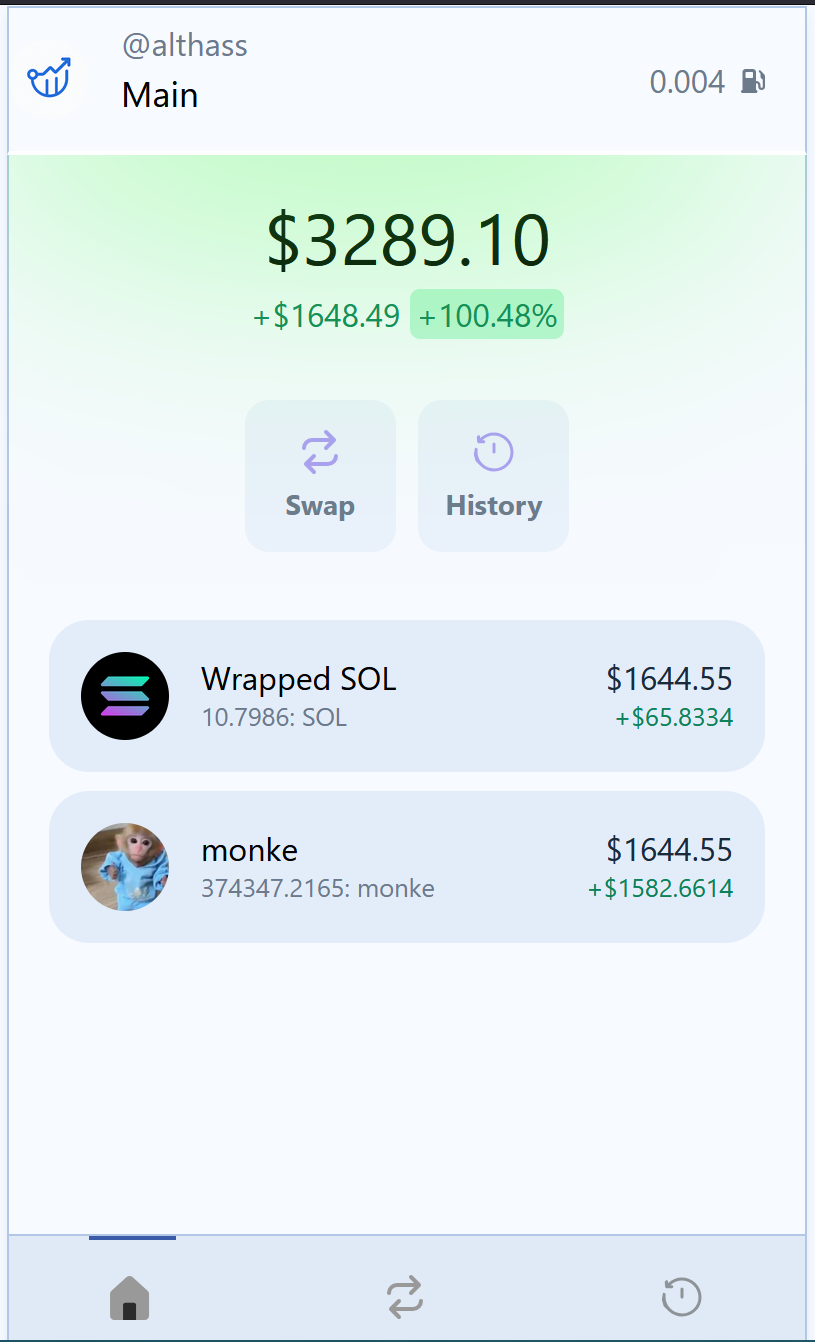
updated balance page light - demo trader
-
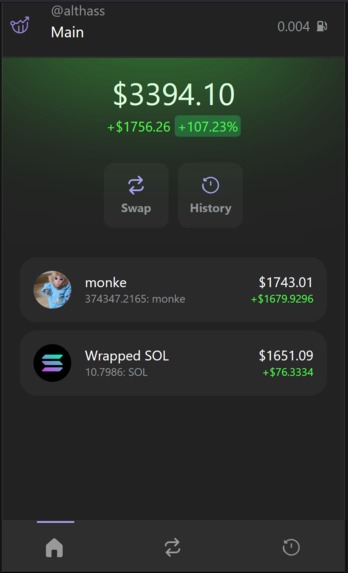
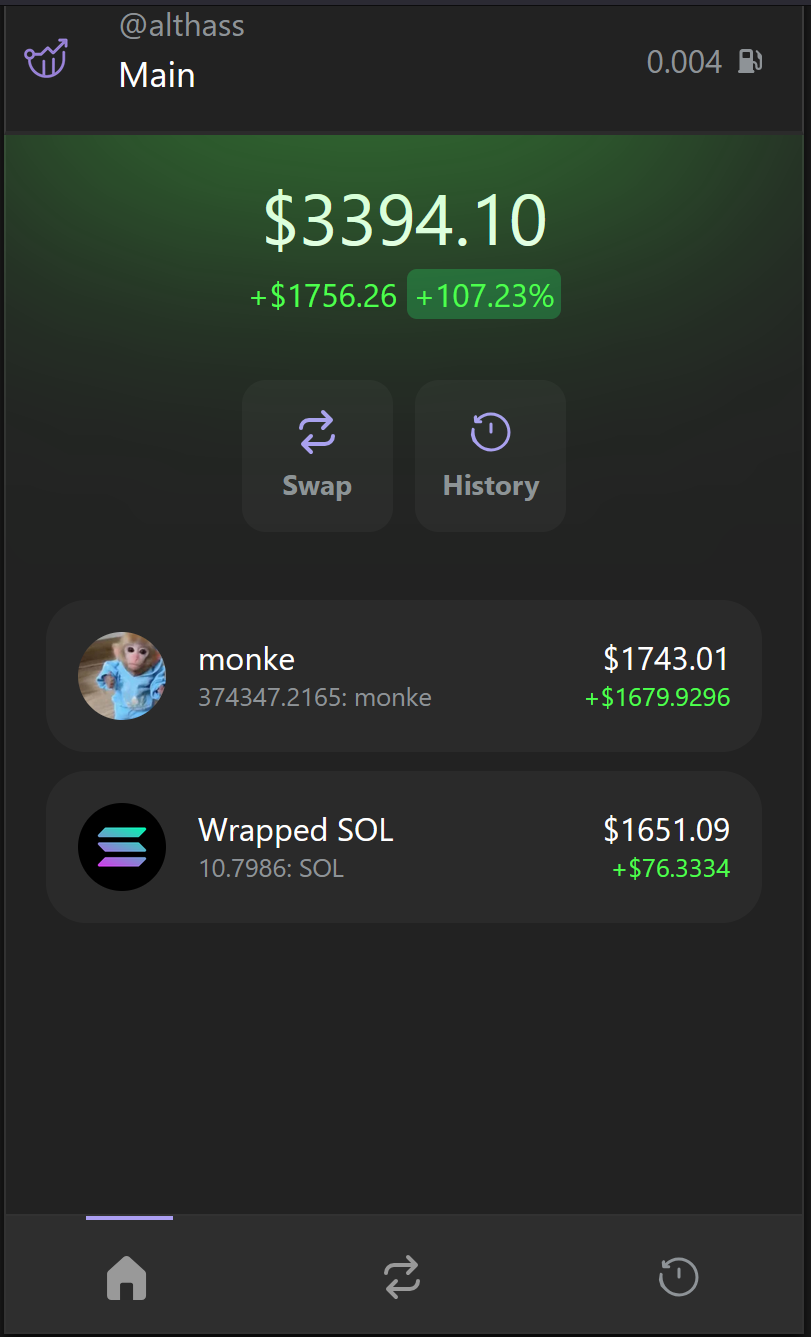
updated balance page dark - demo trader
-
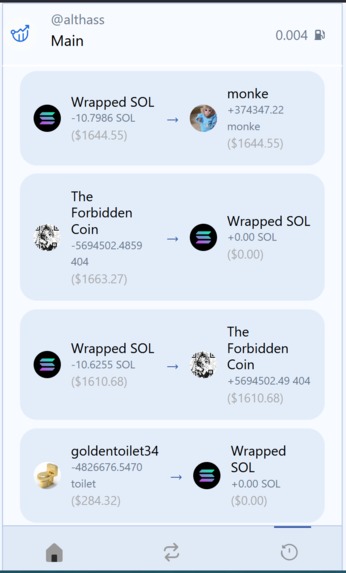
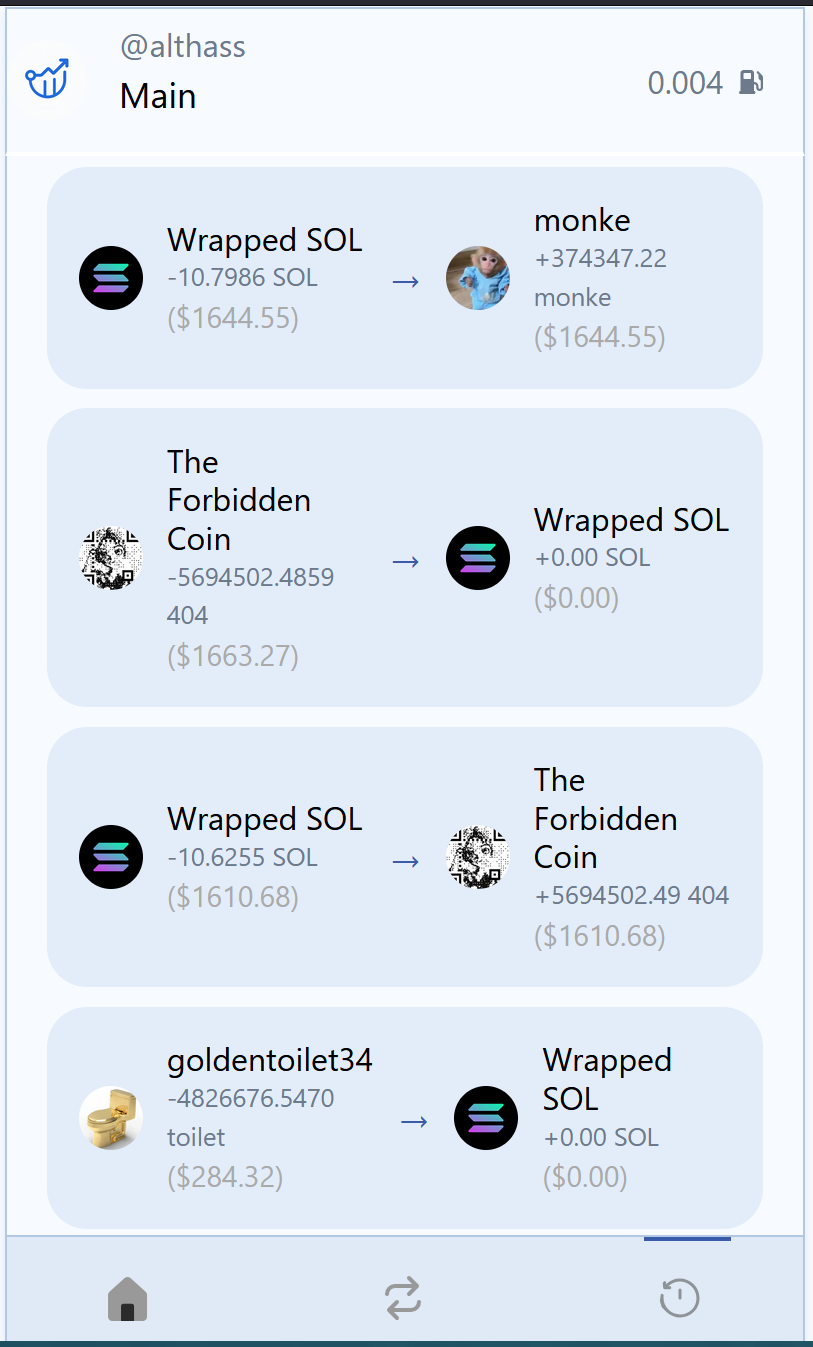
transaction history light - demo trader
-
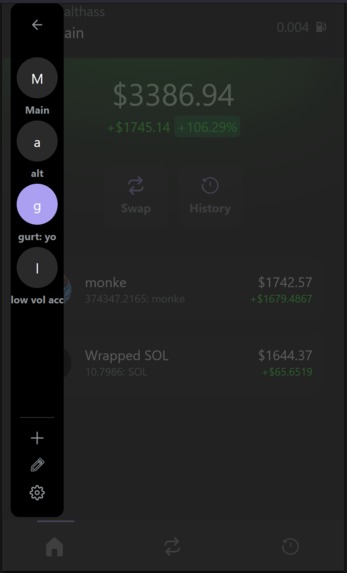
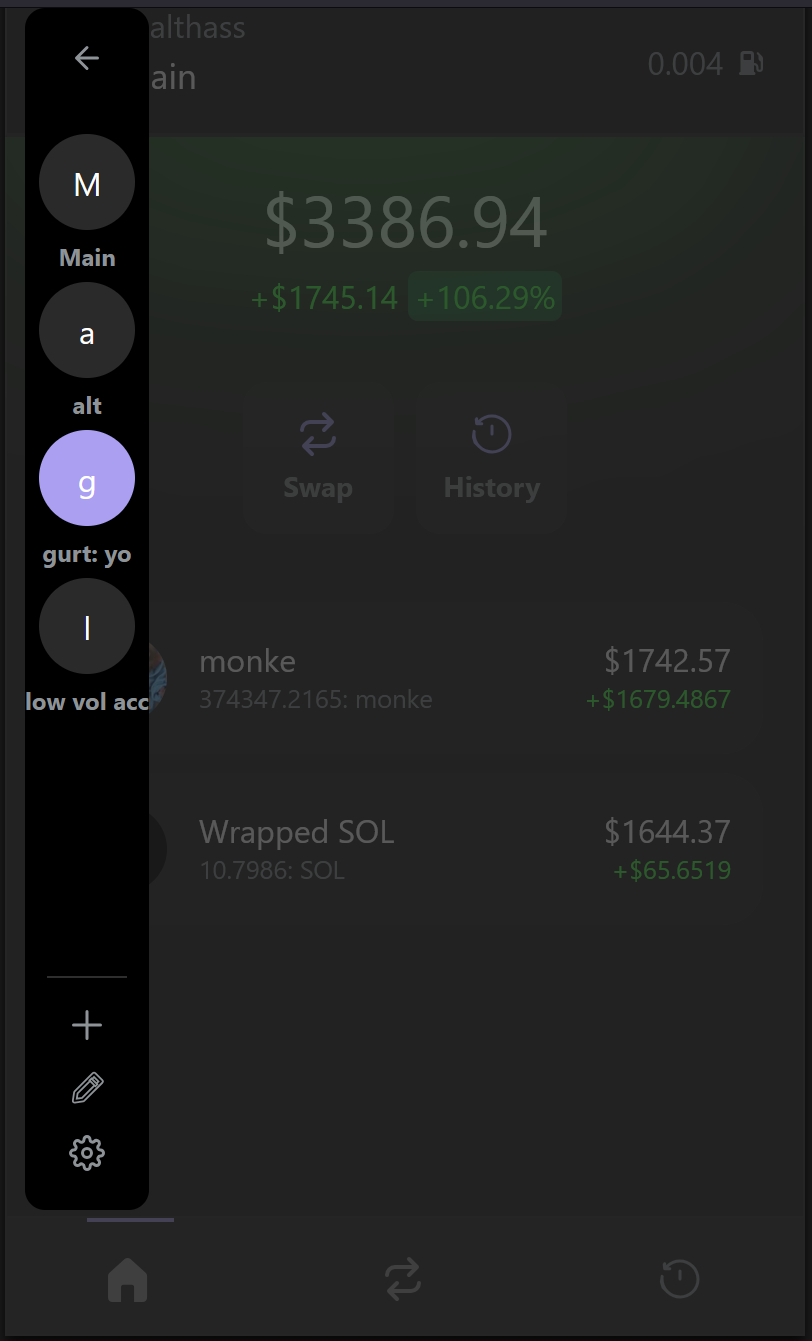
balance and navigator page dark - demo trader
-
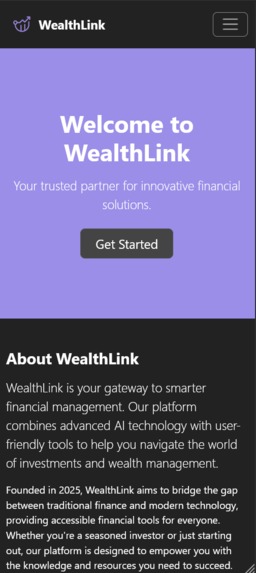
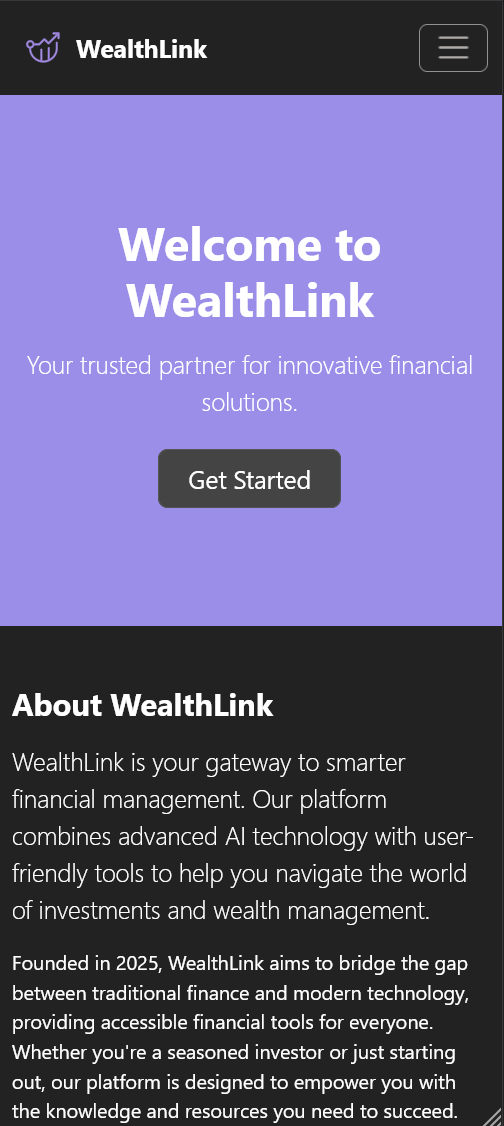
main page dark mobile
-
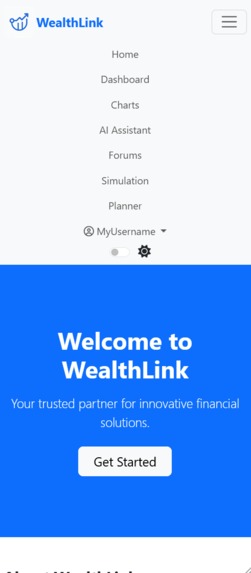
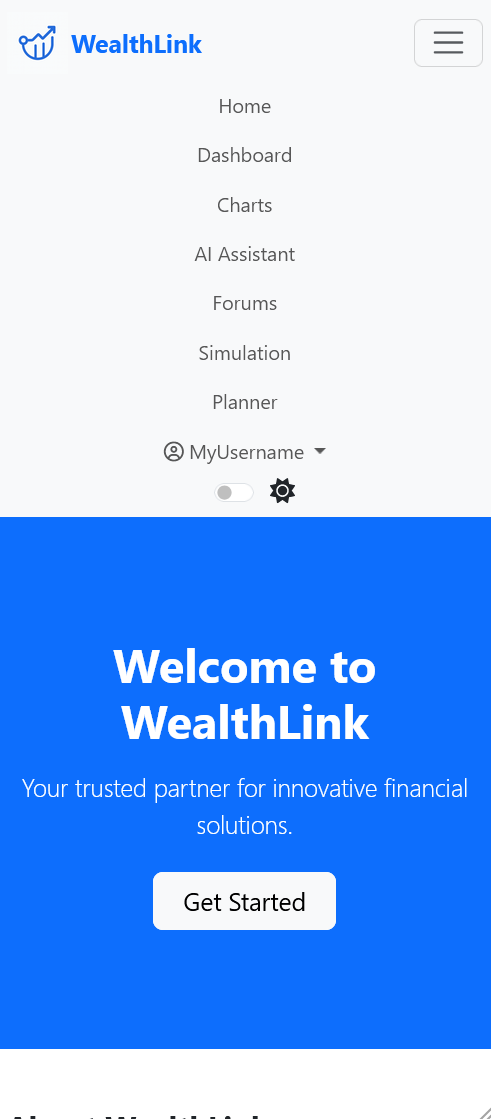
main page navbar light mobile
-
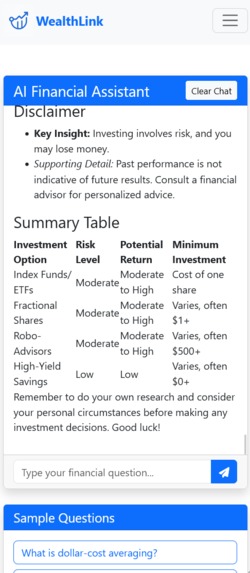
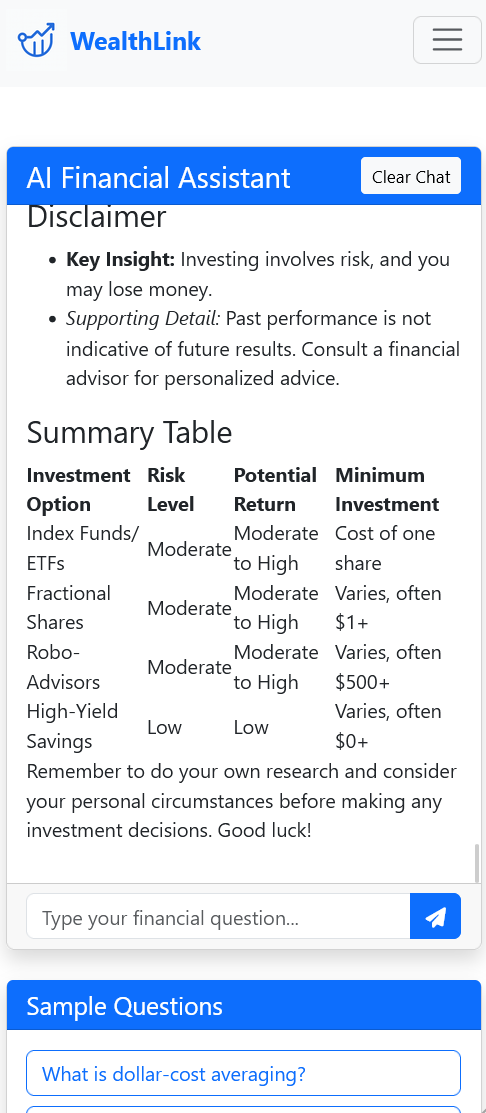
ai assistant light mobile
-
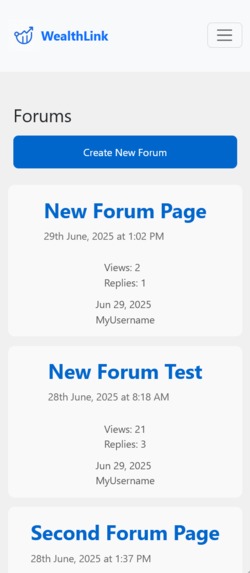
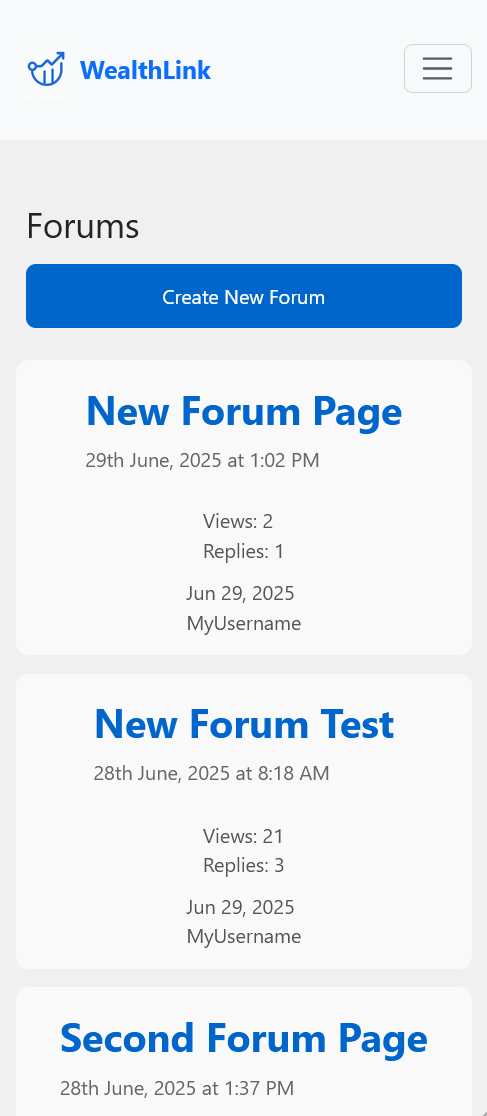
forums view light mobile
-
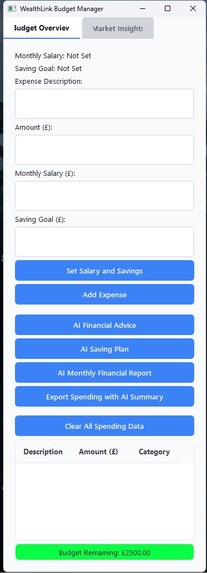
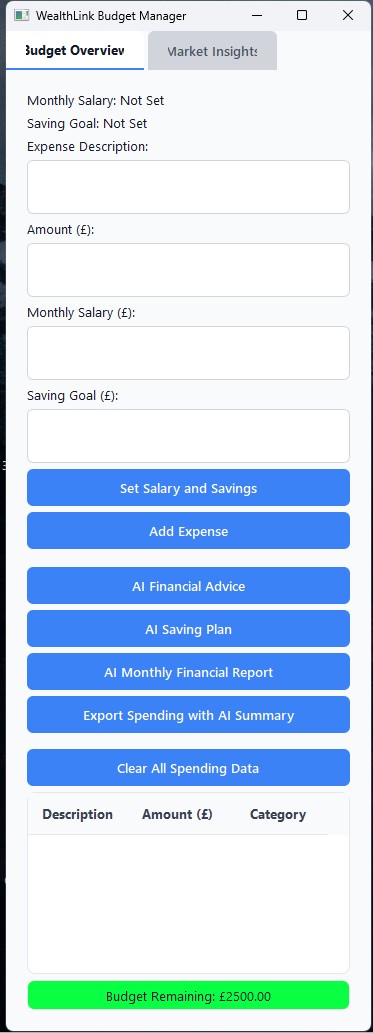
empty homescreen - py app
-
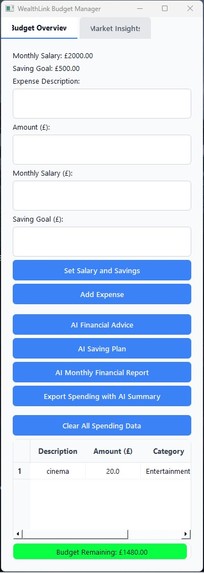
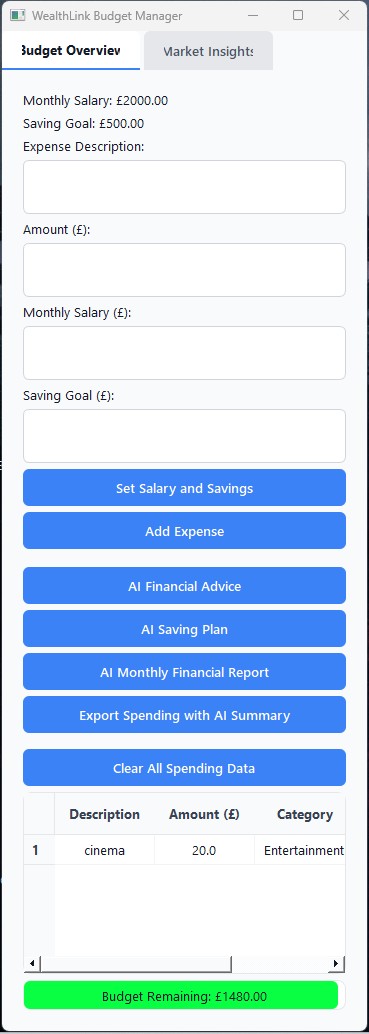
response to inputs - py app
-
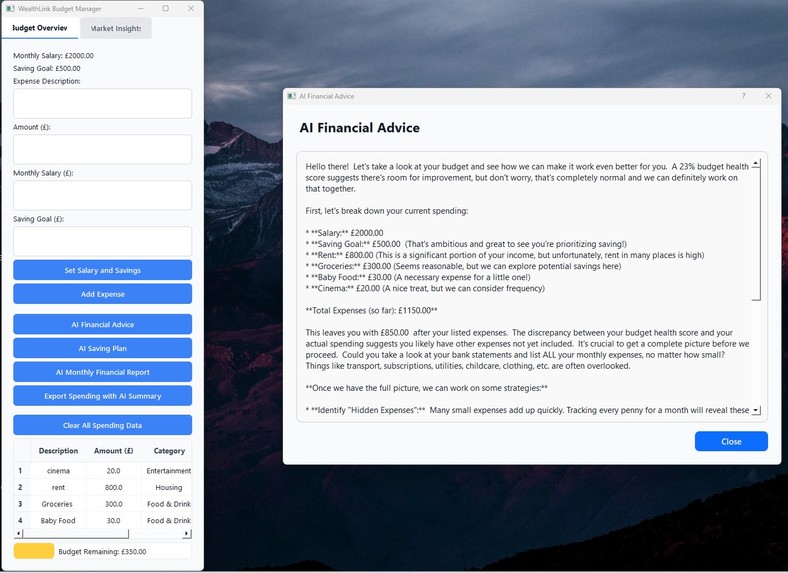
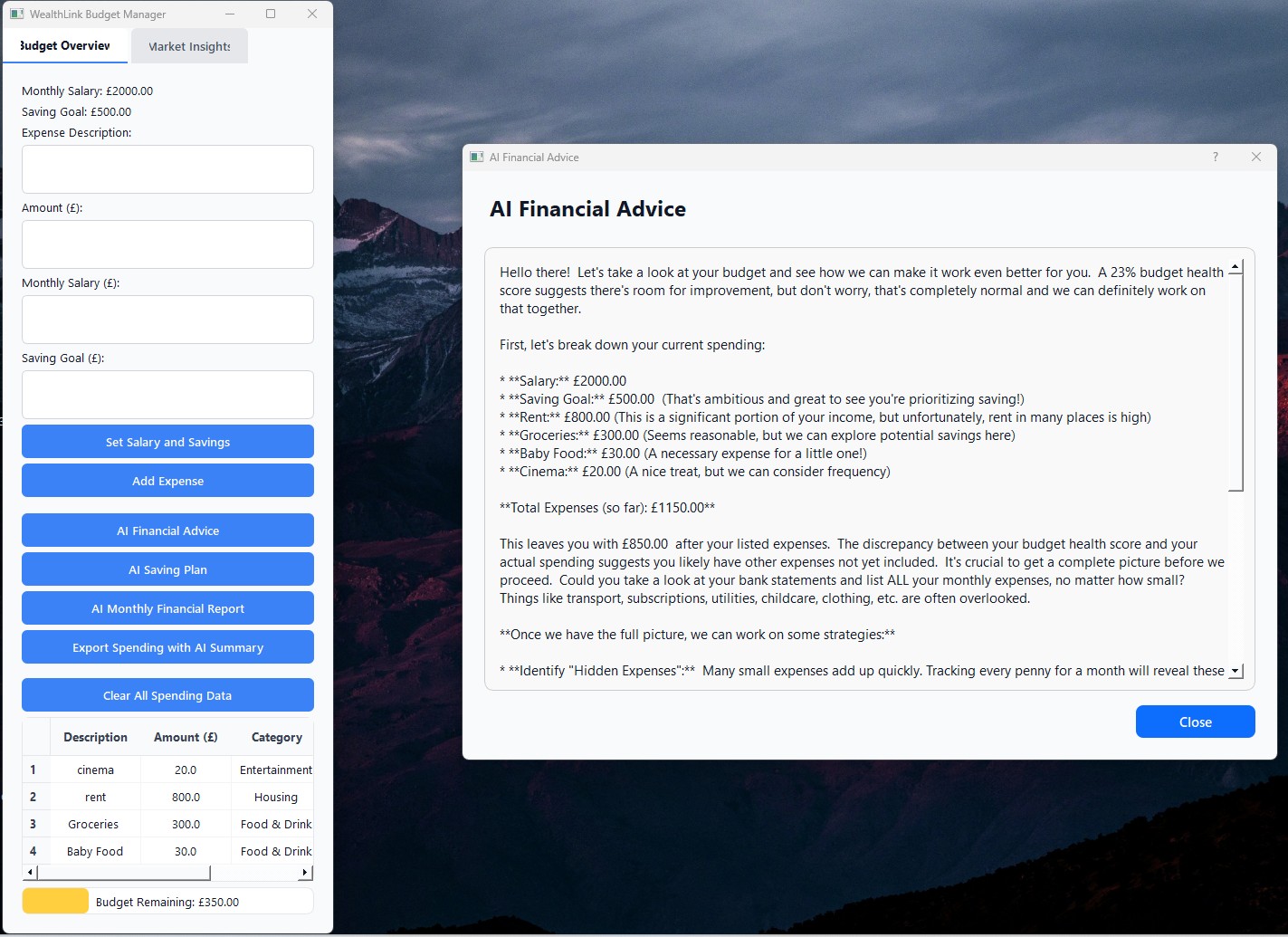
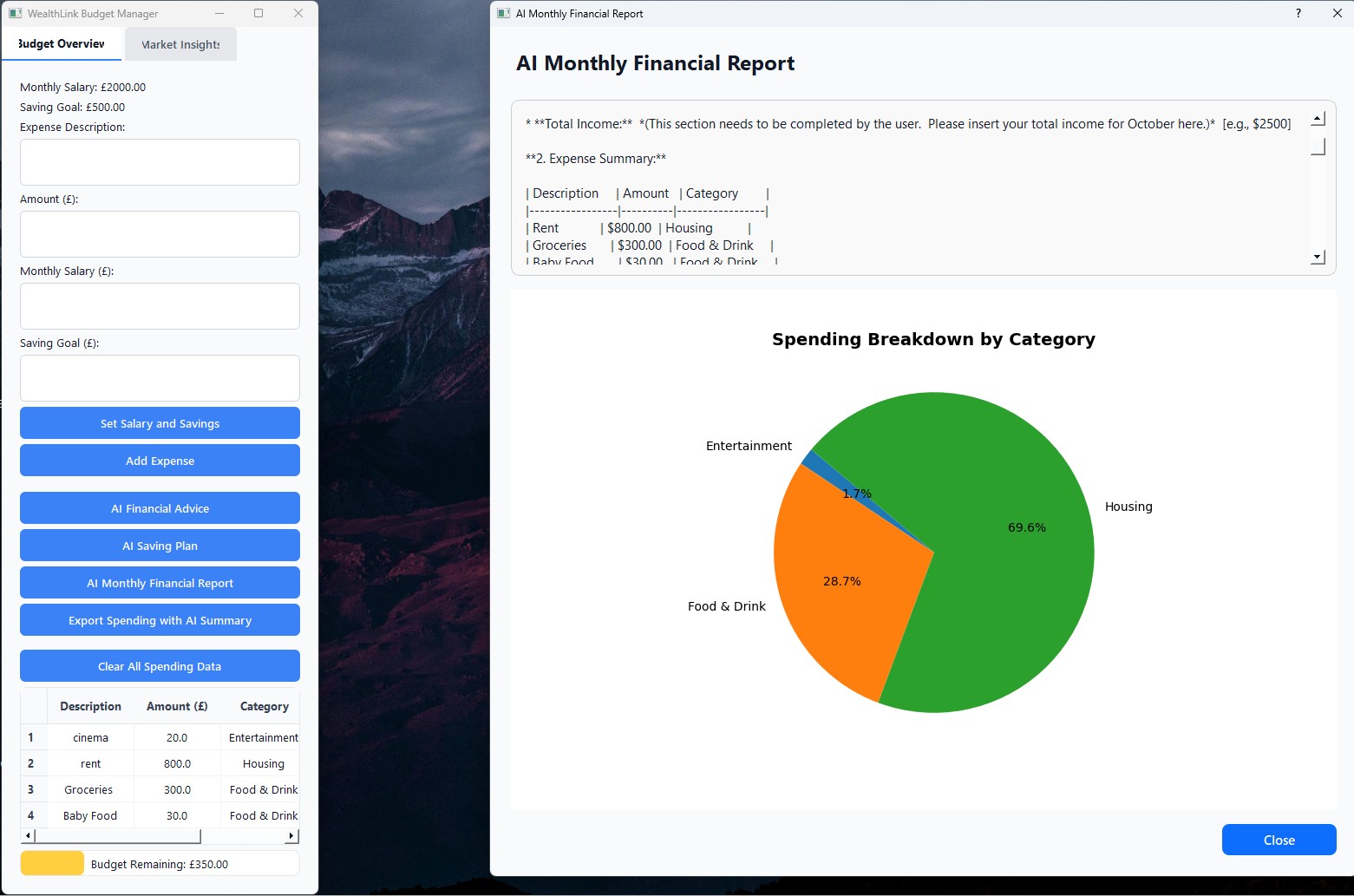
AI finance advice - py app
-
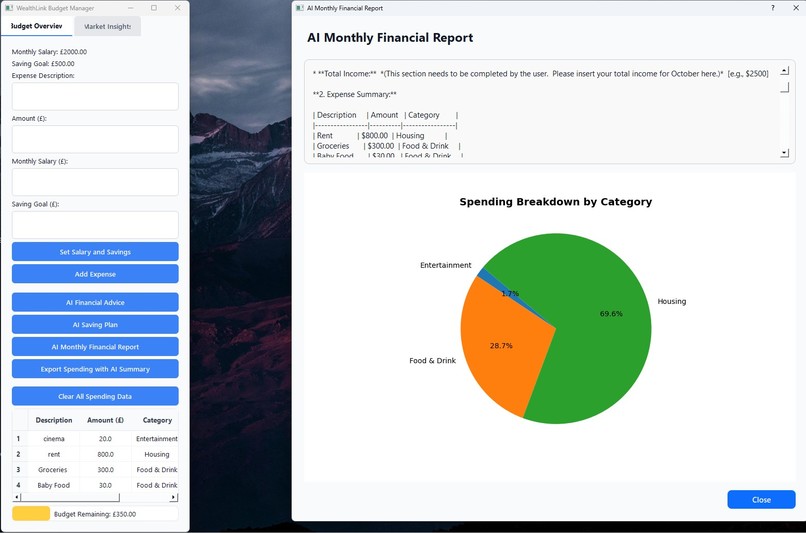
AI financial report - py app
-
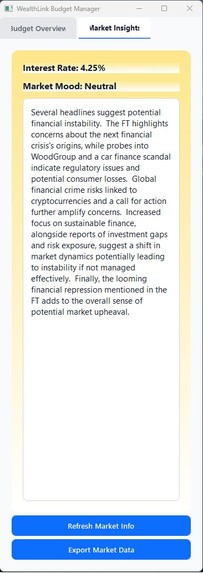
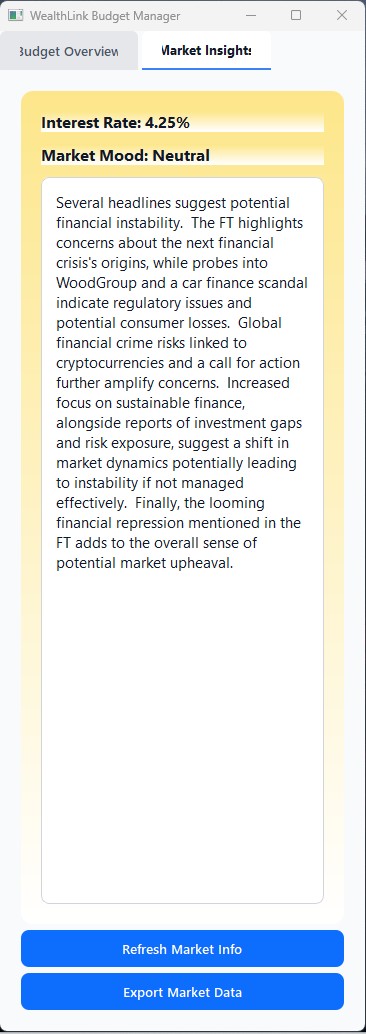
market insight with real time info and colours - py app.jpg



FULL CODE WALKTHROUGH: https://youtu.be/YLKuHq4I2-I
What it does?
For our project, Wealthlink, we created a website that helps users manage every part of their personal finances in one place. The main feature is a user dashboard where people can store and view details about their investments, debts, and savings. We included a graph to show this information visually, making it easier to understand and track over time. We also wanted to make the platform more convenient, so we added live charts that display real time market data. This allows users to check the latest stock prices without having to switch between different websites. To make it even more helpful, we integrated an AI chatbot that can answer finance related questions (we made it so it can only answer finance related questions). This means users can get quick answers directly on the platform. Another feature we worked on is a forum where people from all over the world can support each other as it gives users a space to share advice, ask questions, and learn from others who are or have been in similar situations. In addition to the website, we developed a Python budget planner as a desktop tool. This allows users to input their monthly salary and set a savings target. They can also add expenses whenever they want. One important feature is that all expense data is saved permanently in the database until the user decides to remove it. This means people do not have to add all their spending at once. They can just update it whenever something new comes up. Then to make things smarter, we used Google Gemini to automatically categorise each expense into different groups like food, utilities, or housing. This helps users understand where their money is going without having to do the sorting themselves. We also added a coloured budget bar that gradually goes down as more expenses are added. This provides a simple and clear visual way to see how much money the user has left to spend for the month. We also wanted it to be aware of real world financial changes too. To do this, we used web scraping to get the latest interest rates from official websites. We also scrape news headlines to check the current market mood, whether it is positive or negative. Whenever there is a major change in interest rates or market sentiment, the user gets an alert. This helps them make decisions about whether to invest more or pull back from certain investments. Then using all this information, along with the user’s income, savings, and expenses, we used Gemini again to generate personalised financial advice and a budgeting plan. The AI looks at both the user’s current situation and what is happening in the wider financial environment to suggest realistic plans and next steps. We also built a demo crypto trading app based on the Solana blockchain. When users log in, they land on the Balance Page which shows their wallet balance and a list of their current assets, such as Wrapped SOL. A special feature is that prices are updated live so users can track their holdings in real time. There is also an option to switch between wallets by clicking the wallet icon. To make a trade, users go to the Swap Page where they select the token they want to sell and the one they want to buy. They then enter the amount and confirm the transaction, which processes directly on the Solana network. The app also includes a transaction history page where users can see details of all their past trades. This includes the token pairs, the amounts traded and the dates of each transaction.
How did we make it?
When we first started the project, we split it into three main parts: the website, the Python budget planner, and the Solana demo trader. This was because we each had different skillsets and had unique ideas on how to approach the task. For the website, we started with HTML, CSS, and JavaScript to build the layout and structure. Then to make the design look professional and mobile friendly we used Bootstrap. This helped with styling things like buttons, menus and cards without having to write all the CSS ourselves. For storing user data like budgets, investments, and forum posts, we chose Firebase as it gave us an easy way to handle user authentication and database storage without setting up our own server from scratch. We also used Express for the backend to handle API calls and to link different parts of the system together. One of the more exciting parts was adding real time financial data. To do this, we integrated widgets from the Trading view API to show real time market data and also used Chart.js to make custom graphs showing things like expenses and savings over time. A key part of the website was the AI chatbot. To link the frontend to the AI on the backend securely, we built a POST method called “api/chat.” This allowed users to send messages to the AI without exposing the Gemini API key on the client side. This stopped users from accessing it directly, which prevented any potential misuse. Originally, we planned to use OpenAI’s ChatGPT for the chatbot, but we chose not to since it was $18 and since Google’s Gemini model is free, we chose to use that instead. Then to make sure the AI responses were high quality and properly formatted, we wrote a detailed system prompt. The second part of the project was the Python budget planner. This was designed as a desktop app using PyQt5, which allowed us to build a proper graphical interface and was selected because the person doing the task had prior experience with PyQt5. The to store all the user data (e.g expenses, salaries, and savings goals) we used SQLite3. For handling data and doing calculations, we used several Python libraries like NumPy and Pandas for managing and processing data. For example, we used Pandas DataFrames to organise expense records and NumPy arrays for calculations like budget remaining. We also used the Requests library and BeautifulSoup from the bs4 module to scrape the latest UK interest rate from websites. Furthermore, we analysed the emotional tone of news headlines using NLTK’s SentimentIntensityAnalyzer from the VADER tool to help us detect market sentiment. Taking it further we used Gemini to summarise news headlines in search for financial news on potential crises and other impactful events. For creating visual graphs and charts, we used Matplotlib. To integrate these charts directly into the PyQt5 app, we used the FigureCanvas class from matplotlib.backends.backend_qt5agg which allowed us to embed Matplotlib graphs into our GUI windows. To improve the look and functionality of the user interface, we used various PyQt5 widgets like QLabel, QPushButton, QLineEdit, and QTableWidget. We also imported QtCore and QtGui modules like QTextOption and Qt alignment options to change the appearance and layout of different parts. For AI-based features, such as automatically categorising expenses or generating financial advice, we used Google Generative AI for Python. We also used the LinearRegression class from scikit-learn to experiment with predicting future expenses based on past spending, though we did not manage to fully make it work by the deadline so we didn’t integrate it. The final part was the Solana demo trader. This was more focused on web technologies and backend tools. For the server side, we used Express and then we used dotenv for storing sensitive information like API keys. Then for the frontend, we used React and React Router Dom to manage different pages like the balance view, exchange page and transaction history. For the real time connection with the blockchain and transaction handling, we used Moralis, which made it easier to interact with the Solana network without writing all the blockchain logic. Moreover, WebSocket support was added using the ws library so the app could receive live updates about prices and balances.
Challenges we faced
Throughout this project, we came across quite a few challenges that tested both our coding skills and our problem solving abilities. For the website, one of the first problems we had was deciding exactly what to build. The brief we were given was quite broad, so at the start it felt a bit overwhelming. We had lots of ideas but kind of struggled to narrow them down into something focused and achievable. It took some time as a group discussing before we settled on the idea of making a financial management platform. Once we started coding, one of the biggest technical challenges was getting the dashboard layout to look right. We wanted it to be clean and easy to use, but formatting it and making it responsive on different screen sizes was tricky. Overall there were just lots of small styling issues that took time to fix. Another major challenge was building the forum feature. Making it work smoothly with vanilla involved a lot of debugging. At times it felt like we were fixing one problem just for another one to pop up somewhere else. Sorting out how the forum posts would update in real time without crashing the site took longer than we expected. Then for the Python budget planner, there were a different set of problems. Originally, we wanted to use an API to fetch the live UK interest rate. However, the API key we had access to did not work. After spending a lot of time trying to fix it, we had to change our approach and switch to web scraping. Even then, getting the scraping code to work properly took ages because we kept running into formatting issues with the websites we were pulling data from. Another big challenge was learning how to use AI APIs for the first time. None of us had done this before, so it involved a lot of research and trial and error. Figuring out how to connect the Google Gemini API, send prompts, and handle the responses in both Python and JavaScript was completely new to us. It took some time but in the end, we managed to get it working well. There was also the problem of styling the Python app. The person in our group working on the budget planner had less experience with CSS and HTML. Since PyQt5 also involves using layout and style elements, it meant they had to spend extra time learning how to make the app look presentable. Even though it might not look perfect, we are pleased with the progress made given the time and the steep learning curve. For the Solana demo trader, one of the biggest challenges was linking it to the website in a way that users could switch between using the website and the trading platform without it feeling disjointed. Moreover, there were also technical difficulties with connecting the frontend and backend services smoothly.
Key Accomplishments
Over the course of this project, we achieved a lot that we are really proud of. For the website, we successfully built a fully working forum where users can post messages, reply to others, and react with likes. All posts save properly to the database and update live, which makes the experience smooth and interactive. Also the dashboard was another big success. We added linear regression charts to show financial trends based on user data and the robust redirection system ensures users always end up on the correct page, improving usability. For the Python budget planner, we created a fully functional, AI-powered tool. It doesn’t just rely on user input like expenses and salary but also uses real time financial information. This includes live UK interest rates and market sentiment data, which the app collects using web scraping. The AI then combines this with the user’s budget details to give personalised and realistic financial advice. Our Solana demo trader became a robust trading simulator designed for the Solana ecosystem. It handles live balance updates, wallet management, and trading functions like token swaps. We also successfully made the backend flexible, meaning the system could be connected to any user interface or be adapted for different UX designs in the future.
What we learned?
This project taught us a lot about full stack development and also just how to work together as a team to make an idea into reality. From the website, we learned how to build and style interactive dashboards and forums while improving our debugging skills. The Python planner then helped us understand how to combine user input with external financial data, and it was our first real experience working with web scraping and AI APIs so learning how to securely connect to Gemini was especially useful. With the Solana trader, the main thing we learnt was using blockchain technology. Overall, we developed better teamwork, research, and coding skills across multiple programming languages.
What’s next for Wealthlink?
Looking forward, there are several ways we could improve and expand WealthLink to make it even more useful and engaging for users. One of our main ideas is to build a mobile app version of the platform. This would let users manage their budgets, check investments, and get AI advice wherever they are. This is particularly useful as most people would prefer doing this on their phone as it's more convenient. To carry this out we would likely use a framework like React Native so we could reuse parts of our existing code. Another area we want to focus on is improving the AI features. Right now, the AI gives general financial advice based on user input and live market data but in the future, we want the AI to offer more personalised suggestions by learning from user spending habits over time. This would make the advice more relevant and specific. Then for the Solana demo trader, we plan to add an AI driven trading assistant. This would give users real time trading tips based on market trends and their wallet activity. This could help beginners feel more confident when first making trades. For the whole project maybe on the dashboard, we also hope to add investment portfolio tracking with risk analysis. This would show users how risky their investments are compared to their financial goals, which can better aid the user when making financial decisions.


Log in or sign up for Devpost to join the conversation.