-
-

WeFindVideo Logo
-
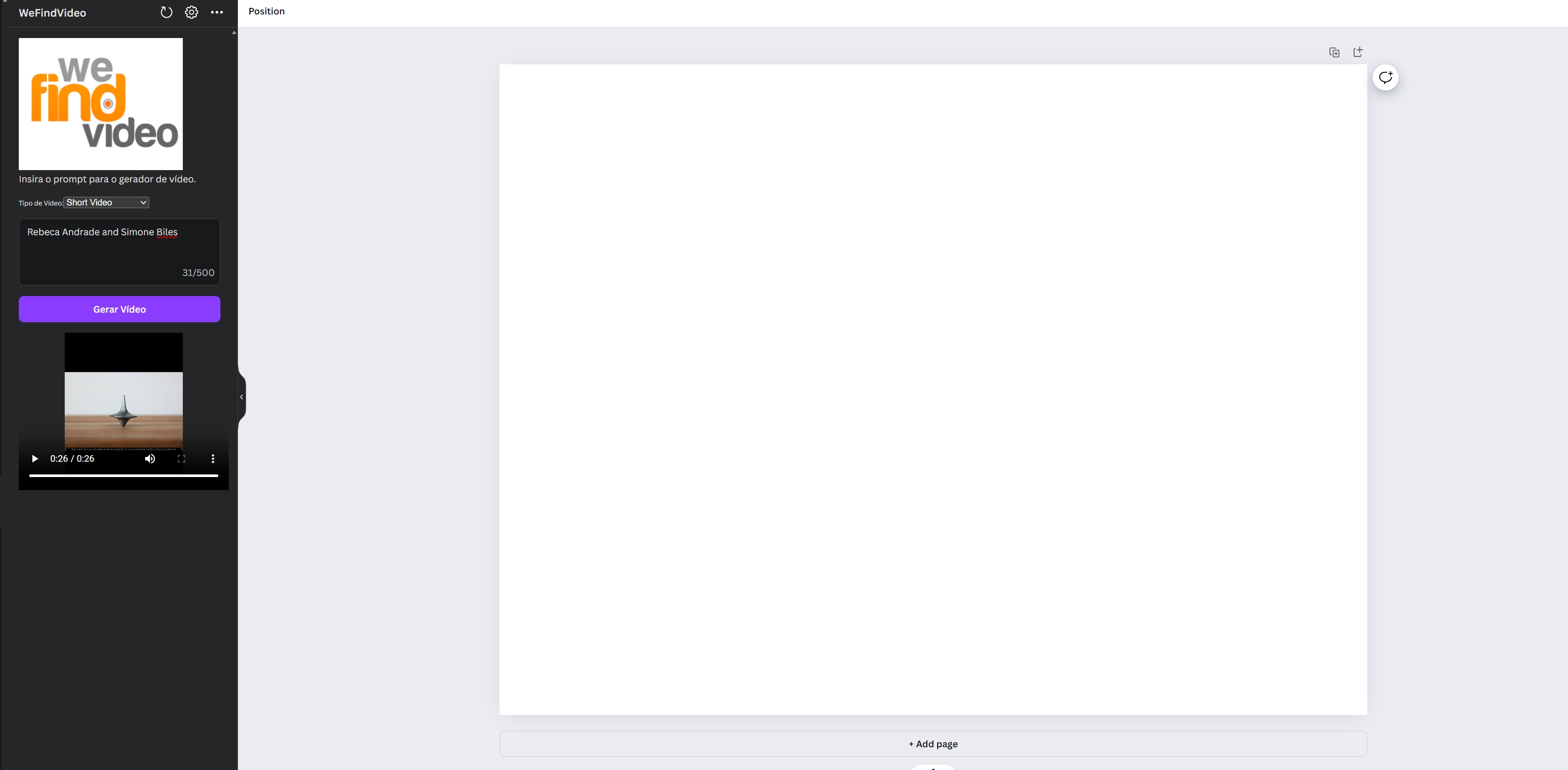
PrintScren

Inspiration
Video Generation is the next stage for the AI content Generation. Several times we need to create a content for a Institutional Vodes, Short Video, Reels or a Video Background
What it does
Our backend receive the request to generate the Video Script. Each scene have the following structure:
- SceneNumber
- Title
- Description
- Tags
- VoiceOver
- Duration
- QueryImage
- Music With the script we do the folling actions: ### Images Query Images with Royalties free to create the scene
Description
Add the Text Description in the Image Botton
VoiceOver
Convert text to speech and add to scence
Music
Search for the more suitable music add to Background
Video Generation
Compose all scenes with the specified duration with Image, text, voice and music apply effect transitions
Upload to Storage
Upload Video Generated to Azure Store Account Container
Render Image
Render Image to Canva Interface
How we built it
React for the Canva Interface Python with Langchain and Moviepy to generate script and Video
Challenges we ran into
Hard to synchronize scenes and overcome API errors that constantly generate bad outputs and need to fix the code
Accomplishments that we're proud of
Create the interesting stack that should evolve in a complete platform
What we learned
Allways need to check the AI output
What's next for We Find Video
Improve User Experience Add Queue Manager to split the video generation and return a better user experience Create a payment for heavy users


Log in or sign up for Devpost to join the conversation.