-
-
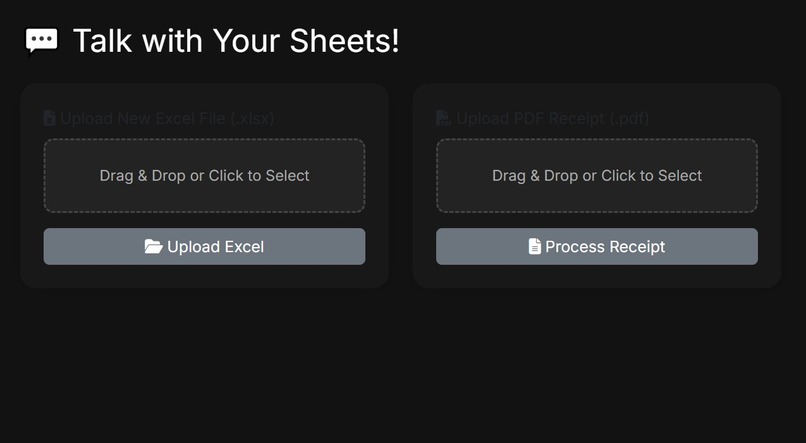
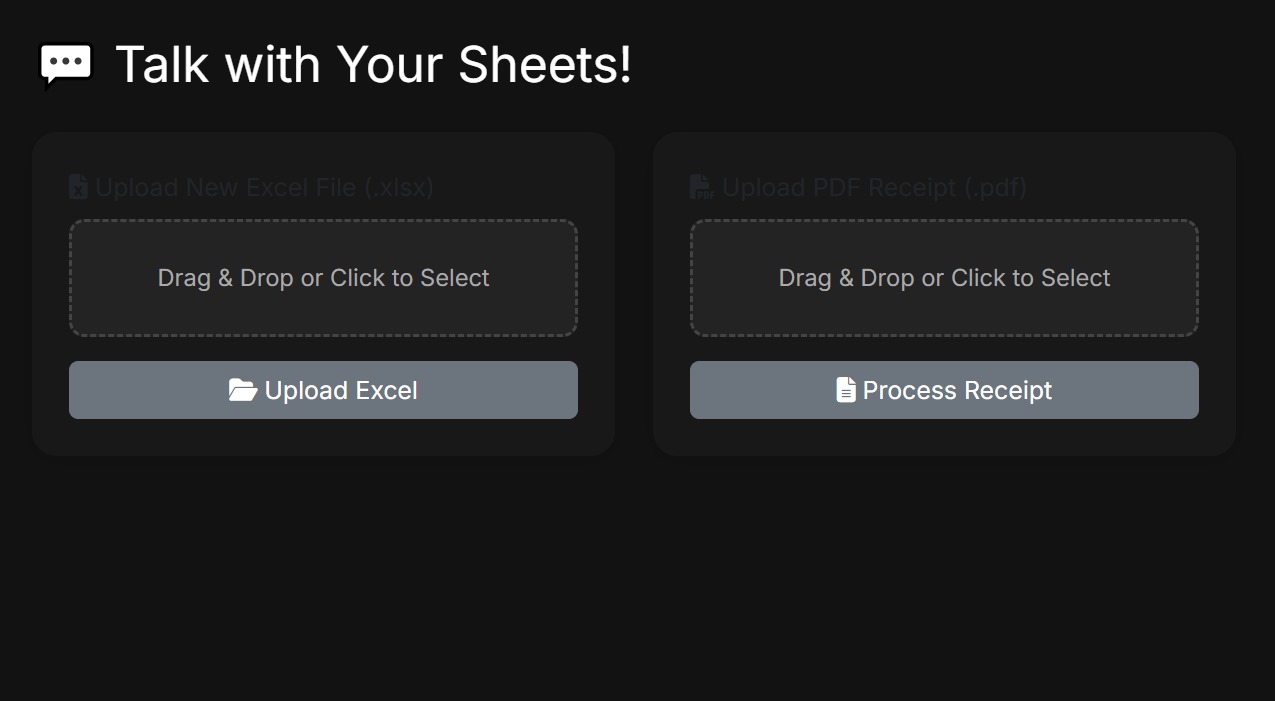
Home Page
-
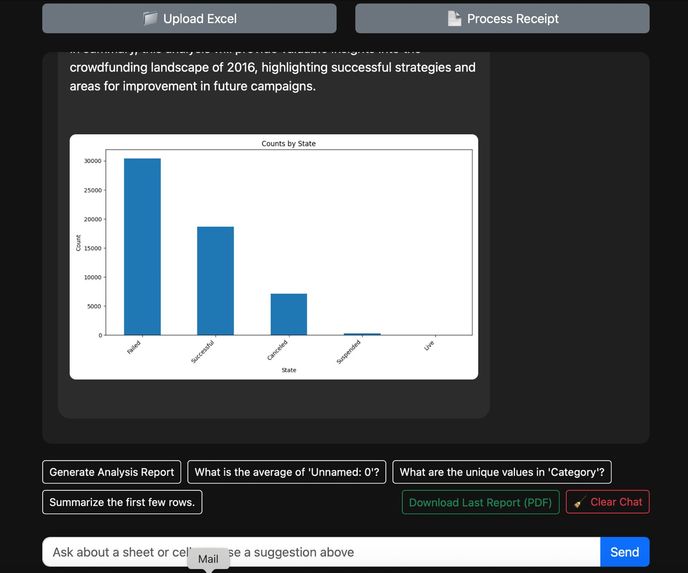
Insight from chatbot
-
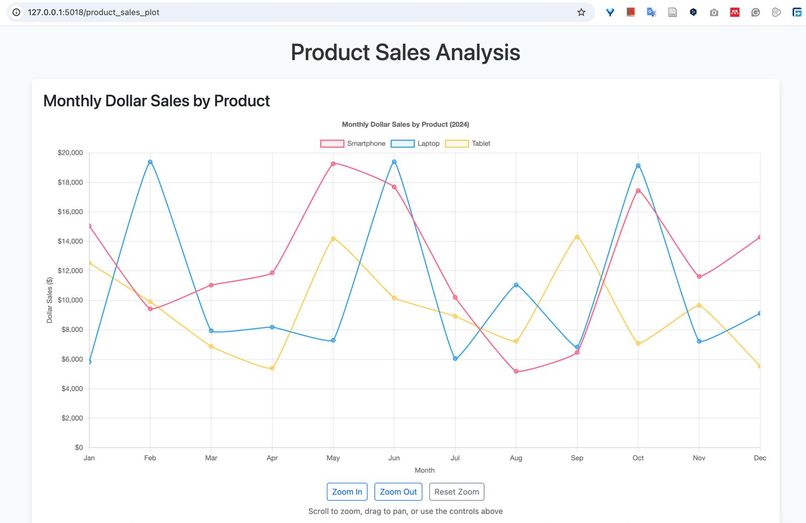
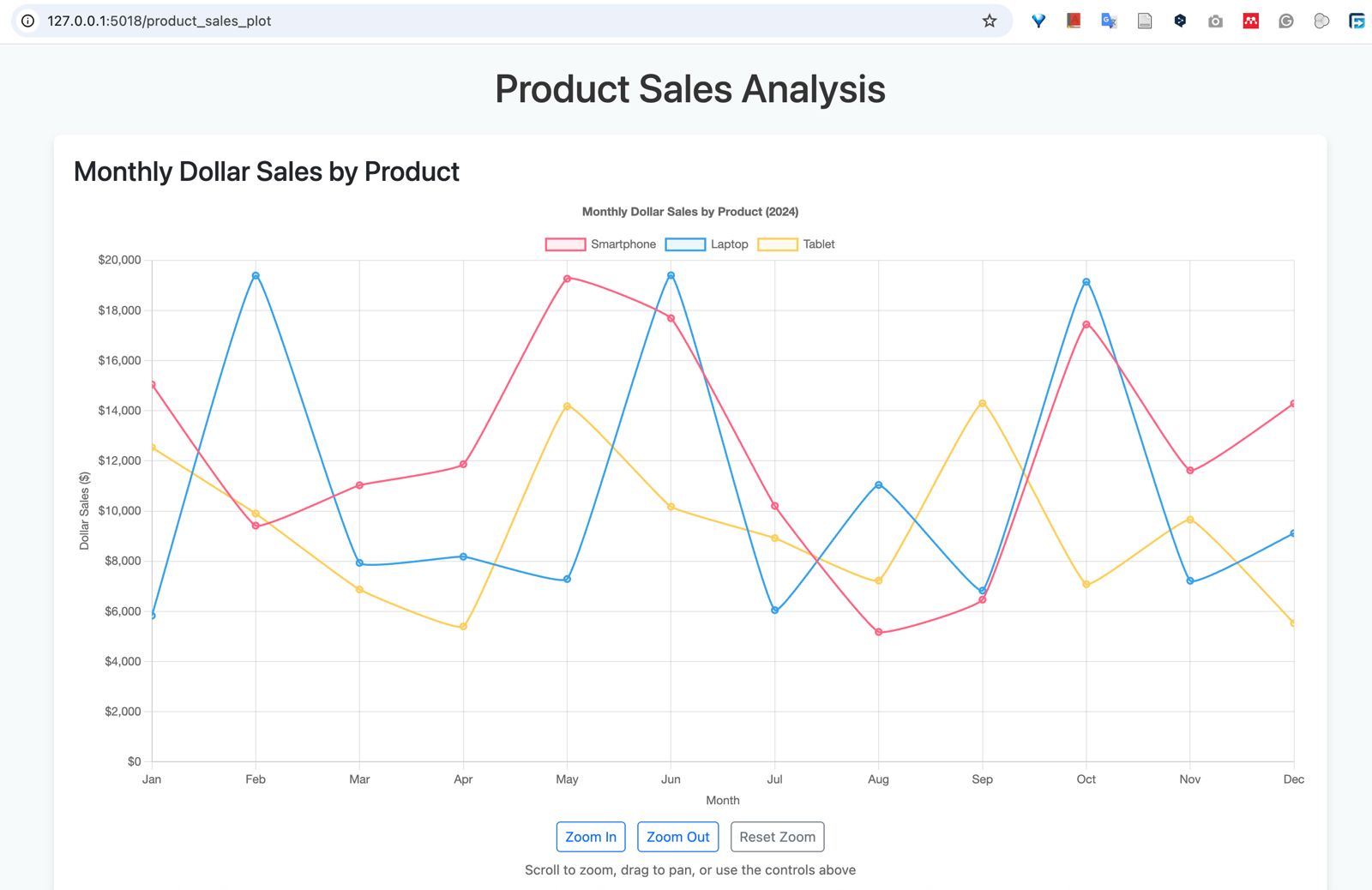
Interactive Dashboard/Graph
-
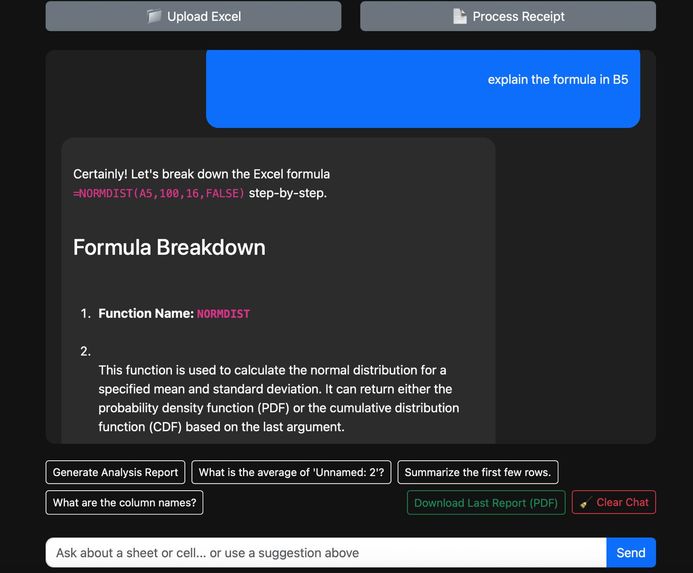
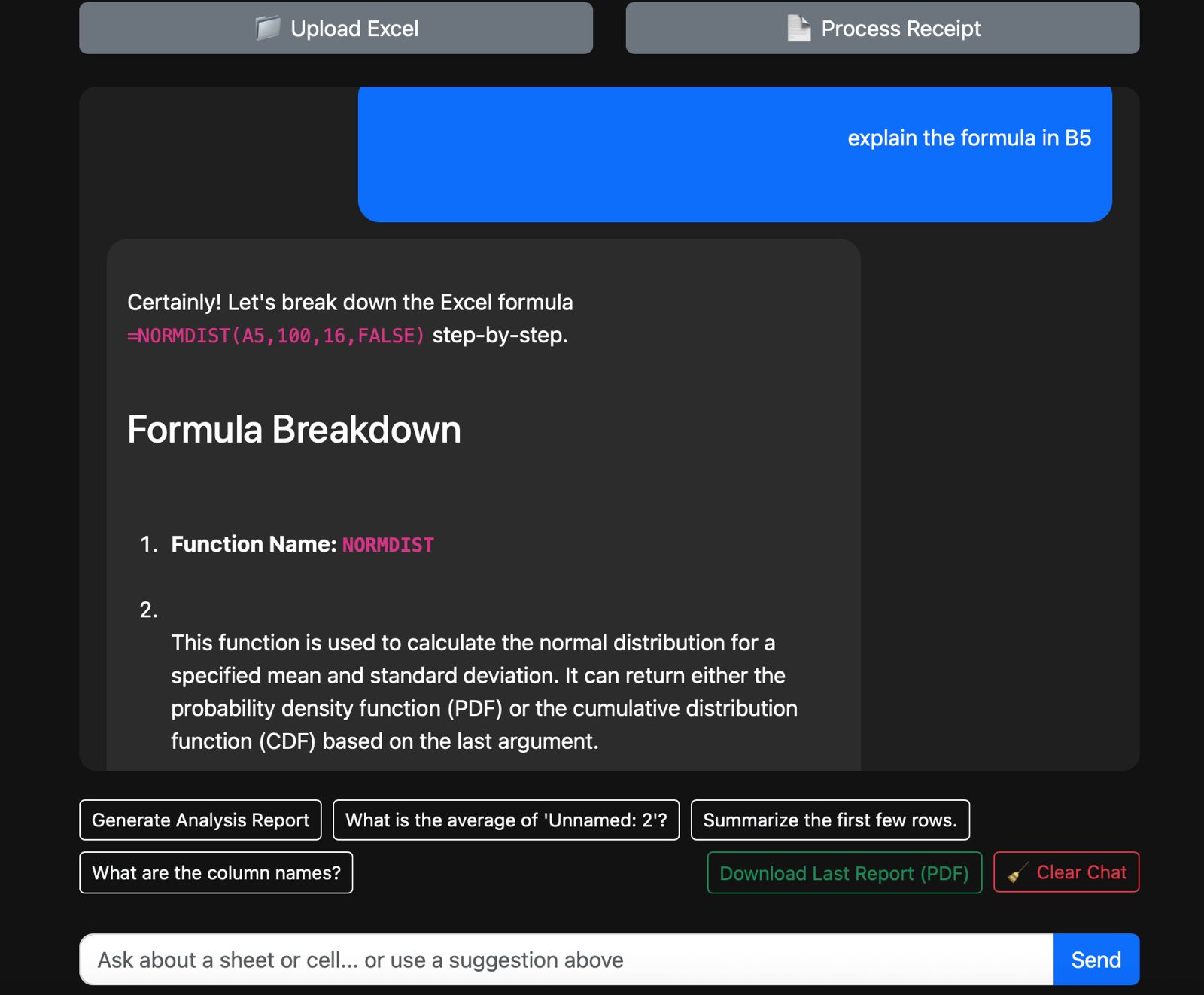
Cell Formula Explanation 1/2
-
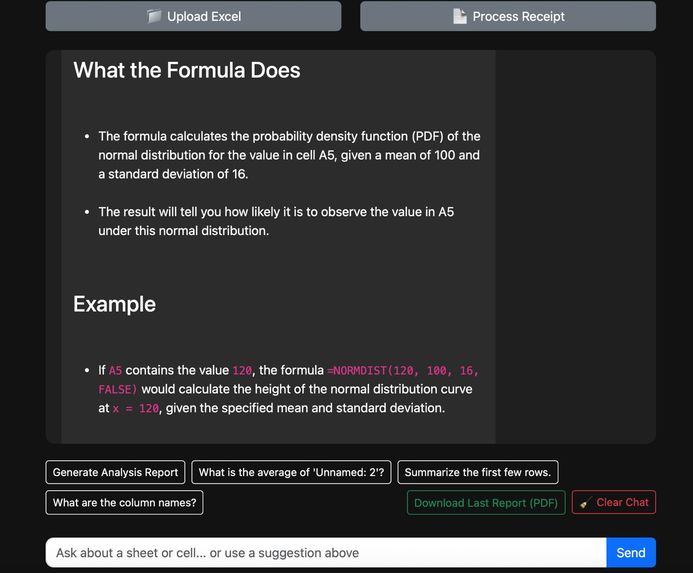
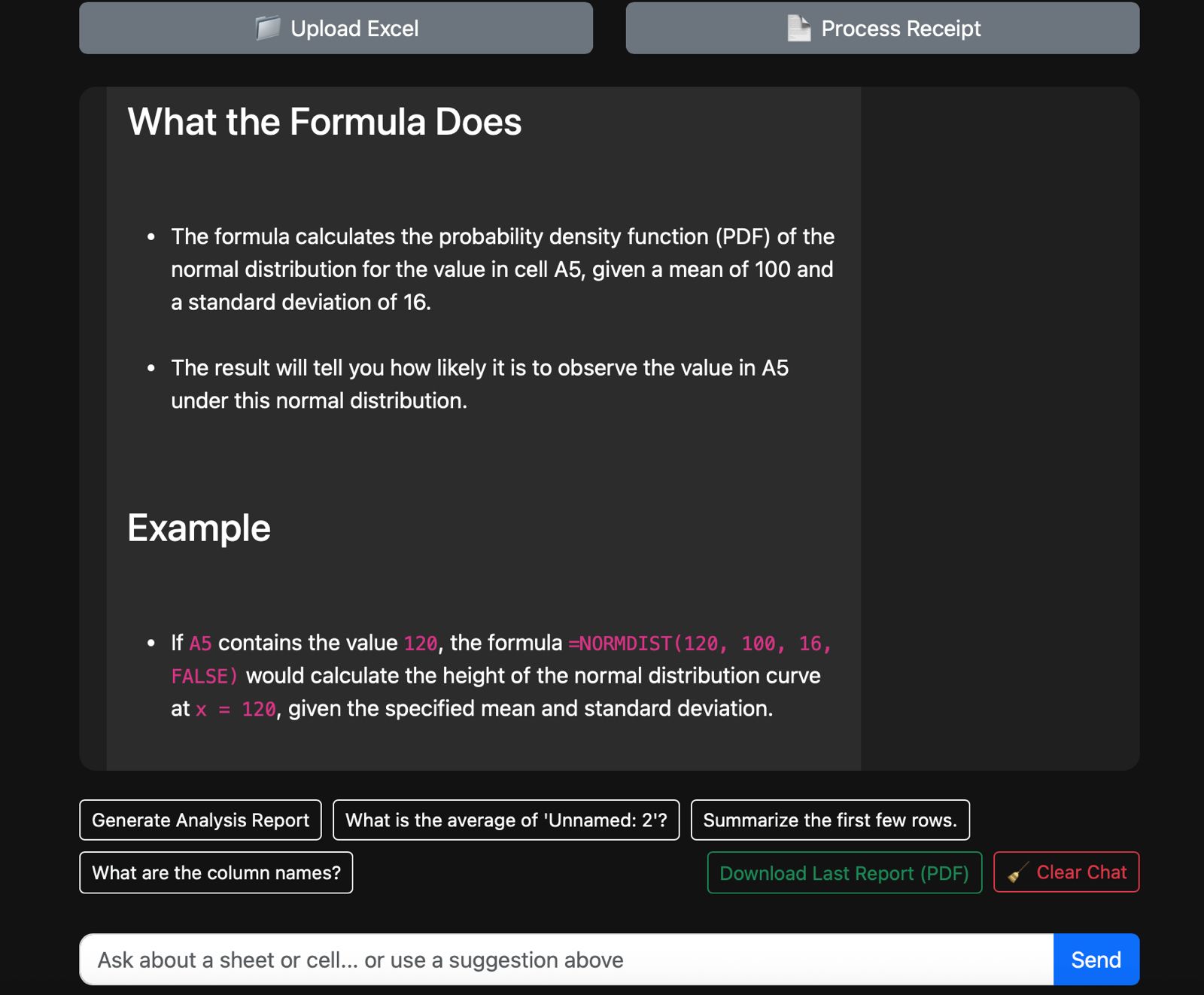
Cell Formula Explanation 2/2
-
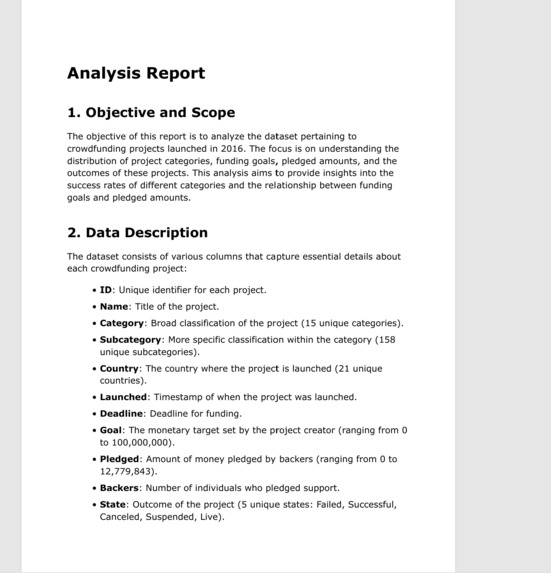
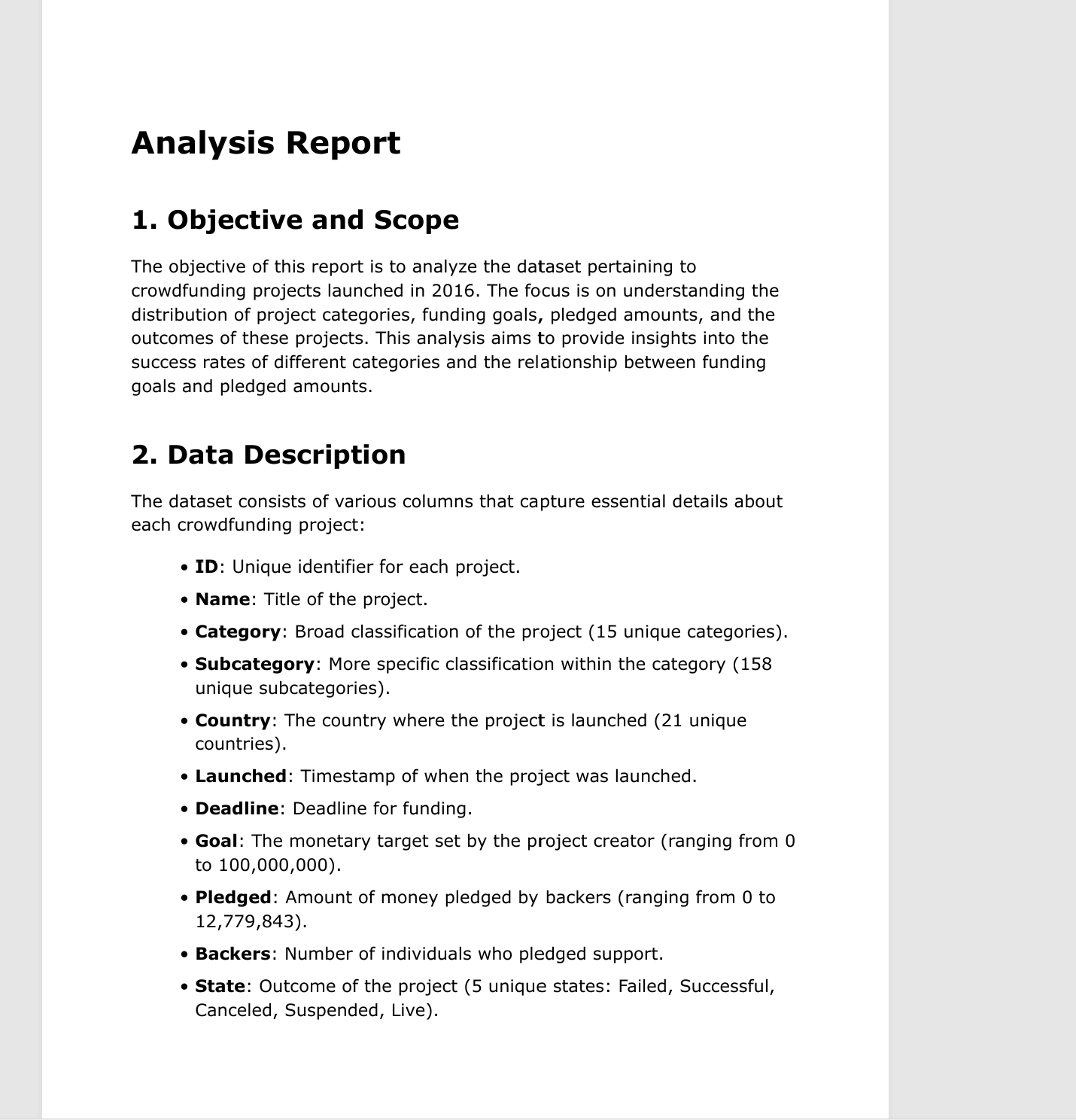
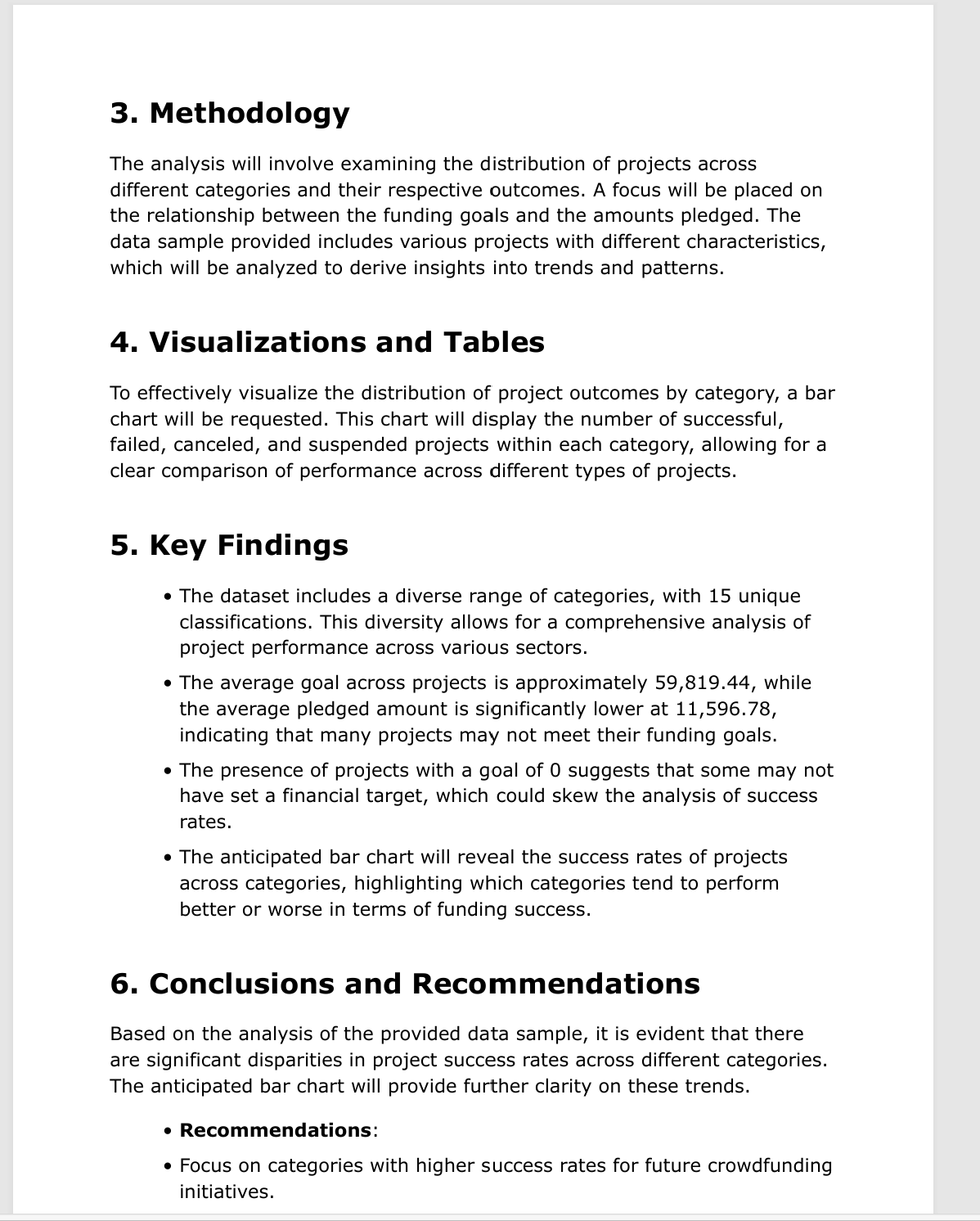
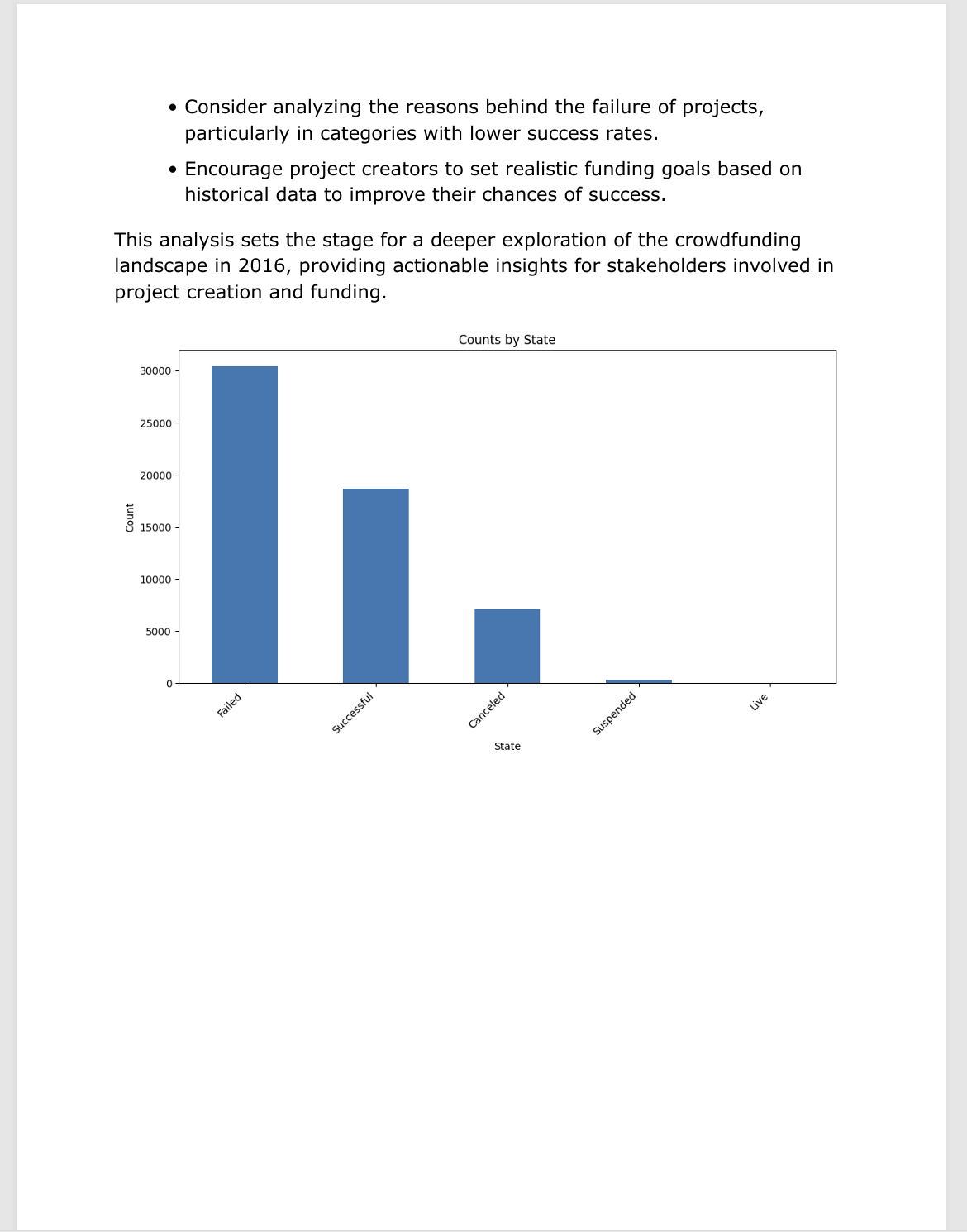
Generated Report 1/3
-
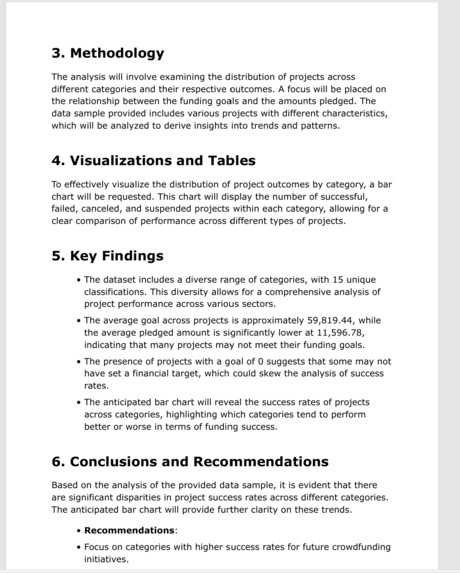
Generated Report 2/3
-
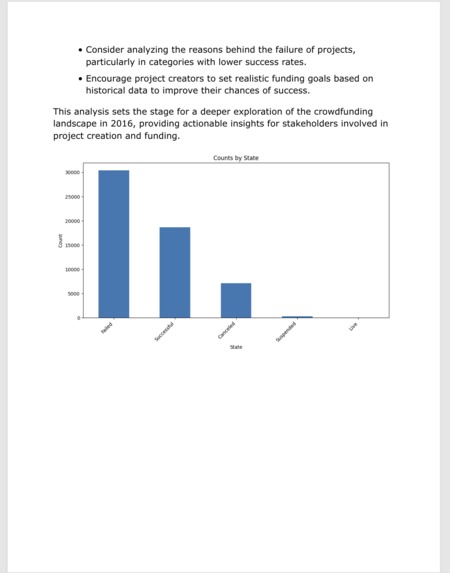
Generated Report 3/3
-
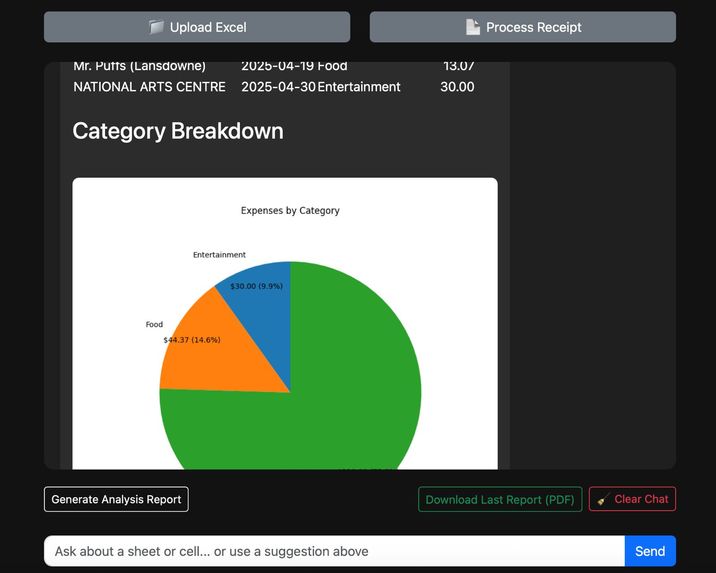
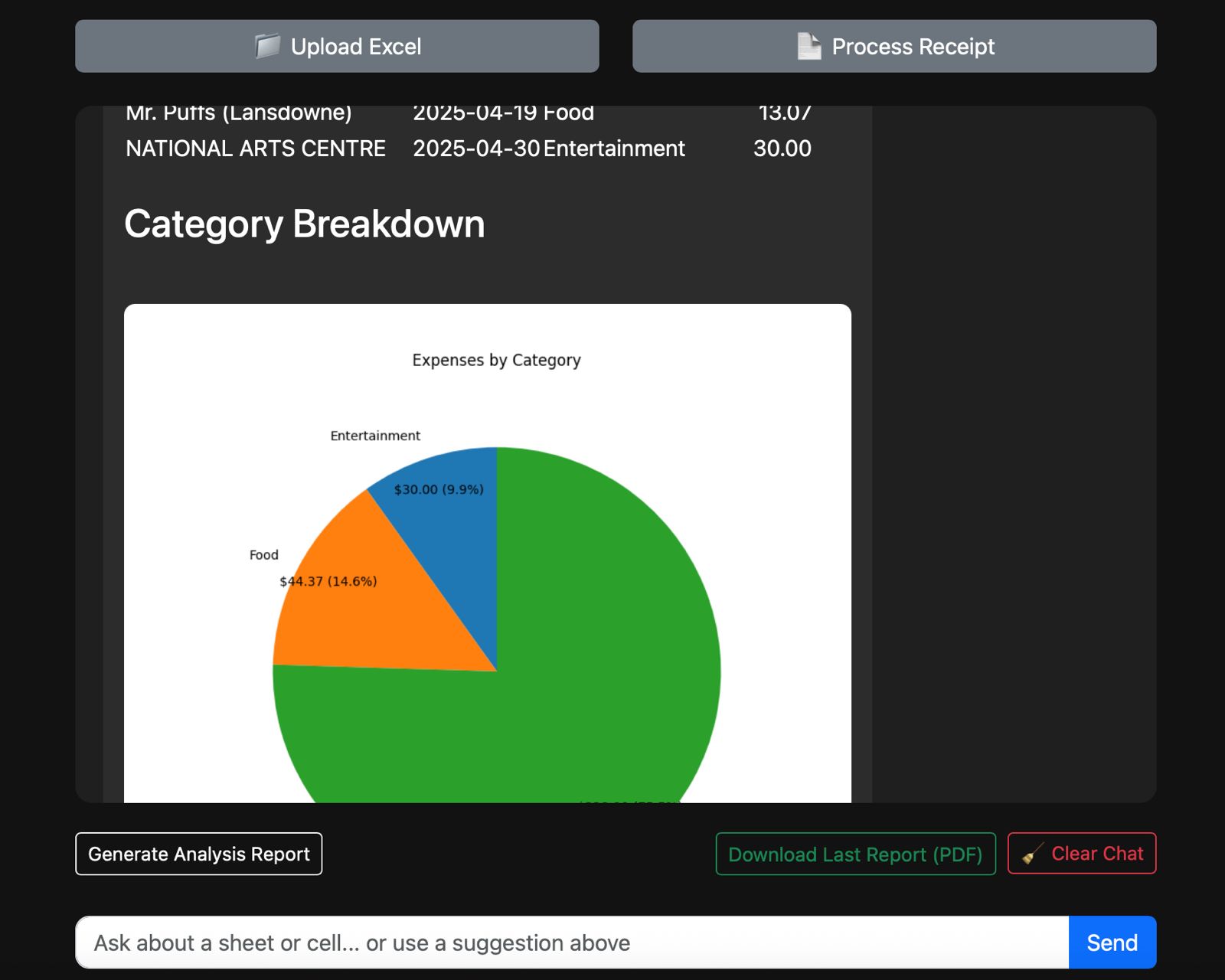
Financials Categorization
-
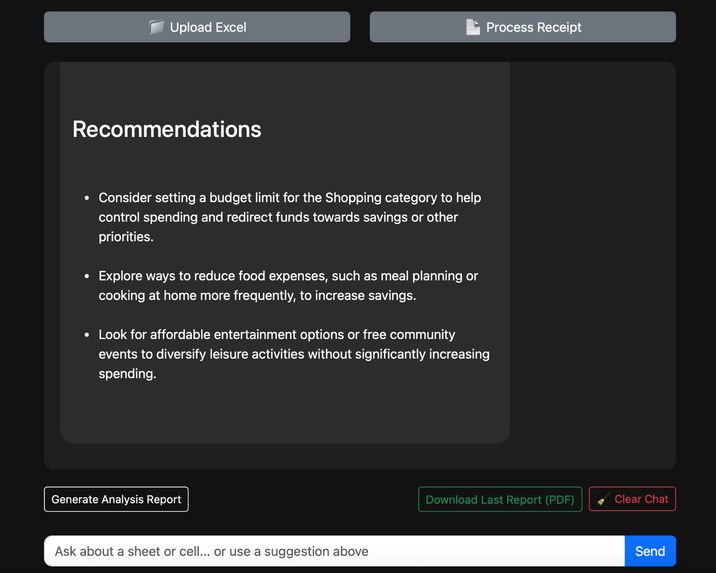
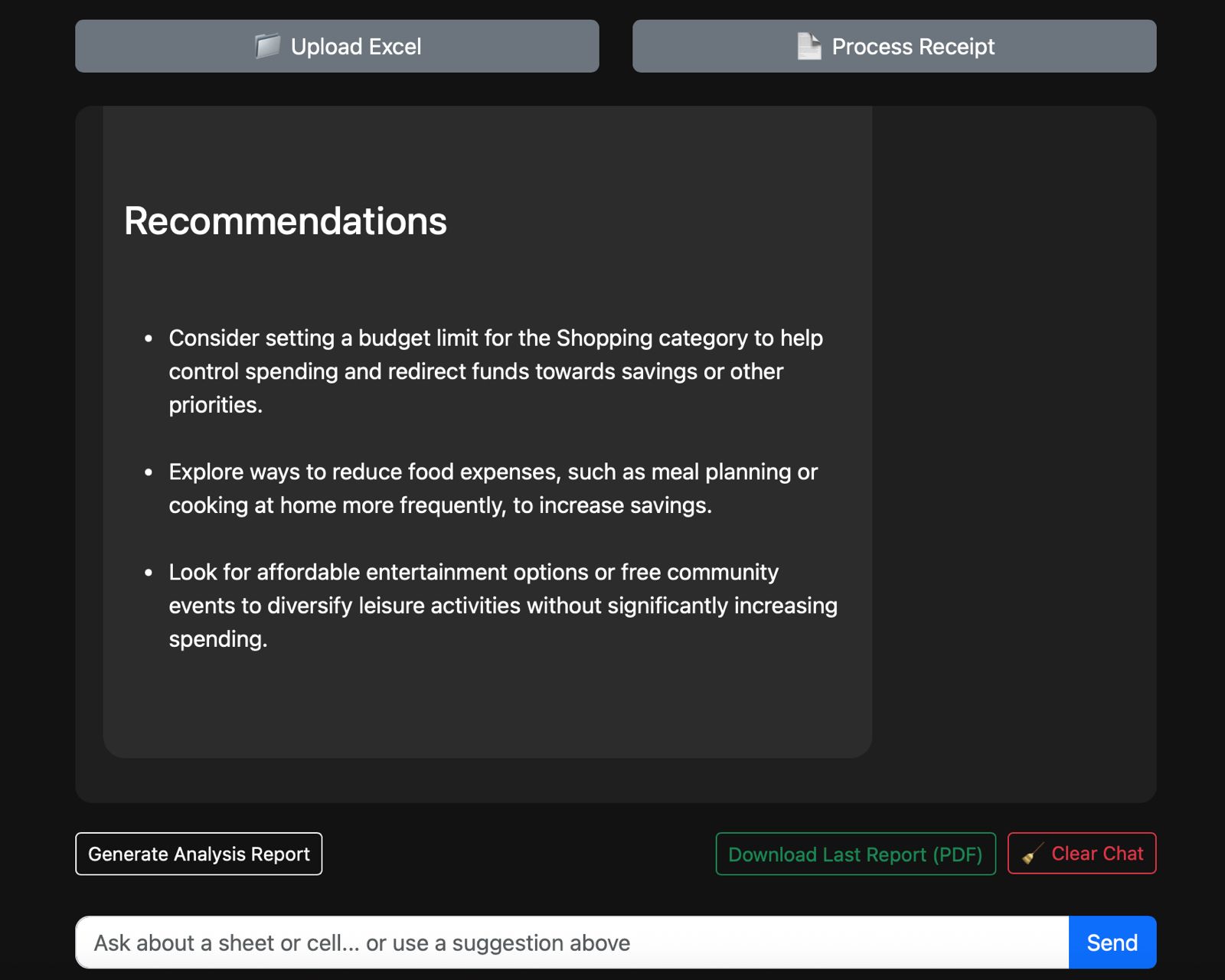
Financial Recommendations
Inspiration
The idea for this project came from a mix of daily frustrations and curiosity.
Like many people, I’ve had my fair share of cell-shocking moments—opening a spreadsheet only to get #REF! vibes from mysterious formulas buried 10 rows deep. You know the type: formulas so tangled they make you question whether the sheet is working or you are. I figured, if humans need a translator for foreign languages, why not for Excel too?
At the same time, my inbox and wallet were overflowing with receipts I swore I'd categorize “someday.” That day never came. The process felt too manual, scattered, and just not worth the effort—despite knowing how valuable the insights could be.
So I thought: what if there was a tool that could both explain the "why" behind spreadsheet logic and automate the "what" in personal finances?
The idea was simple: make spreadsheets speak human, and make budgets feel effortless.
That moment of inspiration turned into a project that bridges clarity and control—powered by the grid we all love to hate.
What It Does
The project has two main components:
A) Excel Explainer
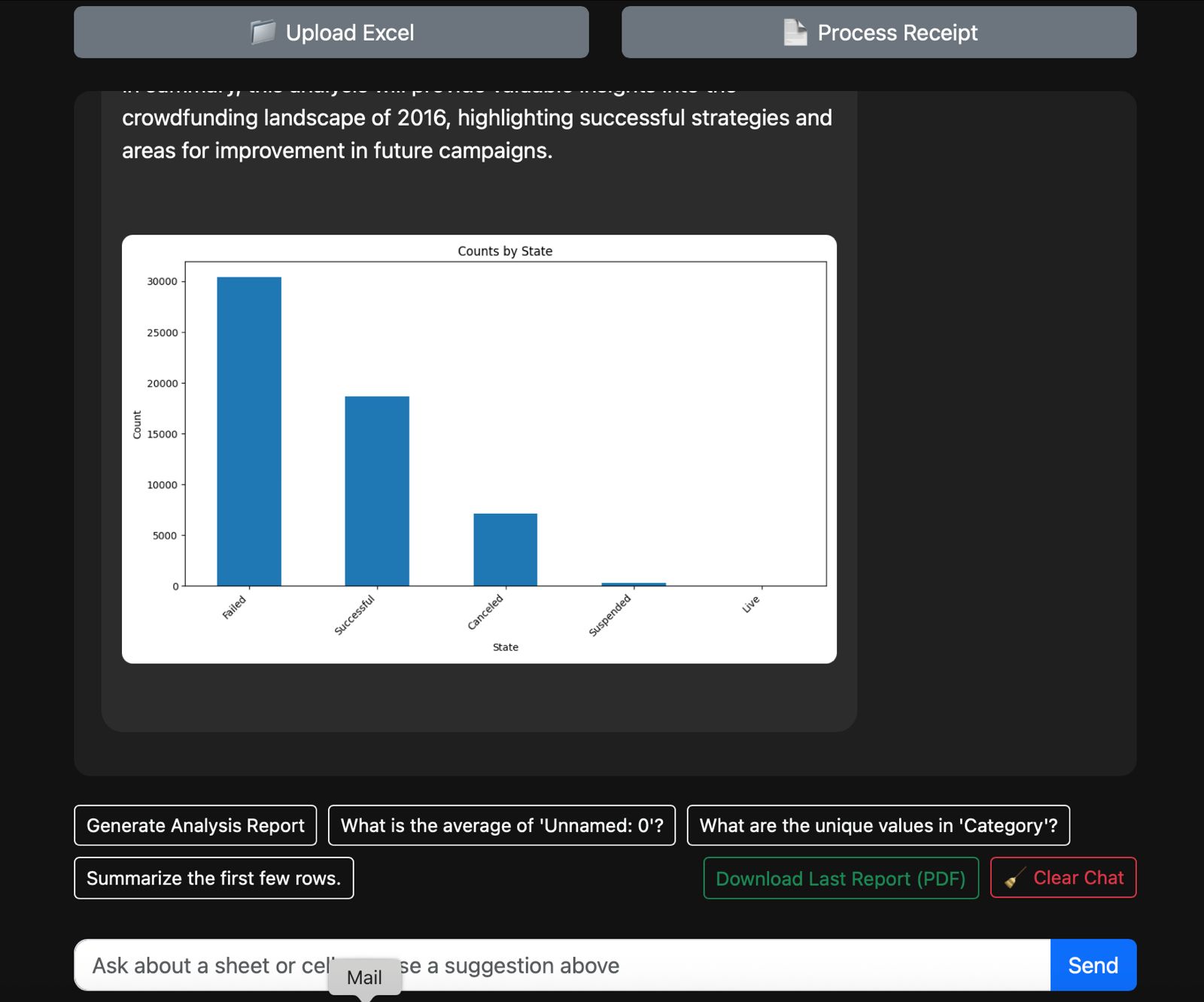
Generate Summary Report (PDF)
Creates a downloadable report summarizing the spreadsheet. Includes key insights, descriptive statistics, and auto-generated graphs.Explain Cells and Formulas
Analyzes each cell to explain its content. Identifies formulas, dependencies, and relationships between cells.Interactive Graphs and Charts
Visualizes the data through dynamic, user-driven charts that allow filtering and exploration.Chatbot Interface
Users can ask questions about the spreadsheet contents and receive contextual answers based on the data.
B) Finance Tracker
Extract and Categorize Expenses
Reads the PDF to identify line items and categorize them into standard spending groups (e.g., Food, Travel, Utilities).Generate Expense Report
Outputs a structured report with totals per category, transaction history, and monthly breakdowns. Visual charts are included.
How we built it
We built the tool using Flask (Python) as the backend framework, integrating OpenAI’s GPT-4o-mini via LangChain for natural language processing. We used pandas and openpyxl to handle Excel data, and PyMuPDF combined with pytesseract for OCR-based PDF receipt extraction. The front end was developed using HTML, Bootstrap 5, and JavaScript, providing a clean, interactive chat interface. Charting was implemented with Matplotlib, and reports were generated as PDFs using WeasyPrint. LLM outputs were validated and structured using Pydantic models to maintain data consistency.
Challenges we ran into
OCR accuracy and formatting inconsistencies in receipts required multiple rounds of fine-tuning, especially for date parsing and multi-receipt extraction.
Session management limitations in Flask (especially handling large temporary objects like reports and charts) forced us to redesign our caching logic.
Balancing LLM cost and performance was tricky — optimizing prompts to keep token usage low while maintaining analysis quality was a key concern.
Chart interpretation logic via LLMs needed iterative tuning to ensure relevance and avoid hallucinations in data insights.
Accomplishments that we're proud of
Seamlessly merged spreadsheet interaction and receipt processing into one LLM-driven workflow.
Built an automated reporting pipeline that not only analyzes but interprets data in human-readable language with visual summaries.
Created a clean and intuitive chat interface that enables non-technical users to gain powerful insights from raw financial files.
Achieved multi-receipt recognition and categorization within single PDF uploads — a difficult OCR and NLP task.
What we learned
LLMs, when structured with the right data schemas and prompt strategies, can perform surprisingly well in financial summarization and visualization recommendation.
OCR is still highly context-sensitive, and real-world documents like receipts often require robust fallback logic.
Human-centric design — making AI output digestible and trustworthy — is just as important as model accuracy.
It's essential to combine traditional scripting (e.g., pandas) with LLM calls, rather than relying on LLMs for every operation.
What's next for "Excel At Sheets"
CSV and Google Sheets support to expand beyond Excel-only uploads.
Integrate LLM memory to allow multi-turn dialogue with persistent context for more complex analysis.
Add multi-language support to expand accessibility for global users.
Build a mobile-friendly version with offline PDF processing capabilities.
Implement user accounts and history tracking for personalized analytics and expense trend visualization over time.


Log in or sign up for Devpost to join the conversation.