-
-
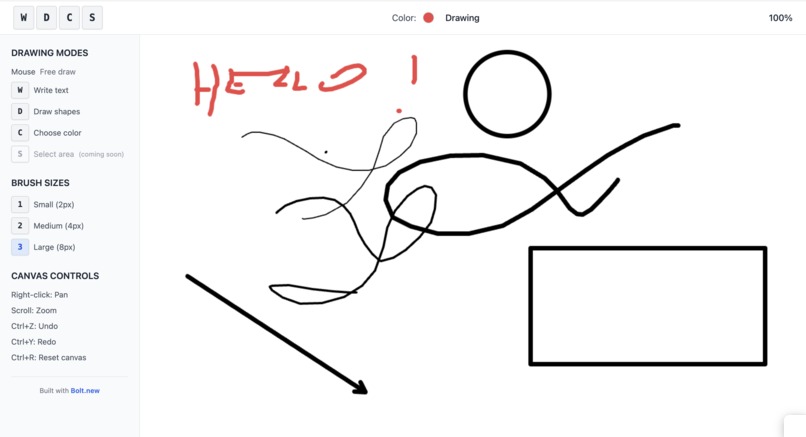
no more context switching for choosing tools! one hand on the keyboard, one on the mouse
Inspiration
I moved from Windows to Mac and immediately missed MS Paint's simplicity and speed. I used to rely on it constantly for quick UI sketches, design feedback, diagrams, and visual explanations. Despite searching extensively, I couldn't find a Mac alternative that matched Paint's instant accessibility and straightforward workflow.
What truly inspired me was Mac's philosophy of optimal keyboard shortcuts. I realized that most drawing and diagramming tools either lack proper shortcuts entirely or burden users with complex key combinations that require extensive memorization. This creates unnecessary friction when you just want to quickly sketch an idea or annotate something.
What it does
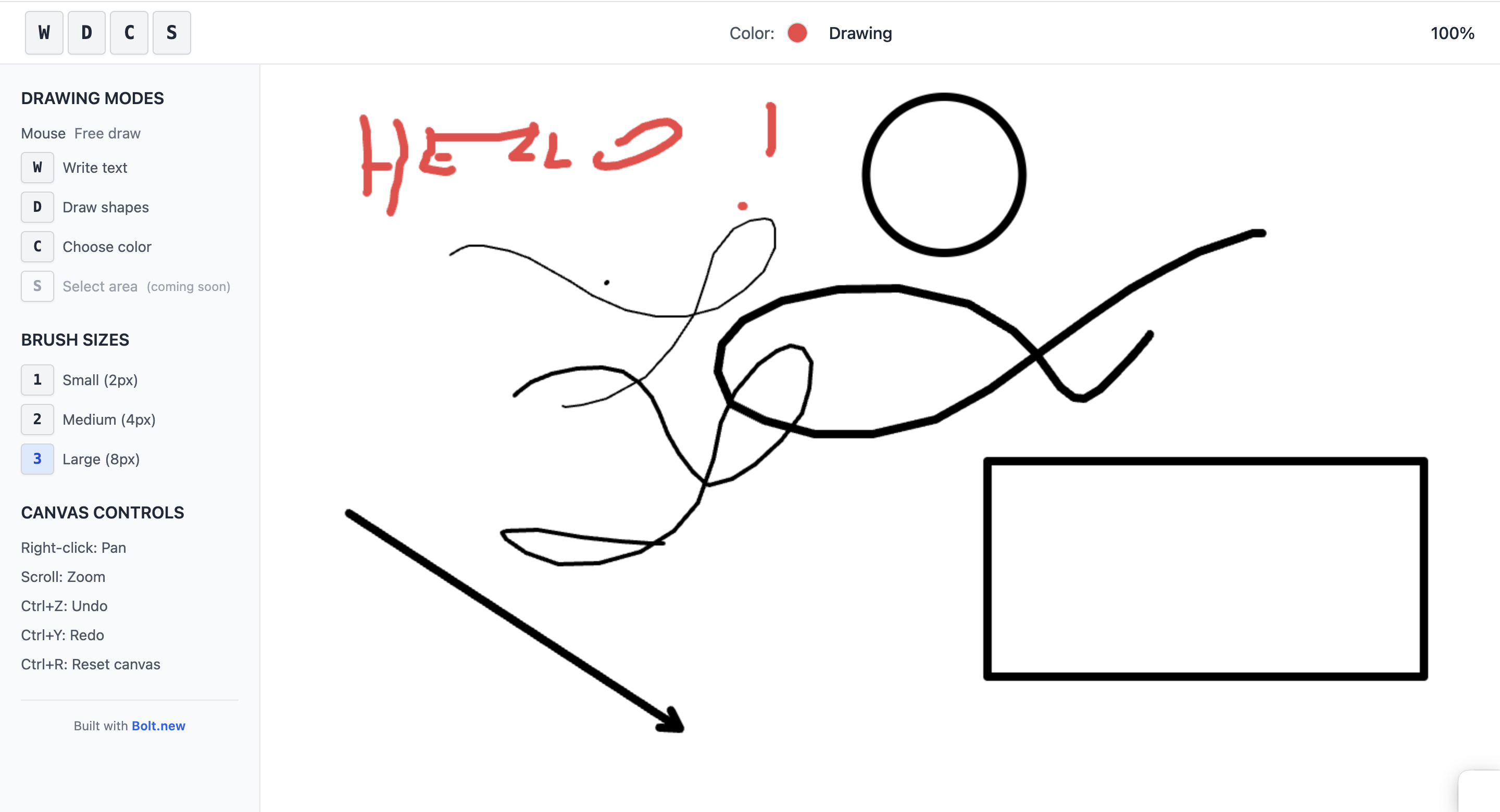
WDCS delivers frictionless drawing without context switching. Your left hand controls the mode (D for drawing, C for circle) while your right hand stays on the mouse. The shortcuts are intentionally intuitive—D for drawing, then A for arrow—creating a shallow learning curve that feels natural from the first use.
The app lives up to its name: Write, Draw, Colour, Select. On-screen tips guide new users, but the shortcuts are memorable enough that you'll internalize them quickly. Whether you're sketching UI mockups, marking up designs, creating quick diagrams, or visually explaining concepts, WDCS keeps you in flow state.
How we built it
A lot of iterations to get the single prompt right!
Challenges we ran into
The infinite canvas architecture proved surprisingly complex to implement stably through single-shot prompting. Maintaining consistent performance and state management across unlimited drawing space required multiple iterations to get right.
Also, the selection mode is proved tricky - I coudn't make it work in a single prompt, so I left it for a future to do!
I tried to really stick to the premise of the challenge and complete this in 1 prompt. Some functionalities don't work the way I want them to yet - but they will once I play around with them how I would do normally - in small chunks.
Accomplishments that we're proud of
Building an app I genuinely want to use every day. WDCS will become an essential part of my workflow—exactly what I hoped to achieve when I started missing MS Paint.
What we learned
One shot prompting is definitely not the way to go!
What's next for WDCS
Stability improvements: Refining the infinite canvas performance and edge case handling.
Collaborative mode: Enable real-time multi-user drawing on shared canvases for team brainstorming and remote collaboration.
Background integration: Allow users to draw over screenshots, screenshares, or imported images—perfect for design feedback sessions and annotating existing content.RetryKkeep the hasthags at the headers
Built With
- bolt

Log in or sign up for Devpost to join the conversation.