-
-
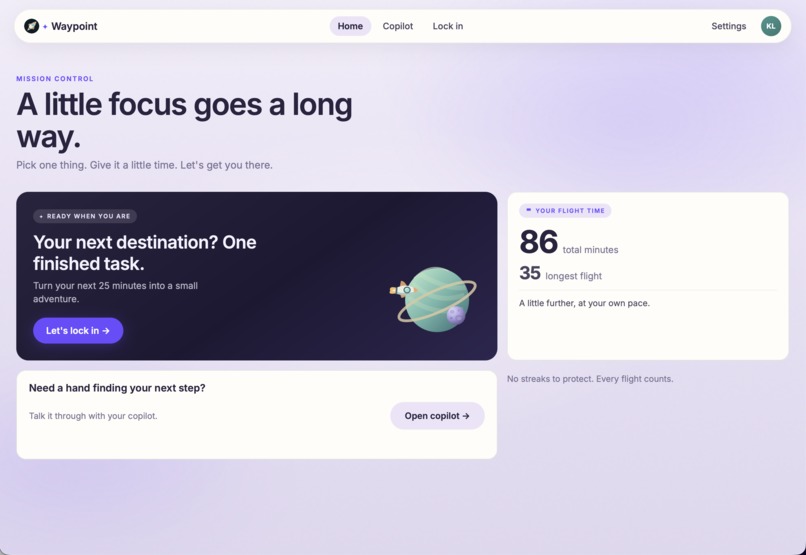
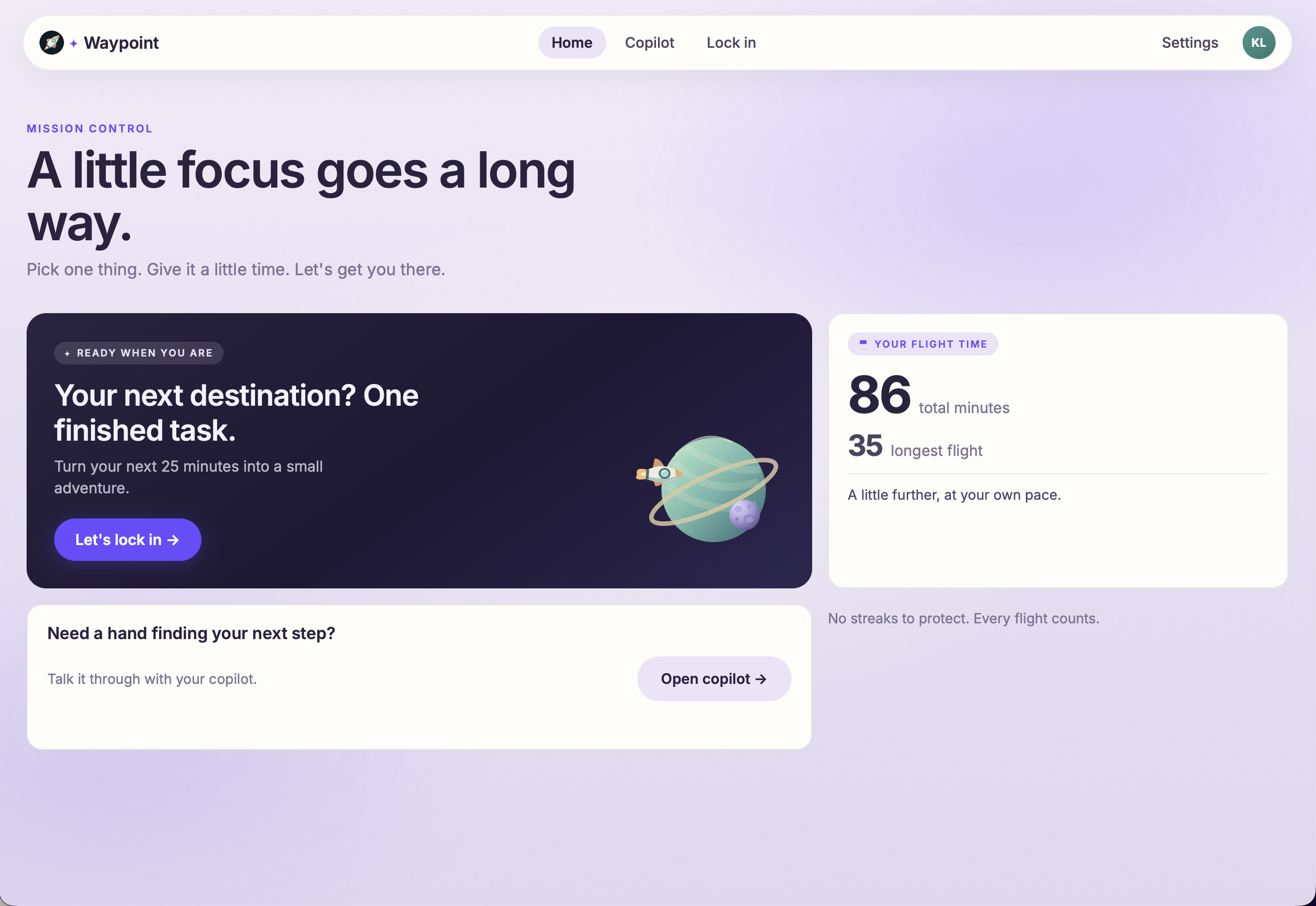
Home Page
-
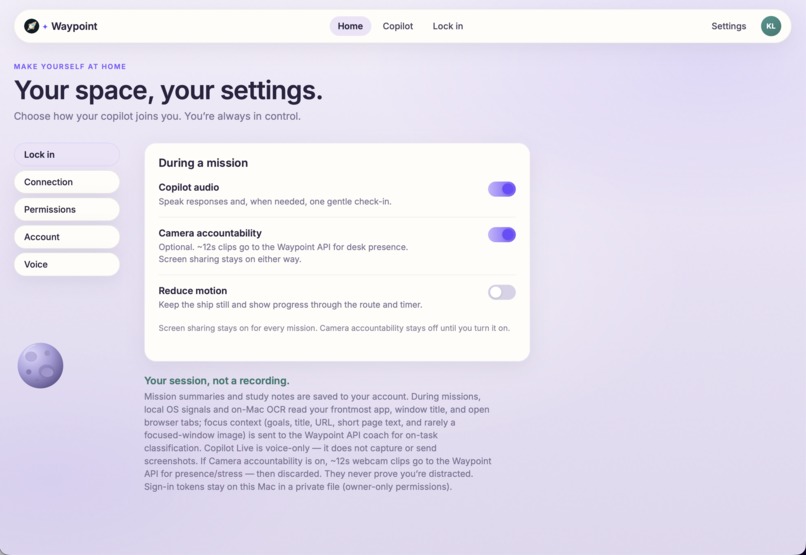
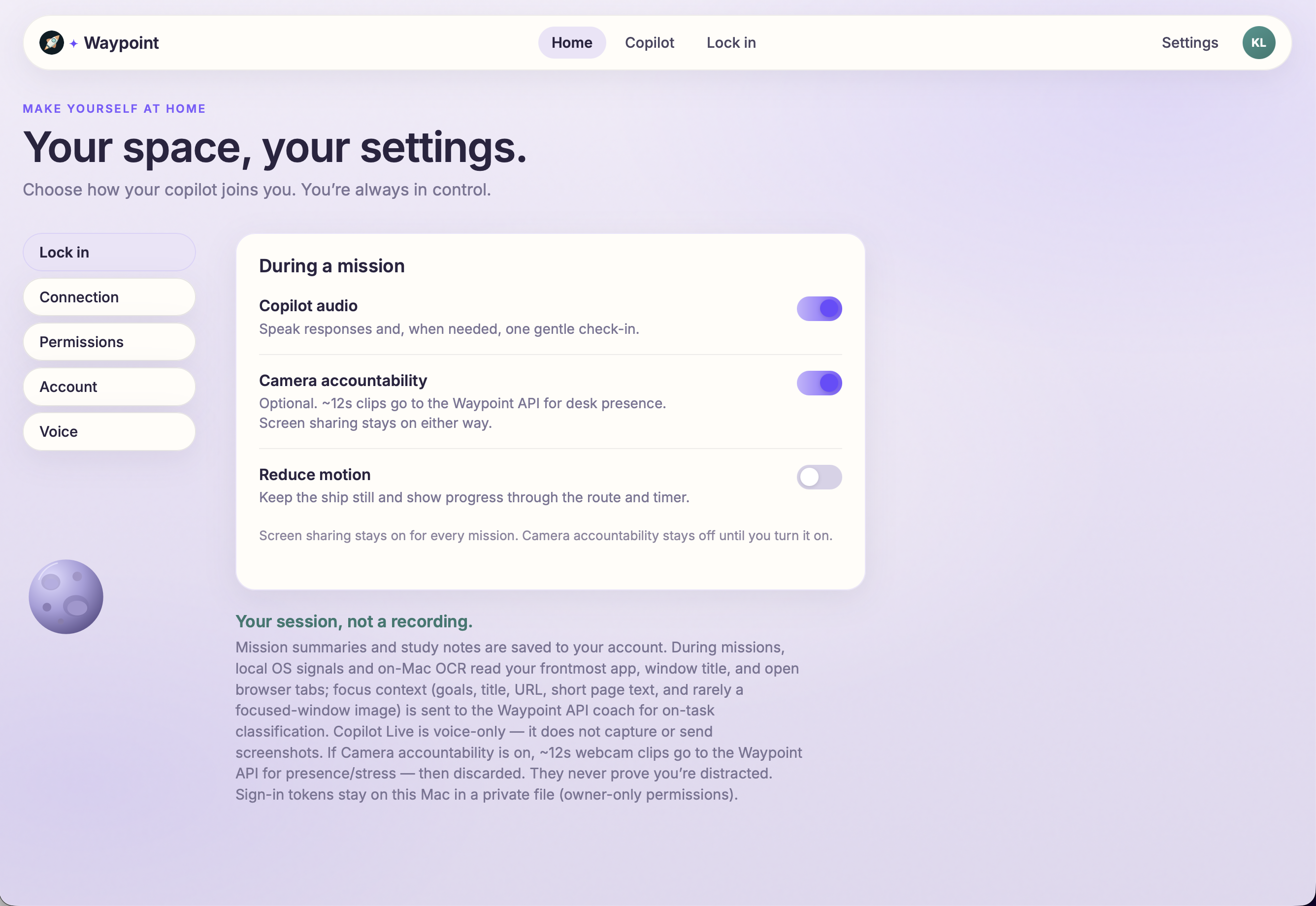
Settings Page
-
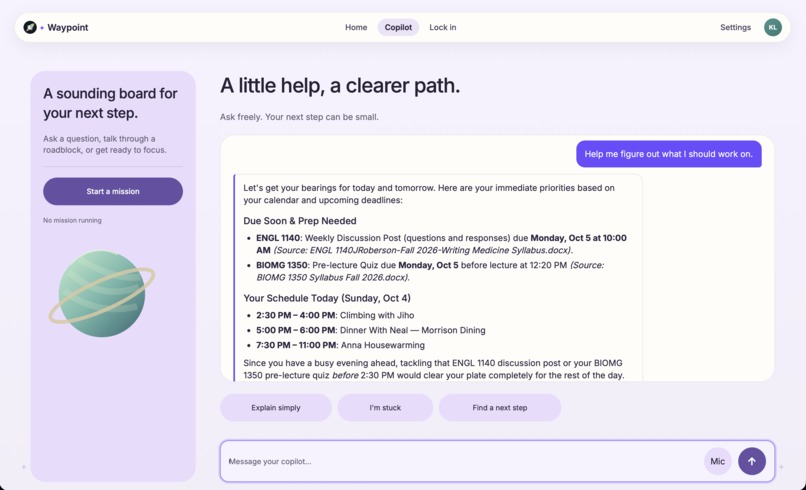
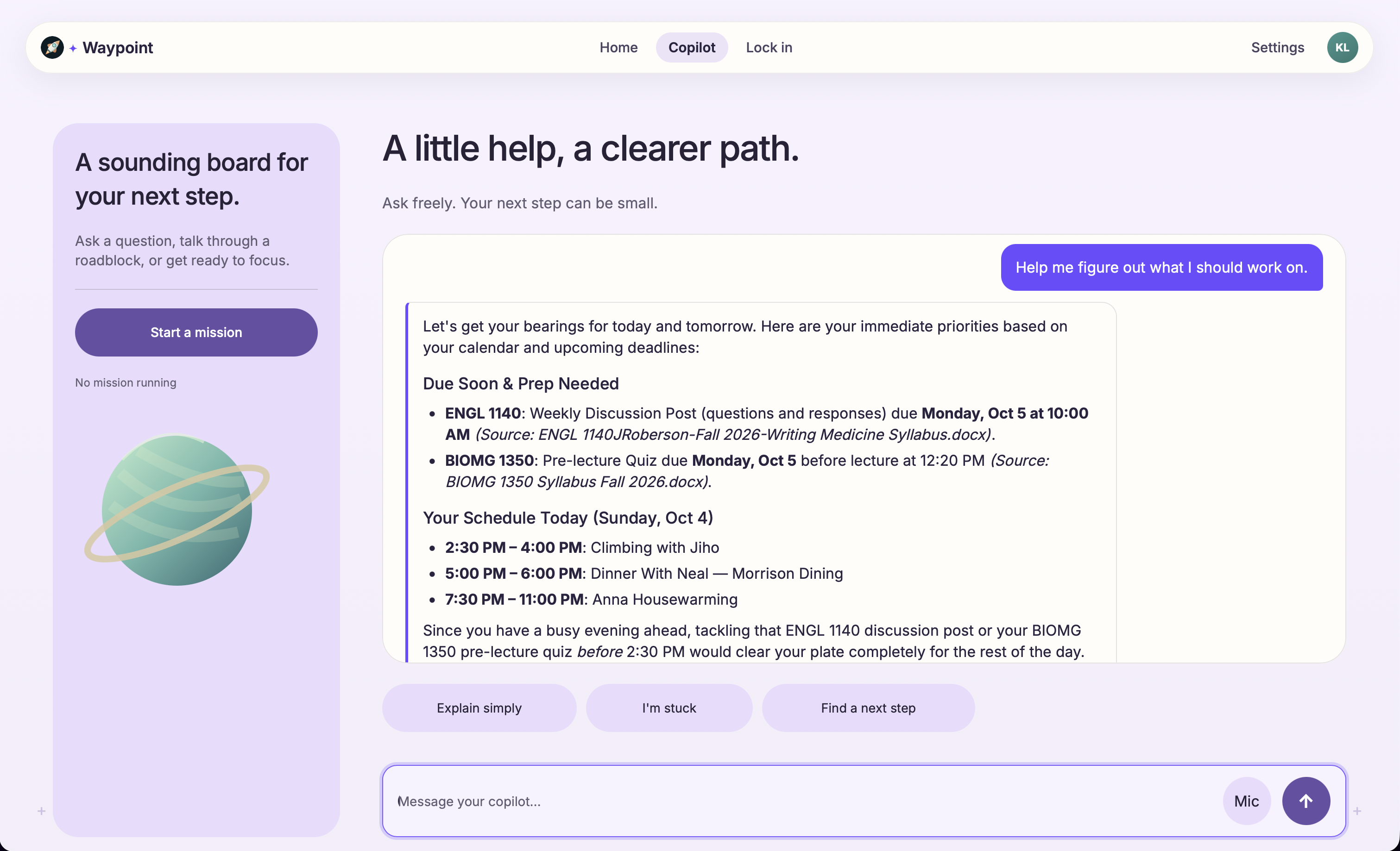
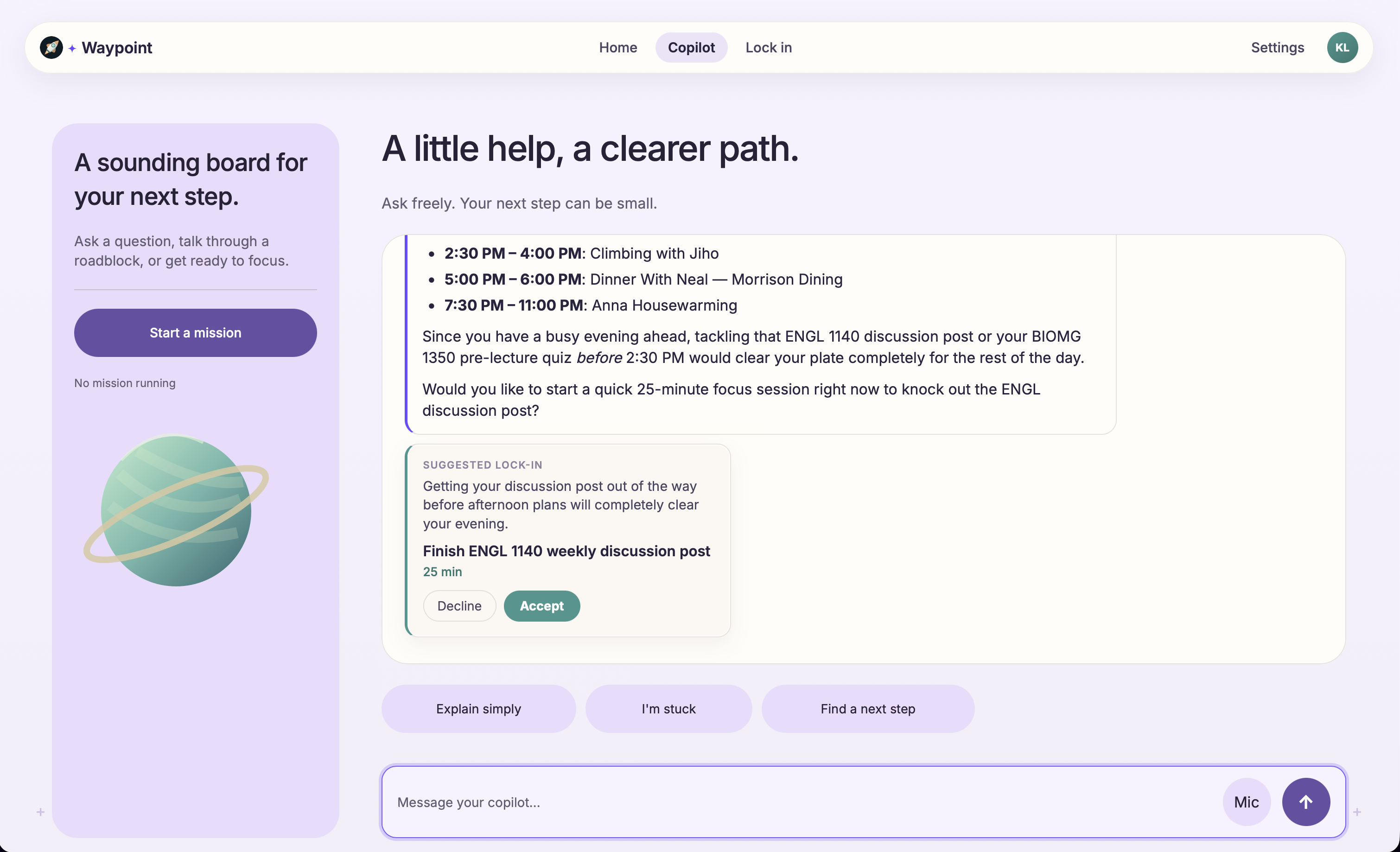
Navigation Copilot Feature pt 1
-
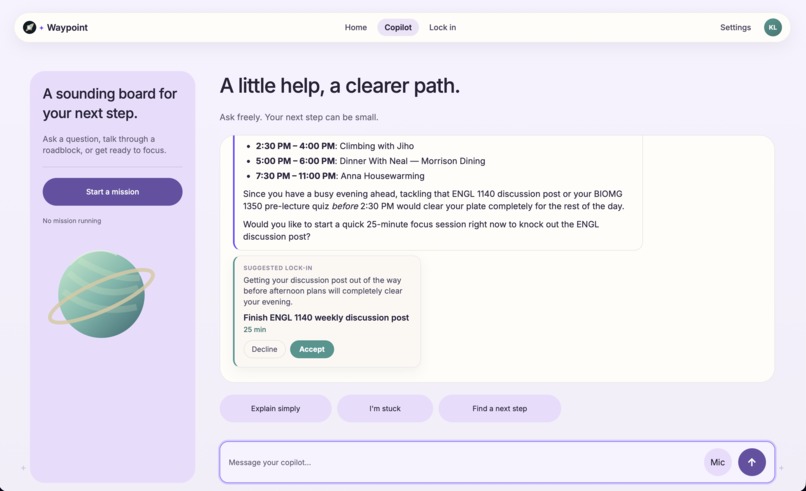
Navigation Copilot Feature pt 2
-
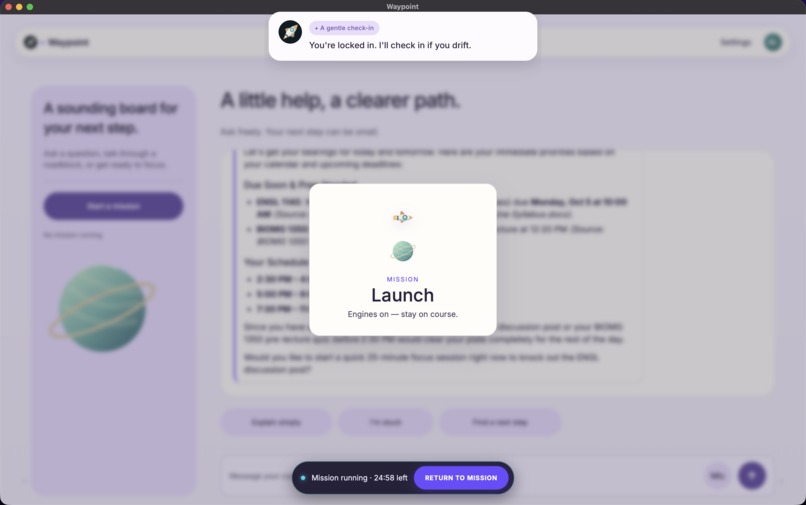
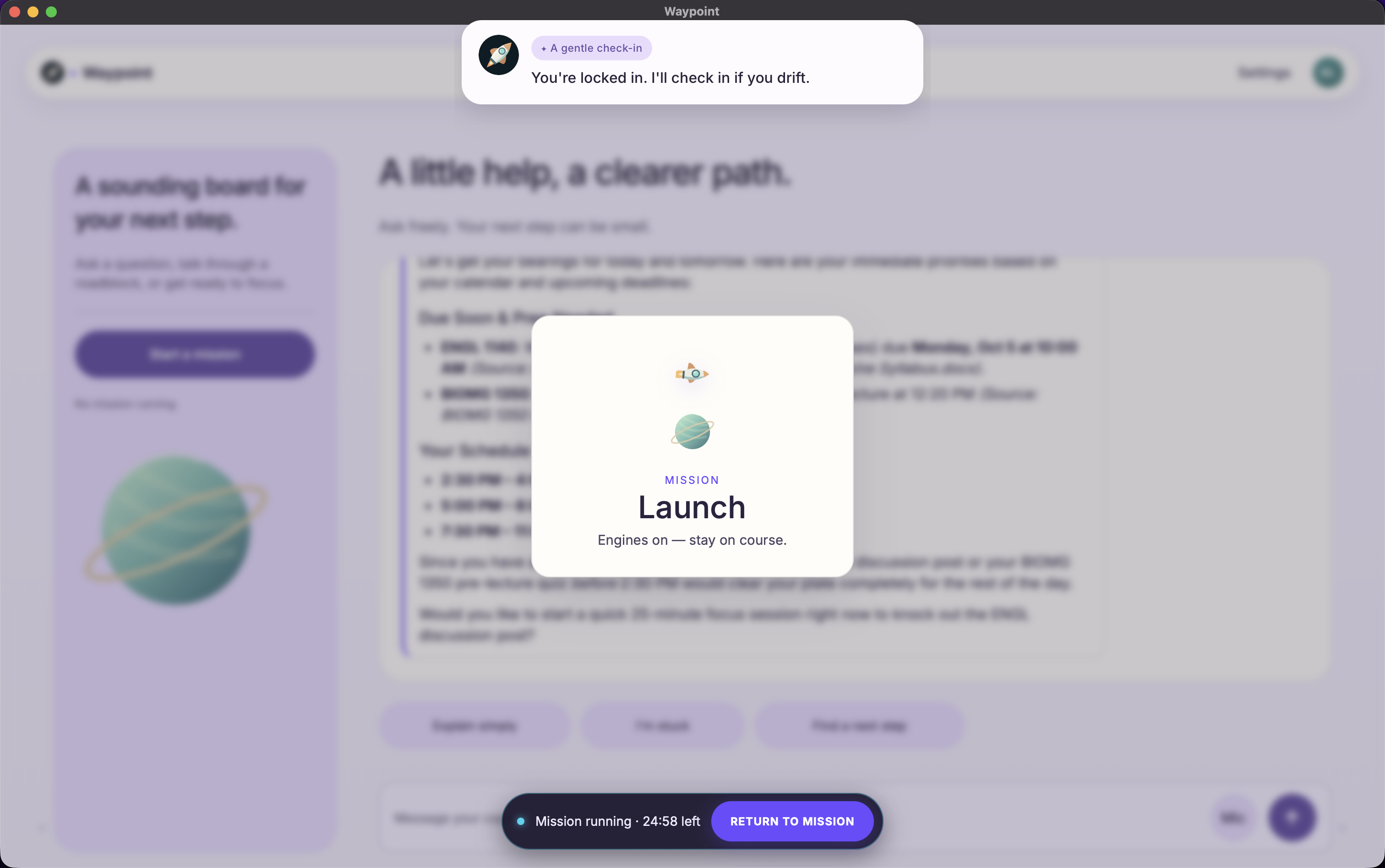
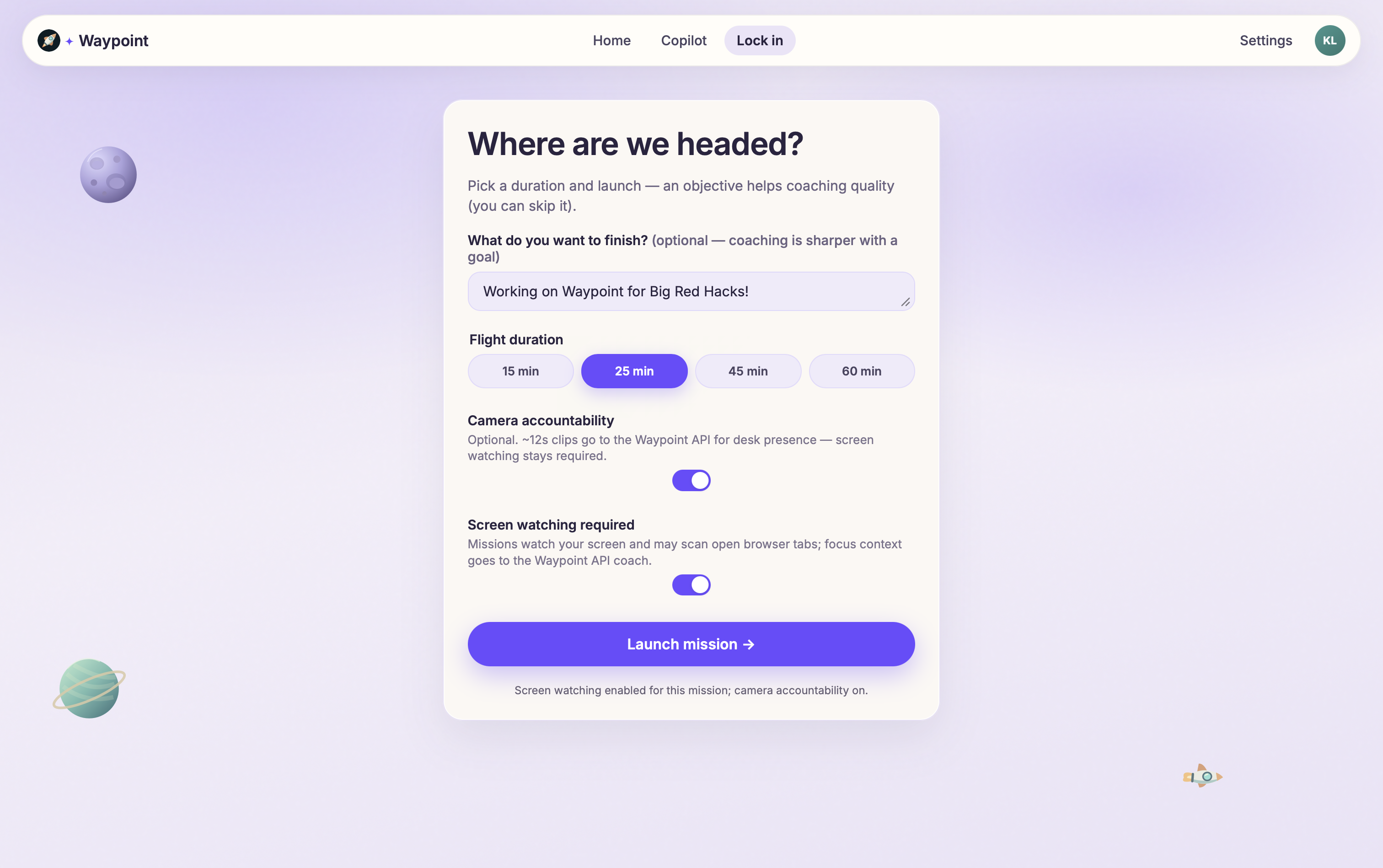
Initiating Mission Lock In
-
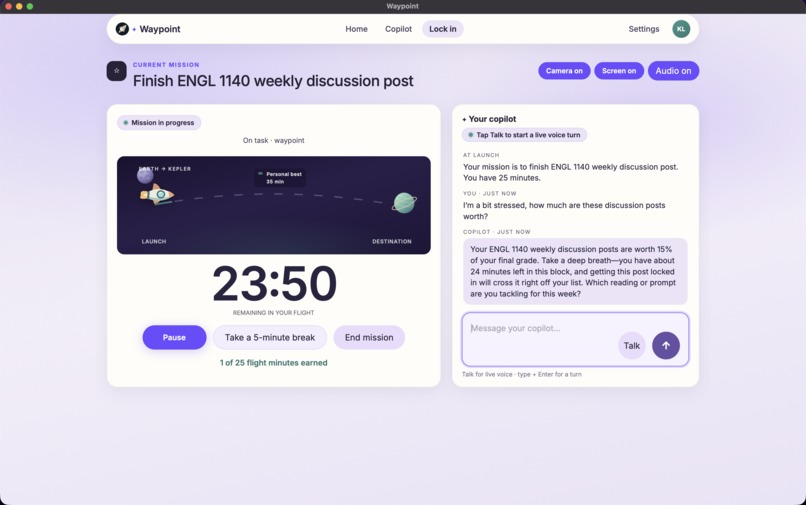
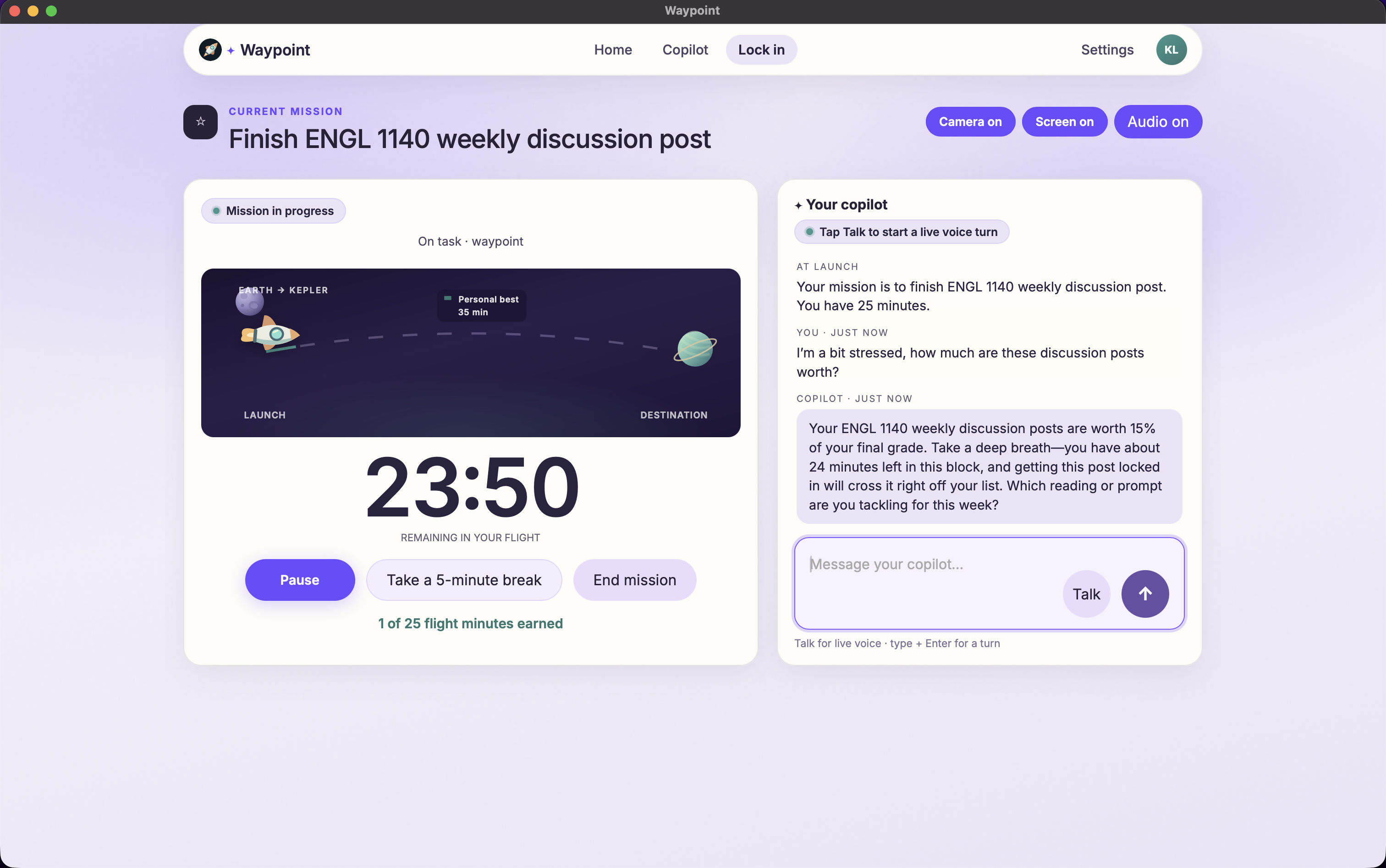
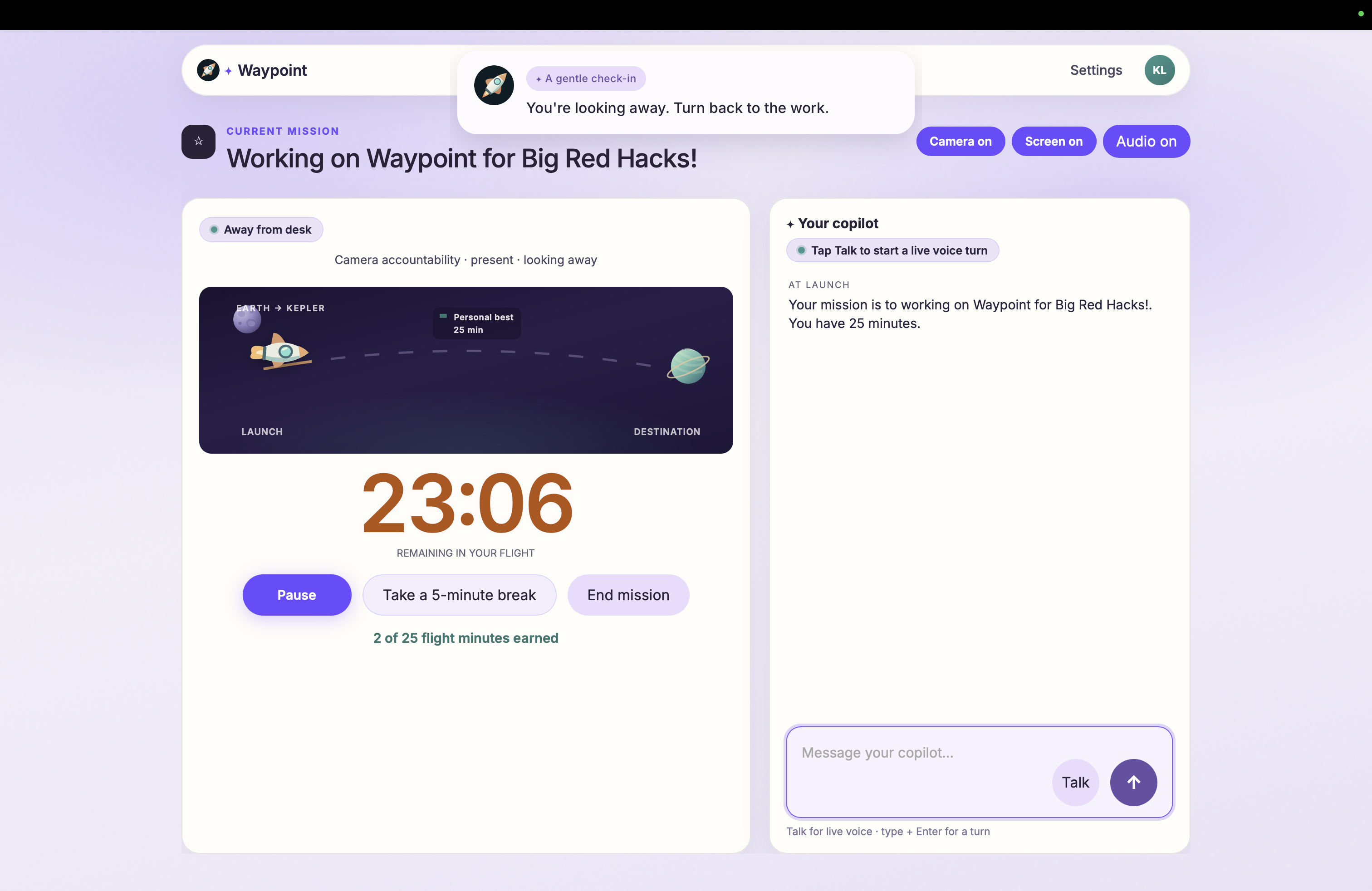
Mission Lock In Page and Assistant Example
-
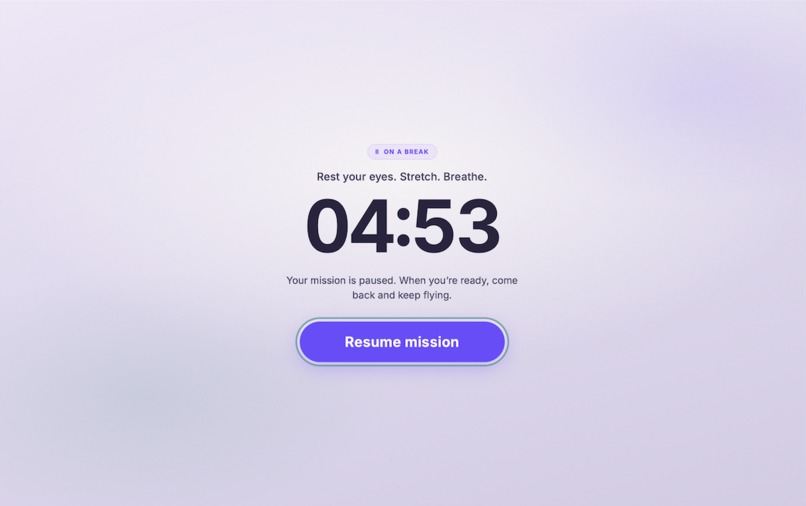
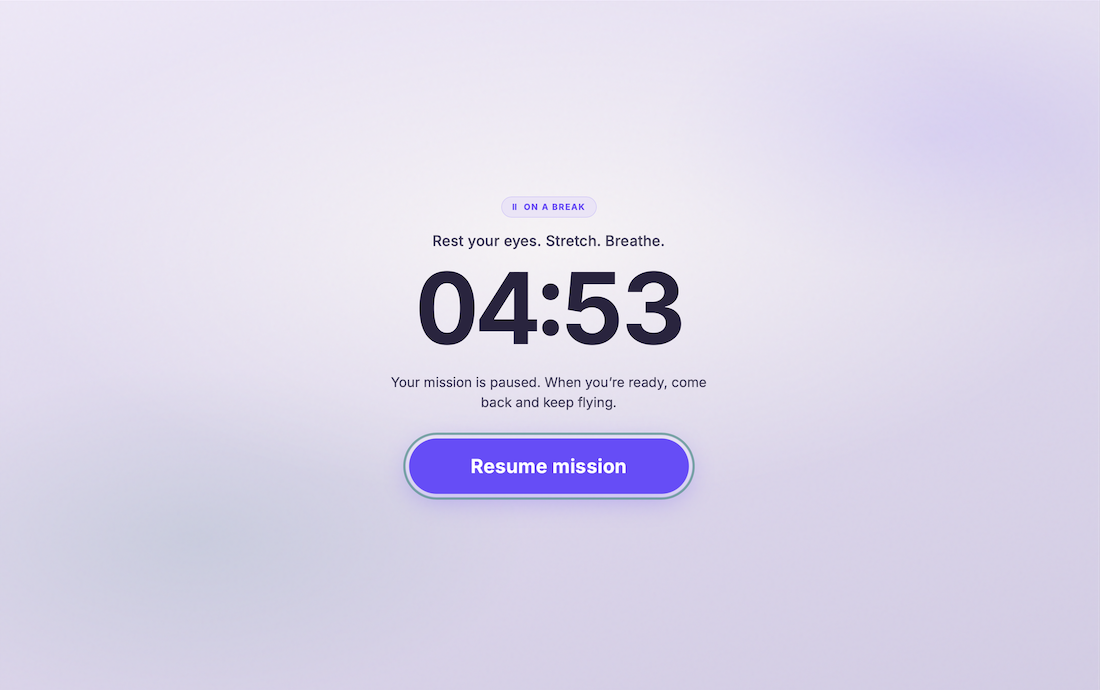
Study Break
-
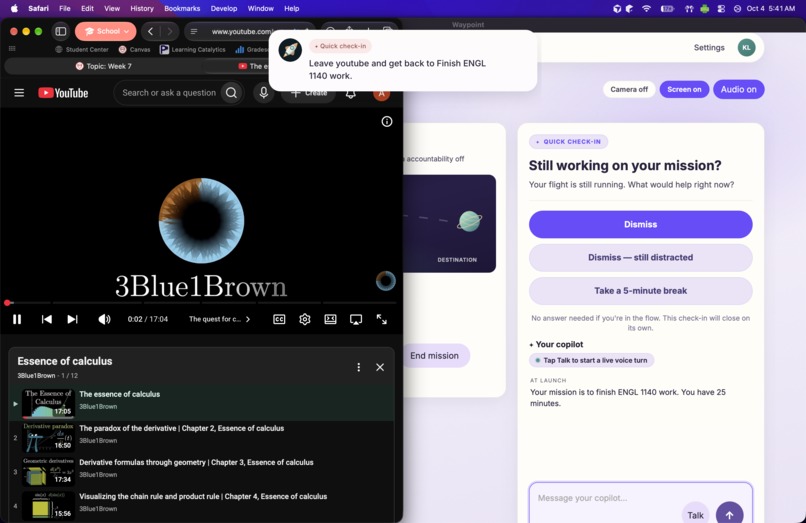
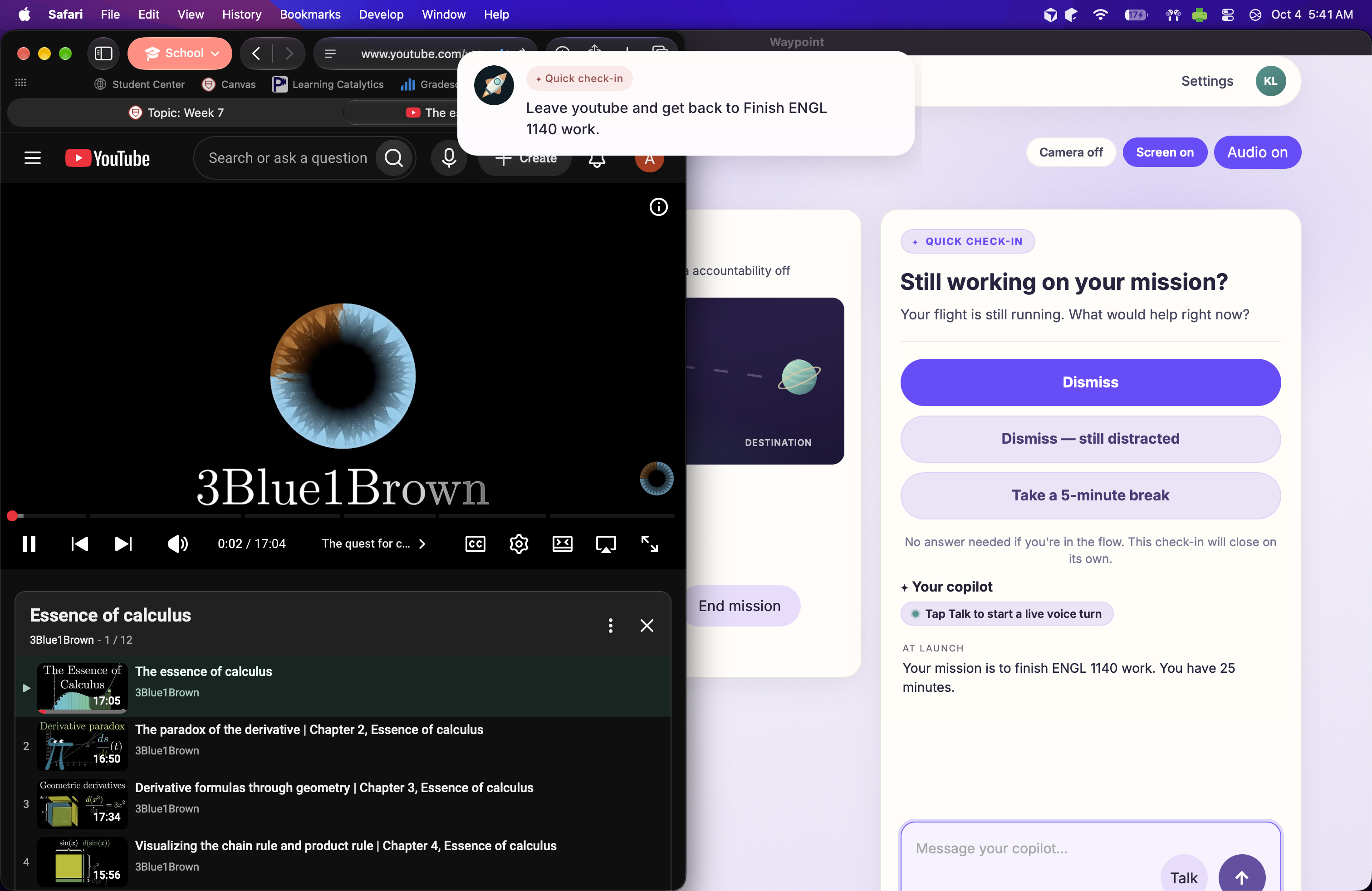
Detecting Off Topic Behavior, Re-navigating
-
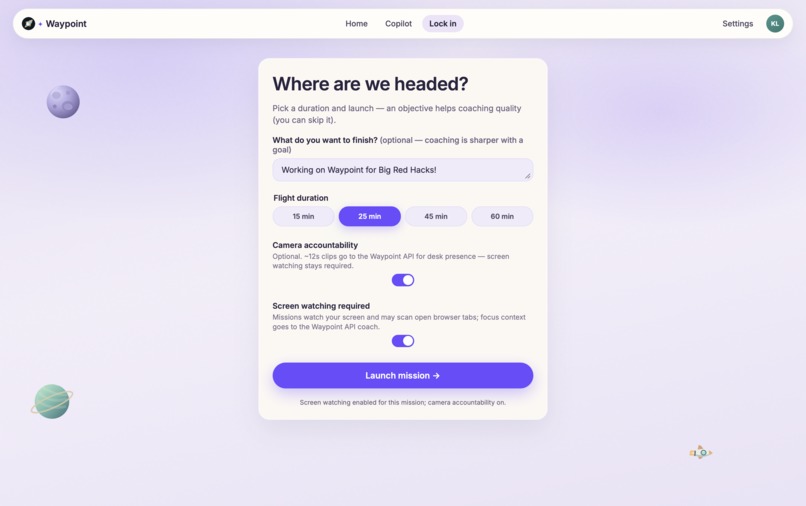
Manually Initiate Lock In Session
-
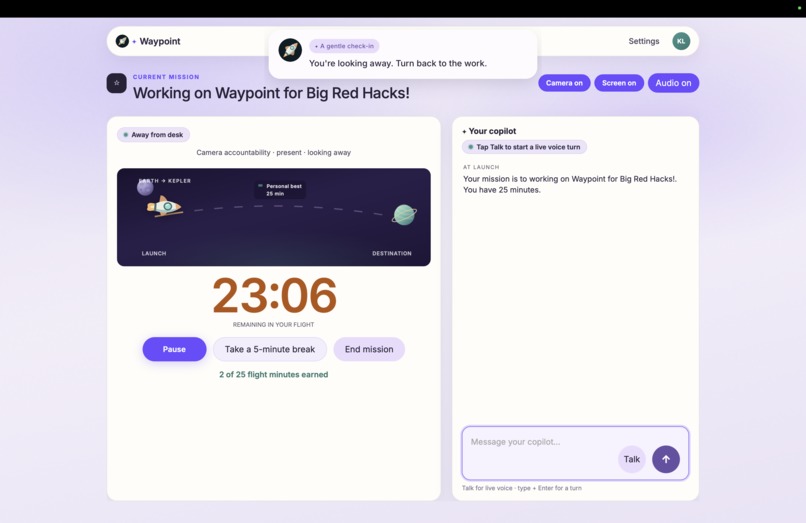
Reminds User to Remain Attentive
-
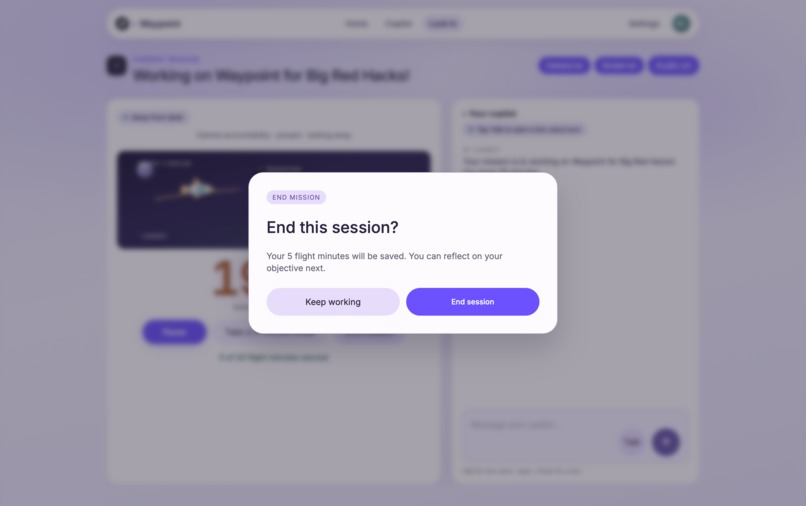
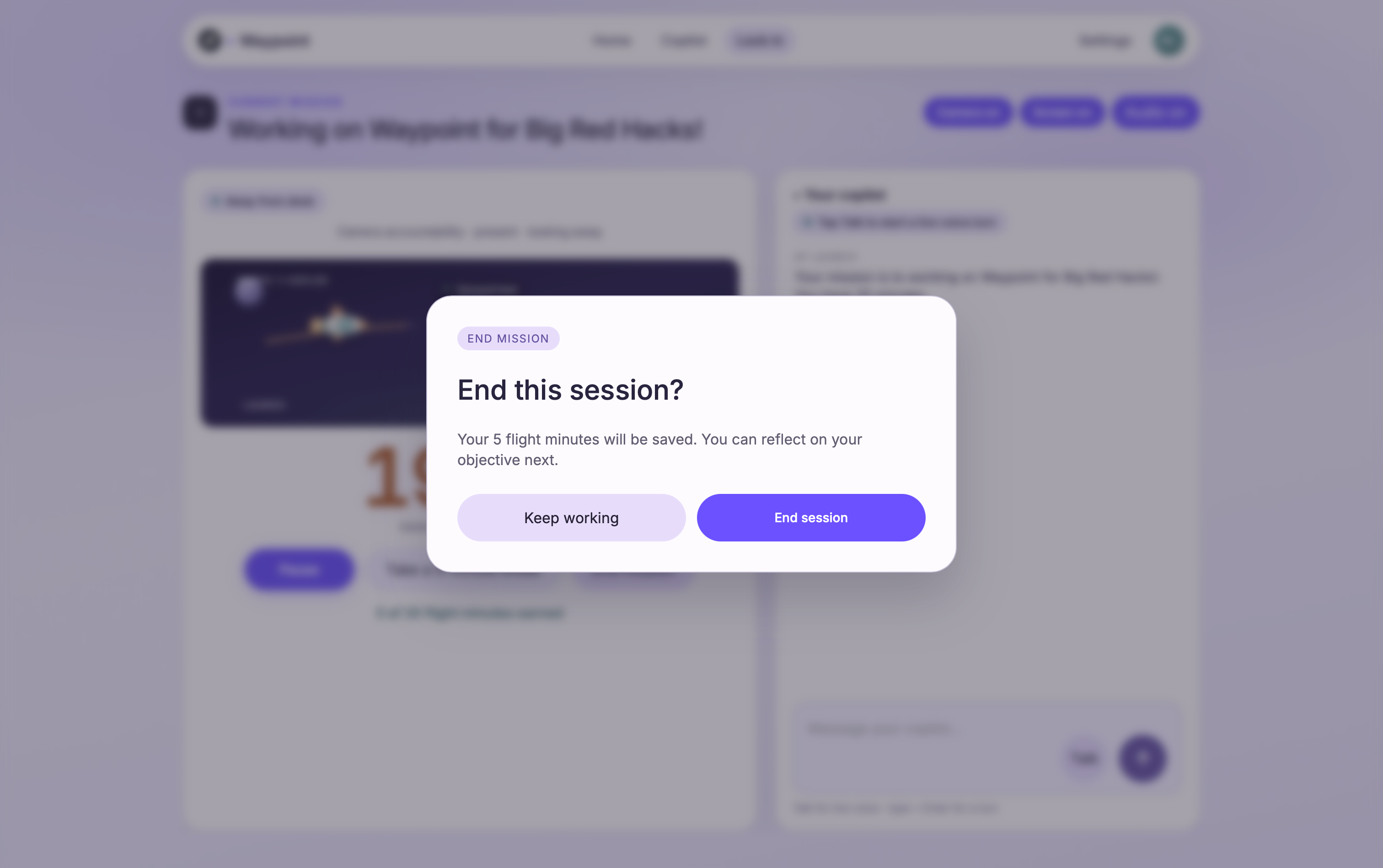
End Session User Prompt
-
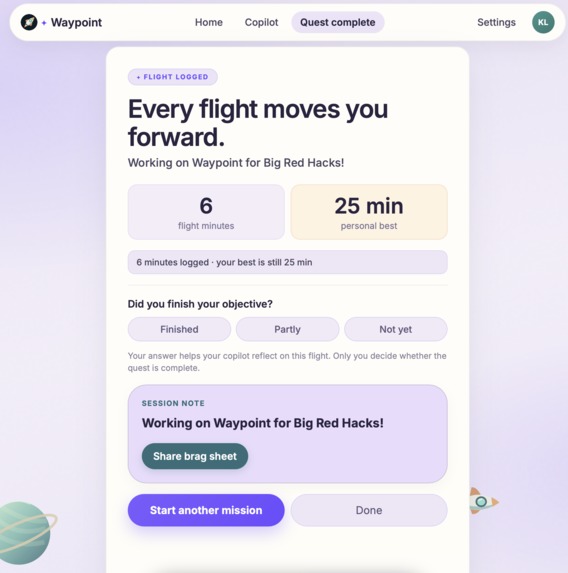
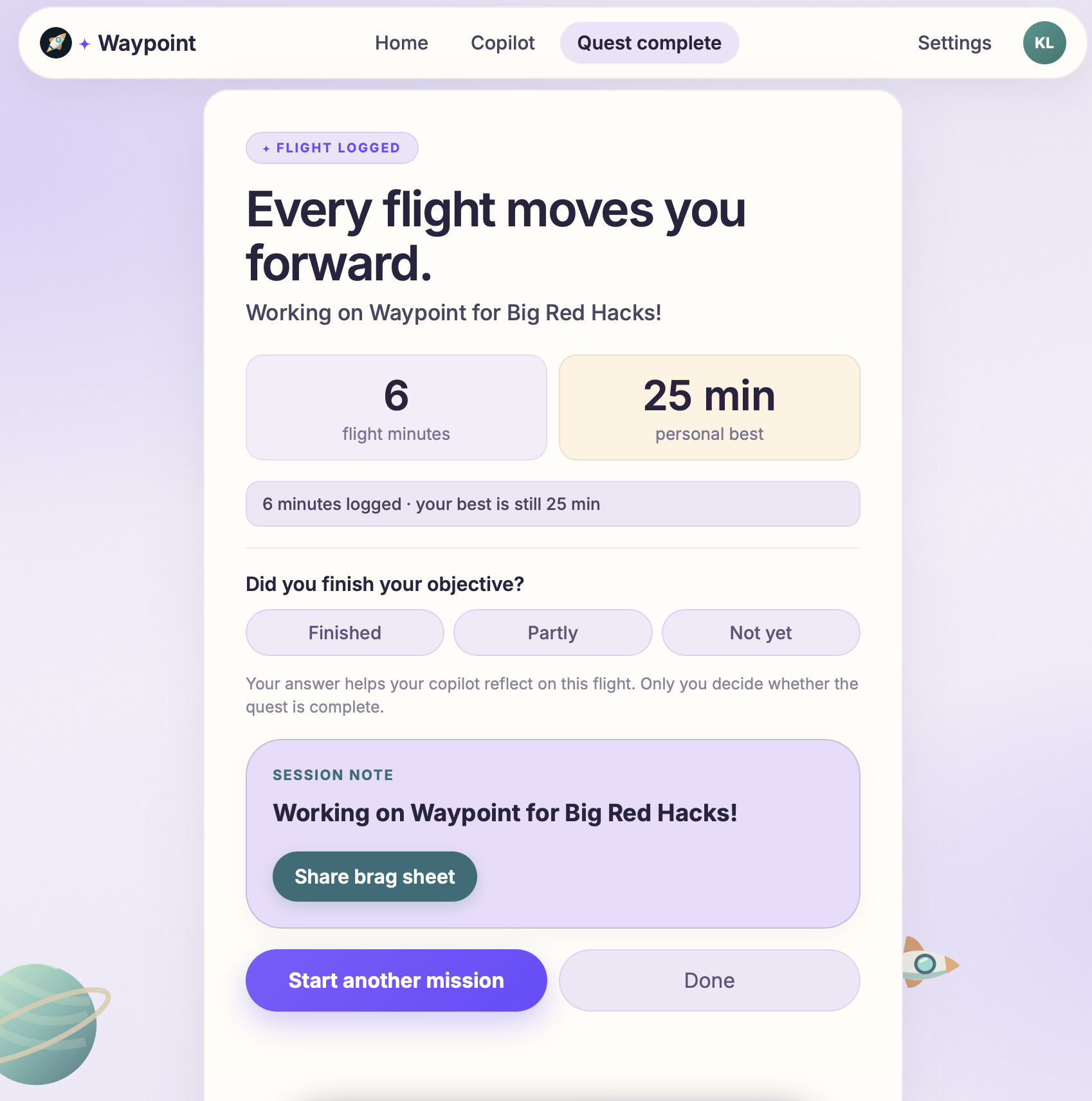
Post-Mission Review
-
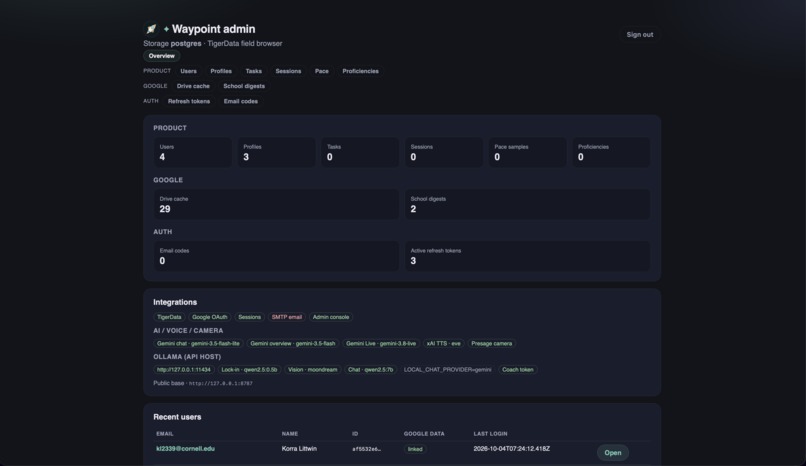
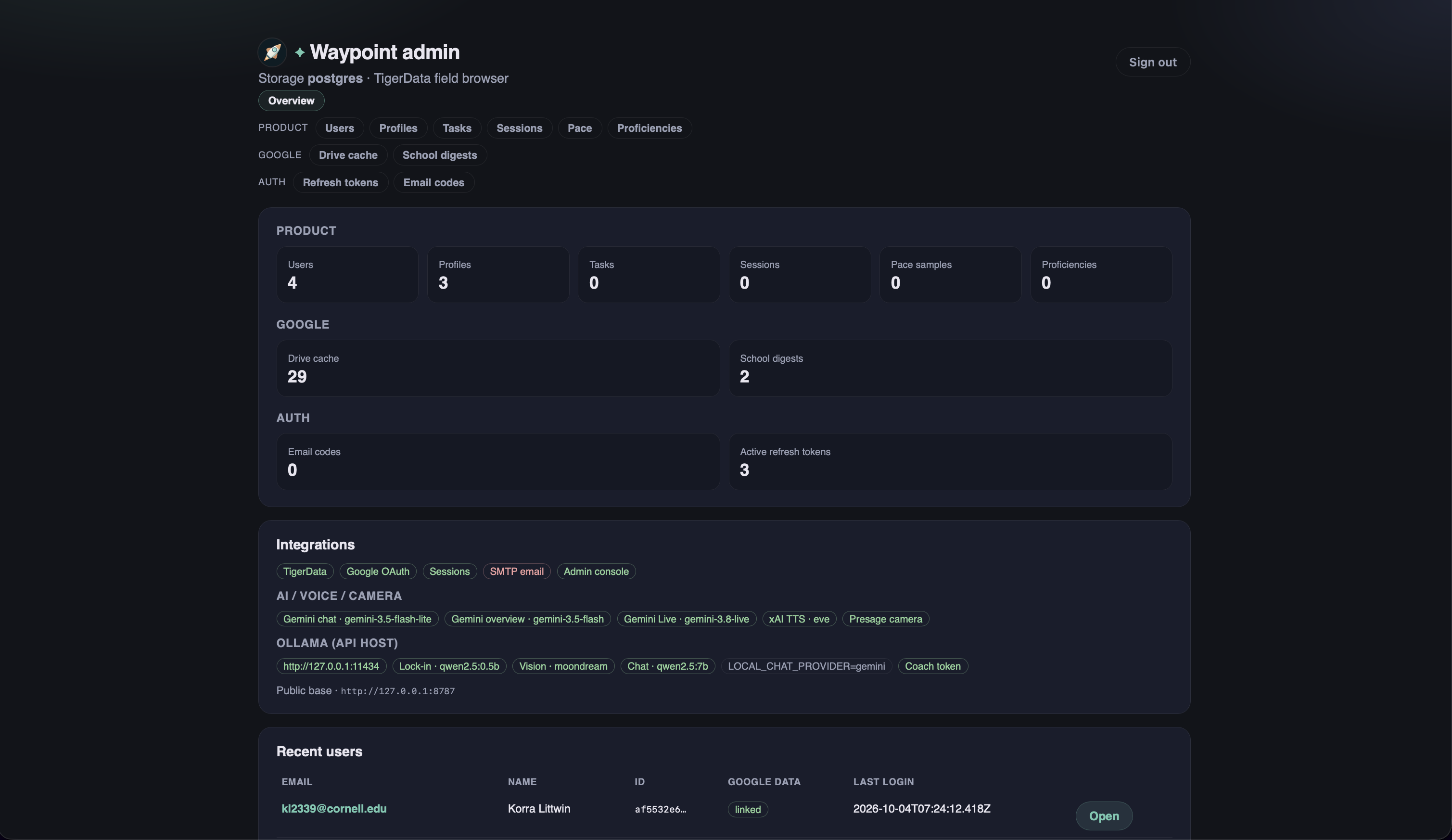
Backend Admin Web Portal
-
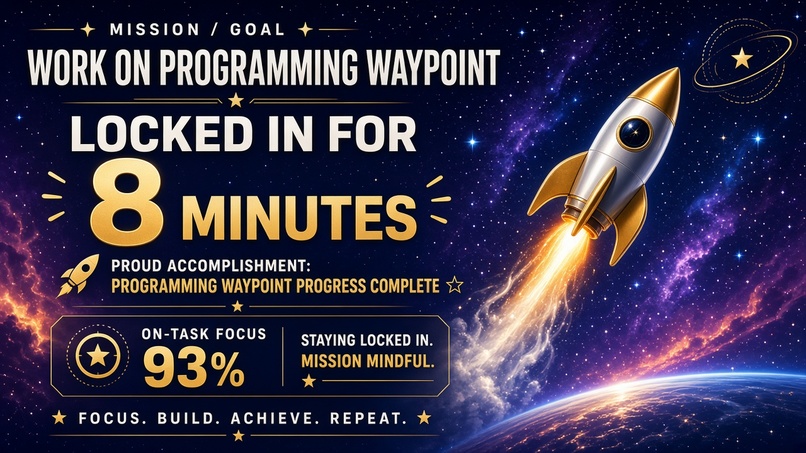
Inspiration
As college freshmen, we know the importance of having good work habits, either for class or extracurriculars. Although many people work on a computer, social media or games can be distracting. While a group can hold you accountable, being with others can be distracting. When we set out to accomplish a task, numerous distractions steer us away from the initial objective. We wanted an app to keep us accountable by navigating our attention and effort toward the end goal.
What it does
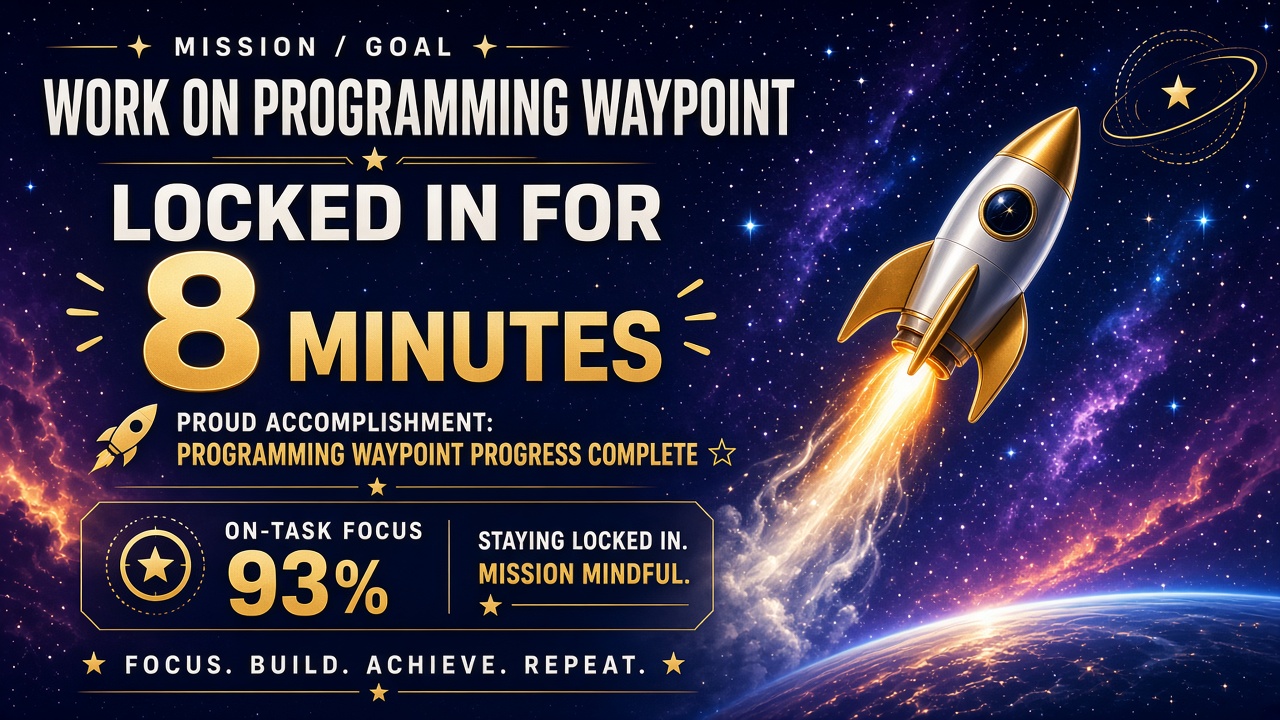
Waypoint is a simple interface for the user to review their to-dos and set goals for a work session. Waypoint monitors the user’s attention using the camera and periodically captures the screen to see what the user’s working on. When a prolonged dip in attention or an unrelated task is detected, Waypoint reminds the user to return to work. The user can explain what they studied and worked on to Waypoint, and the app will keep note. At the end of the session, the user can review the note to remember what they learned
How we built it
Before we built it, we planned all the project components on a whiteboard. We started with a Tauri app that authenticates users with Google Auth, listens for input, and communicates with our tools via API calls. We use Presage to detect in the camera feed whether the user is focusing on the task. Later, we implemented a TypeScript backend for authentication with TigerData to track registered users and related data. We also incorporated an Ollama model into the backend to summarize the user’s screenshot before prompting Gemini to save tokens.
While one member of the team worked on developing the core application and some development of the backend, two of the members worked at times on development of the backend, how to implement new features, and the website, and a fourth created a Figma board with the design layouts. They then integrated these features and APIs into the core app's functionality and implemented the Figma theme and UI/UX design across the functional components to beautify the app and unify its branding.
Challenges we ran into
Gemini Live's audio output was being routed directly through a faulty WebSocket, so the copilot talked gibberish. We fixed it by using Gemini Live to handle the user's communication, and then routing responses through the same Grok Voice text-to-speech system already successfully being used by other parts of the project to ensure clear communication.
Available Gemini Models that had large enough context windows did not have rate limits high enough to allow us to scan entire files, drives, or calendars from users on demand. We developed a system where, as needed and available, these powerful agents would create digestible context associated with users for faster, higher-availability models to use without dropping information.
Working collaboratively with agents was also challenging. The agent’s coding style is very different from ours, and the large amount of edits makes it difficult to track features and reconcile diverging branches.
Accomplishments that we're proud of
We are proud of being able to build a feature-rich app end-to-end with functionalities we find helpful in our daily life. Some of our team members found that they would start a lock-in session to test its functionality, and then when it was working, they would forget it was on. If any of us happened to do this, we would then get off task; the features would actually work and remind us to refocus. We were extremely excited that the project was working so well and actually useful in real-life scenarios.
We are not extensively versed in agentic development such as with Cursor before, and this is our first time managing a project where significant contribution came from many people working with many agents across multiple repos. We are proud of quickly adapting to the modern agentic development landscape and going from working on one file at a time to managing multiple agents and subagent processes working across entire filesystems and repositories to quickly and safely scale an app while still bringing best practices to ensure reliability and security.
What we learned
We learned how to manage a complex project, divide responsibilities, and use unfamiliar tools like Presage, Gemini, Grok, and Cursor. We also learned how to design a work plan, write specifications, and use coding agents to boost our productivity.
What's next for Waypoint
We will perform more user testing and release builds for Mac, Windows, Ubuntu, and mobile. To make this deployment-ready, we will move our Backend to a server and update the Frontend to reflect that.
Users can transfer work between platforms to start work sessions from any device. Login options will also include email and Apple authentication.
We will improve Waypoint’s capabilities by adding more tools to the agent (beyond just Google’s suite). We will also increase Waypoint’s effectiveness by personalizing its interactions and storing more user data to provide specialized assistance. For instance, Waypoint can remember the websites the user used for a task and quickly open them at the user's request. Waypoint will also integrate with user notes and projects offline to help write study guides, quizzes, and work logs.
Built With
- cursor
- gemini
- grok
- html
- presage
- python
- rust
- tigerdata
- typescript


Log in or sign up for Devpost to join the conversation.