Inspiration & Why WebMCP is the Right Fit
Traditional co-browsing tools stream DOM trees or broadcast video feeds over WebRTC. That architecture grants support representatives raw access to customer screens, exposing credit card numbers, passwords, and private inputs.
WebMCP provides a structured alternative: typed tool contracts registered directly on document.modelContext. Waypoint maps customer support to WebMCP tools. Because WebMCP tools exist only on the document that registered them, execution remains structurally confined to the customer's local session. Representatives cannot touch the DOM or execute actions unilaterally; they interact solely through declared schemas. WebMCP turns an intrusive, high-risk screen share into a bounded execution interface.
What It Does & How It Creates a Better User Experience
Waypoint is a zero-trust co-browsing and remote support platform built on WebMCP and edge WebSockets.
Instead of sharing screens or streaming DOM mutations, the customer and support rep connect through a shared tool interface:
- Zero Privacy Invasion: Customers never surrender their screen or expose unrendered form fields to a representative.
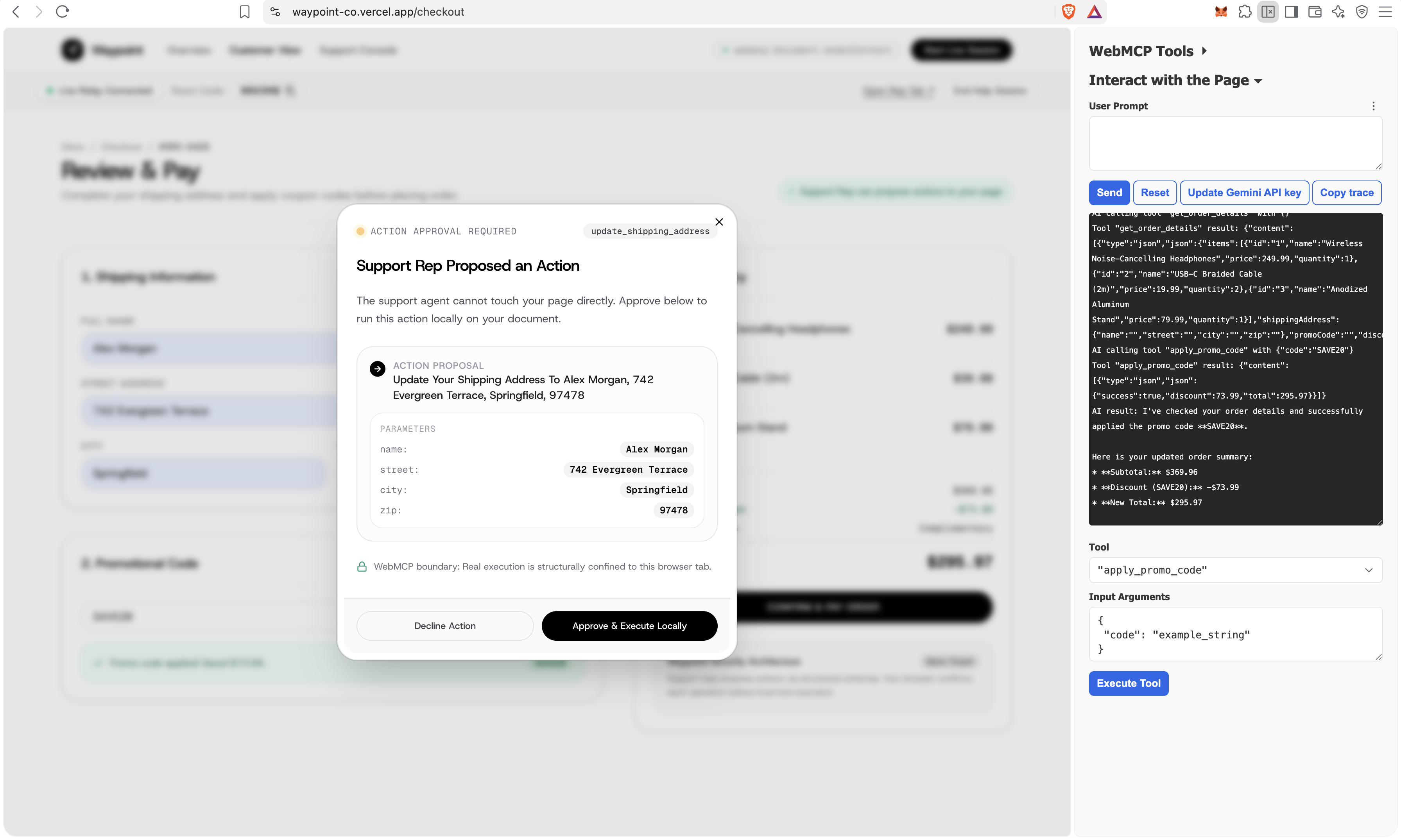
- Explicit Human Consent: When a representative proposes a fix (such as an address correction or coupon code), the customer sees a native modal showing the exact arguments before deciding to approve or reject it.
- Kilobytes Instead of Megabytes: By replacing video feeds with lightweight JSON protocol events over WebSockets, Waypoint drops bandwidth consumption from 2.4 MB/s (WebRTC) to 0.8 KB/s. Sessions stay fast and responsive even on unstable mobile connections.
- Zero Software Installation: Customers do not need browser extensions or screen-sharing desktop agents. Support operates entirely within standard browser capabilities.
- Read-Only State Streaming: Tools marked with
readOnlyHint: truestream safe state updates (cart totals, items, active errors) to the rep's console with zero bandwidth overhead and zero screen recording.
What People and Agents Can Do Together That Was Difficult Before
Before WebMCP, co-browsing forced an all-or-nothing choice: either give a remote human total control over your screen, or manually follow verbal instructions over phone or chat. Browser AI agents faced a similar hurdle, relying on fragile DOM scraping or screen vision to click around.
Waypoint unifies the peers, and browser AI agents around the same tool boundary:
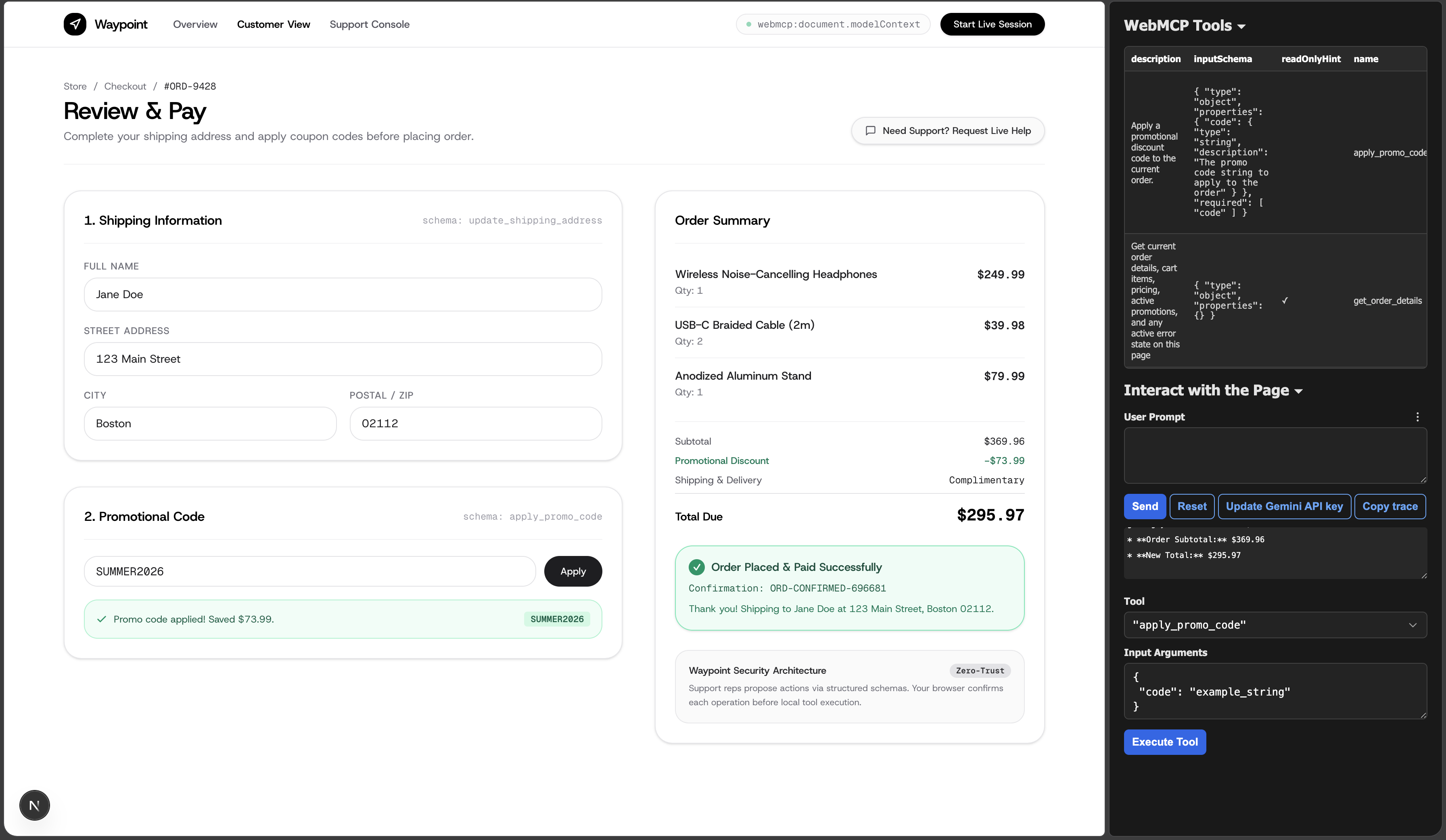
- An agent inspects cart state using
get_order_detailsand helps configure the order. - When an issue requires human escalation (such as an expired coupon code or tricky shipping validation), a human representative connects to the exact same tool space through an edge relay.
- The representative proposes a structured resolution, which appears natively in the customer's tab for explicit approval.
- Both human representatives and AI agents operate under the same rule: neither can bypass the customer's approval gate or run unauthorized code on the customer's machine.
How We Implemented WebMCP & Architecture
- Tool Registration: In the customer tab, we register three distinct tools that their agent calls:
get_order_details: Marked withreadOnlyHint: trueto provide an immutable snapshot of items, totals, and active errors without requiring human gating.update_shipping_address: Defined with JSON Schema properties (name,street,city,zip) to handle delivery validation.apply_promo_code: Defined with acodeproperty to validate discounts and surface checkout errors.
- Local Handlers: Each tool definition includes an
async execute(args)callback that executes strictly inside the customer's UI state. - Schema Serialization & Edge Relay: When a support session opens, the customer tab queries
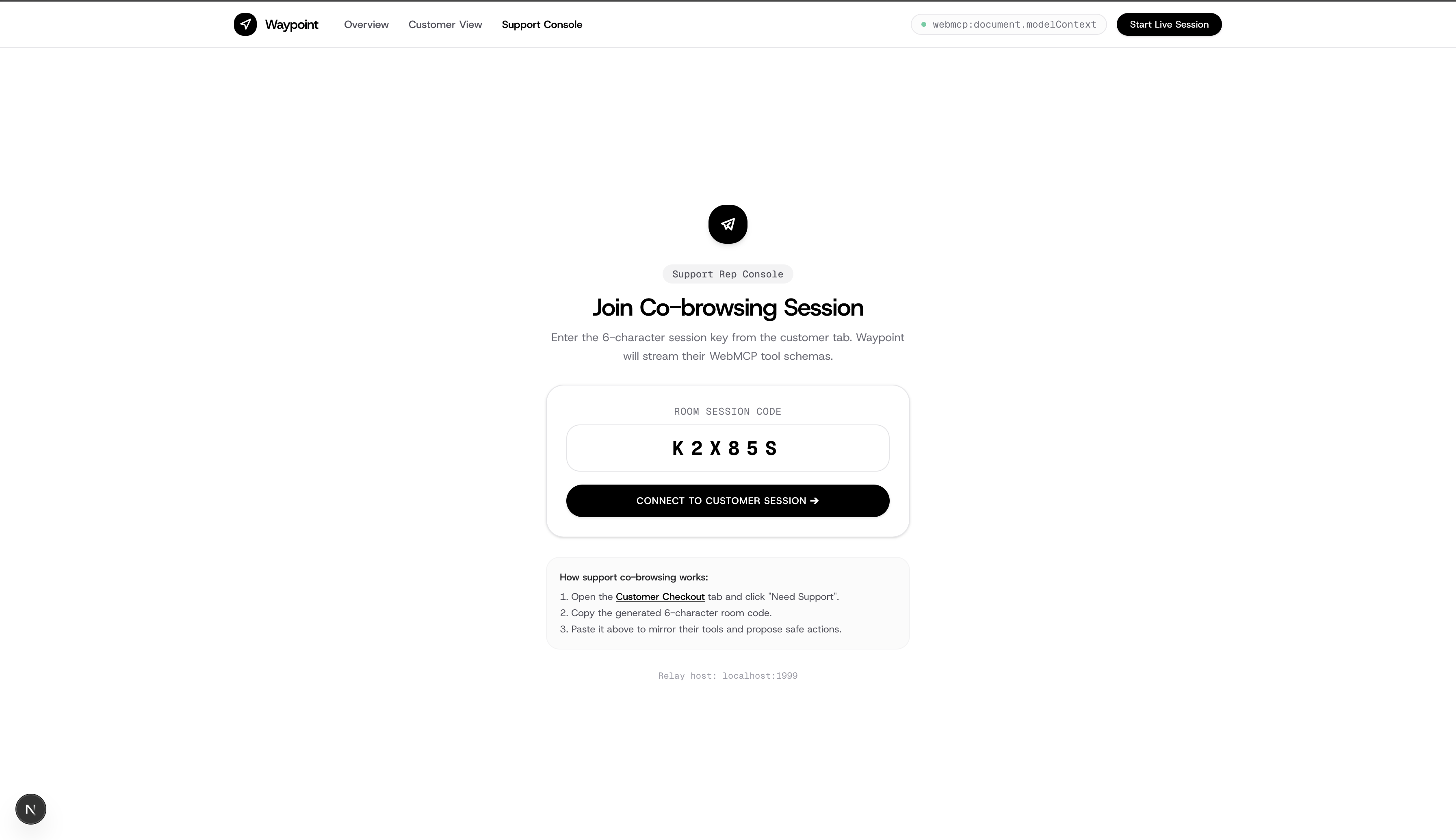
document.modelContext.getTools(), serializes the schemas, and sends them to a PartyKit WebSocket relay. The relay routes messages blindly without storing tokens or user data. - Dynamic Console & Approval Gate: The support console receives the schemas and renders input forms on the fly. Submitting a form sends an
action_proposedevent. The customer tab listens to this event, presents an approval modal, and only invokes the tool once the customer clicks Approve.
Challenges We Ran Into
- AI Prompt Leaks vs Neutral Tool Schemas: During testing with Chrome's MCP Tools extension, descriptions like "If expired, use SUMMER2026" (an oversight) introduced a side effect; the agent updates the code input after it was previously written with the explicit code referenced in the user prompt. Simply removing the additional statement in the tool description prevented the re-write issue.
- Handling disconnections cleanly required explicit bidirectional teardown. When either the customer or rep leaves, the PartyKit room purges its cached state and immediately notifies the peer, preventing orphaned sessions.
Accomplishments That We're Proud Of
- Co-browsing without screen sharing: Running a full support session requires mere kilobytes of JSON events instead of megabytes of continuous media frames.
- Structural Confinement: The support agent physically, or digitally, cannot take unauthorized actions. Execution stays locked to the customer's action
- Unifying AI and Human Interfaces: Interweaving WebAPIs to build tools for AI browser agents that can replace traditional screen sharing software.
What We Learned
- How WebMCP can unlock & further the interaction between humans &a agents
- Once an application defines its capabilities as structured WebMCP schemas, building secure collaboration features becomes seamless than trying to mask sensitive inputs over an open video feed.
What's Next for Waypoint
- Generative UI instead of mere tool schemas
Built With
- mcp-tools
- nextjs
- partykit
- tailwindcss
- typescript
- webmcp

Log in or sign up for Devpost to join the conversation.