🧭 WayFinder — Indoor Navigation for Blind Students
The Problem
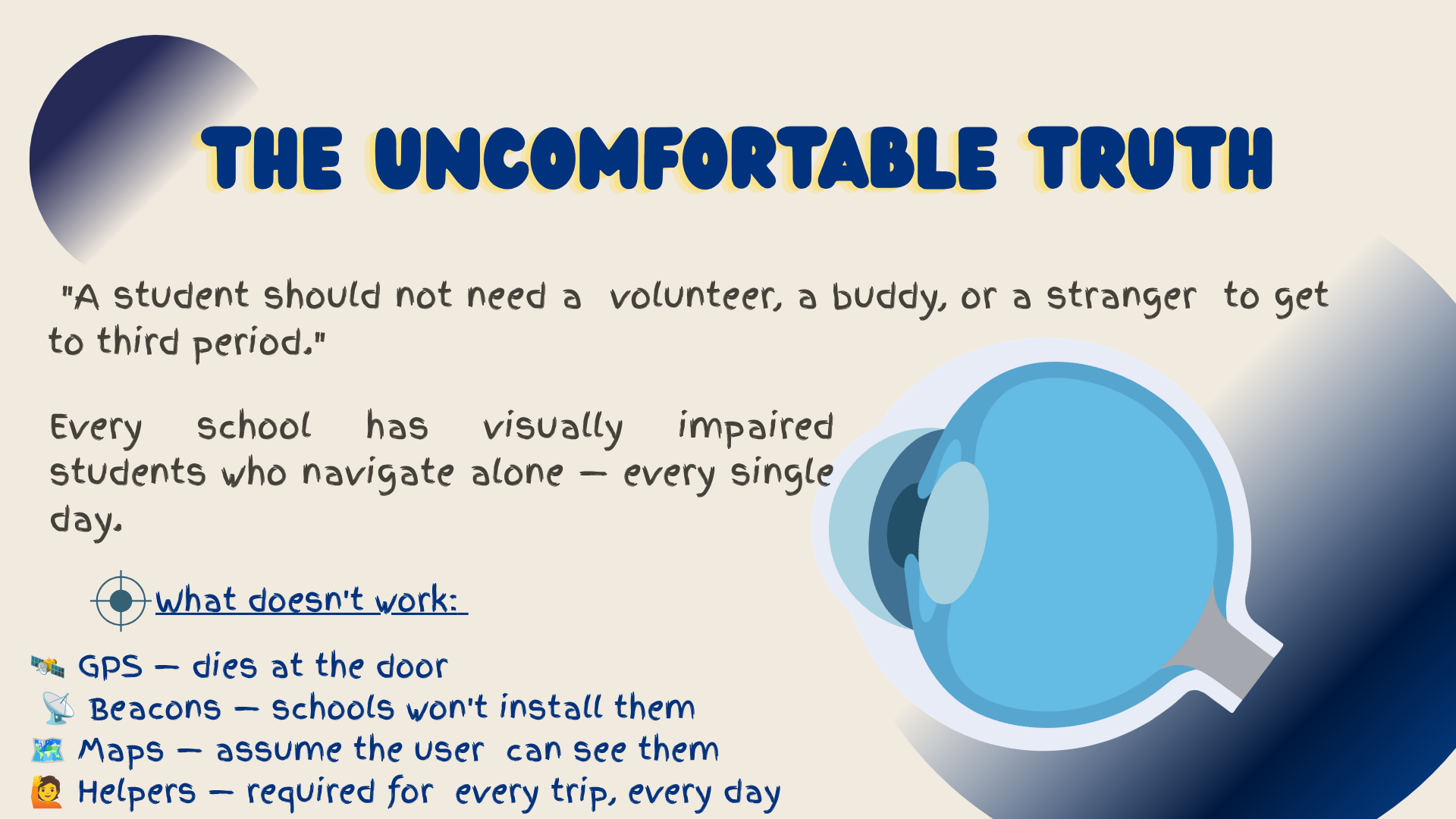
Ask what in a school actually needs fixing, and the honest answer for a blind student is everything: every hallway, every staircase, every bathroom, every single trip between classes. Schools hand them a schedule and a building and expect them to navigate it alone. GPS does not work through walls, beacons require hardware schools have not installed, and floor-plan apps assume the user can see the screen. The result is dependence — a volunteer, a buddy, or a stranger, every day, for every trip.
The Solution
WayFinder is a voice-first Android app that guides blind and visually impaired students through a building using only the phone already in their pocket. A student says "Hey WayFinder, take me to chemistry," and the app identifies where they are standing, orients them with the compass, and speaks turn-by-turn directions. It needs no beacons, no per-room hardware, and no GPS — only a one-time walk-through recorded by staff. Getting to class should not require asking for help.
Key Features
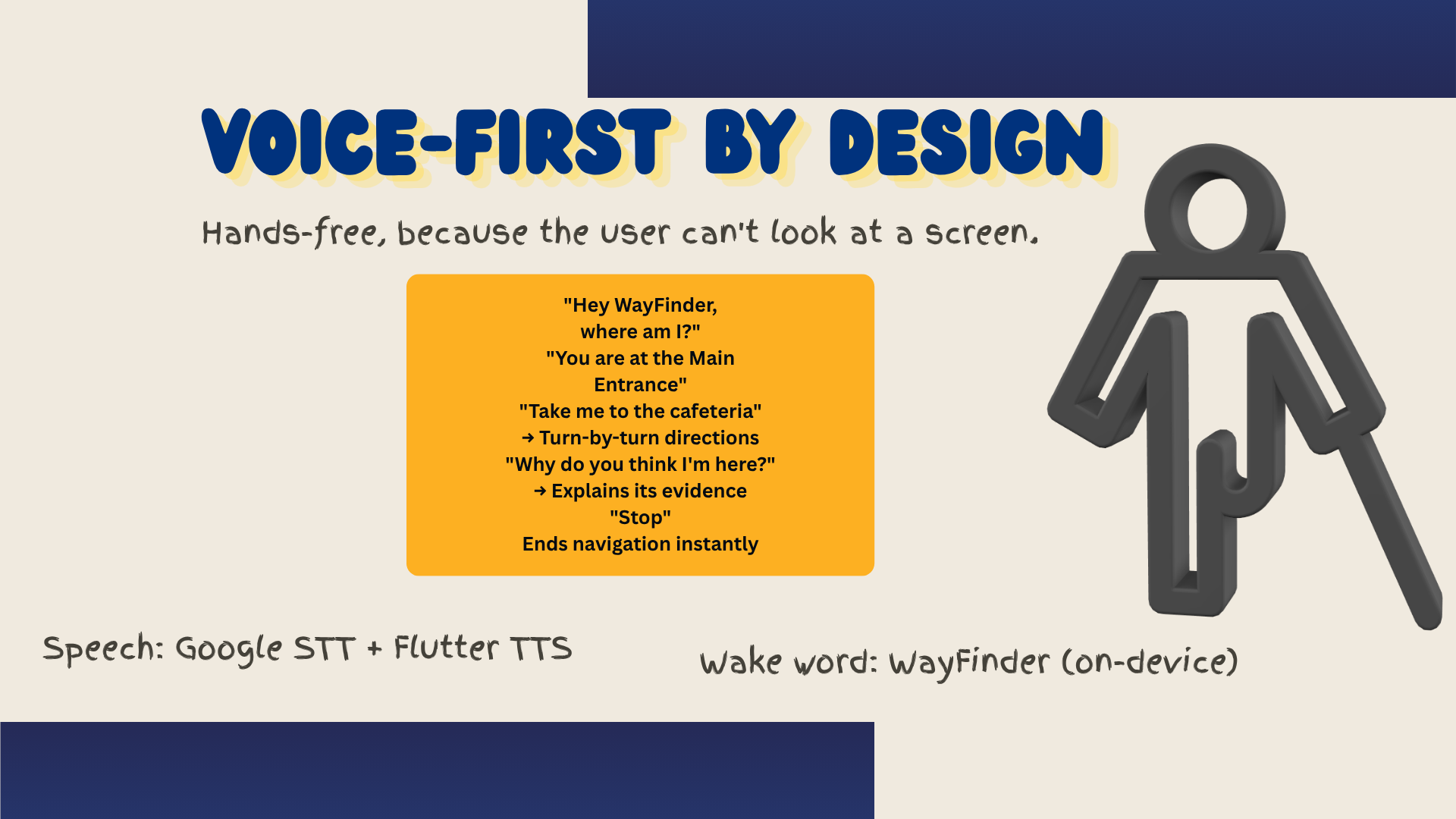
- 🎙️ Hands-free wake word — "Hey WayFinder" runs on-device through Porcupine, so no screen tap is ever required.
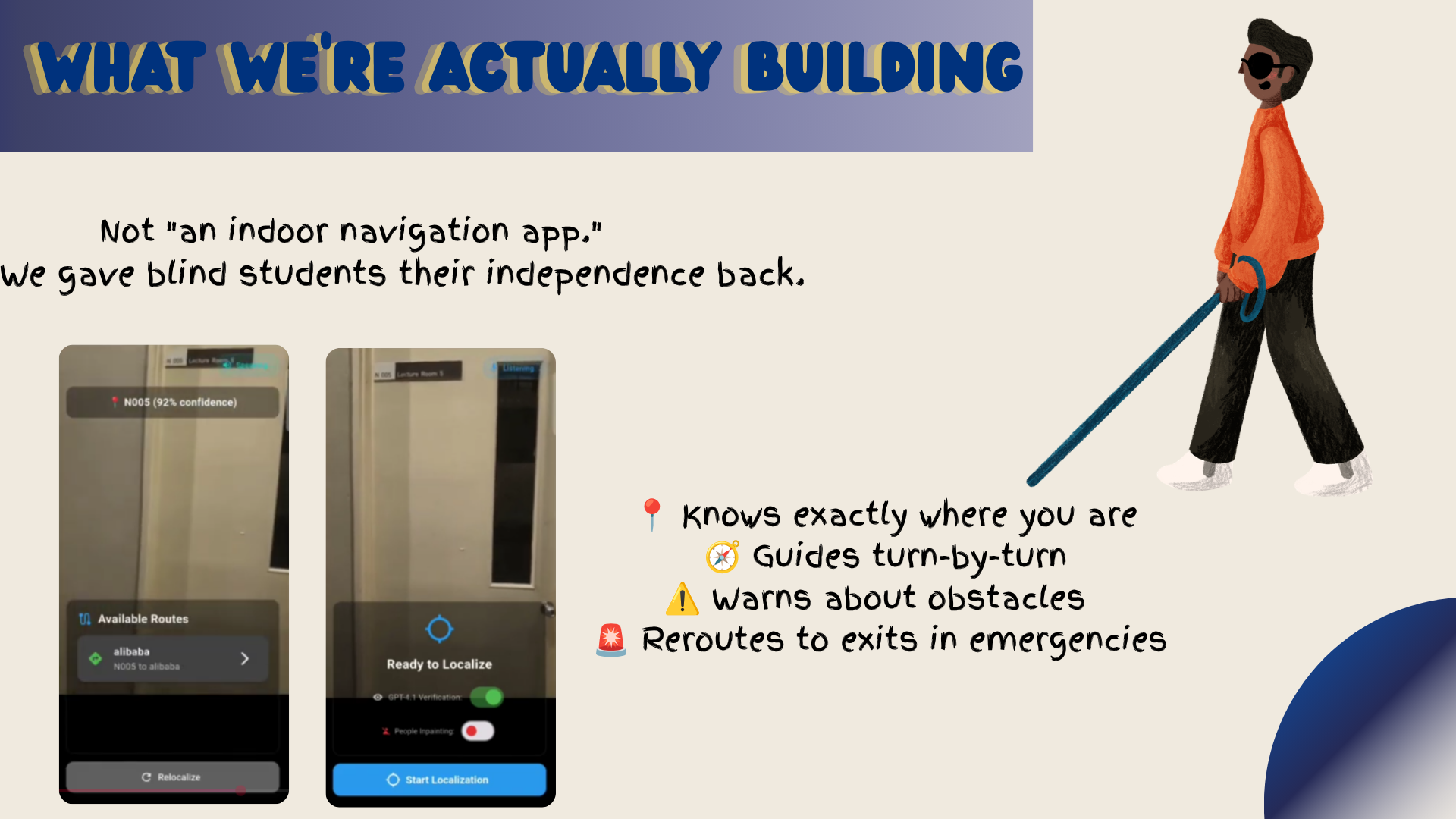
- 📍 Camera-based localization — an 8-second scan identifies the student's current location and announces it.
- 🧭 Directional voting — location is confirmed from up to four headings, requiring agreement before it commits.
- 🔊 Turn-by-turn audio guidance — compass-led orientation, then spoken turns with auto-recovery if the student drifts.
- 👥 Crowd-aware matching — YOLO detects people and Stable Diffusion inpaints them out, so a busy hallway does not break recognition.
- 👁️ VLM verification — GPT-4.1-mini compares a captured frame against a stored reference image to confirm a match.
- 🗺️ Admin authoring tools — staff upload a floor plan, place named nodes, connect routes, and record paths by walking them.
- 💬 Voice Q&A — students can ask where they are, list available routes, or hear why the app thinks they are somewhere.
How It Works
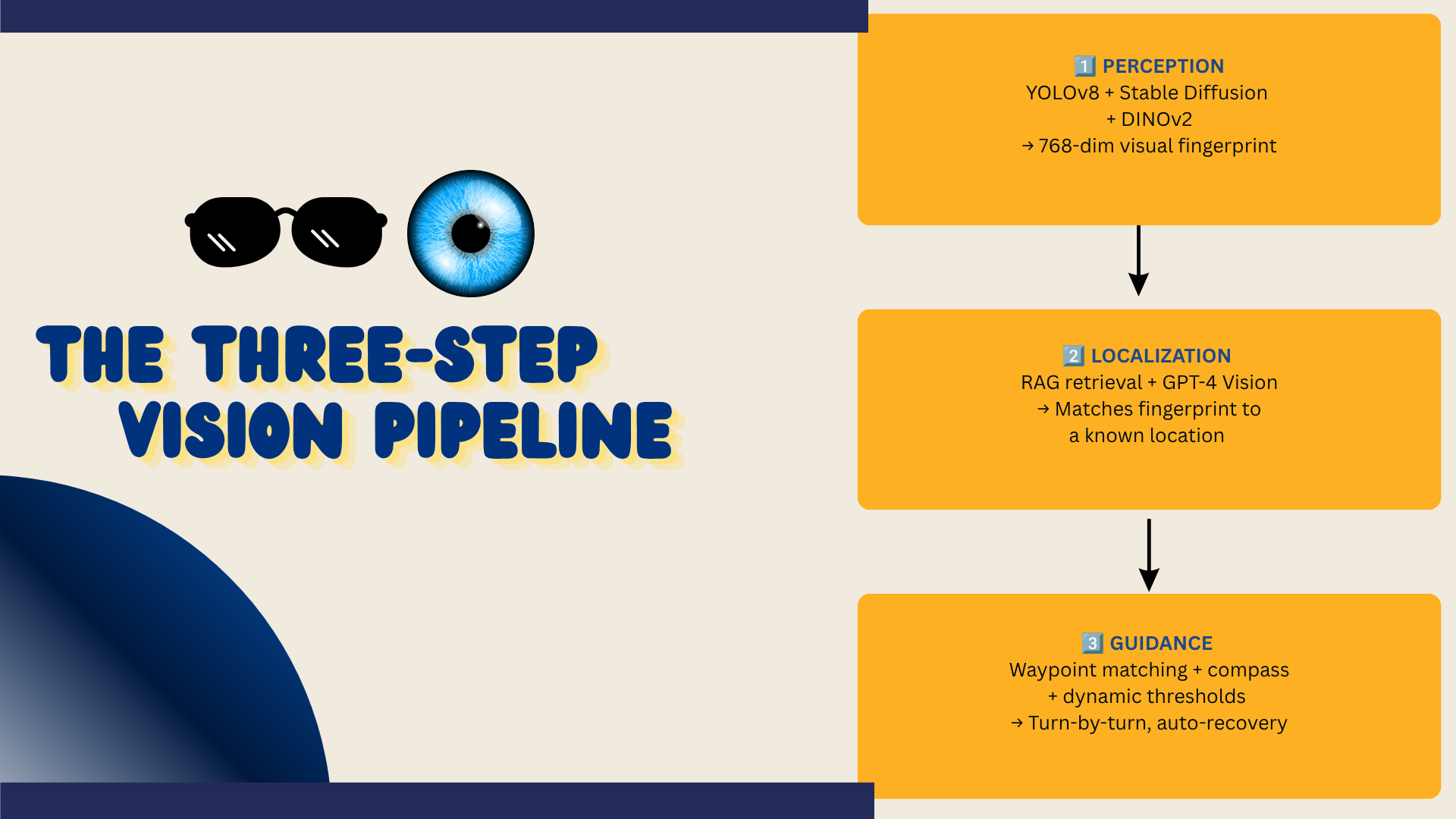
- Perception — YOLOv8l-seg finds people and carried objects; Stable Diffusion 2.0 inpaints them out; DINOv2 turns the cleaned frame into a 768-dimensional embedding.
- Localization — the embedding is matched by cosine similarity against stored
place_embeddings(threshold 0.80), then GPT-4.1-mini visually verifies the top candidate against its reference photo. - Guidance — recorded waypoints store an embedding, heading, and turn type; the live frame is compared to the current waypoint, and crossing a dynamic threshold triggers the spoken instruction and advances the guide.
Architecture
┌──────────────────────────────────────────────────────────────┐
│  🧑🦯 STUDENT  (voice-first, hands-free)                        │
│     🎙️ "Hey WayFinder, take me to chemistry"                  │
│     🔊 Spoken turn-by-turn guidance                            │
└───────────────────────────────┬──────────────────────────────┘
                                │
┌───────────────────────────────▼──────────────────────────────┐
│  📱 FLUTTER APP  (Android, TalkBack-friendly)                  │
│     Voice Assistant · Camera · Localization                    │
│     Navigation Loop · TTS · Admin Authoring                    │
└───────────┬───────────────────────────────────────┬──────────┘
            │                                       │
┌───────────▼─────────────────┐        ┌────────────▼────────────┐
│ 🧠 VISION SERVER (GPU)      │        │ ☁️ SUPABASE              │
│ FastAPI + PyTorch           │        │ PostgreSQL data         │
│ DINOv2 → 768-dim embeddings │        │ Auth + admin/user roles │
│ YOLOv8l-seg → people        │        │ Storage: floor plans,   │
│ SD 2.0 → scene inpainting   │        │ reference images        │
└─────────────────────────────┘        └─────────────────────────┘
Request flow: 🎙️ voice → 🧠 embed → 📍 match + verify → 🧭 guide → 🔊 speak.
- Mobile app (Flutter/Dart): camera capture, voice assistant, localization, navigation loop, TTS, and admin authoring screens, with Semantics labels and high-contrast UI.
- Vision server (FastAPI + PyTorch, GPU): HTTP endpoints for DINOv2 embedding, YOLO people detection, and SD inpainting, with a CLIP ViT-L/14 fallback.
- Backend (Supabase): PostgreSQL data, authentication with admin/user roles, organization-scoped access, and storage buckets for floor plans and reference images.
- Data model:
maps,map_nodes,navigation_paths,path_waypoints(embedding + heading + turn type), andplace_embeddingsfor retrieval.
Tech Stack
| Component | Technology | Purpose |
|---|---|---|
| 📱 Mobile app | Flutter (Dart) | Voice-first, TalkBack-friendly UI |
| 🧠 Vision embeddings | DINOv2 (facebook/dinov2-base) |
768-dim scene fingerprints |
| 👤 Object detection | YOLOv8l-seg | Detect people and carried objects |
| 🖌️ Scene cleaning | Stable Diffusion 2.0 inpainting | Remove people for stable matching |
| 🎙️ Wake word | Picovoice Porcupine | On-device "Hey WayFinder" |
| 🗣️ Speech-to-text | Google STT | Transcribe commands |
| 💬 Intent parsing | GPT-4.1-nano | Map natural speech to actions |
| 👁️ Visual verification | GPT-4.1-mini (vision) | Confirm candidate locations |
| 🔊 Audio output | Flutter TTS | Spoken guidance |
| ☁️ Backend | Supabase (PostgreSQL, Auth, Storage) | Data, roles, reference images |
| ⚡ AI server | FastAPI + PyTorch | GPU inference gateway |
Performance
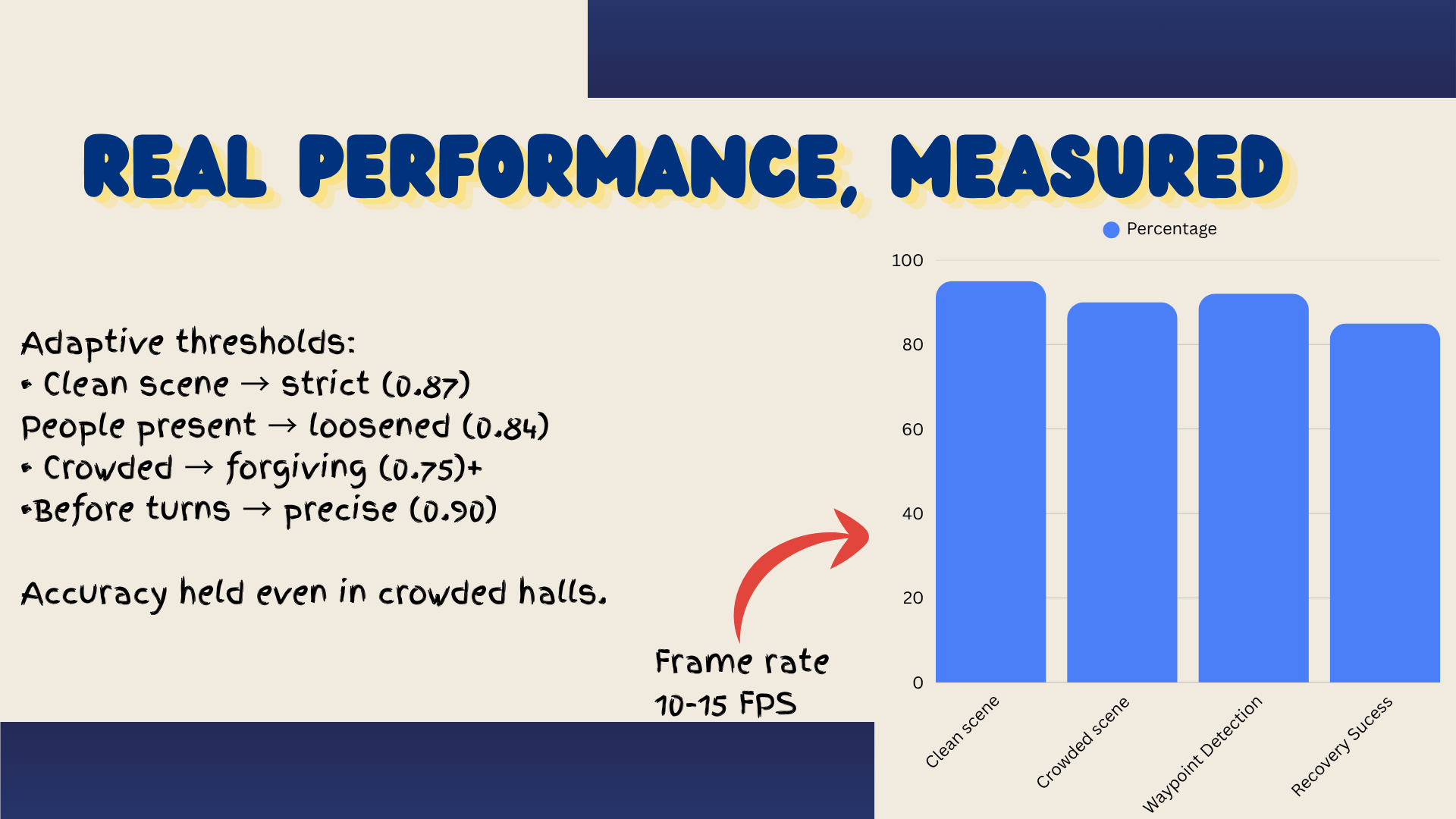
| Metric | Clean scene | Crowded scene |
|---|---|---|
| 🎯 Localization accuracy | 95% | 90% |
| 🧭 Waypoint detection | 92% | — |
| 🔄 Recovery success | 85% | — |
| ⚡ Navigation frame rate | 10–15 FPS | 10–15 FPS |
Matching adapts to conditions: 0.87 for clean scenes, 0.84 when people are present, 0.75 in crowds, and 0.90 before a turn for higher precision. If no waypoint matches for 30 consecutive frames, the app captures three frames, re-localizes at a 0.76 threshold, and resumes — up to three attempts before prompting the student.
Why It Fits the Theme
- ❤️ Impact: addresses a daily accessibility barrier that affects real students in every school.
- 💡 Creativity: visual place recognition replaces beacons and floor-plan dependence — a non-generic approach that works without installed infrastructure.
- 🎨 Design: voice-first and hands-free; the interface assumes the user cannot see it.
- ⚙️ Functionality: localization, directional voting, turn-by-turn guidance, crowd handling, and recovery work together end-to-end.
- 📚 Learning: every layer is explainable — from DINOv2 embeddings to RAG retrieval to the dynamic thresholds tuned for real hallways.
AI Disclosure
AI is the engine of the product itself: DINOv2 produces embeddings, YOLOv8 detects people, Stable Diffusion cleans the scene, and GPT-4.1-nano and GPT-4.1-mini handle intent parsing and visual verification. In development, AI coding assistants were used for scaffolding screens, debugging, and drafting documentation. The pipeline design, threshold tuning, path recordings, and every component decision are understood and reproducible by the team.
Built By
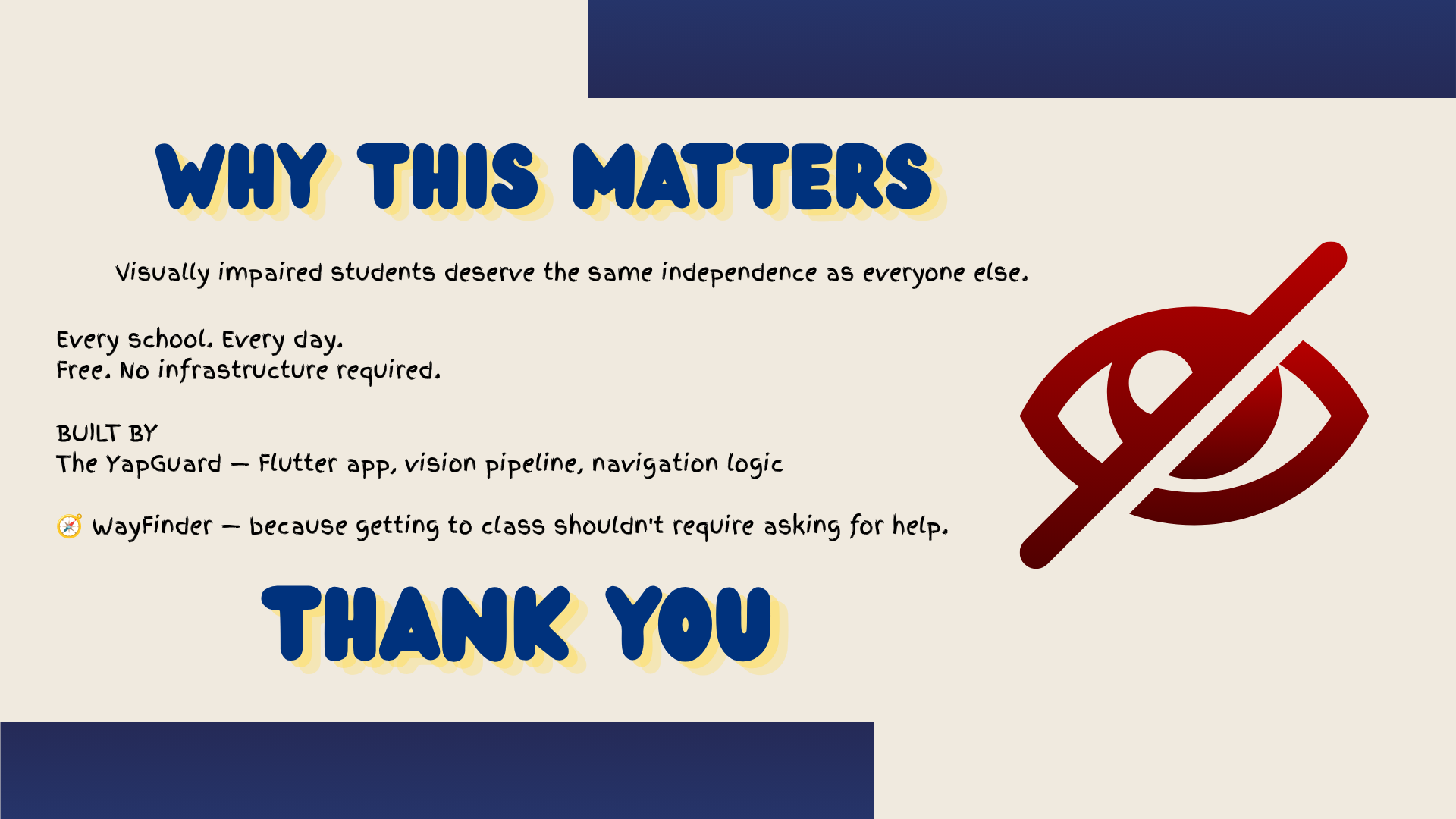
WayFinder was designed and built for the CSC Back-to-School Hackathon by a solo high school developer (Ahmed). Every layer — the Flutter app, the DINOv2 vision pipeline, the localization and navigation logic, the admin authoring tools, and the documentation — was designed, assembled, and tested by the same person, who can explain any component on request.
What's Next
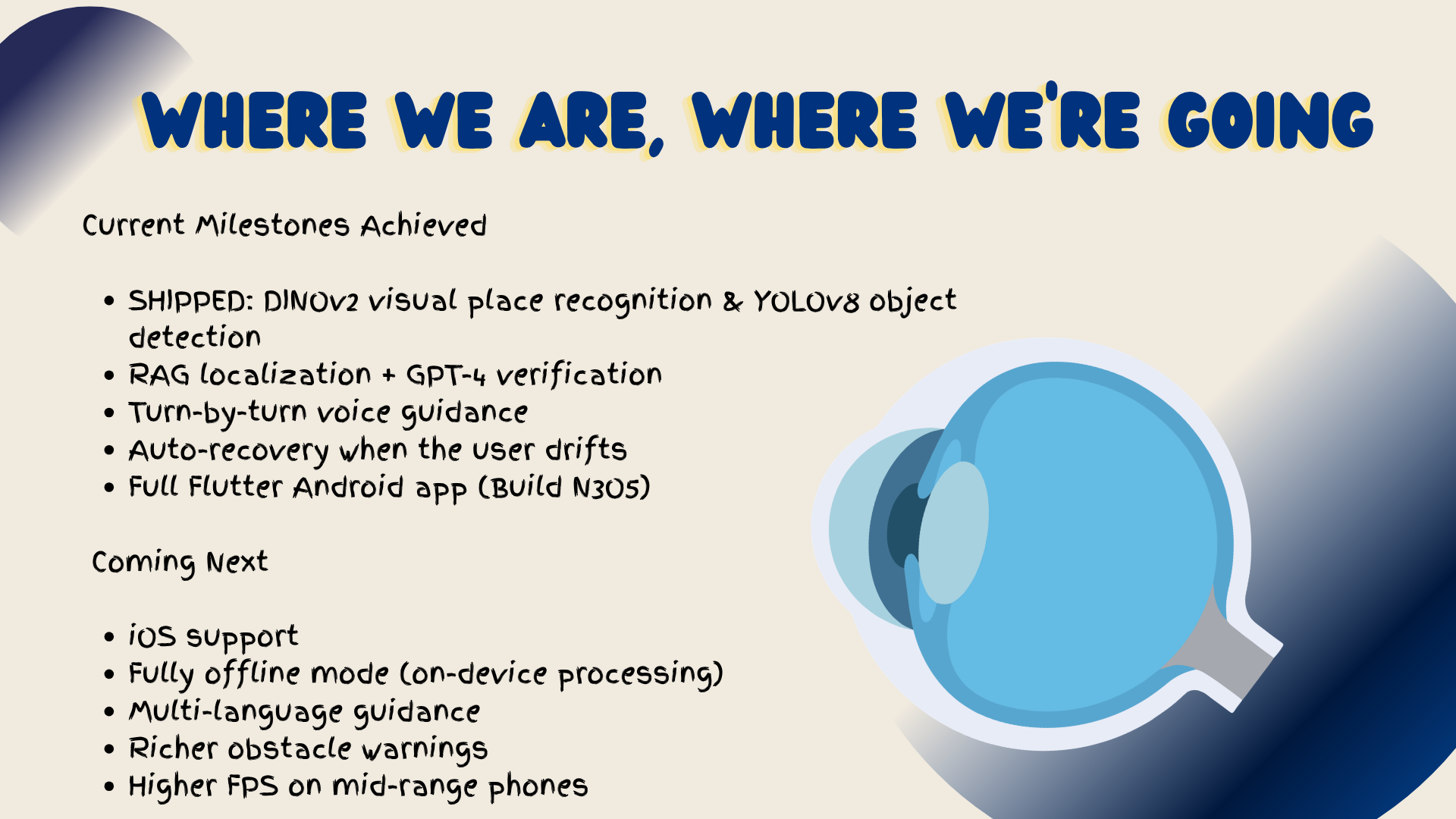
- 📱 iOS support — bring the app to iPhone.
- 📴 Offline mode — on-device embeddings so no server is required.
- 🚧 Richer obstacle warnings — spoken hazard alerts from live detection.
- 🌐 Multi-language guidance — speak directions in the student's language.
- ⚡ Higher frame rates — smoother navigation on mid-range phones.
- 🚨 Emergency exit routing — spoken directions to the nearest exit.
Built With
- accessibility
- ai
- assistive-technology
- computer-vision
- dart
- deep-learning
- dinov2
- fastapi
- flutter
- flutter-tts
- google-stt
- gpt-4
- indoor-navigation
- machine-learning
- mobile-app
- natural-language-processing
- picovoice-porcupine
- postgresql
- python
- pytorch
- rag
- stable-diffusion
- supabase
- visual-place-recognition
- yolov8


Log in or sign up for Devpost to join the conversation.