-
-
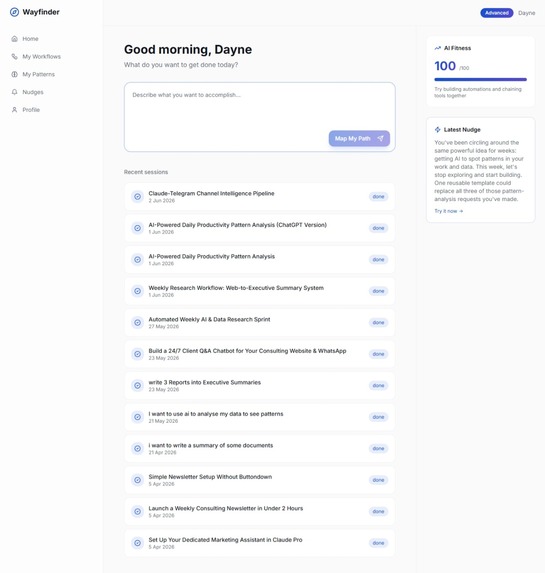
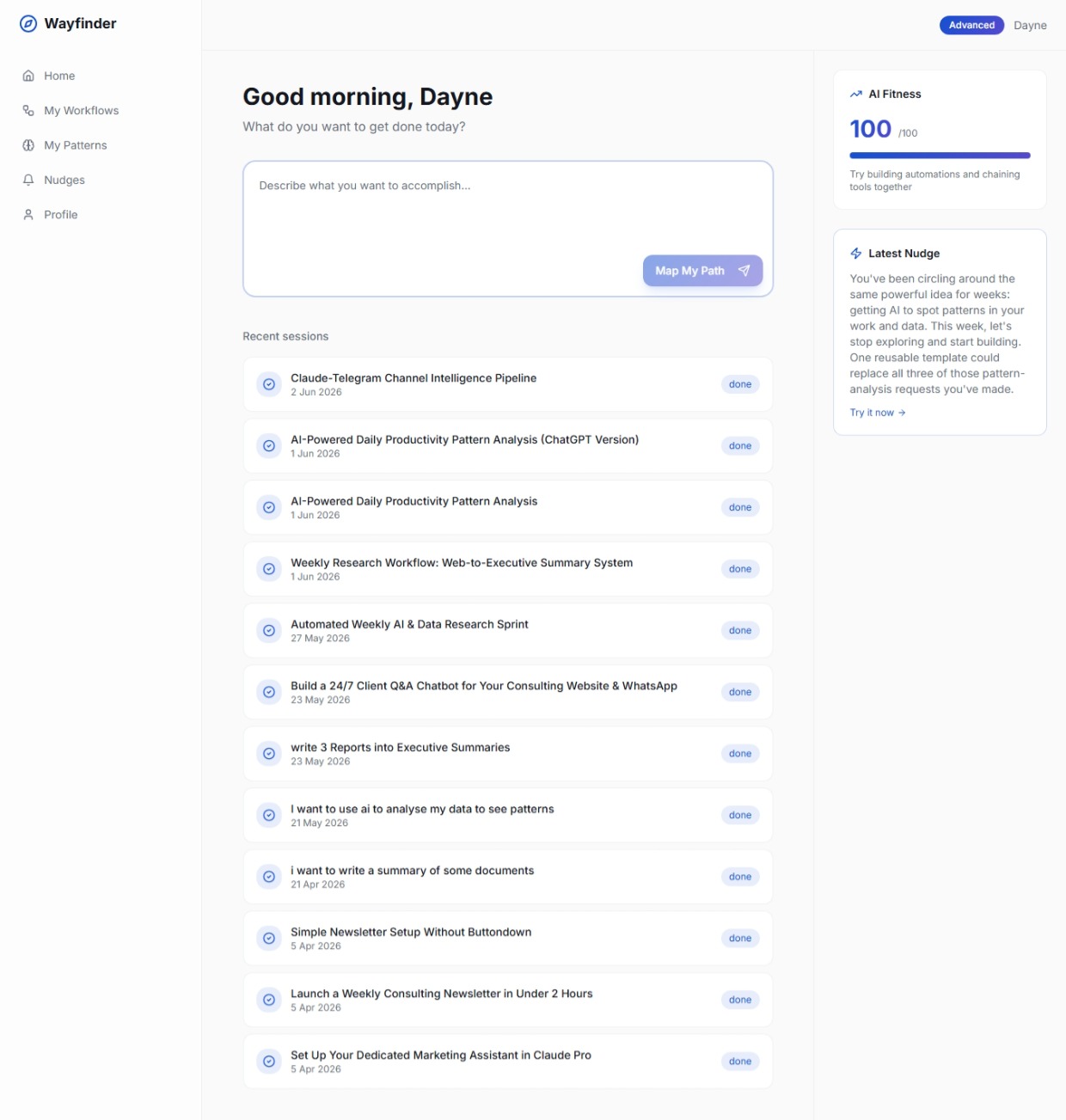
wayfinder dashboard, showing recent sessions and latest nudges and user name
-
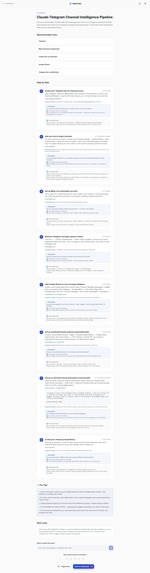
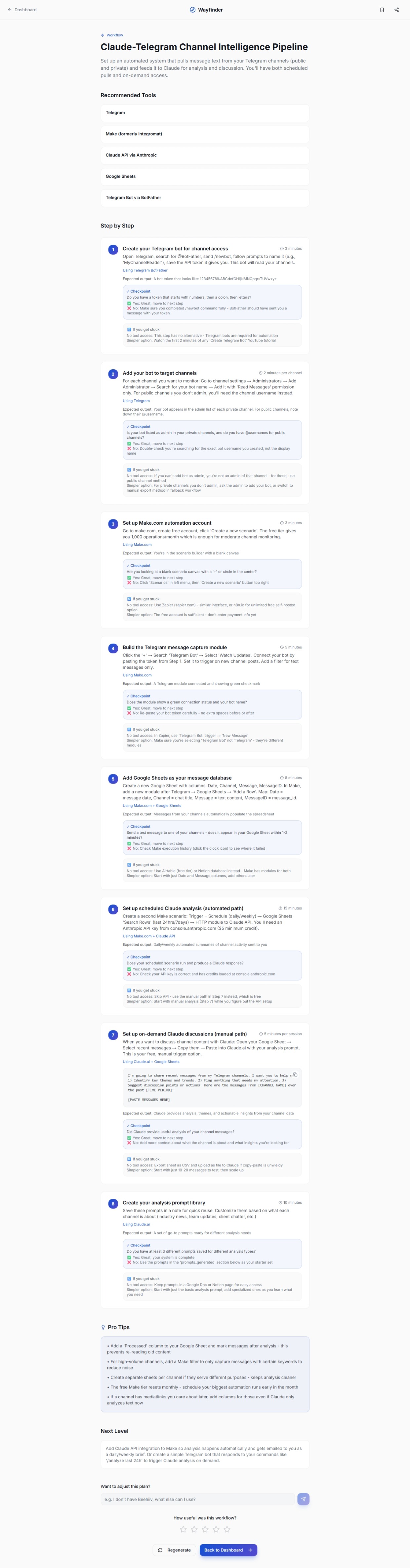
wayfinder a generated workflow
-
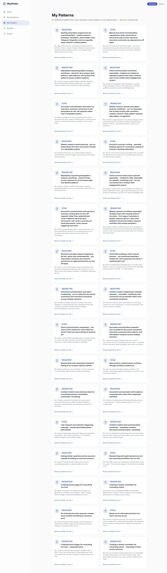
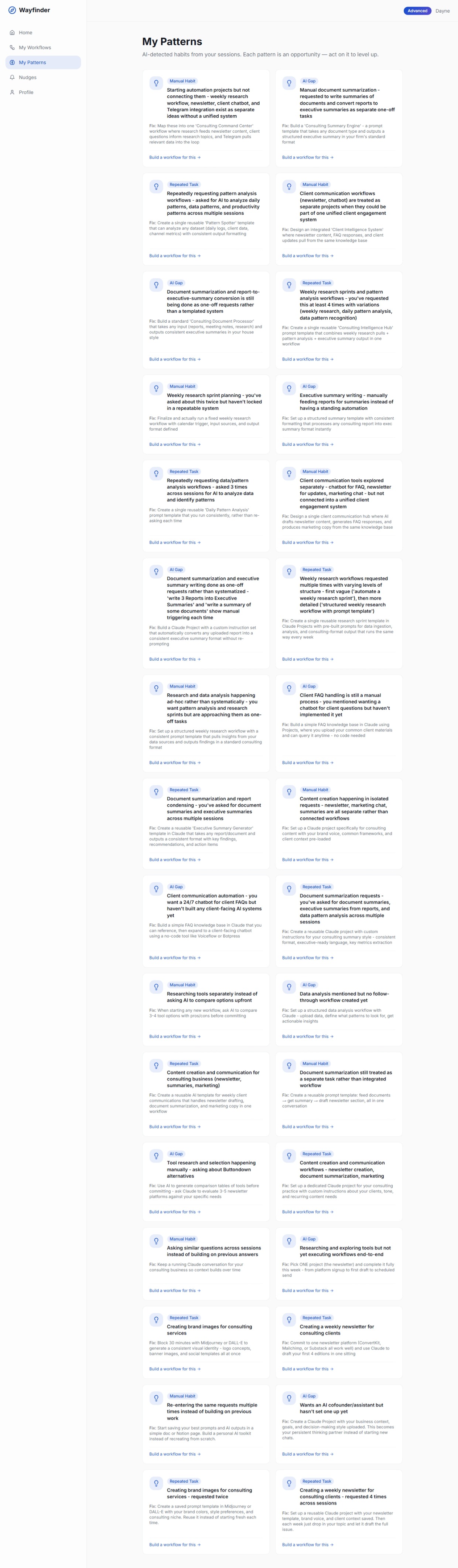
wayfinder pattern pages showing patterns across your workflow use
-
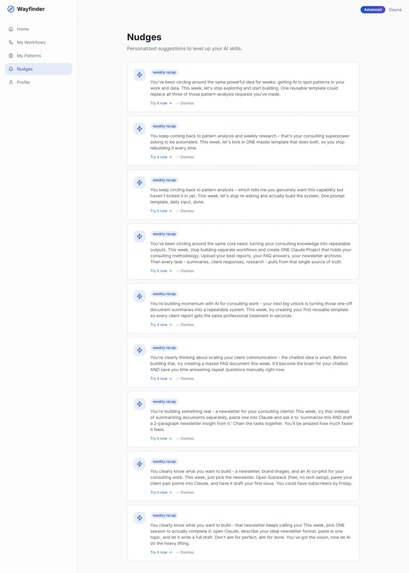
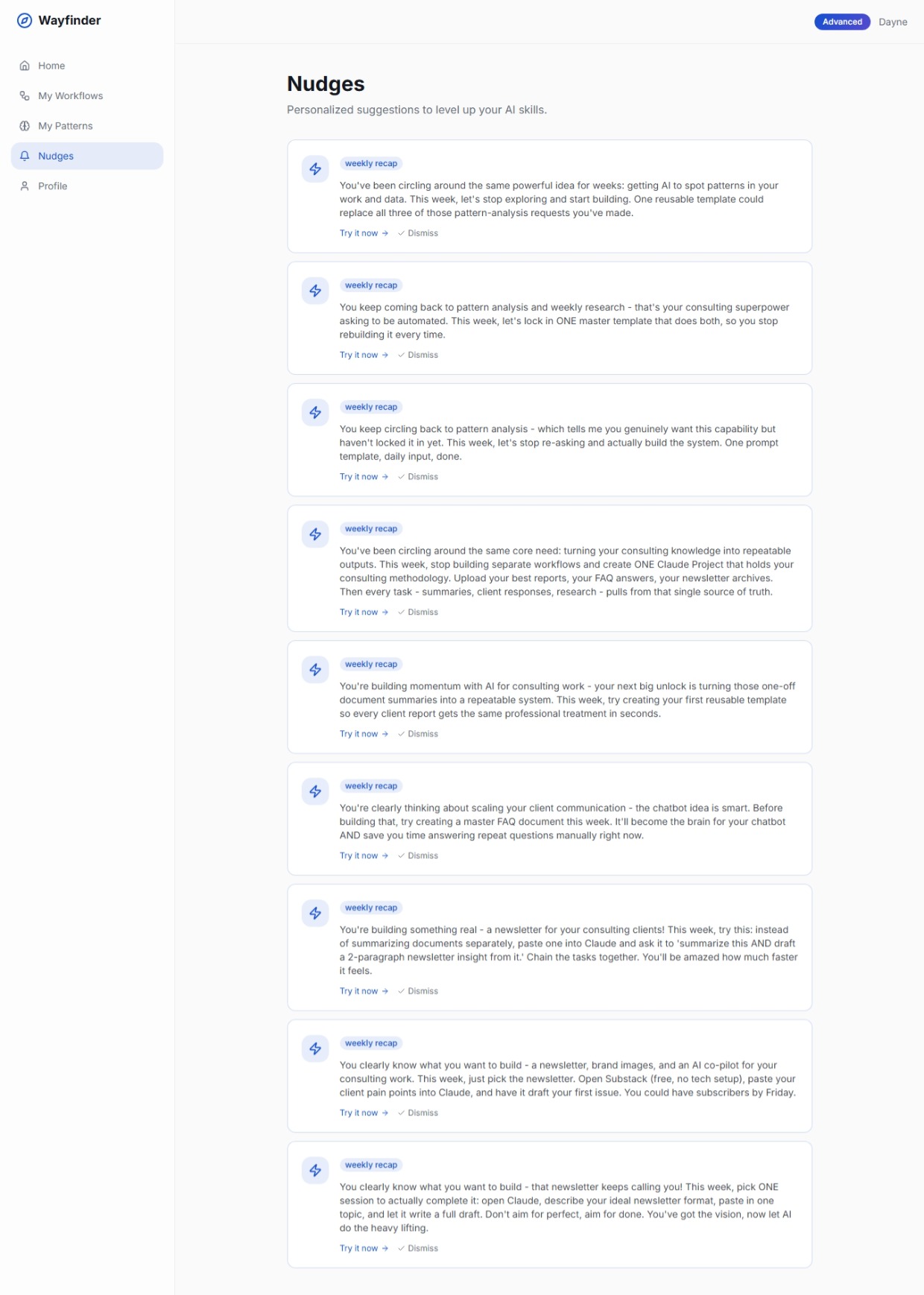
wayfinder nudges pages showing nudges to help you level up your AI use
-
wayfinder logo
-
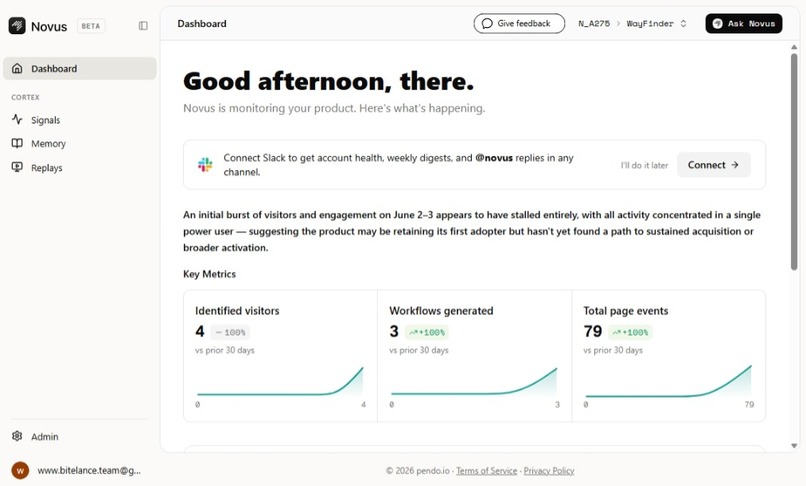
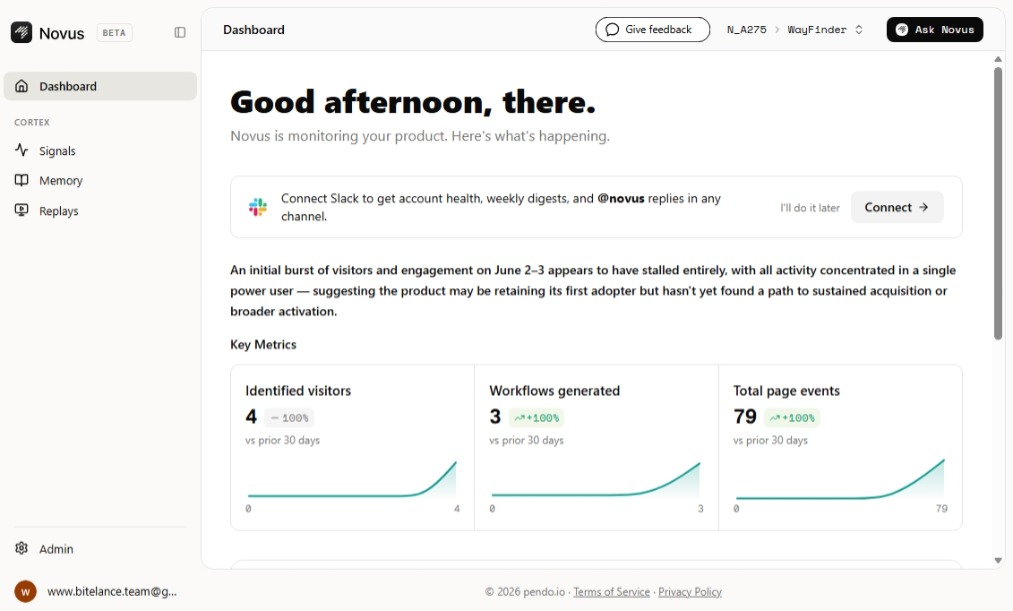
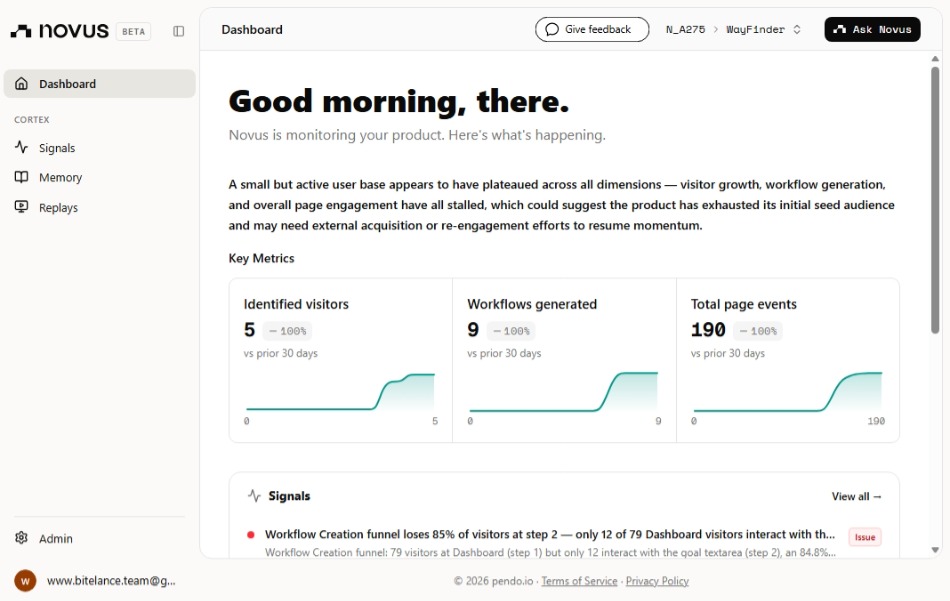
novus dashboard
-
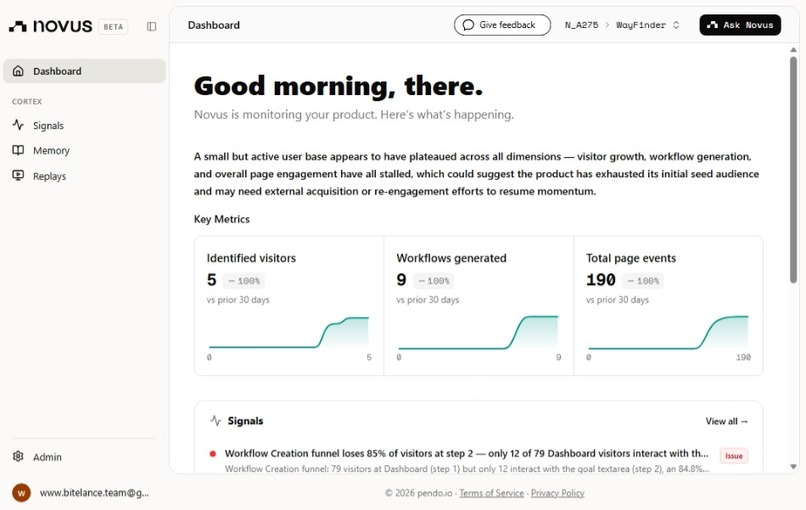
novus dashboard
Inspiration
When AI came, I did not know much about it. I was just a permissive user, using it like a chatbot. There are more AI tools out there than just chat interfaces. Every week I see a new AI tool released, it's powerful, useful, game changing. But when you try to learn it, get to understand how to make it the game changing thing, al you get it courses and generic advice that don't help get the actual work done. The challenge was using AI beyond chatting and Q&A, for real productivity. It was a difficult journey for me to get out of that and get to where I am now. But I can see SMB owners, freelancers, students, professionals facing the same thing, too many AI tools don't know how to go about it to get the productive results and get real work done. So i built Wayfinder
What it does
You tell Wayfinder what you want to get done, in plain English. It asks you three or four quick questions about your situation, your tools, what you have access to. Then it gives you a step-by-step path. Not generic advice the exact tool, the exact prompt to paste. What to do if it doesn't work. And a checkpoint so you know you got it right. It's the difference between handing someone a gym membership and handing them a personal trainer. for: Freelancers, professionals, SMB owners, and students, anyone who has access to AI tools but can't translate that access into consistent, real-world results. The problem isn't the tools. It's the guidance. Wayfinder adapts to your constraints. and it remembers. Every session, it's learning your patterns, what you keep doing manually, where you're still losing time and it nudges you toward the next level.
How we built it
After I had the Idea, map out the flow and the product features. I used Claude to help me get that from rough Idea to a polish one. Claude helped me Build and iterated great AI assistance Then plan was to build it, use it myself and then get some people to test it then launch so from day one we were thinking production ready and every decision was so. Claude helped me with the backend we deployed on render, use Supabase for the DB and auth (magic links), Claude API for the the AI reasoning layer. after we got the backend running, we did some real world workflow, practioners examples and use cases across SMB owners, freelancers, students, professionals and seeded the DB with that and scrapping we use lovable to build the full frontend initial foundations, then we sync to GitHub, we had to start making iterating and polishing to production ready. We then deployed to vercel and got a live user facing link. Continue testing and iterating...
Challenges we ran into
The biggest challenge was a mismatch between what our backend code expected and what actually existed in the database. Every column reference had to be verified against the live Supabase schema workflow_data didn't exist, seen didn't exist on nudges, sessions had no title column. We learned to query the schema first and write code second. We also had to solve cross-device session persistence on Android PWA where clearing recent apps wiped localStorage, solved with dual storage across both localStorage and sessionStorage.
Accomplishments that we're proud of
Getting our first consumer web app solving a real problem. not demo every flow working and product is live. works well on both desktop and mobile
What we learned
The schema is everything. Half the bugs we hit came from code expecting columns that didn't exist in the database. Verify against the real DB before writing any logic. Also: constraint-aware generation is what makes an AI product feel genuinely useful rather than just another wrapper. When the output adapts to what the user actually has, trust goes up immediately. and I should be able to communicate want you want very well to AI that's when you can also get what you what this helped a lot with Claude as a partner for this build.
What's next for Wayfinder
First we move from all free tiers to paid services, the backend and the frontend also the DB. We launch for 1st test users as a web app, get feedback to polish and launch the mobile app. Move from just another workflow builder to Personal AI coach be on the app store play store. The goal is to help people move from using AI as a search engine but for real productivity work. Upcoming features Workflow chat, after a workflow is generated, a chat interface where ask questions about the workflow while you are working on them. To solve drop-off, mid workflow with no help. after that a native mobile app, a personalized AI &tech news feed matched to user patterns and a course section matched to each user's fitness level.
Built With
- claude
- lovable
- node.js/express
- react/typescript
- render
- supabase
- vercel


Log in or sign up for Devpost to join the conversation.