Inspiration
Desktop assistants have felt stuck in the same place for years — glorified search bars that can tell you how to do something but never actually do it. Ask one to book a flight or clean up a spreadsheet and you still end up doing the clicking yourself. We wanted to close that gap: an agent that watches a screen the way a person does, reasons about what it's looking at, and then genuinely acts — mouse, keyboard, and all — rather than handing you a set of instructions and stepping back.
Wayfinder began life as an earlier prototype of ours, Moonwalk, built for a different hackathon on Google's Gemini models. The core product idea — a voice-first, hands-free desktop agent with real memory and a personality — worked well enough that we knew it was worth keeping. But we wanted to rebuild it properly for OpenAI Build Week: not a reskin, but a genuine ground-up migration of the reasoning engine, the routing logic, and the computer-control layer onto GPT-5.6, built with Codex end to end. The name change reflects that shift too — Wayfinder is about navigating step by step toward a goal, which is a more honest description of what the underlying Sense-Plan-Act-Verify loop actually does than "walking on the moon" ever was.
What it does
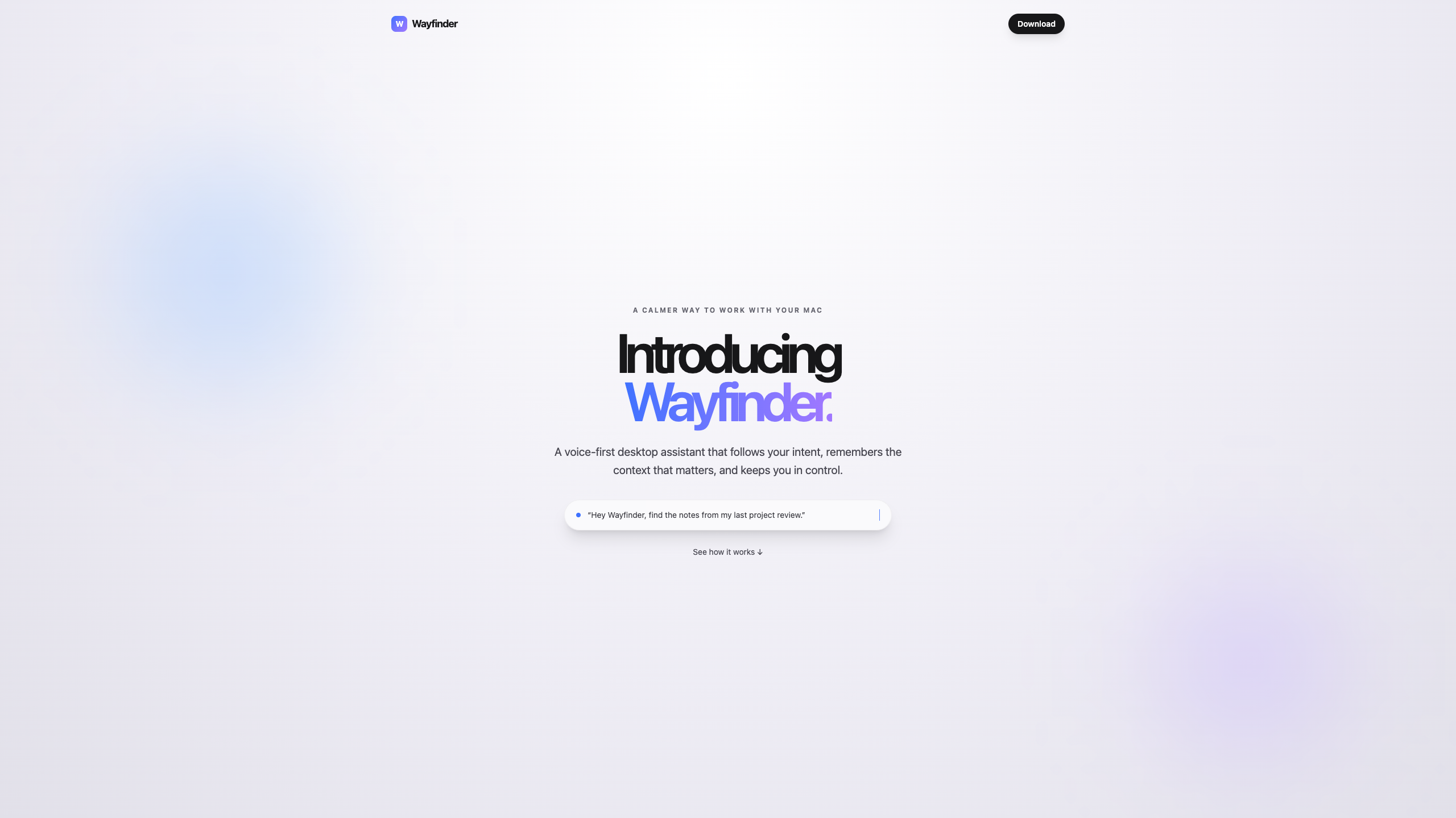
Say "Hey Wayfinder" or hit a global hotkey, describe what you need in plain language, and it gets to work — hands-free, start to finish, without you opening another window or touching the mouse yourself.
- Voice-first interaction — a transparent, glass-pill overlay sits above whatever you're doing, listens, responds, and gets out of the way the moment it isn't needed.
- The SPAV loop (Sense → Plan → Act → Verify) — every request is broken into milestones and executed one at a time. Critically, each step is verified — the agent checks, using a fresh read of the screen, that the action actually had the intended effect — before moving to the next one. If verification fails, it retries or re-plans rather than silently reporting success on a step that didn't work.
- Real computer control — Wayfinder doesn't just describe what to do, it does it: reading the screen, moving the cursor, typing, and navigating multi-step flows like filling out a form, extracting data from a messy spreadsheet, or working through a booking flow end to end.
- Multi-tier model routing — a fast model handles simple requests instantly; harder ones escalate to progressively more capable tiers for deep reasoning or screen-based action, so you're not paying flagship-model latency for a one-line answer.
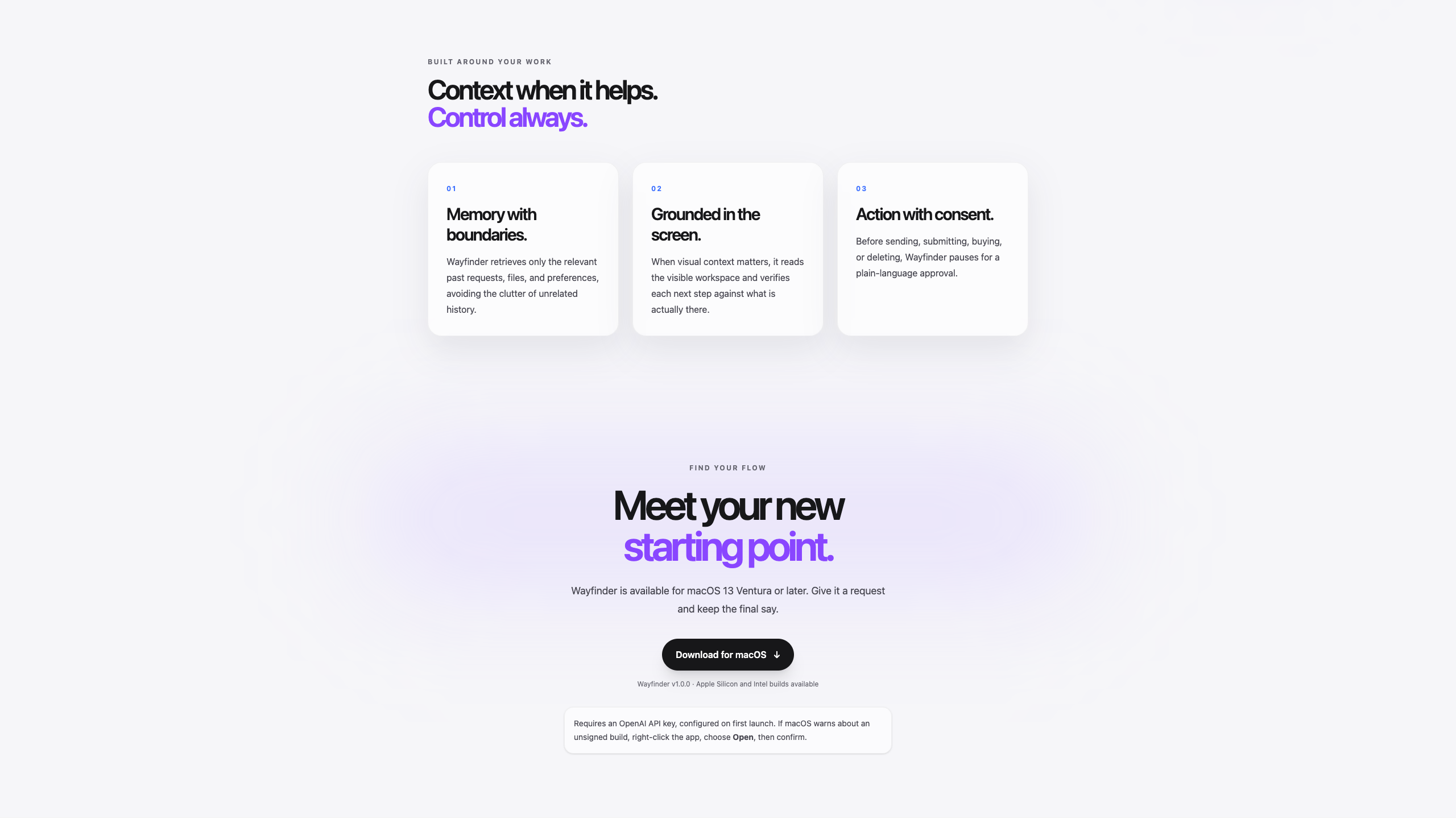
- Contextual memory — Wayfinder remembers preferences and past requests, and retrieves only what's relevant to the task in front of it, rather than dumping your entire history into every prompt.
- Visible safety rails — sensitive or irreversible actions (sending a message, submitting a form, confirming a purchase) pause for a plain-language confirmation before they happen, and a global kill switch can halt the agent mid-action at any time.
- Local-first by default — the core agent loop runs entirely on-device; nothing about how it reasons or what it sees needs to leave your machine unless you explicitly opt into cloud mode.
How we built it
Wayfinder is built as three cooperating layers: an Electron shell rendering the glass-pill overlay, a Python backend running the actual agent loop, and a Chrome extension bridging actions that need to happen inside a browser tab. The Electron frontend and Python backend talk over a local WebSocket connection, keeping the two loosely coupled so the UI stays responsive even while a long-running task is executing in the background.
The centerpiece of the Build Week rebuild was migrating the reasoning layer from Gemini to GPT-5.6, using Codex as an active collaborator at every stage rather than just a code-completion tool:
- Model routing, re-derived tier-for-tier onto GPT-5.6: a fast, cheap model triages incoming requests and answers directly when it can; a mid-tier model handles moderate reasoning and summarization; and the flagship tier takes over for deep multi-step planning and — critically — the built-in computer-use tool exposed through the Responses API, which replaced a substantial amount of custom screenshot-and-DOM infrastructure we'd previously had to hand-build ourselves.
- The tool registry, a set of discrete action primitives (click, type, scroll, open app, and more) that the Act stage of the loop calls into — kept intact from the original architecture, but now driven by the computer-use tool's action outputs rather than a Gemini-specific vision pipeline.
- Memory, rebuilt on embeddings-based retrieval: rather than storing and replaying raw conversation history, new memories are embedded and tagged at write time, and each request pulls back only the top-K most relevant entries — a meaningfully different design from simple recency-based recall.
- A safety and approval layer, added as a checkpoint wrapped around the existing milestone executor — a risk classification step flags irreversible actions before they run, and a kill switch sits alongside it as an always-available escape hatch.
Codex's role went well beyond writing the swap itself: it audited the existing codebase file by file before any changes were made, proposed a phased migration plan broken into reviewable, logically separated commits, implemented the router/computer-use/memory migration against that plan, built a small benchmark suite so we could measure reliability with real numbers instead of a claim, and ran a final full-repo pass — secrets audit, dead-code cleanup, macOS permissions onboarding, and a rewritten README — before this was submission-ready.
Challenges we ran into
The hardest problem wasn't writing new code, it was correctly re-deriving why each piece of the original architecture existed before deciding what its OpenAI-native equivalent should be — a genuine migration, not a find-and-replace on model names.
Two specific problems stood out. First, introducing a multi-tier router adds a layer of indirection, and getting the handoff between tiers fast enough to still feel like a real-time conversation — not a chain of loading spinners — took real tuning of prompt payloads and response structure. Second, memory retrieval was harder than memory storage: early on, the agent would surface irrelevant context — reaching for an old grocery list while trying to book a flight, for instance — which is exactly the kind of failure that makes an assistant feel less trustworthy, not more. Getting retrieval to reliably distinguish "this is relevant to the task in front of me" from "this is just recent" pushed us toward proper embeddings and category-tagging rather than a naive recency window.
Beyond that, macOS's permission model — Accessibility API access, Screen Recording, and synthetic input events — fails silently more often than it throws a clear error, so we had to build explicit pre-flight permission checks rather than let a demo or a real user hit an opaque failure mid-task. And once an agent has genuine control of the mouse and keyboard, safety stops being an afterthought you bolt on at the end — the confirmation gate had to be designed as a first-class part of the loop from the start, not a wrapper added once everything else worked.
Accomplishments that we're proud of
We're proud that Wayfinder doesn't just execute, it verifies — the Sense-Plan-Act-Verify loop catches a failed step and retries or re-plans rather than reporting false success, which is a meaningfully higher bar than most agent demos clear. We're proud of making the model routing legible rather than a black box: you can actually see which tier handled a given request and why it escalated, instead of just trusting that "AI happened." We backed our reliability claims with a real benchmark suite run against a fixed set of representative tasks, rather than prose alone. And we're proud that safety wasn't an afterthought — an agent that can act on your actual machine needed visible confirmation and a kill switch built into its architecture, not appended once it already worked.
What we learned
The router-then-escalate design we started with generalized cleanly across model providers — the value was in the architectural decision itself, not something tied to one vendor's specific models, which was reassuring given how much of the week went into the migration. We learned that screenshot-based computer-use tooling removes a surprising amount of custom infrastructure we assumed we'd need to hand-maintain ourselves — a real lesson in not over-building bespoke plumbing before checking what the platform already offers. And we learned, very concretely, that memory quality lives in retrieval, not storage: the hard problem was never remembering things, it was recalling the right thing at the right moment, and that's a retrieval and ranking problem more than a database problem.
What's next for Wayfinder
- Cross-device memory sync, so context follows you from desktop to phone.
- Signed, notarized macOS builds for a smoother first-run install experience, removing the current Gatekeeper workaround.
- Expanding autonomous web and multi-app navigation beyond the current task set, so more of a workflow can be handled without a confirmation pause.
- Windows support.
- Continued benchmark-driven reliability work as the range of supported tasks grows, so every new capability ships with a measured pass rate, not just a demo.
Built With
- agents
- codex
- gpt-5.6
- javascript
- python
