-
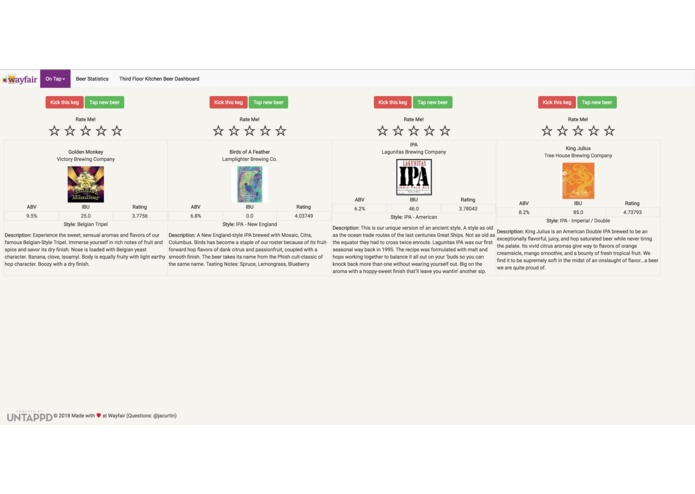
Dashboard Screenshot
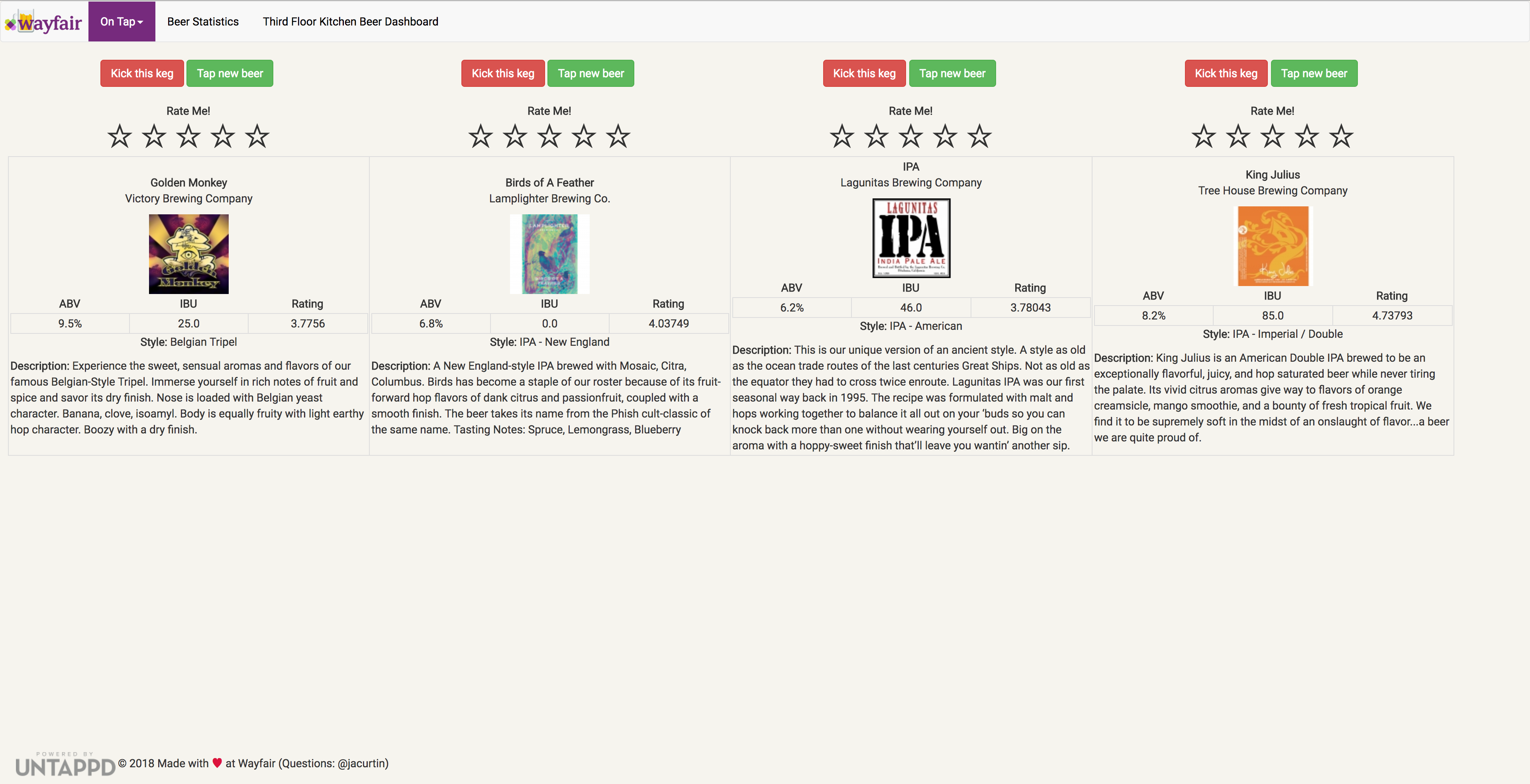
wayfair_beer
Dashboard and analytics for the beers Wayfair keeps on tap
#WayfairHacks18
Pitch Deck Note: Only accessible on the Wayfair network
Dev Setup
Make sure you have Docker and docker-compose (version 3.6+) installed.
To build the neccesary images:
docker-compose build
To start the app:
docker-compose up -d
The first time you run, you will need to initialize a database and can optionally seed it with data.
docker exec <<DASHBOARD_CONTAINER_NAME>> python manage.py create_schema
docker exec <<DASHBOARD_CONTAINER_NAME>> python manaage.py seed_data
Head over to localhost:8080 to see the site live!
Interested to see the logs? Try running:
docker logs -t -f <<CONTAINER_NAME>>
Migrations
Migrations are handled via alembic. To create a new migration, run:
docker exec <<DASHBOARD_CONTAINER_NAME>> alembic revision -m "<<MIGRATION DISCRIPTION>>"
Edit the newly created file with the appropriate up and down revisions. To apply the migrations, run:
docker exec <<DASHBOARD_CONTAINER_NAME>> alembic upgrade head

Log in or sign up for Devpost to join the conversation.