Inspiration
I am trying to simplify the routing for orders. Improving the better delivery experience for the customer.
What it does
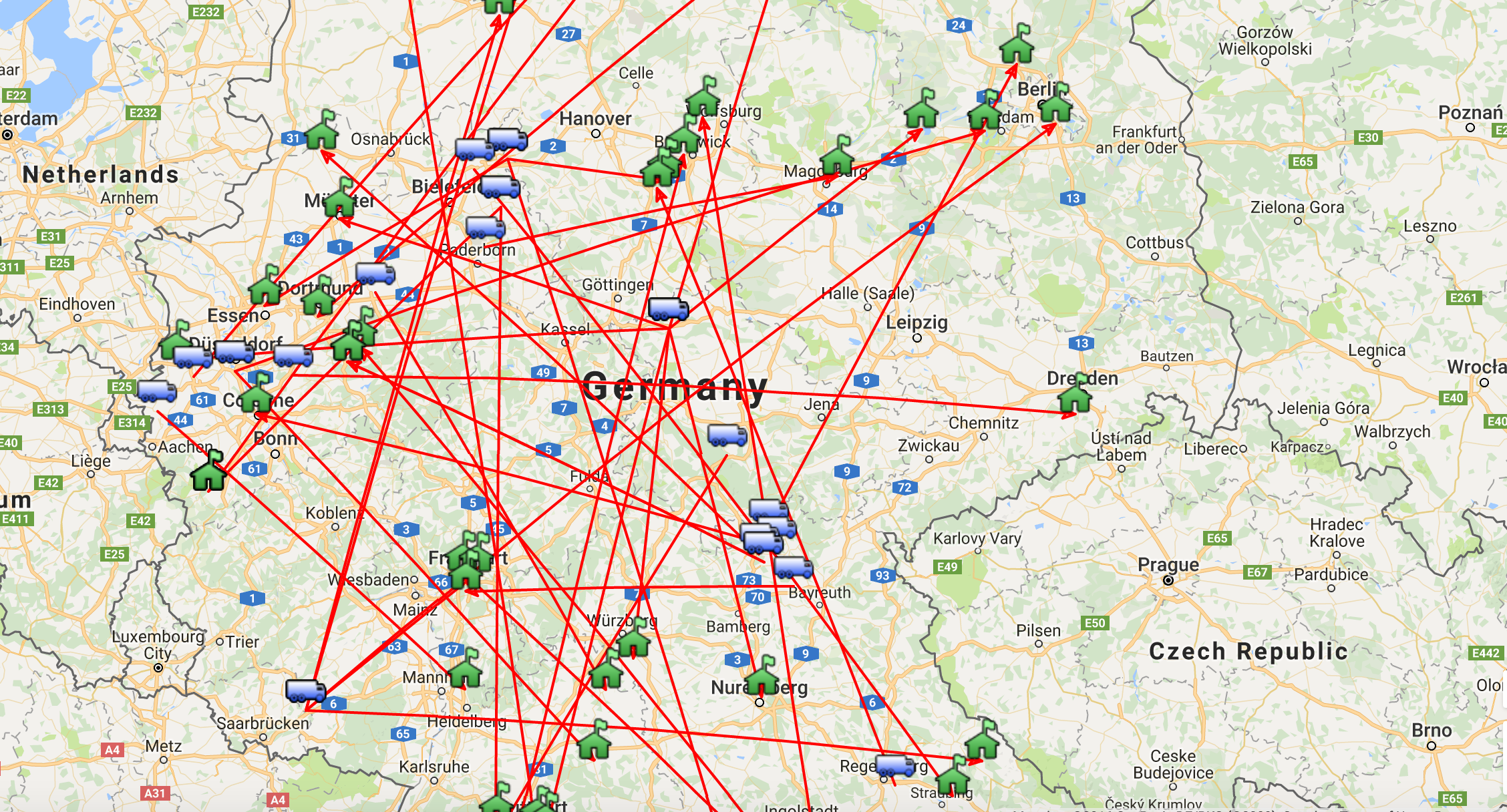
When we provide the search criteria for filtering orders (Based on the country/supplier/domestic-internation types, etc;) to the application, it fetches all the purchase orders related to that search and displays in the maps with the arrow directions how the purchase order is routed.
It displays all the suppliers, warehouses/Agents, Customers.
Based i
How we built it
PHP & MYSQL : We got the data from the MYSQL and formatted it as per the requirements in php. HTML: Providing the search filters for various scenarios and presenting the output.
Challenges we ran into
Integrating data to google maps so that it spots the actual location of supplier/Agent/Customer. Due to the limited calls allowed for google maps api we are not allowed to show the real time orders. We saved the location of place in json file and reused it from file not making the calls for old locations.
Accomplishments that we're proud of
Presenting map view for orders as per the search criteria. Using google maps for spotting the supplier/Agent/Customer locations on the map
What we learned
we figured out how to draw multiple routes on the maps for single po. Using google maps for spotting the location of supplier/Agent/Customer
What's next for Wayfair Route view
We can add the following features:
When we click on the supplier icon we can get the no.of order that it serves, revenue it made and other related information. Based on that we can decide to have the warehouse or agent location near to that supplier.
We can see where most of our orders are going to and find the customers from which region. Based on this information we can have delivery agent near to that area to shorten the delivery time.
Add more search filter to the application based on the business needs like all orders best supplier, all orders highest revenue region etc.