Inspiration
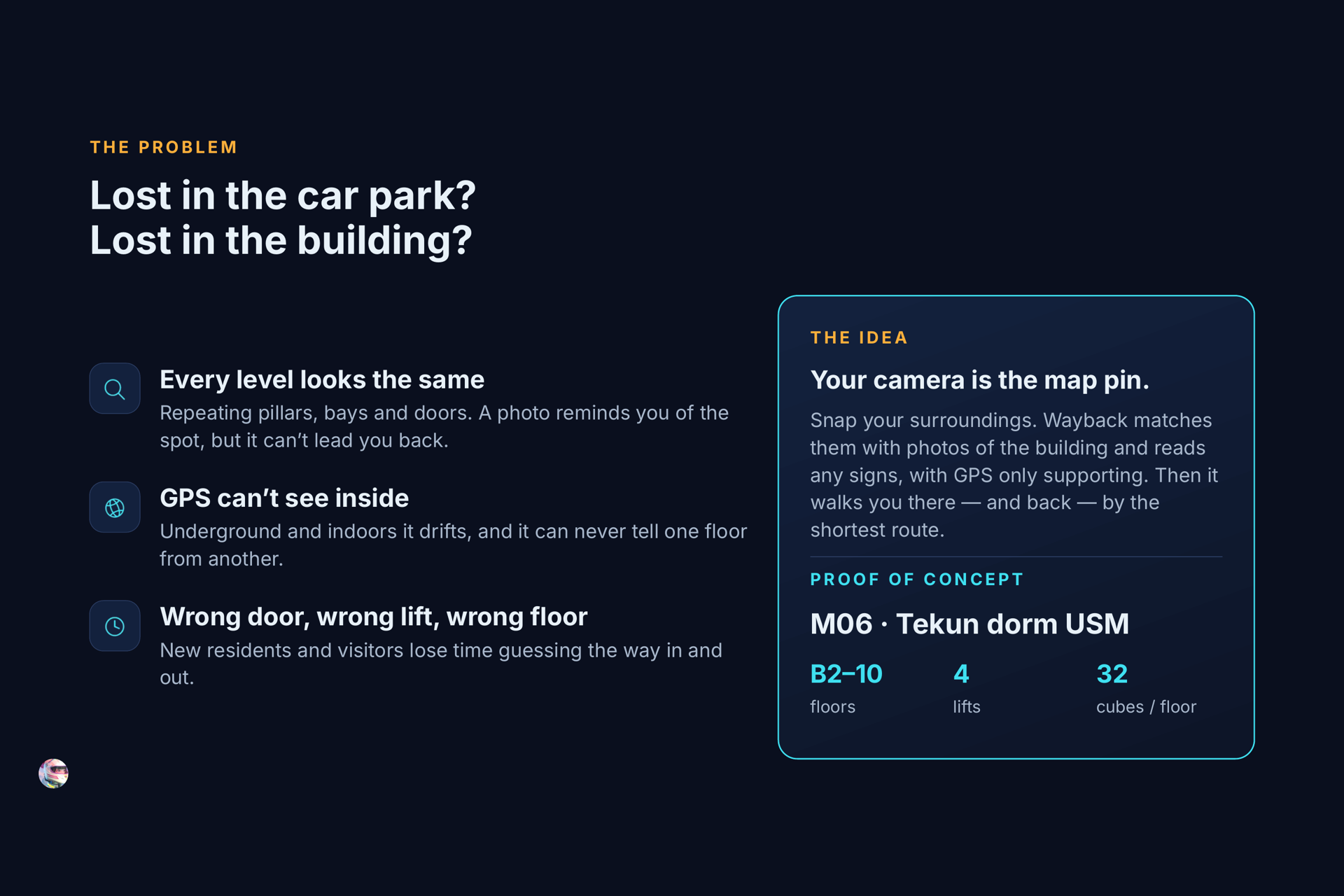
In Kuala Lumpur malls, my family often comes out and can't remember where we parked. Every level looks the same: pillars, bays and doors repeat. A photo of the parking spot helps us remember it, but it doesn't lead us back.
I had the same problem as a new resident at my dorm, M06 at Tekun, USM. It has 12 levels (B2–10), 4 lifts, an X of hallways and 32 split-level "cubes" on every floor. It's easy to take the wrong door, lift or floor. GPS doesn't help: it drifts underground and indoors, and it can never tell one floor from another.
So I asked: what if your camera could be the map pin?
What it does
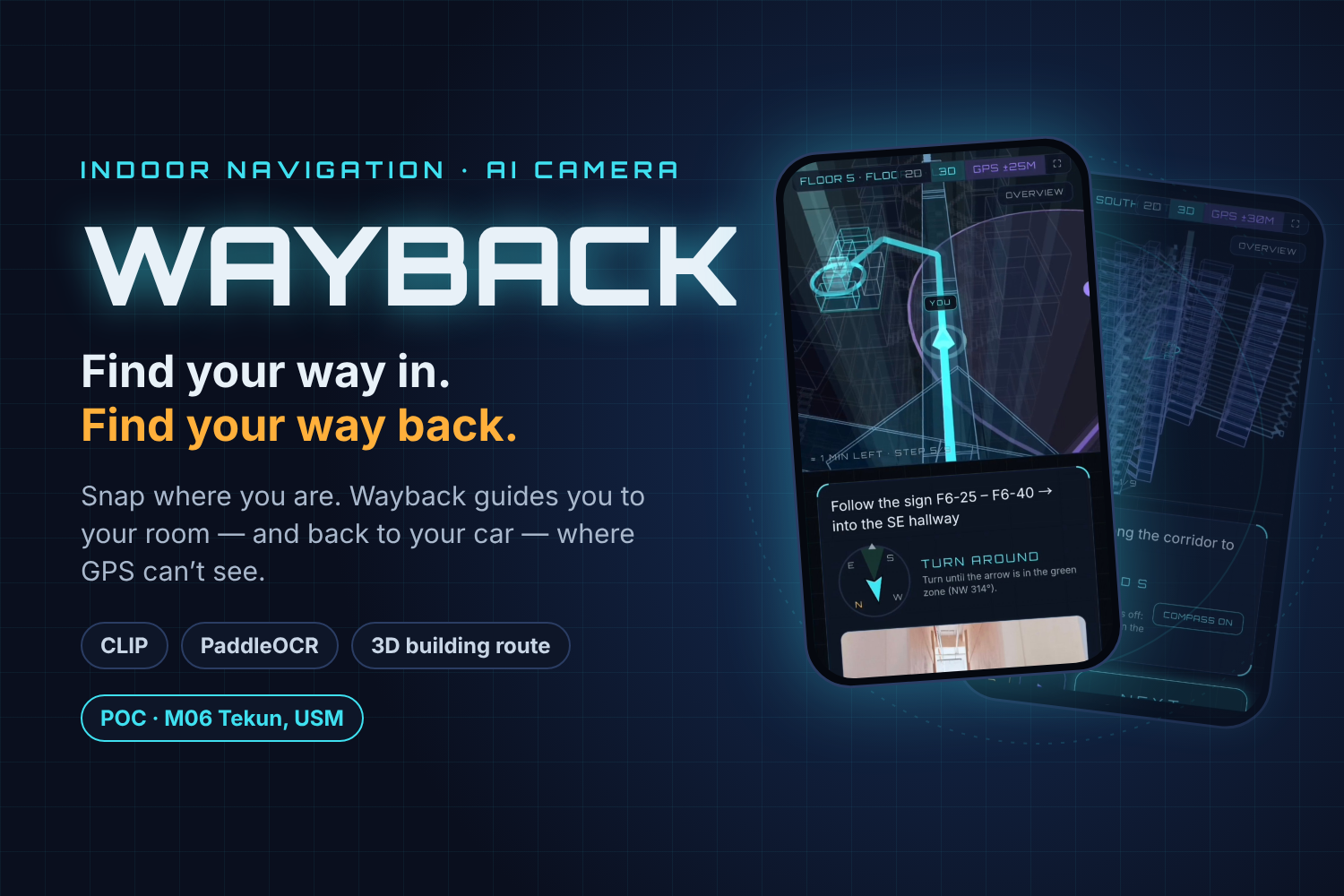
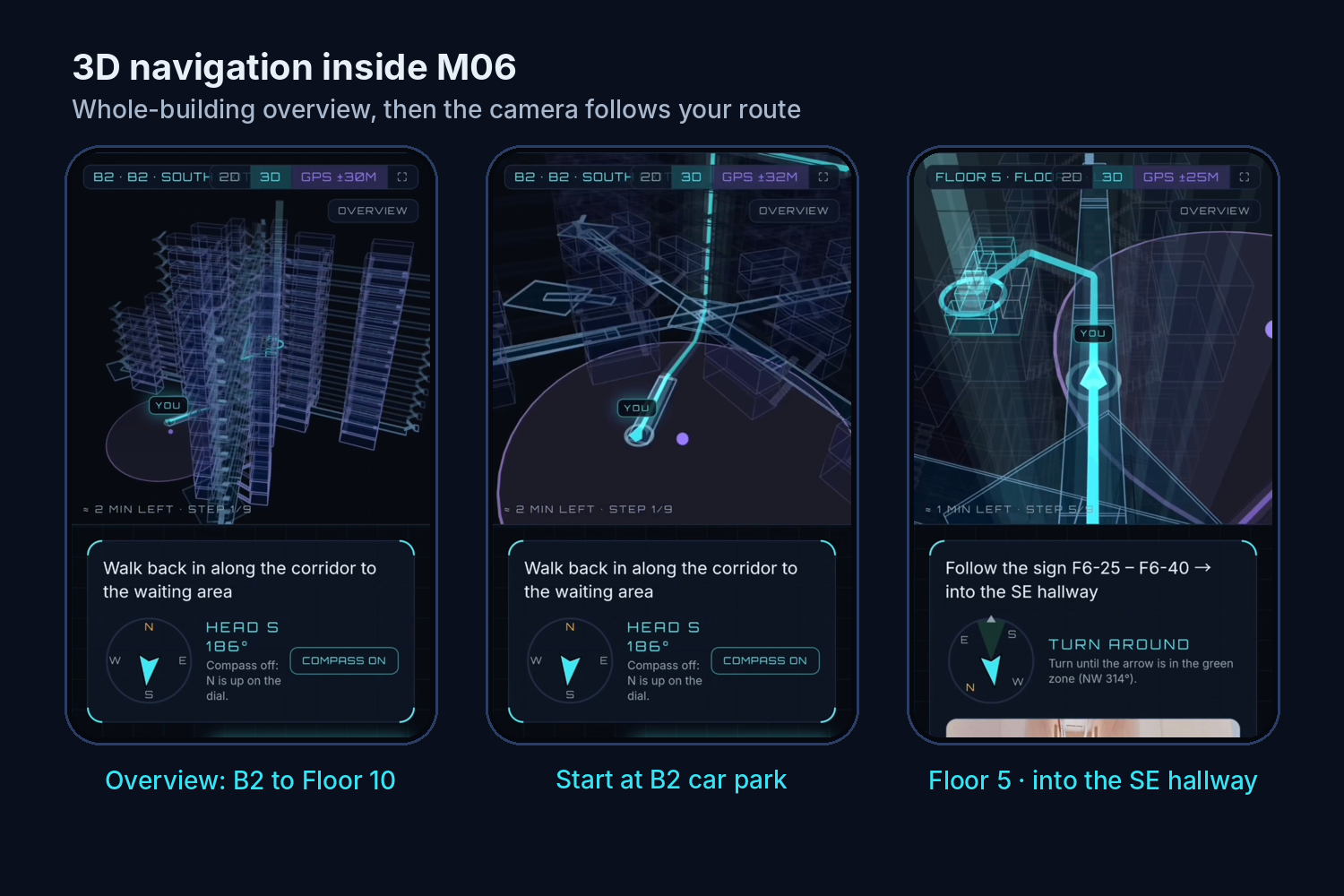
Wayback finds where you are inside a building from your phone camera, then guides you by the shortest route.
- Save your parking spot. Snap four sides (front, right, back, left). The AI matches them against reference photos of the building and reads any sign it sees. You confirm, and the spot is saved.
- Go to your room. Type a room such as
F6-26and follow step-by-step directions on a 3D view of the building. A compass shows a green ±20° zone when you face the right way, and Play previews the whole route. - Stay on track. After a lift or stairs you confirm your floor. If you're lost, capture around you again and Wayback re-routes from there.
- Find my car. Capture where you are and get the shortest way back to the car (not just the way you came). Then tap Arrived.
- Where to? No car needed: type a room, capture around you, and navigation starts from right there.
- Survey mode for surveyors and admins: pin a spot on the floor plan, save GPS, capture four sides, and view saved places. Admins can also update room numbers and mark blocked paths.
How we built it
Everything runs free and on the phone, with no paid AI service.
1. Photo matching with CLIP. Each photo is turned into a 512-number vector $\mathbf{v}$ by CLIP (via Transformers.js, quantised q8, in a Web Worker). Every reference photo of the building has a vector too. Similarity is cosine similarity:
$$\text{sim}(\mathbf{a},\mathbf{b}) = \frac{\mathbf{a}\cdot\mathbf{b}}{\lVert\mathbf{a}\rVert\,\lVert\mathbf{b}\rVert}$$
Each spot s is scored by averaging over the four sides you captured, so a spot has to look right from several directions, not just one lucky angle:
$$\text{score}(s) = \frac{1}{n}\sum_{i=1}^{n} \max_{r \in R_s} \text{sim}(\mathbf{v}_i, \mathbf{r})$$
2. Sign reading with PaddleOCR. Floor signs, cube boards (e.g. F6-37 – F6-40) and door plates (e.g. F-6-26) are read in the browser. If a sign is read, the sign wins over the photo match.
3. GPS as support only. When the fix is accurate ($\le 20\,\text{m}$), spots far away are ruled out first. When it's poor, it's ignored. GPS never decides the floor.
4. Shortest route. The building is a graph of spots, hallways, stairs and lifts, and Dijkstra's algorithm finds the shortest path. It's plain maths, not AI.
5. App. Next.js + TypeScript + Tailwind with a dark sci-fi HUD look. The 3D building view uses three.js / react-three-fiber. Parking, history and survey data are stored in Firebase (Firestore, anonymous sign-in), and the app is hosted on Firebase Hosting. Logic is tested with Vitest.
Challenges we ran into
- Hallways that look identical. Neighbouring stairs scored almost the same in CLIP (0.786 vs 0.775). Four-side capture and reading signs are what separate them.
- Reading real signs. Tesseract.js missed small, tilted and white-on-yellow signs. I switched to PaddleOCR, added a blue-channel pass for door plates, and checked it against 8 real failing photos saved as test fixtures.
- No lift detection. A web page can't read the barometer and motion sensing is unreliable, so the app asks "On Floor 5 now?" after a lift or stairs.
- Running AI on a phone. WebGPU would have downloaded a separate ~350 MB model. I used the q8 model on WebAssembly in a Web Worker, so the browser and my embedding script produce matching vectors.
- Modelling M06 in 3D. Getting the split-level cubes, half-flight stairs and mirrored stacks right took many rounds of feedback after walking the building.
Accomplishments that we're proud of
- It works on a real phone at M06: a car park photo matched Car Park · SW Side at 92% in about 20 seconds, including sign reading.
- The whole loop works: park → room → find the car → arrived.
- It's free and on-device, with no model training. CLIP only needs labelled reference photos, which Survey mode collects.
What we learned
- How image embeddings and retrieval work: like RAG, but with photos.
- That OCR is often more reliable than visual similarity when places look alike.
- Graph search (Dijkstra), 3D with three.js, and Firebase.
- How to get better results from an AI coding agent: give it real failing examples with the expected answers as tests.
What's next for Wayback
- Wayback for any building: upload a floor plan (mall, campus, theme park), draw the paths, survey it, and navigate.
- AI-built maps from floor plans, friendlier landmark-based directions, and real AR arrows over the camera.
- A shared anonymous map that improves as more people walk the building.
Built With
- clip
- cloud-firestore
- computer-vision
- device-orientation-api
- dijkstra
- firebase
- firebase-authentication
- firebase-hosting
- geolocation-api
- html5
- javascript
- next.js
- node.js
- ocr
- onnx-runtime
- paddleocr
- react
- react-three-fiber
- tailwind-css
- three.js
- transformers.js
- typescript
- vitest
- web-workers
- webassembly

Log in or sign up for Devpost to join the conversation.