-
-
no hardcoding pixel values here
Inspiration
We were going to build a themed application to time portal you back to various points in the internet's history that we loved, but we found out prototyping with retro looking components is tough. Building each component takes a long time, and even longer to code. We started by automating parts of this process, kept going, and ended up focusing all our efforts on automating component construction from simple Figma prototypes.
What it does
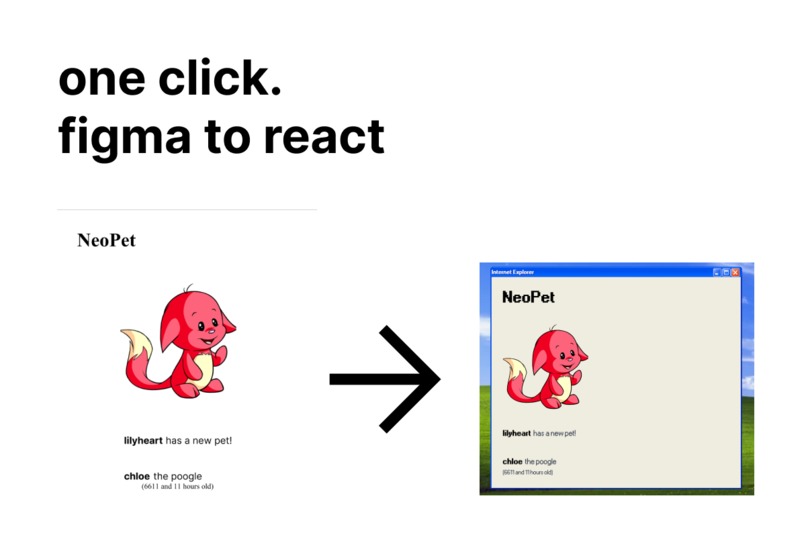
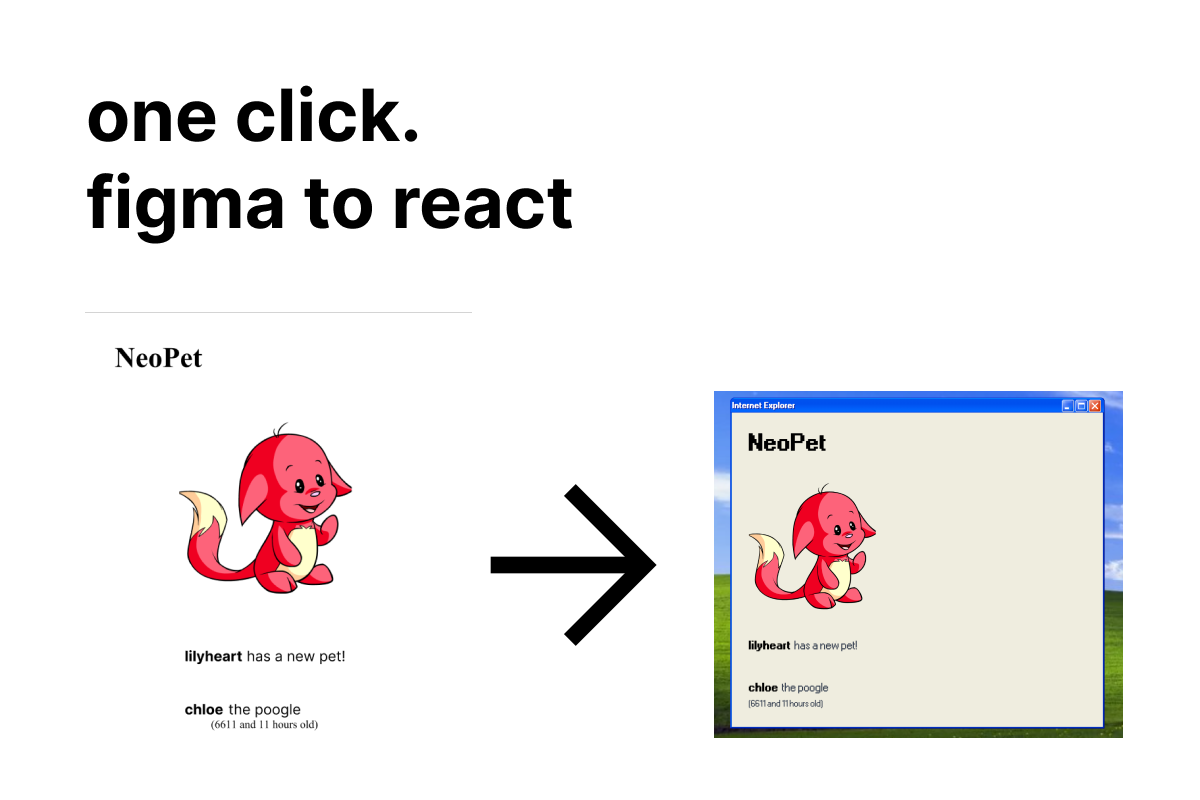
Give the plugin a Figma frame that has a component roughly sketched out in it. Our code will parse the frame and output JSX that matches the input frame. We use semantic detection with Cohere classify on the button labels combined with deterministic algorithms on the width, height, etc. to determine whether a box is a button, input field, etc. It's like magic! Try it!
How we built it
Under the hood, the plugin is a transpiler for high level Figma designs.
Similar to a C compiler compiling C code to binary, our plugin uses an abstract syntax tree like approach to parse Figma designs into html code.
Figma stores all it's components (buttons, text, frames, input fields, etc) in nodes.. Nodes store properties about the component or type of element, such as height, width, absolute positions, fills, and also it's children nodes, other components that live within the parent component. Consequently, these nodes form a tree.
Our algorithm starts at the root node (root of the tree), and traverses downwards. Pushing-up the generated html from the leaf nodes to the root.
The base case is if the component was 'basic', one that can be represented with two or less html tags. These are our leaf nodes. Examples include buttons, body texts, headings, and input fields. To recognize whether a node was a basic component, we leveraged the power of LLM.
We parsed the information stored in node given to us by Figma into English sentences, then used it to train/fine tune our classification model provided by co:here. We decided to use an ML to do this since it is more flexible to unique and new designs. For example, we were easily able to create 8 different designs of a destructive button, and it would be time-consuming relative to the length of this hackathon to come up with a deterministic algorithm. We also opted to parse the information into English sentences instead of just feeding the model raw figma node information since the LLM would have a hard time understanding data that didn't resemble a human language.
At each node level in the tree, we grouped the children nodes based on a visual hierarchy. Humans do this all the time, if things are closer together, they're probably related, and we naturally group them. We achieved a similar effect by calculating the spacing between each component, then greedily grouped them based on spacing size. Components with spacings that were within a tolerance percentage of each other were grouped under one html
. We also determined the alignments (cross-axis, main-axis), of these grouped children to handle designs with different combinations of orientations. Finally, the function is recursed on their children, and their converted code is pushed back up to the parent to be composited, until the root contains the code for the design. Our recursive algorithm made it so our plugin was flexible to the countless designs possible in Figma.Challenges we ran into
We ran into three main challenges. One was calculating the spacing. Since while it was easy to just apply an algorithm to merge two components at a time (similar to mergesort), it would produce too many nested divs, and wouldn't really be useful for developers to use the created component. So we came up with our greedy algorithm. However, due to our perhaps mistaken focus on efficiency, we decided to implement a more difficult O(n) algorithm to determine spacing, where n is the number of children. This sapped a lot of time away, which could have been used for other tasks and supporting more elements.
The second main challenge was with ML. We were actually using Cohere Classify wrongly, not taking semantics into account and trying to feed it raw numerical data. We eventually settled on using ML for what it was good at - semantic analysis of the label, while using deterministic algorithms to take other factors into account. Huge thanks to the Cohere team for helping us during the hackathon! Especially Sylvie - you were super helpful!
We also ran into issues with theming on our demo website. To show how extensible and flexible theming could be on our components, we offered three themes - windows XP, 7, and a modern web layout. We were originally only planning to write out the code for windows XP, but extending the component systems to take themes into account was a refactor that took quite a while, and detracted from our plugin algorithm refinement.
Accomplishments that we're proud of
We honestly didn't think this would work as well as it does. We've never built a compiler before, and from learning off blog posts about parsing abstract syntax trees to implementing and debugging highly asychronous tree algorithms, I'm proud of us for learning so much and building something that is genuinely useful for us on a daily basis.
What we learned
Leetcode tree problems actually are useful, huh.
What's next for wayback
More elements! We can only currently detect buttons, text form inputs, text elments, and pictures. We want to support forms too, and automatically insert the controlling componengs (eg. useState) where necessary.
Built With
- figma
- next.js
- react
- typescript


Log in or sign up for Devpost to join the conversation.