-
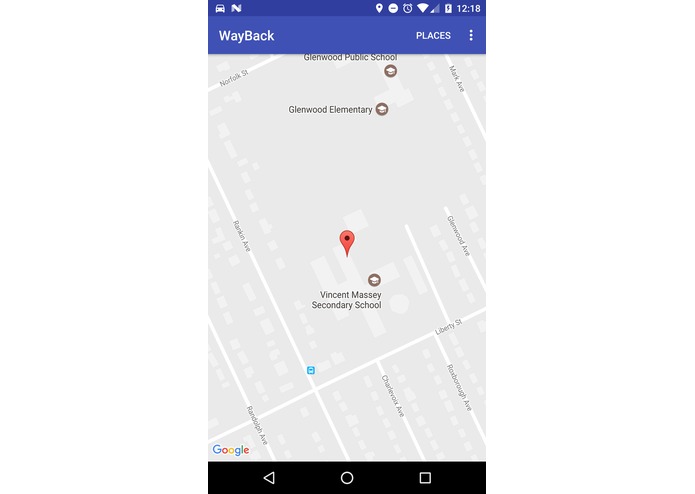
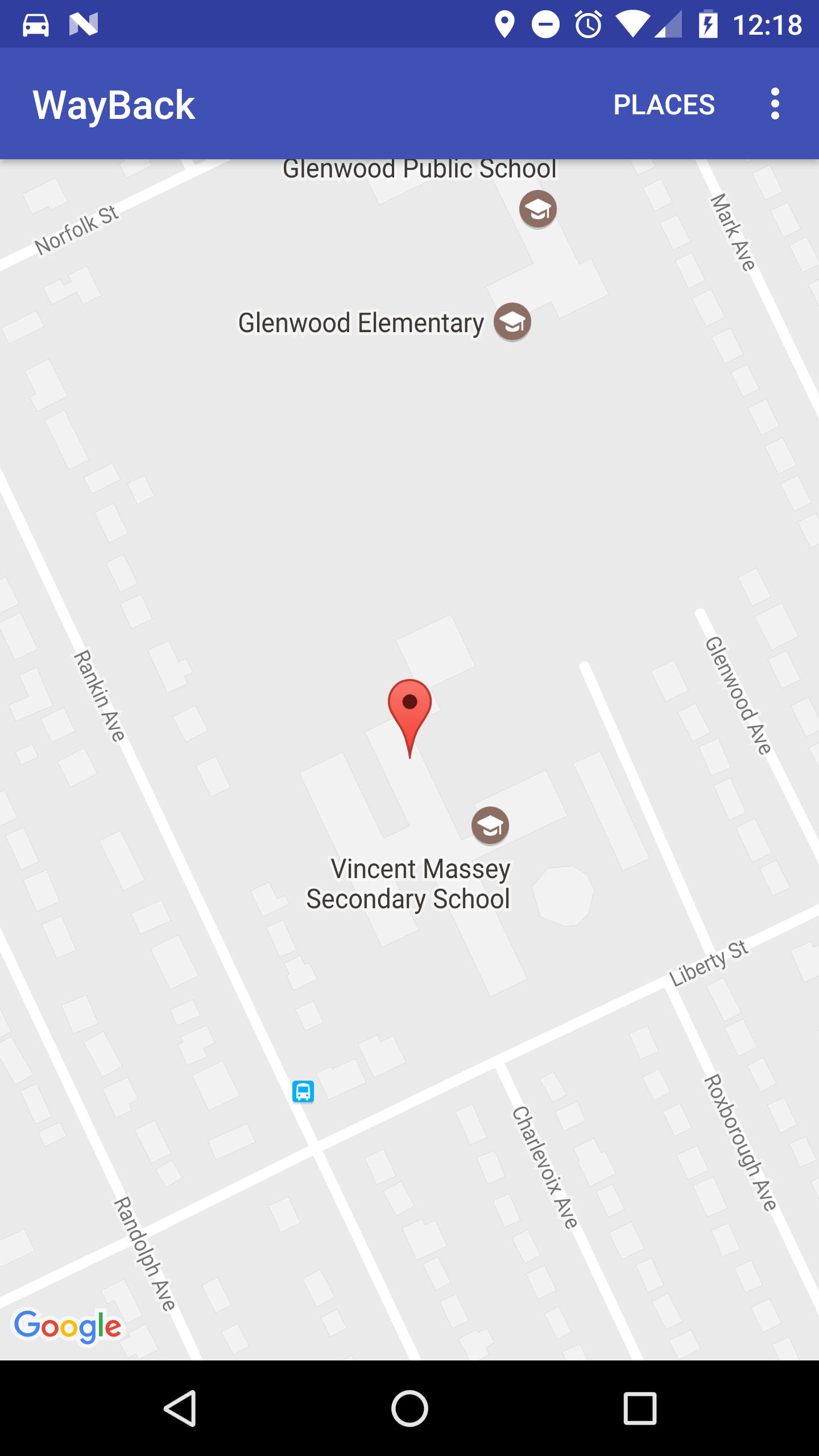
WayBack detected the last place your phone was in a moving car.
-
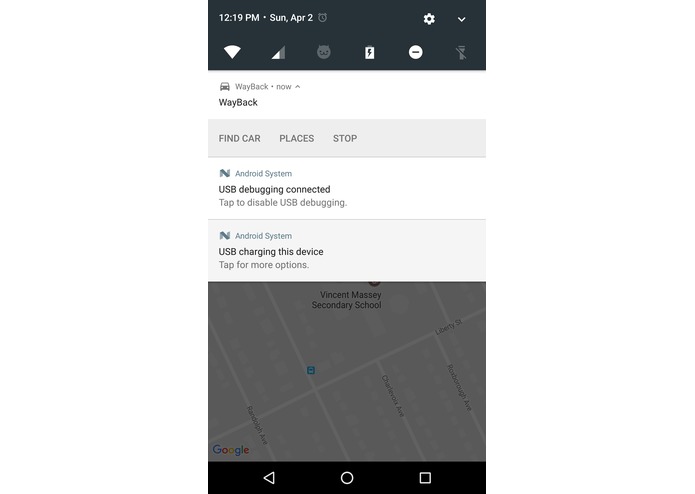
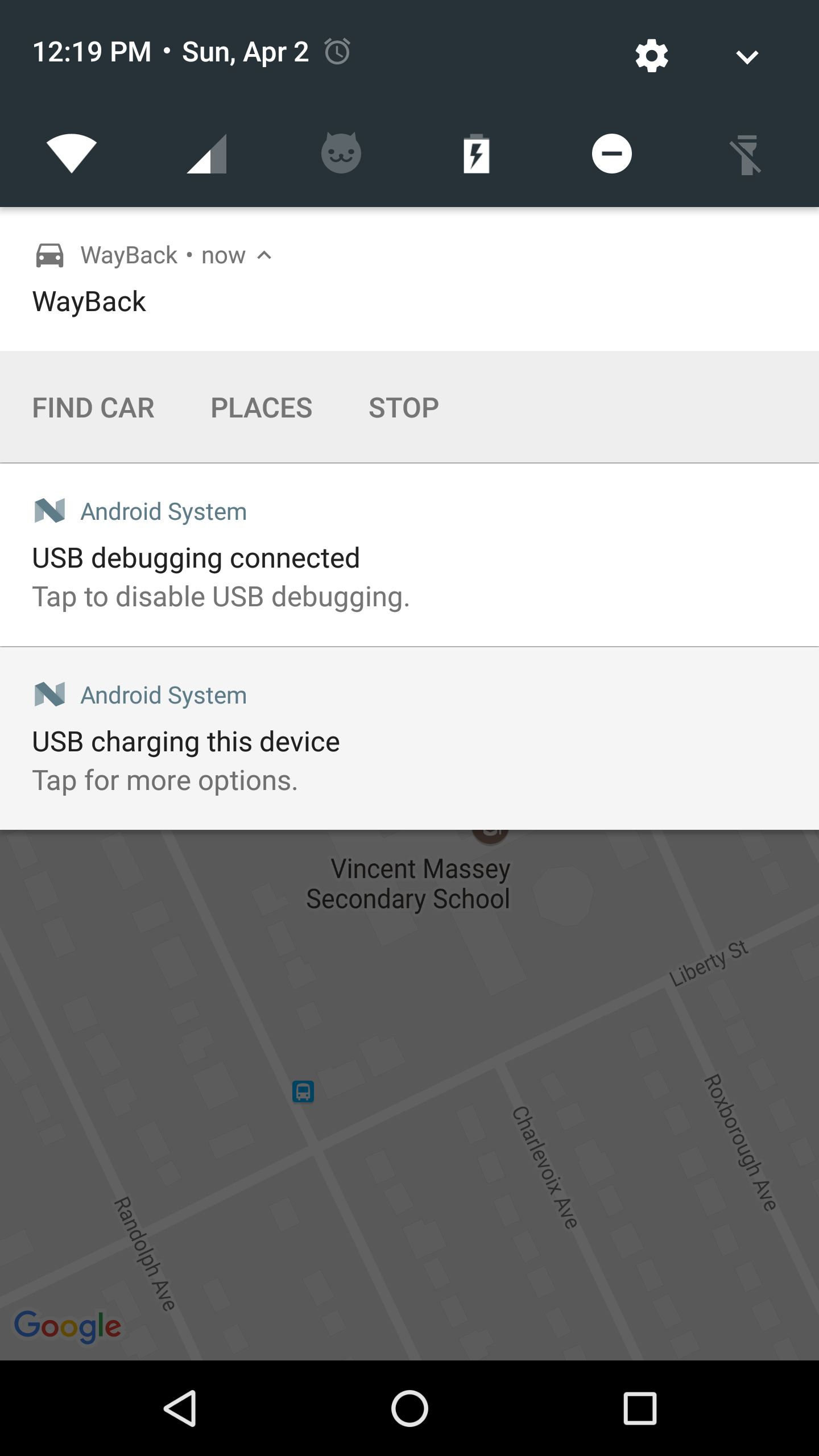
Now if you can't remember where you parked your car, you can simply hit the Find Car Button on the WayBack notification.
-
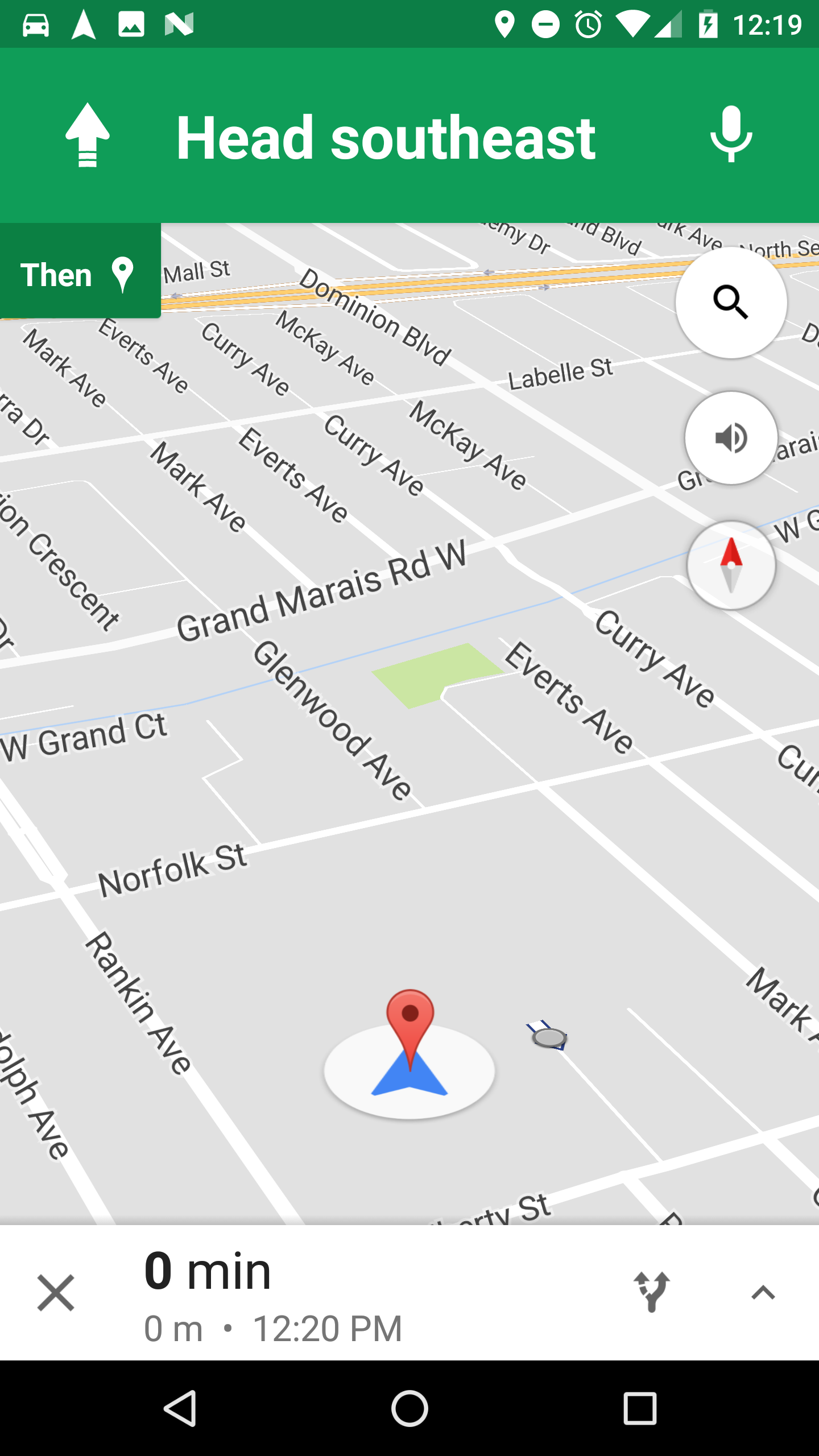
Google Maps directs you to the location of your car.
-
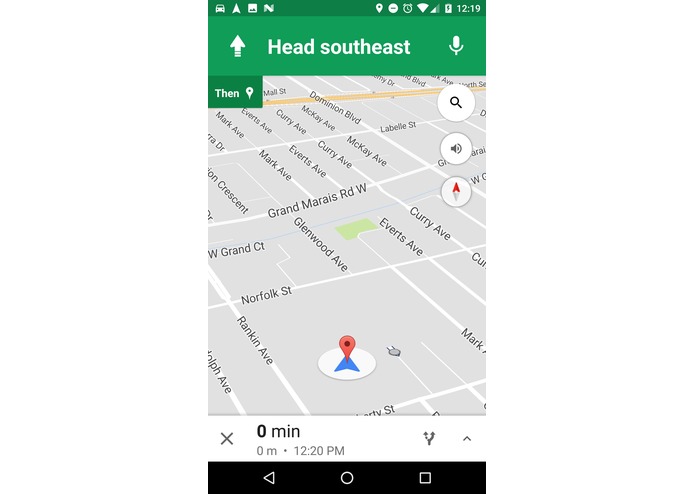
Now you know where your car is!
Inspiration
Forgetting where we parked the car in Buffalo. It took 45 minutes to find it.
What it does
WayBack uses Googles Awareness API to detect changes in the users current activity. The location of the parked car is stored when the user stops driving. To find your car, simply open the WayBack notification and hit the Find Car button. Google Maps navigation will be launched with the location of your car.
How I built it
As this is an Android project I used Android Studio as my IDE. Along with the base Android APIs I also used Google Play Services to get the location and an instance of a map to display the location. The Awareness API was used to detect differences in user activity and determine when to record the location of the phone as the location of the parked car.
Challenges I ran into
I had a hard time figuring out how to efficiently get the location and user activity in terms of battery usage. I also had difficulties with testing the app due to the fact that its meant to be used with a car. I found that I could switch the mode of the activity detector to walking instead of driving for testing and the demo.
What I learned
Through the development of this application I learned how to use Android SQLite integrated databases to persist important data across app restarts. This important data included the users car location. I also had to learn how to use Services and manage background tasks in the Android environment.
What's next for WayBack
Next, WayBack will be able to add custom places and automatically persist users locations if they are in a new area were they are likely to get lost. This would allow the user to get directions back to there hotel just like for there car.

Log in or sign up for Devpost to join the conversation.