-
-

Wavey!
-
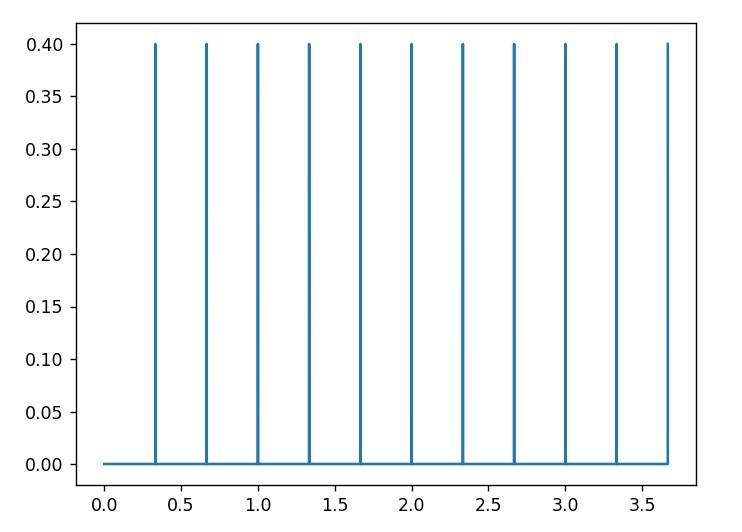
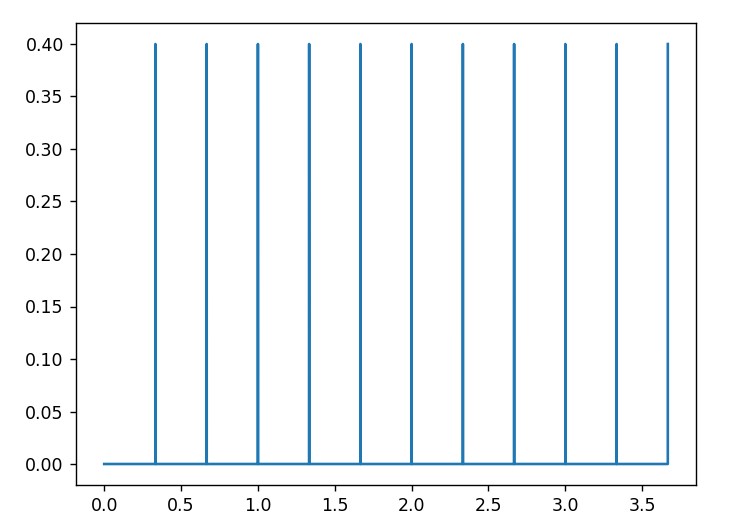
Here's what the audio from !play_primes looks like
-
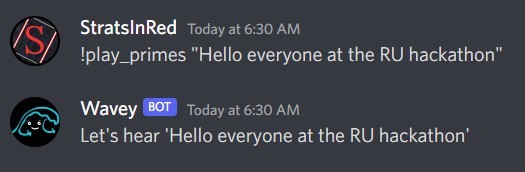
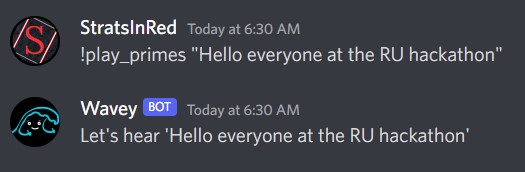
Example of the !play_primes command, saying hello to RU Hacks
-

Example of a successful guess in Guess the Chord.
-

Better luck next time!



Wavey
A discord bot specializing in interactive audio experiences!
As of the current version, "interactive audio experiences"
are mostly limited to generating and playing .WAV files.
That's OK, Wavey. We're still proud of you.
See it on Github!
Features
Ear Training
Train your ears on 19 types of chords in 4 different keys —— that's right, 76 .WAV files, ripe for the picking!
Play Primes
Generate a unique sound based on a positive integer or a string. The generated sound is unique and based on the prime factorization of the integer directly or a map from the string to an integer.
Installation
FFmpeg is required for Wavey to stream audio in discord voice channels. Head on over to the FFmpeg download page and select the installation for your operating system, or use a command line utility of your choice. FFmpeg is on homebrew, chocolatey and Linux package managers.
Documentation
Commands
join- Make Wavey join your current voice channel.leave- Make Wavey leave your current voice channel.play_prime <optional: input_string>- Synthesize audio from the input string (if none is provided, your username is used). Audio automatically plays in the current voice channel.chord- Play a random chord in the current voice channel.guess- Start a round of Guess the Chord and train your ears to recognize chord quality!
References
- nextcord - A Python wrapper for the discord.js API. See the documenation.
- ffmpeg - A complete, cross-platform solution to record, convert and stream audio and video. Necessary for streaming audio in discord voice channels.


Log in or sign up for Devpost to join the conversation.