-
-
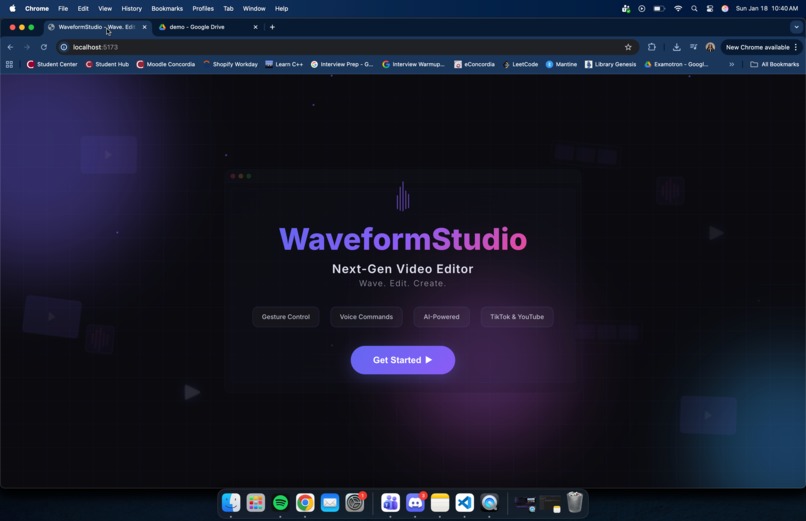
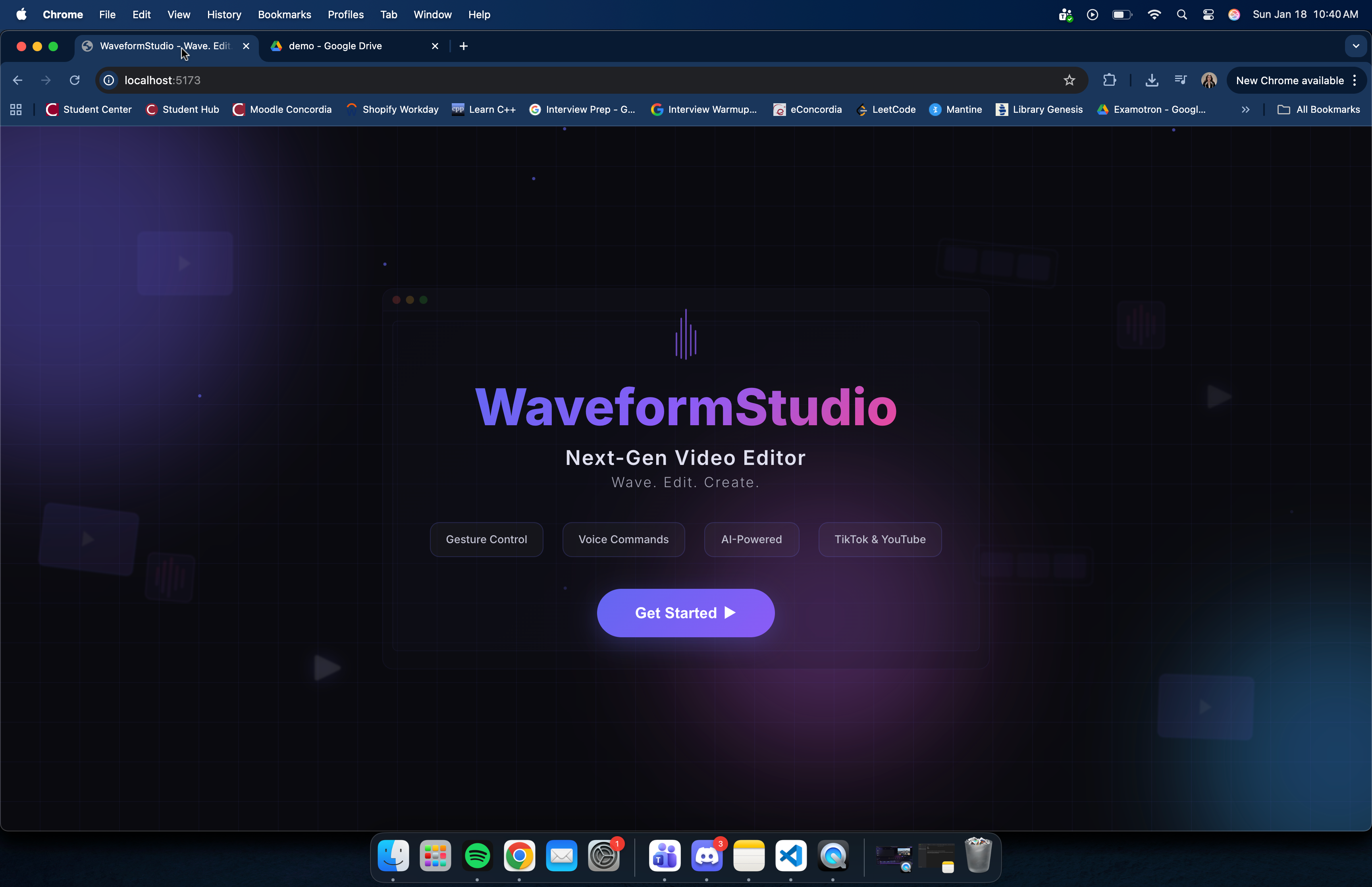
Home Page
-
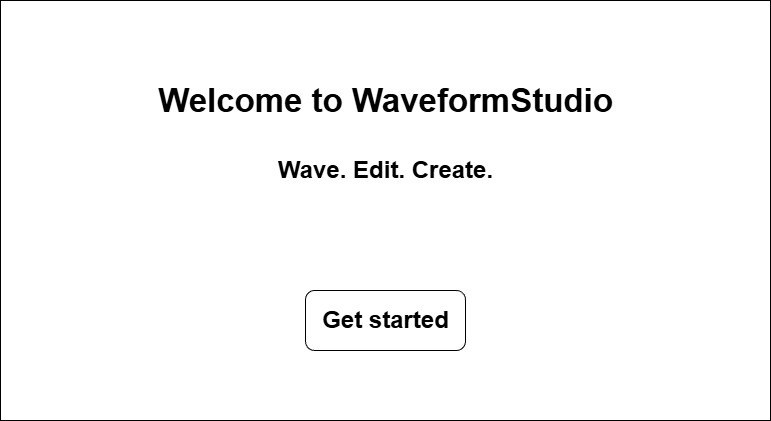
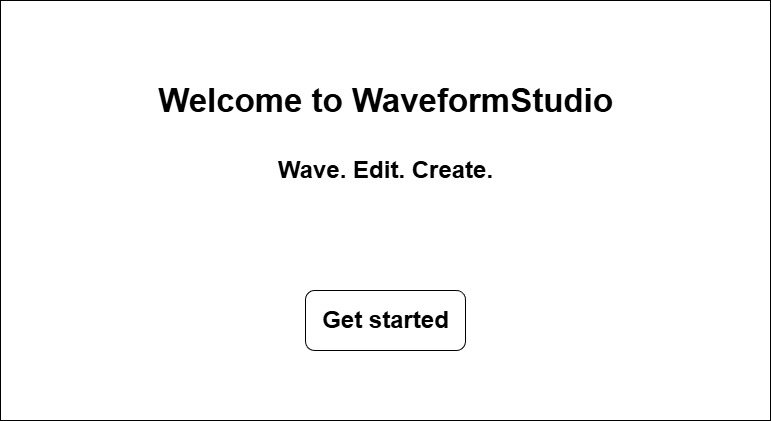
Welcome Page Wireframe
-
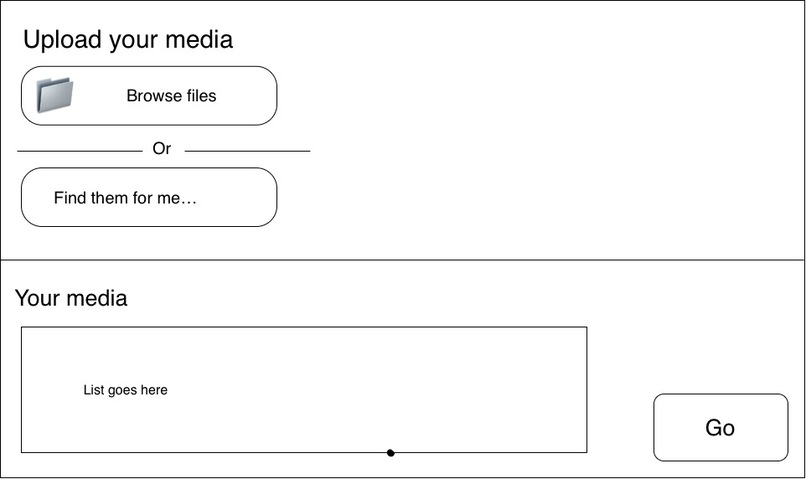
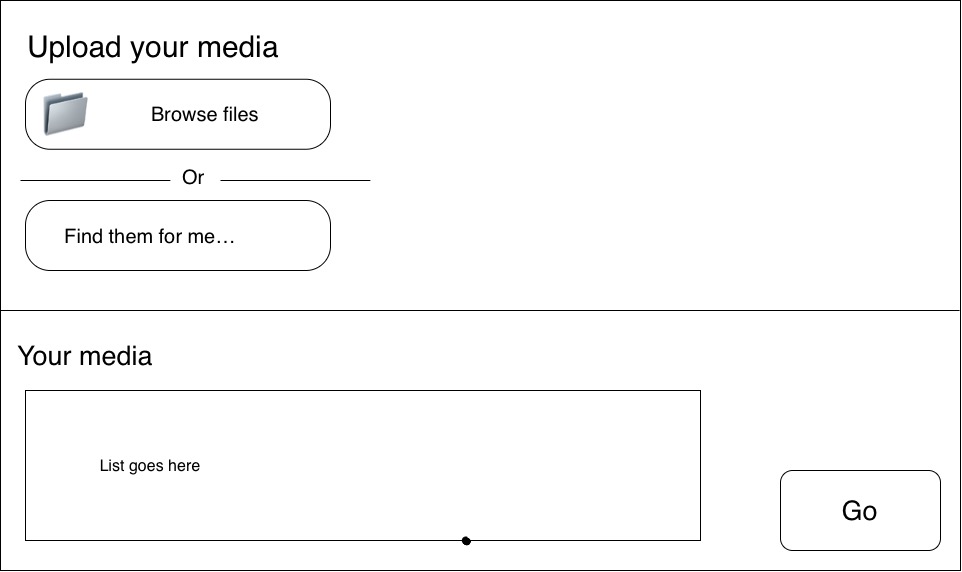
Upload Your Media Wireframe
-
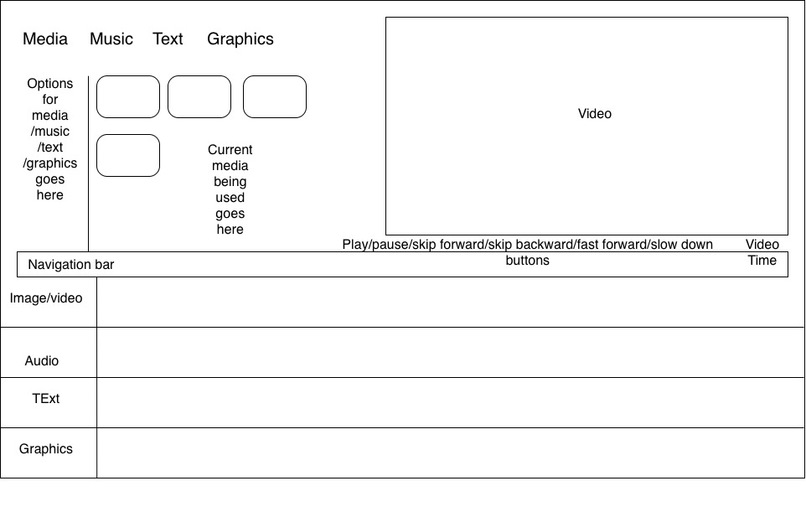
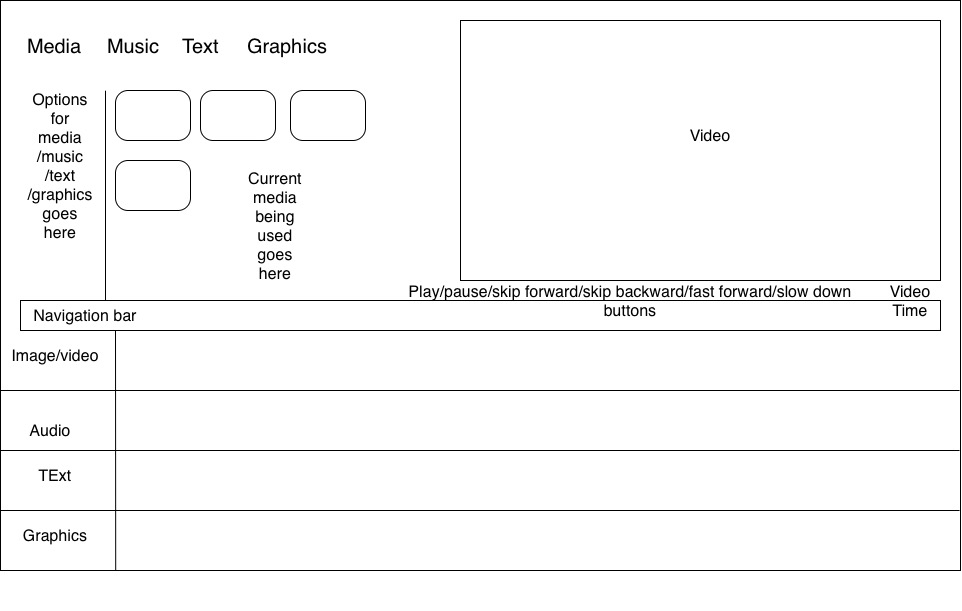
Video Editor Wireframe
-
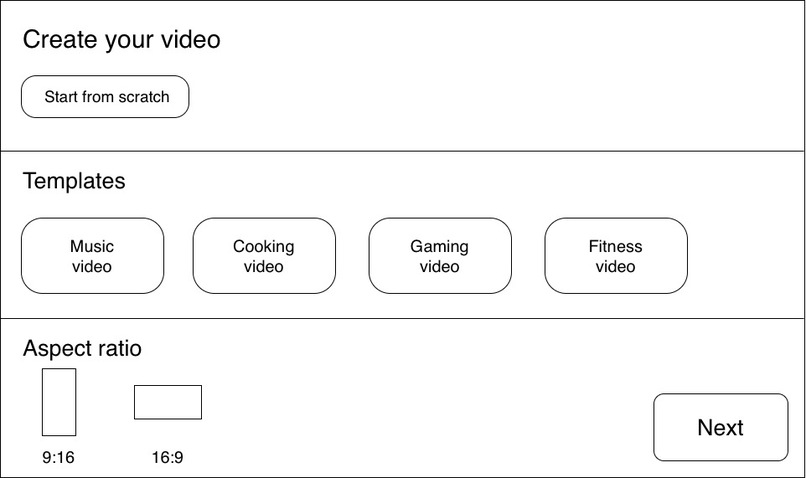
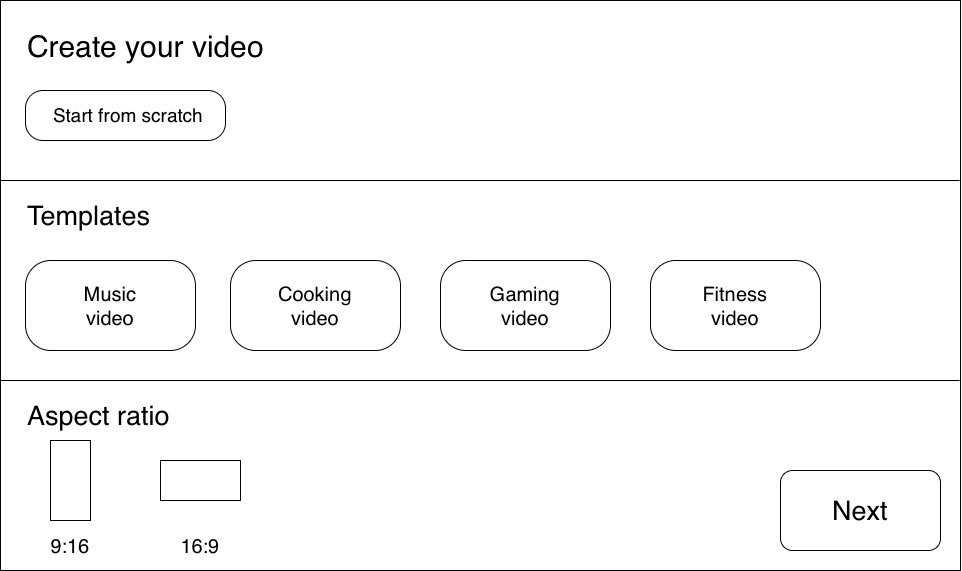
Create Your Video Wireframe
-
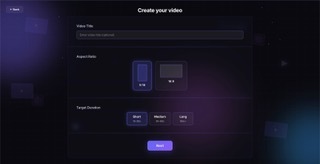
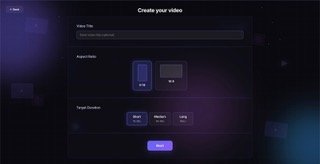
Create Your Video Page
-
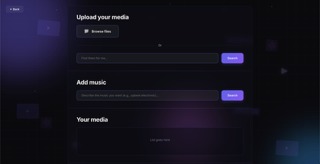
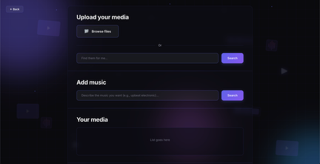
Upload Your Media Page
-
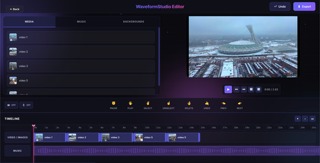
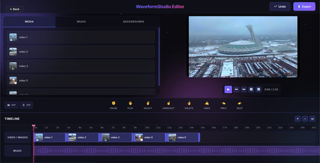
Video Editor Page
Inspiration
Content creation has become increasingly demanding. Creators, professionals and students need to produce videos quickly while managing complex editing software. We asked: what if editing a video was as natural as talking and waving your hands?
What it does
WaveformStudio is a fully hands-free video editor designed for creating short-form vertical videos and long form videos. Users can:
- Search for media with their voice: Say "Hey Waveform Studio, find videos of beach sunsets" and AI extracts keywords, searches Pexels, and returns matching clips instantly
- Edit with hand gestures: Make a ✌️ peace sign to select a clip, swipe to reorder, show a fist to pause, open palm to play
- Use natural language commands: "Splice video 2 at 3 seconds", "Move image 1 to the right", "Delete the selected clip"...
- Auto-generate metadata: Gemini AI analyzes your video and generates optimized titles and descriptions for social media
- Export production-ready videos: Render MP4 files in 1080p, 720p, or 480p directly in the browser.
The entire editing workflow can be completed without touching a keyboard or mouse
How we built it
- Frontend: React + Vite
- Voice Recognition: Web Speech API captures voice input, with a custom wake word detector ("Hey Waveform Studio") that opens an 8-second listening window. Commands are parsed using OpenAI GPT-3.5-turbo for natural language understanding.
- Gesture Recognition: MediaPipe Hands tracks 21 hand landmarks via webcam. We built a custom gesture classifier that recognizes 8 distinct gestures (fist, open palm, peace sign, OK sign, point up, shaka, swipe left/right) with cooldown logic to prevent false triggers.
- Media Search: Natural language queries go through OpenAI for keyword extraction, then hit the Pexels API for stock photos and videos. We also built a local music library with 23 curated tracks searchable by mood tags.
- Video Rendering: FFmpeg runs entirely in the browser. 5-stage pipeline: downloads media, processes each clip (scaling, padding, converting images to video), concatenates everything, mixes in audio, and encodes the final output.
- AI Metadata: Google Gemini's vision API analyzes video frames to generate contextually relevant titles and descriptions.
Challenges we ran into
Gesture detection reliability: Early versions triggered false positives constantly. We solved this by implementing a buffer for swipes, a delay for static gestures and cooldowns between all gestures.
FFmpeg in the browser: Getting FFmpeg WASM to work was painful. We ended up processing the video client-side and loaded the binaries from CDN.
Voice command parsing: Simple regex wasn't enough for natural language. We built a two-step system: local parsing for simple commands ("play", "pause") and GPT-3.5-turbo for complex ones ("move the second video to the right"). Added fallback logic when the API fails.
Accomplishments that we're proud of
- It actually works hands-free
- Real-time gesture feedback: the interface feels responsive
- In-browser video rendering: No server uploads, no waiting for cloud processing. Your video renders locally using WebAssembly.
- Natural language pre-processing: AI keyword extraction makes searches feel conversational.
What we learned
- MediaPipe is awesome but finicky: need good lighting, lots of trial and error.
- AI APIs need fallbacks: Rate limits, network issues, and API errors
- Most likely need a way more robust persistence and database if this were to be in production.
What's next for WaveformStudio
- Text overlays and captions
- Transition effects
- More gestures
- Cloud save/load
Built With
- css
- ffmpeg
- firebase
- firestore
- geminiapi
- javascript
- mediapipe
- openaiapi
- pexelsapi
- react
- vercel
- webaudioapi
- webspeechapi



Log in or sign up for Devpost to join the conversation.