-
-
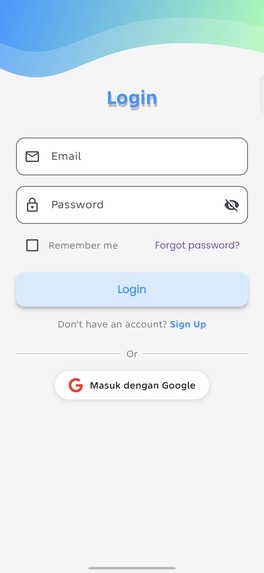
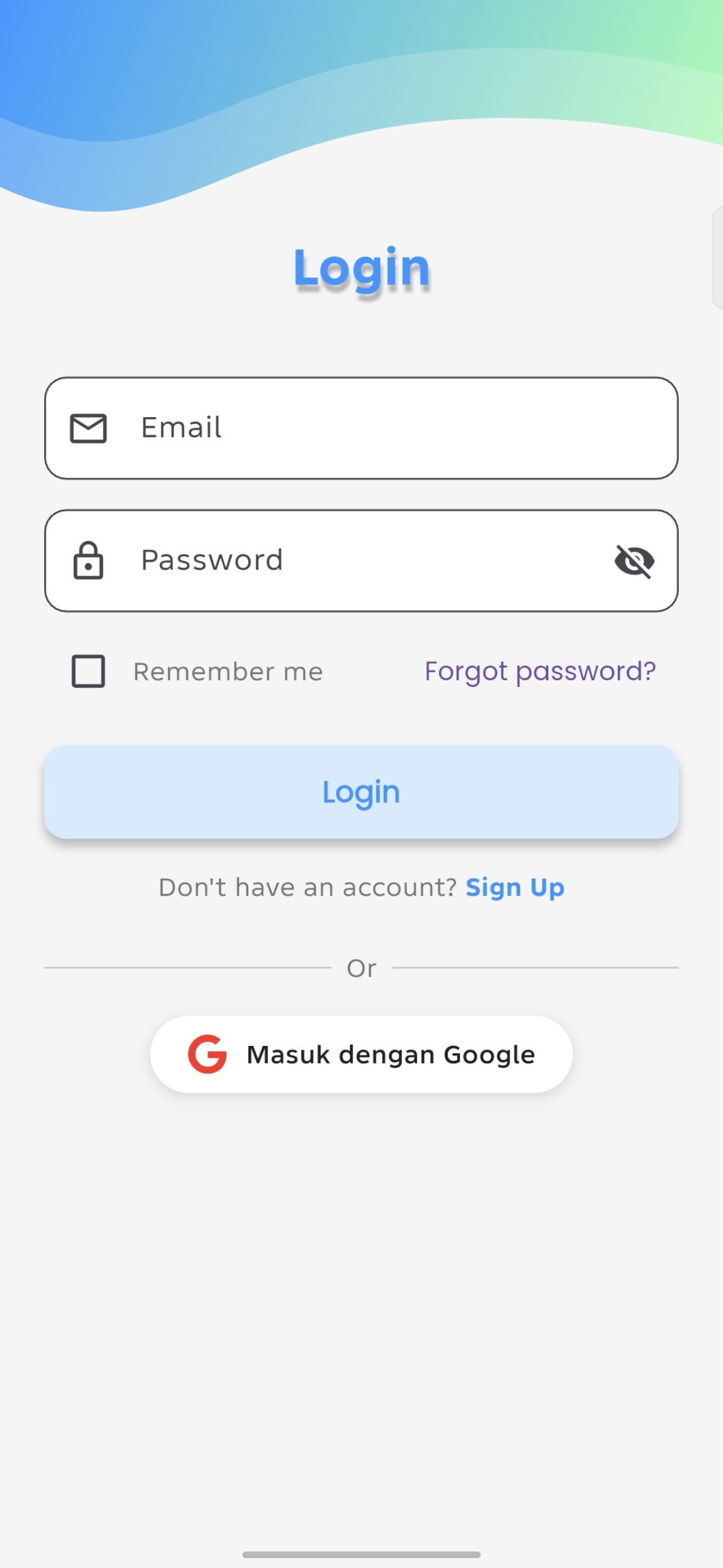
Login Page
-
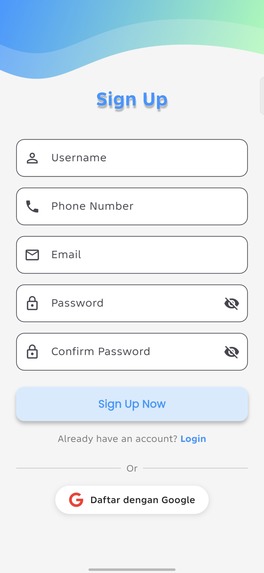
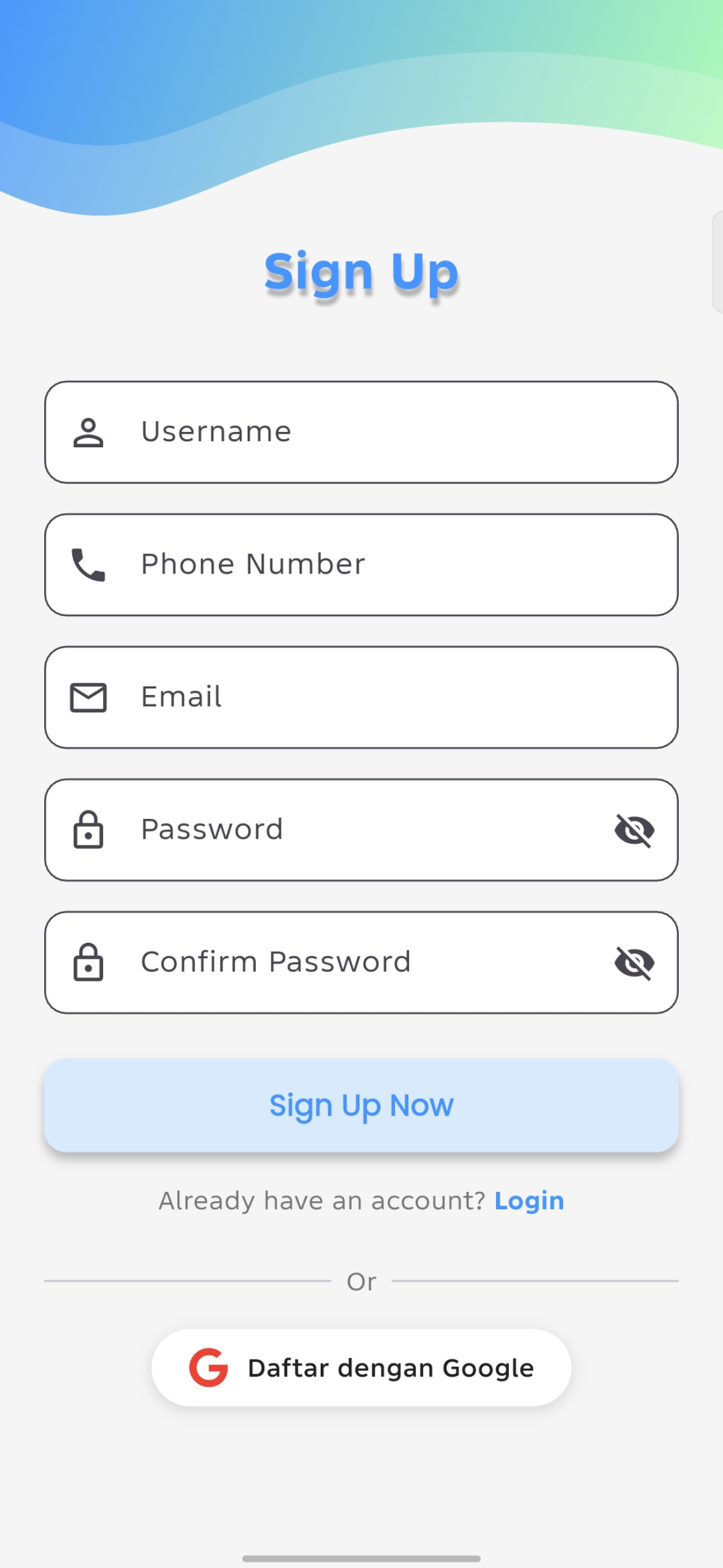
Register Page
-
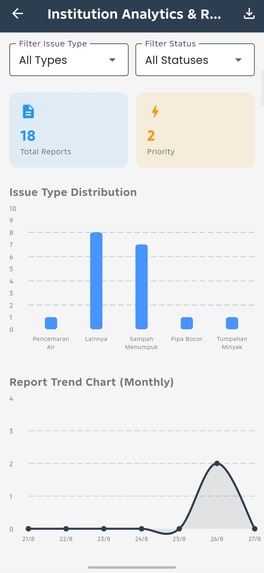
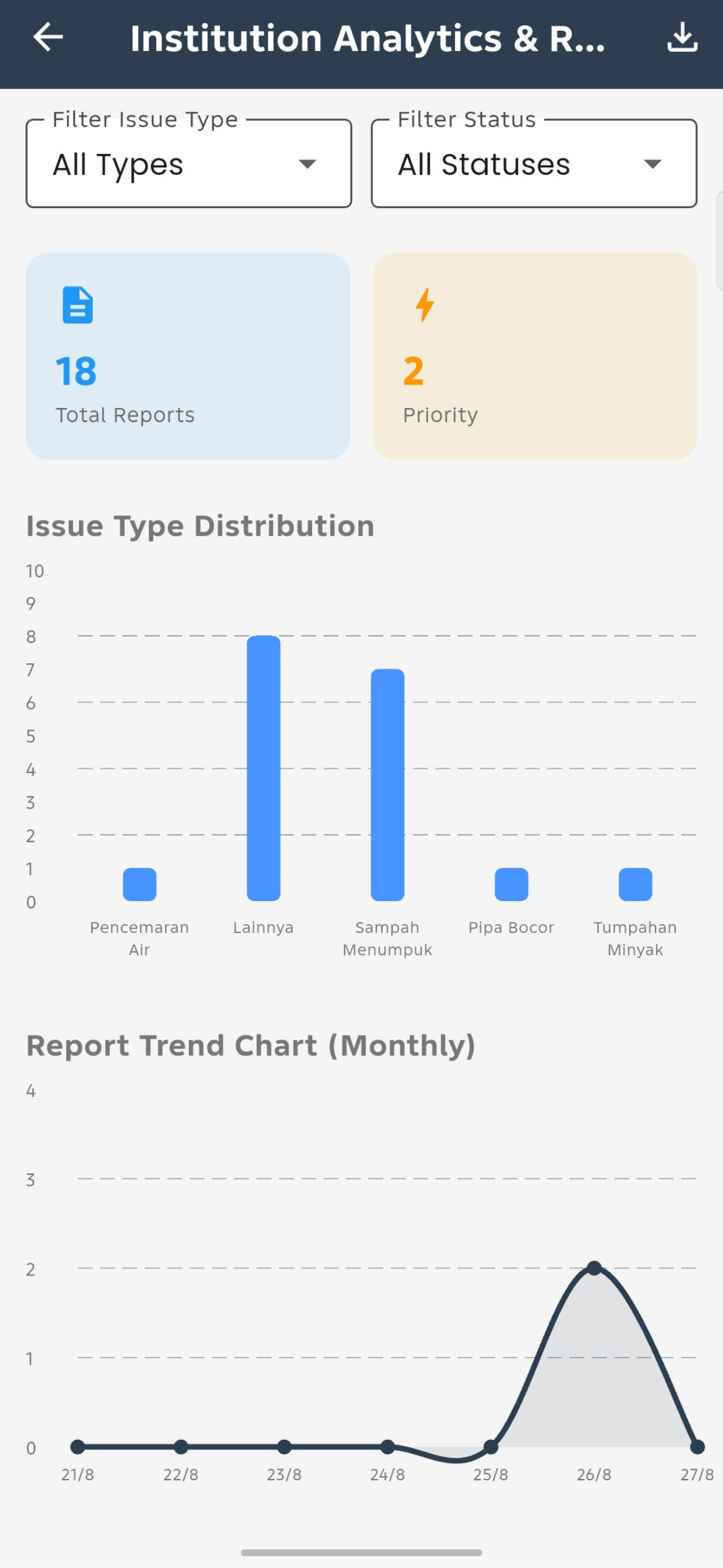
Institution Page
-
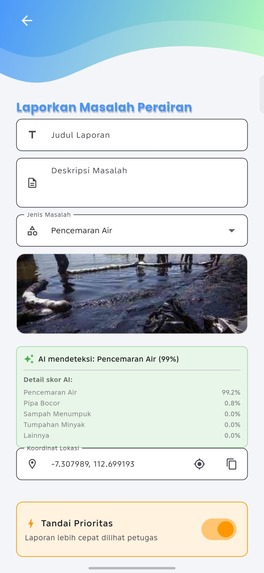
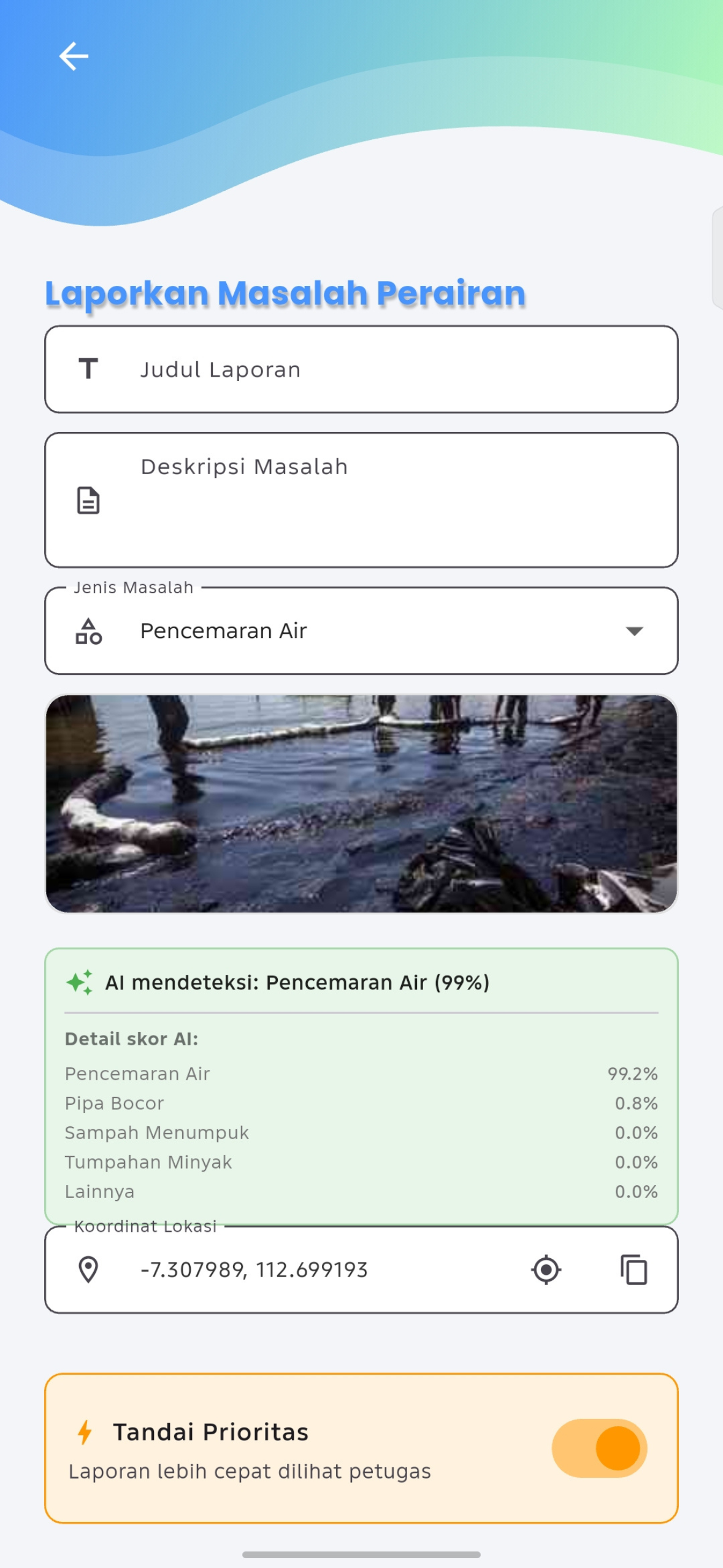
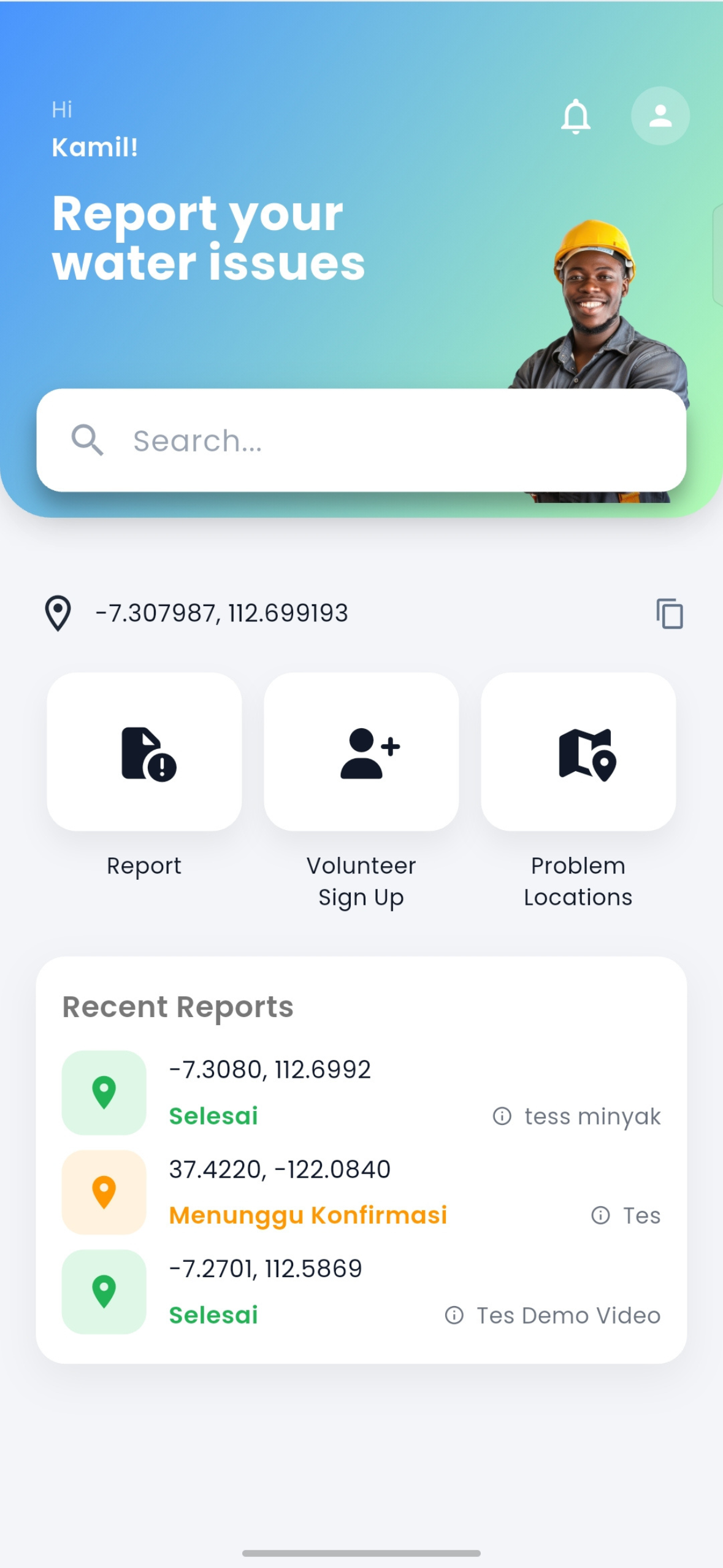
Report Page
-
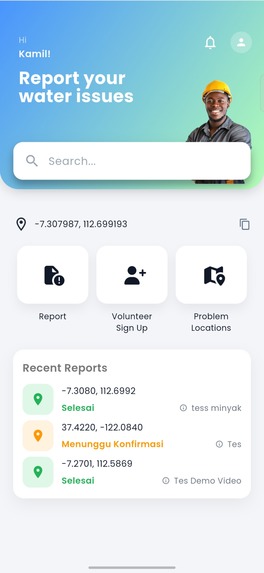
Dashboard
-
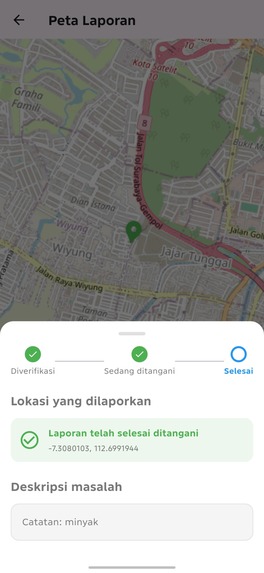
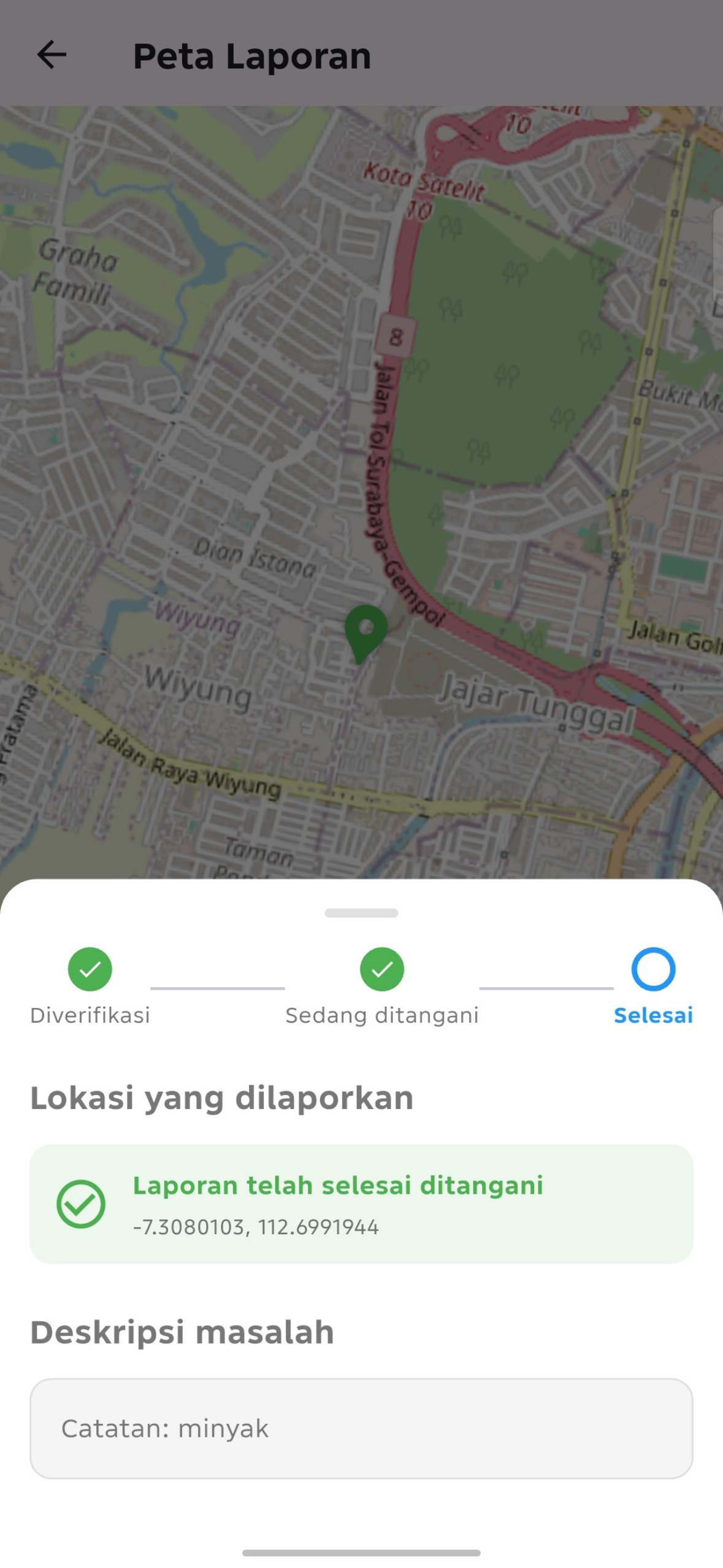
Maps
-
Splash Screen
-
Logo
Inspiration
Water-related problems — pollution, oil spills, illegal dumping, leaking pipes — often go unreported simply because there's no easy way for ordinary citizens to flag them to the right people. As someone passionate about AI and full-stack development, I wanted to build something that turns everyday smartphone users into active environmental watchdogs, while giving officials and organizations the data they need to act quickly.
WaterGuard started as a prototype I had already built for reporting water issues with location and photo evidence. Shipaton gave me the perfect reason to take that prototype, add real monetization through RevenueCat, and ship it as a genuine product.
What it does
WaterGuard lets anyone report a water-related issue in seconds: pin the exact GPS location, attach a photo as evidence, and submit. An on-device AI model automatically classifies the type of problem — pollution, oil spill, garbage accumulation, or pipe leak — so reports are structured and actionable from the moment they're submitted.
- Free for everyone: submit reports with location and photo evidence, track status updates in real time.
- Premium Individual: priority report flagging, unlimited report history, a Verified Reporter badge, and detailed AI confidence scores.
- Organization Dashboard: a separate subscription tier for NGOs and community organizations, unlocking an analytics dashboard, category trend charts, and CSV data export.
- Behind the scenes, WaterGuard also supports internal Volunteer and Admin roles for monitoring incoming reports and managing verification — a small ecosystem built around one shared goal: cleaner water, faster action.
How we built it
WaterGuard is built with Flutter, using Firebase (Authentication and Firestore) for the backend and user data. Monetization runs entirely on RevenueCat, integrated with two subscription tiers, each tied to Firebase Auth identity through Purchases.logIn()/logOut().
The AI classification feature uses a lightweight TFLite image classifier — trained via Google's Teachable Machine on a custom dataset assembled from Kaggle and manually curated images — chosen specifically because it runs entirely on-device, keeping the app fast and usable even on lower-end Android phones, without needing a network call or a heavy multimodal model.
The Institution/Organization dashboard uses fl_chart for trend visualization and Firestore queries for filtering and CSV export, giving organizations a way to turn raw citizen reports into actionable insight.
Challenges we ran into
Almost every stage of shipping this app came with its own obstacle:
- Getting RevenueCat's Test Store dialogs to render at all required switching from a lightweight ATD emulator to a full Google Play system image — and even then, RAM limits on Google Play emulator images (locked at 2GB, non-editable) forced us to test purchases on a physical device instead.
- Integrating TFLite meant wrestling with native library loading errors (
libtensorflowlite_jni.sonot found) caused by ABI mismatches between emulator architecture and the model's supported architectures. - Migrating from a placeholder
applicationId(com.example.flutter_application_1) to our real package name broke Firebase configuration and required re-registering the app in Firebase Console. - Generating a signed release build surfaced a Gradle daemon crash under the combined load of R8 minification and native TFLite libraries, solved by increasing Gradle's JVM memory allocation.
- We even had a real security scare: an API key and a keystore password were accidentally committed to a public GitHub repo. We rotated the exposed RevenueCat key immediately and cleaned up the repository history.
- Connecting RevenueCat to real Google Play billing meant creating a dedicated service account in Google Cloud, granting the exact right combination of Play Console permissions, and then waiting out Google's credential propagation delay (up to 36 hours) before purchases could validate against the live Play Store.
- Our Play Console submission was also initially rejected under the Government Apps policy simply for describing our institution tier as being for "government agencies" — resolved by rewording our listing to make clear WaterGuard is an independent, community-driven platform with no government affiliation.
Accomplishments that we're proud of
- A fully working end-to-end subscription flow: free trial, purchase, entitlement gating, and premium feature unlocking — verified on a real device against both RevenueCat's Test Store and, ultimately, live Google Play Billing.
- An on-device AI classifier that adds genuine, tangible value to every report submitted, without requiring an internet connection or a cloud API call.
- A clean separation between our free/premium individual tier and a completely independent B2G-style organization tier, each with its own RevenueCat entitlement and its own set of features designed around who's actually paying for them.
- Successfully navigating the full Google Play publishing pipeline — from signing keys, to privacy policy, to account deletion requirements, to passing Google Play policy review — as a solo developer.
What we learned
Shipping a monetized mobile app end-to-end is a very different skill from building a working prototype. Payment infrastructure, app store policy compliance, credential security, and platform-specific quirks (emulator limitations, ABI mismatches, Gradle memory limits) all demand just as much attention as the core product idea. I also learned firsthand how important it is to separate secrets from source code from day one, rather than retrofitting security after a mistake.
What's next for WaterGuard
- Expanding the AI classifier with a larger, more diverse training dataset to improve real-world accuracy.
- Adding a live heatmap visualization to the Organization Dashboard.
- Supporting multi-user access and volunteer/report assignment workflows for larger organizations.
- Exploring iOS support once cross-platform build infrastructure is available.

Log in or sign up for Devpost to join the conversation.