-
-
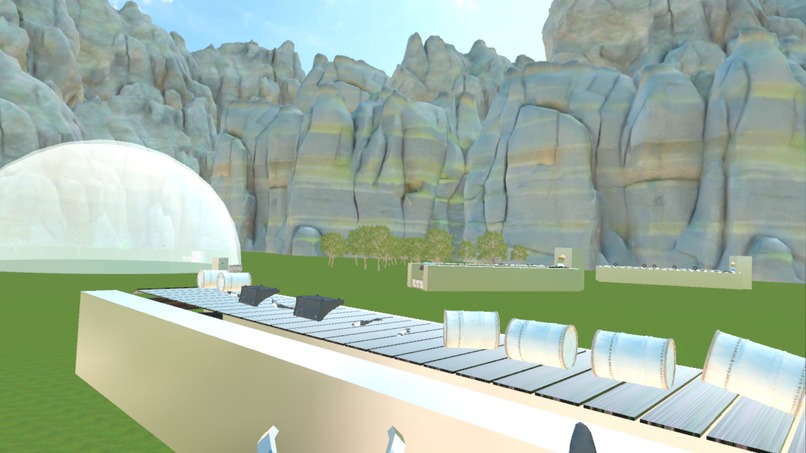
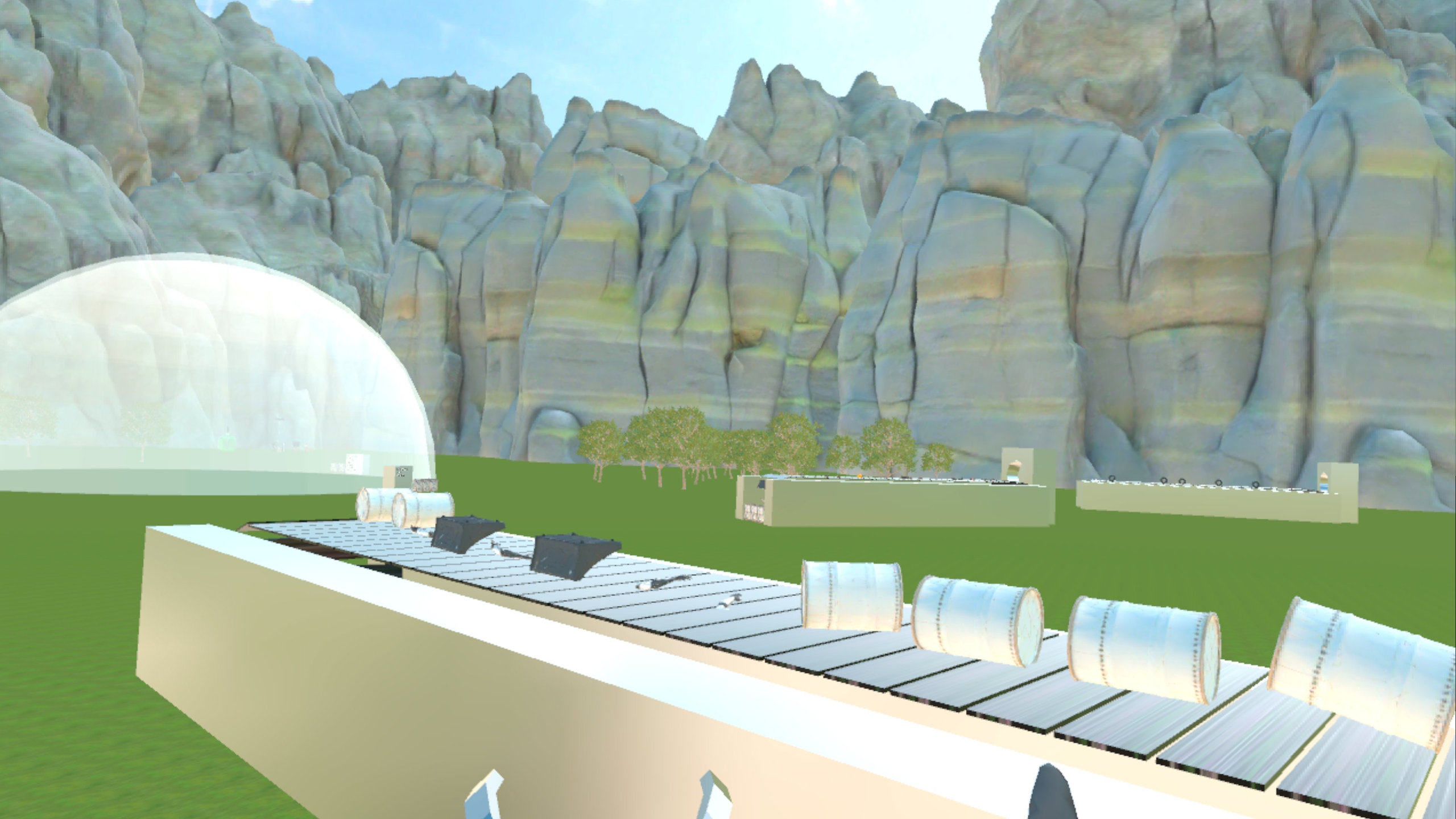
A puzzle board where you assemble a football, a fembot and a zombie, what will they do?
-
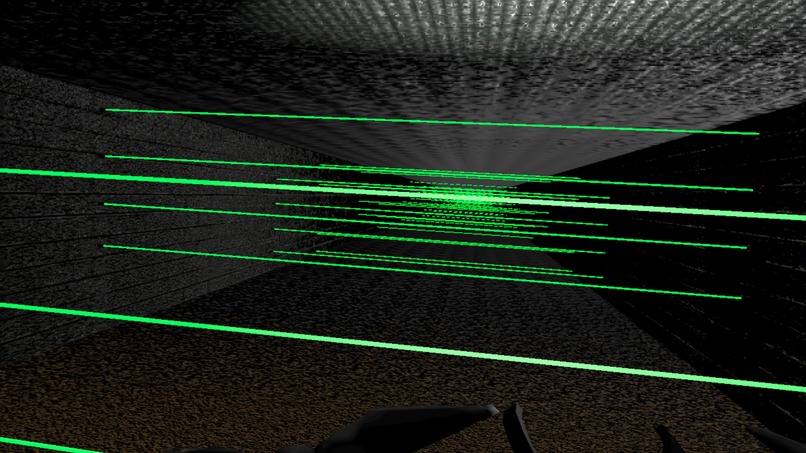
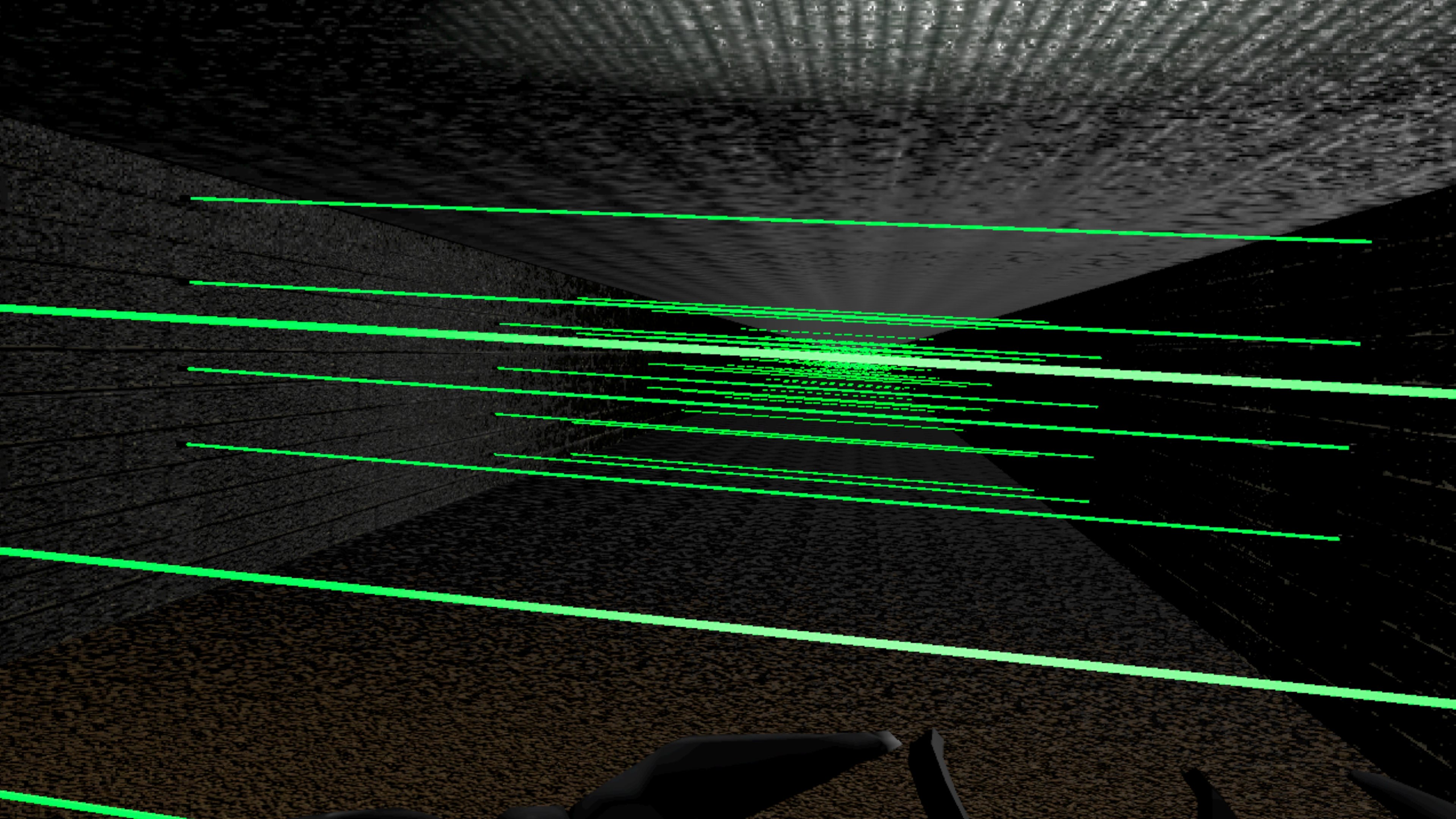
A board where you have to navigate the laser beams
-
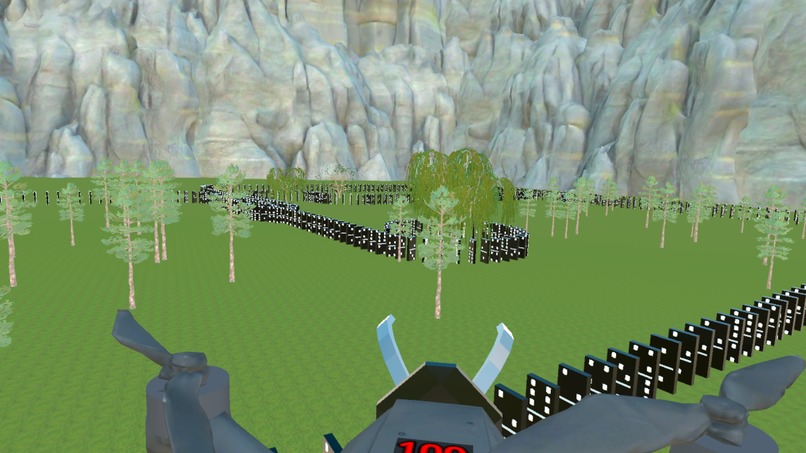
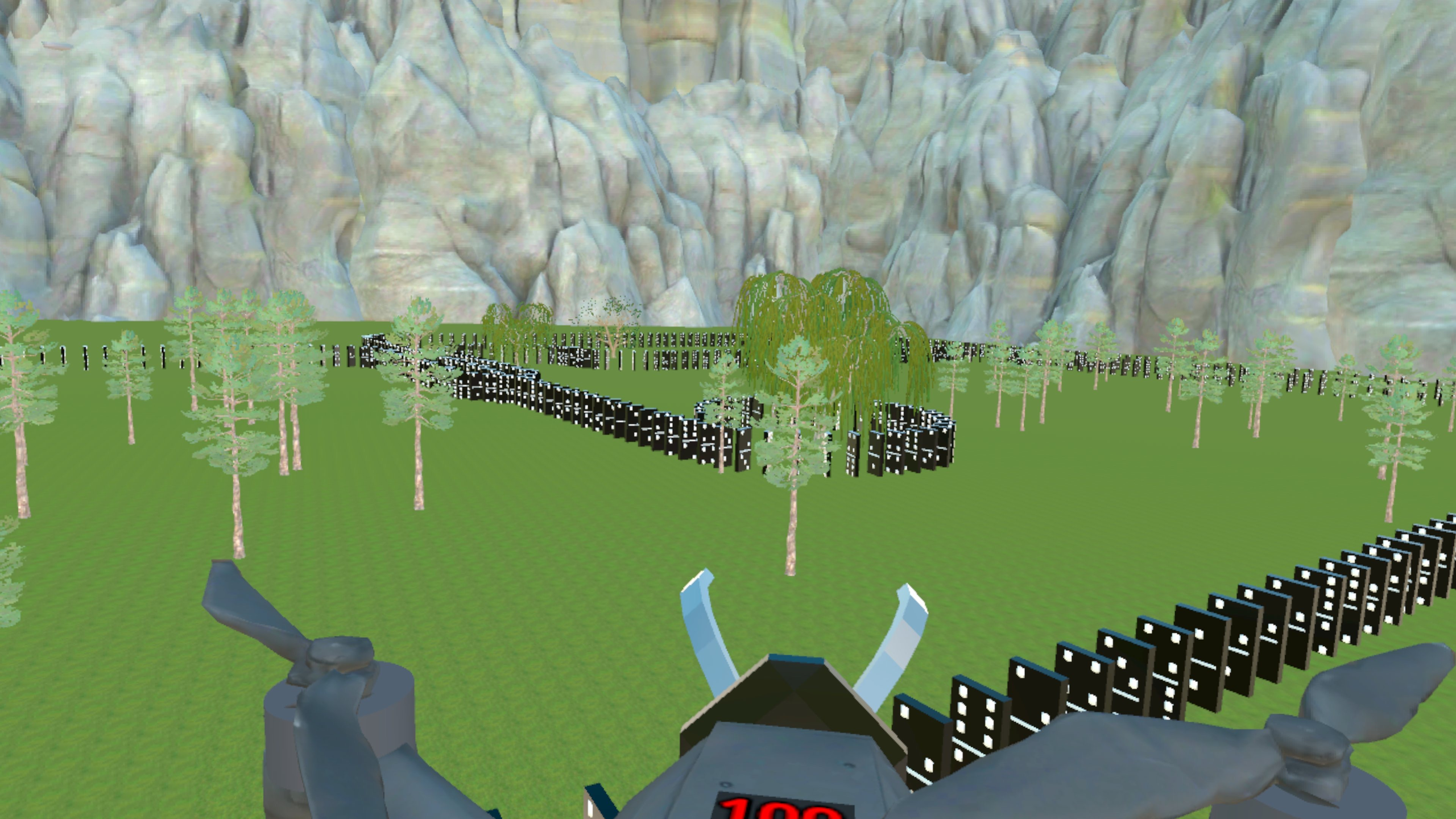
Cool domino board
-
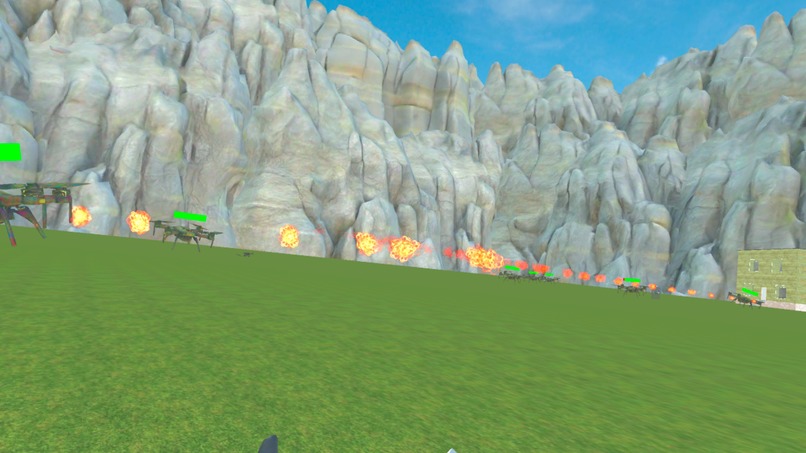
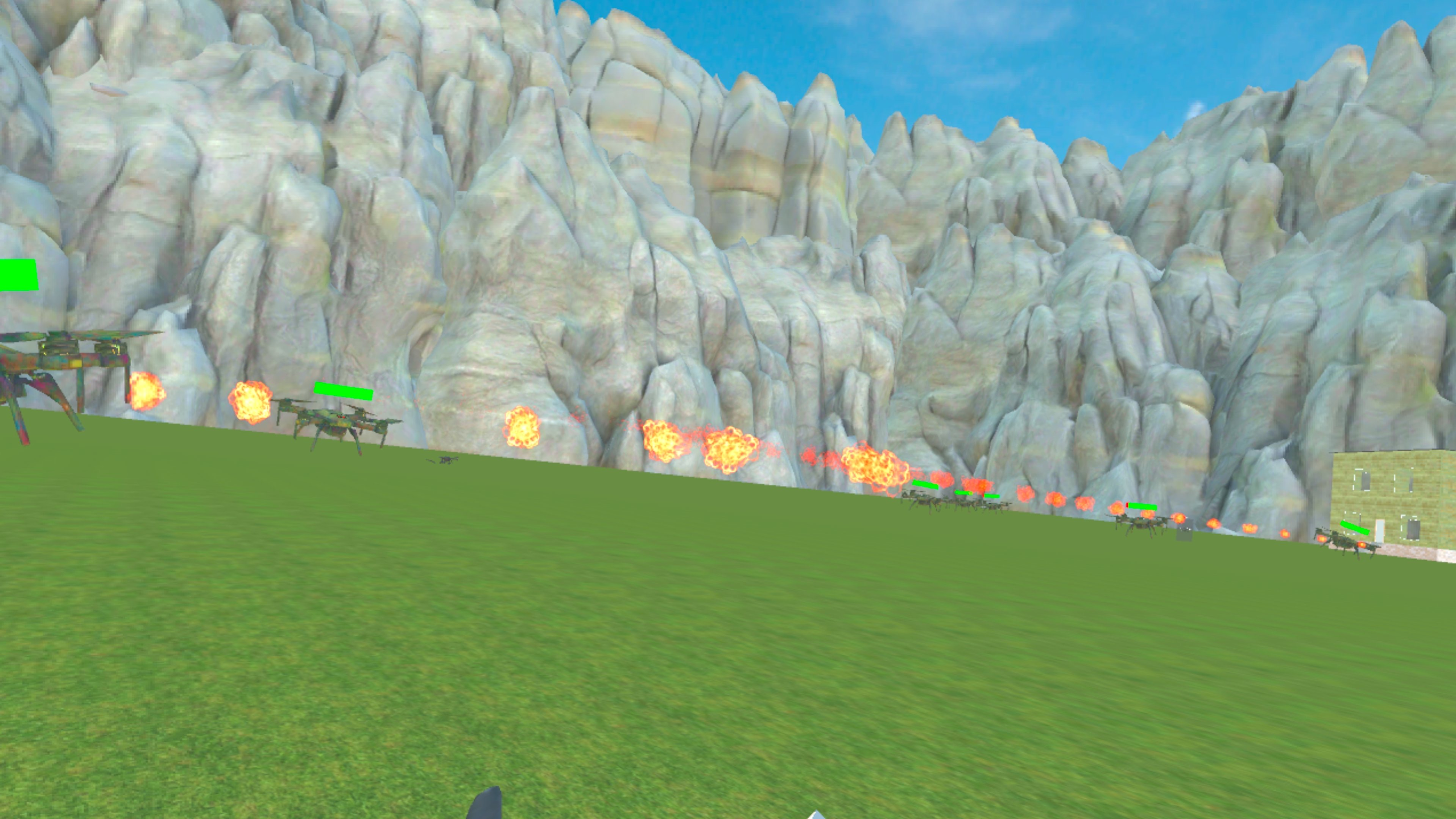
Battling drones
-
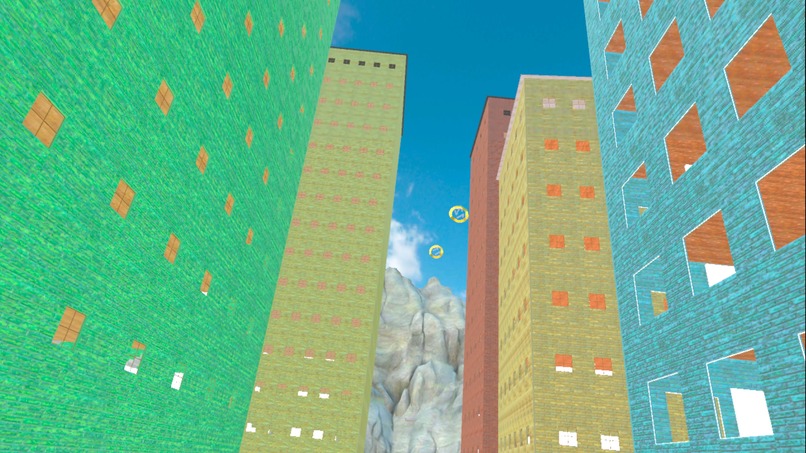
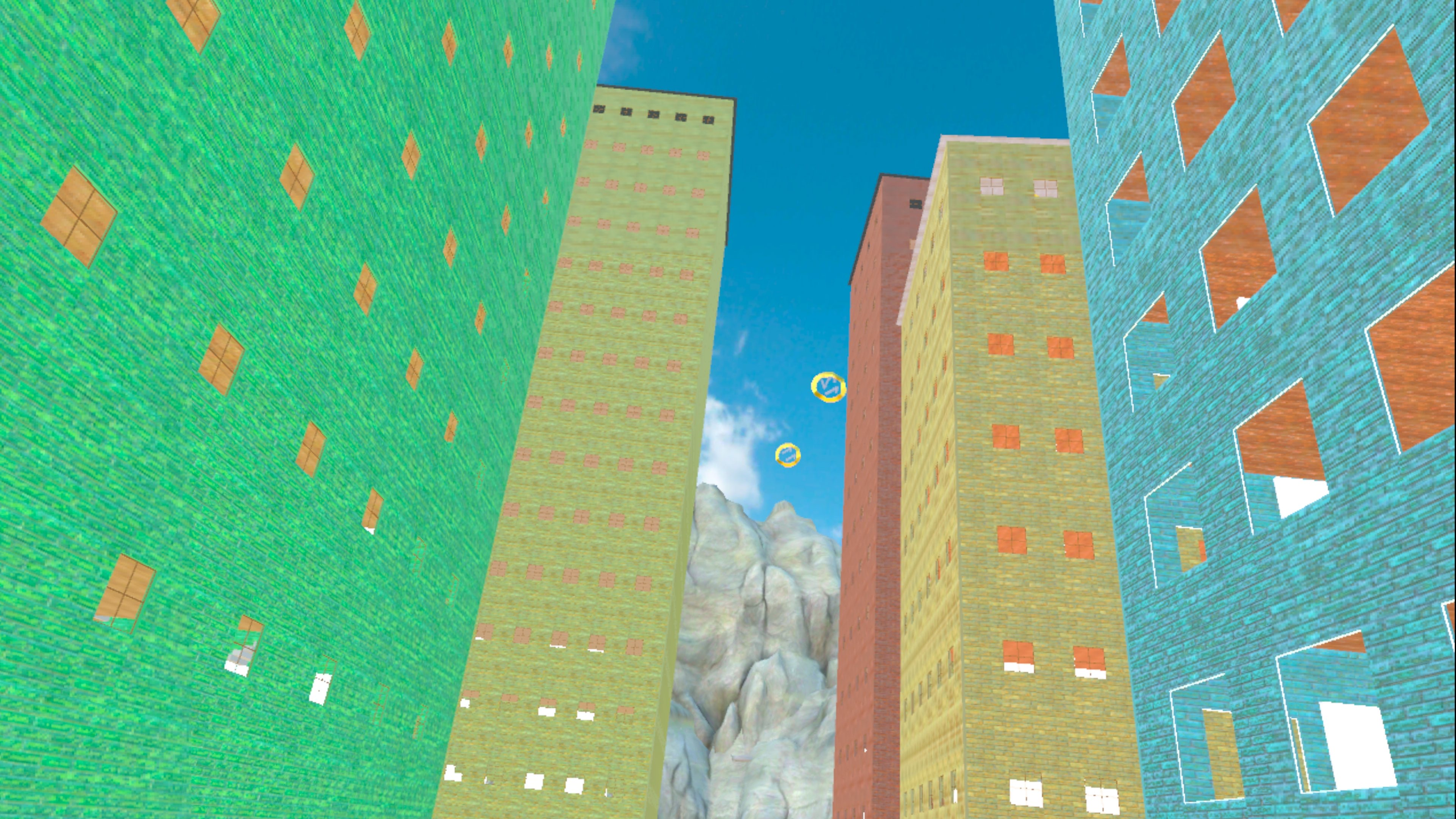
A board where you have to fly through the rings in order
-
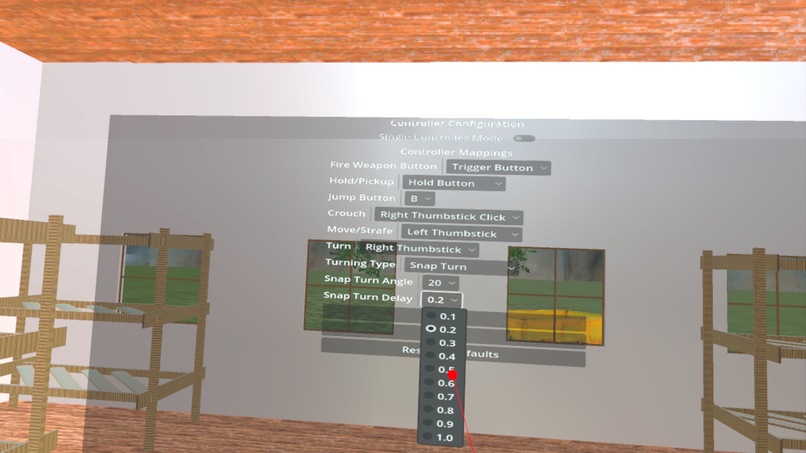
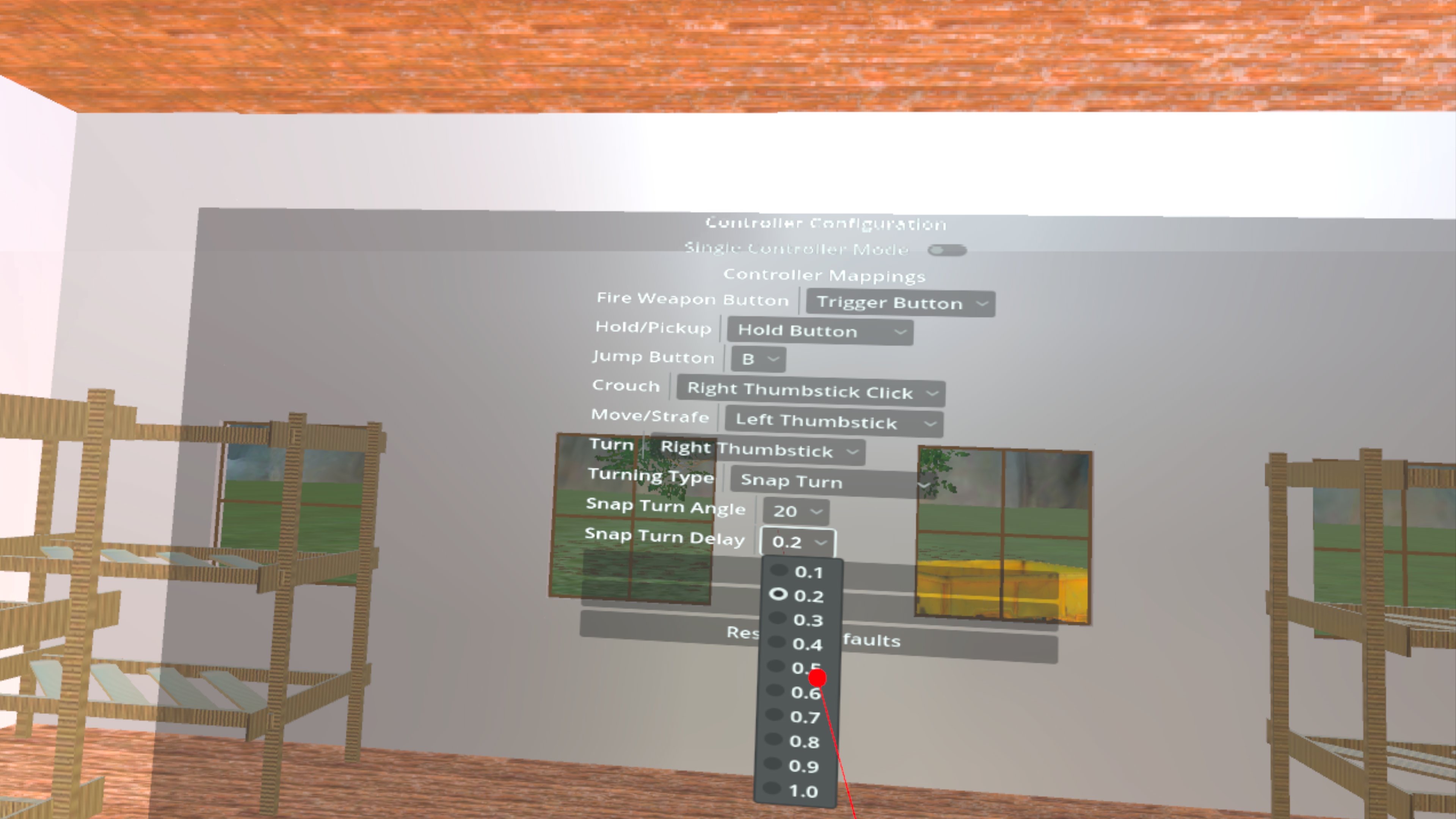
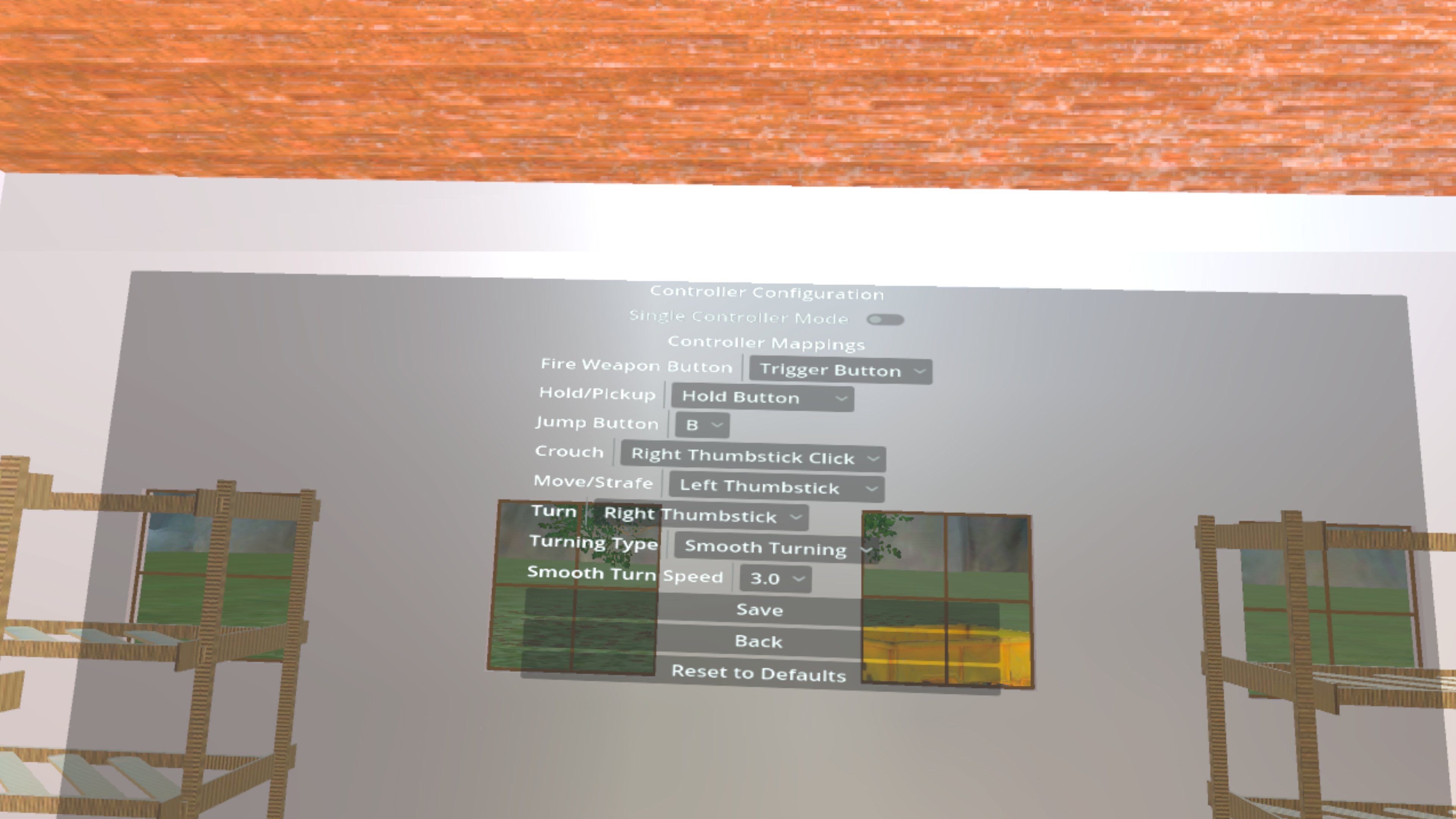
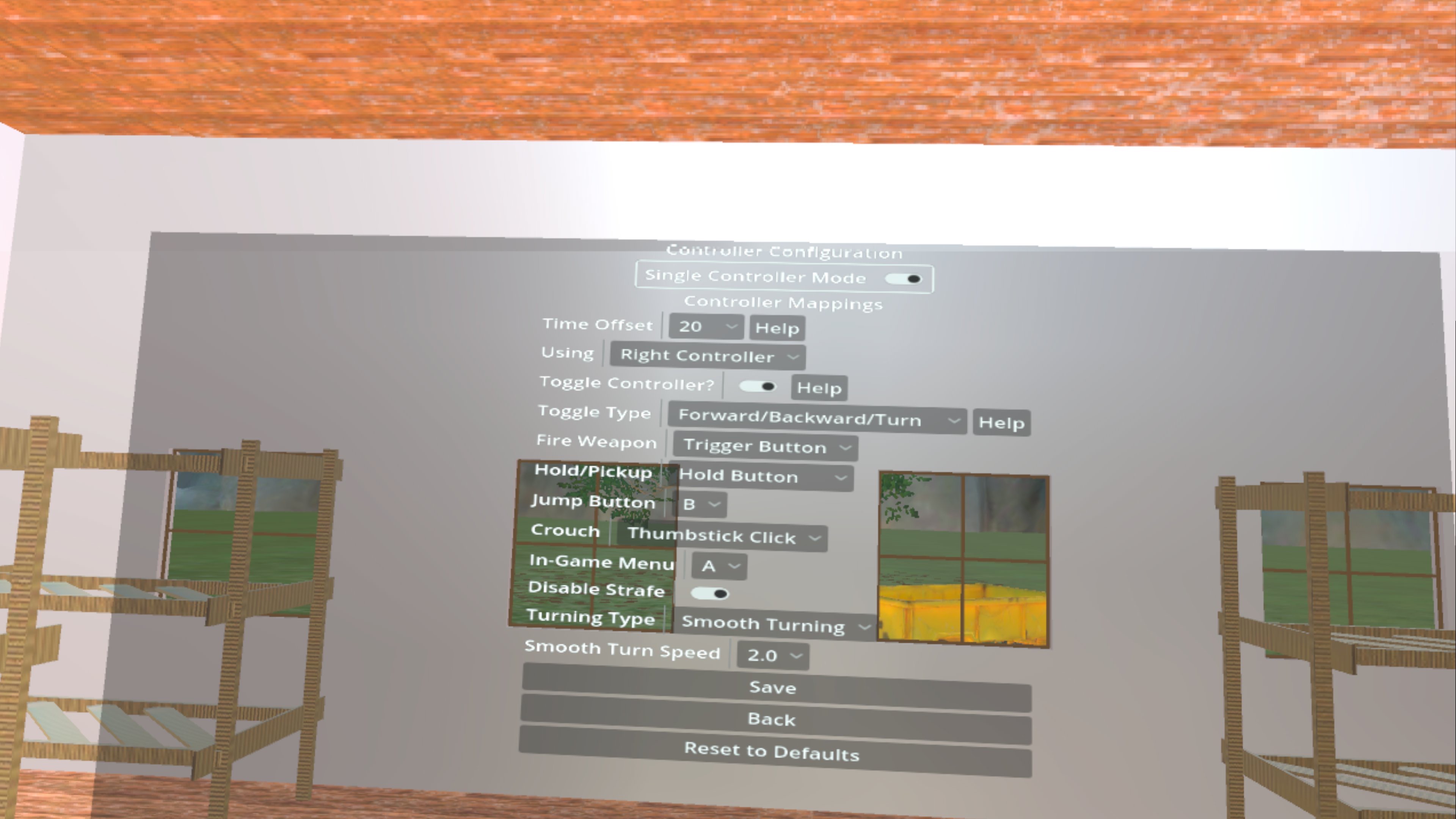
Comfort settings
-
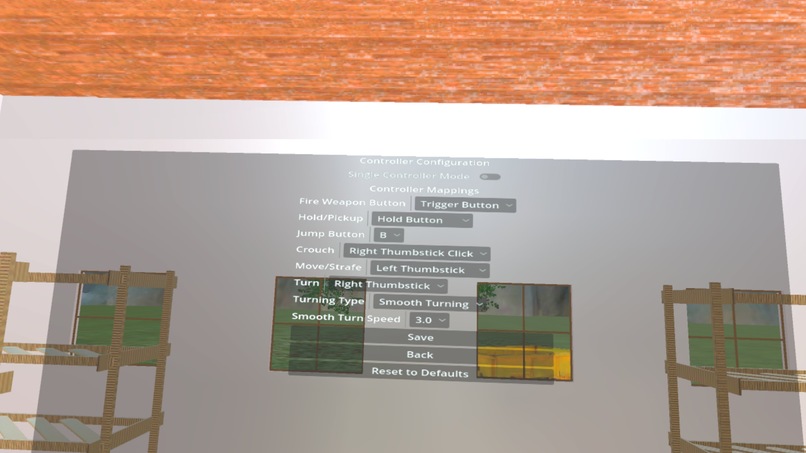
dual controller mode
-
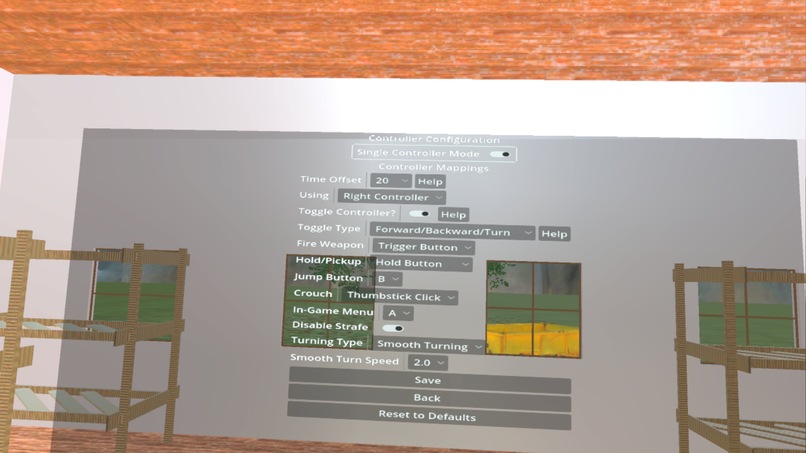
single controller mode
-
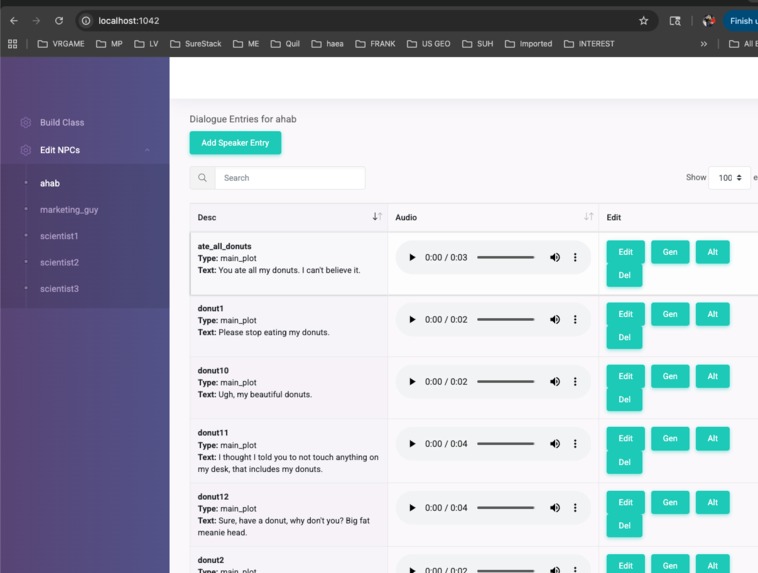
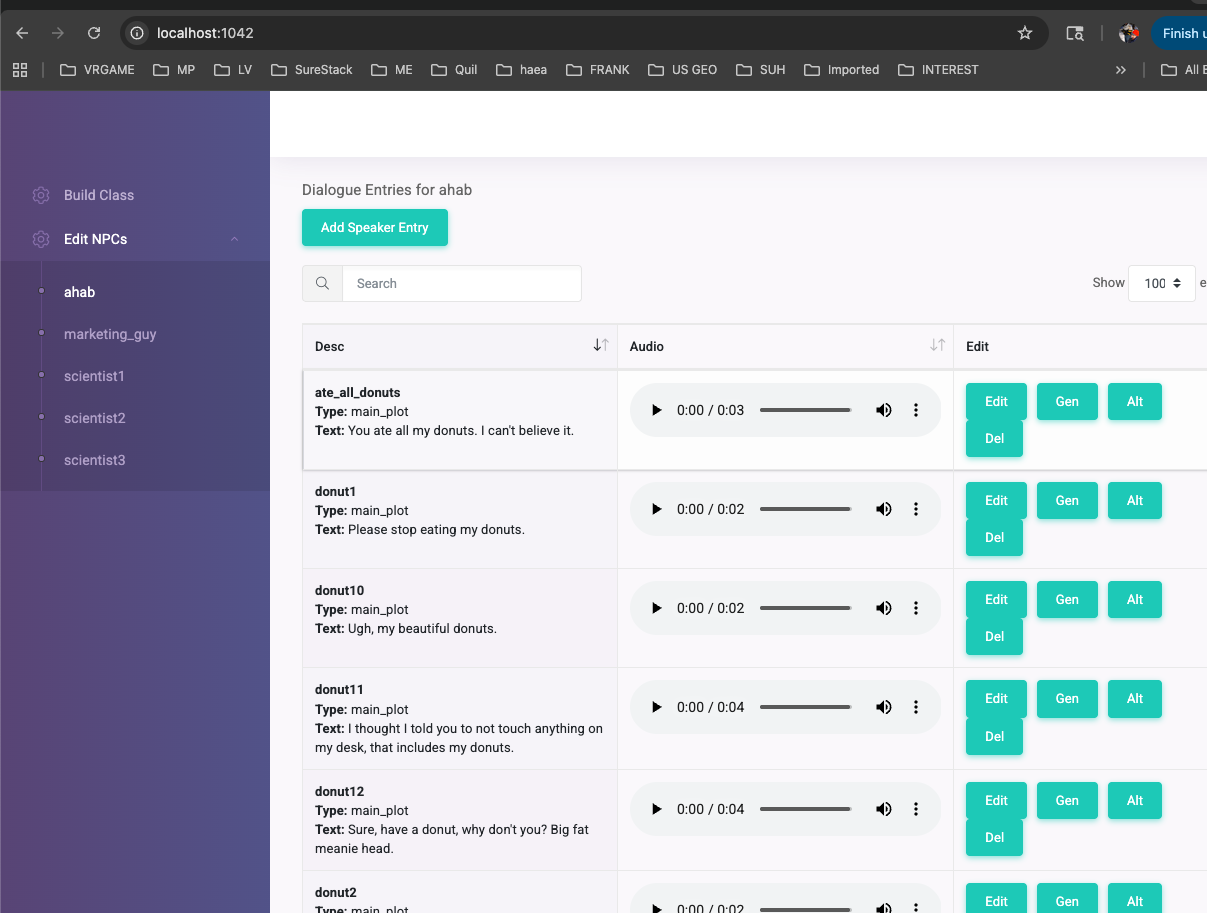
Custom dialogue builder which can record in a browser and gen visemes and exports dialogue classes and mp3s for ease of use in code
Inspiration
Aerial Z’ordnance Unit began as a small side experiment while I was developing a larger VR project. I wanted to explore what a fully physics-driven drone could feel like in VR--something fast, agile and dangerous, but intuitive enough for anyone to fly.
What surprised me was how fun the prototype became. The more I refined it, the more it felt like its own game.
Additionally my daughter is missing a limb. This made it incredibly difficult for her to play games which always assume you are using two controllers. I wanted to create a game which fully supported a single controller of your choosing. In searching online I've seen quite a few users always searching for single-controller mode.
What it does
The game puts players inside a cutting-edge training program where they pilot a high-speed drone through combat boards, puzzle boards, domino cascades, fembot battle droids and a massive "big fat drone" end sequence.
Everything is built on real physics: momentum, drift, collisions and destruction.
The game supports two ways to fly: full dual-controller precision or a custom single-controller mode.
The single-controller mode allows you to select which controller you prefer, left or right.
Then you can choose toggle mode or non toggle mode.
Since a drone moves in more directions that one joystick can easily support, you have two options.
Toggle Joystick Mode
This is the default. It means that you use the "jump" key (as you have configured it) to toggle between what would be considered the left and right controllers. So at any given point in time you would control forward and backward movement and either turning or strafing. You press the "jump" button, and then your joystick controls vertical movement and either turning or strafing. I let you choose whether you want strafing or turning to be the default movement with forward and reverse.
non Toggle Joystick Mode
If you don't like how the toggle mode works and would rather just use one joystick all the time, your jump button will do nothing. If you push your joystick all the way forward, you go forward. If you push it a little bit forward you'll go up. Respectively, pushing back all the way will move you backwards, and a partial push will move you down. Moving left and right will simply turn the drone--strafing is eliminated.
As a bonus, after the training level is completed you can walk around in the level and explore or climb or whatever. This also supports a single controller.
How we built it
The drone system uses a custom RigManager built in Godot 4.4.1 with XR Tools, driven by a blend of physics impulses, directional stabilization, and procedural wobble that gives the drone a sense of weight and danger. Every board is authored as a standalone challenge, from pinball-style arenas to maze escapes to self-destruct races.
I had to get creative when supporting a single controller for a drone which it not only moves in 6 degrees of freedom.
I created prototypes and had my daughter test how it performed. Initially I only had non toggle mode, but she suggested adding the toggle mode. She could complete the levels without the toggle mode, but precision is lost when one controller controls everything. She obviously prefers the toggle mode, but some may like the elimination of strafe for ease of use.
The single-controller mode required a full input-mapping layer that can swap control schemes on the fly.
Challenges we ran into
The biggest challenge was making the drone feel powerful without making players sick. Comfort settings like snap turn helped tremendously. Especially allowing them to configure both the angle of turn and the turning delay.
High-speed VR motion is notoriously difficult, so I iterated through dozens of prototypes to find the right mix of inertia, damping, camera offset and subtle visual cues that keep the experience comfortable.
Another challenge was building single-controller play that actually feels good--not a downgrade or an accessibility checkbox. Balancing simplicity with precision took far more iteration than expected, but it resulted in a mode that testers preferred even when they had both controllers.
Accomplishments that we're proud of
I started this project on October 21st with 0 code. After 10 days of setting up the structure of the project I started iterating on the drone mechanics.
While a small prototype of the drone was done early on for 2 controllers, all of the core game mechanics for this game were coded during the contest. This is why it is the 11th hour and I'm finishing my submission. :P
I’m proud that the drone truly feels alive. When players break a window, skim a wall, knock down the giant dominoes or try to outrun the self-destruct sequence, the physics sell the moment.
I’m also proud of the single-controller mode; watching testers immediately "get it" was one of the highlights of development. What began as a small experiment ended up becoming a complete, polished VR game. I just submitted it for approval through the Quest store this morning.
What we learned
Sleep is optional.
I learned how far smart physics design can go into creating immersion and how important accessibility is for VR.
Building the input system taught me how to rethink controls from first principles instead of assuming standard VR conventions. Once I started thinking outside the box, it became obvious that as the developer I could simply try novel things to control the drone and see if the single-controller testers liked it.
What's next for WaterCeiling's Aerial Z'ordnance Unit
After launch, I plan to add new boards, improve replayability and expand accessibility options. My long-term goal is to build this into a small but distinct branch of the WaterCeiling universe, where physics-focused mini-experiences can live alongside my larger narrative VR projects.
I may even go further with future games and eliminate the controllers alltogether in favor of hand tracking for those with limb differences. It might be even simpler than remapping inputs to one controller. We shall see.
Built With
- amazon-web-services
- audacity
- blender
- c++
- gdscript
- godot
- java
- kotlin
- meshy
- openxr
- ovr
- rhubarb-lip-sync
- soundly
- sqlite
- xrtools


Log in or sign up for Devpost to join the conversation.