-
-
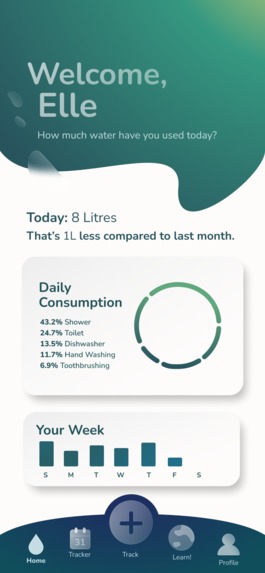
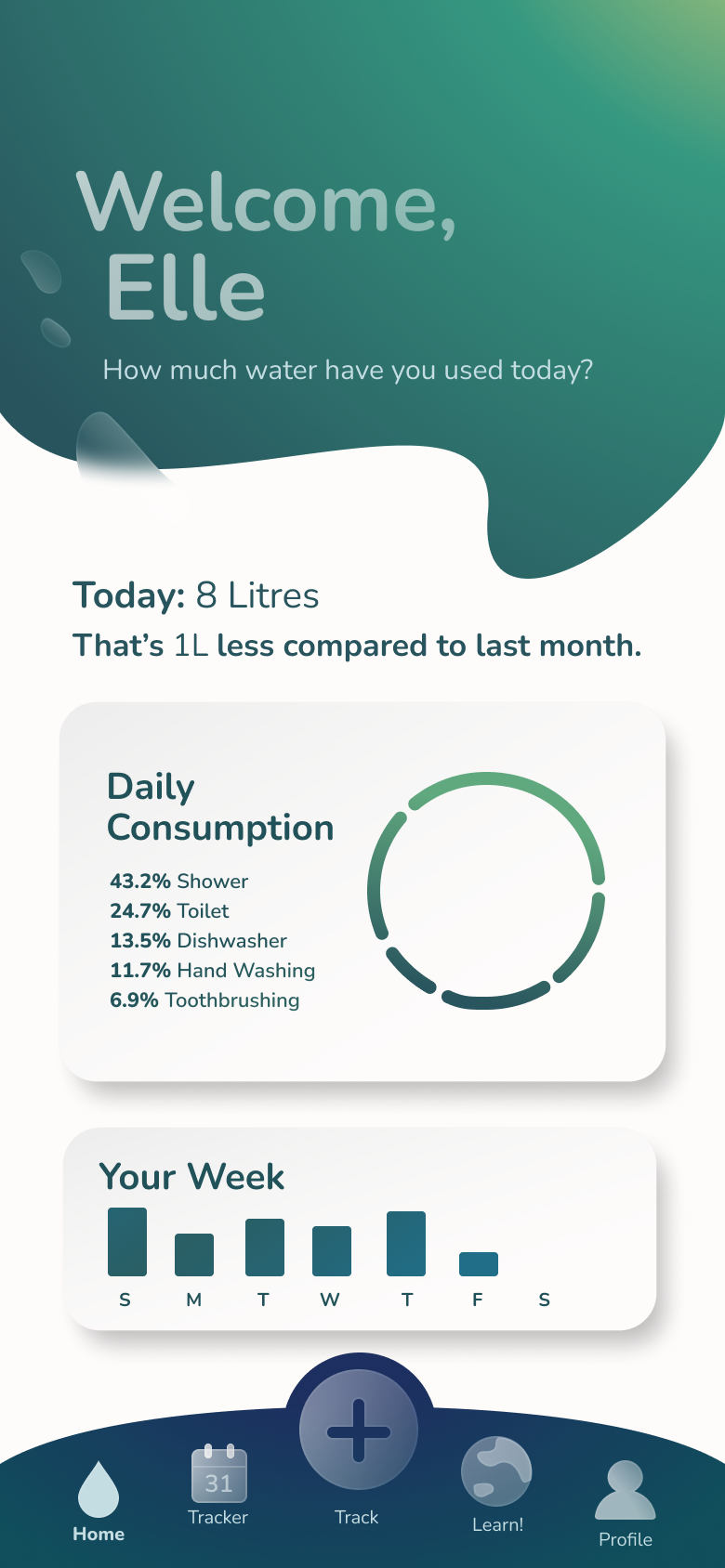
Home
-
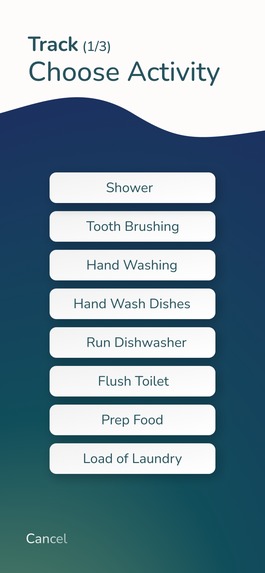
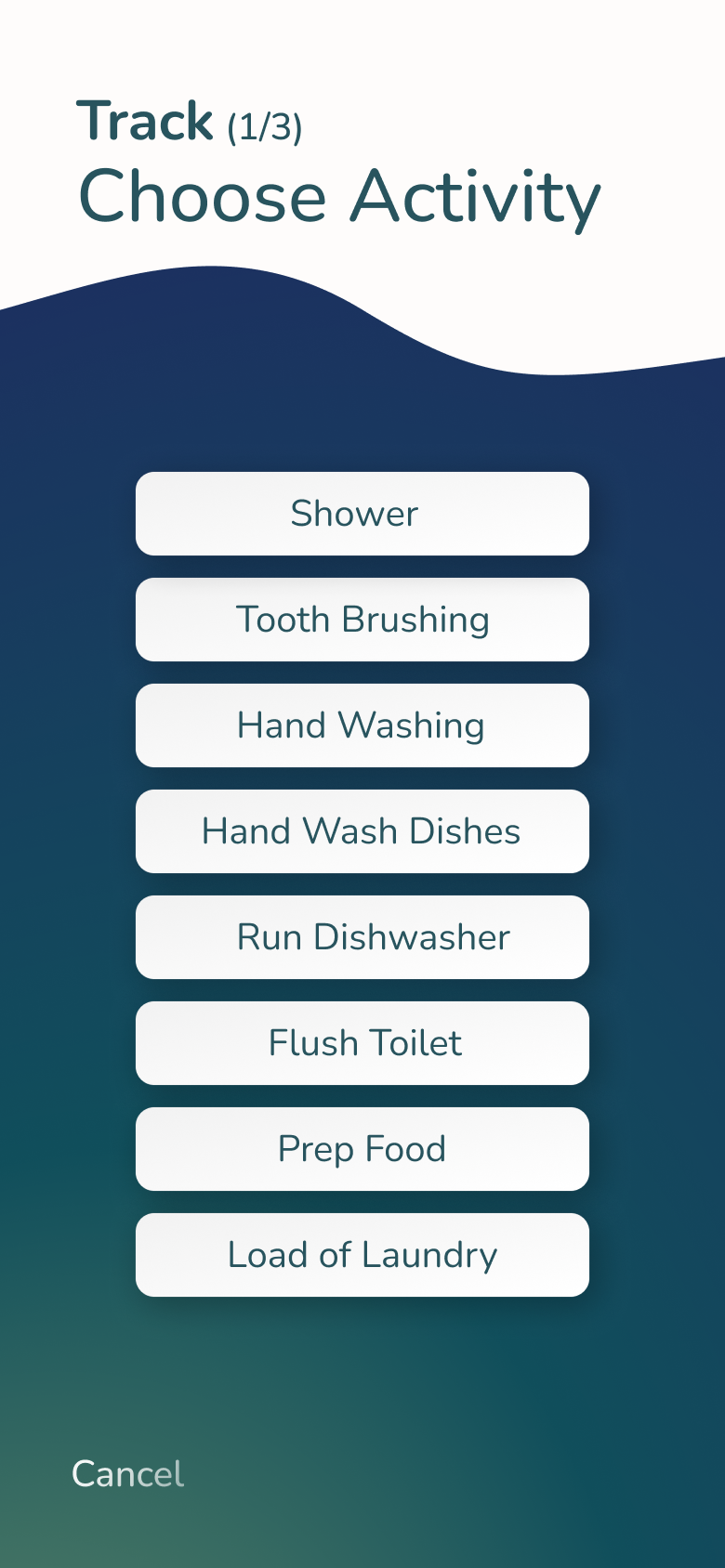
Activity selection
-
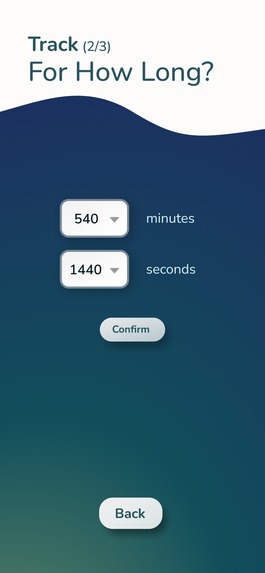
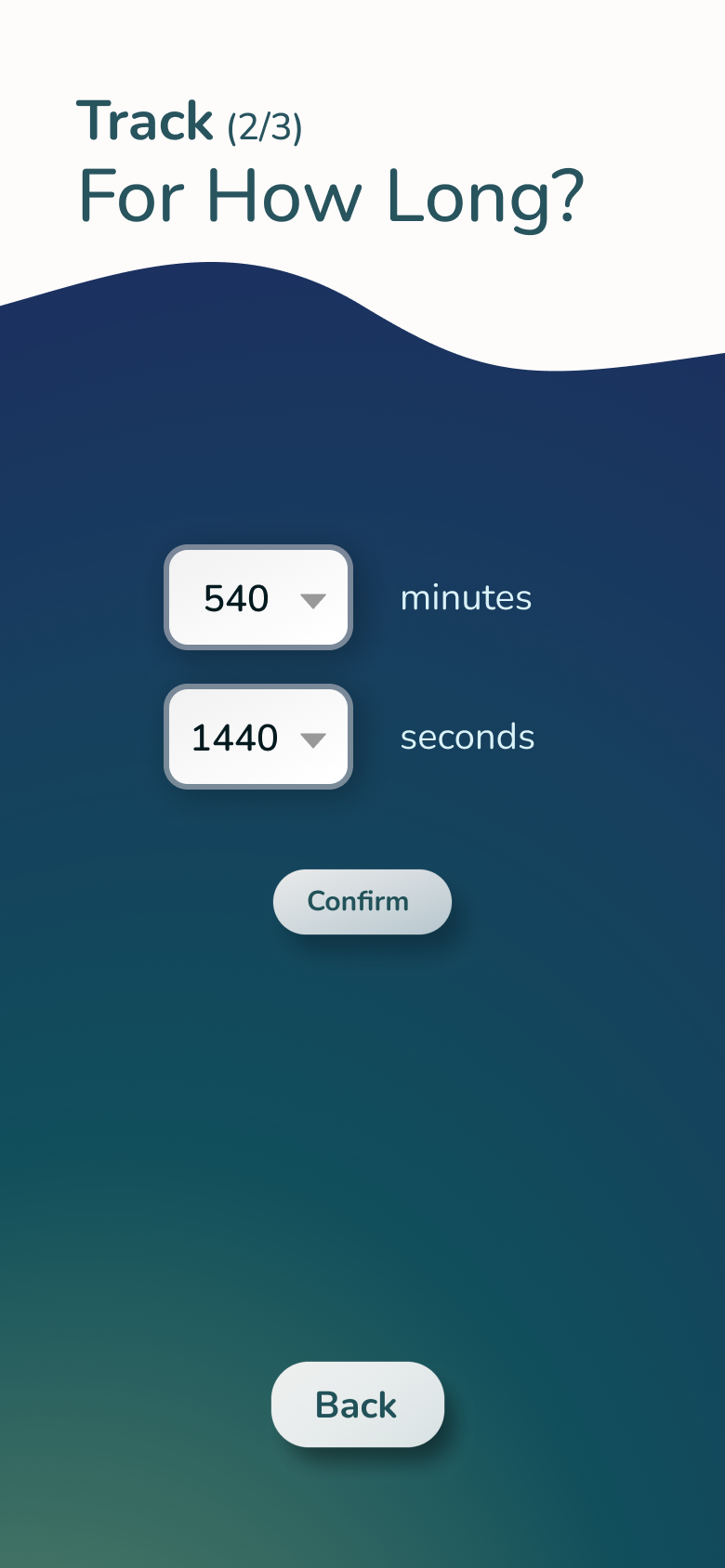
Minute input
-
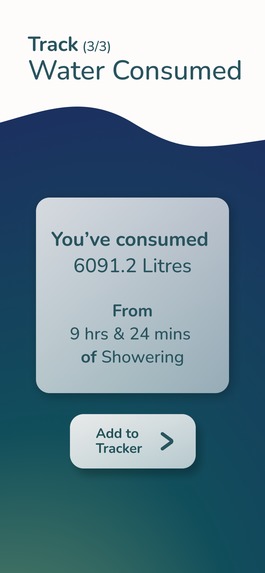
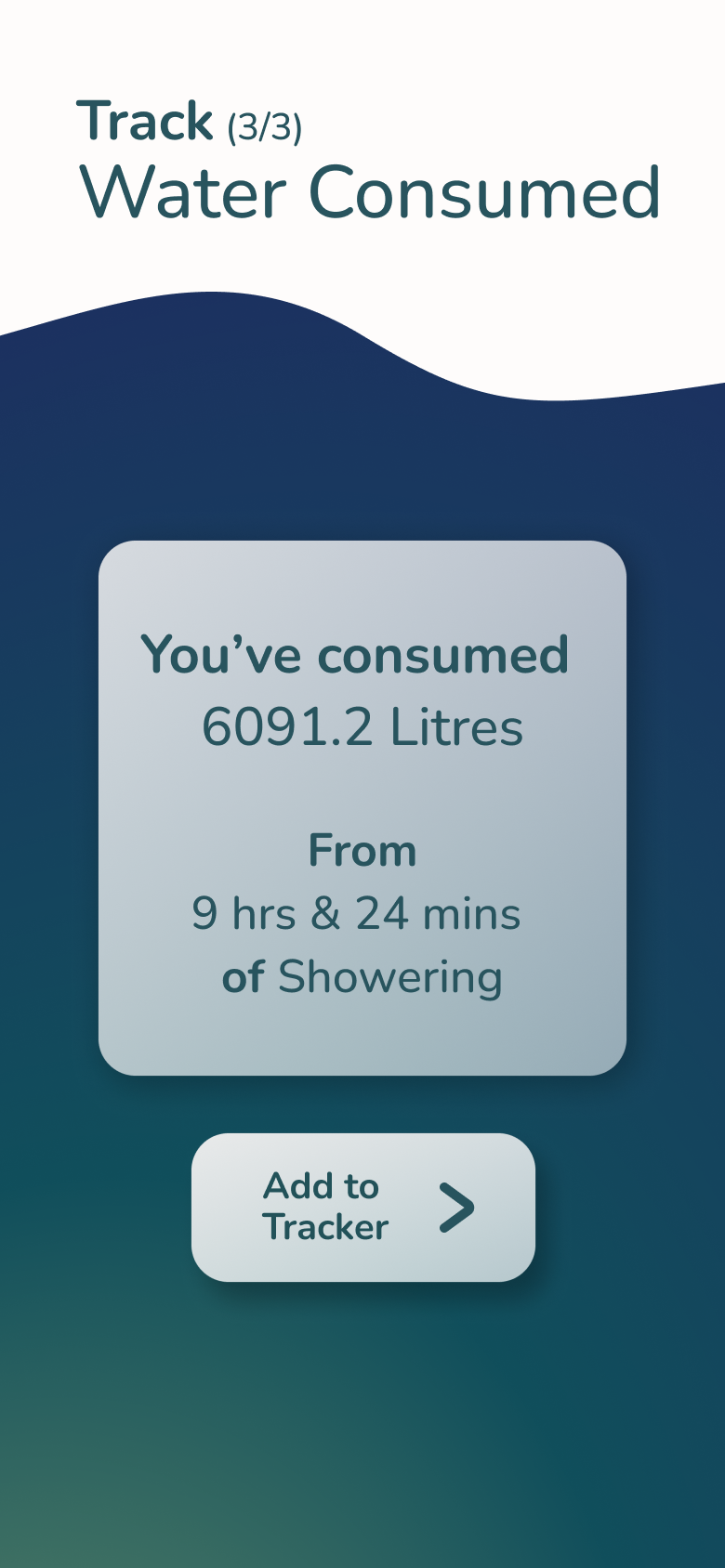
Water consumed
-
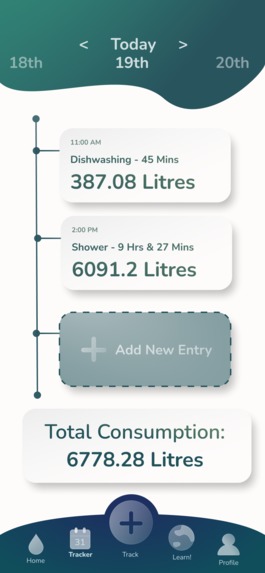
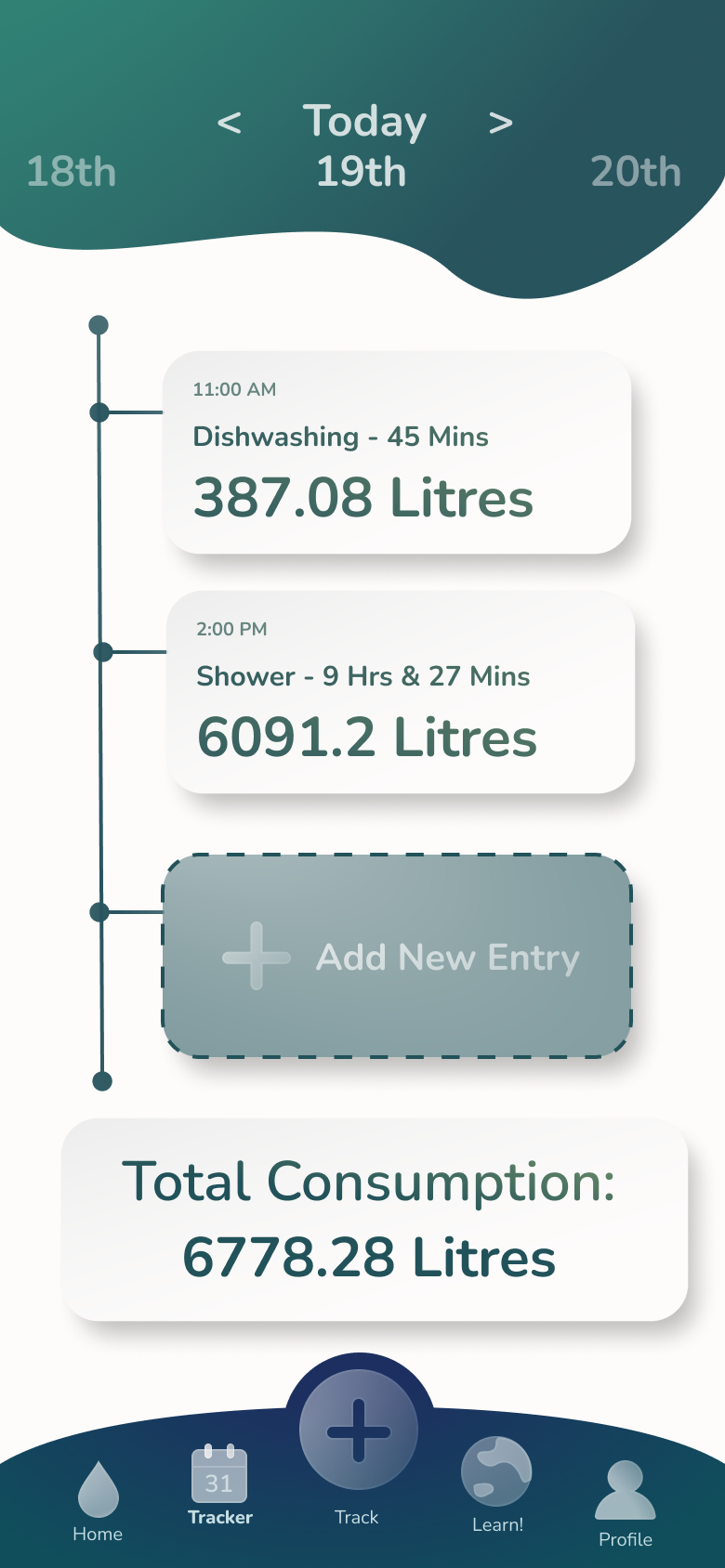
Tracker
-
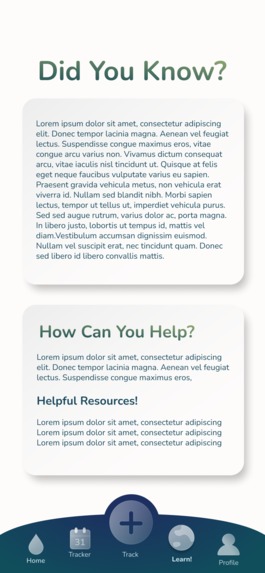
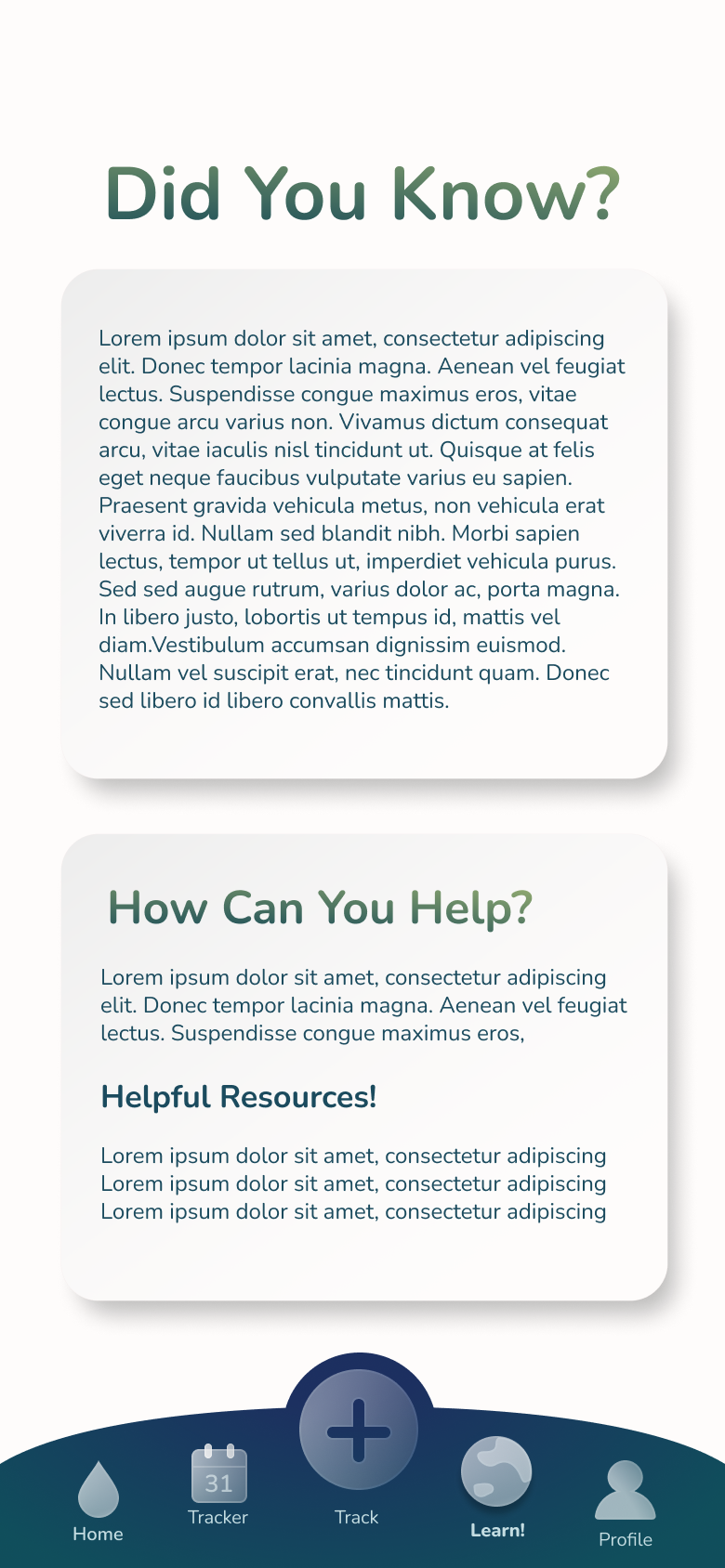
Learn more
Inspiration
When we were tasked with coming up with an app idea related to one of the four elements, we all reflected on our daily lives and how our activities related to any of the four. We thought of water and wondered how much we actually consumed every day. Turns out it was a lot more than we realized. Seeing this problem we did more research into the overconsumption of water, and went to work creating WAP: an app that can track our individual water consumption.
What it does
Water App Project utilizes user input and water consumption per-activity data to calculate the rough amount of water consumed during daily activities such as showering and brushing your teeth. The user is prompted for the type of activity -- of which we currently have eight -- and then prompted for the duration/quantifiable count of the activity. Both inputs are used to calculate the total amount of litres expended, which the user can then see on their personalized data tracker in the app for personal reference. This effectively helps users become more conscious about their water overconsumption.
How we built it
This project was built in Java by building and integrating the User class and the static Projections class with a GUI class. User handles the personal account information such as personal water consumption, while Projection acts as a library for calculations for each activity. These are integrated together in the user interface (GUI), built with Java Swing, where user input is taken and used for the calculations.
Challenges we ran into
In terms of the challenges we ran into, the main issue we faced was the lack of accurate data relating to the flow rates of water. Unfortunately, with the little time that we had we were unable to conduct further research concerning the usage of water for each activity. Therefore, we resorted to taking a general average of the measurements resulting in a very rough estimate of the actual amount of water the user may be consuming. Another minor issue we ran into was connecting the back end of the code to the GUI class. However, this issue was resolved through the addition of a couple of methods.
Accomplishments that we're proud of
None of our team has actually ever competed in a hackathon, so completing this project was very rewarding in itself. In addition, this was all of our first times working on a collaborative code project. In terms of the app, we’re proud that we were able to cohesively put together an interactive prototype for the potential user interface and successively code a functional GUI in Java.
What we learned
We learned that program design must be cohesive and well-thought-out in order to have separate team members working on the front and back end of a project in order for the integration to be smooth. We also learned the importance of managing our time wisely, especially during hackathons where time is of the essence and we must work efficiently and collaboratively.
What's next for waterAppProject
In terms of our future prospects, we hope to advance our research to include accurate measurement of water usage across households. Additionally, we would like to update the app and include a finance aspect that will allow the user to see how much money they save on their monthly water expenses in addition to the water they saved. We would like to include more initiative opportunities user could participate in under the learn section of the app.

Log in or sign up for Devpost to join the conversation.