-
-
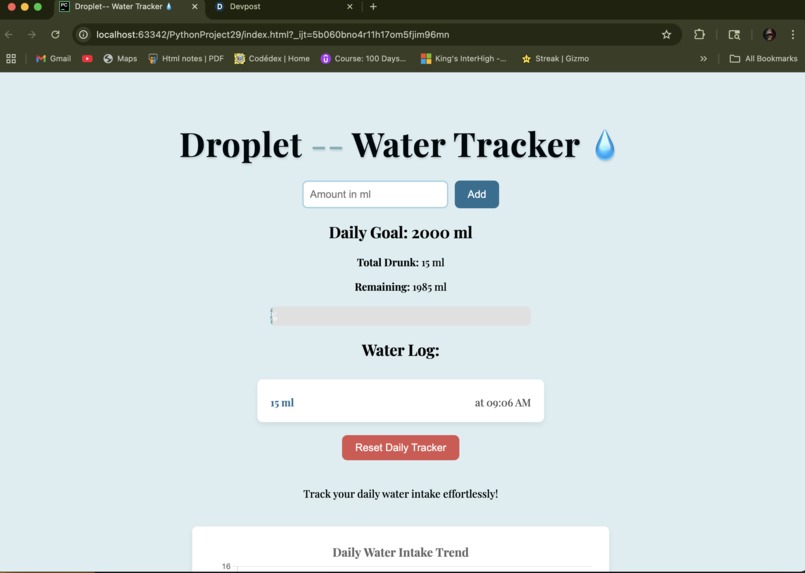
The page design
-
Inspiration
For a previous hackathon, I developed a Discord bot focused on water intake tracking. Building on that experience, I aimed to recreate the core functionality on a new platform, incorporating additional features to enhance user experience.
What It Does
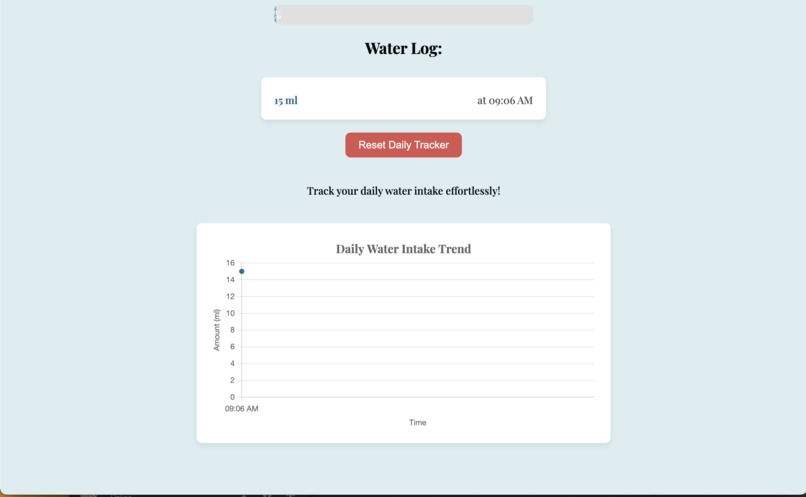
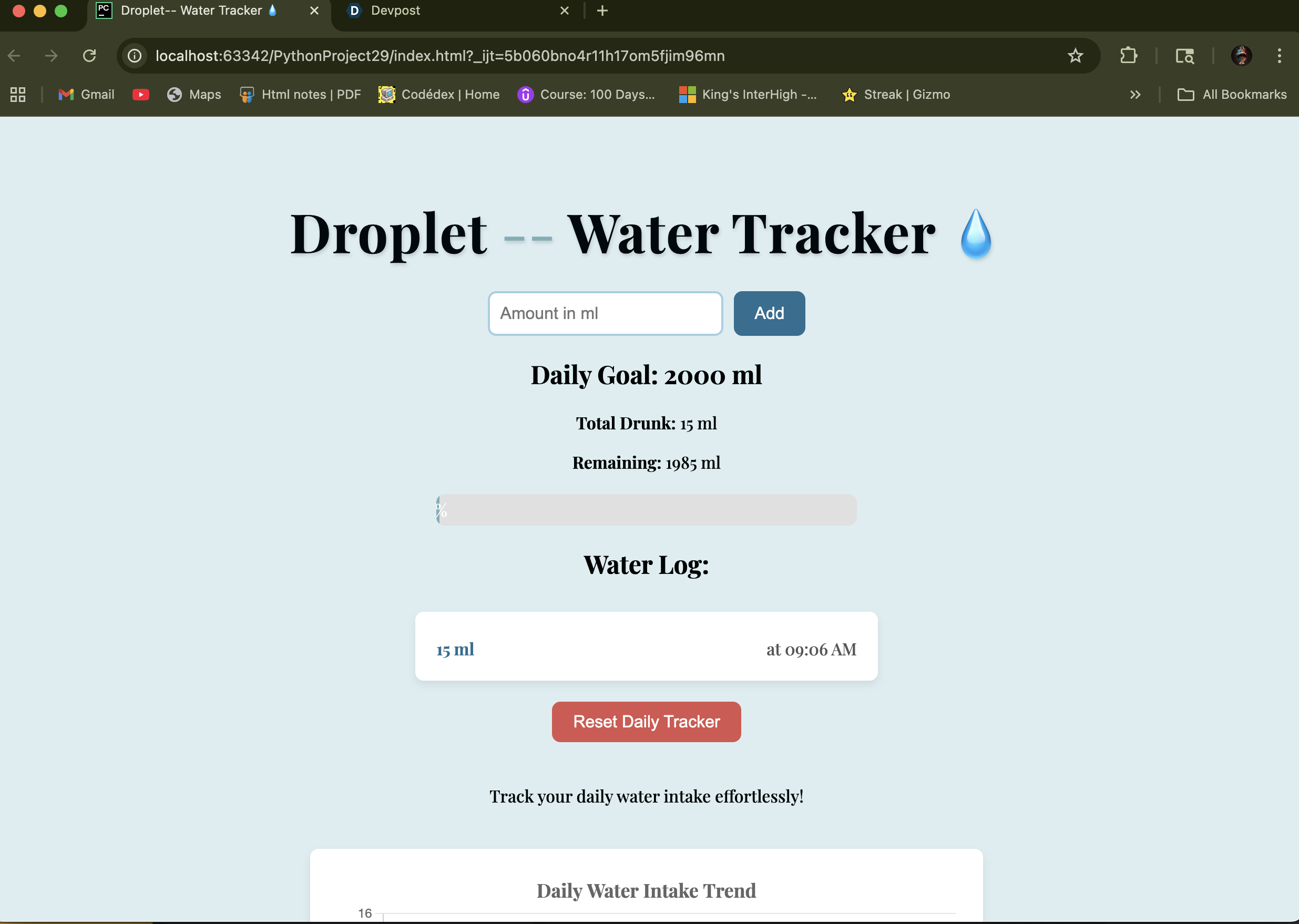
Our application provides comprehensive water intake tracking with several key features:
Personalized Progress: Tracks and saves your daily water consumption progress.
Intake Monitoring: Clearly displays the remaining water needed to reach your daily goal and the total amount you've consumed.
Automatic Logging: Seamlessly logs your water intake throughout the day.
Manual Entry: Allows for manual input of water consumed.
Data Reset: Provides an option to reset your consumption data.
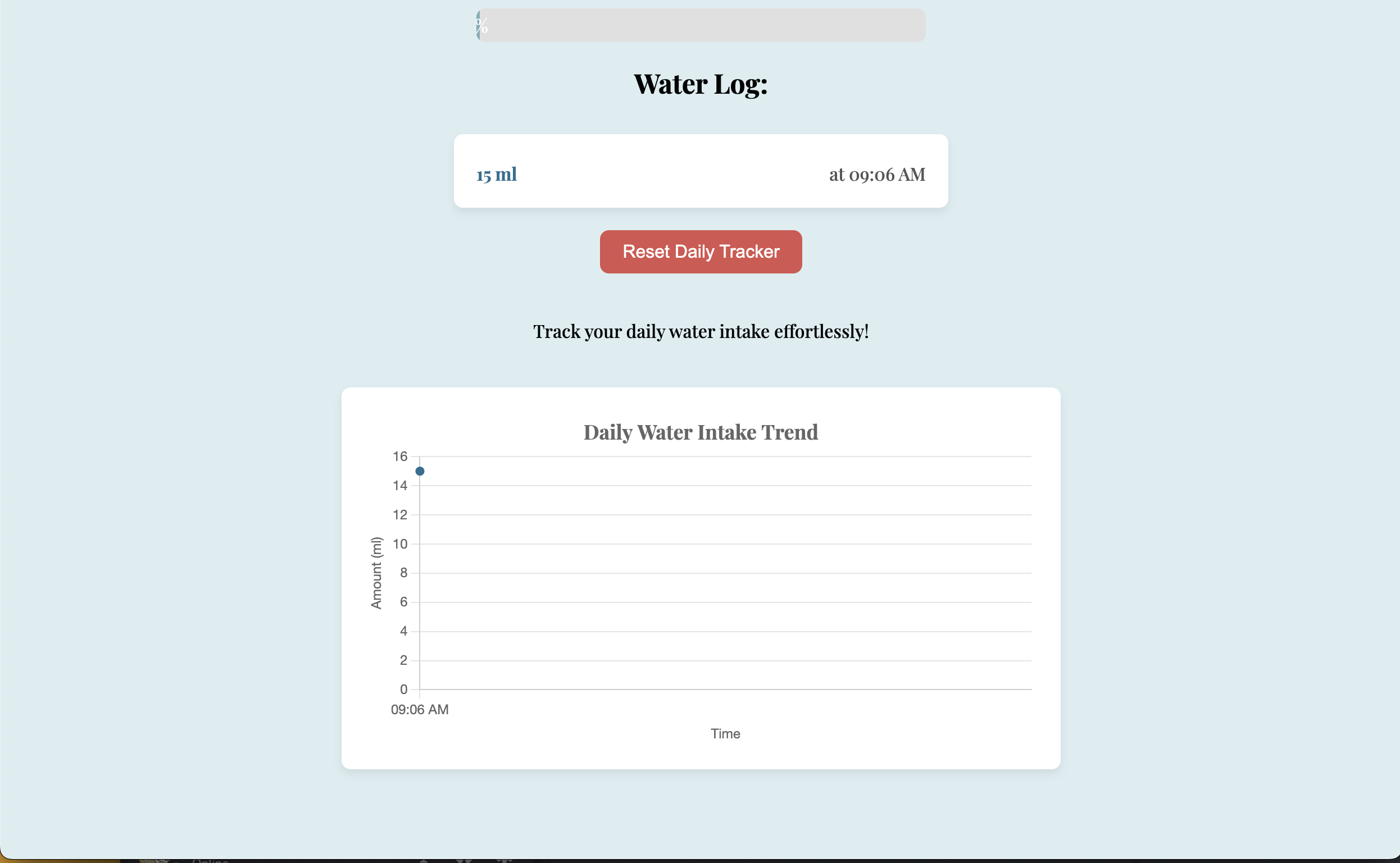
Visual Tracking: Includes a graph to visualize your water intake over time.
Timestamping: Records the time of each water intake entry.
How We Built It
Initially, we began development using Python and Flask. However, we later transitioned to HTML and CSS for the front-end interface to better suit our development goals.
Challenges We Ran Into
Our development journey presented several hurdles. A significant challenge was implementing the progress bar on the web interface; it repeatedly failed to display correctly. We also encountered persistent issues with the web application crashing, which required extensive debugging to identify and resolve the root causes. Furthermore, even when the application was operational, interacting with buttons frequently led to unexpected crashes.
Accomplishments We're Proud Of
Despite the challenges, we're particularly proud that we successfully got the application to function reliably, and we're very pleased with its clean and appealing aesthetic.
What's Next for Droplet
For future iterations of Droplet, our plans include designing a unique logo to enhance the website's visual appeal and potentially renaming the application to better reflect its purpose and brand identity.


Log in or sign up for Devpost to join the conversation.