-
preview
Inspiration
The inspiration behind Water-Timer is to remind individuals to stay hydrated throughout the day. Many people often forget to drink enough water, and this can lead to dehydration, which has negative effects on their health.
What it does
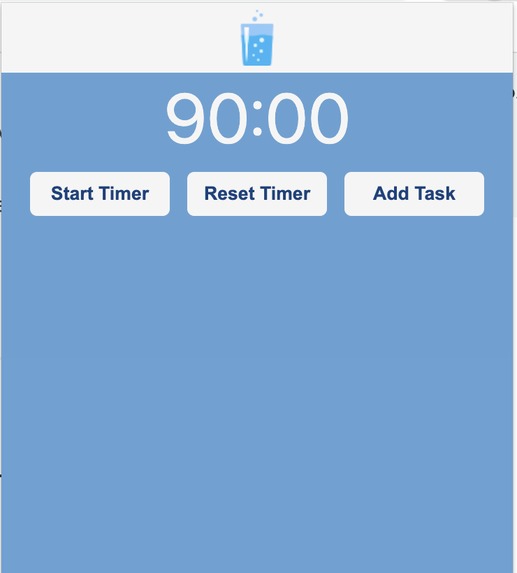
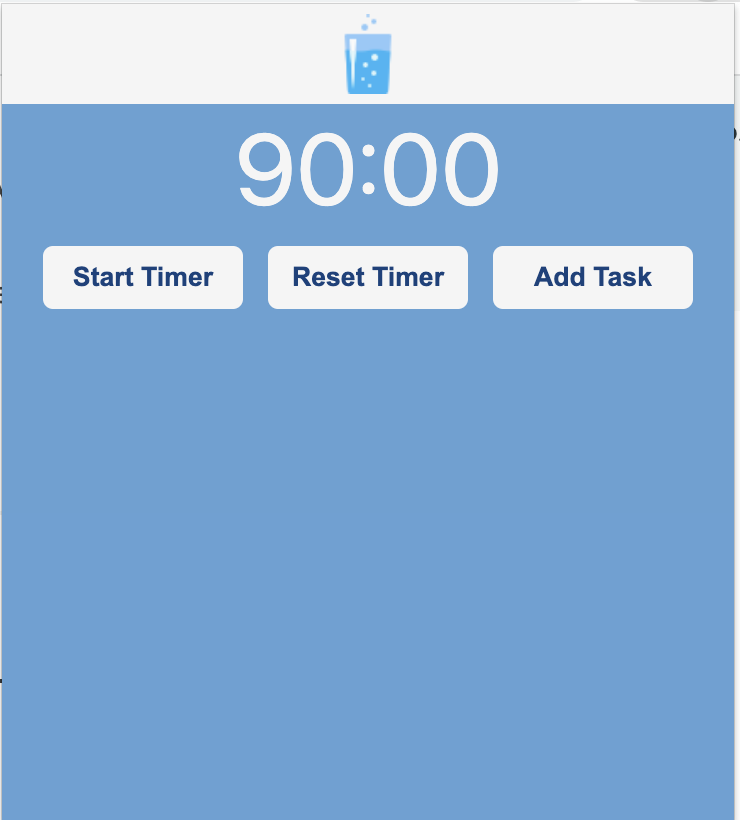
The Water-Timer is a Google Chrome extension that runs in the background and alerts the user to drink water every 90 minutes. It displays a popup notification with a friendly message and a water icon, reminding the user to take a break and drink a glass of water. The extension also keeps track of the total number of reminders and displays it on the icon badge, so the user can see their progress and stay motivated to drink more water.
How we built it
We used JavaScript, HTML, and CSS to create the extension, following the Chrome Extension API guidelines and best practices. We defined the basic structure of the extension, including the manifest file, the popup HTML file, and the background script. We added event listeners and functions to handle the timer, the notifications, and the storage of user preferences. We tested the extension on different and devices, making sure it works smoothly and efficiently.
Challenges we ran into
We had to learn some new skills and concepts related to Chrome extensions, such as message passing, local storage, and permission requests. We had to debug some issues with the timer and the notifications, as they sometimes overlapped or failed to trigger on certain conditions. We had to optimize the code and the design to make the extension user-friendly, accessible, and customizable.
Accomplishments that we're proud of
We were able to create a functional and useful extension that can benefit many people who struggle with drinking enough water or staying hydrated. We were able to apply our knowledge of web development to a new context and learn more about Chrome extensions and APIs. We were able to collaborate effectively as a team, communicate our ideas and feedback, and support each other throughout the project.
What we learned
We learned how to use the Chrome Extension API and its different components, such as background scripts, popup windows, notifications, and icons. We learned how to handle user input and preferences, store and retrieve data from local storage, and manage the extension's settings. We learned how to optimize the performance and user experience of the extension, by minimizing the use of resources and providing clear feedback and instructions.
What's next for Water-TimerWe plan to add more features and options to the extension, such as custom messages, sound effects, and different time intervals.
We plan to integrate the extension with other health or fitness apps, such as step trackers, calorie counters, or mindfulness tools. We plan to gather feedback from users and improve the design and functionality of the extension based on their needs and suggestions.


Log in or sign up for Devpost to join the conversation.