-
-
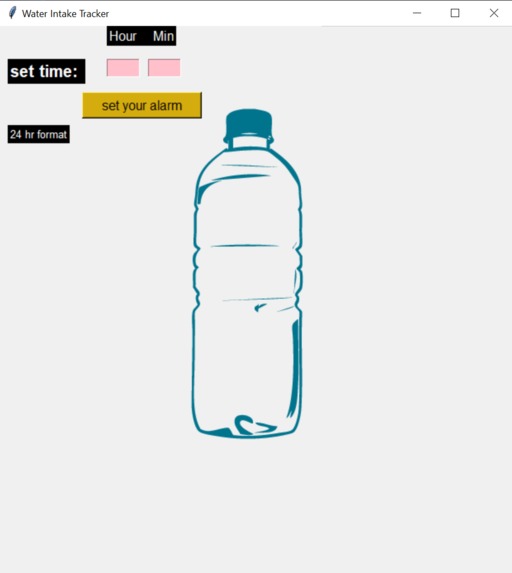
First prototype
-
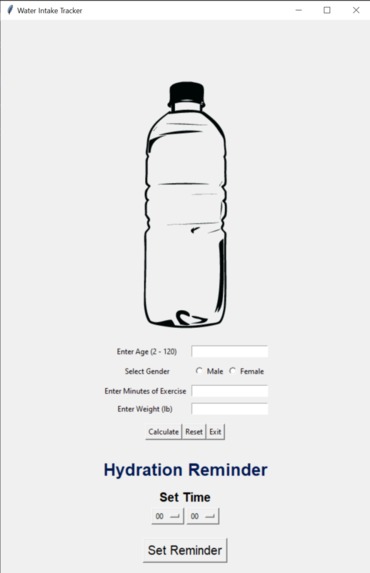
Added a reminder and the calculator
-
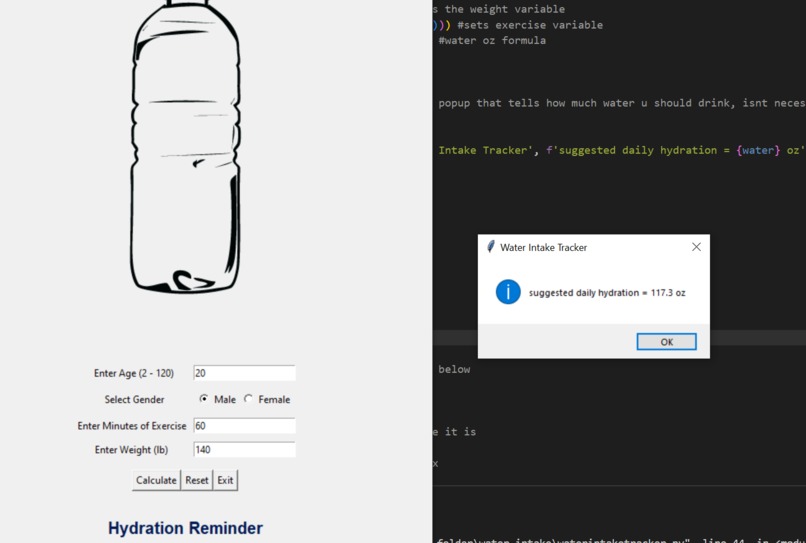
Made the calculator work
-
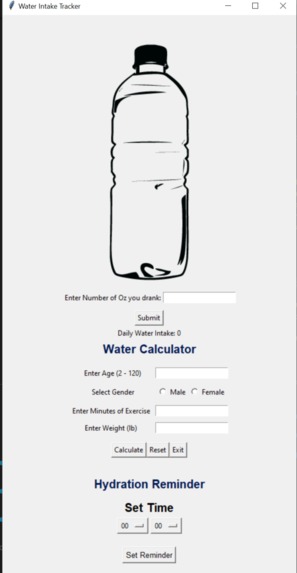
All of our widgets up and running
-
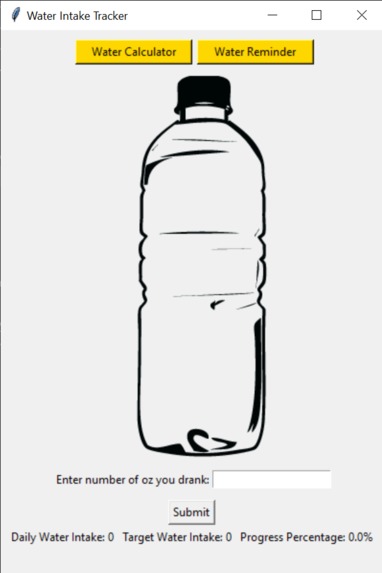
Added menu bar
-
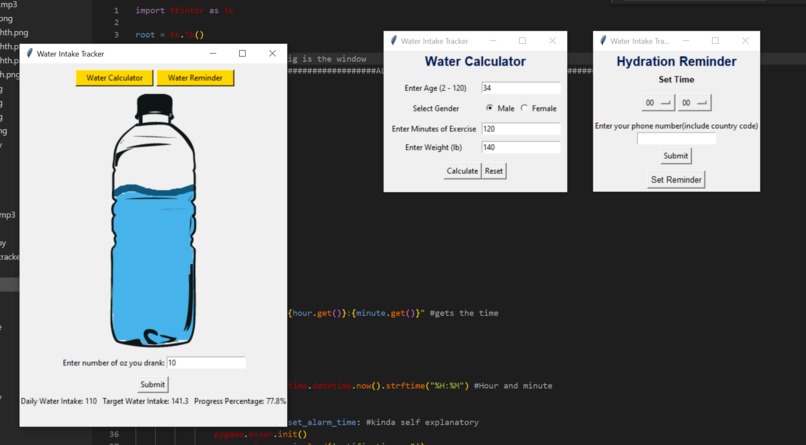
Final product!! Everything working!!


Inspiration
Last year, our teacher had us log what we ate and how much we drank throughout the week as a project. After the project, we all shared our results and we noticed that an overwhelming amount of our peers never reached the recommended daily hydration. So, with the theme in mind, we wanted to create a simple app that would motivate people to drink lots of water.
What it does
Upon startup of the app there is a dynamic water bottle that fills up as you input how much you drank. As you drink more water, the percentage displaying your progress towards the goal changes. When the goal is reached the water bottle appears to be completely filled and your project percentage is at 100%. Furthermore, every person has different hydration needs, so there is a calculator to tell you how much is recommended based on your individual traits. Finally, a SMS notification system can be set up to remind you to drink water.
How we built it
Using various libraries and APIs, such as Twilio, Pygame, etc, we started with coding each of the widgets individually before adding them together to the main file. First we coded the UI design of all the widgets before adding the functionality. After we had formatted everything, we added the logic and the functions to make the widgets operate. Then we added the logic behind the main page and the dynamic water bottle. We finished our project by adding the menu bar that creates new windows for each of the functions.
Challenges we ran into
As the first project we created, we ran into many errors and challenges. At first, we had issues with Twilio, the SMS API service. When we started, we were unable to download the library, which put a long pause in the process of creating the app. Then, we could not send messages to a user input phone number because Twilio wanted us to set a phone number in the code. After that was fixed, we wanted to create pop-out windows for each of the widgets, but whenever a new window opened, it would be completely blank. As this was our first time using 'Tkinter', the entire library was new to us. When trying to display new widgets within the main page, we often faced formatting issues with the elements' positions within the window.
Accomplishments that we're proud of
Since this was our first experience coding a large project, we were incredibly happy every time a new feature that we implemented worked as we intended. Our proudest moments were when we overcame our challenges, since they blocked us from progressing. Kyra's favorite accomplishment was when she was able to finally make her pop-out windows work, as they were the hardest part of her coding process. Robert's proudest accomplishment was implementing the logic for the dynamic water bottle and seeing the final product functioning properly, as it was the longest debugging process he has had on one of the features for the tracker.
What we learned
We learned that every idea is possible to code as long as we put in the work and effort. Thanks to our advisor, Haiyan, he made sure all of our ideas happened. This was the first time we were able to use our programming knowledge to create something meaningful.
What's next for Water Intake Tracker (Beginner)
We hope to add water logs that track when and how much water you input. We also received many comments to make the UI more appealing so we hope to work towards that as well.


Log in or sign up for Devpost to join the conversation.