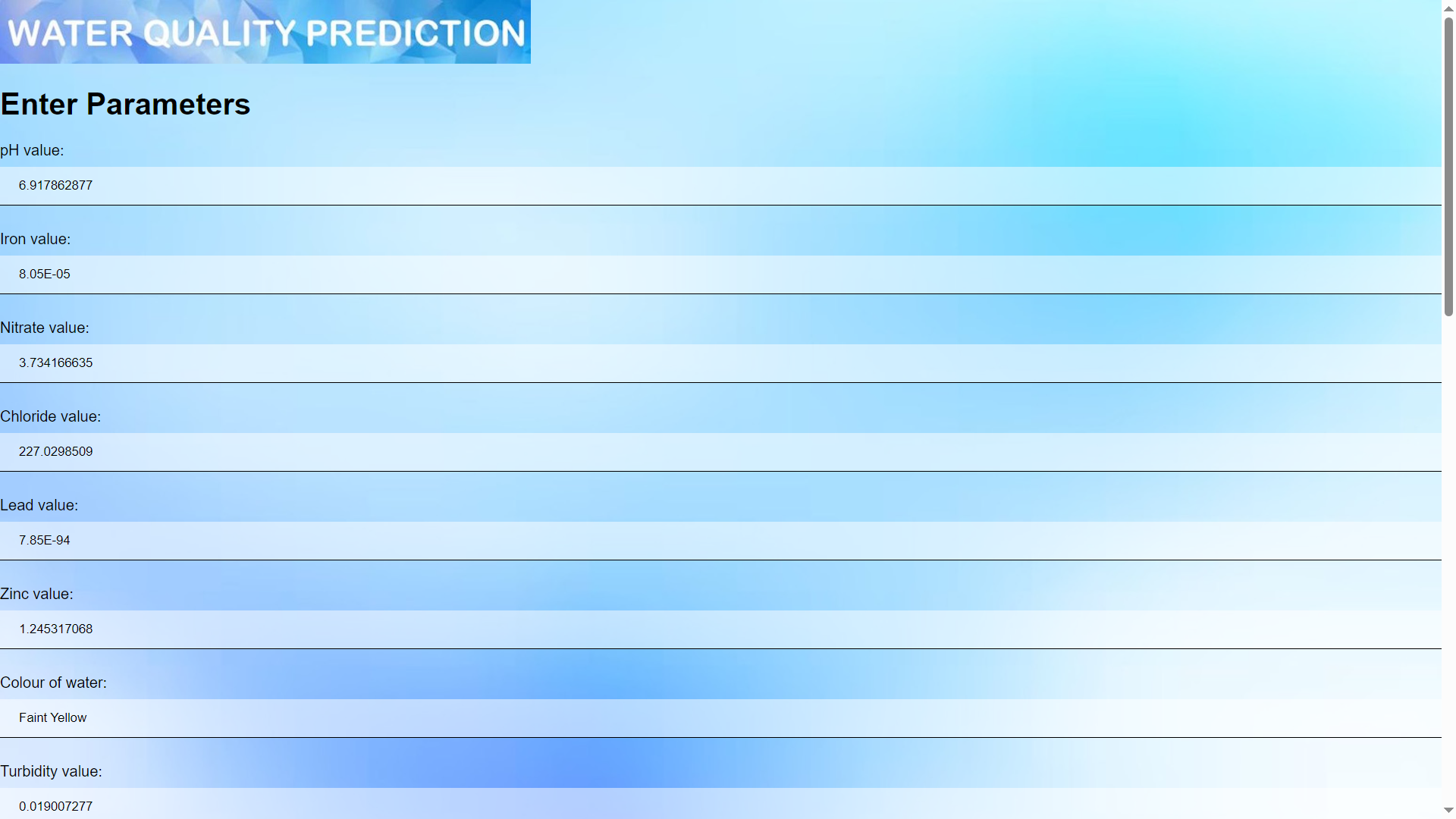
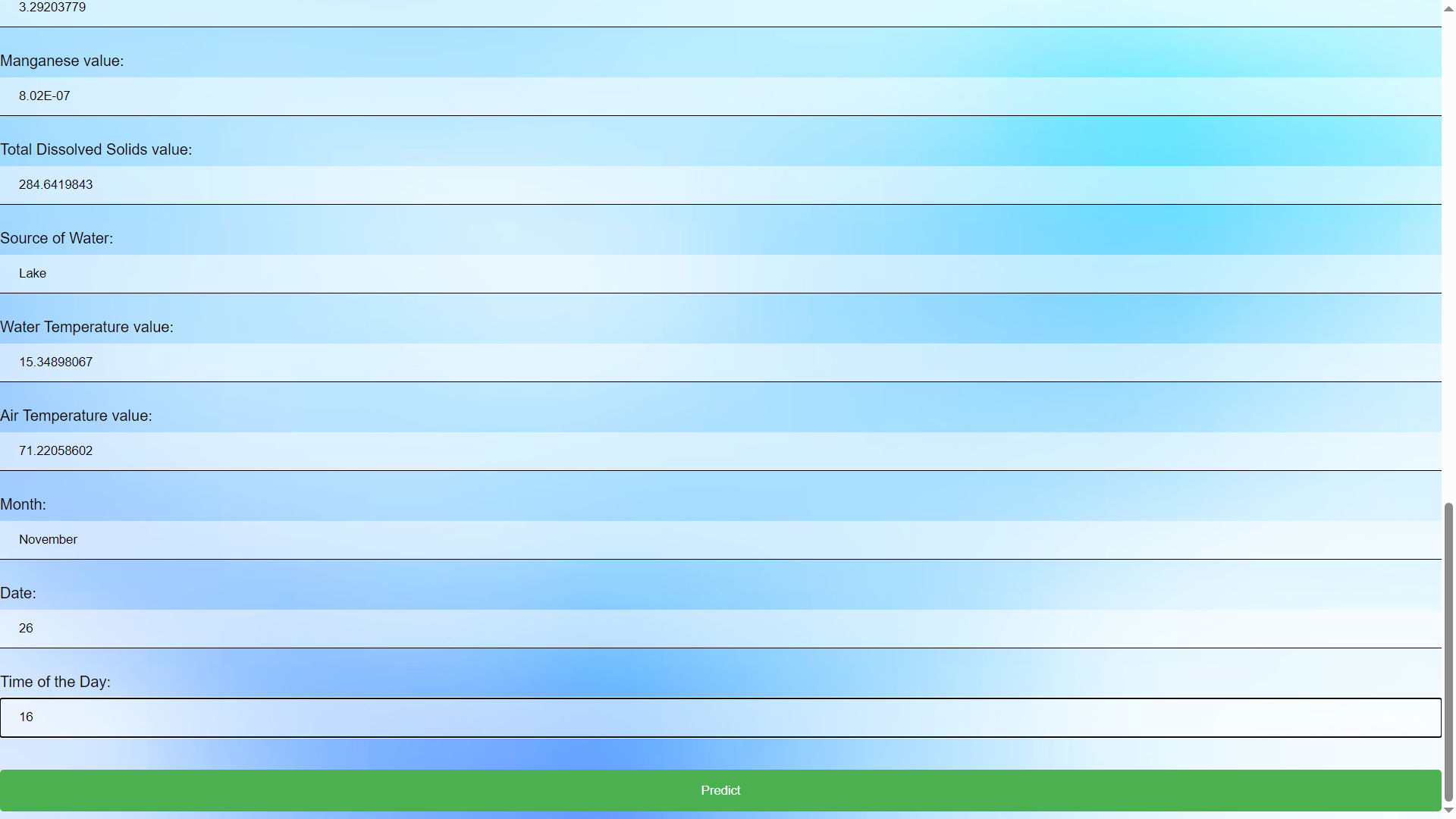
Getting Started To start the project, clone the repository, install dependencies using pip install -r requirements.txt, then run the Flask app with python app.py. Access the app in your browser at http://localhost:5000, input the 23 water quality parameters, and click 'Predict' to classify water potability Prerequisites Flask Numpy Scikit Learn
Installation Setting Up Your Project Locally To get a local copy up and running, follow these simple steps: Clone the Repository: git clone https://github.com/admin-sauce/Water-Cleanliness-Prediction-ML-Web-App.git
Navigate to the Project Directory: cd Water-Cleanliness-Prediction-ML-Web-App
Install Dependencies: pip install -r requirements.txt
Run the Flask App: python app.py
Access the Web Application: Open your web browser and go to http://localhost:5000 or http://127.0.0.1:5000 to access the application

Input Parameters: Enter values for the 23 scientific parameters related to water quality
Predict Water Potability: Click the 'Predict' button to classify the water as drinkable or not based on the input parameters
View Results: The application will display a message indicating the drinkability of the water
License Distributed under the GNU General Public License v3.0 License. See LICENSE for more information.
Built With
- css
- data
- decisiontreeclassifier
- frontend:-flask
- html
- numpy
- pickle
- scientific
- scikit-learn

