
WatchTower
Inspiration
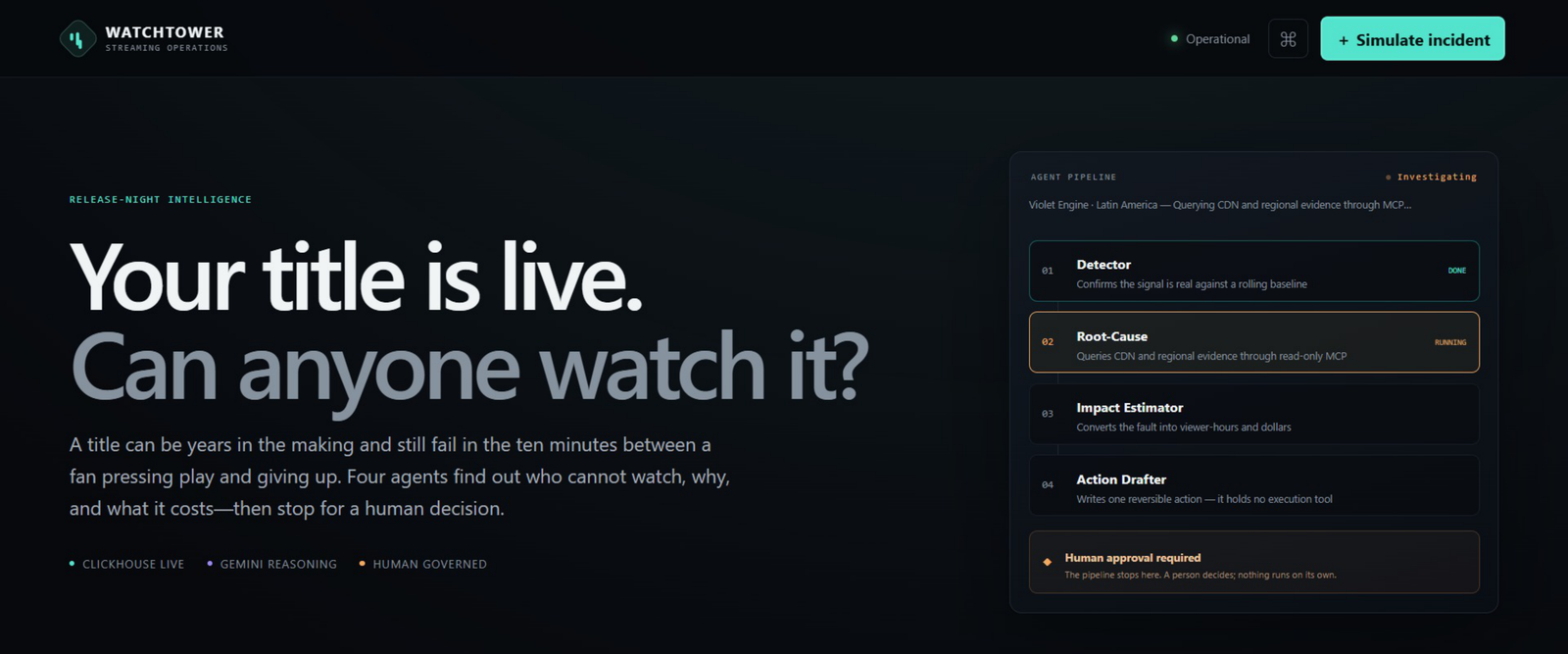
A movie or series may take years to create, but viewers can leave after only a few minutes of buffering or playback problems.
Streaming teams often see many charts and alerts, but those alerts do not clearly explain:
- What happened?
- Why did it happen?
- How many viewers were affected?
- How much could it cost?
- What should the team do next?
We created WatchTower to answer these questions quickly while keeping the final decision in human hands.
Our main idea is simple:
Evidence first, agents second, and a human decision always.
What it does
WatchTower is an agentic operations system for streaming teams.
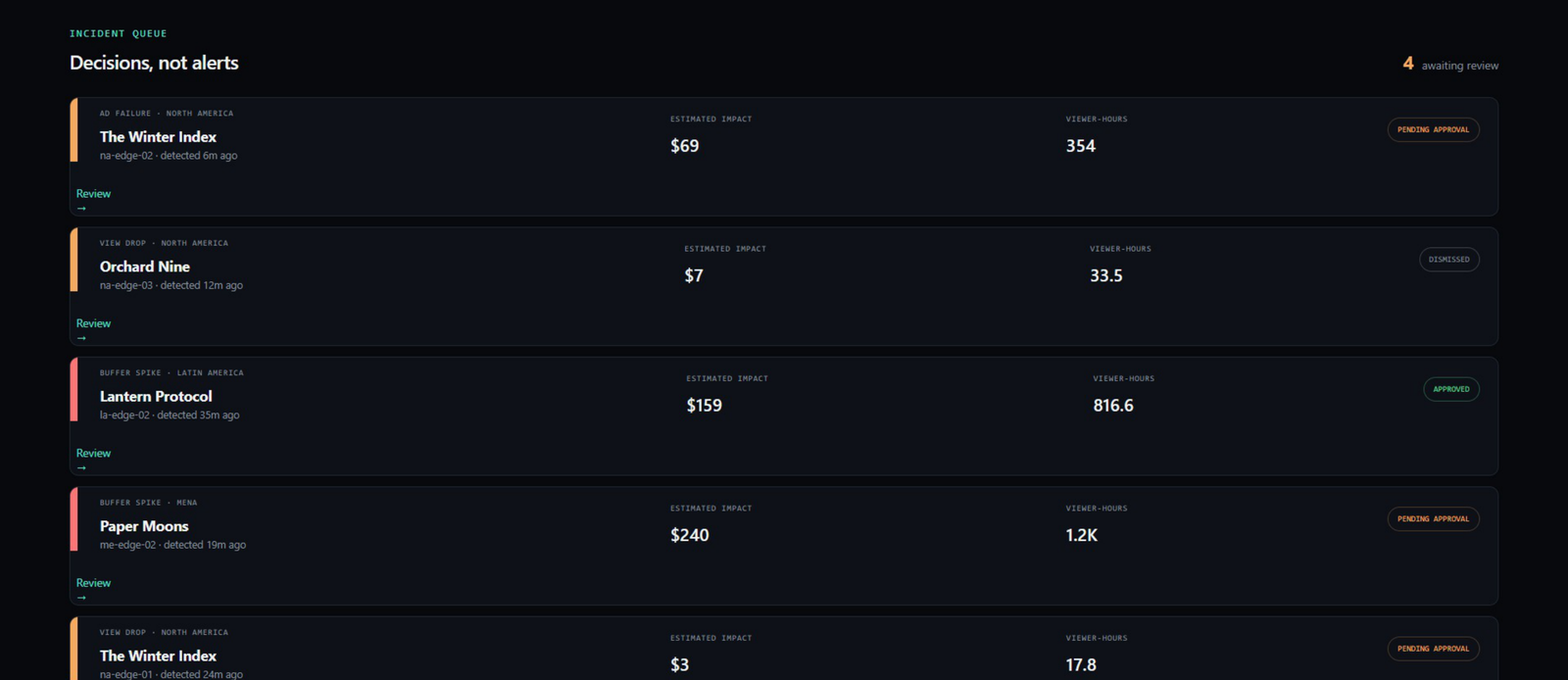
It monitors synthetic streaming data for 12 original fictional titles across five regions. It can detect:
- buffering spikes;
- sudden drops in views; and
- advertising delivery failures.
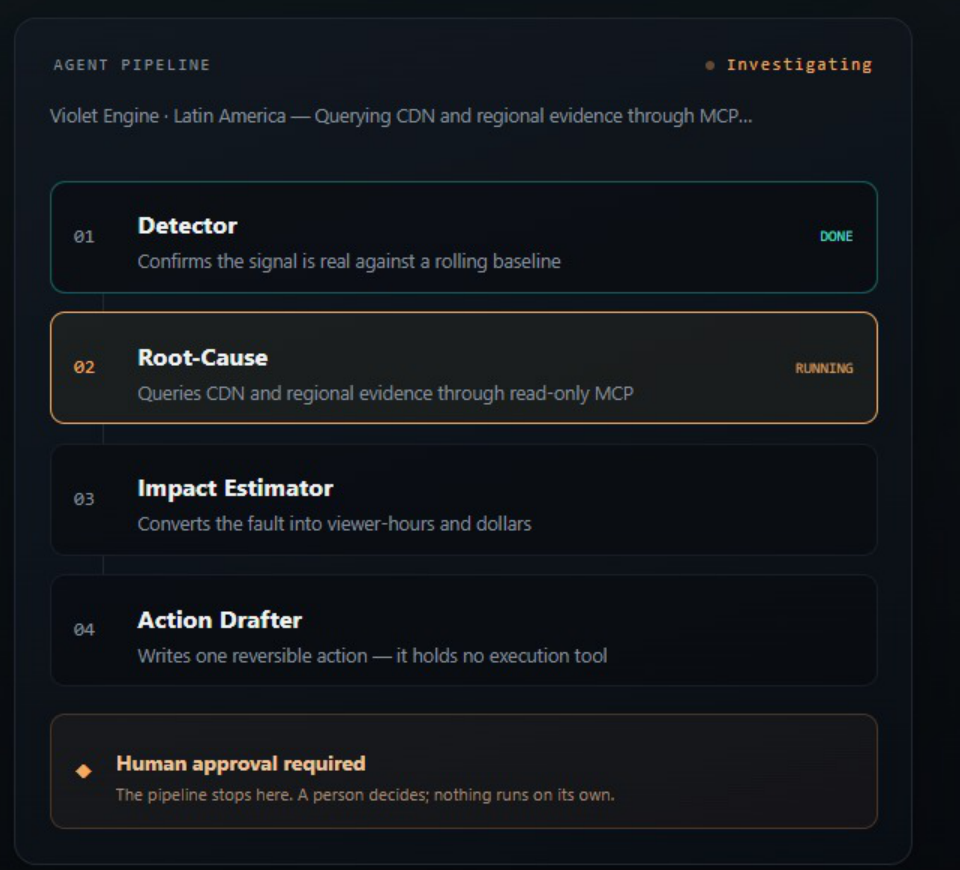
When WatchTower finds a problem, its four-stage workflow:
- confirms that the problem is real;
- investigates the likely cause;
- calculates affected sessions, lost viewer-hours, and estimated revenue loss; and
- creates a clear and reversible recommendation.
The recommendation is always sent to a human for approval or dismissal.
Approving a recommendation only records the decision. WatchTower cannot make changes to a CDN, advertising system, or streaming platform.
How we built it
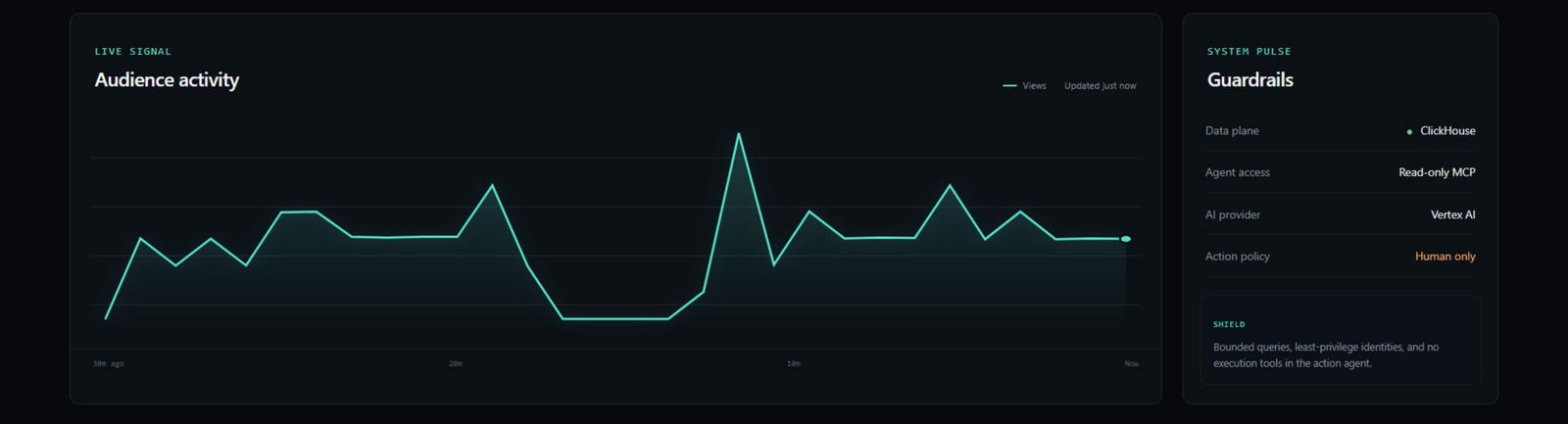
WatchTower uses ClickHouse Cloud to store telemetry, fictional titles, and incident decisions.
The agents query operational evidence through the official mcp-clickhouse server. A separate database identity gives the MCP server read-only access.
The four-stage workflow is coordinated with Google Agent Development Kit. Gemini 2.5 Flash on Vertex AI analyzes the controlled evidence and explains the result.
Deterministic Python code handles anomaly thresholds and business-impact calculations. This prevents the model from inventing incidents or changing financial values.
The application uses:
- Google Cloud Run for hosting;
- Google ADK and Gemini on Vertex AI;
- ClickHouse Cloud and the official ClickHouse MCP server;
- FastAPI and Python for the backend;
- HTML, CSS, and JavaScript for the dashboard;
- Google Secret Manager for protected credentials;
- Docker for reproducible local development; and
- Pytest and Ruff for testing and code quality.
Challenges we faced
The biggest challenge was making the agents useful without giving them too much control.
We did not want a model to invent evidence, execute unsafe database queries, or make real infrastructure changes. We solved this by separating each responsibility:
- deterministic rules detect the anomaly;
- validated queries collect limited evidence;
- deterministic formulas calculate the impact;
- Gemini explains the evidence and suggests an action; and
- a human makes the final decision.
We also solved problems involving ClickHouse query behavior, MCP response formats, secure database permissions, cloud startup time, and Cloud Run readiness.
What we are proud of
We built a complete working flow:
Live telemetry → ClickHouse → official MCP server → agent investigation → human decision
We are also proud that:
- the agents use real ClickHouse evidence;
- the financial calculations are auditable;
- every incident shows the complete agent trace;
- the MCP database identity is read-only;
- no autonomous execution tool exists;
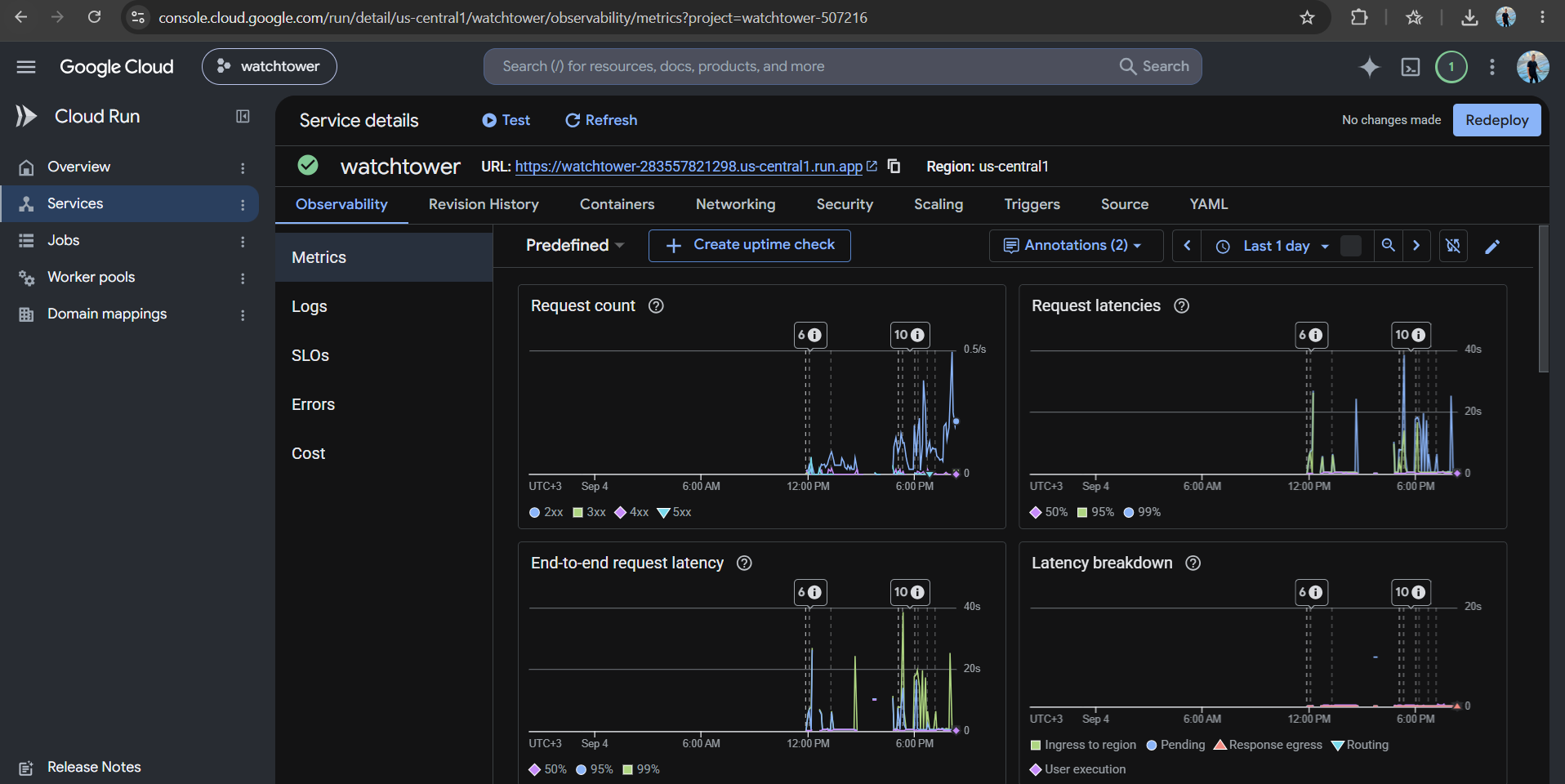
- the application is publicly deployed;
- the project has automated tests and continuous integration; and
- all titles, artwork, telemetry, and incidents are fictional and original.
What we learned
We learned that AI agents work better when they receive clear and limited evidence.
The model should explain information and support decisions, while normal code and database permissions protect the facts and safety boundaries.
We also learned that human approval should be visible inside the product. It should not exist only as a statement in the documentation.
ClickHouse worked well because it could support both live operational windows and longer historical baselines in the same system. The official MCP server allowed the agents to use this evidence without creating another analytics pipeline.
What's next
Future versions could support different streaming companies, smarter seasonal baselines, feedback from previous incidents, and integrations that prepare change plans for operations teams.
The human decision boundary would remain. WatchTower may prepare a plan, but it should never silently execute a high-impact change.
Data disclosure
WatchTower does not use real customer or streaming-company information.
All 12 titles, artwork, regional traffic, CDN names, telemetry, and simulated failures were created specifically for this project. The detection, ClickHouse persistence, MCP queries, Gemini analysis, impact calculations, and human decision records are real.
Try the complete workflow
- Open the live application.
- Wait until the status shows Operational.
- Click the key button in the top-right.
- Open Reviewing this project?
- Click Fill it in and then Save locally.
- Click Simulate incident.
- Select a fictional title, region, and problem.
- Click Arm simulation.
- Watch the four-stage investigation.
- Open the new incident and approve or dismiss it.
The public review key is:
watchtower-judge-demo
The first load may take around 30 seconds because the service can scale down when it is not being used.
Built With
- clickhouse
- docker
- fastapi
- gemini
- google-adk
- google-cloud
- google-cloud-run
- javascript
- mcp
- pytest
- python
- vertex-ai

Log in or sign up for Devpost to join the conversation.