WatchThis: Teach Your PC a Skill by Demonstrating It Once
Wouldn't it be fantastic if your computer could record your actions and capture your intent in a single pass, perfectly reproduce the entire process, and allow for integration with various agent tools?
Many existing screen recording and macro tools fall short in this regard; they either rely solely on video capture—often missing critical actions like rapid keyboard shortcuts, frame-by-frame mouse clicks, silent window switches, or background clipboard edits—or they lack sufficient versatility. I wanted a tool capable of truly "monitoring" the operating system during recording to ensure no action goes uncaptured. WatchThis was created for precisely this purpose.
The idea is straightforward: show it what you do, and let it learn the routine.
Inspiration
Last month, I wanted to log a large number of expense receipts from my computer into Excel. I looked at existing tools but found them lacking in usability; meanwhile, relying on AI sometimes led to missed details, resulting in wasted time. So, I decided to develop an AI tool that could "learn after seeing it just once"—one that was open-source and highly versatile. After all, who wouldn't love a tool that actually works well?
How It Works
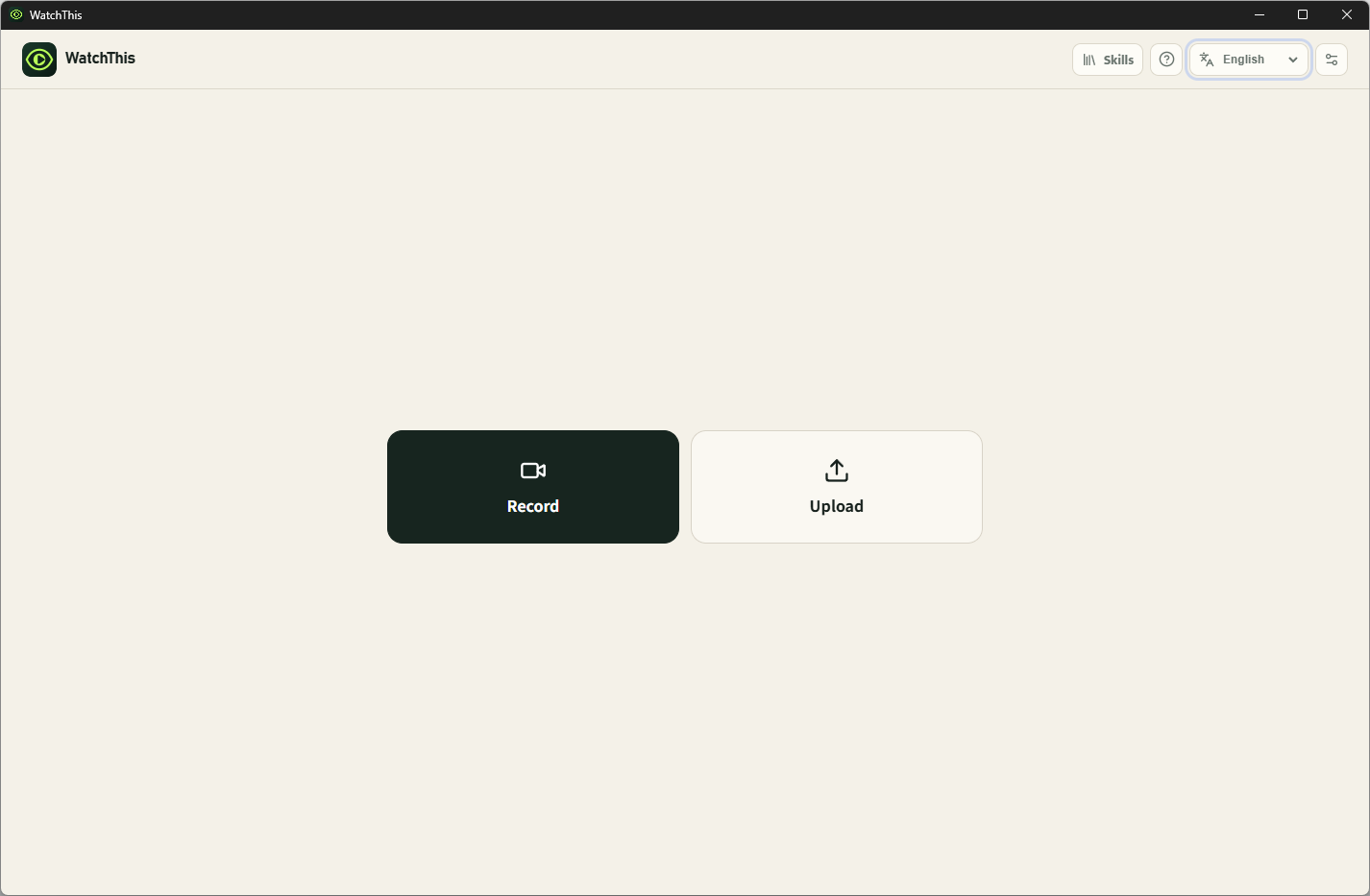
WatchThis is a Windows desktop app that turns a quick workflow recording into a reusable automation skill. You can run a live task—like editing spreadsheets, updating reports, or pulling web data—or simply feed it a video.
When recording live, WatchThis captures far more than pixels. It hooks directly into system events: Mouse tracks, clicks, and scroll events Keystrokes and hotkey combinations Window titles and process details Windows UI Automation tree context Clipboard activity and local file changes Optional browser URL and UI metadata
Standard multimodal models often struggle with low-frame-rate video. Adding this system telemetry fixes the blind spots.
To process long sessions, WatchThis breaks video into 60-second overlapping segments. Doing so also reduces the likelihood of hallucinations in the analysis model, and this tool ensures task coherence. It sends both the visual feed and real-time event logs to an LLM, generating a structured workflow draft.
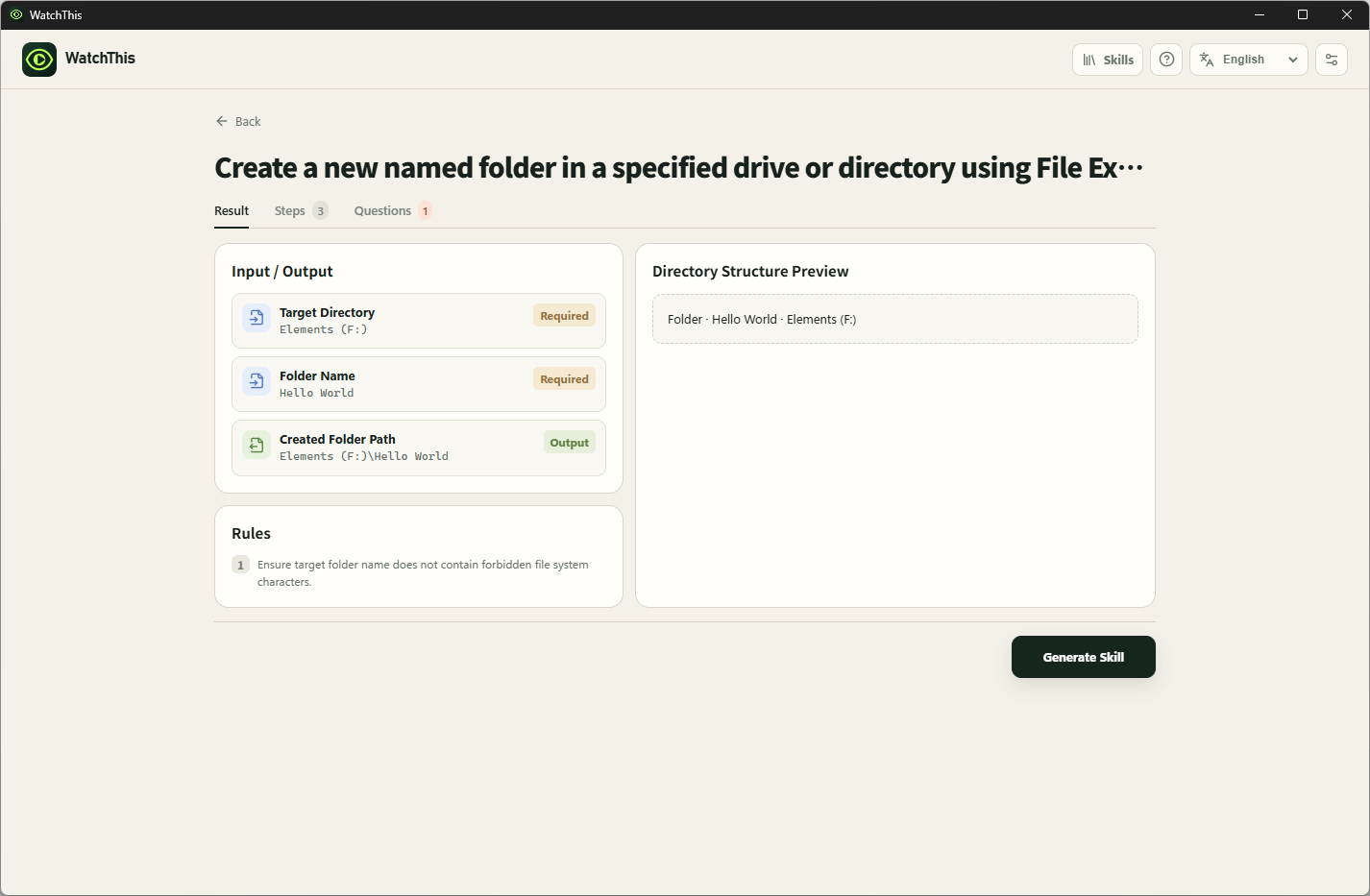
Before finalizing anything, it pauses to verify: "Is this what you meant to do?"
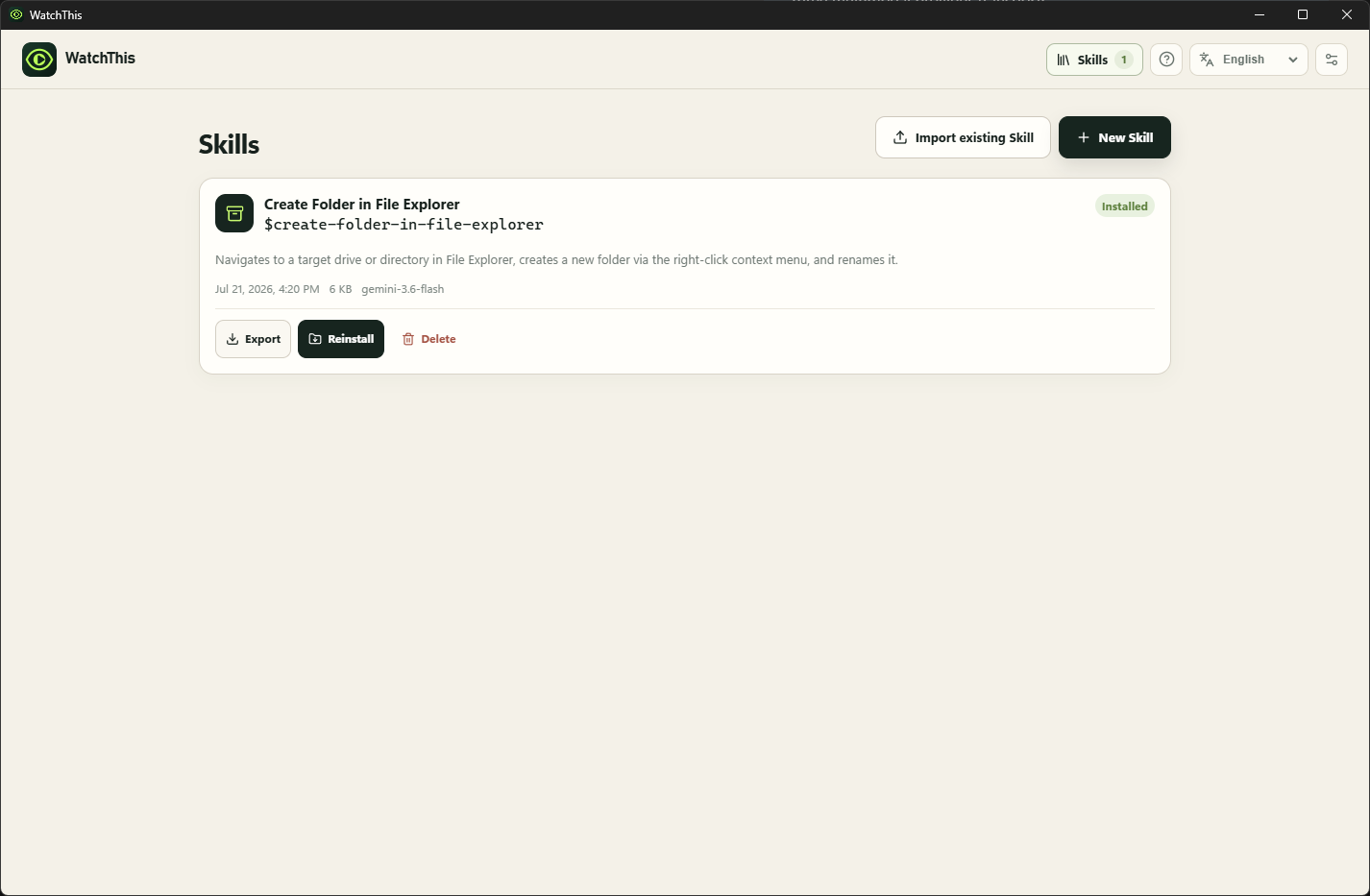
It highlights identified goals, steps, layout rules, and potential gaps. Once you confirm, WatchThis outputs a ready-to-run Computer Use Skill, exportable as a local ZIP or loadable straight into platforms like Codex.
Technical Architecture
The frontend is built with Electron, React, TypeScript, and Node.js.
On Windows, a native C# / .NET 9 background service logs system inputs and UI Automation metadata synchronously with video frames. A lightweight Chrome and Edge extension can also supply page URLs and UI roles without scraping raw HTML.
For AI integrations, WatchThis supports multiple backends: Official Google Gemini Developer API Gemini-compatible proxies (such as New API) Vision-capable OpenAI-compatible APIs
When using native Gemini, video streams directly with timestamps. For proxies without file-upload endpoints, WatchThis extracts timestamped frames locally and passes them via inlineData. All responses go through strict schema checks.
The generated package includes a readable SKILL.md, agent metadata, a WatchThis manifest, and a framework-agnostic setup. The UI supports English, Simplified Chinese, Japanese, Korean, and French.
Core Engineering Challenges
Video on its own is just pictures over time. High frame rates still miss silent OS events like hotkeys, window focus changes, or clipboard updates. Getting video and system logs aligned precisely was the trickiest part.
Long sessions were another hurdle. Slicing long video can easily break workflow context across cut points. I solved this by using sliding analysis windows, absolute timestamps, and event deduplication.
Supporting various AI backends also introduced edge cases. Some proxies support generateContent but omit file uploads, forcing the transport layer to adapt dynamically based on available features.
Finally, app lifecycle hygiene needed close attention to ensure background capture processes and async requests cleaned up cleanly on pause or cancel.
Development with Codex
Throughout the development process, Codex proved to be a reliable "copilot." It assisted me in testing architectural patterns, debugging hardware hooks, refining UI designs, and writing automated test suites.
I utilized the GPT 5.6 Sol with ultra mode for the design phase, and it was incredibly powerful. I am also deeply grateful for the generous usage resets provided during this period; they kept my project momentum going and gave me the capability to thoroughly optimize the software.
The ultra mode is exceptionally robust, capable of simultaneously handling Electron, React, C# bindings, and multi-provider pipelines—tasks that could easily overwhelm someone with limited engineering experience. Codex helped me stay on track, allowing me to focus on the overarching vision and logical architecture. It’s fantastic!
Current Milestones
I built WatchThis so it wouldn't make blind assumptions. It flags uncertainty, asks for missing input, validates schemas, and requires a supervised first run for new skills.
Current build highlights: Synchronized screen recording with background OS telemetry Three multimodal LLM transport adapters End-to-end skill generation and local management One-click Codex setup and portable ZIP exports Localized into 5 languages Windows native engine + browser extension 165 automated tests and packaging smoke tests
Looking Ahead
I’ve open-sourced the project on GitHub, and I can’t wait to see the creative ideas that emerge.
Looking forward, I also hope to add visual privacy masking, dedicated Excel benchmarking, broader support for agent frameworks, and a code-signed Windows version.
The goal remains simple: demonstrate a task to the computer just once, and turn it into a reliable skill.
Built With
- .net-9
- chrome
- codex
- electron
- gpt-5.6
- jszip
- node.js
- openai-compatible-apis
- react
- typescript
- vite
- vitest
- windows-ui-automation
- zod


Log in or sign up for Devpost to join the conversation.