-
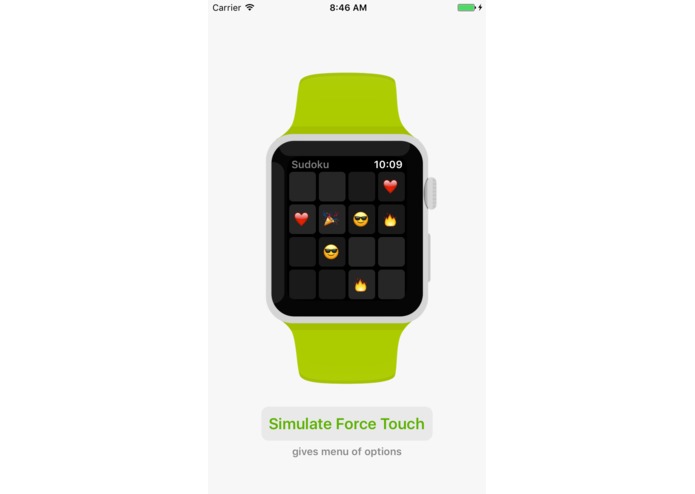
Playing Emoji Sudoku for Apple Watch in a WatchKit for iOS container
-
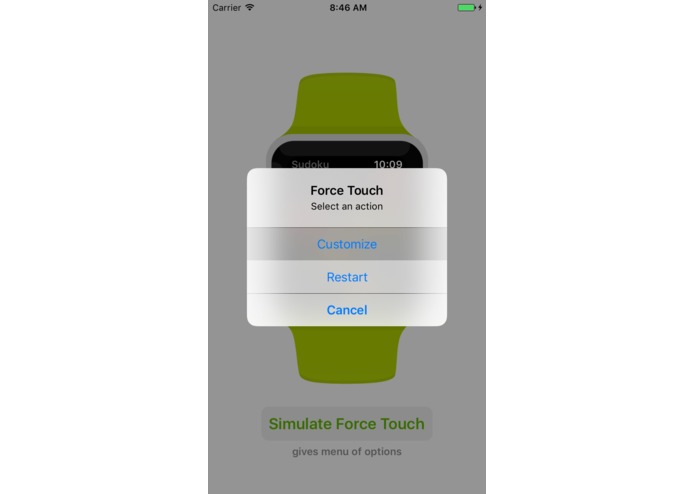
Simulating a Force Touch
-
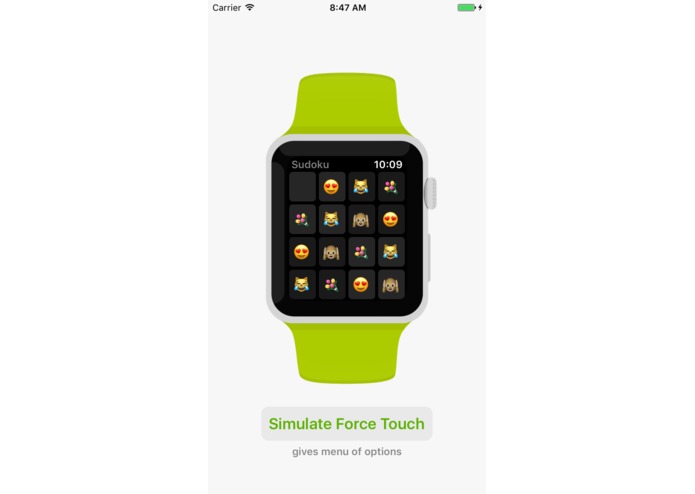
One step away from winning
-
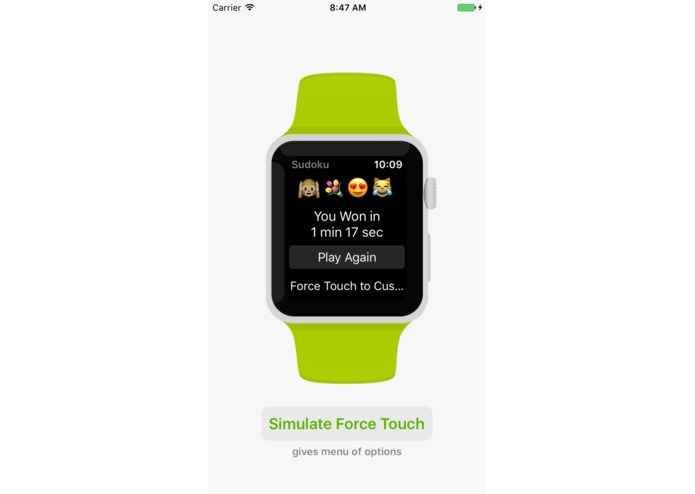
Completion screen
-
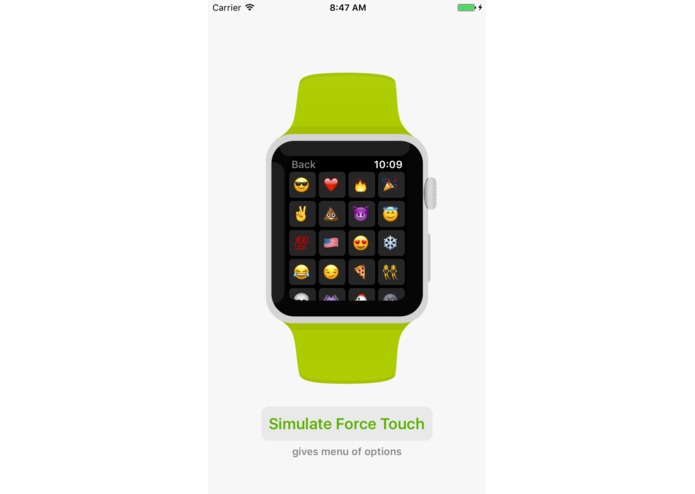
A modally-presented WKInterfaceController


What it does
WatchKit for iOS takes the unmodified source code and Storyboard file of an Apple Watch app and allows it to run in a container on an iPhone. It reimplements classes from the WatchKit library and renders them as appropriate for UIKit on iOS.
How I built it
Apple Watch apps are designed in a visual Interface Builder. This tool generates a .xml file that is compiled and parsed by WatchKit. WatchKit for iOS manually parses the auto-generated XML file and creates objects that have the same name, properties, and methods as their WatchKit counterparts. This includes dynamic dispatch features like @IBOutlets and @IBActions.
Challenges I ran into
WatchKit is build in Objective-C, which is dynamic and loosely typed. It was difficult to reimplement dynamic dispatch behavior, such as connecting on-screen buttons to methods owned by arbitrary view controllers, since Swift is much more explicit and type-safe.
What I learned
Dealing with the challenges of dynamic dispatch, I learned a lot about some of the more powerful features in Swift. I also have a solid understanding of how Interface Builder works under the hood after I hand-parsed the XML it auto-generates.
Accomplishments that I'm proud of
I wrote am Apple Watch app called Emoji Sudoku over a year ago. This submitted app loads and displays Emoji Sudoku in a WatchKit for iOS container. I'm really proud that I was able to do that without making any changes to the original source code.
What's next
I plan on integrating the framework into the App Store build of Emoji Sudoku.
Built With
- iphone-sdk
- swift
- uikit
- watchkit
- xcode

Log in or sign up for Devpost to join the conversation.