-
-

Icon
-
Thumnail
-
Watchlist
-
Presets
-
Context
-
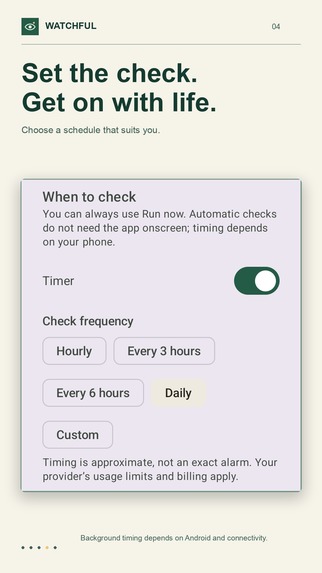
Schedule
-
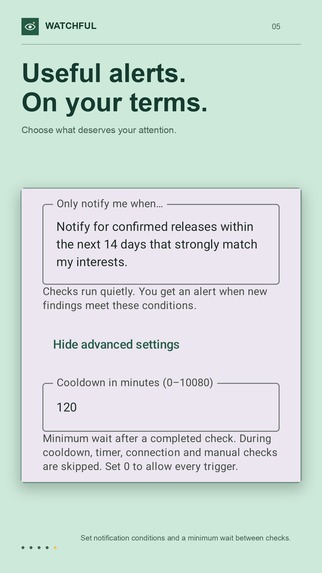
Rules

Inspiration
At home, we regularly struggle to keep track of petrol prices and work out when to fill up. Sometimes we get caught paying 30 cents more per litre. The information is useful, but remembering to check it at the right time is the problem.
I noticed the same pattern in my AI chats. I kept returning to ongoing searches about my favourite anime shows and calls for proposals (CFPs) for speaking opportunities, asking the chat to check again for updates. If I forgot to ask, I could miss something that mattered to me.
I built Watchful to automate those repeated checks. Instead of having to remember each search and manually ask for another update, I can describe what I care about and when I want to hear about it. The goal is to spend less time checking and stop relying on my memory to keep up.
What it does
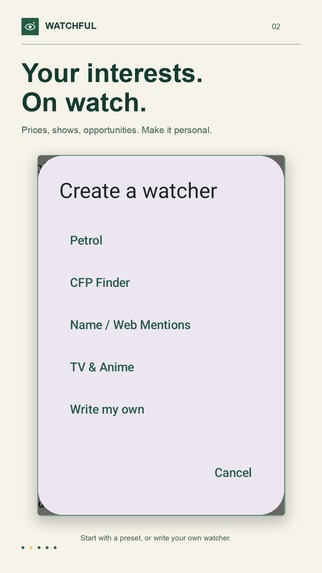
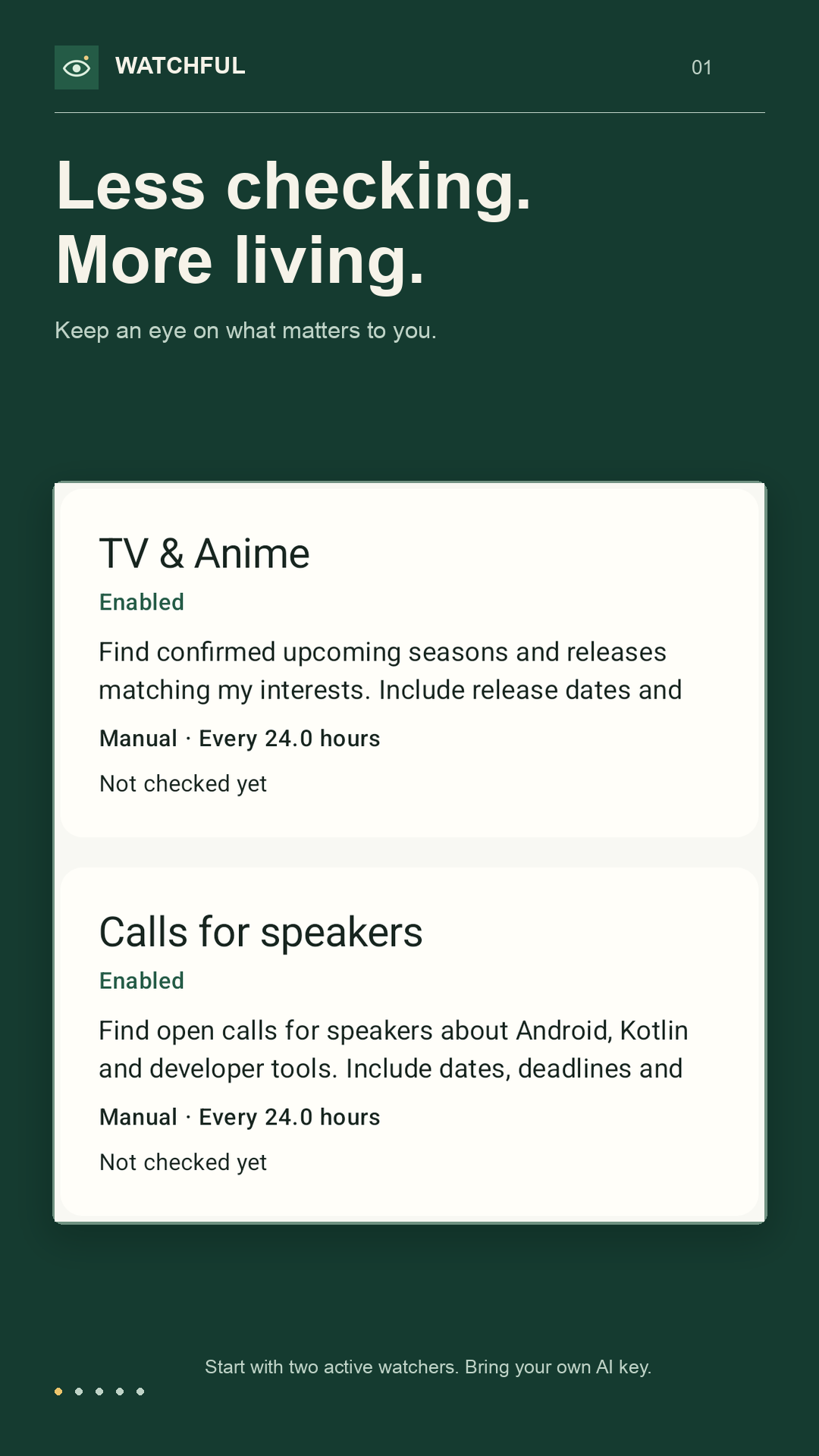
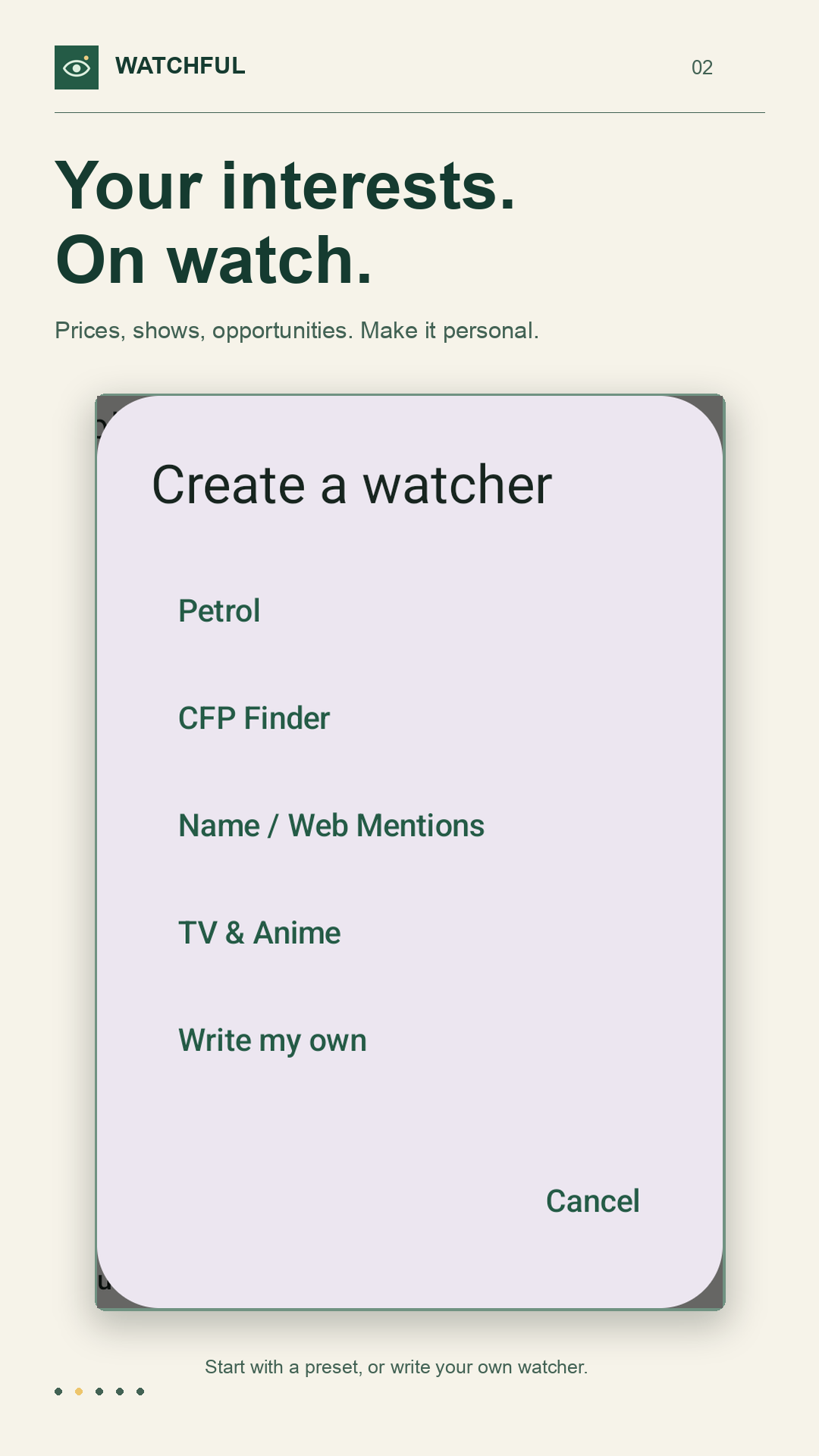
Watchful is an Android and iOS app for personal AI-powered web checks. Create a watcher, give it context, describe what it should look for, and set the conditions for a notification. Start from a preset or write your own instructions.
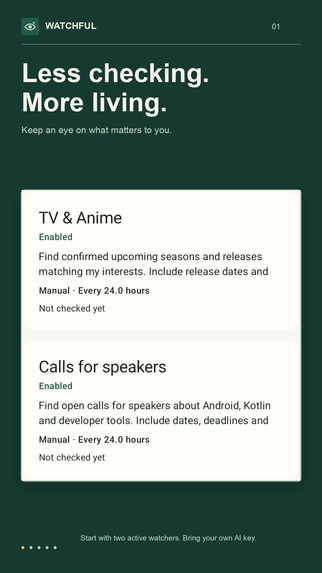
For my own use, that means checking petrol prices, looking for updates on favourite anime shows, and finding speaking opportunities without reopening the same chats to ask again. Each watcher has its own context and notification instructions, so the same app can handle different interests.
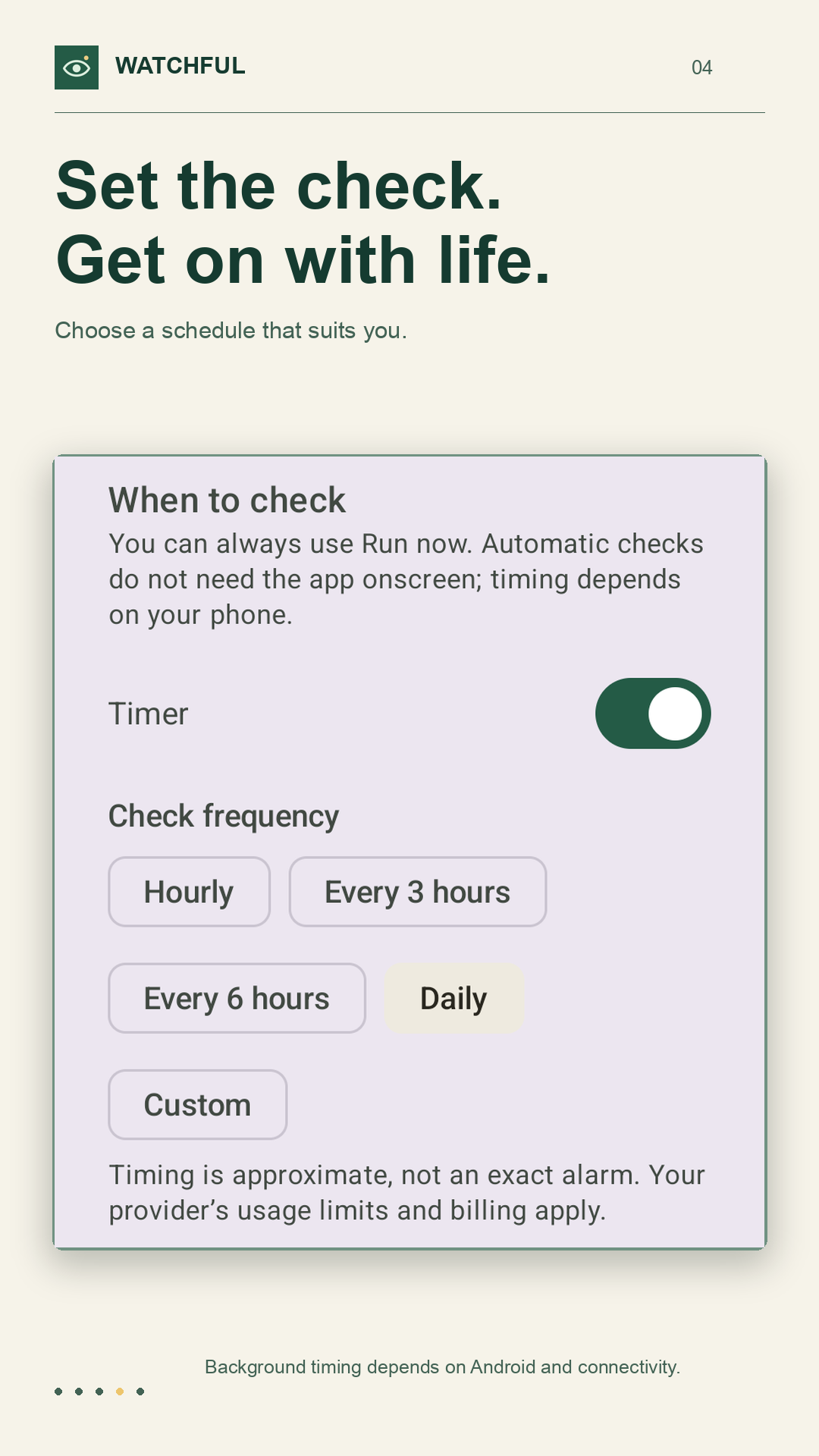
Users connect their own Gemini or OpenAI API key. Watchers can run manually or on a schedule, with supported connection-based triggers for additional automation. Background timing depends on the phone's operating system.
Two active watchers are free. A one-time Pro purchase removes the active-watcher limit. AI provider usage is billed separately, so the app purchase and the cost of running searches stay distinct.
How we built it
I built Watchful as a solo project using Kotlin Multiplatform and Compose Multiplatform, sharing application logic and UI between Android and iOS. Ktor handles communication with the AI APIs, with Kotlin coroutines and serialization supporting asynchronous requests and structured results.
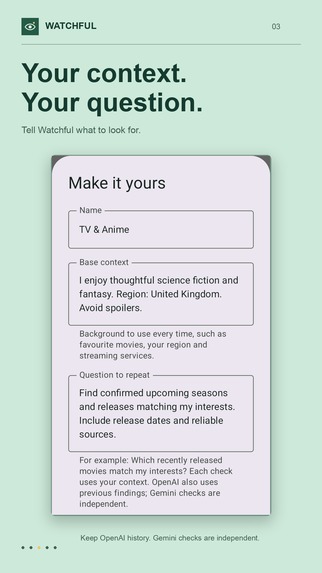
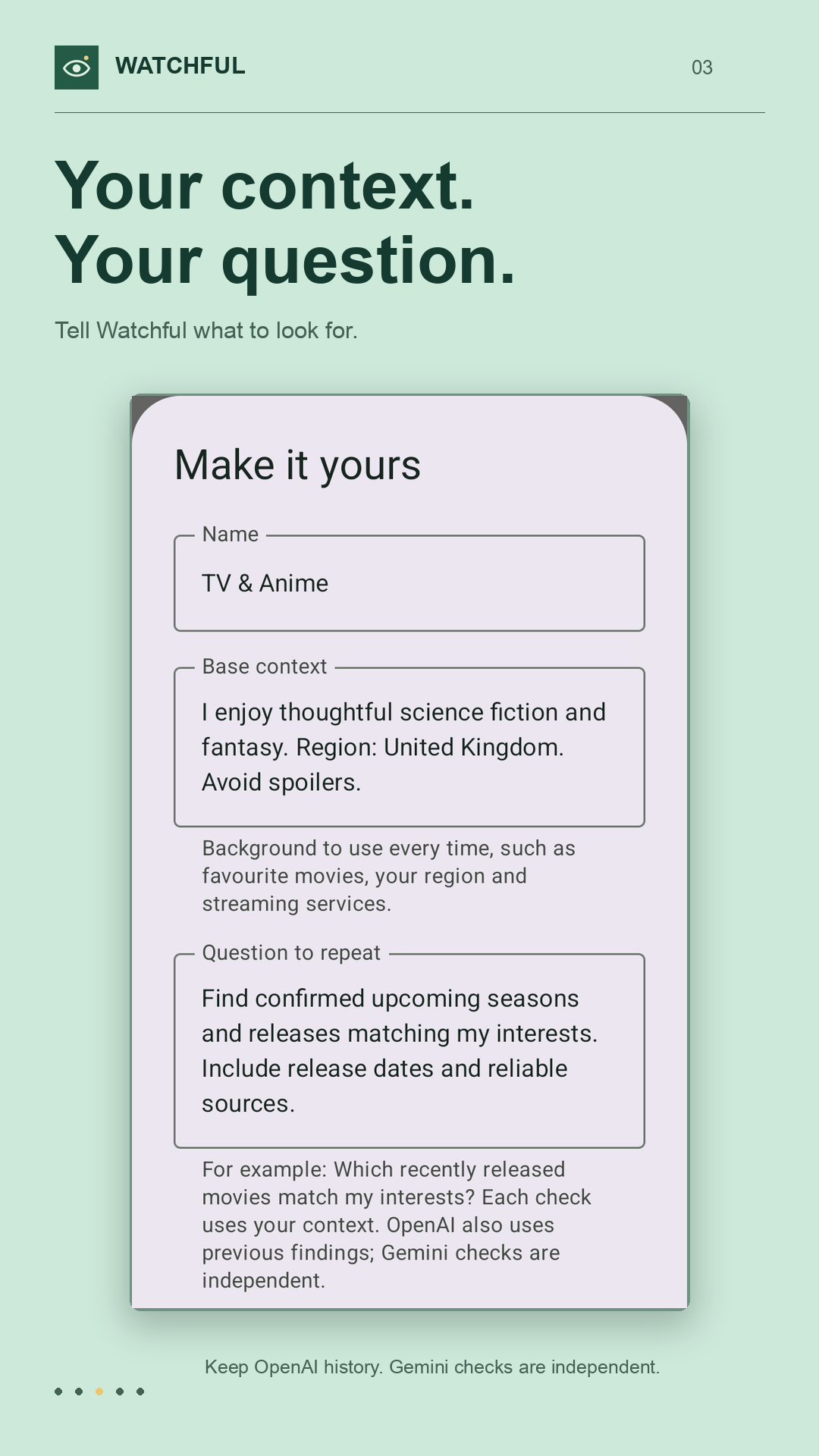
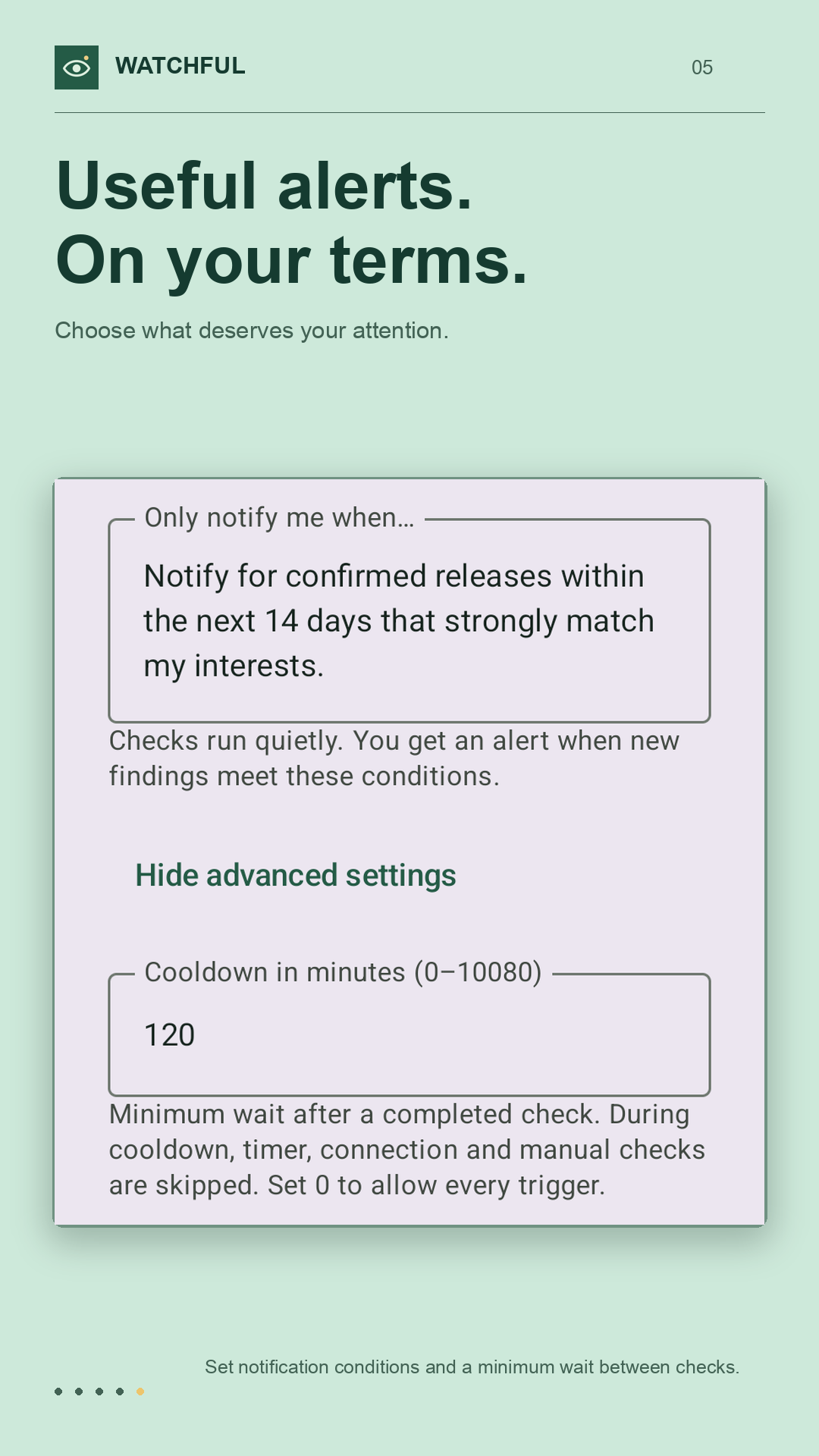
The app connects to Gemini or OpenAI using the user's own API key. Platform integrations handle secure credential storage, notifications, and background execution. Each watcher combines reusable context, a question to repeat, and instructions for when to notify the user.
I integrated RevenueCat to manage the one-time Pro purchase and entitlement. Two active watchers are free, and Pro removes that limit. AI provider usage remains separate from the app purchase, and purchases can be restored within the same store ecosystem.
Challenges we ran into
The hardest part was getting the OpenAI and Gemini integrations working within the app. It was not enough to get a single request working: the app also needed to handle differences in model access and provider behaviour.
For example, I ran into cases where Gemini 2.5 Flash was not usable for everyone testing the app, which meant working through model availability and supporting another model option. That experience made model selection and useful error messages an important part of the implementation.
The providers also needed different result handling. OpenAI results and comparison history stay on the device, while Gemini results are available only for the current app session and are displayed with Google Search sources. Handling those differences alongside mobile background-execution restrictions added complexity to a seemingly simple idea: check again and tell me when something matters.
Accomplishments that we're proud of
I am proud of how quickly I turned a recurring frustration into an app that already helps with my own day-to-day needs. One particularly useful example is having a watcher triggered when I connect to my car, so I can get a relevant update without remembering to open a chat and ask again.
Building and shipping Watchful on my own was another milestone. Watchful launched on Android on September 22, 2026, and on iOS on September 28, 2026. Having a working product on both platforms that addresses the problems that inspired it is something I am proud of.
What we learned
My biggest learning was how to integrate the OpenAI and Gemini APIs into a mobile app. Using AI through a chat interface and building an app around it are very different experiences: the app needs to manage credentials, send the right context, handle responses, and explain failures to the user.
Working with both providers also taught me to account for differences in model availability and capabilities. Getting the integration right meant understanding those differences and making them manageable within a single app.
What's next for Watchful
My next priorities are internationalization and feedback from real users. I want to prepare Watchful for more languages and learn how other people use it beyond my own petrol-price checks, anime updates, and speaking opportunities.
I also plan to add a subscription that includes AI usage and Premium, so people can use Watchful without bringing an API key, while keeping BYOK available as an option. A seven-day trial of that included AI access is part of the plan. The existing lifetime Premium purchase will continue to remove the two-active-watcher limit; included AI usage will belong to the new subscription. These features are planned, not available in the current release.
I want to review how reliably the app filters results into useful notifications, building on its existing structured responses and notification decisions. With both Android and iOS released, the next stage is to listen to where people find Watchful useful or confusing and use that feedback to guide improvements.

Log in or sign up for Devpost to join the conversation.