🤩 Inspiration
In today's world, Security and breaches of data are two big problems that have been plaguing the online world for a long time. Recently, Apple's website was said to be a link to an actual malicious URL and the way it was converted from a trustworthy looking URL to a malicious URL with the help of Unicode characters. They replaced the "a" on the apple.com's website with the Unicode character "а" [U+0430]. So, In-order to combat this issue and safeguard your online presence, we present to you WatchDog, a Chrome extension that will protect you from folks with malicious intent online.
🐕 What it does
WatchDog Says : "I Protect you from the bad guys with malicious content by sniffing
before you reach there and I don't even want treats 🍖 I want to be your guardian
and give you a safe online experience Boww Boww 🐶 !"
⚙️ Working and Functionalities
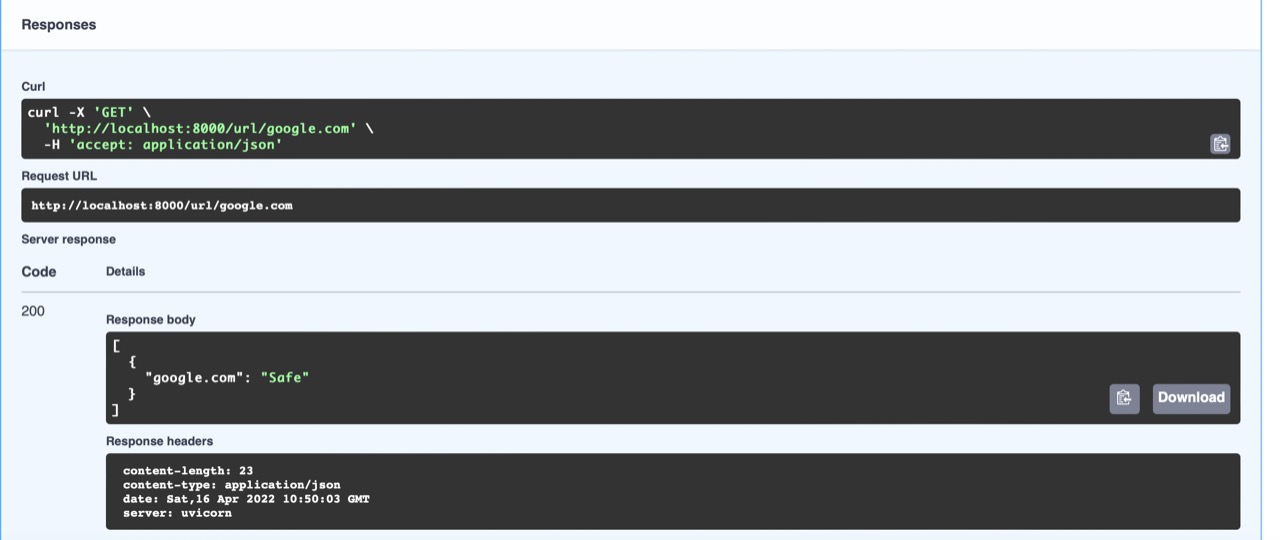
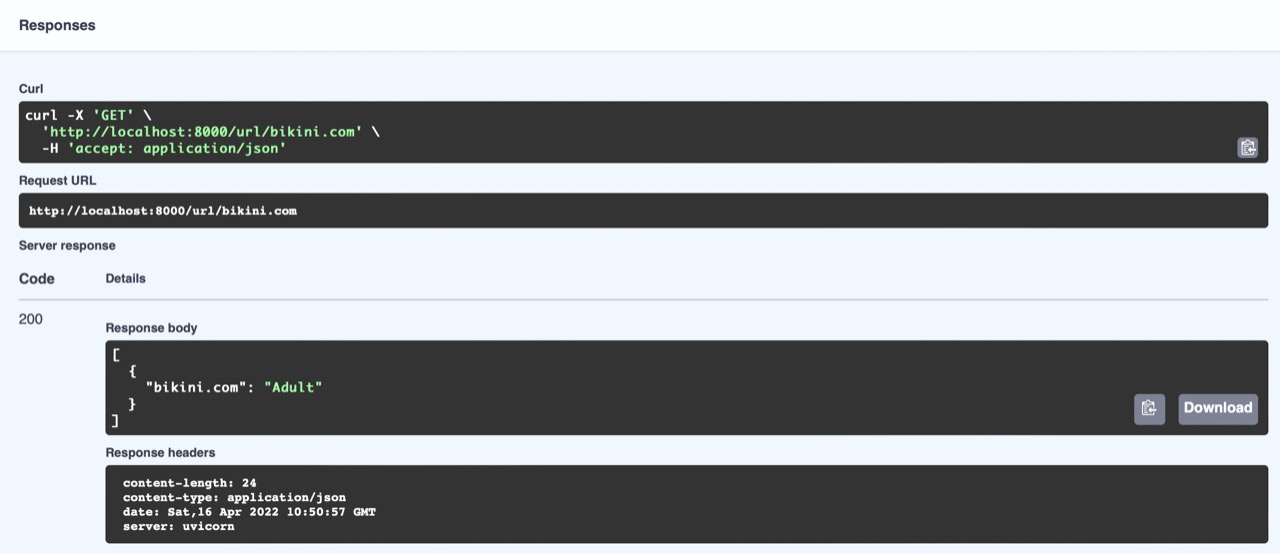
On a new page load, the Chrome Extension scans the entire page for all redirection links and sends a request to the ML model instance which was trained on approximately 67000 URLS, listens to incoming connections, classifies the URLs, and responds with the type of URL present on the page, such as Adult, Malicious, or Safe. Our WatchDog plugin renders it Safe or Unsafe for the user, resulting in a very seamless and no-strings-attached experience at no cost or Treats🍖
⚒️ How we built it
The API, Chrome Extension, and Machine Learning Model are the three primary components of our application. For API construction and processing, we used FastAPI, for Machine Learning models, we used the ML-suite class libraries such as Sklearn, and for Extension Chrome Dev tools, we used HTML and JavaScript.
✨ Future Prospects
- Performance Enhancements
- Blurring NSFW Images
- Blocking Unwanted Redirection and Alerts
🧑🤝🧑 Team
BITLORDS
- Akash GSS - SRM Institute of Science and Technology
- Kabilan M - SRM Institute of Science and Technology
Built With
- chromedev
- fastapi
- html
- javascript
- python
- sklearn


Log in or sign up for Devpost to join the conversation.