-
-
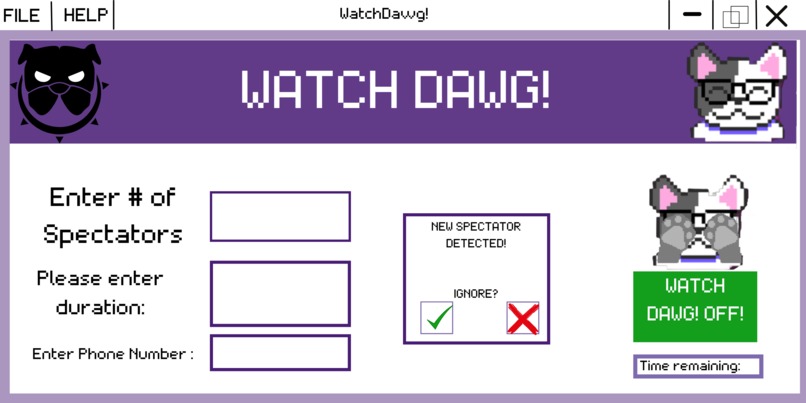
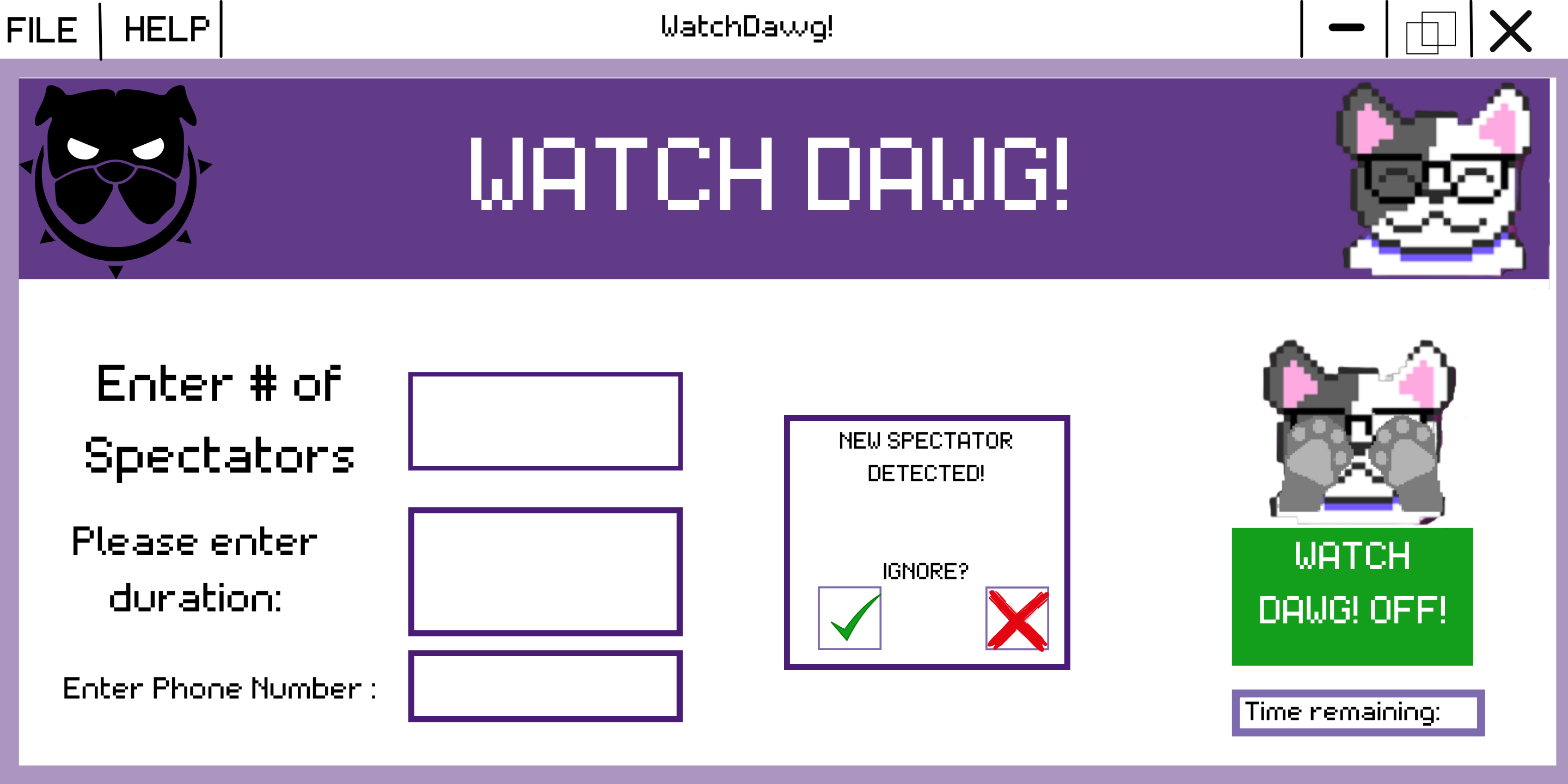
A design for the alert prompt.
Inspiration
- We wish to improve personal security for people in public spaces so that their information is inaccessible to wandering eyes.
What it does
- WatchDawg is an extension that pops up a new window whenever someone other than the user is looking at the screen. It indicates the number of spectators detected on camera while also sending an alert to your phone number immediately.
- This extension can be manually enabled or disabled, so everyone has control over when they want to use it.
- Additionally, it includes a timer that is set by the user; therefore, when the timer ends, the user’s phone gets another alert notifying them that the spectator is still present. It also sends an alert when the spectator steps out alerting the user that there is no one else looking at the screen.
- WatchDawg also contains a separate aspect that starts a duration timer the moment the spectator is on camera; it constantly takes pictures for as long as the timer is set.
How we built it
- This program was written in Java and the design was done using Figma. We collaborated mainly through GitHub and GoogleDrive.
Challenges we ran into
- At first, we had a hard time settling on one idea because our educational backgrounds are very different. Half of the team has a background in computer science and the other half is based in biological engineering.
- One of our key coders, Priya, did not know how to use JavaFX at first.
- We were also unfamiliar with Figma because it was our first time working with it, and working on it from scratch was time-consuming.
- As both our coders worked separately, they had trouble integrating their codes. They also do not have much experience with GitHub, thus a lot of time was spent trying to communicate with each others’ repositories.
Accomplishments that we're proud of
- We improved our collaborative skills by facilitating open-minded conversations, making sure everyone’s opinions were heard, and allocating tasks to take advantage of our individual strengths.
- Moreover, as computer science majors, our coders learned beneficial skills about collaborating which can be applied to real-life situations.
What we learned
- We learned how to code and implement facial recognition and how to use industrial-level APIs.
- They learned how to use GitHub repositories and applications of various software platforms like JavaFx.
What's next for WatchDawgs
- We hope to further advance our product to include visual tracking that directs the screen only towards the eyes of the user and hides information from people who are looking at it from a different angle.
- Furthermore, it can be used by a school or university students to prevent plagiarism or an invasion of privacy as it can be bothersome.
- WatchDawg can also be utilized by other technology that involves cameras, such as ATMs, to minimize security threats.


Log in or sign up for Devpost to join the conversation.