-
-
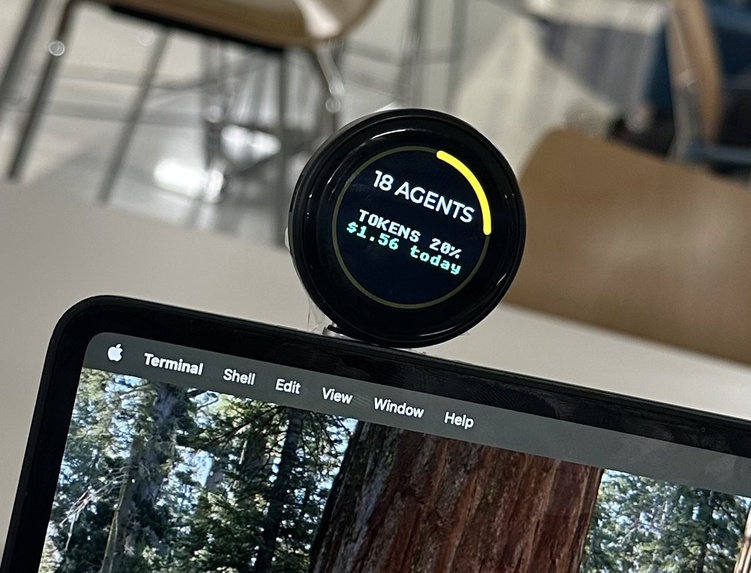
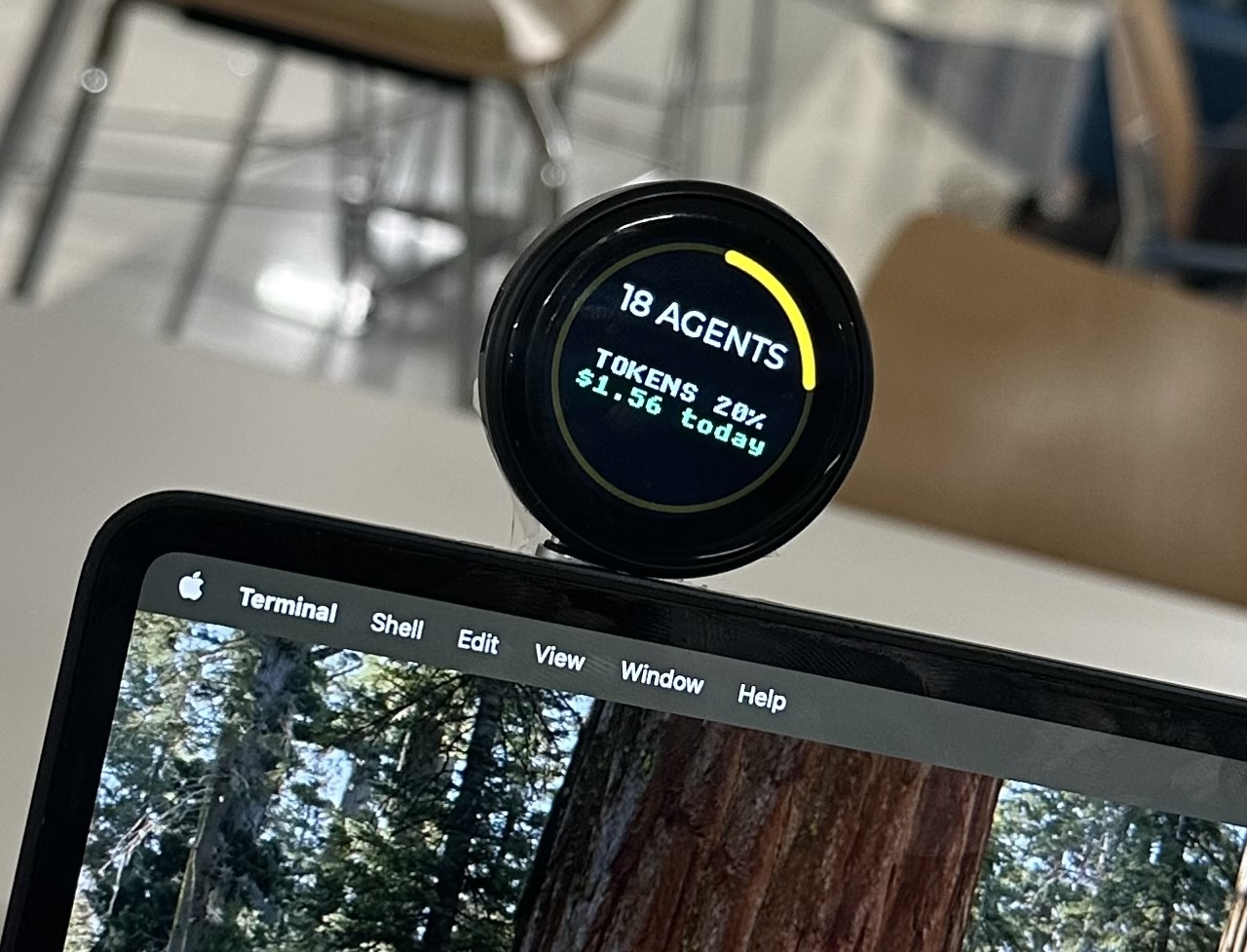
Final mounted display
-
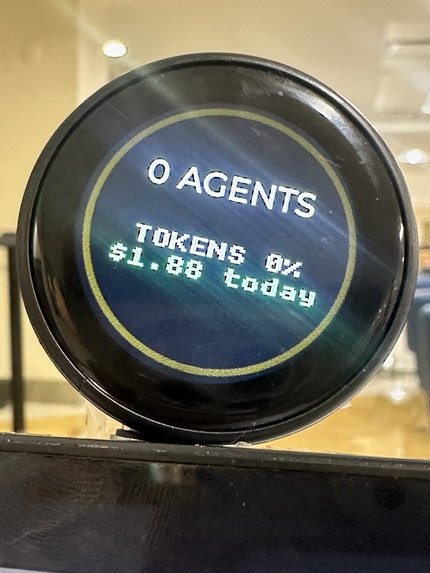
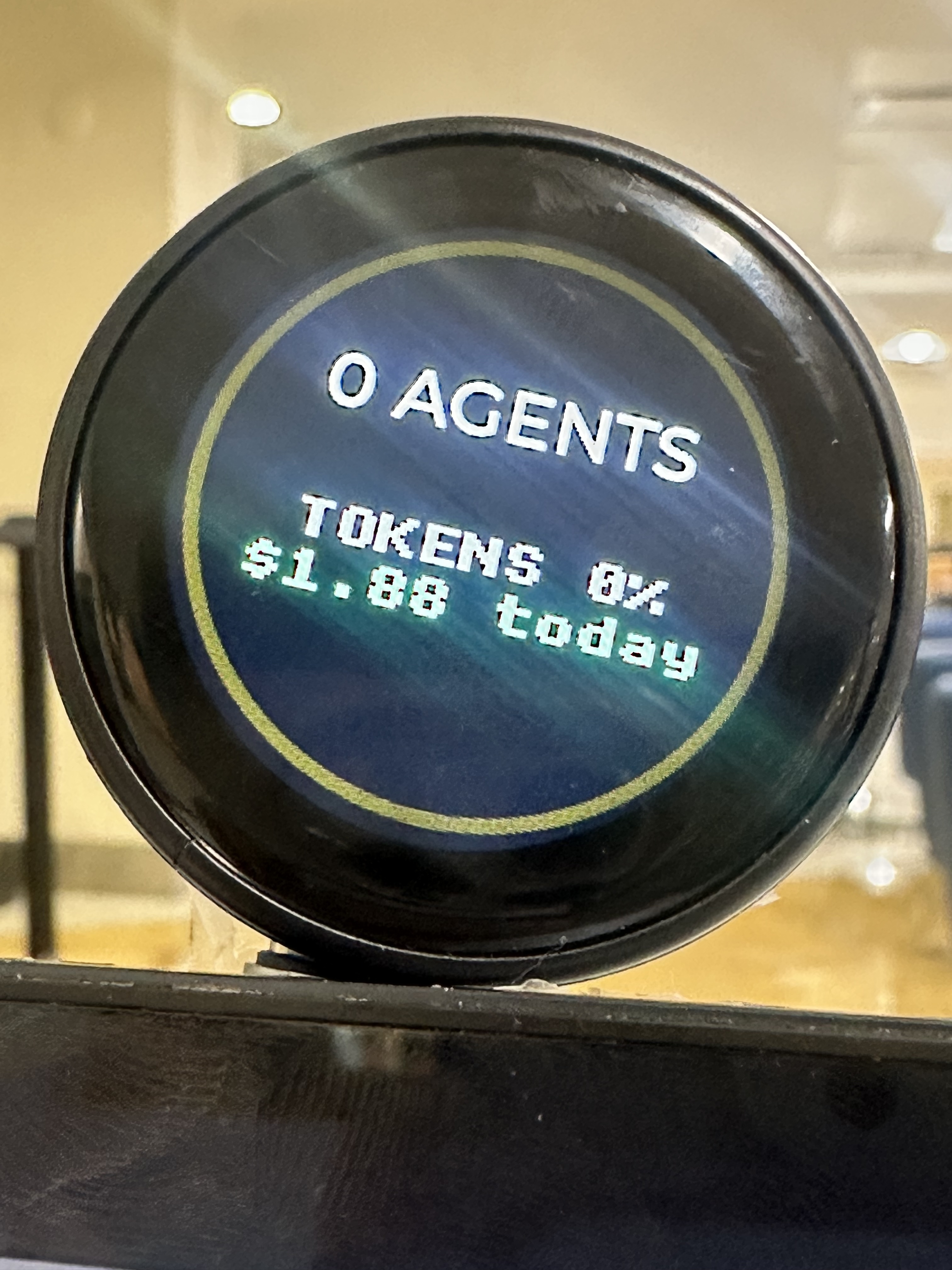
close up of display
-
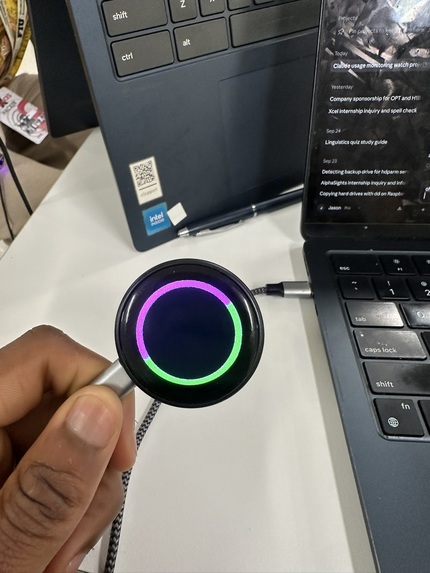
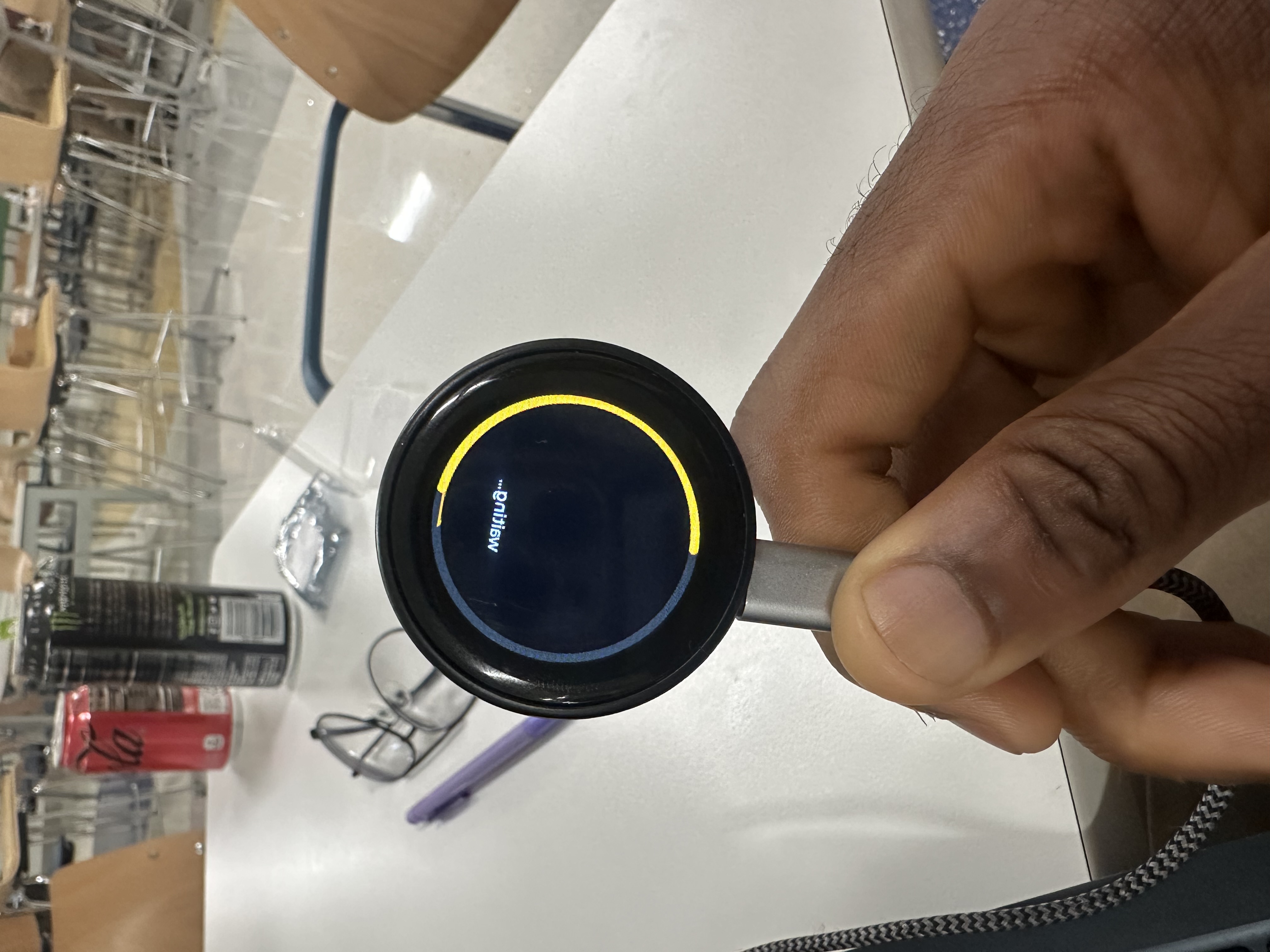
Early stage of ring creation
-
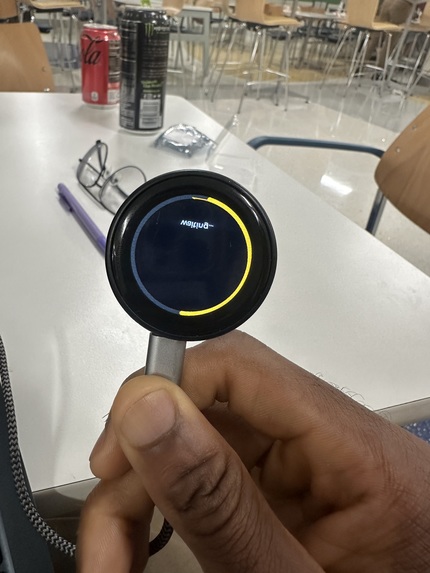
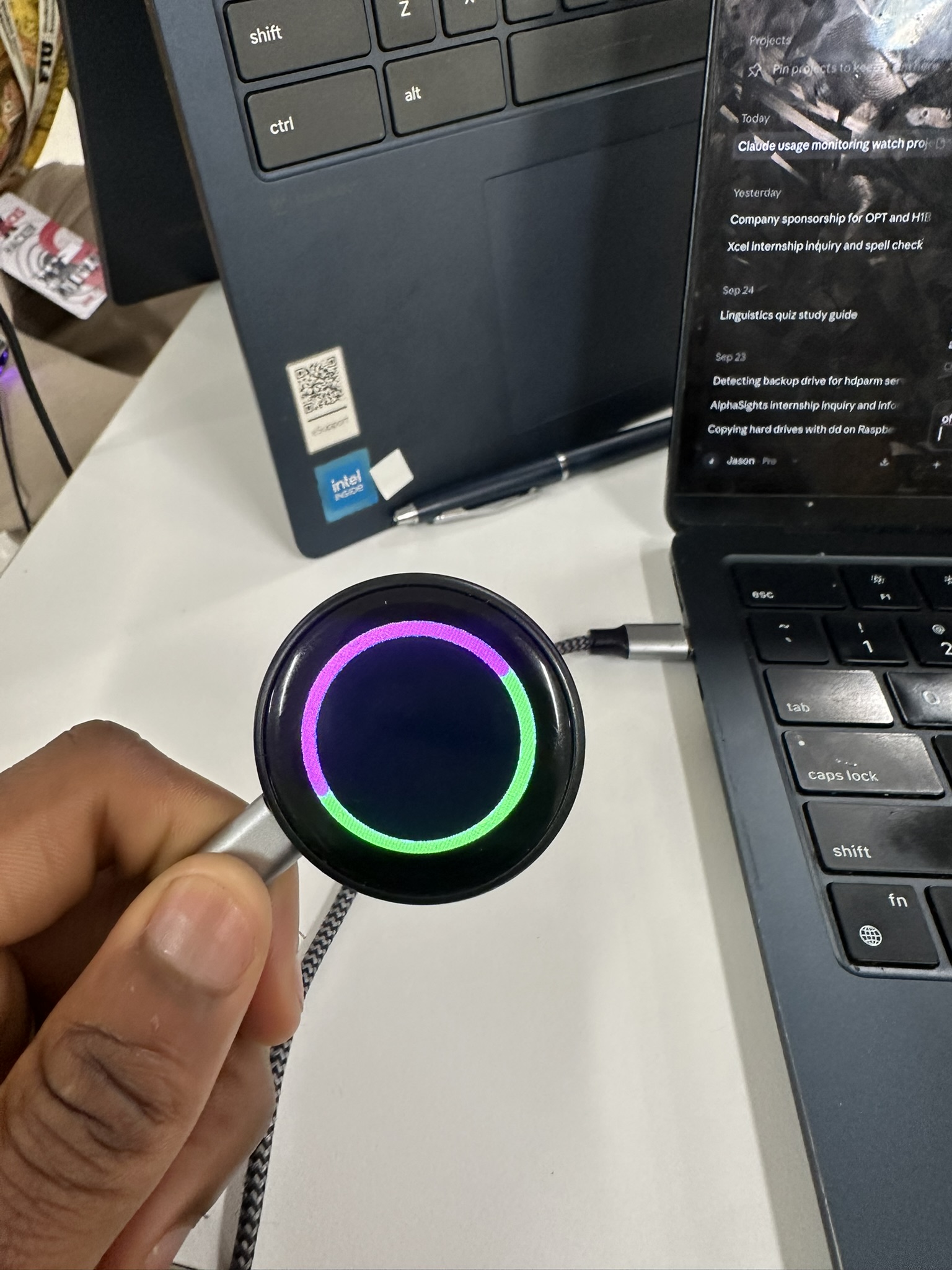
Final ring
-
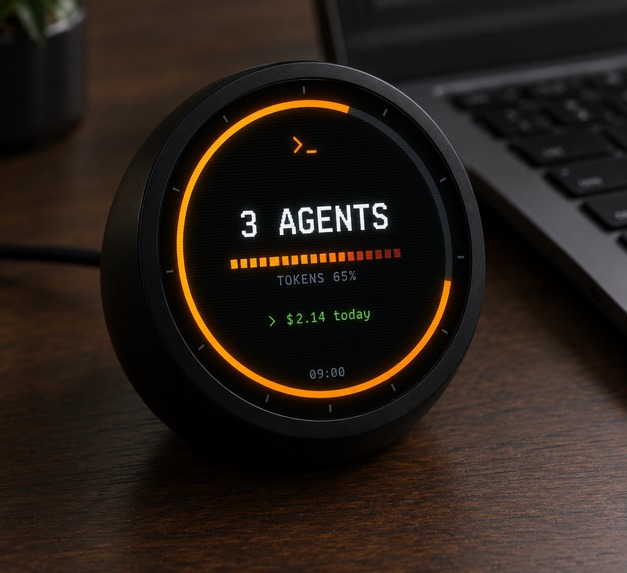
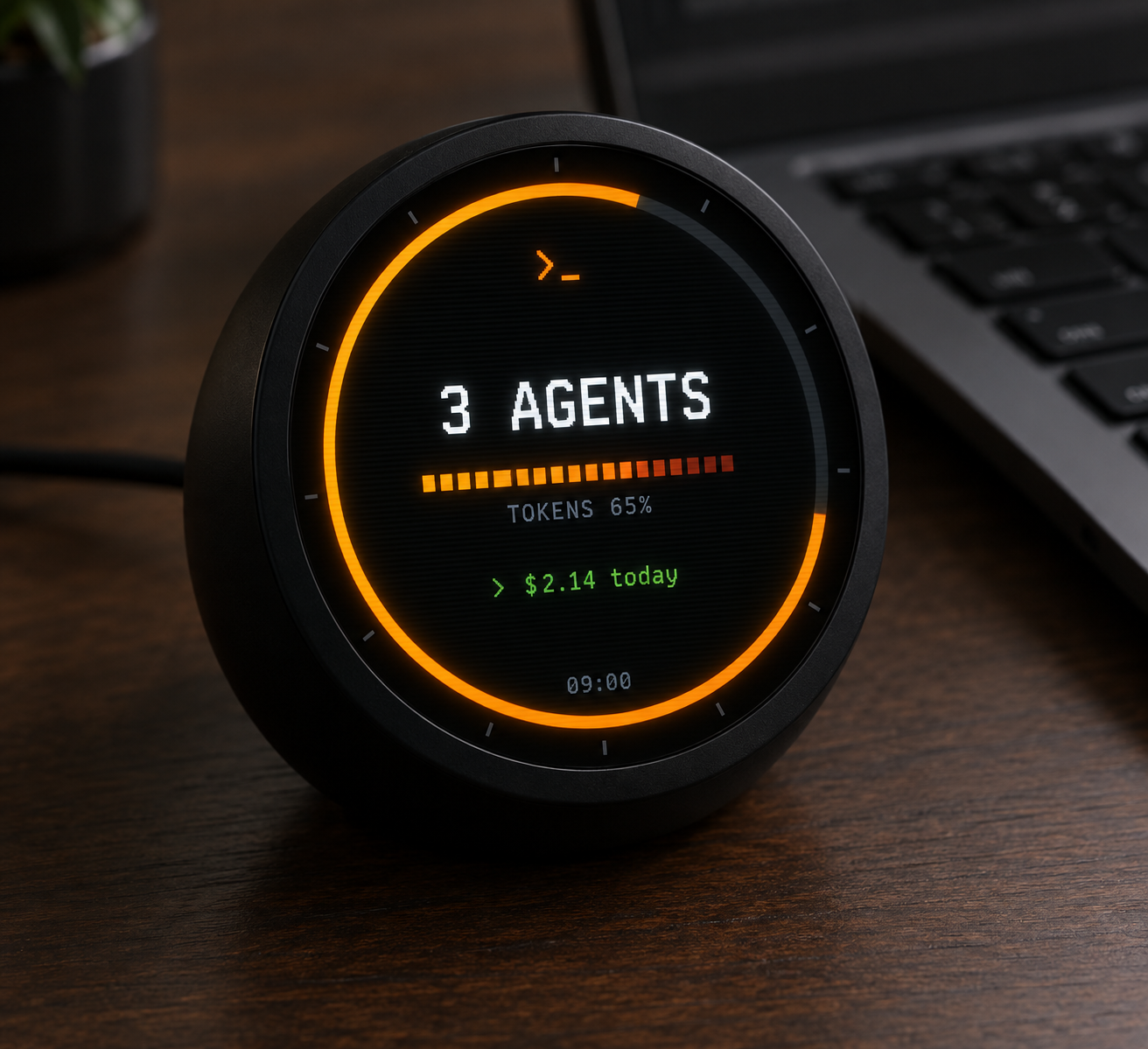
AI Mockup
About the project
Inspiration
Claude Code is our go-to for agentic coding. We had an issue that whenever we run an agent on Claude, we have to constantly trust the terminal to make sure that it doesn't do anything dangerous, like run rm -rf, force-push to main, or waste API spend while we're not watching the screen. We wanted to control an AI agent in some ambient physical way, so it was born. 💡
What it does
Watch My Tokens is attached to the top of your monitor like a webcam. It shows live agent count, context-window count, and true running cost based on actual token pricing. If Claude Code is about to run a potentially dangerous command, the device shows a warning light and sounds an alert, displaying the specific command. A simple tap will approve the command, a press-and-hold will deny it. If there is no response in time, the device will fall into safe mode and revert to normal terminal.
How we built it
We started in PlatformIO, since that's the standard way to get an ESP32 project running. We kept hitting connection issues getting it to talk to the board reliably, and after enough hours lost to that, we scrapped it and migrated to raw ESP-IDF. That gave us native access to the libraries we needed, especially LVGL, without fighting an abstraction layer on top of them.
Before the actual UI or approval logic, all we really needed to do was make a simple circle on the screen. It took more time than it should have due to the lack of documentation for the board's pinout. So we had to find the correct GPIO mapping for the board by trying until it worked.
The color scheme for the display was wrong, all the reds and blues were inverted. The panel read the data in BGR format, while we expected it to be in RGB format, so all the colors looked inverted. After we added the correct flag to the config, this problem was solved. However, once we got our ring displayed, the whole thing was flipped, so we had to mirror it using software.
With the display working, things were really getting interesting. We devoted most of the night and early morning hours to working on the LVGL UI layout and the callback code, tying in a tap gesture for approval, and a hold gesture for denial, all of which show live feedback so you can see that the press is being detected.
We programmed full-screen animations for both success and denial (the red X) so all actions will be explicitly confirmed. 🔥
For the touchscreen driver, we adapted existing driver code for the CST816D controller rather than writing it from scratch, which would have taken days we didn't have.
Challenges we ran into
- Toolchain migration mid-project. Abandoning PlatformIO for ESP-IDF cost time upfront but was the right call for stability and native library access.
- Undocumented pinout. Finding the correct GPIO mapping took real trial and error before any display output was possible.
- BGR vs RGB color inversion. The panel's color order didn't match assumptions, fixed at the config level once diagnosed.
- Mirrored display orientation. Needed a software flip to render correctly.
- Building tap and hold gestures with live feedback. Wiring up callback logic so the press state is always visible while it's happening.
- Touch driver complexity. Integrated existing CST816D driver code instead of writing one from scratch, to stay focused on the core interaction design.
What we learned
The bulk of the learning came from embedded debugging, where the obvious symptom (wrong color, reversed image, missing animation) gave practically no hint at the actual root problem. We now have a much better understanding of how the way the user physically interacts with the interface (tap vs. hold) affects their perception of the underlying software.
Built With
- ai-agents
- c
- claude
- claude-code
- elevenlabs
- embedded-systems
- esp-idf
- esp32
- esp32-c3
- express.js
- freertos
- gc9a01
- hackathon
- hardware
- hci
- iot
- javascript
- lvgl
- node.js
- physical-computing
- shellhacks
- spi
- text-to-speech
- touchscreen
- usb-serial-jtag

Log in or sign up for Devpost to join the conversation.