Inspiration
Have you ever wanted to watch a movie on your monitor from a distance, but don't want to wake up your sleeping roommates? Have you wanted to listen to your music in class, but also listen to the lecture? Our inspiration was to solve these kinds of problems by making any device into a wireless media player.
What it does
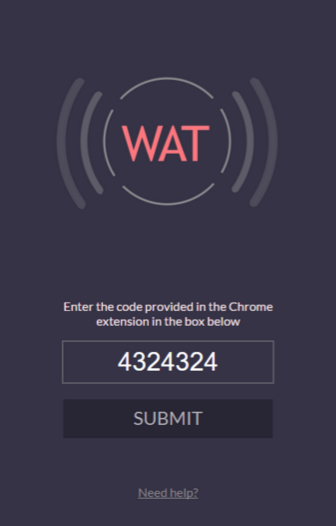
Using a Chrome web extension, you can stream audio from your computer to one or more devices. This lets you use your phone as a wireless speaker that you can plug your earphones into. To watch a movie silently from a distance, you can just run the Chrome extension, open the mobile application, and plug in your earphones. Another example is, a professor can live stream their lecture, so students can listen to the lecture outside of class, or even listen to the lecture and also listen to their own music at the same time! You can either use the Android application or enter a link into a browser to receive the audio.
How I built it
To transfer audio from computer to device, the Chrome web extension captures the desktop audio and creates peer-to-peer connections with devices. We decided to use peer-to-peer connections for its low latency. We used WebRTC, which is an API designed for media streaming.
Challenges I ran into
The major challenge was that WebRTC is very complicated and has very little documentation, so it took a lot of time and debugging to get it to work.
Accomplishments that I'm proud of
We are proud that we got this application to work really well with both browser and Android with little latency.
What I learned
We learned a lot about peer-to-peer connections, WebRTC, audio transfer, servers, Android, and iOS applications.
What's next for WAT
Not only do we want to transfer audio from computer to device, we want to extend this ability to work from device to device. For example, it is often hard to hear tour guides during tours. Using our application, tour guides can stream the tour, so that people can hear it clearly using headphones if they wish. Also, we want to finish up the iOS application.


Log in or sign up for Devpost to join the conversation.