-
-
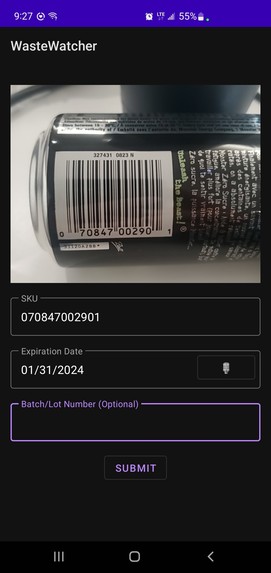
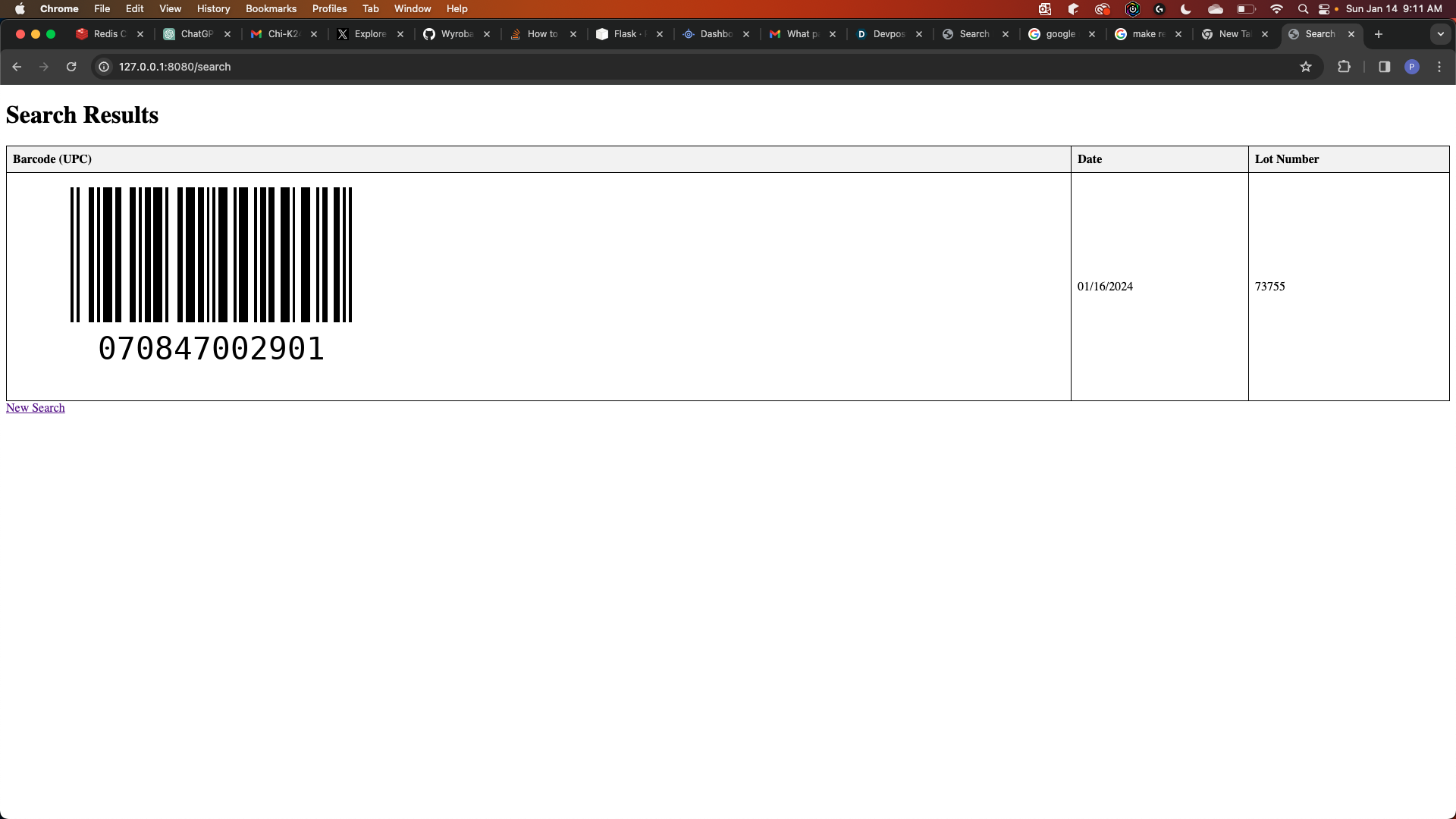
screen shot of the application in action
-
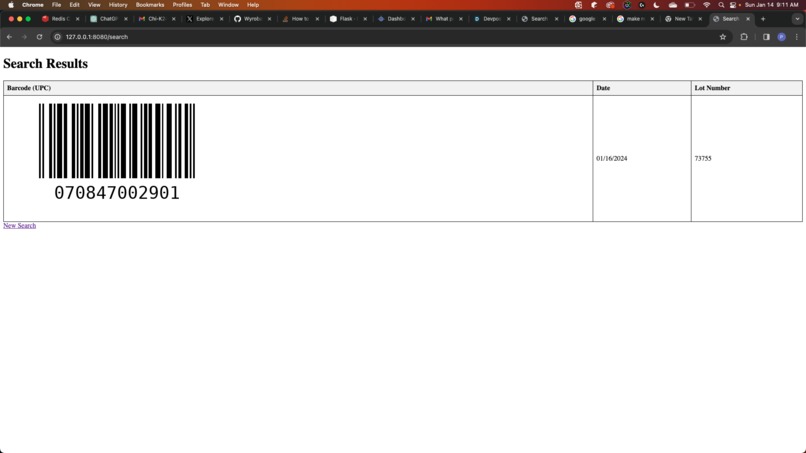
web app to create reports

Inspiration
Coming from a strong background in retail food sales, one of our members saw the sad reality of how much food is wasted daily by companies. According to goal 12 of the United Nations's 17 Sustainable Development Goals, the average person wastes 120 kilograms of food a year. Many companies are throwing out this much food A DAY. The reality is that these companies do not allocate enough time to go through and find expiring food before it goes bad, so it simply goes in the trash. We wanted to find an easier way for the employees of these companies to find these food items before they expire so that they can be donated or sold cheaper to people instead of wasted. With the understanding that the majority of these companies employ Android-based handheld scanner devices, our approach centred on developing a native Android app to simplify the integration process.
What it does
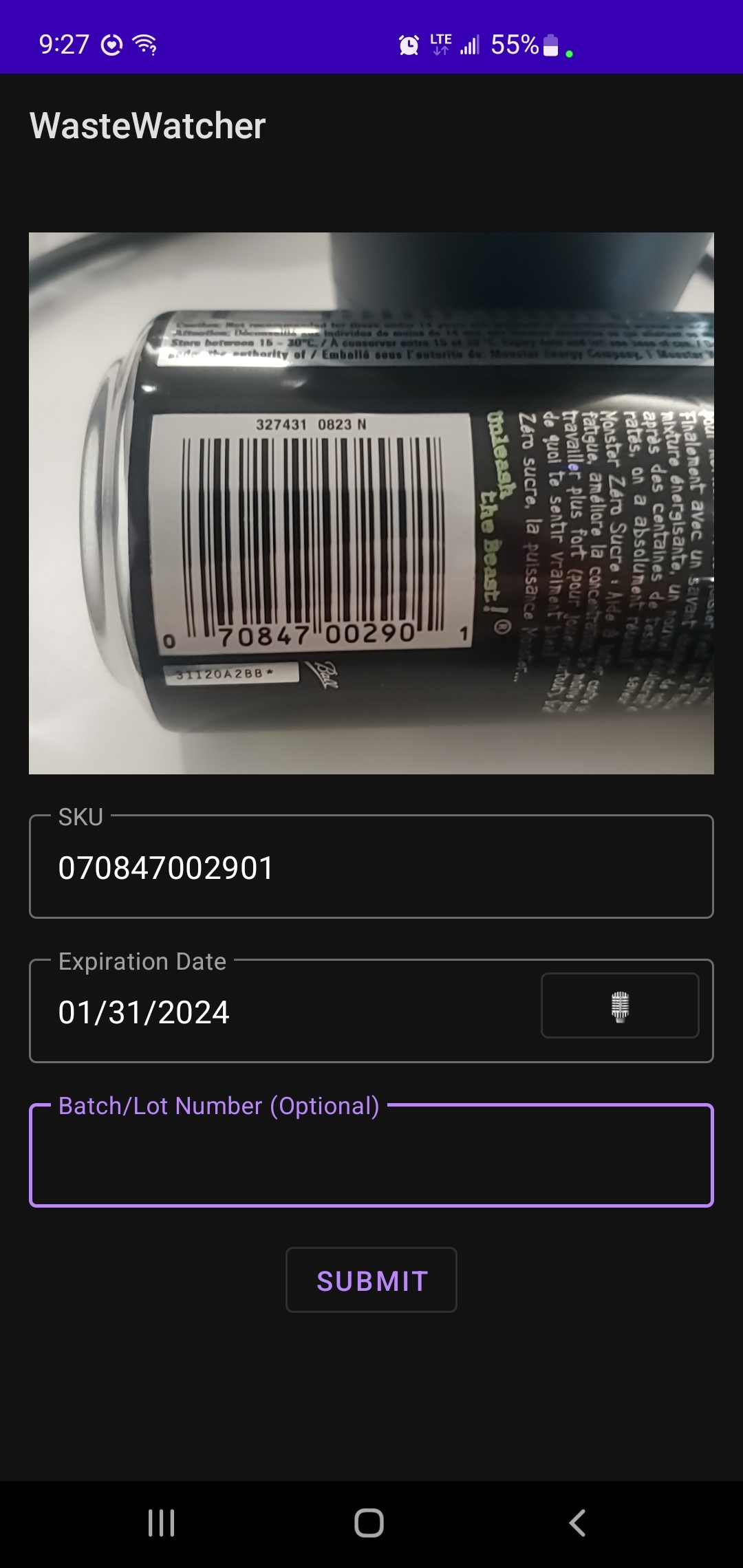
Our project starts with an Android application allowing users to scan a barcode with their camera. Then they can select a date from a calendar or make the process easier by using text-to-speech. Then the user can use a web browser to select a date and print off a report of barcodes that expire on that date. They can then use their handhelds that they already use for other things to scan that barcode and go check if they still have that item in stock.
How we built it
For the database we wanted to try out a technology we had never used so we decided to try out Redis. We used the Redis cloud to generate a NoSQL database. For adding and pulling data from the DB we used the Redis JSON module since we knew we would be able to work with the JSON format when it came to making the reports. We decided not to try and do more than we can handle so we decided to focus on just developing it for android instead of multi-platform. We used Android Studio and Kotlin to write the Android app. We used CameraX to implement the camera functionality in the app, and we used Google ML Kit to read and detect barcodes. For the web app, we used Python to set up our web server. We imported Redis, Flask and python barcode. Flask would help us set up the webserver and the python-barcode plugin would allow us to convert the UPC from the DB to an actual scalable image.
Challenges we ran into
It was both our first time learning about Redis so we had to learn how to use it. Originally we weren't using the RedisJSON module but we realized afterwards the json format would make it easier for us so we had to switch over. We also wanted to look into hosting our web app on Google Cloud, but we had trouble running the web server properly once uploaded. The Python barcode plugin does not seem to be working properly once we uploaded everything. After some thought, we decided that for the scope of our application, it actually makes more sense for the webserver to be hosted locally over a company's intranet anyways since the Redis authentication information is currently stored locally and would be less secure online.
Accomplishments that we're proud of
We are happy that we were able to get the barcode and voice-to-text functionally to work with our smartphones. We are able to scan and add dates to our database with no major issues. This was also our first time setting up a web server using Python, we mostly focused on technologies like Java spring boot and other languages, so we were proud that we were able to set up the server and have basic report generating working in such a short amount of time.
What we learned
We learned about Redis and some of the things it can do. We were impressed with the ease of use it offers and how quickly we could get everything set up and working. We also continued to improve our knowledge of building apps with Android. Implementing the camera and ML kit functionality in a time crunch forced us to focus a lot on bug fixing and helped us see errors we could avoid going forward. We also learned more about Python development. Our programs did not put much focus on Python, so most of what we did with Python was brand new to us. We now know how to set up simple web apps using Python.
What's next for WasteWatcher
We would like to continue updating the Android app. We would like to implement user authentication. Currently, a company would just set up a different database for each location, but using user accounts we could make that easier. We would also like to keep upgrading the reports' functionality. We would still like to get it working on the cloud. We would also like to add more ways to generate reports, such as date ranges, so it can add more value and use for a company to help incentivize use.
Built With
- android
- android-studio
- google-ml-kit
- java
- kotlin
- python

Log in or sign up for Devpost to join the conversation.