-
-
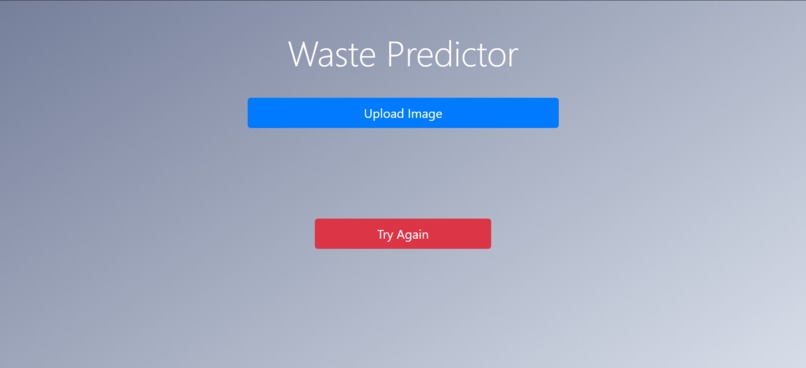
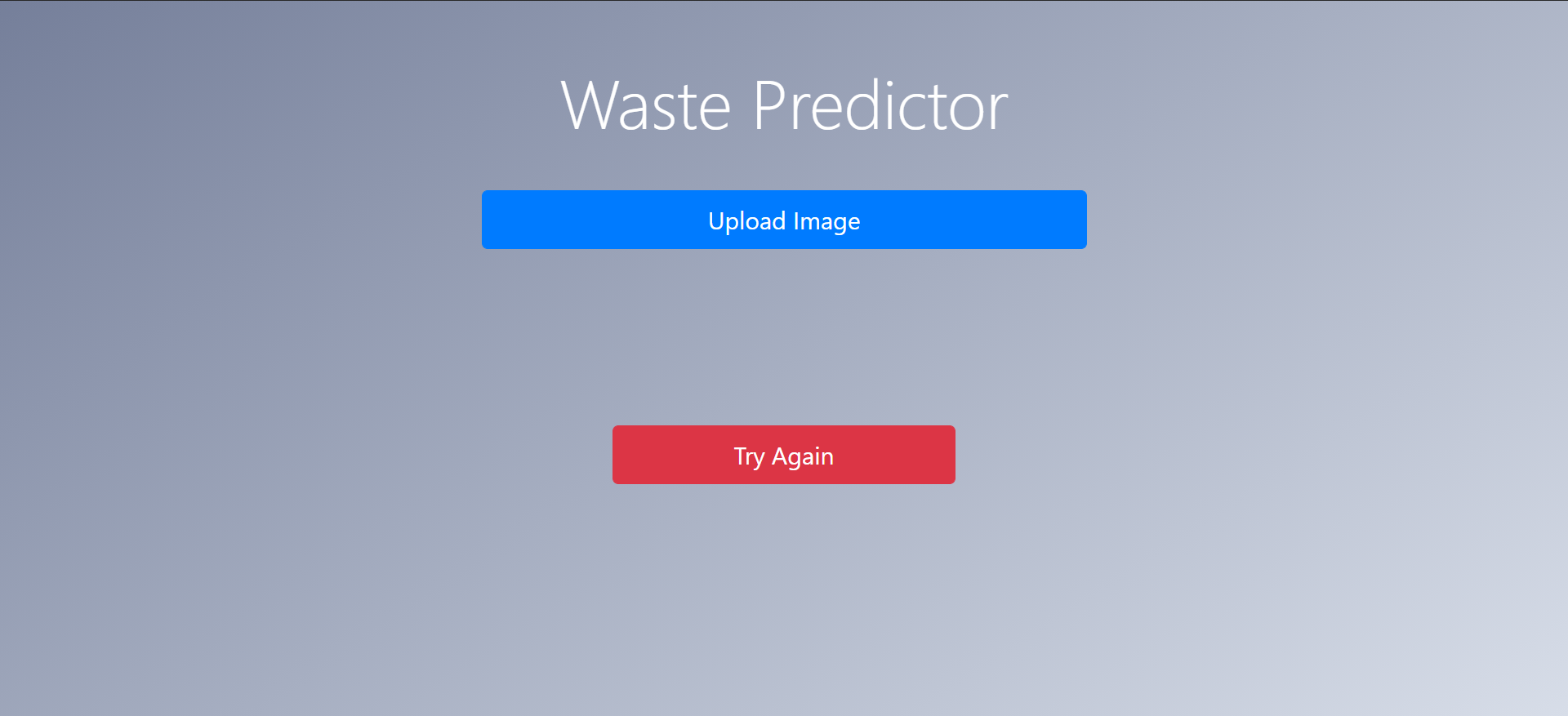
Web App HomePage
-
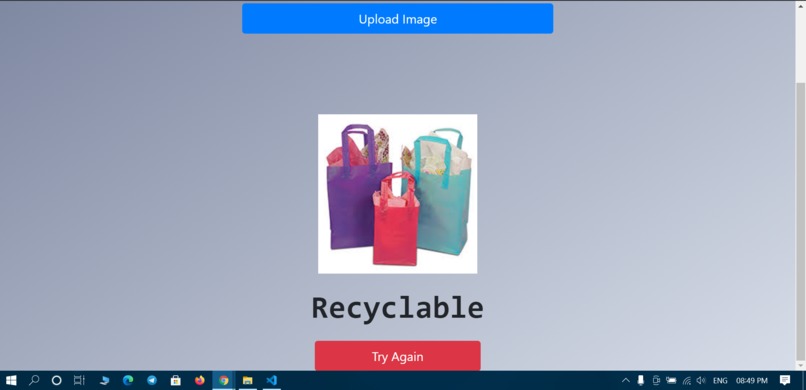
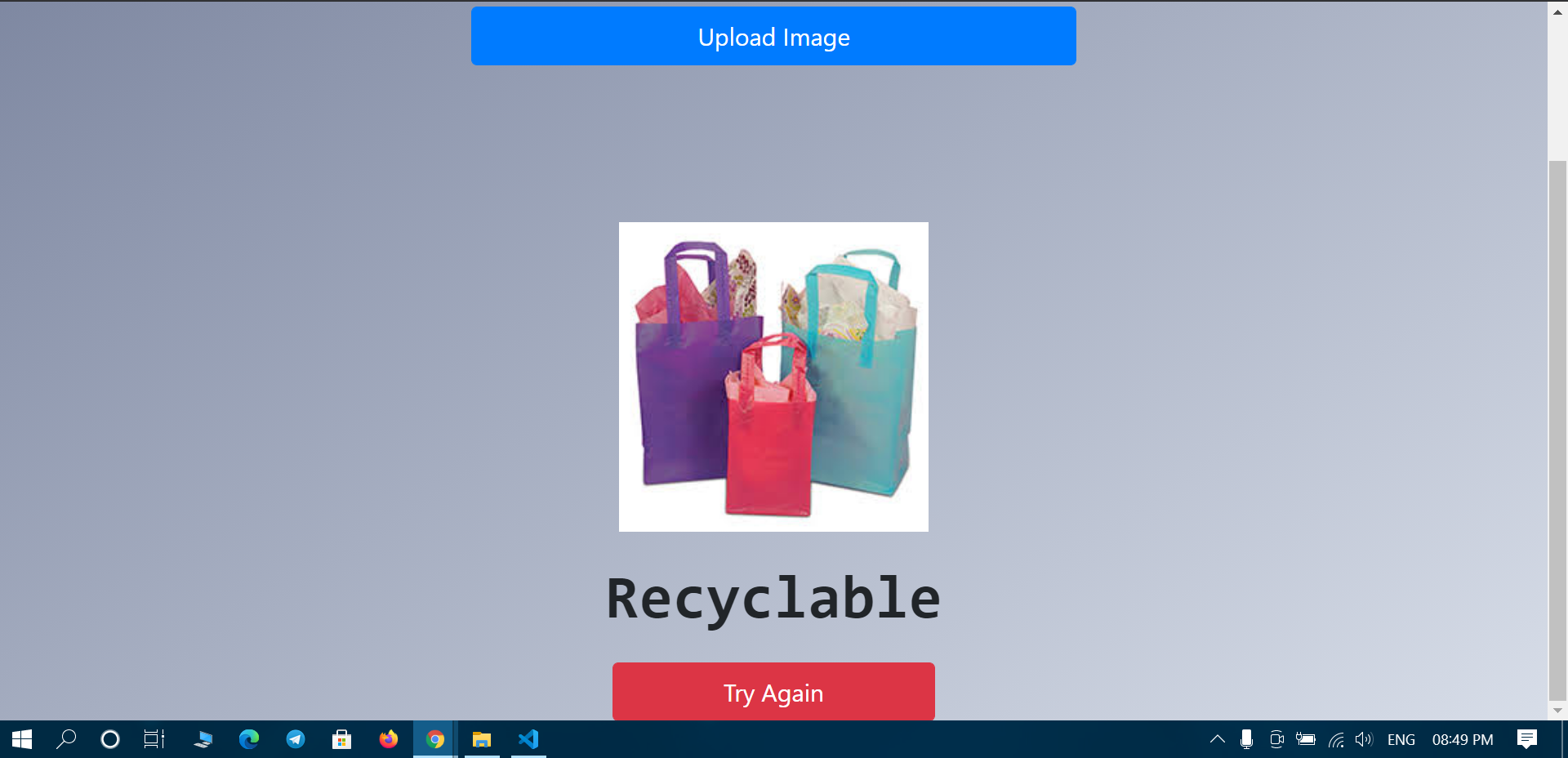
Image Classification
Inspiration
What it does
The User uploads an image in the webapp and ultimately it can classify it in two categories 'compostable' and 'Recyclable' by finding the accuracy from the model that we have created.
How we built it
We first made the model by using Auto ML vision Image Classifier supported by google cloud. Then we set the confidence threshold appropriately to give maximum accuracy. At last, we wrapped our model in the desired UI and then deployed the result in our Web App using the API tensorflow.js.
Challenges we ran into
The major challenge we faced was the huge dataset. Extracting the images as a matrix increases the features in the dataset exponentially. So training the model took a lot of time.
Accomplishments that we're proud of
After tackling all the difficulties, we have successfully completed our first hackathon and also used the google cloud supported algorithm for the first time.
What we learned
Deploying a Machine learning model in the web application so any user can easily connect with it and use the result of the model without running the model.
What's next for Waste Predictor
We can use the result of the model and make the prediction for real time. So a general use of this model can be that the model being deployed in the camera and it is guarded near the dustbin so any user came to dump garbage can easily get to know in which of the dustbin he has to throw whether it should be recyclable or compostable.
Sponsor Prize Eligibility (Best Use of Google Cloud)
We have used Google Cloud Machine Learning API to train and deploy our model. We have also used firebase's Auto ML feature.
Beginner Prizes
All members of the team are attending their first hackathon. Please ignore if we have made any mistakes.
Happy Hacking:)
Built With
- automl
- css
- firebase
- google-cloud
- html5
- image-classification
- javascript
- tensorflow


Log in or sign up for Devpost to join the conversation.