Warranty Wallet 🧾
Inspiration
We've all been there. A product breaks down, you're pretty sure it's still under warranty, but the receipt is long gone and you have no idea when you bought it. Warranty Wallet started from that exact frustration. Instead of digging through email threads or shoeboxes of receipts, we wanted one simple place where anyone could track every warranty they own without any hassle.
What it does
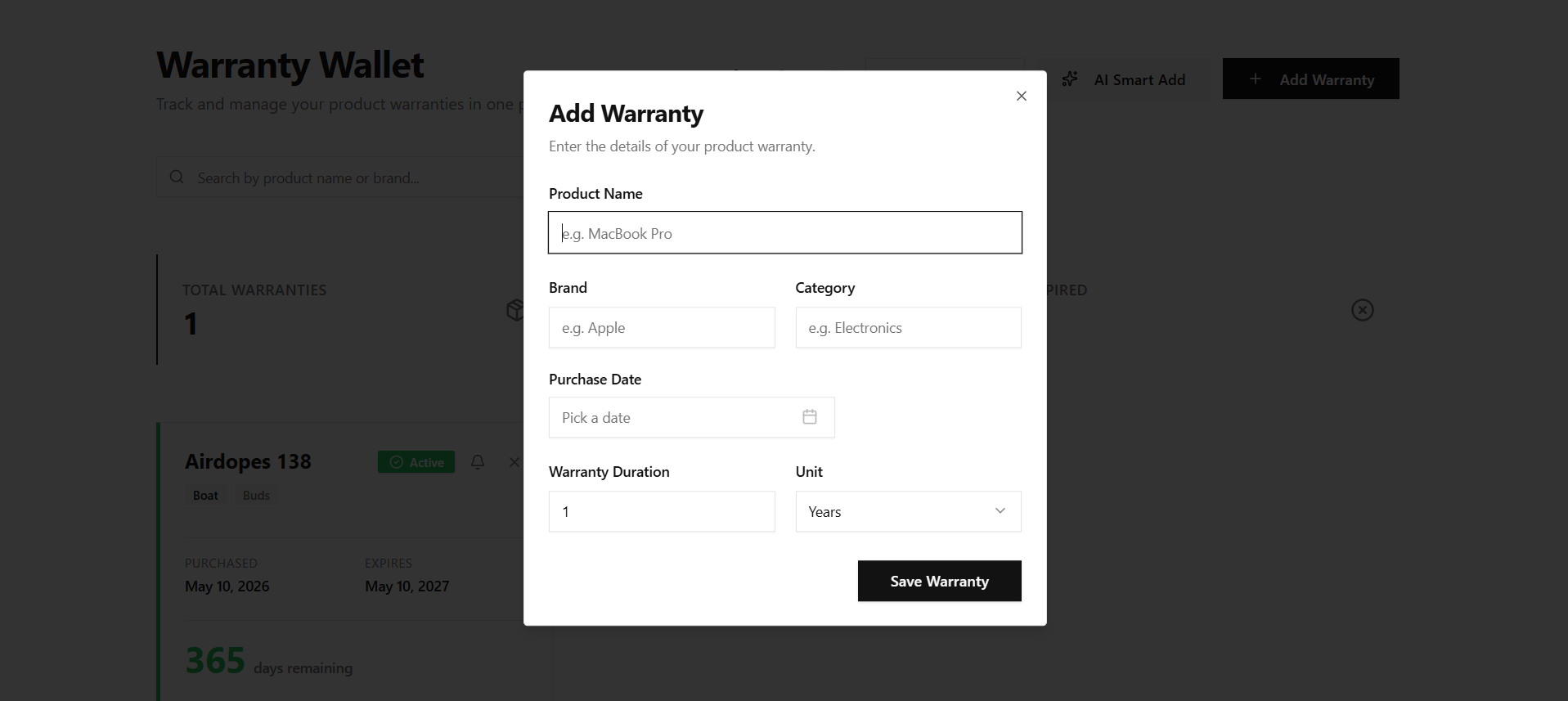
Warranty Wallet is a full-stack web application that lets users:
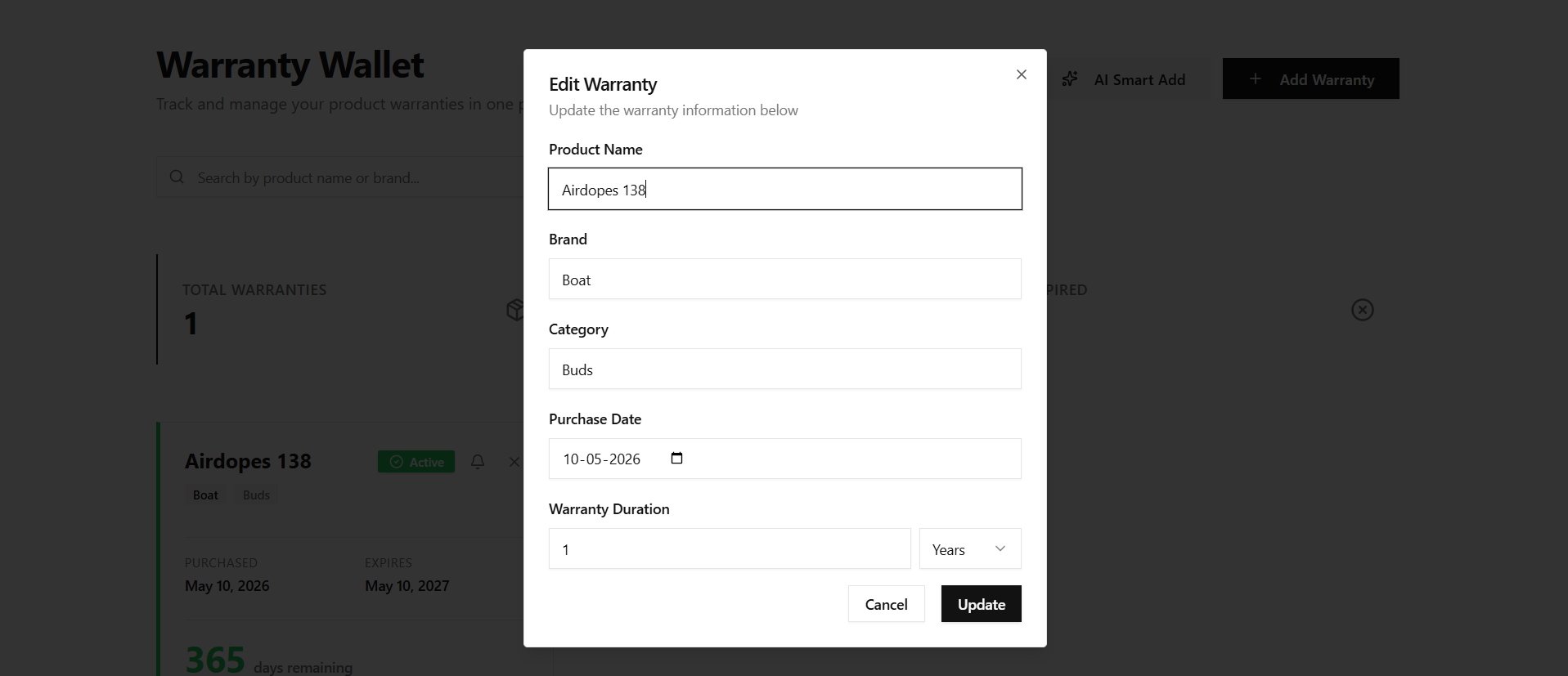
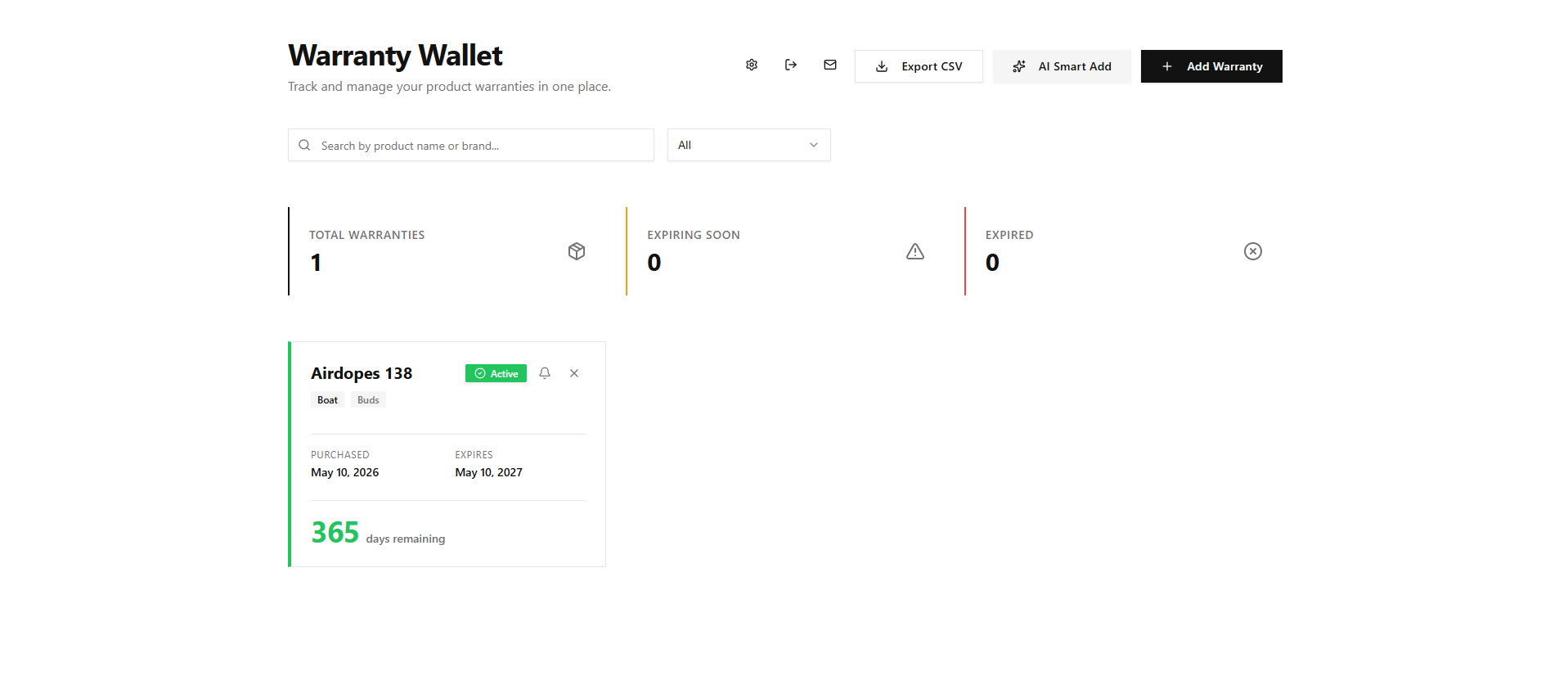
- Track warranties with auto-calculated expiry dates and a color-coded countdown (🟢 Active → 🟠 Expiring Soon → 🔴 Expired)
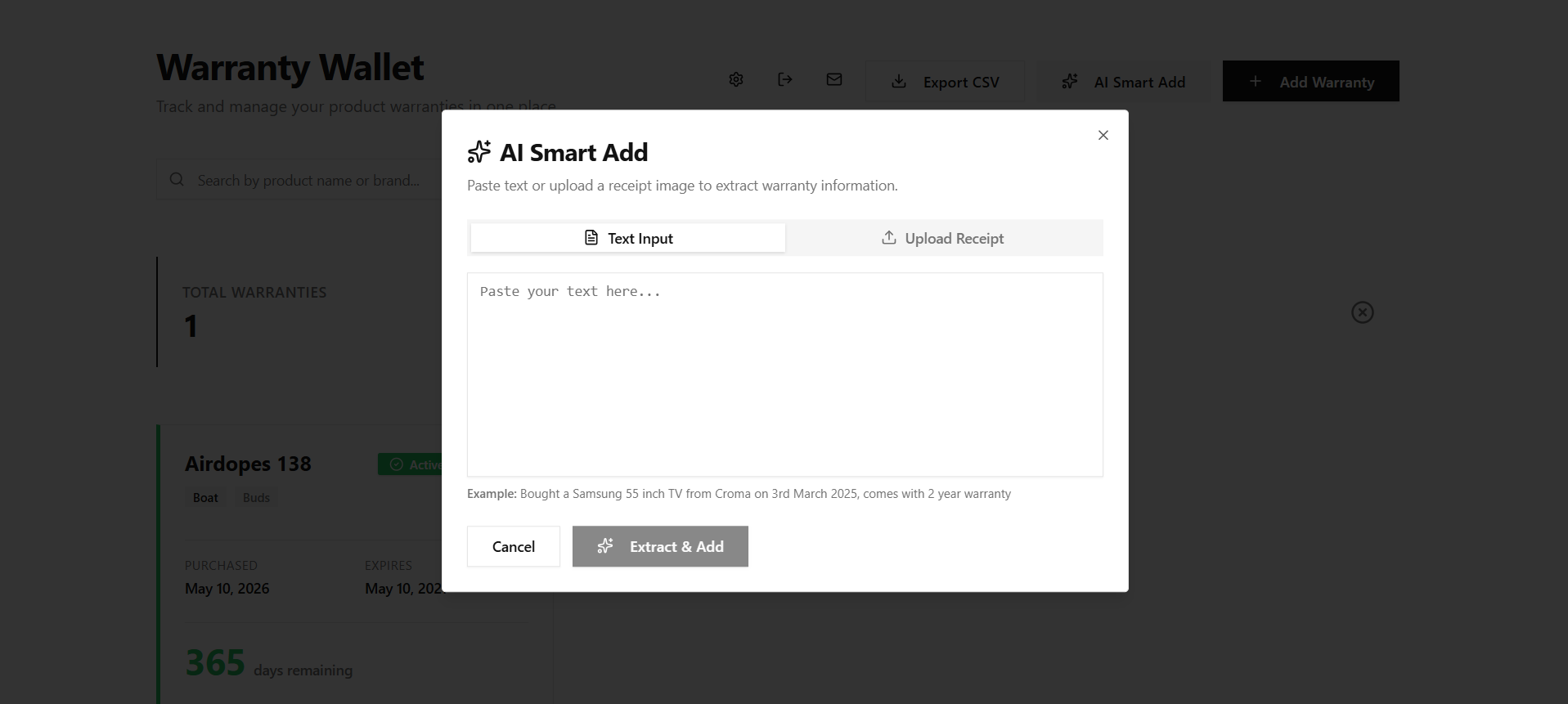
- Add warranties instantly by typing a description in plain English. The ✨ AI Smart Add feature extracts product name, brand, purchase date, and duration automatically
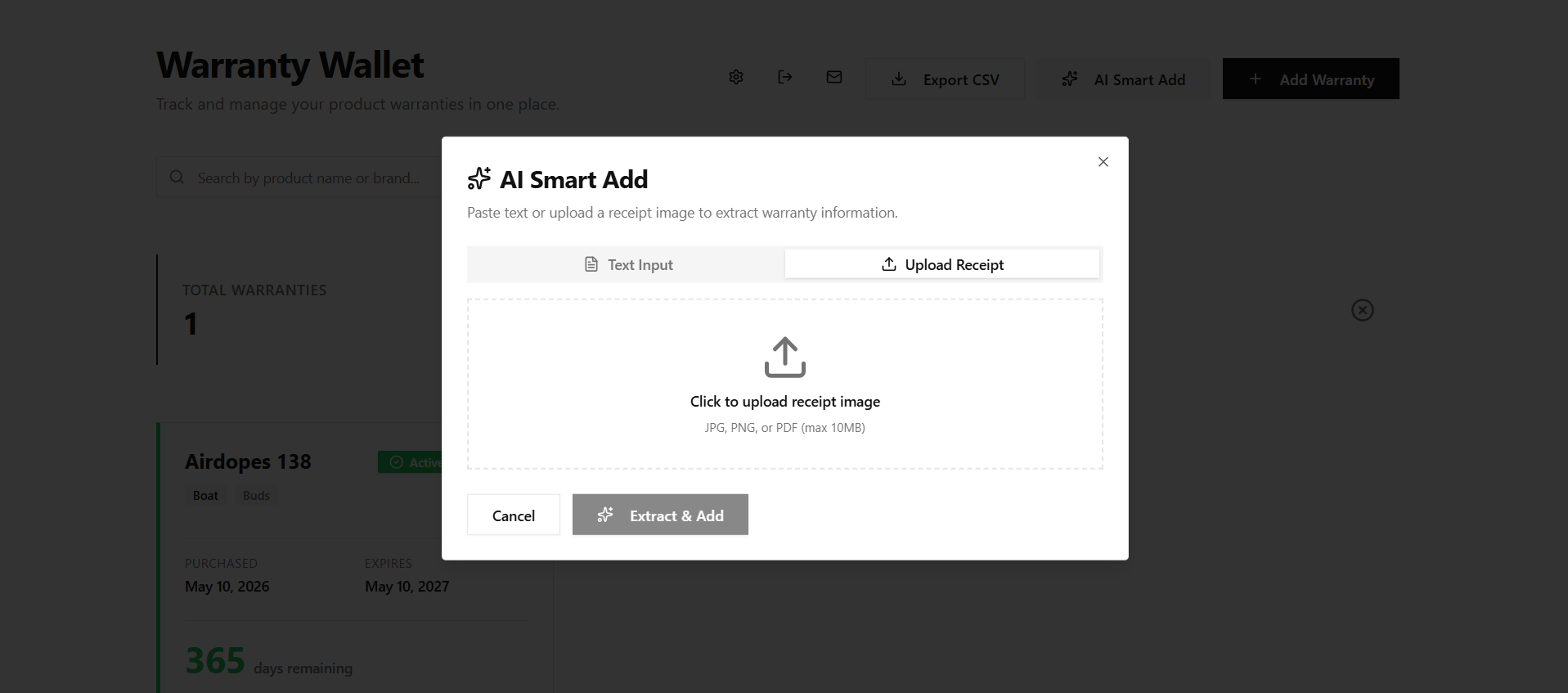
- Scan receipts by uploading a photo so OCR and AI can pull the warranty details for you
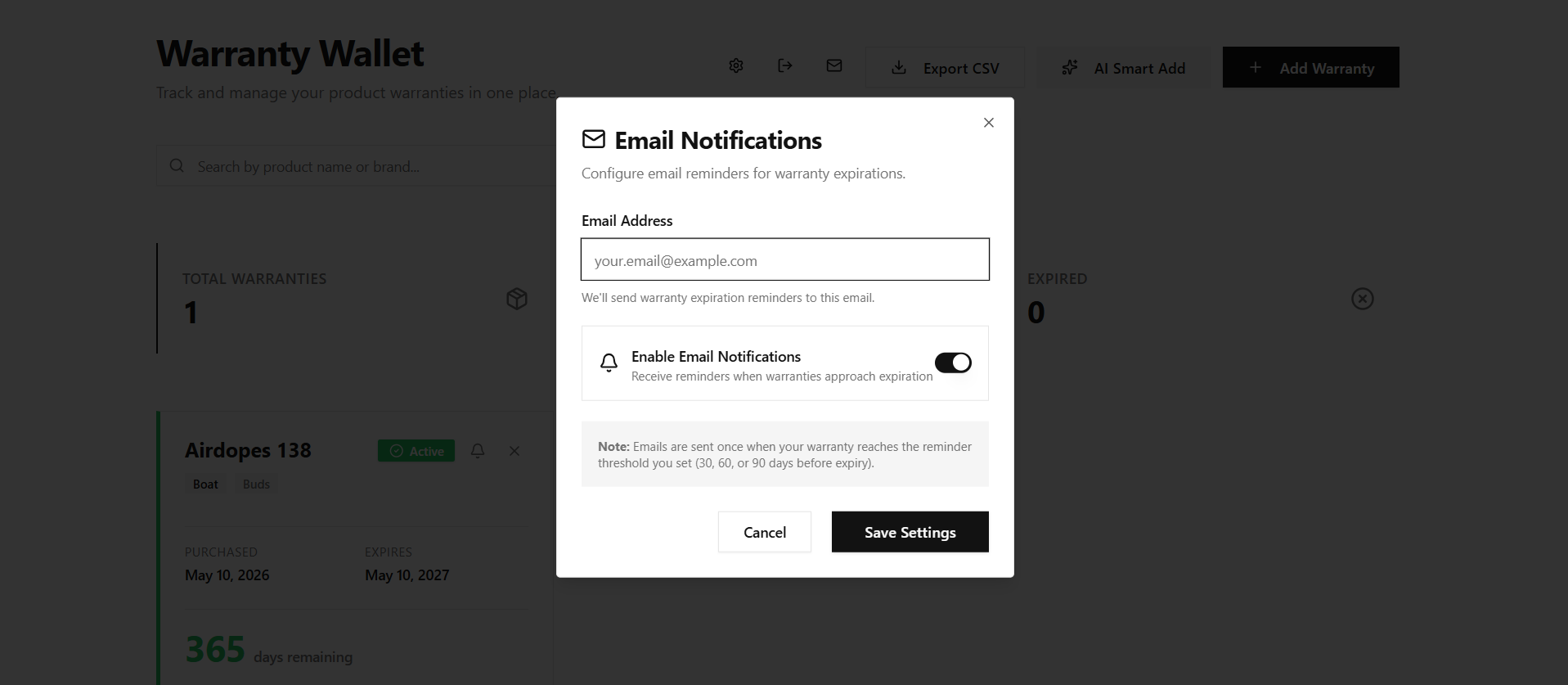
- Set reminders (30 / 60 / 90 days before expiry) and receive email notifications when a threshold is reached
- Export all records as a CSV with one click
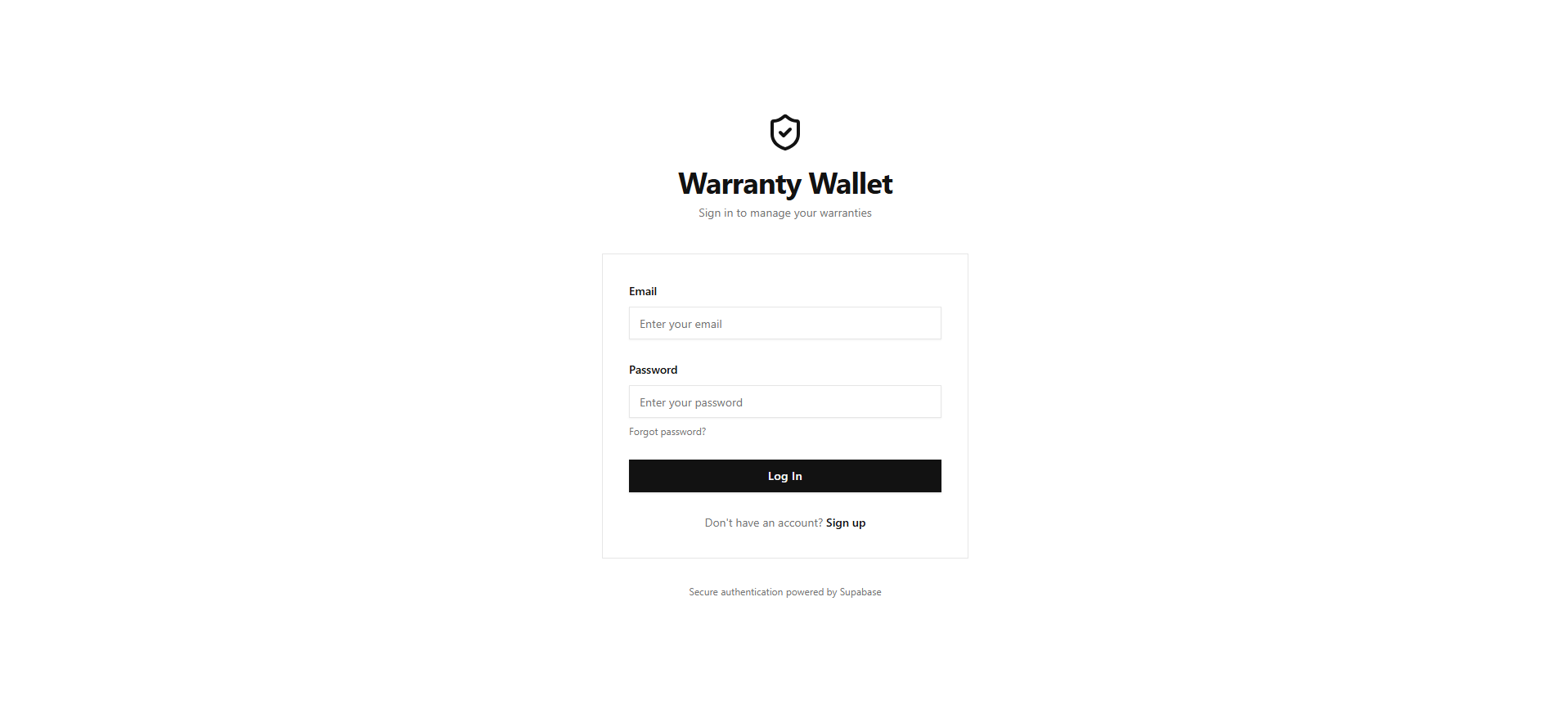
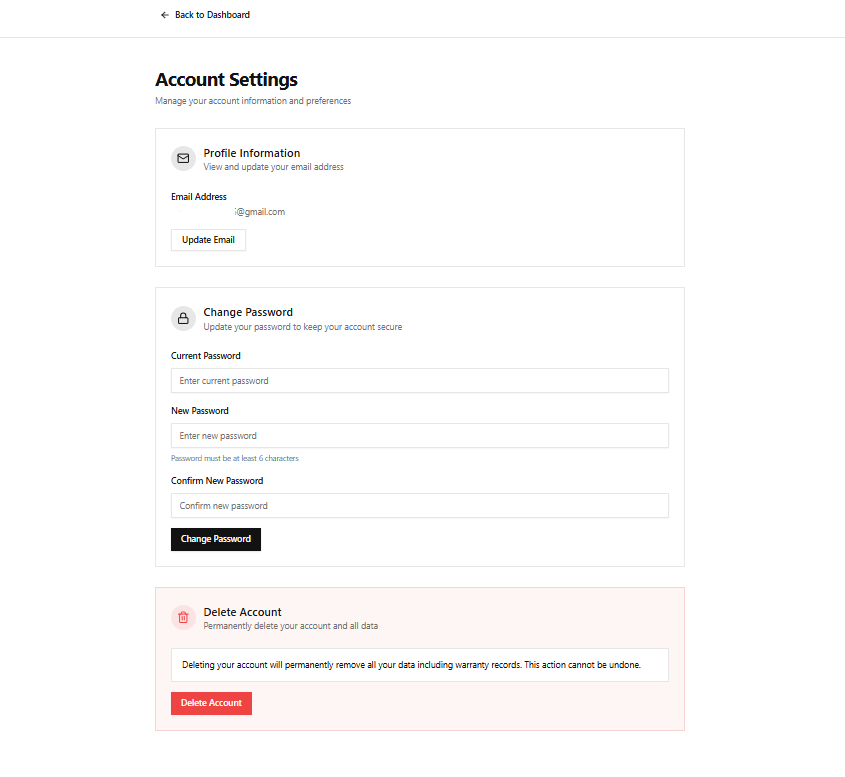
- Manage everything behind a secure, per-user account with email verification, password reset, and full account settings
How we built it
| Layer | Technology |
|---|---|
| Frontend | React + Tailwind CSS (responsive 1-2-3 column grid) |
| Auth & Database | Supabase (Row-Level Security for per-user data isolation) |
| AI Extraction | Claude API (claude-sonnet-4-20250514) for NLP warranty parsing |
| Receipt OCR | Vision-capable model via Anthropic API (base64 image input) |
| Email Notifications | Supabase Edge Functions + scheduled daily cron |
| CSV Export | Client-side generation with dynamic filename |
The app follows a clean editorial design with a white background, sharp sans-serif typography, minimal borders, and status communicated purely through color and iconography.
Challenges we ran into
- AI extraction accuracy Getting the model to reliably parse informal text like "bought a Sony TV from Croma last March, 2-year warranty" into structured fields required careful prompt engineering and a confirmation preview step so users can fix anything the model missed.
- Per-user data isolation Making sure every query, filter, search, export, and
deletion strictly scopes to the logged-in user's
user_idmeant applying Supabase RLS policies consistently across all tables. - Email verification flow Handling the full cycle from signup to verify to login, including edge cases like expired tokens and the 60-second resend cooldown, took quite a bit of state management work.
- Reminder and notification deduplication Sending an email exactly once when
days_remaininghits the threshold required storing anotifiedflag per reminder and resetting it only when the user changes the threshold.
What we learned
- How to compose multi-modal AI prompts (text + base64 image) within a React artifact using the Anthropic API
- Practical patterns for Supabase Auth covering email confirmation, password reset tokens, and re-authentication for sensitive operations like email change and account deletion
- The value of a confirmation preview layer in AI-assisted UX. Users trust automation more when they get one last chance to review before saving
- Responsive grid design that degrades gracefully from 3 columns to 2 to 1 without a single media-query library
What's next
- SMS and push notification reminders
- Warranty document photo storage so you can attach the actual warranty card
- Bulk import from email by scanning your inbox for purchase confirmations automatically
- Social login with Google OAuth
Built With
- css
- emailjs
- medo
- react
- supabase
- tailwind
- typescript
- vite


Log in or sign up for Devpost to join the conversation.